AI Video Effects
283 ready-made effects that turn one photo into a 5 second HD video. No prompt, no editing.
- 1Pick an effect
- 2Upload a photo
- 3Press Generate
 2 photos
AI Hug
Two photos, one warm hug.
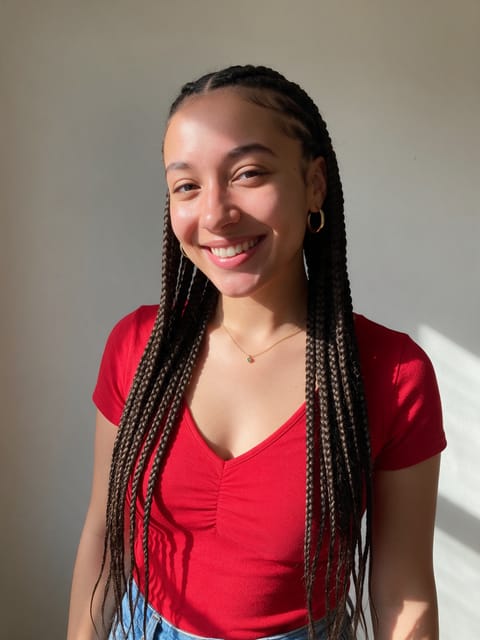 2 photos
Dance Together
Two people, one dance floor.
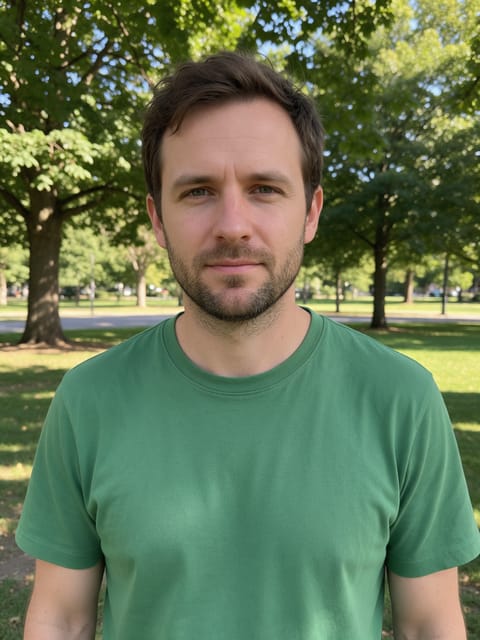 2 photos
High Five
Celebrate with a big high five.
 2 photos
Cheers
Two people raise a toast.
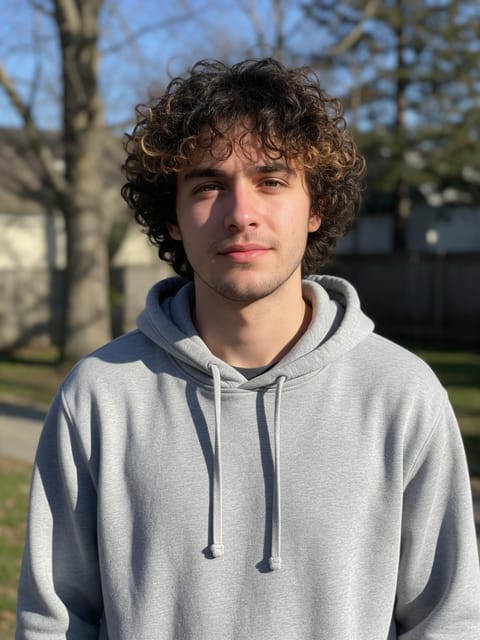 2 photos
Walk Together
Two people, a sunset stroll.
 2 photos
Bridal Carry
Swept off your feet.
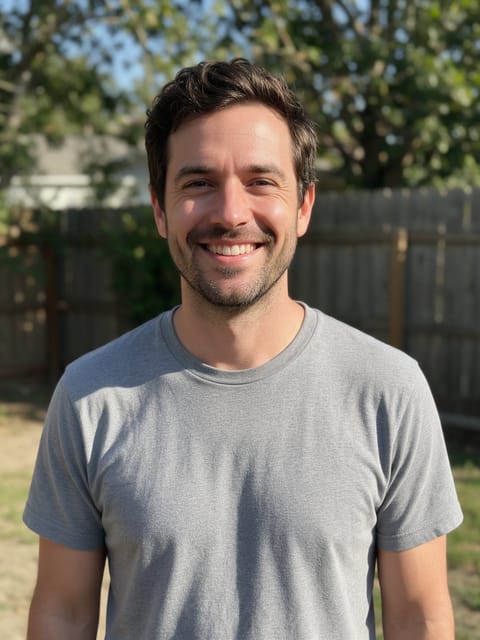 2 photos
Piggyback Ride
Hop on for a piggyback.
 2 photos
Handshake
Two people meet and shake hands.
 2 photos
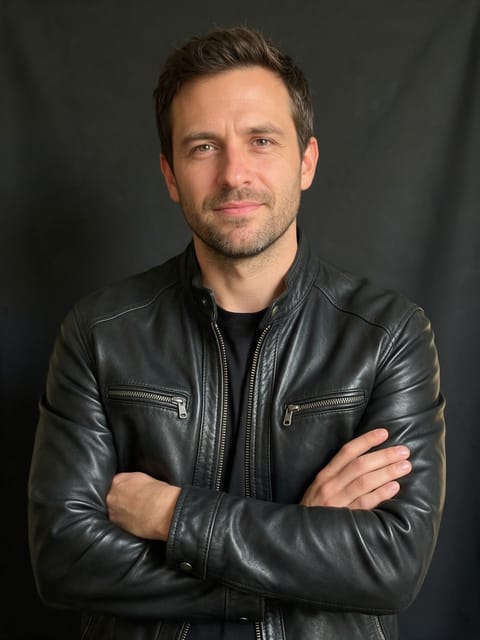
Wedding Day
Two photos, one wedding day.
 2 photos
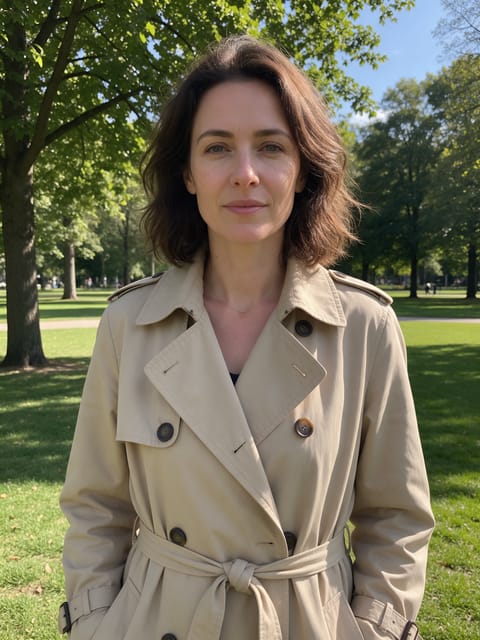
Fire Handshake
A firm handshake that sends sparks and flame flying.
 2 photos
Back Hug
One person walks up and hugs the other from behind.
 2 photos
Proposal
Down on one knee.
 2 photos
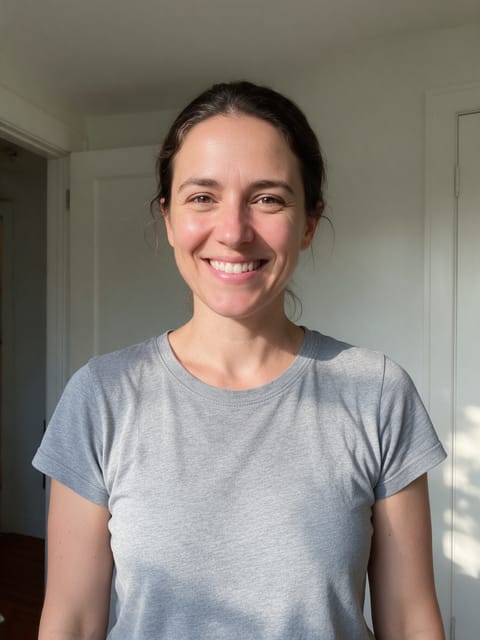
Caught on Screen
Two people spotted on the concert big screen.
 2 photos
Pillow Battle
Two people, one epic pillow fight.
How AI video effects work
Each effect is a finished shot that we directed and tested ahead of time: the motion, the camera move, the lighting and the sound are already set. You bring the photo. The video starts on your exact picture, so the face, outfit and background you uploaded carry into the clip.
Most effects need one photo. Duo effects like AI Hug, Dance Together and Cheers take one photo of each person, and Smooth Transition takes a start and an end photo. Product and Real Estate effects are built for shop listings and property photos rather than portraits.
Video Effects FAQ
What is an AI video effect?
A ready-made video shot, like a hug, a 360 spin or a zoom from space, that runs on your own photo. You pick the effect and upload a picture; there is no prompt to write.
Can I try video effects for free?
Yes. A free PixelDojo account gets 3 effects a day, with a small PixelDojo watermark on the video. Subscribers make as many as they like with no watermark.
What kind of photo should I upload?
A clear, well-lit photo where the subject fills a good part of the frame. Each effect page says what works best, for example a full-body shot for walking effects or a front-facing portrait for transformations.
How long does it take and how long is the video?
Every effect makes a 5 second HD video in the shape of your photo. Most are ready in a few minutes, and you can leave the page while it renders.
Can I use the videos on TikTok, Reels and Shorts?
Yes. Download the clip or save it to your library and post it anywhere. Portrait photos give you a vertical video that fits those feeds.
Can I use a photo of someone else?
Only photos of adults, of yourself or of people who agreed to it. Every upload goes through the same safety checks as the rest of PixelDojo.