AI Video Effects
283 ready-made effects that turn one photo into a 5 second HD video. No prompt, no editing.
- 1Pick an effect
- 2Upload a photo
- 3Press Generate

Zombie Mode
Turn into a movie-style zombie.

Pumpkin Head
A glowing jack-o’-lantern head.

Vampire
A classic movie vampire.
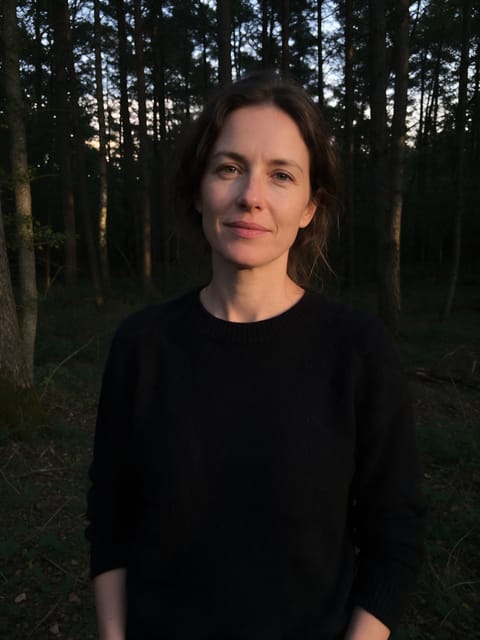
Spell Cast
Conjure glowing magic.
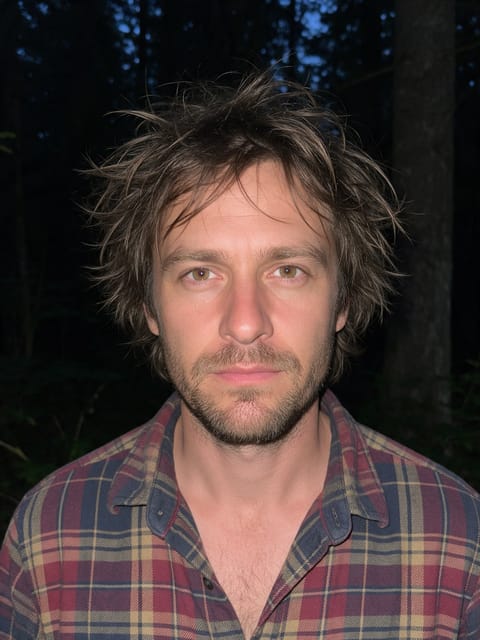
Werewolf
A full moon transformation.
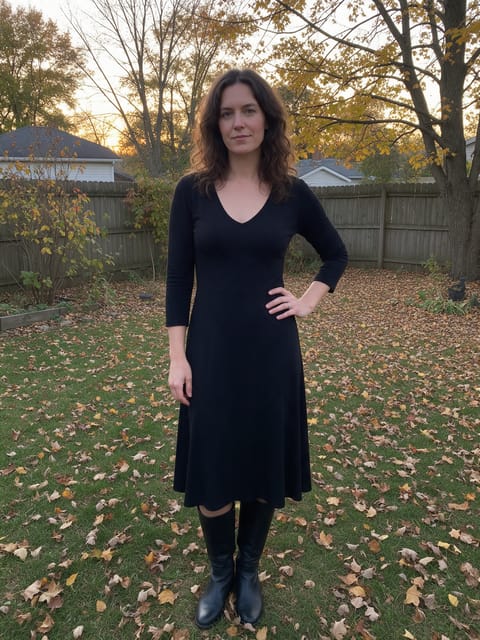
Broom Ride
Take off on a witch’s broom.

Pirate Captain
Set sail as a pirate captain.

Monster Lab
Wake up as a classic movie monster.

Witch Costume
Dress up as a witch on Halloween night.

Undead Bride
A spooky bride in a tattered gown.
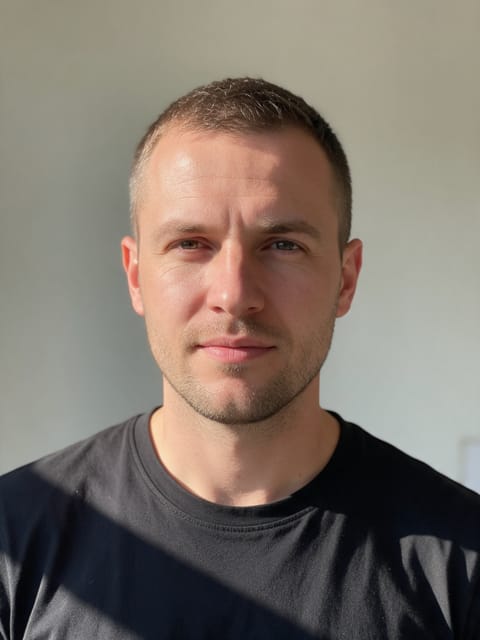
Creepy Clown
Turn into a spooky carnival clown.
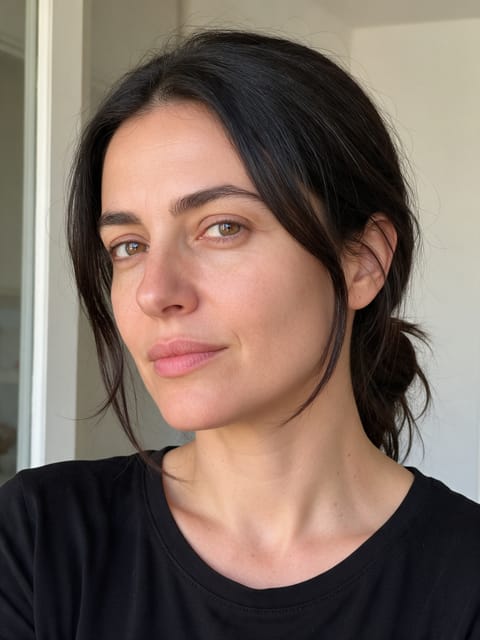
Spooky Makeup
Halloween face paint in seconds.

Gothic Doll
Become a spooky stop-motion doll.
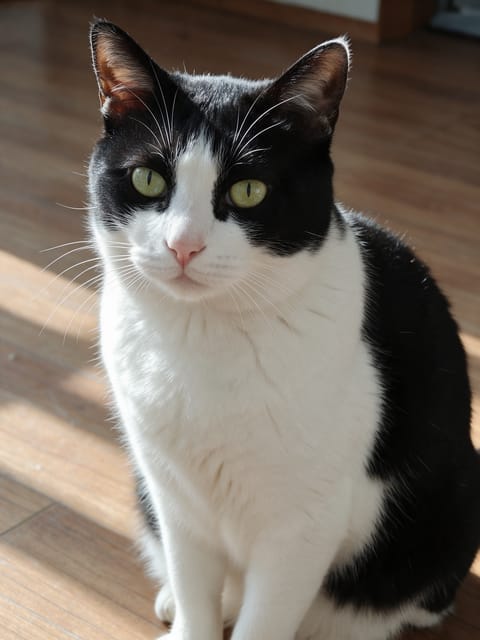
Pet Witch Hat
A witch hat drops onto your pet for Halloween.
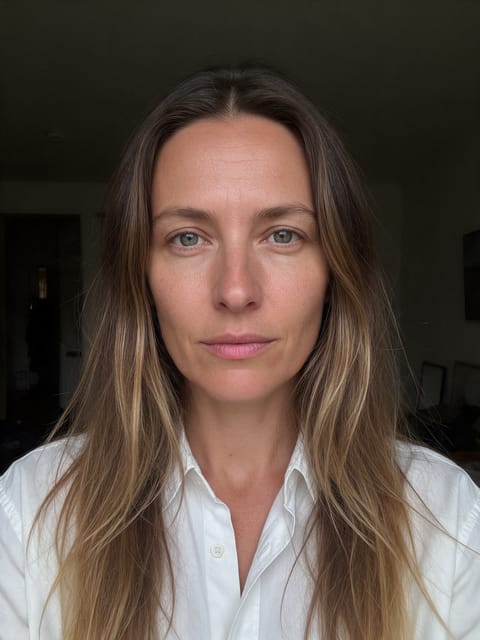
Haunted Doll
You become a creepy vintage porcelain doll.
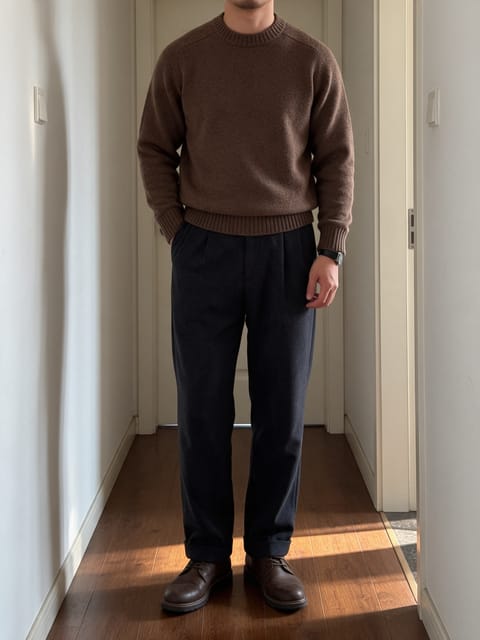
Haunted Hotel
Walk an empty old hotel hallway at night.
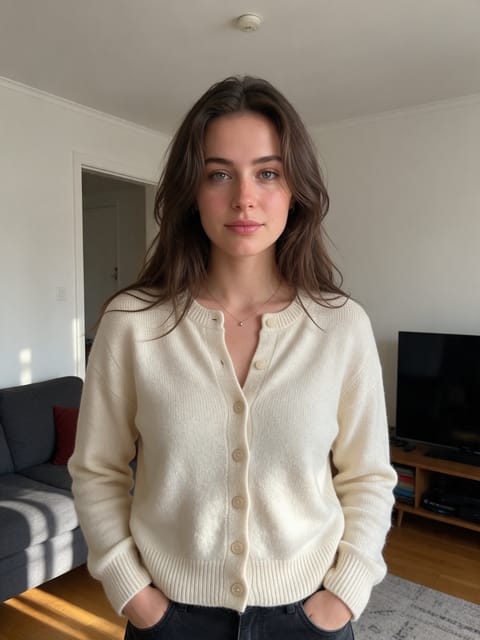
Late Night Call
A spooky phone call in a dark house.
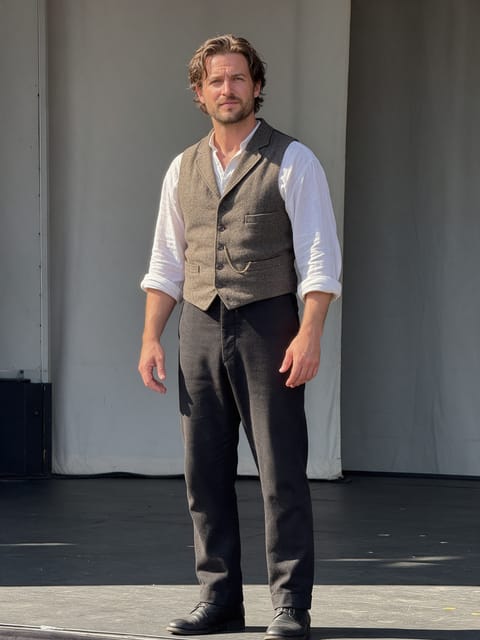
Marionette
Dance on strings on a creepy puppet stage.
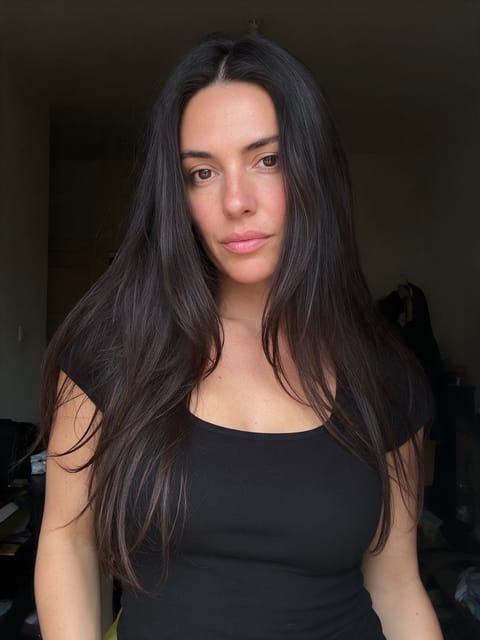
Eerie Trance
Lights flicker and your eyes begin to glow.
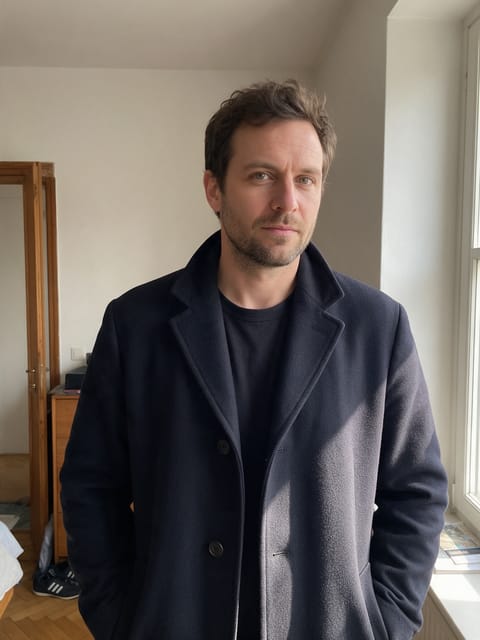
Shadow Swallow
Inky darkness creeps in and swallows the scene.

Something Below
Something huge glides beneath you in the lake.
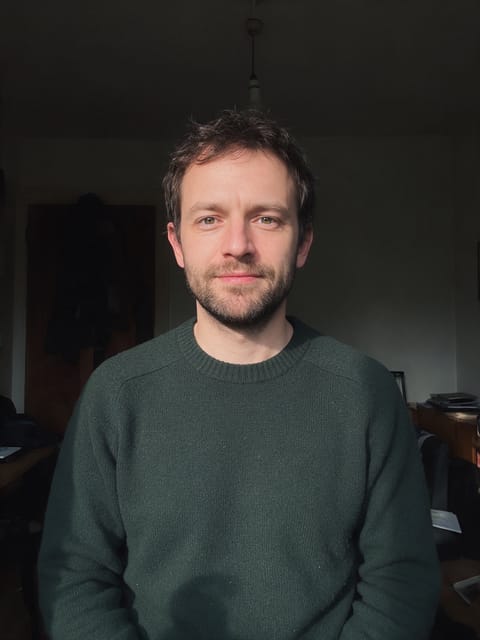
Dark Curse
A dark curse falls over you by candlelight.
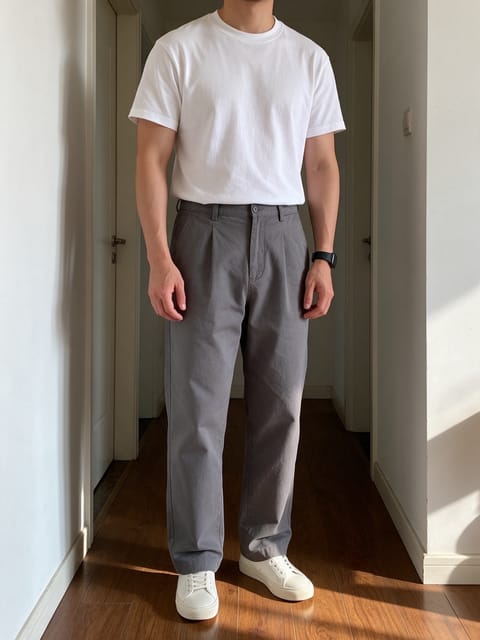
Zombie Patient
Stumble out of a flickering hospital ward.
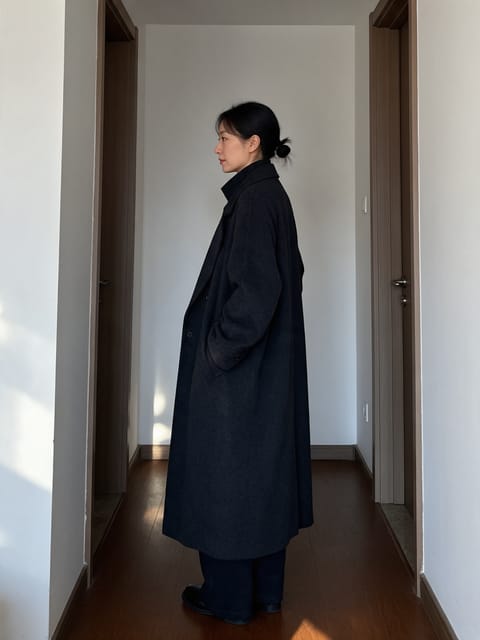
Ghost Return
Step back out of the fog in an old hallway.
How AI video effects work
Each effect is a finished shot that we directed and tested ahead of time: the motion, the camera move, the lighting and the sound are already set. You bring the photo. The video starts on your exact picture, so the face, outfit and background you uploaded carry into the clip.
Most effects need one photo. Duo effects like AI Hug, Dance Together and Cheers take one photo of each person, and Smooth Transition takes a start and an end photo. Product and Real Estate effects are built for shop listings and property photos rather than portraits.
Video Effects FAQ
What is an AI video effect?
A ready-made video shot, like a hug, a 360 spin or a zoom from space, that runs on your own photo. You pick the effect and upload a picture; there is no prompt to write.
Can I try video effects for free?
Yes. A free PixelDojo account gets 3 effects a day, with a small PixelDojo watermark on the video. Subscribers make as many as they like with no watermark.
What kind of photo should I upload?
A clear, well-lit photo where the subject fills a good part of the frame. Each effect page says what works best, for example a full-body shot for walking effects or a front-facing portrait for transformations.
How long does it take and how long is the video?
Every effect makes a 5 second HD video in the shape of your photo. Most are ready in a few minutes, and you can leave the page while it renders.
Can I use the videos on TikTok, Reels and Shorts?
Yes. Download the clip or save it to your library and post it anywhere. Portrait photos give you a vertical video that fits those feeds.
Can I use a photo of someone else?
Only photos of adults, of yourself or of people who agreed to it. Every upload goes through the same safety checks as the rest of PixelDojo.