AI video effect · Halloween
Gothic Doll: become a spooky stop-motion doll
Upload a photo, press Generate, and post it anywhere.

3 free every day. No card needed.
What Gothic Doll does
A shimmer turns you into a pale, handmade stop-motion doll with big dark-ringed eyes. You stand on a moonlit hill with crooked bare trees under a swirling sky and tilt your head with a small eerie smile.
Become a spooky stop-motion doll
You turn into a pale, big-eyed gothic doll in a moonlit graveyard of crooked trees. Clear face photos work best.
Still looks like you
The video opens on your exact photo, so the face, hair, outfit and surroundings carry through the whole effect.
Ready for spooky season
A costume-free Halloween look for posts, party invites and profile videos. Spooky and fun, never gory.
How to make a Gothic Doll video
- Upload a photo, or pick one from your library.
- Press Generate. There is no prompt to write; the effect is already set up.
- Your 5 second HD video plays right on the page. Save it to your library or download it.
Tips for the best photo
- Use a clear front-facing face photo.
- Long, dark hair works well for the doll style.
- Pick a simple background.
Ideas for using it
- A Halloween creator posts a spooky profile clip.
- A fan of stop-motion films makes a tribute.
- A friend shares a spooky greeting for a party.
More effects
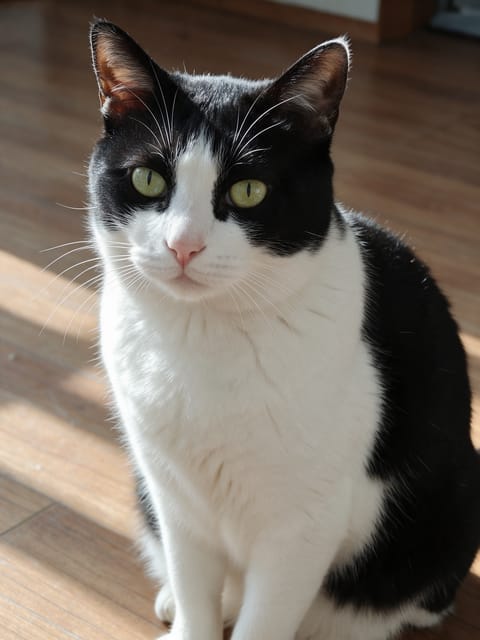
Pet Witch Hat
A witch hat drops onto your pet for Halloween.
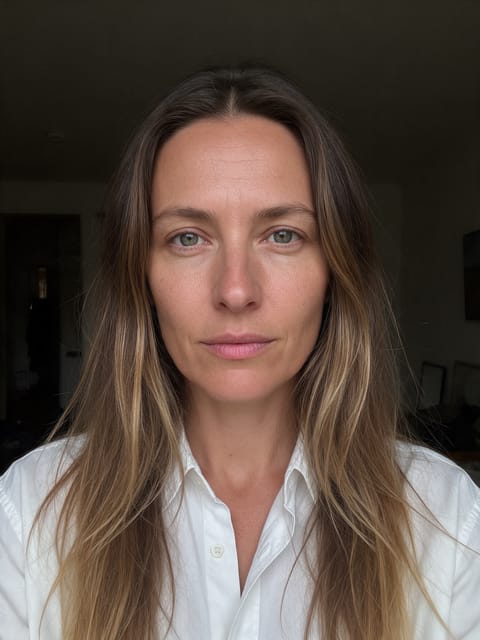
Haunted Doll
You become a creepy vintage porcelain doll.
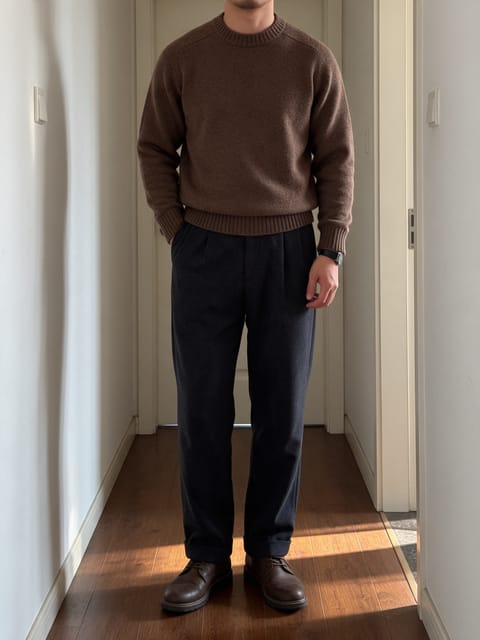
Haunted Hotel
Walk an empty old hotel hallway at night.
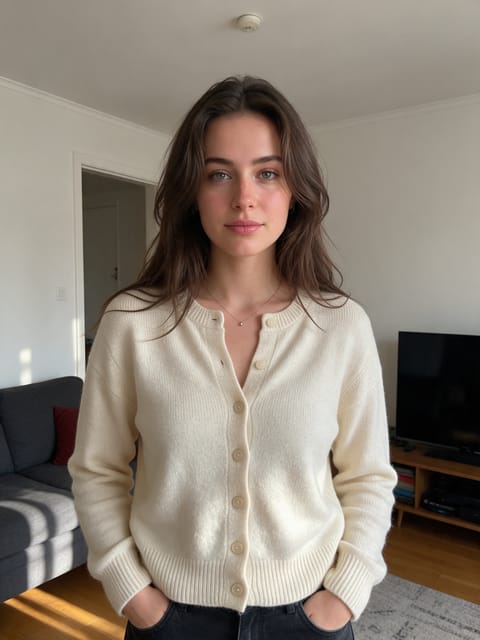
Late Night Call
A spooky phone call in a dark house.
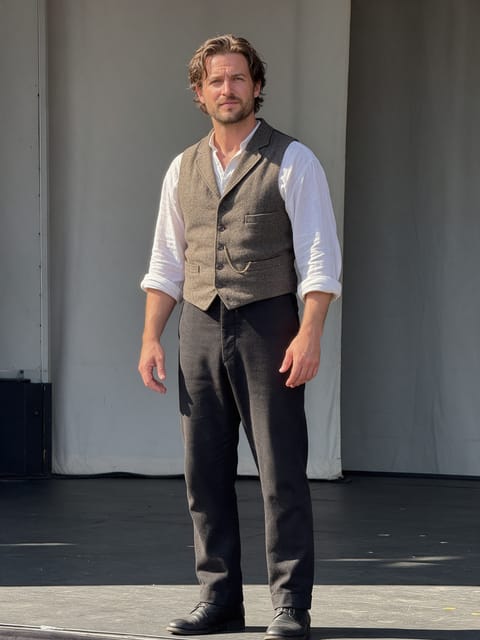
Marionette
Dance on strings on a creepy puppet stage.
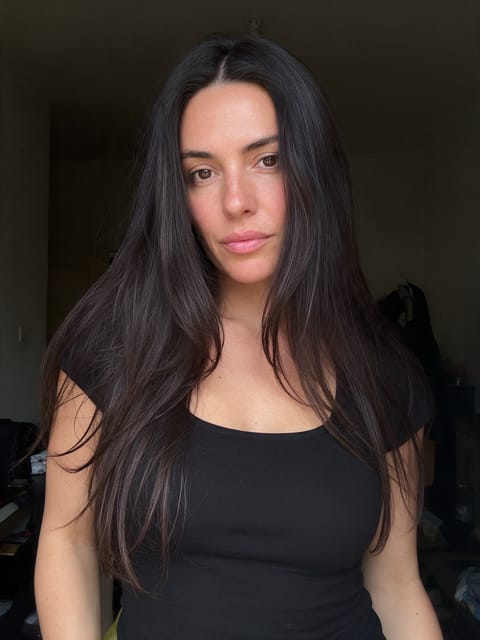
Eerie Trance
Lights flicker and your eyes begin to glow.
Go further
Gothic Doll FAQ
Will the doll look like me?
It keeps your hairstyle and outfit colors, but in a doll form.
Does the doll move smoothly?
It moves in stop-motion steps on purpose, like a handmade figure.
Do I need to write a prompt for Gothic Doll?
No. Gothic Doll is a ready-made effect: upload a photo and press Generate. The directions for the motion, camera and lighting are already built in.
How long is the Gothic Doll video?
Every effect makes a 5 second HD video that matches the shape of your photo, portrait or landscape, ready to post anywhere.
Does the video have sound?
Yes. Each clip comes with matching ambient sound effects. It does not add music, so you can lay your own track over it in any editor.
Can I use a photo of someone else?
Only photos of adults, of yourself or of people who agreed to it. Every upload goes through the same safety checks as the rest of PixelDojo.