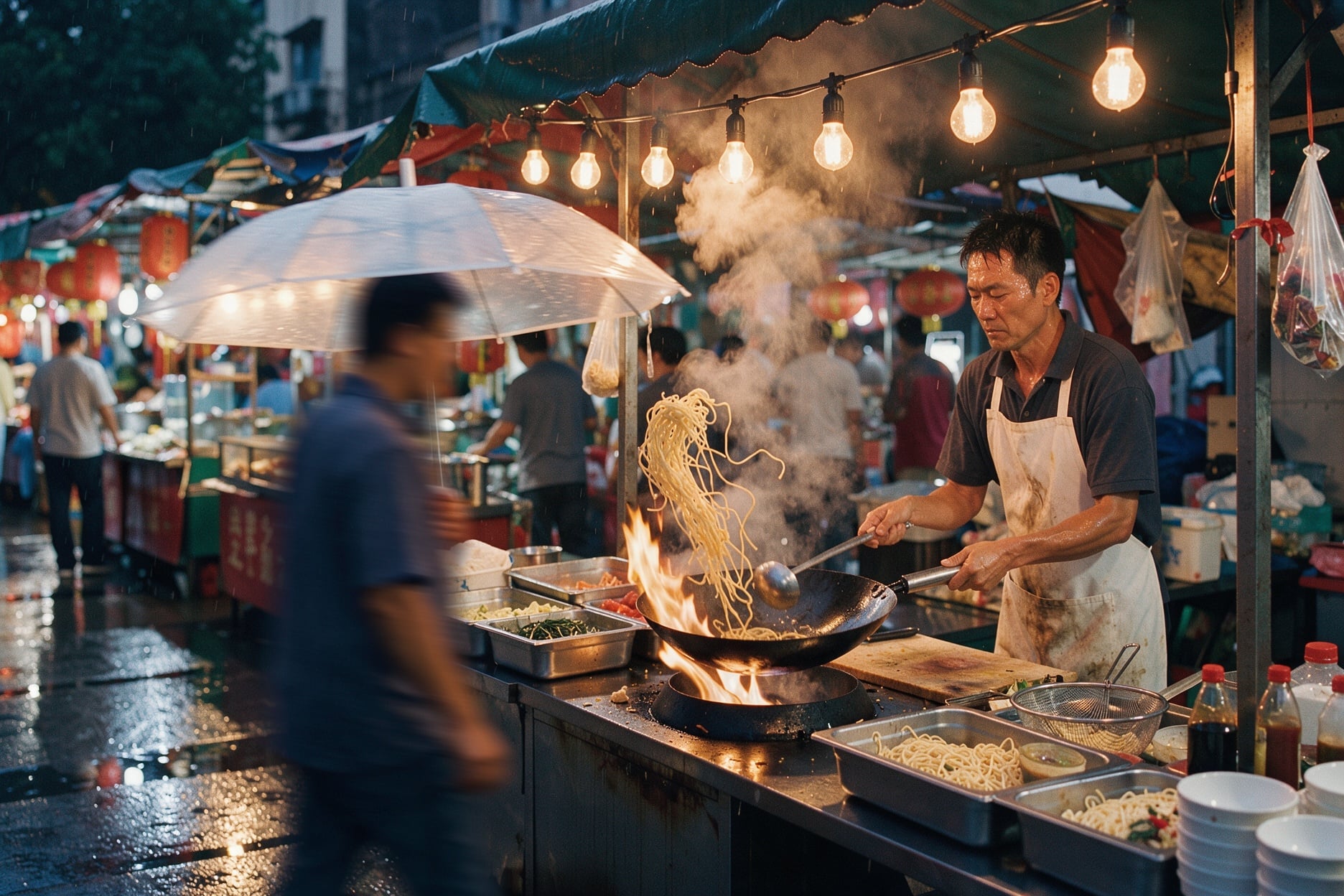
Attach one to ten images and the prompt becomes an edit. There is no edit mode, mask or strength setting: the instruction says whether you are changing a detail, restyling, or combining images. Each input should be at least 256 x 256 pixels and no larger than 16 megapixels.
Refer to images by position. The first image you attach is "image 1", the next is "image 2", and so on. With the aspect ratio on auto, the output keeps the frame of image 1, so attach the image whose shape you want first. Set a ratio only when the edit should change the frame, for example turning a square product shot into a 16:9 banner, and say what fills the new space.
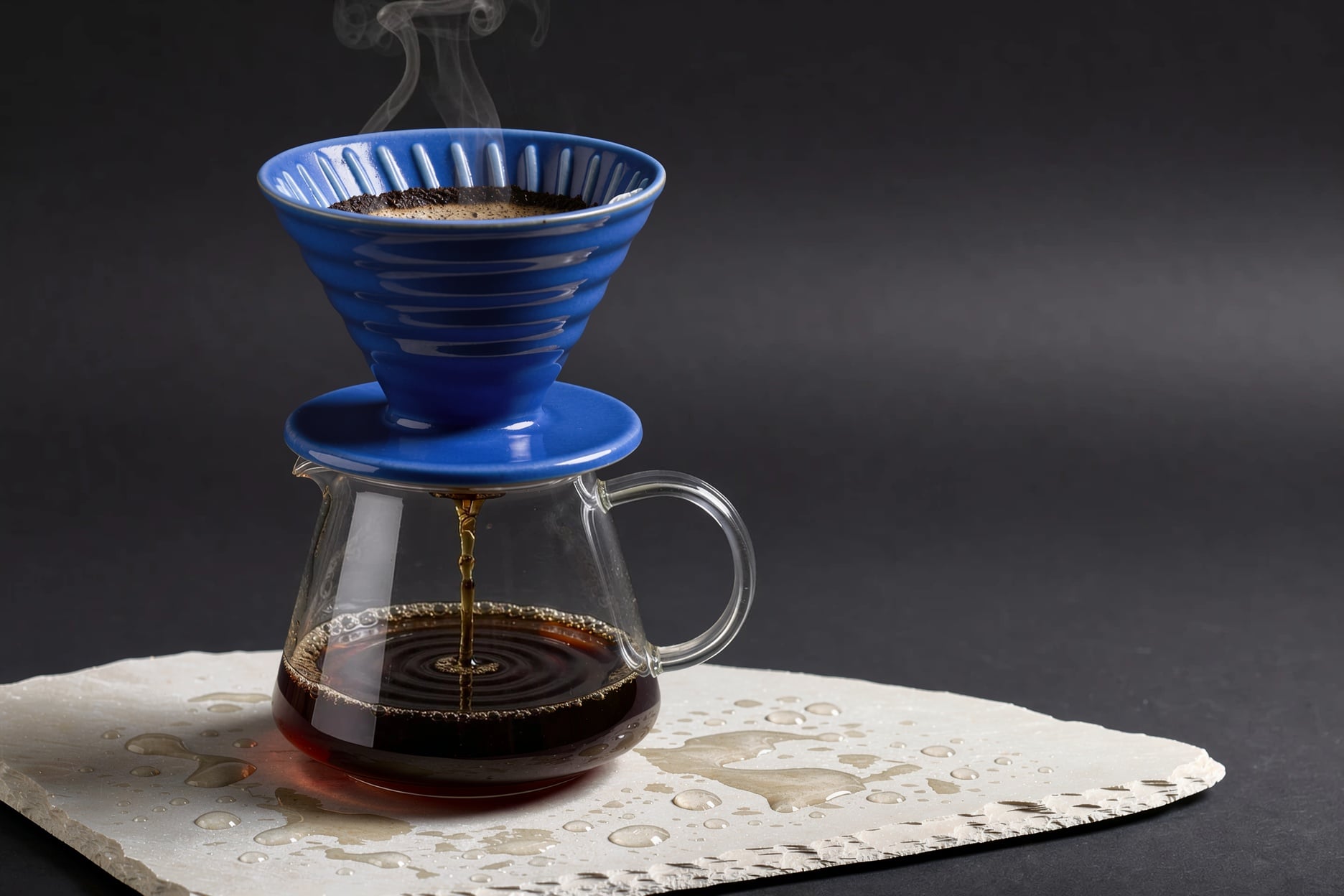
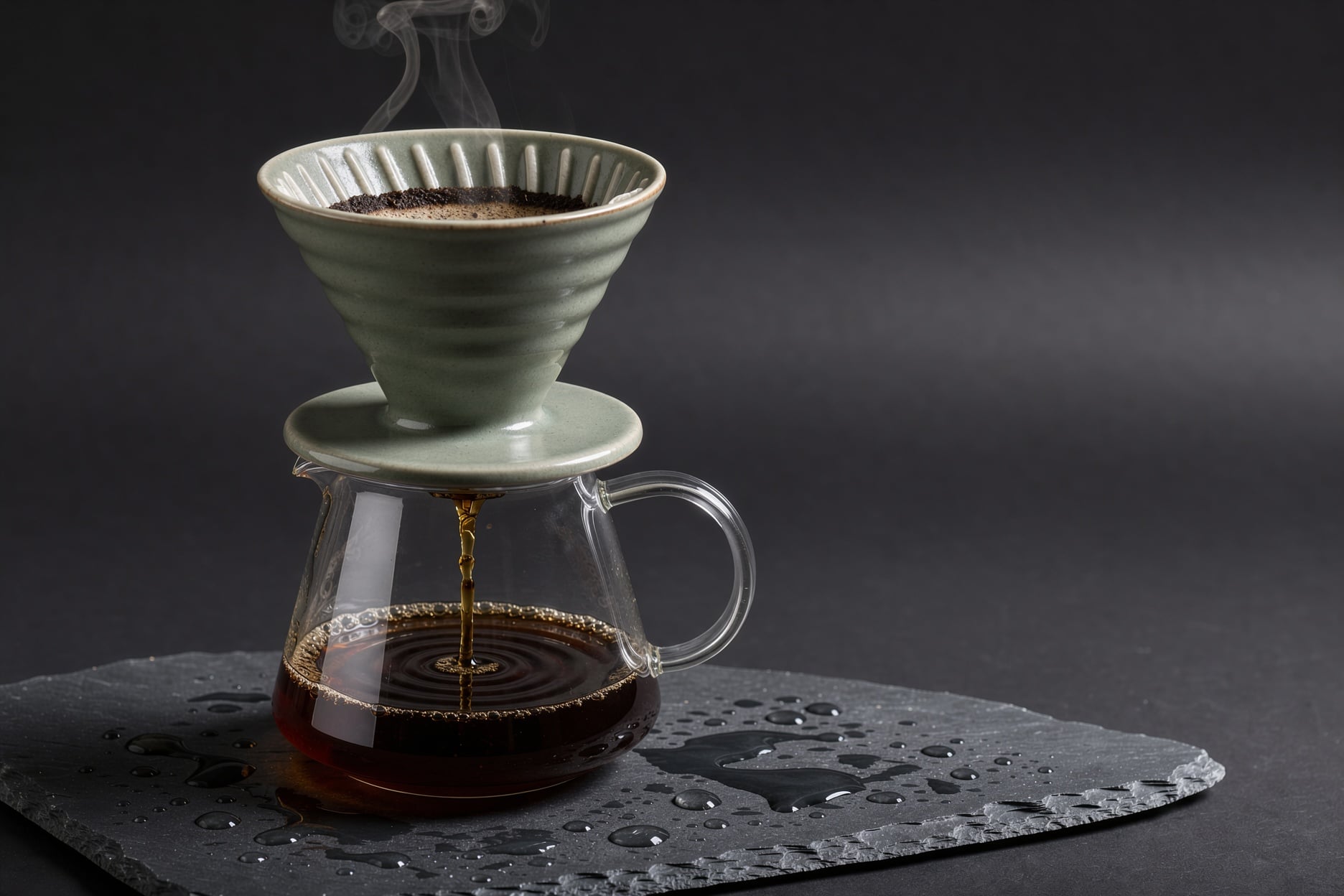
For a single image edit, use three moves: name the target precisely enough that only one thing matches, say what it changes into, then list what stays. Our product edit above follows it exactly: "Change the dripper and its saucer in image 1 to a glossy cobalt blue glaze (#1f4fd8) ... Keep the glass carafe, the coffee stream, the steam, the water droplets, the lighting and the framing exactly the same."
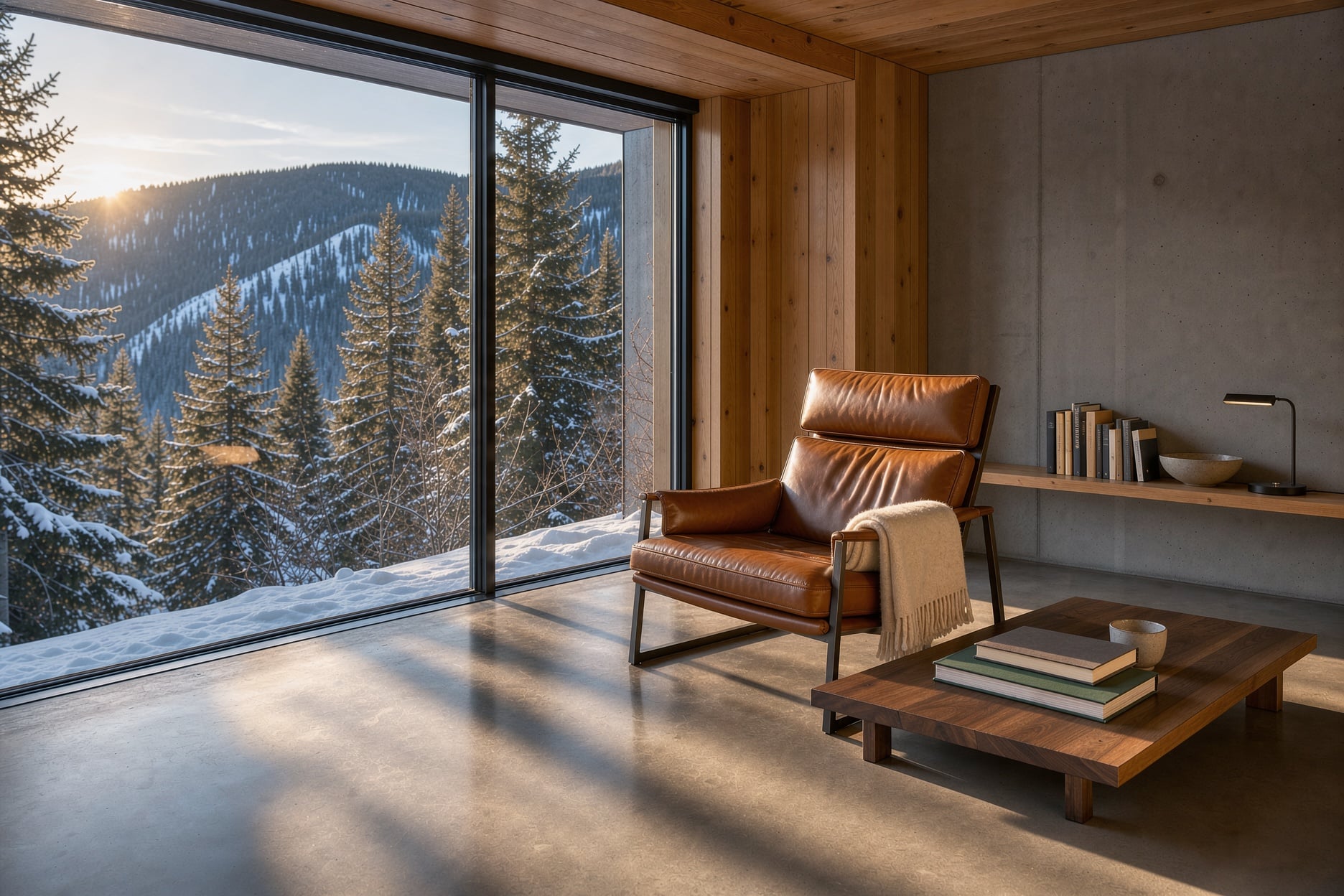
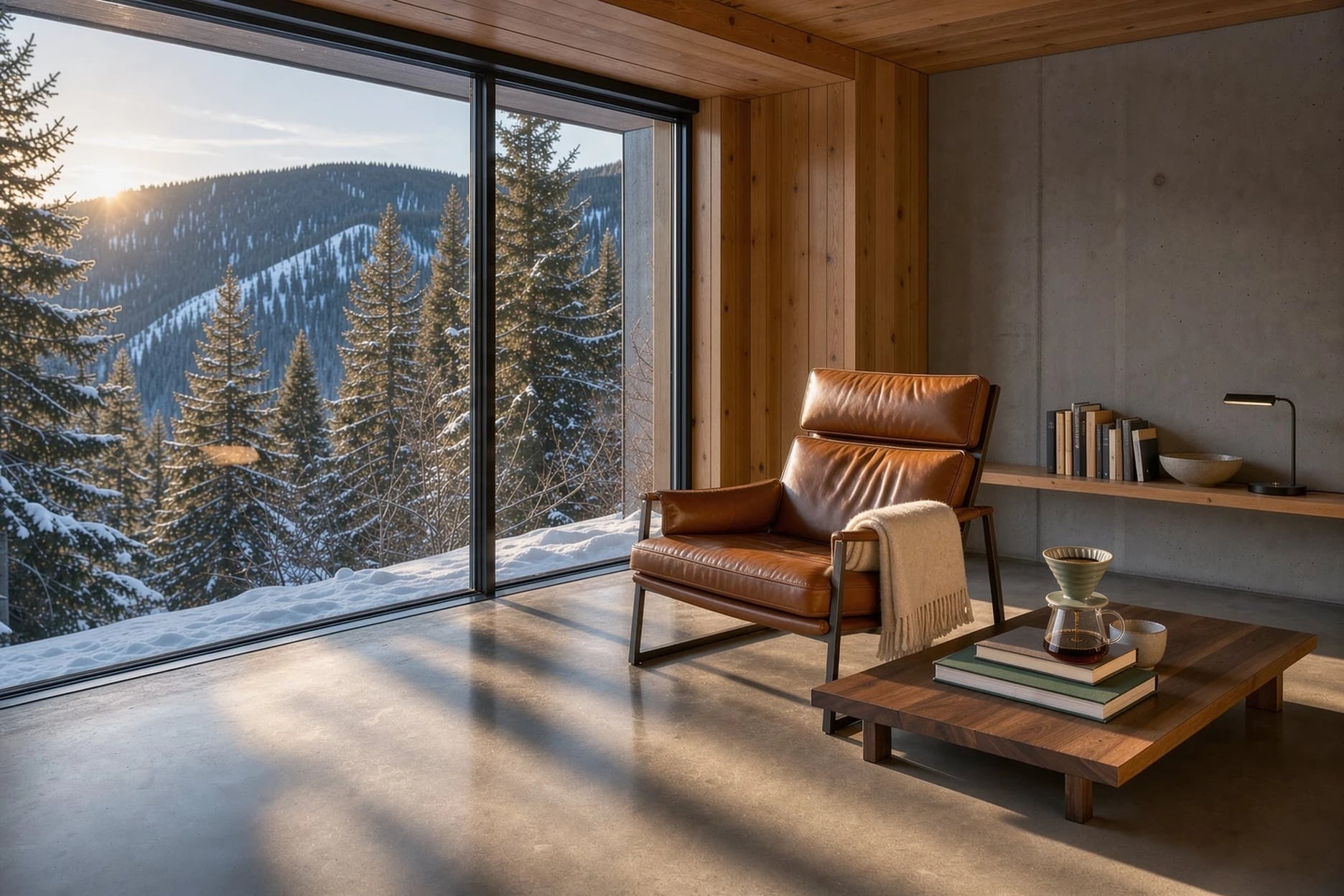
For several images, give each one a role: a subject to keep recognizable, a product whose shape and label must hold, a setting everything goes into, or a style to apply. Then say how the pieces fit, including whose light wins. Our cabin composite used: "Put the sage green ceramic dripper and glass carafe from image 2 on the walnut table in image 1, beside the stack of books, lit by the warm late afternoon window light of image 1 with a soft shadow on the table. Keep the room, the leather chair, the window view and the camera angle of image 1 exactly the same."
Removing something is an instruction, not a negation: "Remove the cat from the sofa" works as an edit prompt. Season, weather and time of day changes can be very short: "Change this to winter".