ai face swap AI Generator
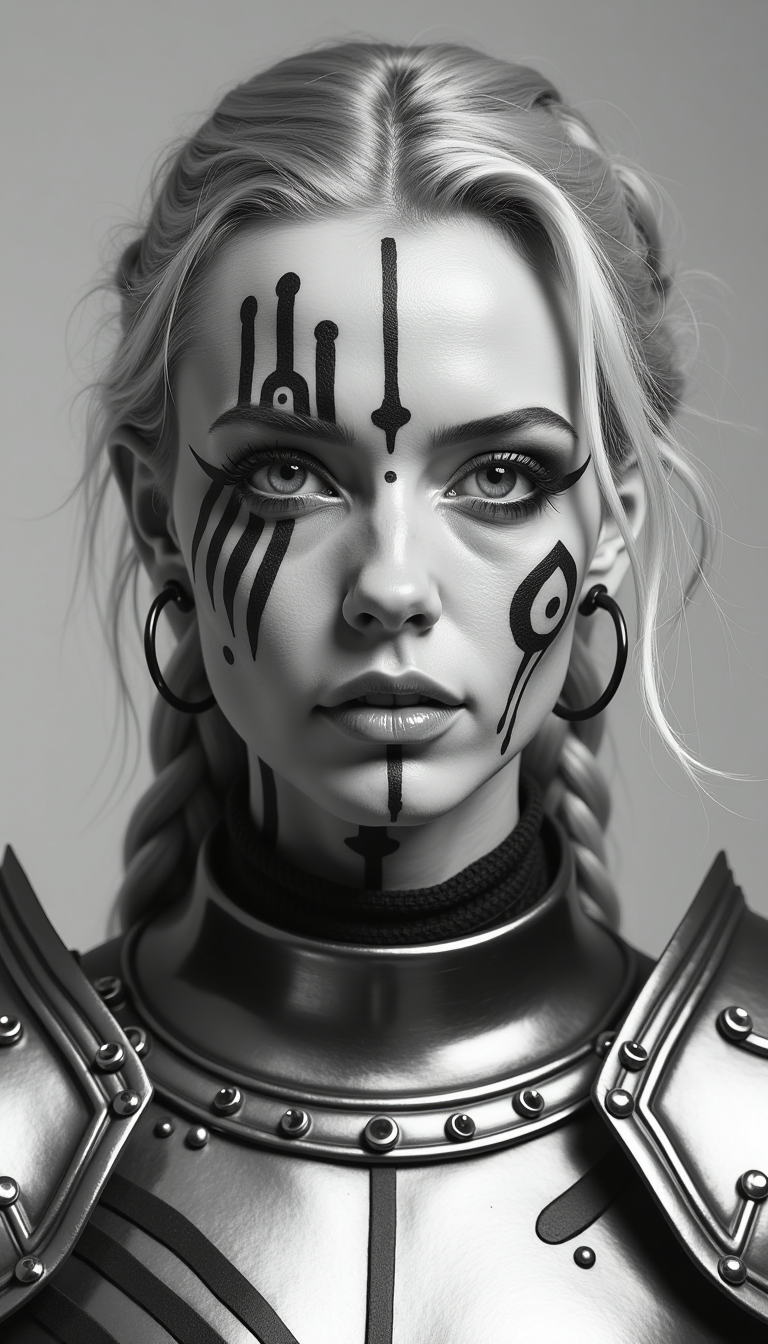
Generated on PixelDojo. Produced by PixelDojo's generation pipeline.
Imagine dropping your face into a movie still, a vintage family portrait, a celebrity red-carpet shot or a custom marketing scene and having it look completely natural. PixelDojo's AI face swap lets you do exactly that in seconds. You achieve photorealistic results that preserve your unique identity, match lighting and pose, and blend seamlessly so viewers can't tell the original face was ever there. Whether you want viral social posts, consistent brand visuals, personalized gifts or story characters that stay the same across dozens of images, you get professional-quality outcomes without Photoshop expertise or hours of work. 1M+ creators already use our Face Swap, LoRA Face Swap and supporting tools to turn ordinary photos into extraordinary, shareable content.
Real image examples generated on PixelDojo
Every example below was produced on PixelDojo. Hover to see the prompt.
This is a high-resolution
flux
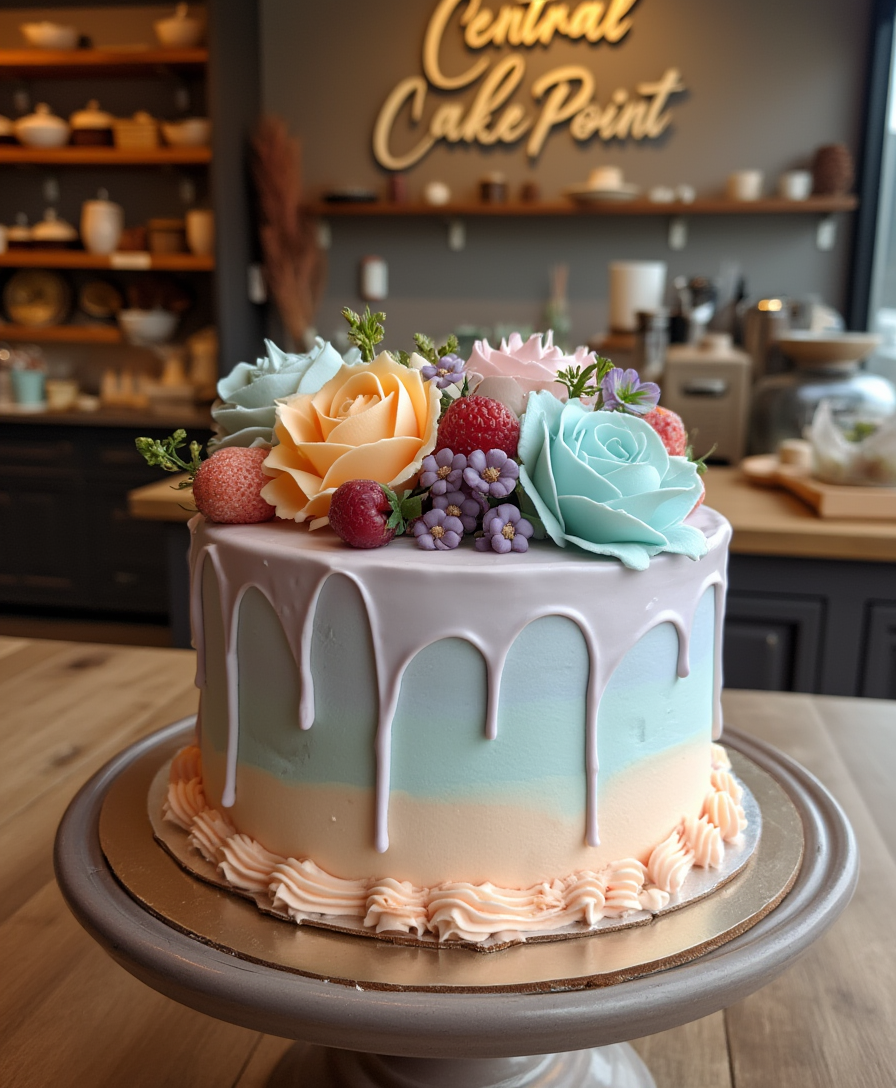
A stunning birthday cake with a natural
stable-diffusion
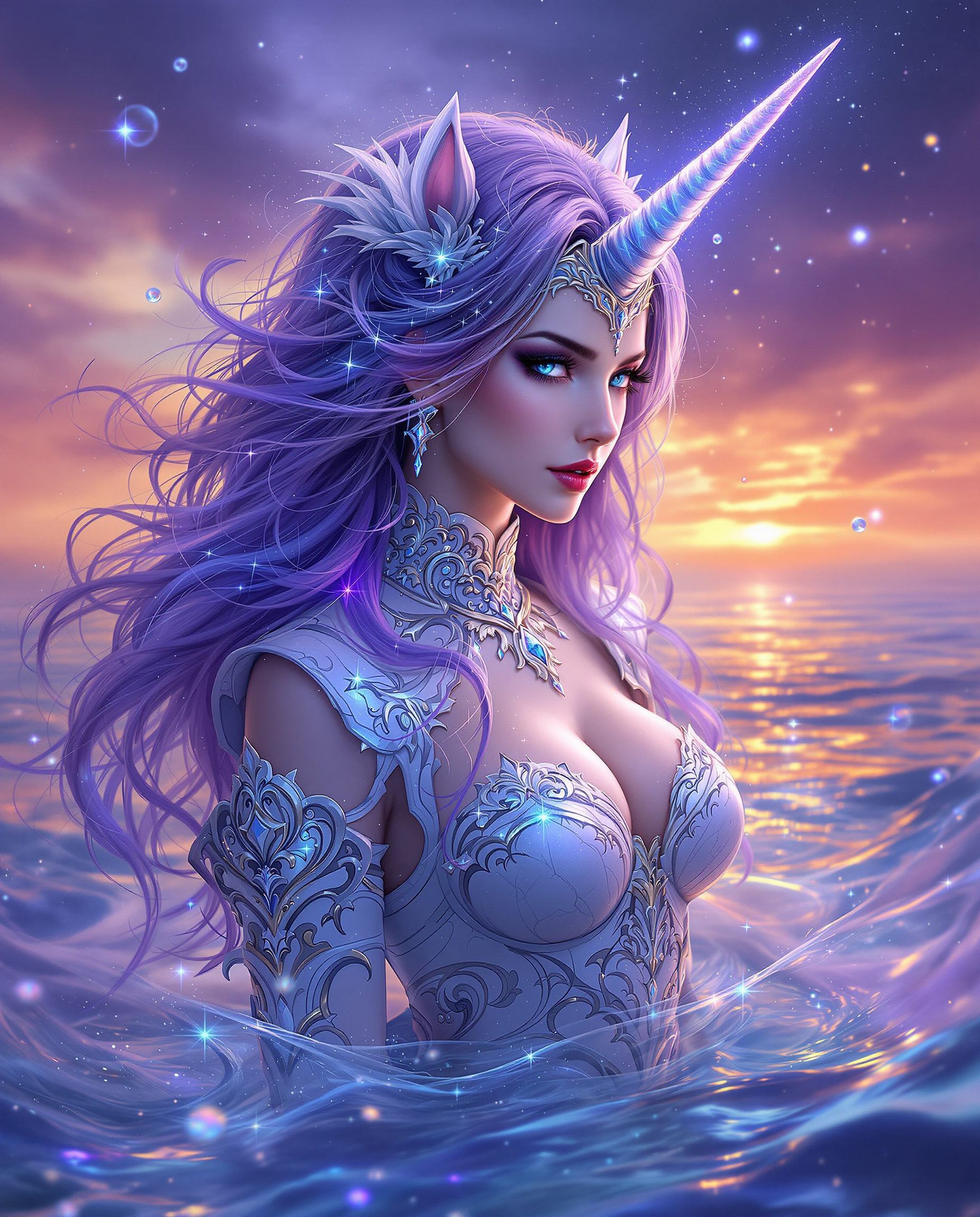
A breathtaking digital painting of a mystical female figure with a unicorn horn
flux
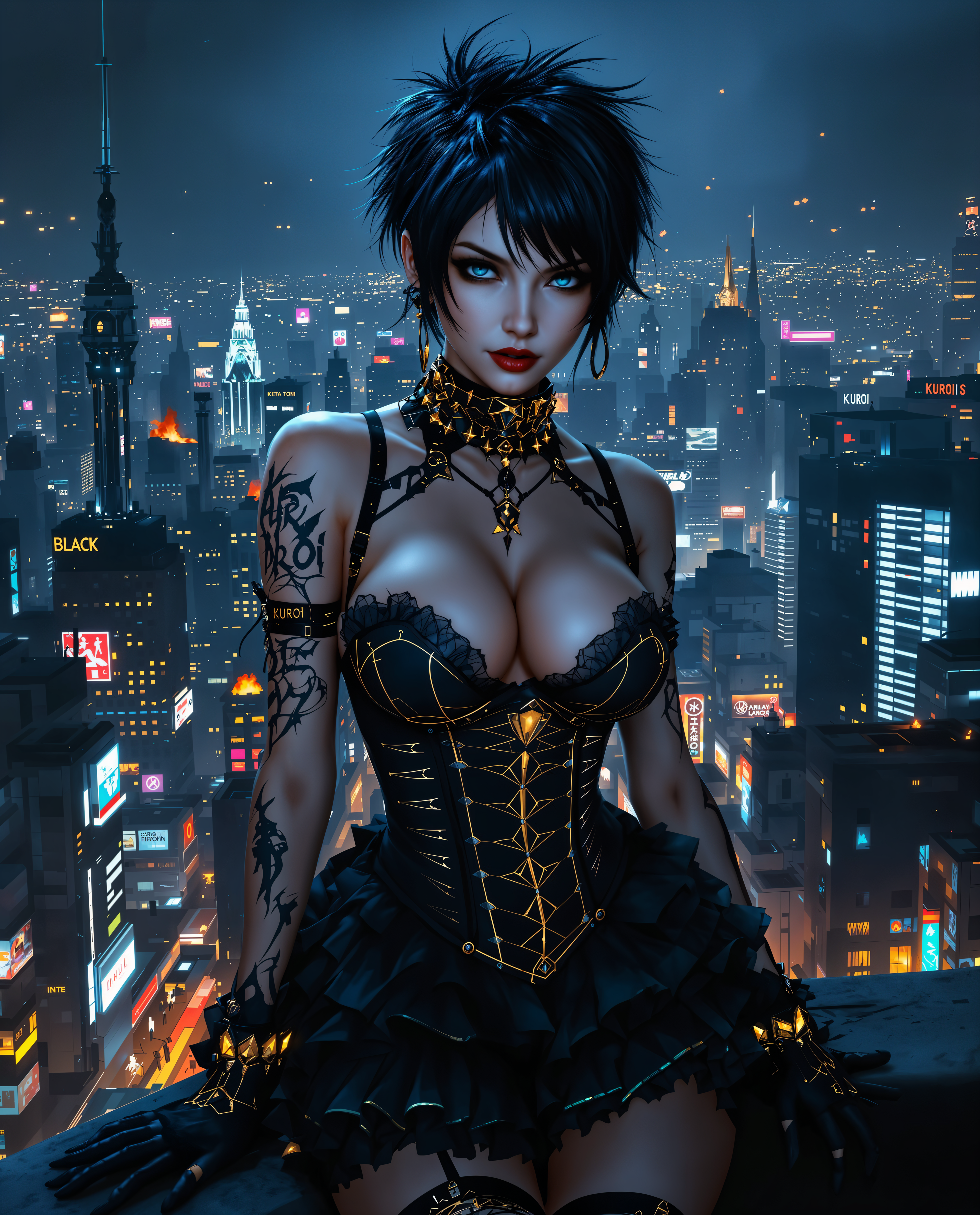
ai face swap on PixelDojo
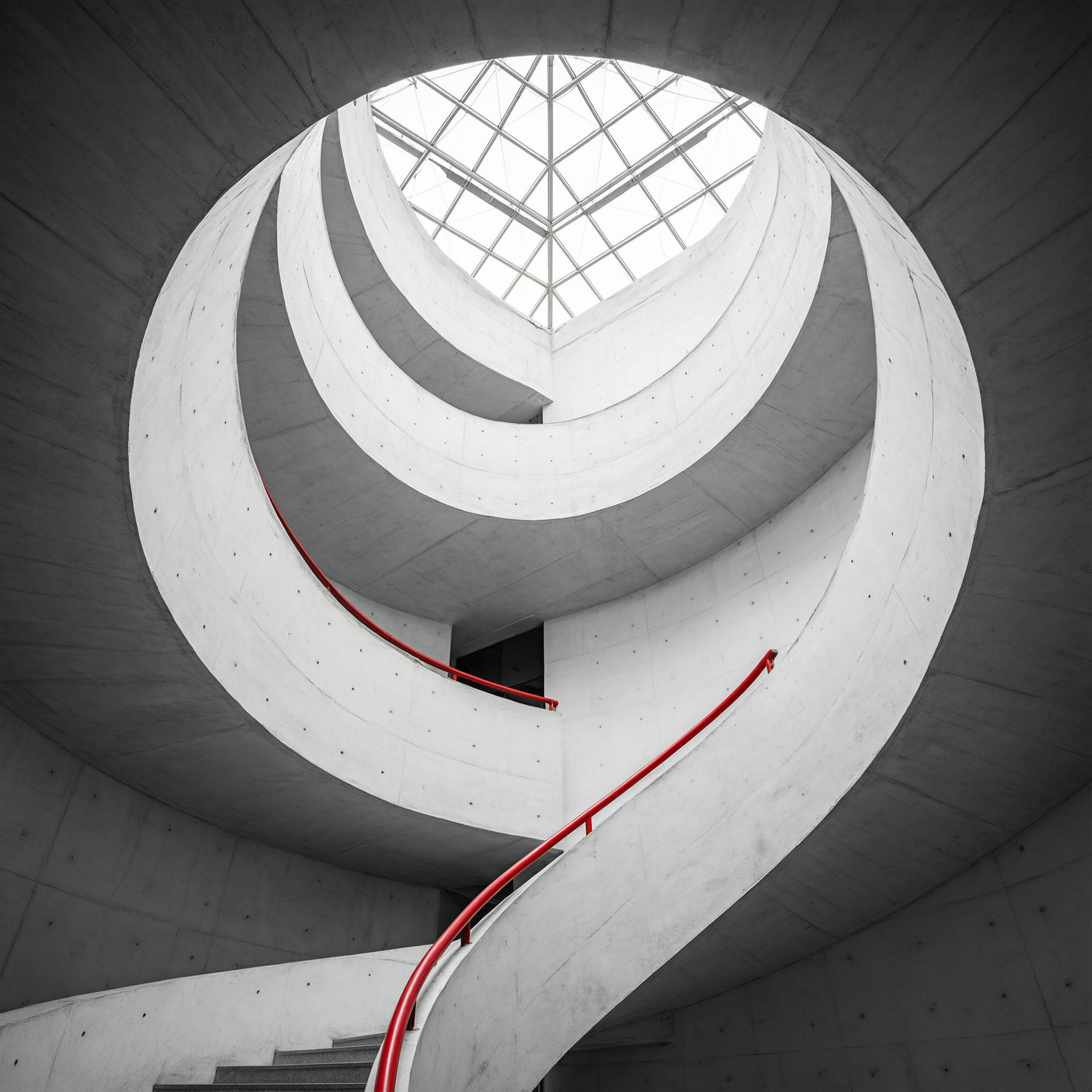
Architectural photo of a spiral staircase in white concrete
qwen-3-pro
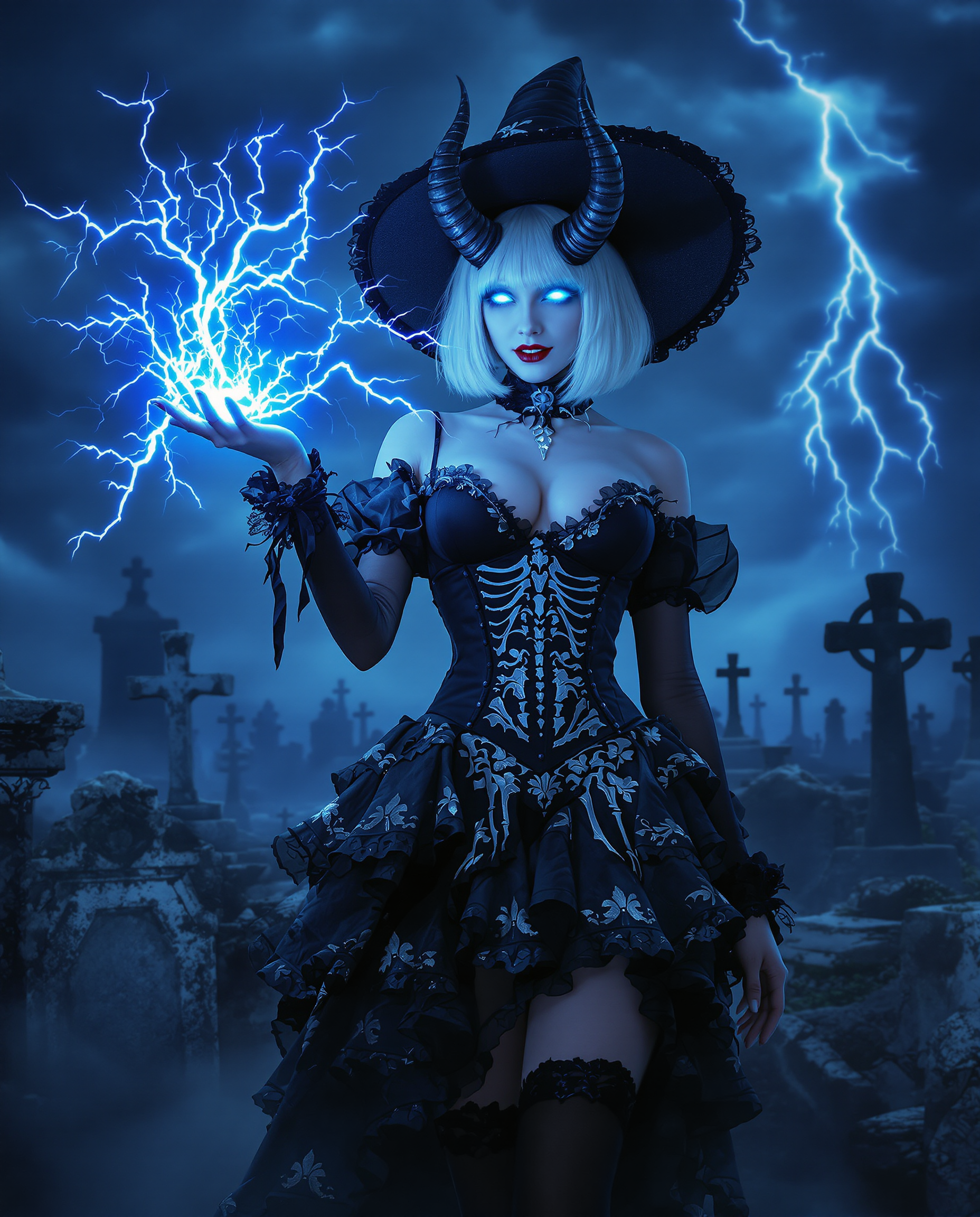
A highly detailed realistic photo photograph of a female real person in a dark fantasy sty…
flux
Models you can run on PixelDojo for ai face swap
Switch models without switching tools. Each one runs in the same PixelDojo studio.
What you can do with ai face swap on PixelDojo
Swap Faces in Photos
We let you replace a face in an existing image with another face you provide, so you can restage portraits, character shots, and campaign stills without a new photoshoot.
Keep Pose and Lighting
We generate the swapped face to match head angle, expression, and scene light so the result sits naturally in the original photo.
Work From Your References
We accept source and target images you upload, so you control which identity lands on which body and background.
Export Ready Still Images
We output standard image files you can download, review, and drop into your usual edit and publish workflow.
Loved by 1M+ creators worldwide who generate millions of images every month. Access 100+ cutting-edge AI tools with one simple subscription. Cancel anytime – start creating today and see why PixelDojo is the go-to platform for realistic AI face swap.
Why Choose Pixel Dojo for ai face swap
Professional-quality results with cutting-edge AI technology
Go Viral With Personalized Social Content
Instantly place your face (or a client's) into trending memes, famous artworks, movie scenes or event photos. You create highly engaging, shareable images that boost likes, comments and follows without hiring photographers or editors.
Deliver Professional Marketing Visuals Overnight
Generate consistent, on-brand images featuring your team, models or spokespersons in any setting. You skip expensive photoshoots and get campaign-ready assets that look like they were shot in-studio, ready for ads, websites and social.
Keep Characters Identical Across Every Image
Build a library of photos where the same person appears in different outfits, locations and moods. You maintain perfect identity consistency for storytelling, e-commerce, avatars and series using specialized tools that lock in facial features.
How It Works
You create stunning AI face swap images in three simple steps using PixelDojo's dedicated Face Swap and LoRA Face Swap tools, then refine them with Image to Image, Inpainting, Reality Polisher and other editors. No technical knowledge required – just upload, generate and download.
Step 1: Choose Your Tool
Open PixelDojo and select Face Swap for fast, high-quality one-click results or LoRA Face Swap when you want even stronger identity lock-in. Upload a clear source photo of the face you want to use (well-lit, mostly frontal, high resolution) and the target photo where the new face should appear. The AI automatically detects landmarks and prepares the swap.
Step 2: Enter Your Prompt
Add a short optional prompt such as 'match original lighting and expression' or 'keep natural skin texture'. PixelDojo's AI uses identity embeddings to transfer your unique facial features while perfectly inheriting the target's pose, lighting and background. Generate multiple variations in seconds until you love the blend.
Step 3: Customize & Download
Fine-tune with Image to Image, Inpainting, Style Transfer, Magic Lighting or Reality Polisher. Upscale with Portrait Upscaler or P-Image Upscale for print-ready quality. Download in high resolution or continue into video tools like WAN Video Character Swap and Kling Video Character Swap if you want moving versions. Your finished image is ready to post or use commercially.
The Pixel Dojo Advantage
Why PixelDojo outperforms other options for AI face swap image generation
| Others | Pixel Dojo |
|---|---|
| Traditional photo editing software | You spend hours cloning, masking and color-matching in complex software versus generating a photorealistic swap in under a minute with automatic lighting, texture and identity matching. |
| Generic AI image generators | General tools often distort identity or lighting. PixelDojo's specialized Face Swap and LoRA Face Swap plus Consistent Characters deliver superior likeness preservation and seamless blends every time. |
| Manual photo editing | You no longer need advanced retouching skills or expensive software. Get studio-quality results instantly, then enhance further with 100+ complementary tools like Background Remover and Character Stylist. |
Loved by creators on PixelDojo
Real feedback from people using PixelDojo, pulled from our in-product surveys.
All the tools, readily available and easy to understand
You guys, the LORA training is the BEST in the space right now, great job with that!
Tons of variety. Ease of use. Tools for beginners and advance users.
easiest workflow to get best output image or video
awesome functionality, UX, constant flood of improvements, discord interactivity
Awesome site with so many features
Explore more AI tools on PixelDojo
Popular AI Models
AI Tools
Compare & Switch
- All AI Tool Alternatives
- Pollo AI Alternative
- PixelDojo vs Pollo AI
- Pollo AI Review
- MotionMuse AI Alternative
- MioCreate Alternative
- Dessi AI Alternative
- Runway Alternatives
- CapCut Alternatives
- Leonardo Alternatives
- OpenArt Alternatives
- Midjourney Alternatives
- Canva AI Alternatives
- Pika Alternatives
- InVideo Alternatives
- Higgsfield Alternatives
- Krea Alternatives
- Luma Alternatives
- Magic Hour Alternatives
- HeyGen Alternatives
- PixAI Alternatives
- Vidu Alternatives
- Seedream Alternatives
- Tensor.Art Alternatives
Common Questions
Everything you need to know about ai face swap
What is the best AI face swap tool for realistic photos in 2025?
PixelDojo's Face Swap and LoRA Face Swap deliver the most realistic results because they combine identity embeddings with advanced blending. You get natural skin texture, matching lighting and zero visible seams, outperforming generic generators. Pair them with Reality Polisher and Portrait Upscaler for even more professional output.
How do I create a high-quality AI face swap that looks completely natural?
Start with a sharp, well-lit source photo showing a mostly frontal face and a target image with similar angle and lighting. Use PixelDojo Face Swap, add a prompt to preserve original expression, then refine with Inpainting or Magic Lighting. Multiple reference photos via LoRA Face Swap further lock in identity for the most convincing results.
Can I use AI face swap to create professional headshots and marketing images?
Absolutely. Thousands of marketers and brands use PixelDojo to place team members or models into any setting while keeping perfect likeness. Combine Face Swap with Consistent Characters, Character Sheets and Flux Pro Virtual Try-On to produce campaign-ready visuals that look like they were shot by a professional photographer.
Does PixelDojo offer video face swap as well as still images?
Yes. After creating your still swap you can extend it into video using WAN Video Character Swap, Kling Video Character Swap, Kling Avatar or P Video Avatar. These tools maintain identity and temporal consistency so the face stays locked even during movement, giving you complete image-to-video workflows in one platform.
What kind of photos work best for AI face swap on PixelDojo?
High-resolution images with even lighting, a clearly visible face filling a good portion of the frame, and similar head angles between source and target produce the most realistic swaps. Avoid heavy filters, sunglasses or extreme side profiles for first attempts. PixelDojo's tools handle a wide range, but starting with clean inputs gives you studio-quality output every time.
Is PixelDojo's AI face swap private, commercial-use friendly and easy to cancel?
Your images stay private and you retain full commercial rights. With 100+ cutting-edge tools loved by 1M+ creators worldwide you can create as much as you need and cancel anytime with no long-term commitment. Start generating today and experience why PixelDojo is the trusted choice for realistic AI face swap.