OpenArt alternative
OpenArt alternative for characters that stay the same face
Pixel Dojo keeps an original character consistent from one reference photo, saves it in Character Studio so any prompt can call it by name, and carries it into video and full films.
OpenArt sells consistent characters and one click stories. We wanted to show what that takes on Pixel Dojo, so we made one character and put her in three new scenes.
1 credit ($0.06) per image at 1K. Included in every plan, from $10/month.
Already a member? Sign in
By Brian Lovett · Updated
What a consistent character actually needs
A character is consistent when the face, hair and signature details survive new clothes, light, angles and settings. Most models can do one good portrait; the hard part is the tenth scene.
There are two ways to get there. A reference image works from the first shot. A trained LoRA holds the identity more tightly across many shots and styles, at the cost of a training run.
More from the same studio
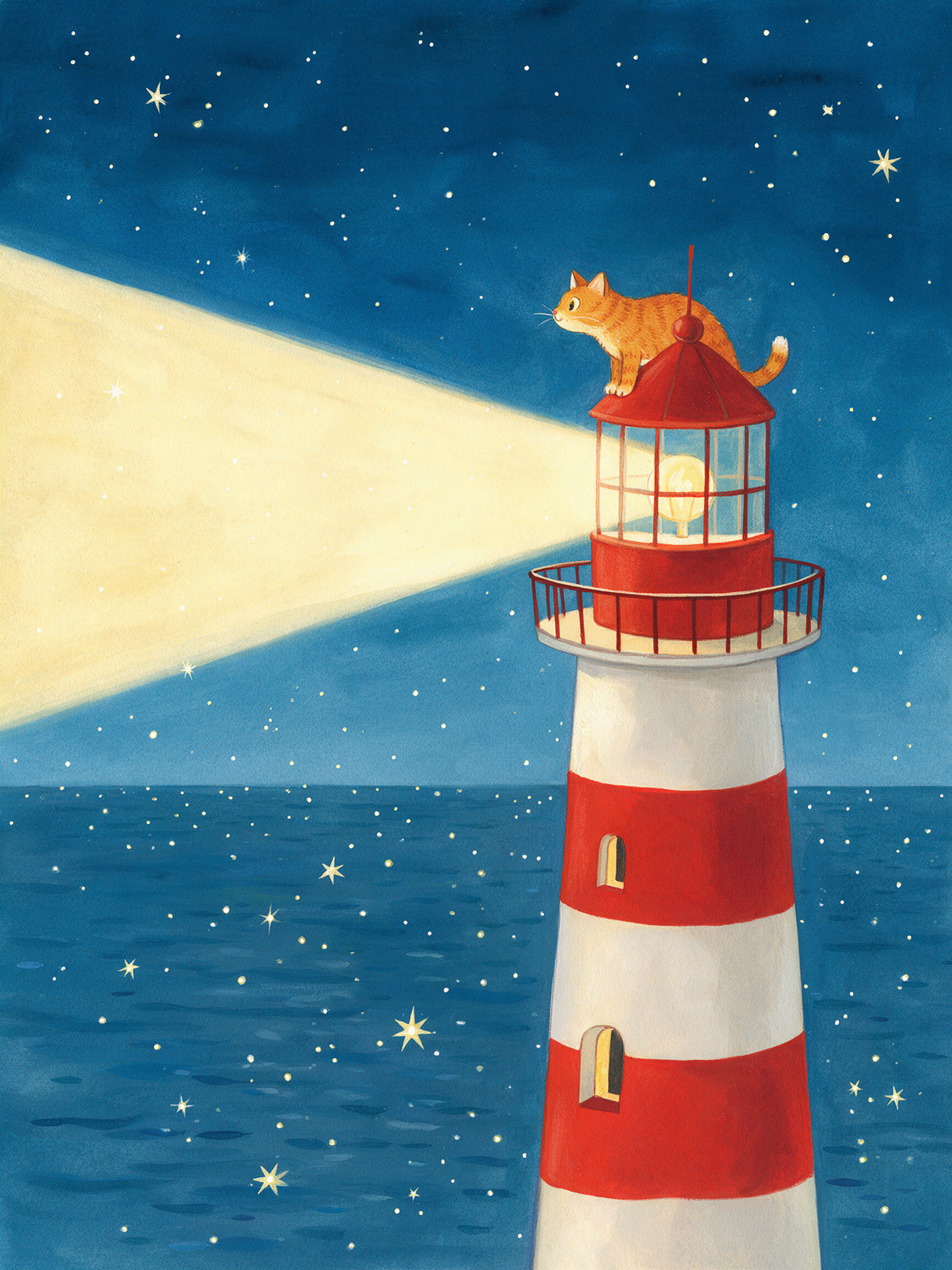
Storybook gouache on Seedream 5.
Storybook illustration of a ginger cat keeping watch from the top of a red and white lighthouse at night, the beam sweeping across a calm sea full of stars, gouache texture, warm and gentle.
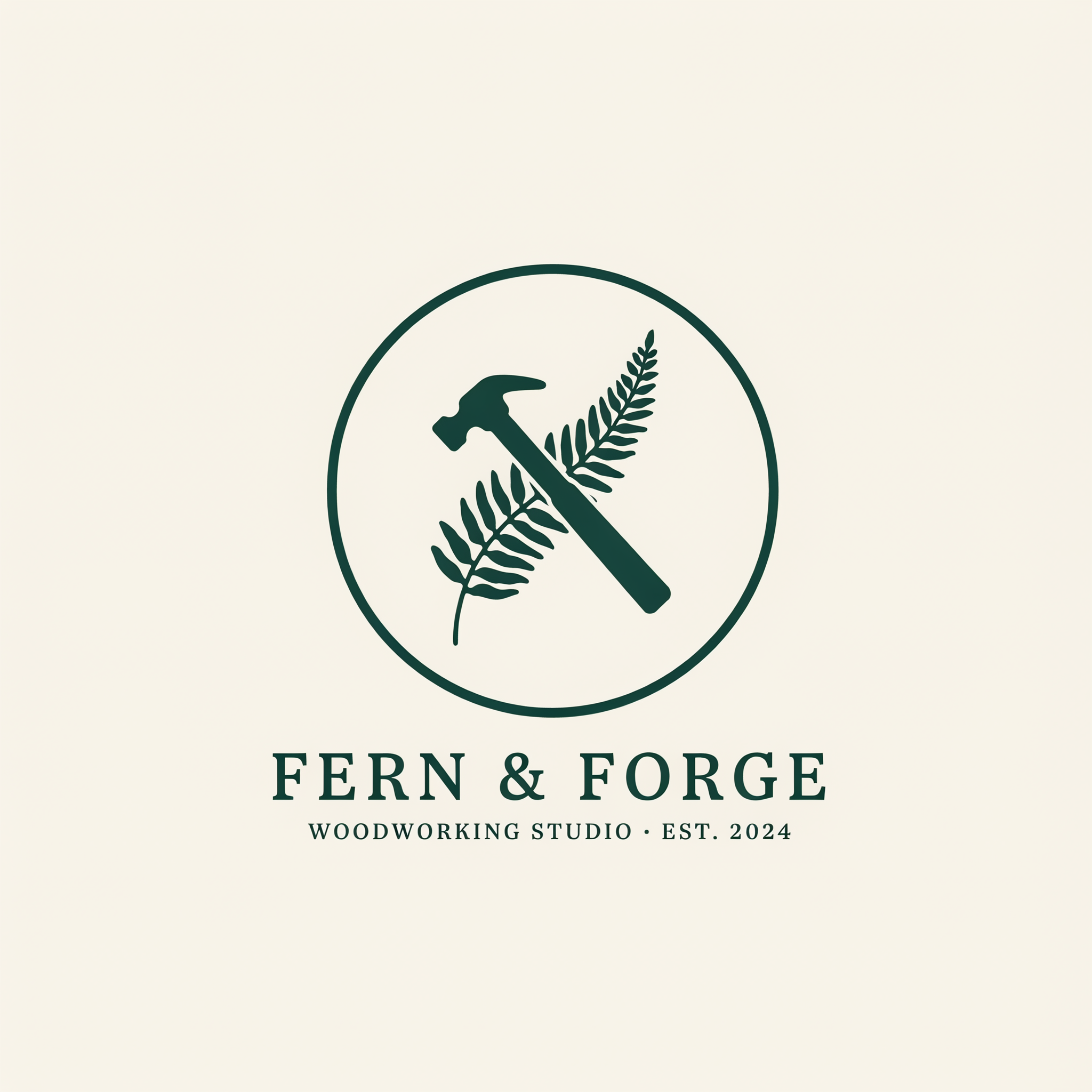
A clean logo with exact text on Ideogram 4.5.
Minimal logo for a woodworking studio named "FERN & FORGE": a fern frond crossed with a hammer inside a circle, the name set in a clean slab serif below, deep forest green on off white, flat vector style.
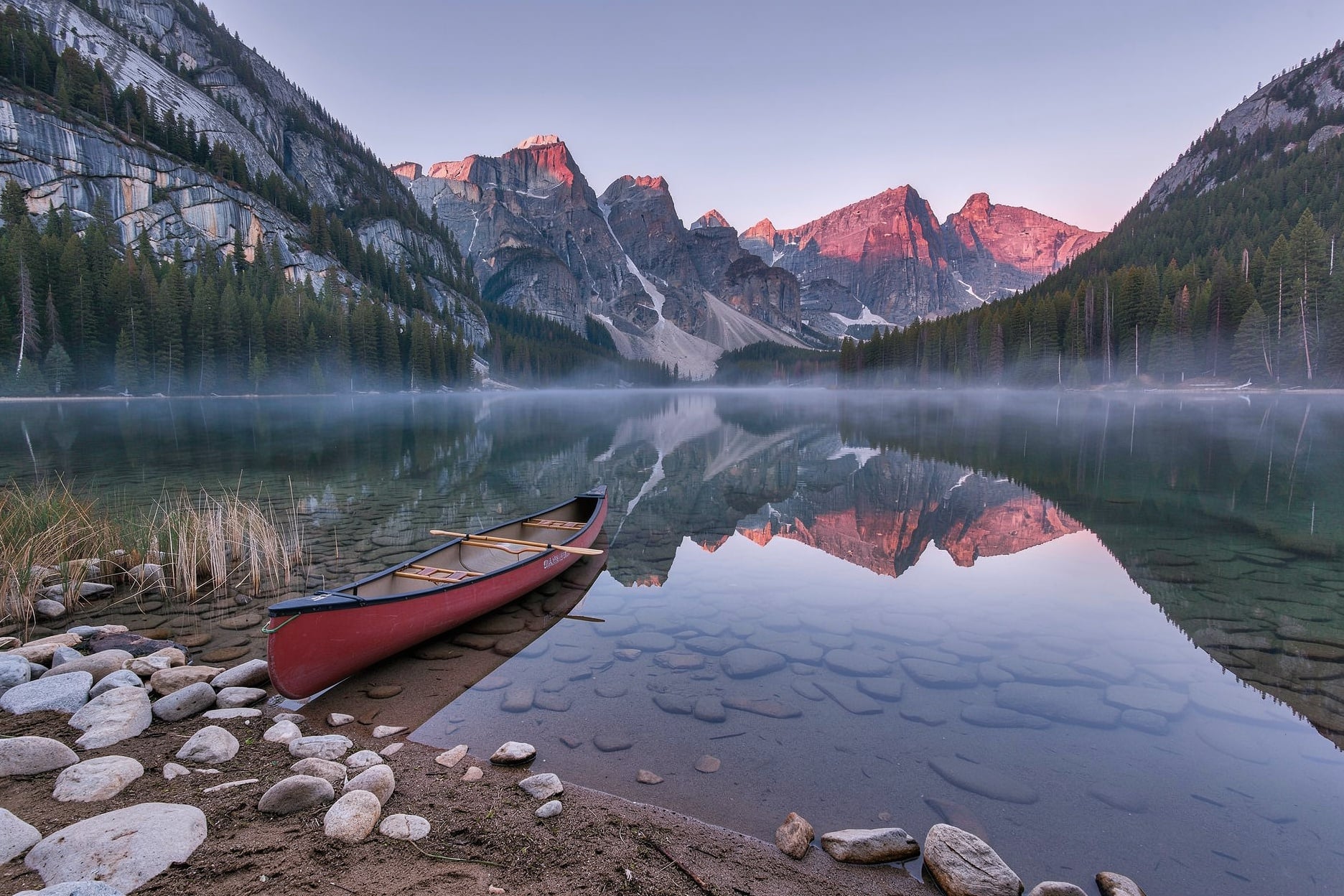
Landscape photography on FLUX 3 Image.
Landscape photograph of a still alpine lake at dawn, a lone red canoe at the shore, pink light on granite peaks mirrored in the water, thin mist on the surface.
Stop motion paper craft on WAN 3.0 with a music box melody.
Stop motion paper craft animation: a blue paper whale swims through layered paper waves under a cut paper moon, gentle camera drift, visible paper texture, soft water sounds and a music box melody.
One character, three new scenes
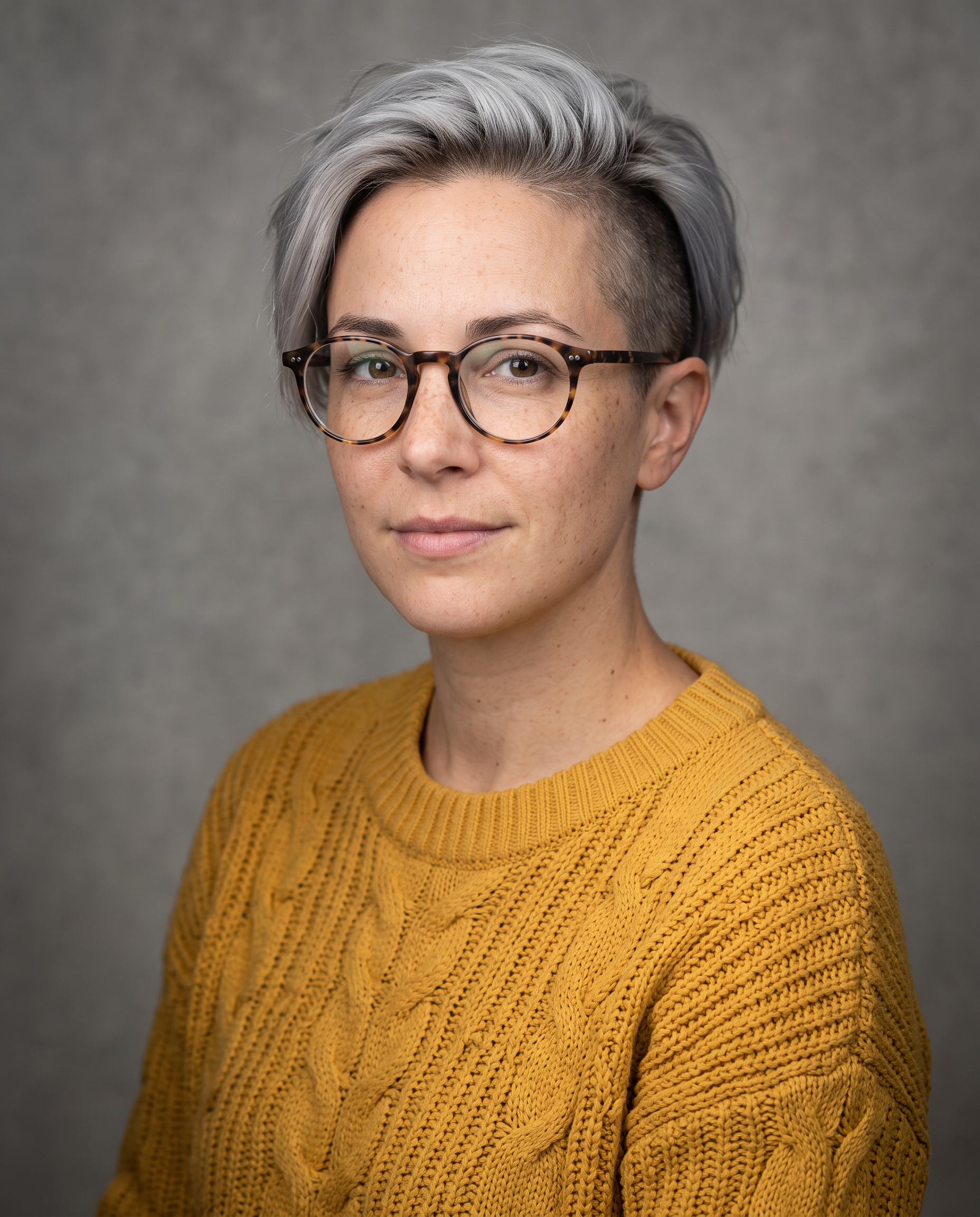
We generated Mara's studio portrait first, then used it as the only reference for three scenes on Nano Banana 2.1.
Studio portrait of an original character: a woman in her thirties with a short silver undercut, light freckles, round tortoiseshell glasses and a mustard yellow knit sweater, neutral grey background, soft key light, sharp detail.
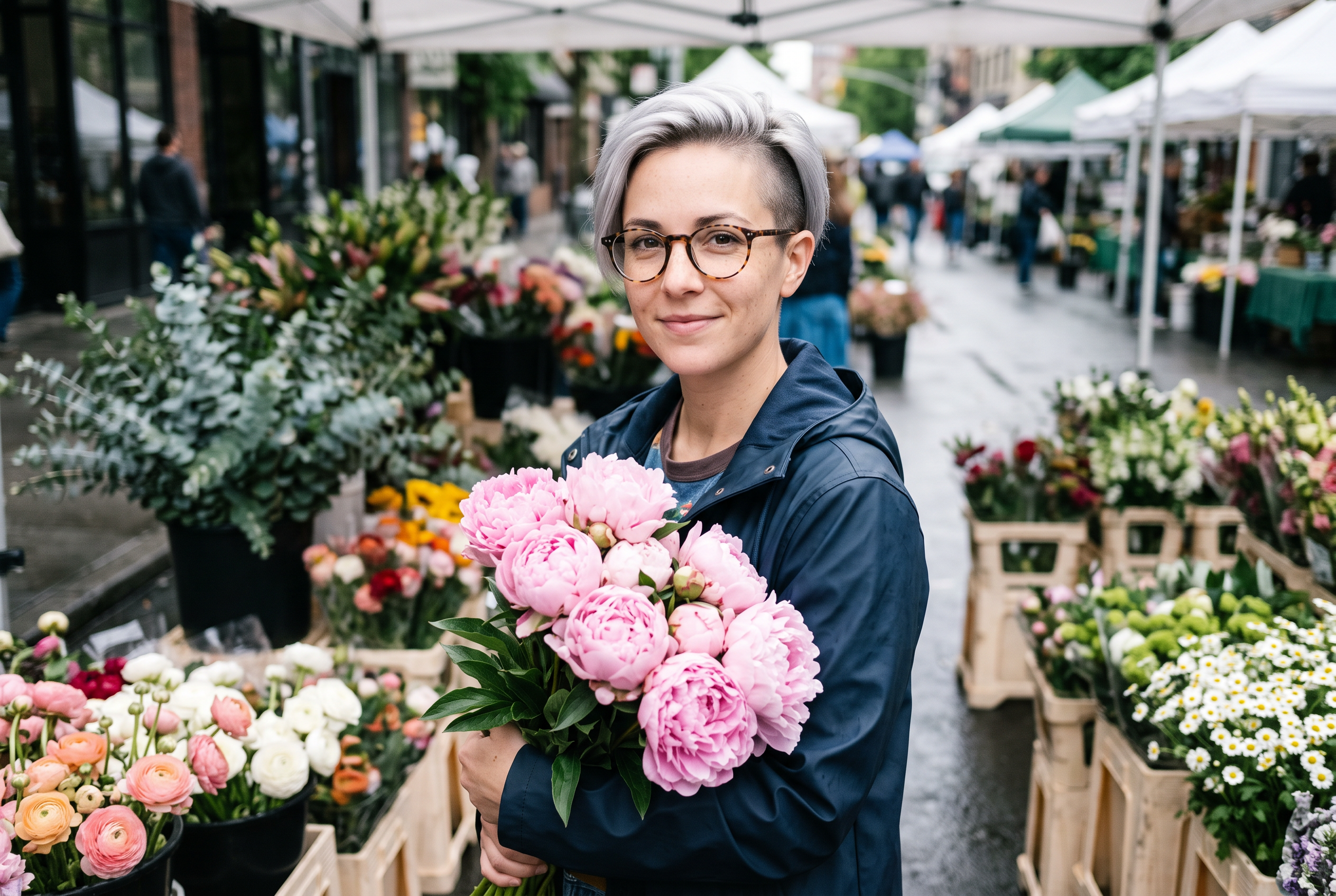
Use the reference image as the identity reference: keep the same woman, her short silver undercut, light freckles and round tortoiseshell glasses. She stands at a morning flower market holding a bunch of pink peonies, wearing a navy rain jacket, soft overcast light, buckets of flowers around her, 35mm photograph.
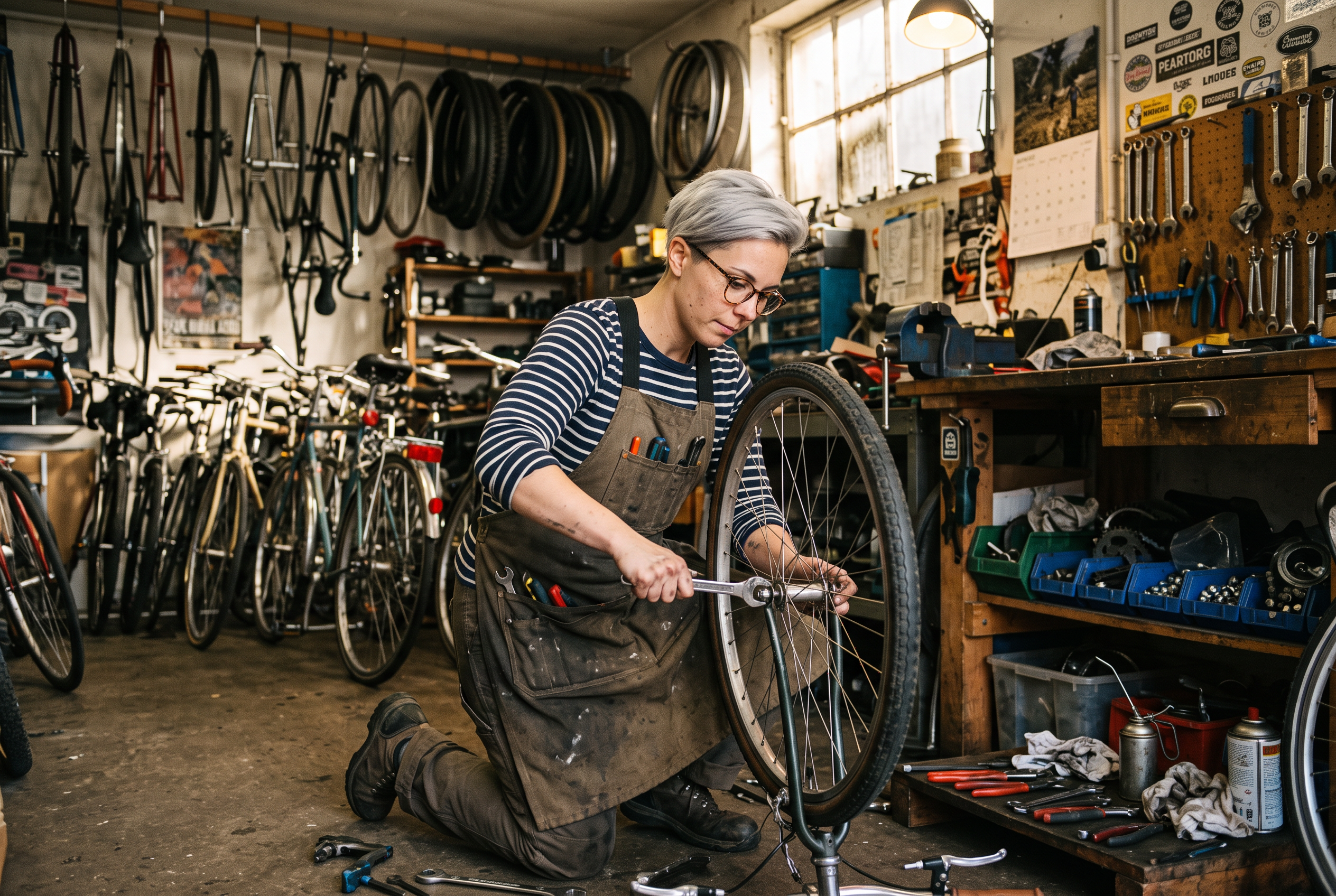
Use the reference image as the identity reference: keep the same woman, her short silver undercut, light freckles and round tortoiseshell glasses. She kneels in a cluttered bicycle workshop tightening a wheel with a wrench, grease on her hands, a canvas apron over a striped shirt, warm light from a high window, 35mm photograph.
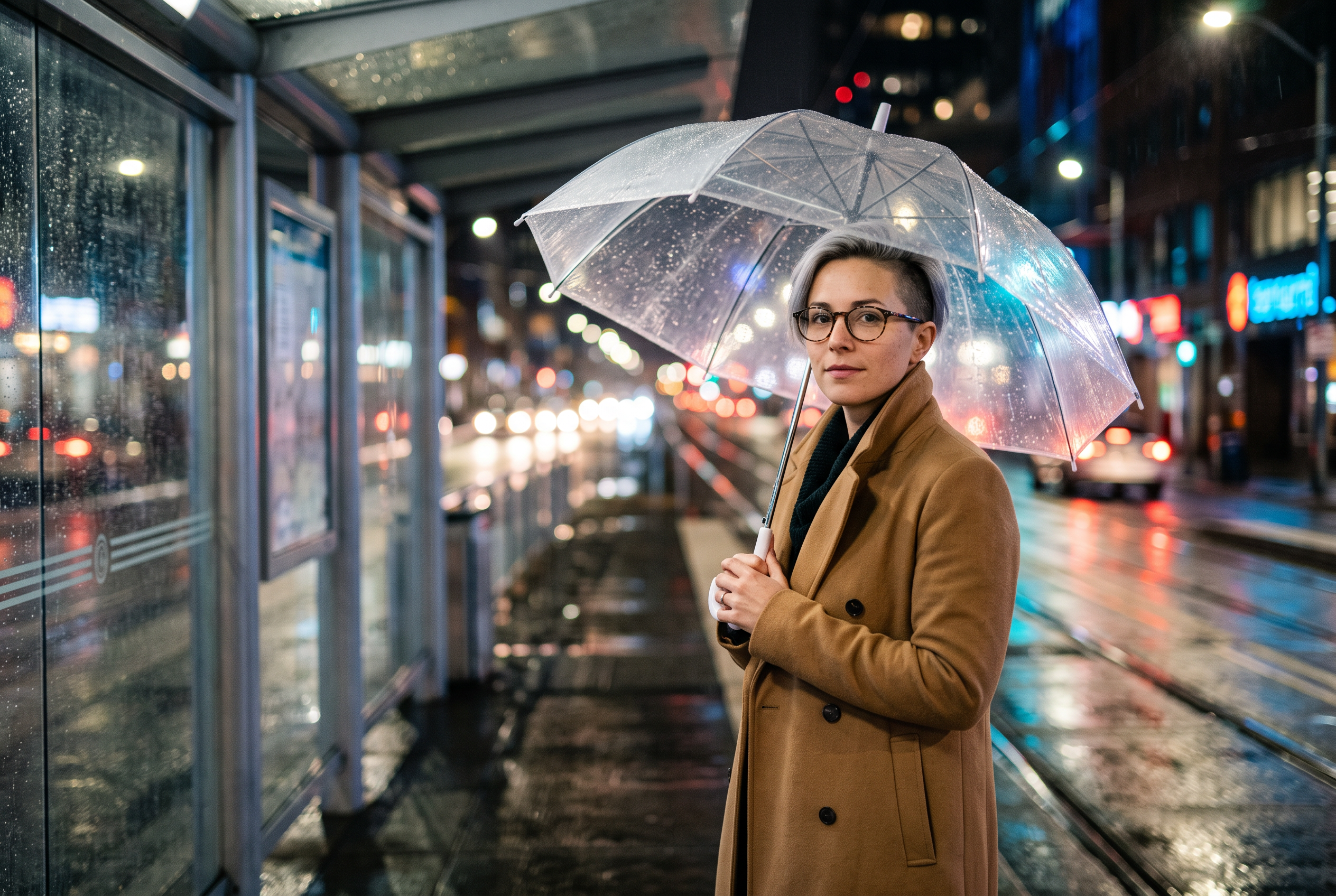
Use the reference image as the identity reference: keep the same woman, her short silver undercut, light freckles and round tortoiseshell glasses. She waits under a clear umbrella at a tram stop on a rainy night, wearing a long camel coat, city lights blurred into bokeh, reflections on the wet pavement, cinematic photograph.
- Her silver undercut, freckles and tortoiseshell glasses held in all three scenes, from one reference photo and no training.
- Wardrobe, light and setting changed freely: a navy rain jacket at the market, an apron in the workshop, a camel coat at night.
- She stayed recognizable at every distance we tried, from a waist up market shot to a full kneeling pose.
- Each scene cost the same few credits as a normal image, so a full character set fits in any plan.
OpenArt plans vs Pixel Dojo
OpenArt figures from its pricing page on October 15, 2026, at monthly billing.
| At a glance | OpenArt | Pixel Dojo |
|---|---|---|
| Paid plans | Starter $14, Plus $34, Pro $56, Wonder $240 a month | Lite $10, Pro $25, Pro Max $50 a month |
| Monthly credits | 4,000 to 106,000 | 160 to 1,100 |
| Consistent characters | About 13 to 353 by plan | Character Studio, called by @name in any prompt |
| Story video | One-Click Story and Director | Film Studio with storyboard, clips and an editor pass |
| Commercial use | Listed on Plus and above | Included on every plan |
| MCP | OpenArt MCP | Hosted MCP server and public API |
How Pixel Dojo carries a character further
Save once, call by name
Save a character in Character Studio, then write @Mara in any image or video prompt on any model that takes references.
Train when it matters
When a character earns a series, train a LoRA on your best shots for a tighter likeness.
From stills to a film
Film Studio casts your saved characters, storyboards each shot and turns them into clips with an edited cut.
Pixel Dojo pricing for character work
Plans are Lite $10 a month for 160 credits, Pro $25 for 500 credits, Pro Max $50 for 1,100 credits. The four images in the test above each list their cost; a full character set fits easily in a Lite month.
OpenArt questions
What is a good OpenArt alternative?
Pixel Dojo keeps characters consistent from a single reference, saves them in Character Studio and carries them into video and films, with every top image and video model under one plan.
How do I make a consistent character without training?
Generate or upload one clear portrait, then use it as the reference image for each new scene, as in the test above. Save it in Character Studio to reuse it by name.
Does OpenArt include commercial use?
OpenArt's pricing page lists commercial use rights on the Plus, Pro and Wonder plans.
Can I turn my character into a video?
Yes. Use the character image as a start frame or reference on Seedance 2.5, Kling 3.0 or Veo 3.1, or cast it in Film Studio for a multi shot film.
Try Pixel Dojo as your OpenArt alternative
Write a prompt above or start from any example on this page. One subscription covers every model on Pixel Dojo.
Start with Nano Banana 2.1Sources
Facts about OpenArt come from these public pages, checked on Oct 15, 2026. Prices and plans change; check the source before you buy.