Clean up
Remove Text From Image: strip captions and overlaid text, keep the photo
Removes captions, overlaid titles, handles and stamped dates from a photo and rebuilds the picture underneath. Handy for reusing a meme template or cleaning up a screenshot.

Before
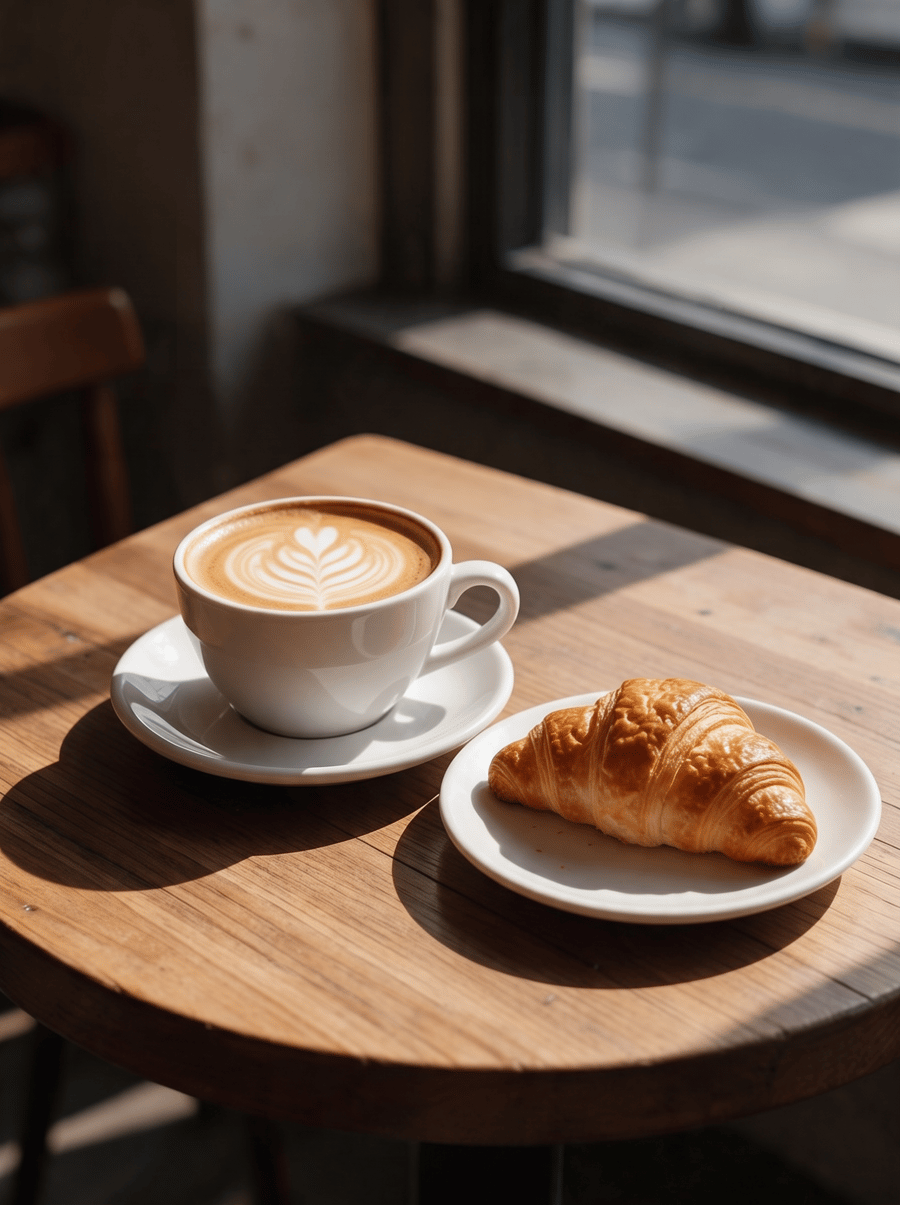
After, straight from our test, no retouching
Add a photo to start.
What Remove Text From Image does
Remove Text From Image strips captions, titles, handles and stickers that were added on top of a photo, and leaves text that belongs to the scene, like a label printed on a product.
How to use Remove Text From Image
- Upload your photo, or pick it from your library.
- Press Generate. The instructions for the job are already set up, so there is no prompt to write.
- Your image shows up right on the page. Save it to your library or download it.
Tips for the best result
- Use it on overlaid text; text printed on real objects in the scene is kept on purpose.
- Bold, solid captions come off more cleanly than thin text over busy patterns.
- If you want to change the words rather than remove them, use Image Translator.
Ideas for using it
- Reusing a meme or quote template with your own words.
- Cleaning screenshots before putting them in a slide.
- Getting a clean background image out of an old social post you made.
More tools
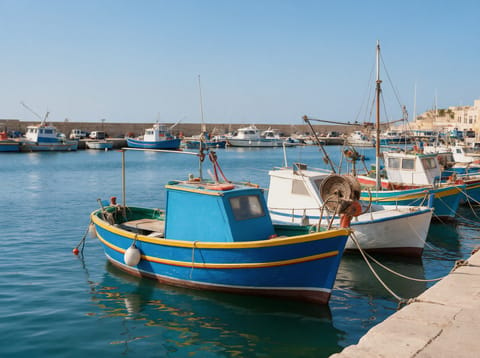
Watermark Remover
Lift text and logo watermarks off your own photos.
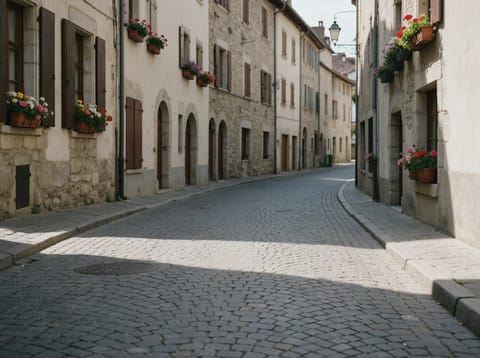
Object Remover
Type what to erase and it is gone.

AI People Remover
Empty out the crowd behind you.

AI Headshot Generator
A professional headshot from one casual photo.
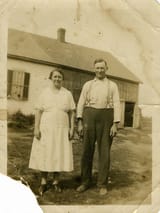
Old Photo Restoration
Repair scratches, tears and fading in old photos.
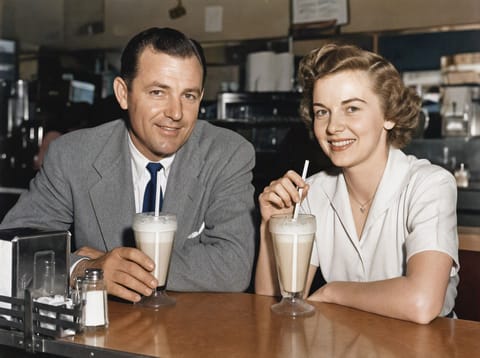
Colorize Black and White Photo
Natural color for black and white photos.
Want motion instead? Video Effects turn one photo into a 5 second clip.
Go further
Remove Text From Image FAQ
Will it remove the brand name on a product?
No, it keeps text that is physically part of the scene. It targets captions and overlays added on top.
How long does it take?
It runs in the background and lands in your library.
Is Remove Text From Image free?
Remove Text From Image is included with every PixelDojo plan and costs a few credits per image, shown on the Generate button before you run it.
Who owns the result, and can I use it commercially?
We assign you whatever rights we hold in the result, so you can use it in your own projects, commercial ones included, as long as what you uploaded was yours to use. Unsaved results are deleted after 24 hours, so save the ones you want to keep.
Can I use a photo of someone else?
Only photos of adults, of yourself or of people who agreed to it, and only images you have the right to edit. Every upload goes through the same safety checks as the rest of PixelDojo.