Music Video Mode
AI music video generator: turn your song into a finished video
Upload your song and pick your artist. Pixel Dojo shoots every scene to the beat, and MiniMax H3 or Seedance 2.5 lip-syncs it to your track.
Plans from $10/mo. Planning your shots costs no credits, and nothing renders until you approve the shot list.
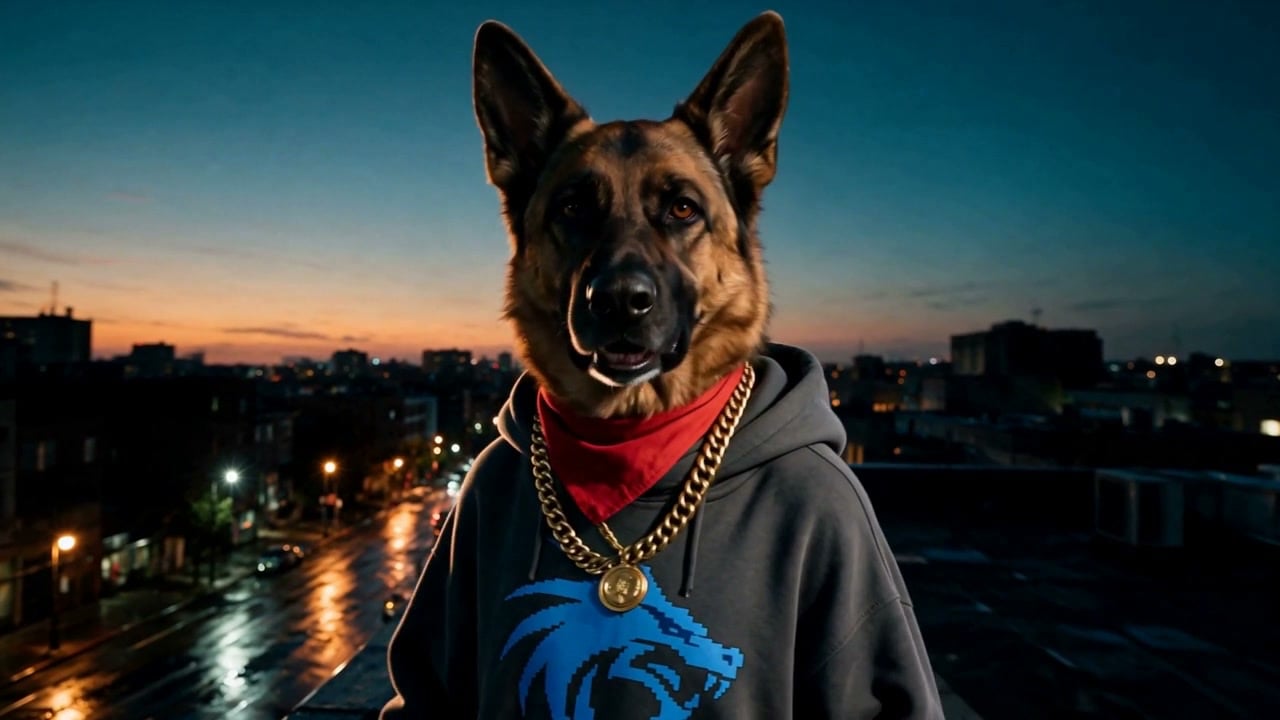 Made on Pixel Dojo with Music Video ModeTop Dog
AI music videos made start to finish in Pixel Dojo
Real exports from Music Video Mode: full tracks, every shot lip-synced to the song. Each one began as an uploaded song: the studio planned every shot against the track, rendered each line with lip sync, kept the lead artist's face from shot to shot and exported the video with the original audio.
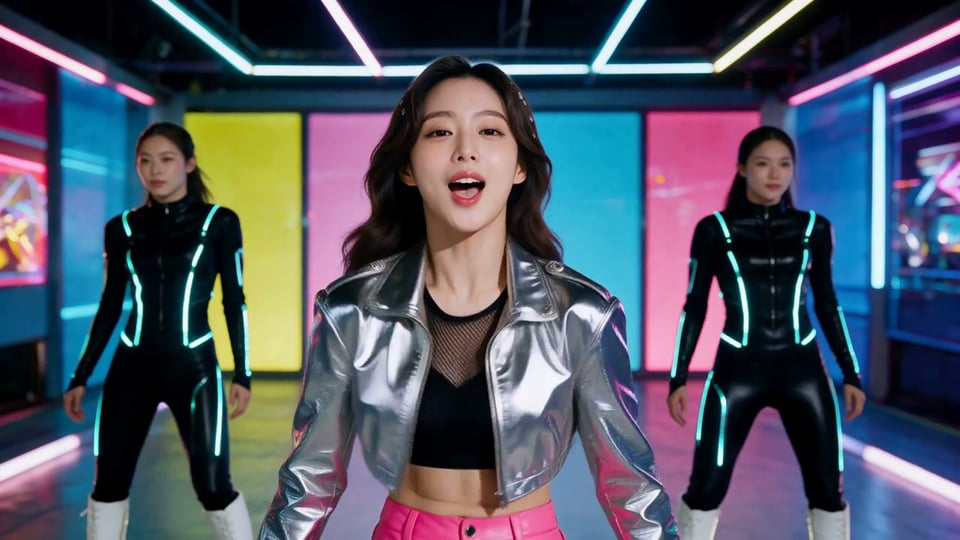 Dragon Signal
Dragon Signal
K-pop look
A lead singer in two looks, silver jacket and black satin, backed by glow-suit dancers on a glass skydeck, choreo cutting between LED walls and city lights.
Lip sync by MiniMax H3, frames by Seedream 5
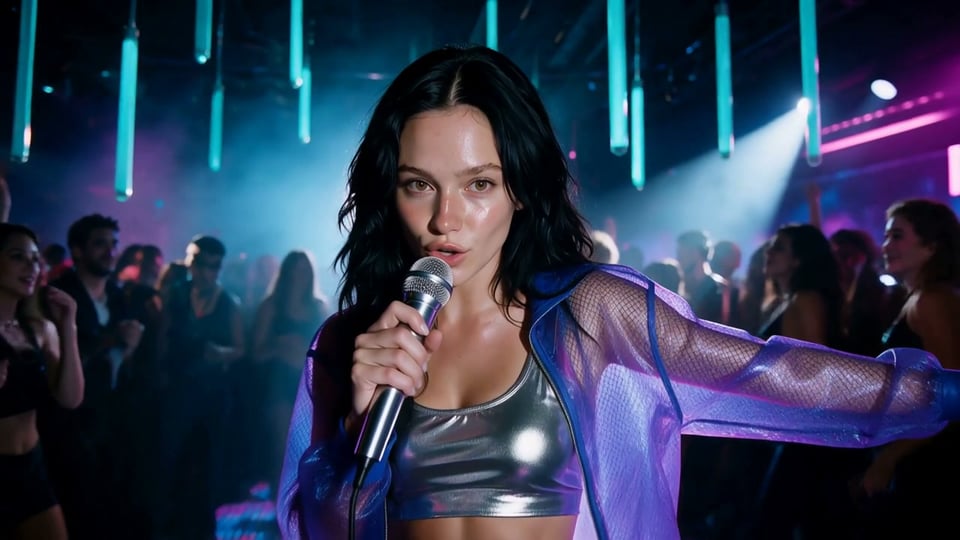 Neon Cage
Neon Cage
Neon club look
One singer works a packed club from the DJ booth to a neon cage stage, mic in hand, every line sung into the lens.
Lip sync by MiniMax H3, frames by Seedream 5
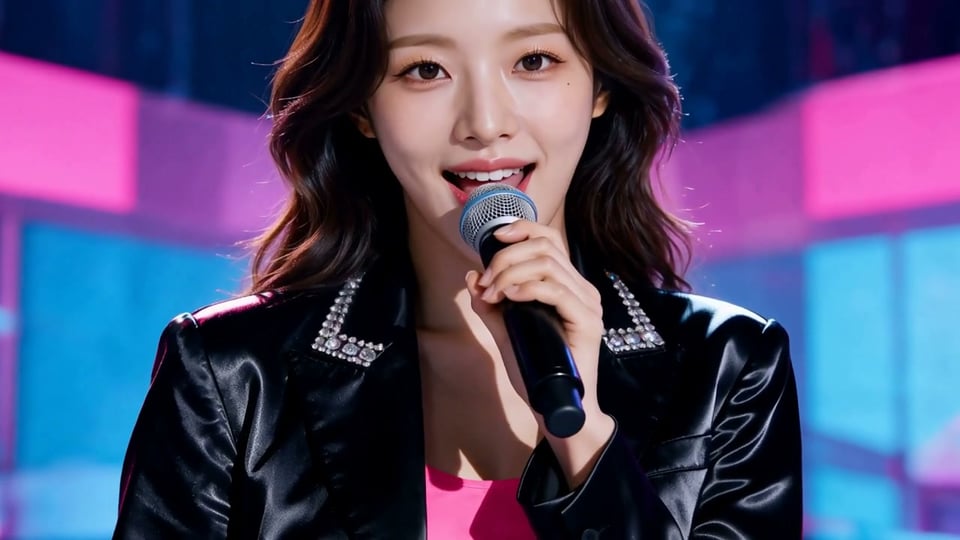 Mirrorball
Mirrorball
K-pop look
A solo pop performance across a mirrorball dancefloor and a wall of color-blocked LEDs, every line delivered straight into the lens.
Lip sync by MiniMax H3, frames by Seedream 5
How to make an AI music video in four steps
Watch a song become a lip-synced music video: upload the track, pick the artist and the look, approve the storyboard, then export with your original audio.
01
Upload your song
MP3, WAV or M4A, the full track up to 50MB. Paste the lyrics if you have them, or just describe the vibe and let the studio plan against the audio.
02
Describe your artist
Who is on camera, what world they live in and which of 9 looks they wear, K-pop to rock grit. Cast a consistent face from Character Studio and it holds in every shot.
03
Approve the storyboard
Every shot is planned to its exact slice of the track, with a still frame to approve first. Re-time or add shots and one click re-syncs the cut.
04
Render and export
Shots render with frame-accurate lip sync and are checked against the song. The export plays your original audio start to finish.
Built like a real music video shoot
Lip sync you can trust
MiniMax H3 performs your song with frame-accurate lip sync, Seedance 2.5 is one click away, and every shot is checked against your track before you export.
Cut on the beat
Your track is sliced across the storyboard automatically, so every cut lands where the song says it should.
Your artist in every shot
Character Studio references lock identity, wardrobe and styling, so the star of shot 3 is the star of shot 33.
Approve before you spend
Nothing renders as a clip until you say so, so you only spend on shots you want.
Made for TikTok, Reels and YouTube
Shoot widescreen 16:9 or vertical 9:16. Every frame is generated in that shape, so nothing gets cropped.
Finish it anywhere
Export a 720p MP4 with your original track, or download every clip in shot order for Premiere, Resolve or any editor.
9 music video styles, one band
Pick the look once and every shot of your music video keeps it, from the first verse to the last chorus.
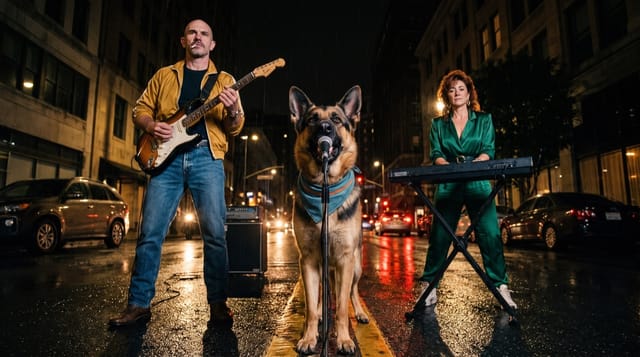
Rap video
Low angles, hard shadow, one-spotlight confidence
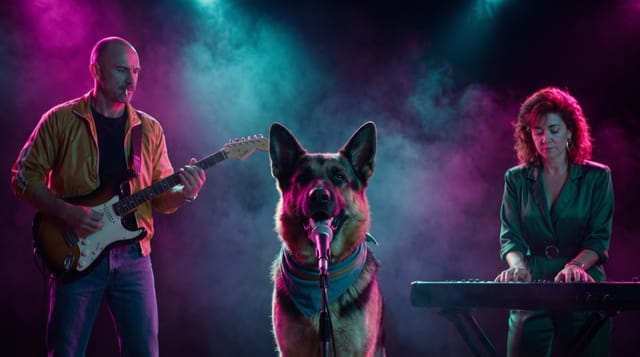
Neon club
Rain-slick streets, practical neon, 3am haze
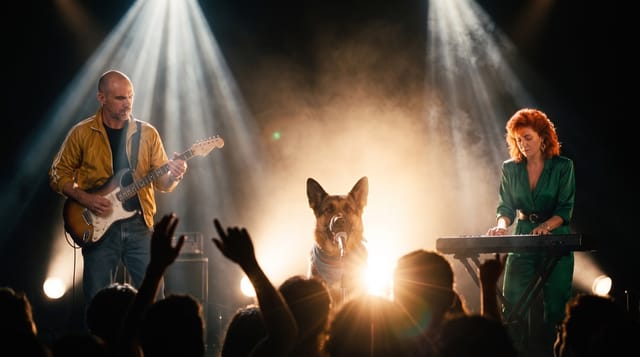
Stage performance
Concert rig, haze and beams, crowd energy
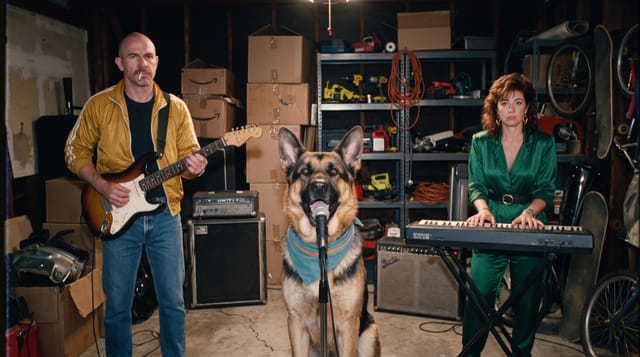
Retro camcorder
Handheld tape grain, on-camera light, direct-to-lens
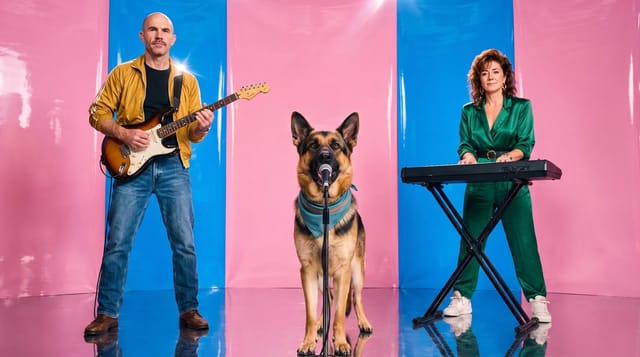
Y2K pop
Gloss chrome color, bubble highlights, 2001 shine
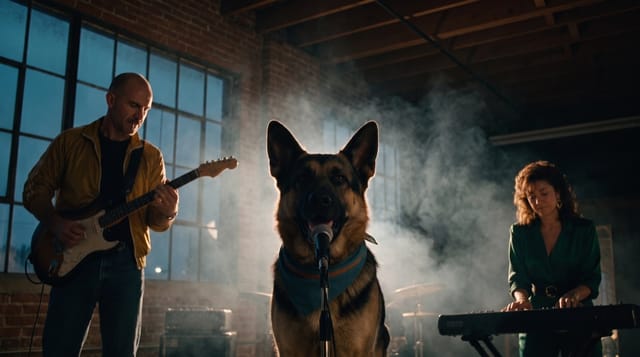
Moody R&B
Blue-hour dusk, silk shadow, slow push-ins
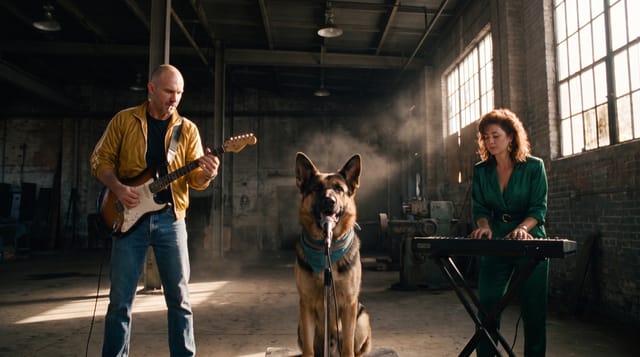
Rock grit
Dust, sweat and raking light, 16mm crunch
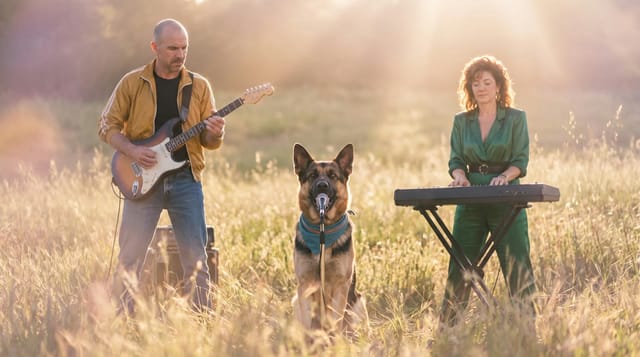
Dream pop
Soft bloom, pastel haze, floating slow motion
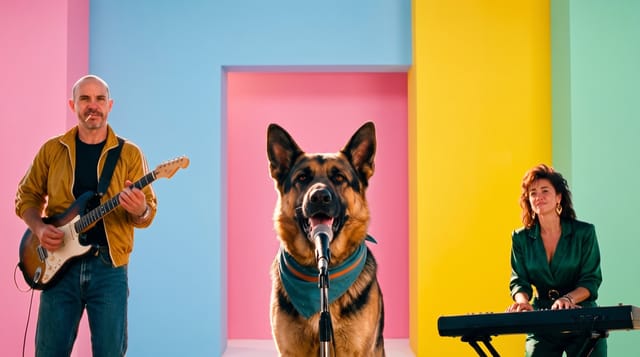
K-pop
Color-blocked sets, high-key gloss, choreo-forward framing
What is an AI music video generator?
An AI music video generator, or AI music video maker, turns a finished song into a finished music video. Pixel Dojo's Music Video Mode, part of the AI film maker, listens to your track, plans a storyboard against it and gives every shot its exact slice of the song, so cuts land on the beat and the artist performs the right line at the right moment.
Going from song to video takes four steps: upload an MP3 or WAV, describe your artist and the world they live in (paste the lyrics if you have them), approve a still frame for every shot, then render. Pick one of 9 looks, from K-pop to dream pop, and the studio performs every shot with frame-accurate lip sync and exports the video with your original audio playing start to finish.
Artists and labels use it for release-day videos, visualizers and vertical clips for TikTok and Reels. Want a story with spoken dialogue instead? Film Studio shoots short films too. For narrated explainers, try the faceless video generator, and for product spots, AI ads.
Guides: MiniMax H3 prompting · Consistent characters · AI video models
One plan. Every music video tool.
Plans start at $10/month and every plan includes Music Video Mode.
Lite
160 credits · 6.25¢ each
All the tools, starter credits.
Cancel anytime · Secure checkout
Pro
500 credits · 5¢ each
20% less per credit than LiteThe plan most creators pick.
Cancel anytime · Secure checkout
Pro Max
1,100 credits · 4.55¢ each
27% less per credit than LiteMore credits for daily creators.
Cancel anytime · Secure checkout
Every plan includes all 123 tools, Canvas, and the Film, Character, Marketing, Video, Faceless, and Prompt Studios. Same generation speed on every plan. See every tool
Questions & Answers
AI music video generator FAQ
Music Video Mode is the AI music video generator inside Pixel Dojo Film Studio. Upload a track, describe your artist and the vibe, paste lyrics if you have them, and the studio plans a full storyboard against your song. Every shot performs its exact part of the track, and the final export plays your original audio start to finish with no gaps.
MP3, WAV, M4A, AAC, OGG and FLAC files all work, up to 50MB, which fits a full-length track at high quality. The whole song becomes the length of your video, so a full single, a remix or a short hook all work the same way.
Yes. Create a track in Text to Music by describing the style and adding your own lyrics, from 30 seconds to 5 minutes long. Then upload it to Music Video Mode and build the video around it. It is a fast way for a new artist to go from an idea for a song to a finished video in one place.
Your song is cut across your shots automatically, so each shot covers the precise slice of the track it performs and every cut lands on the beat. Re-time a shot or add a new one and a single click re-syncs the whole cut against the song, so the storyboard always matches the music.
Yes. MiniMax H3 leads music videos by default because it performs your track with frame-accurate timing, and every finished shot is checked against the song. If a shot lands off the beat you are told before you export, so the vocals and the mouth movements line up from the first verse to the last chorus.
MiniMax H3 is the default for music videos. Seedance 2.5 and Seedance 2 Reference can also perform your track, and you can switch engines for the whole video before you render. Every shot gets its own slice of the song to perform, whichever engine you pick.
9 looks made for music videos: Rap video, Neon club, Stage performance, Retro camcorder, Y2K pop, Moody R&B, Rock grit, Dream pop and K-pop. Each one carries its own color grade, lighting and framing language through every shot, so the whole video feels like one shoot, whether you want a gritty rap video, a glossy pop video or a dreamy slow-motion visual.
Yes. Attach a character from Character Studio and their reference images ride along on every shot, so identity, wardrobe and styling hold from the first frame to the last. Build a recurring artist once and they can front every release, the same face across singles, teasers and full music videos.
No. Lyrics help the planner put the right line in the right shot, so verses, hooks and the chorus land where they belong. You can also just describe the concept and the mood, and the studio plans the video against the audio on its own.
Yes. Pick widescreen 16:9 for YouTube or vertical 9:16 for TikTok, Instagram Reels and YouTube Shorts before you plan. Every frame is generated in that shape, so nothing is cropped when the video plays full screen on a phone.
Export the finished music video as a 720p MP4 with your original track playing start to finish. Or download every clip as a zip in shot order, ready to finish in Premiere, Resolve or any editor if you want to add your own titles, effects or alternate edits for each platform.
Credits depend on the engine and the length of your song: a 30-second hook has fewer shots than a full single, so it costs less. Uploading the song and planning every shot cost no credits. You pay per shot as frames and performance clips render, only after you approve the shot list, and the studio shows each price before it runs. See plans and pricing for how many credits each plan includes.
Uploading your song, writing the concept and planning every shot cost no credits, so you can see the whole video laid out before you spend. Rendering frames and performance clips uses the credits in your plan. Music Video Mode comes with every paid Pixel Dojo plan, starting at $10 a month.
The best AI music video generator keeps the artist on the beat, on model and on screen for the whole song. Pixel Dojo plans every shot against your track, performs it with frame-accurate lip sync, keeps one face with Character Studio and exports with your original audio, all in one studio with no editing software needed.
Yes. Videos you make are yours to publish and monetize under the Pixel Dojo subscription terms. You do need to hold the rights to the song you upload, and your track is only ever used to make your video.
Your first music video is one track away
No song yet? Make one with the AI music generator · Make a short film instead · Compare plans