LoRA Image Trainer: Train a LoRA on your face. Put yourself anywhere.
Train your own AI model on your photos with Flux 2, Flux Dev, Z-Image, QWEN or SDXL, then generate yourself in any scene or style.
- Start from one photo
- Ready in about 2 minutes
- Download your LoRA

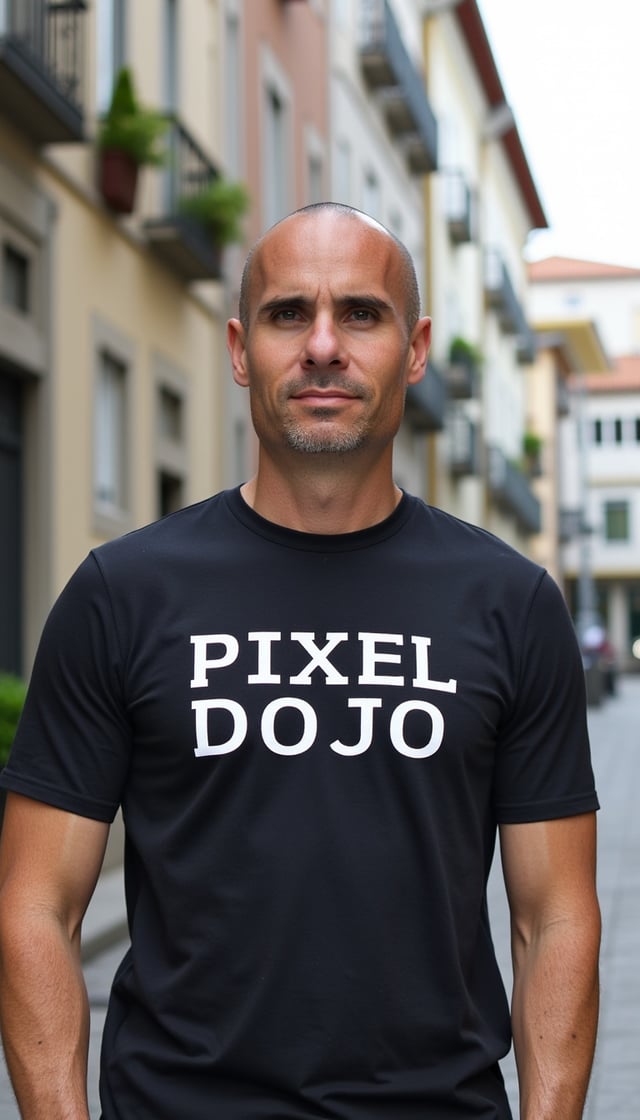
Your photo
You, anywhere
Made with one LoRA
One trained LoRA. Any scene, any style.
Train once, then prompt yourself into a film still, a magazine shoot, a mountain top, a business headshot, a comic book or an 80s action poster.
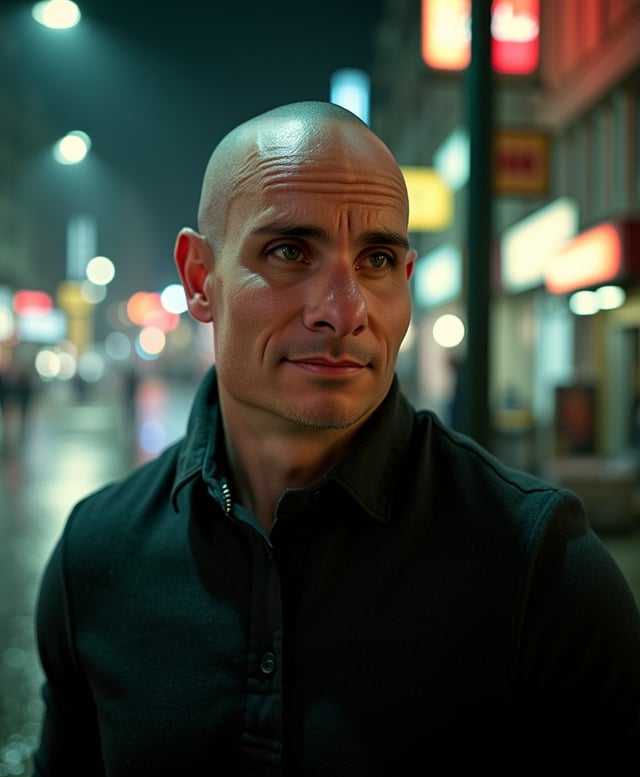
Film still
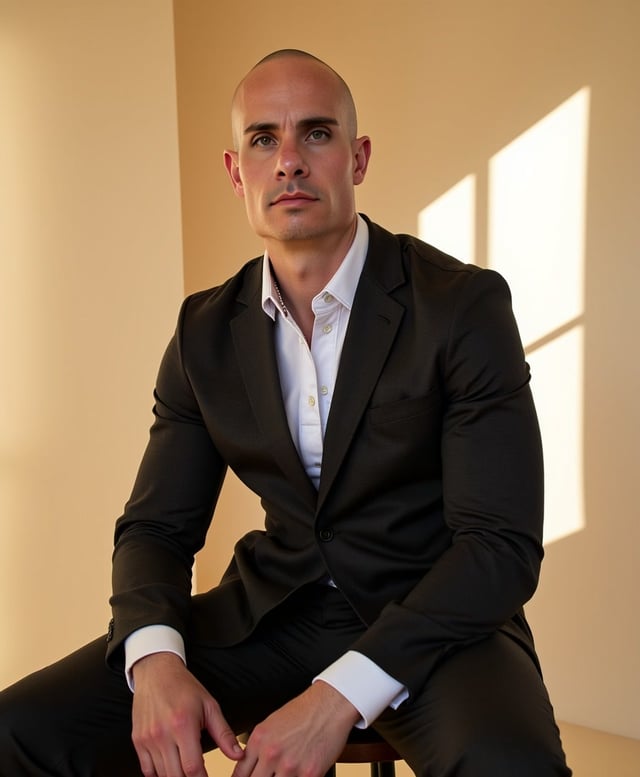
Editorial portrait

Adventure travel

Business headshot

Comic book
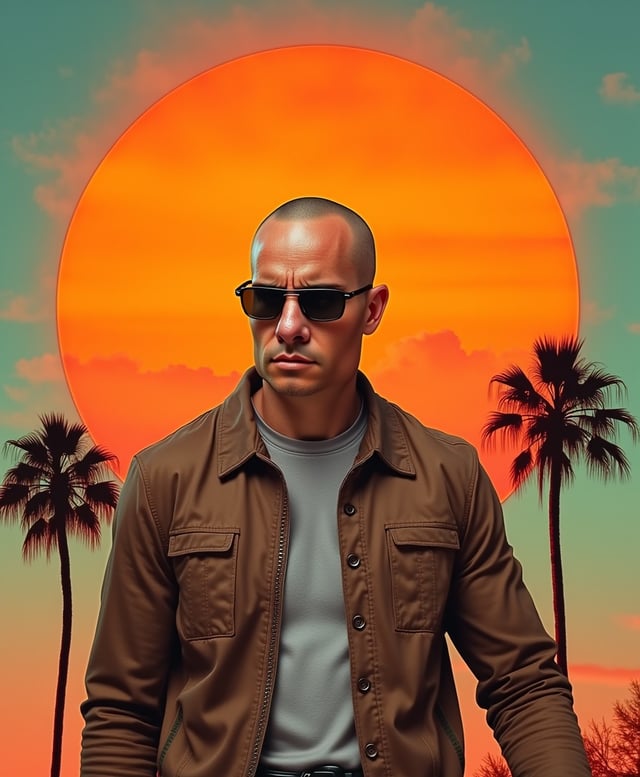
80s action poster
Train a LoRA in three steps
Upload one photo or 10 to 20
One photo is enough: in the Fast Flux single-image wizard, Nano Banana Pro or FLUX Kontext turns it into 11 portrait variations to train on. For the sharpest likeness, upload 10 to 20 of your own.
Pick a trainer and start
Fast Flux is ready in about 2 minutes, every other trainer in under an hour. You see the credit cost before you start.
Prompt with your trigger word
Your LoRA is saved in My LoRAs and opens in the matching generator. Add your trigger word to a prompt and you appear in the scene you describe.
Pick your LoRA trainer
Every trainer turns your photos into a custom model, and every LoRA opens in its matching generator: Flux.1 Studio, Flux.2 Studio, Z-Image Turbo, Qwen Image 2.1, Qwen Image or the SDXL generator.
Fast Flux LoRA Image Trainer
Start hereReady in about 2 minutes
TrainFlux 2 LoRA Image Trainer
Sharpest faces and readable text
TrainFlux Dev LoRA Image Trainer
Photo-real results
TrainZ-Image LoRA Image Trainer
Compact files, ready the same day
TrainQwen Image 2.1 LoRA Image Trainer
Native 2K images of your subject, with sharp text
TrainSDXL LoRA Image Trainer
Download it, run it on your own computer
TrainQWEN LoRA Image Trainer
Follows your layout closely
Train
AI influencer
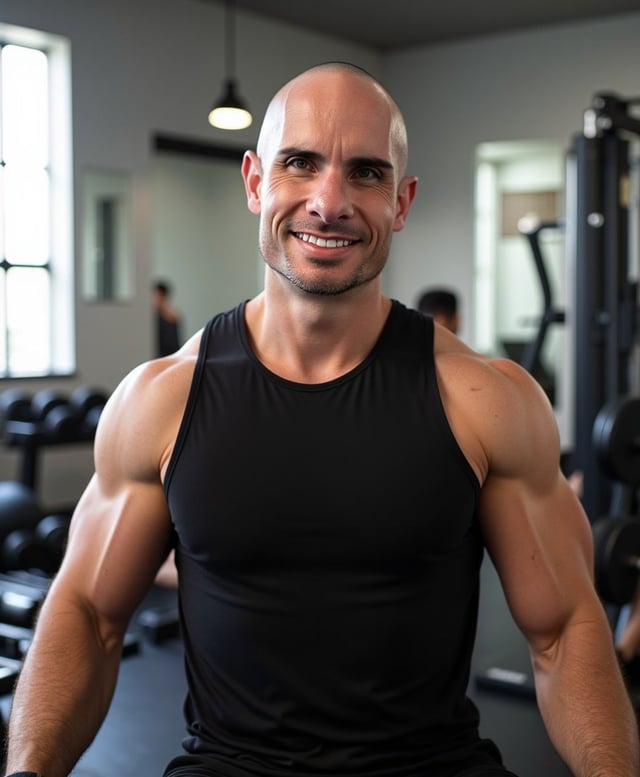
Build an AI influencer from one photo
Train a LoRA on your character, then put them in any outfit, place or pose. Character Studio keeps the cast together, and every still can become a video. Take it further: animate your LoRA portraits with Kling 3.0, Veo 3.1 or Seedance 2.5, all on the same plan.
Gym

Cafe

Travel

Unboxing
One plan. Every trainer.
Plans start at $10/month, and every plan includes credits for LoRA training and generation.
Lite
160 credits · 6.25¢ each
All the tools, starter credits.
Unlimited, no credits
- FLUX 3 Klein
- P-H3-Image
- Qwen Image 2.1
- MiniMax H3 Turbo video
- 310+ video effects
Cancel anytime · Secure checkout
Pro
500 credits · 5¢ each
20% less per credit than LiteThe plan most creators pick.
Unlimited, no credits
- FLUX 3 Klein
- P-H3-Image
- Qwen Image 2.1
- MiniMax H3 Turbo video
- 310+ video effects
Cancel anytime · Secure checkout
Pro Max
1,100 credits · 4.55¢ each
27% less per credit than LiteMore credits for daily creators.
Unlimited, no credits
- FLUX 3 Klein
- P-H3-Image
- Qwen Image 2.1
- MiniMax H3 Turbo video
- 310+ video effects
Cancel anytime · Secure checkout
Free$0 · 3 video or photo effects a day, with a small watermark. No card needed.
Try an effectRefunds: on a first purchase, ask within 7 days. Under 20% of its credits used gets a full refund, more gets a pro-rated one. Renewals and top-ups are not refundable, except where the law requires. Refunds & Billing
Every plan includes all 128 tools, Canvas, and the Film, Character, Marketing, Video, Faceless, and Prompt Studios. Same generation speed on every plan. See every tool
What is LoRA training?
LoRA training teaches an AI image model something new, like your face, your product, or an art style, without rebuilding the whole model. A LoRA is a small add-on file, a custom model that sits on top of a large base model such as Flux, SDXL, Z-Image, or QWEN and steers it toward what it learned from your photos.
To train a LoRA on Pixel Dojo, upload a few photos (or just one with the single-image wizard), pick a trainer, and start the run. When it finishes, write a prompt with your trigger word and the model draws you in any scene: a magazine cover, a travel photo, a superhero poster. Because the LoRA holds your likeness, every image stays consistent with the last.
Use it for profile pictures and headshots, an AI influencer, product shots, or a recurring character. Then take the same look further: generate with Flux.2 Studio or Z-Image Turbo, build a cast in Character Studio, or turn your stills into clips with the AI video generator.
Not ready to train yet? FLUX 3 Image combines up to 10 reference photos in a single edit, and Ideogram 4.5 sets clean, readable text on your posters, logos and packaging.
Questions and answers
LoRA trainer FAQ
A LoRA image trainer fine-tunes an AI image model on your own photos so it can generate your face, product, character, or art style on demand. The result is a small custom model file, called a LoRA, that plugs into a full image model. Pixel Dojo's LoRA image trainer offers 7 trainers: Fast Flux, Flux 2, Flux Dev, Z-Image, Qwen Image 2.1, SDXL, and QWEN, each tuned for a different job.
Start with Fast Flux if you want a LoRA of your face to play with right away. Pick Flux 2 for the sharpest faces and readable text on signs and packaging, Flux Dev for photo-real portraits, Z-Image for compact files you can use the same day, Qwen Image 2.1 for native 2K images of your subject with clean text in the frame, SDXL when you want to download the LoRA and run it on your own computer, and QWEN when your prompts lean on layout and composition.
You can start from a single photo with the single-image training wizard, which builds a full training set from it for you. For the sharpest likeness, upload 10 to 20 high-quality photos as a batch or a zip, with different angles, expressions, lighting, and outfits. Crop out other people, skip heavy filters, and include a few close-ups so the trainer learns your face in detail.
Fast Flux takes about 2 minutes, and every other trainer finishes in under an hour. You get notified as soon as your model is ready, and it appears in My LoRAs with a one-click link to the matching generator, so you can go from upload to your first portrait in a single sitting.
Training runs on the credits in your plan, and the trainer shows the exact cost before you start. Credits depend on the trainer and the number of steps. Plans start from $10/month and every plan includes credits for training and for generating with your LoRA afterwards.
The Fast Flux LoRA trainer gives you a ready-to-use Flux LoRA in about 2 minutes, built for quick iteration: test a look, adjust your photos, and train again. Start from a single photo or a zip of shots, choose 1000 to 2500 steps, and your LoRA opens in Flux.1 Studio, ready for your first prompt.
The Flux 2 LoRA trainer builds a custom model on the newest Flux base. It renders text crisply and holds fine facial and product detail, which makes it the pick for premium character and brand LoRAs. Your finished Flux LoRA opens in Flux.2 Studio, where you can stack up to 3 LoRAs in one image.
The Z-Image LoRA trainer turns out compact rank-16 LoRA files that load quickly, the easiest way to get a custom look you can generate with the same day. A default run is 2000 steps, and your LoRA runs in Z-Image Turbo, which stacks up to 3 LoRAs at once.
The Qwen Image 2.1 LoRA trainer teaches Alibaba's newest Qwen Image model your face, product, mascot or style. Upload your photos one by one or as a zip, pick a trigger word, and a default run is 2000 steps. Your LoRA opens in Qwen Image 2.1, which renders at native 2K and stacks up to 3 LoRAs in one image.
The SDXL LoRA trainer builds a LoRA you can use in the cloud or download for your own hardware. It works with ComfyUI and other local tools, so it suits artists who already run Stable Diffusion at home and want their custom model in their own workflow.
The QWEN LoRA trainer trains on a base model that follows layout and instructions closely, so your LoRA keeps its subject while respecting where you place it in the frame. Choose anywhere from 500 to 4000 steps and set the LoRA rank to fit your dataset, and your LoRA runs in Qwen Image.
Every LoRA you train is saved to My LoRAs, and one click opens it in the matching generator: Flux Dev and Fast Flux LoRAs in Flux.1 Studio, Flux 2 LoRAs in Flux.2 Studio, Z-Image LoRAs in Z-Image Turbo, Qwen Image 2.1 LoRAs in Qwen Image 2.1, QWEN LoRAs in Qwen Image, and SDXL LoRAs in the SDXL generator. You can download your LoRA weights too, to keep a copy or run them in your own tools.
Yes. Upload photos of your character, train a LoRA, and generate them in any pose, outfit, or setting. Flux Dev and Flux 2 LoRAs are especially strong at photo-real renders, so your character stays consistent from one image to the next. Character Studio can also build a training set from your shots, and any still you make can be animated into a short video on the same plan.
Yes. A LoRA learns whatever your photos have in common, so it works for products, logos, mascots, pets, and art styles as well as faces. For a product, shoot it from several angles on simple backgrounds. For a style, upload a varied set of images that share the look you want, with different subjects in each, so the LoRA learns the style rather than one scene.
Yes. You retain full ownership of any LoRA models you create with our LoRA image trainer, and you can download the weights whenever you like. You can use them for personal or commercial purposes according to our terms of service, from client headshots and brand campaigns to product listings, and train fresh versions whenever your look changes.
One plan. Every creative workflow.
Plans start at $10/month.
- AI tools
- 128
- Creative studios
- 6
- Creations
- 4M+