Character Studio
Create one consistent AI character. Reuse them in every scene.
Describe a character or upload a few photos. Get the same face in every shot, sheet and scene.
Included in every paid plan · Plans from $10/month
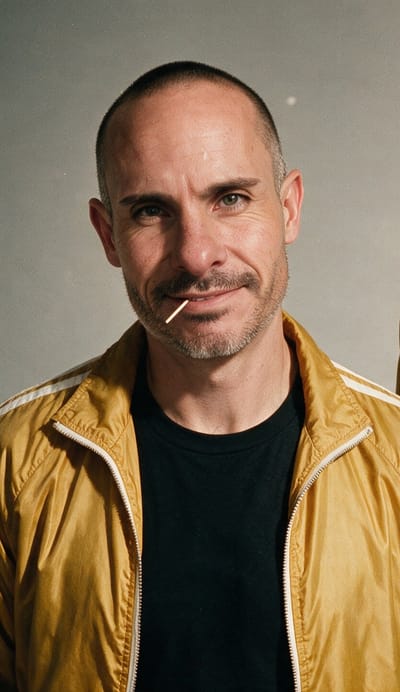 Reference
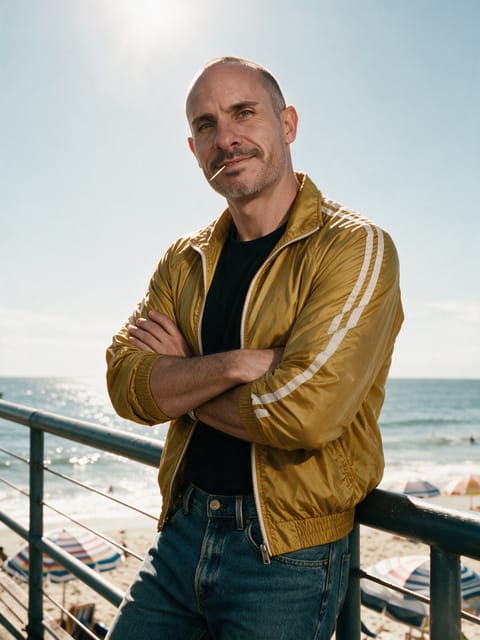 Scene 1
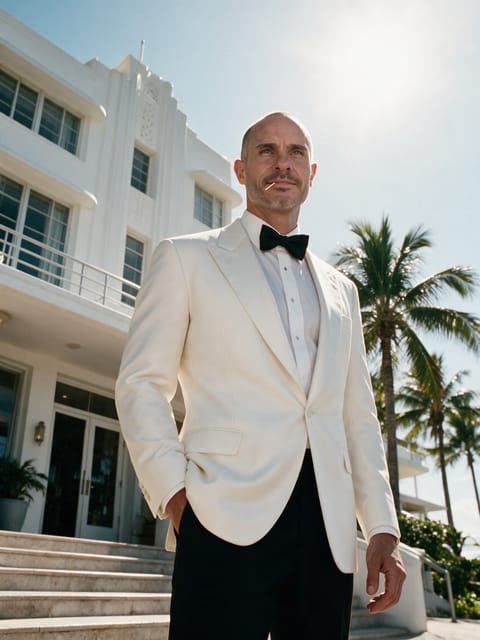 Scene 2
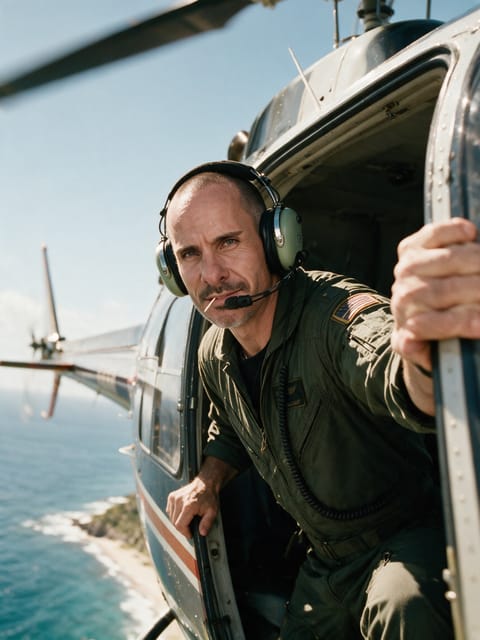 Scene 3
Save once. Shoot anywhere.
Save your AI character’s references once, describe any scene, and get the same face back on Seedream 5 Pro, Nano Banana Pro and 5 more image models.
Upload a few photos, or describe your character and generate one.
PRIMARY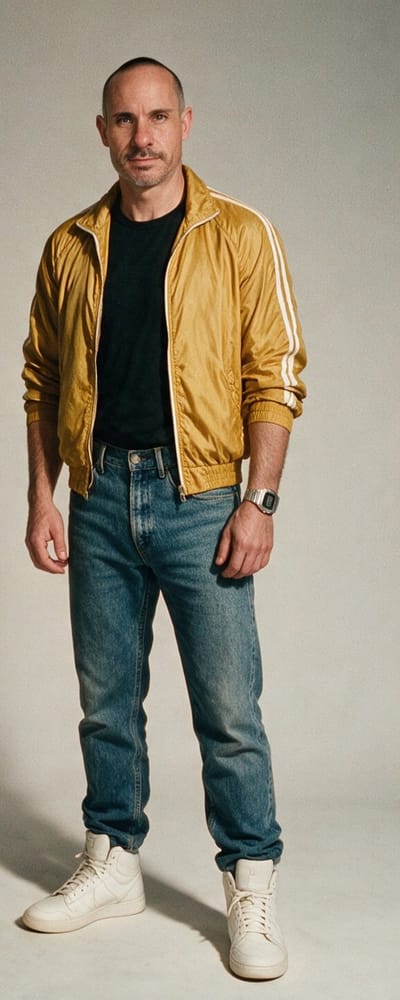
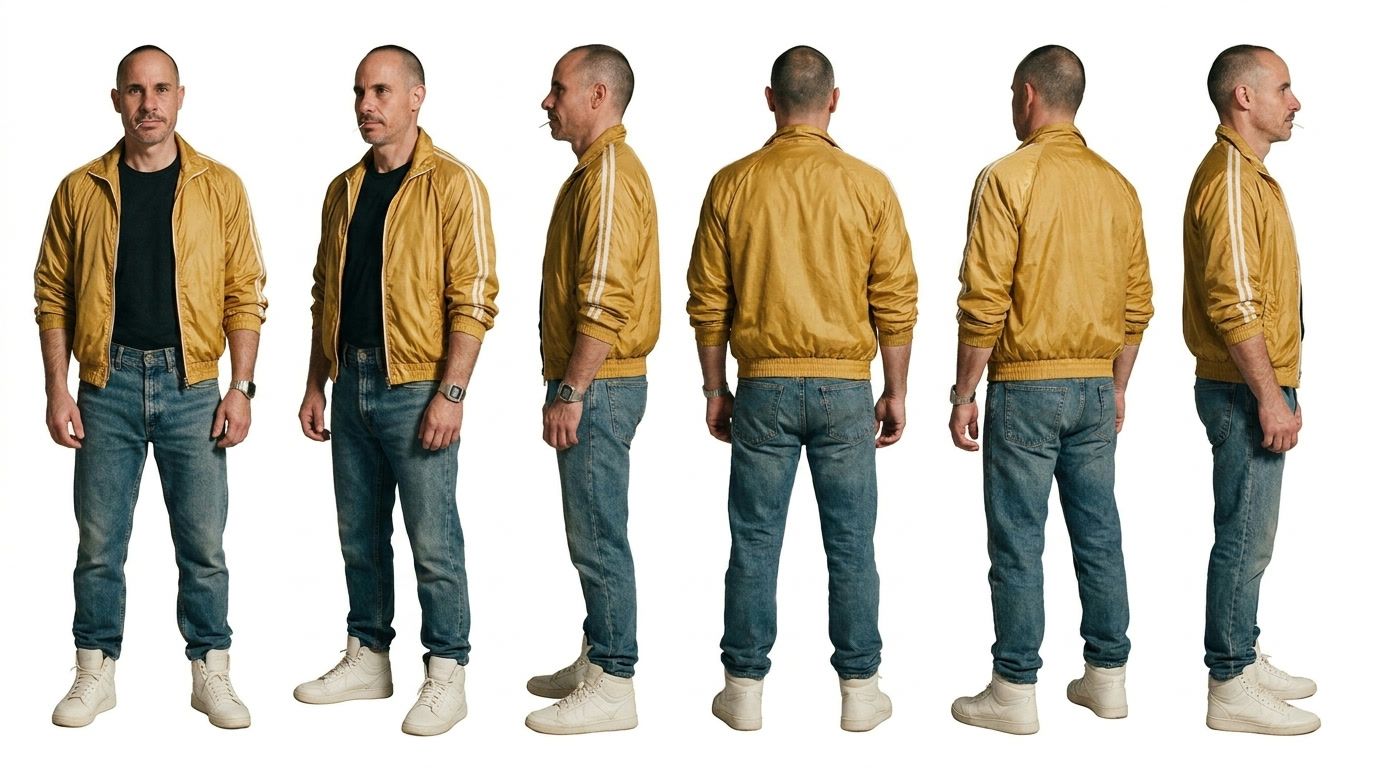
Describe the shot. Add co-stars, places or outfits.
Same face, every scene.
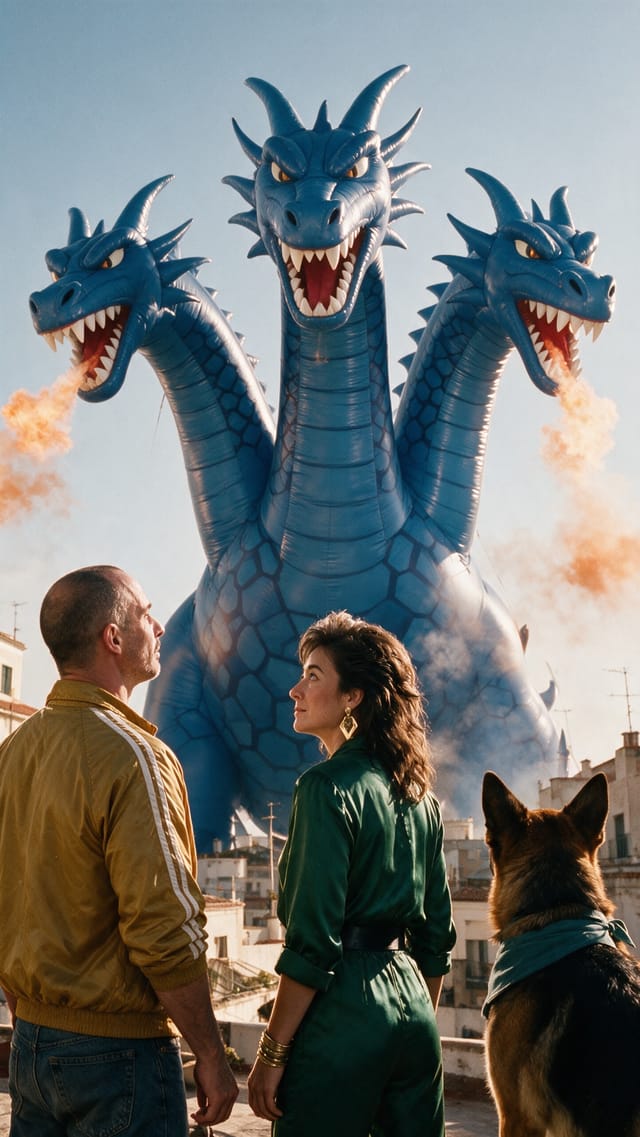
Every angle on one sheet
Switch to Sheet mode and the same references become a six-view turnaround: front, three-quarter, both sides, back and three-quarter back. Photoreal or anime, full body or portrait. Set the best one as the character’s sheet.
Video tutorial · 1:59
Watch one character go from a description to every scene
Start to finish in Character Studio: write a description, save the character, and get the same face back scene after scene.
Any style
One character, any art style
Anime, claymation, watercolor, film noir, pixel art or oil painting: Nano Banana Pro redraws your saved characters in any art style and keeps their faces, the way it redrew our own cast below.
Same cast, any style
Keep your own characters consistent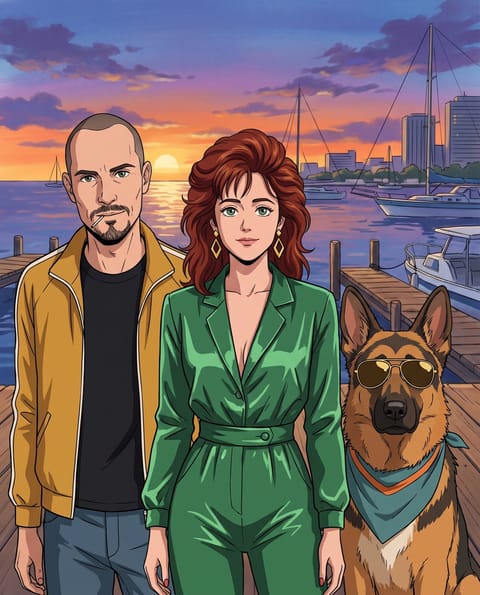 Anime
Anime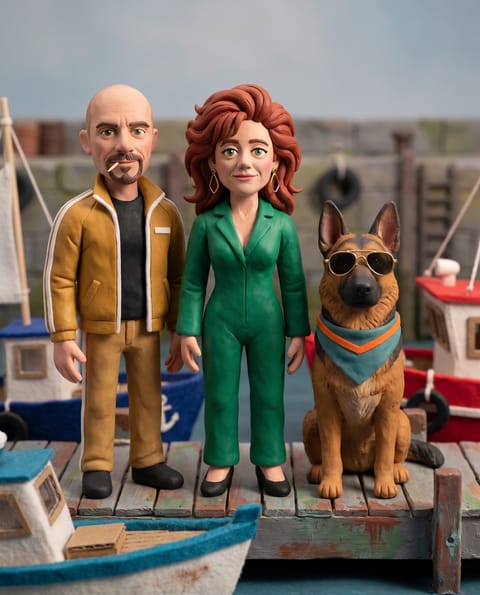 Claymation
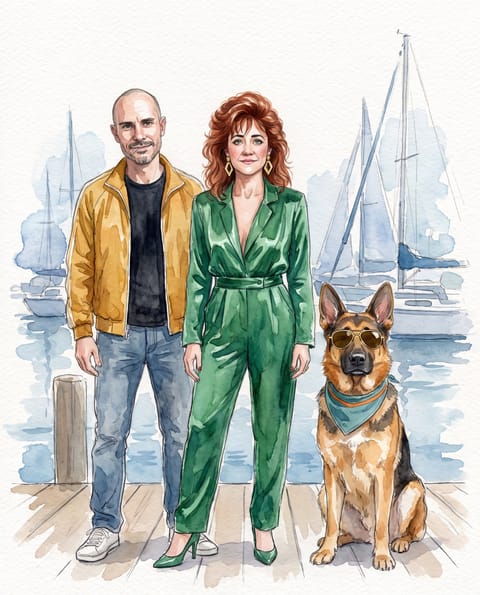 Watercolor
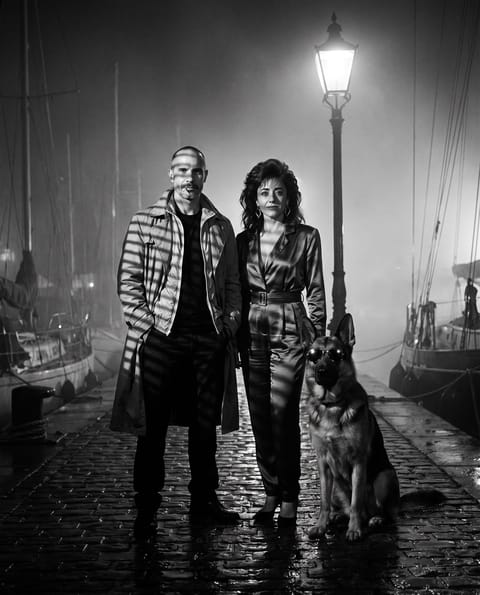 Film noir
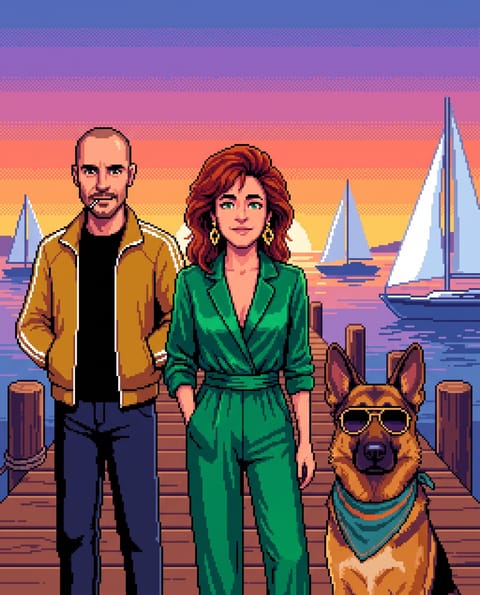 Pixel art
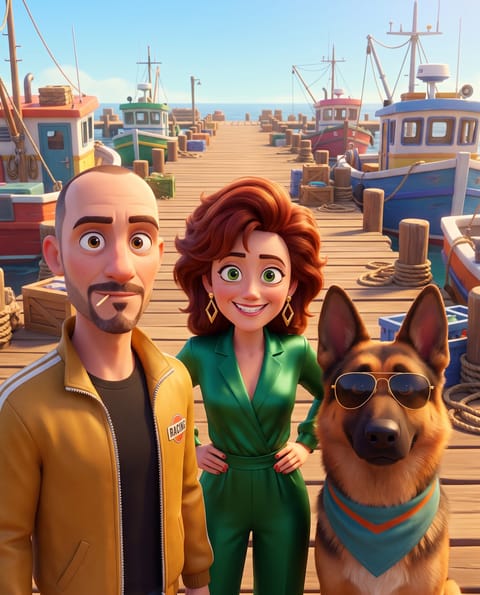 3D animated
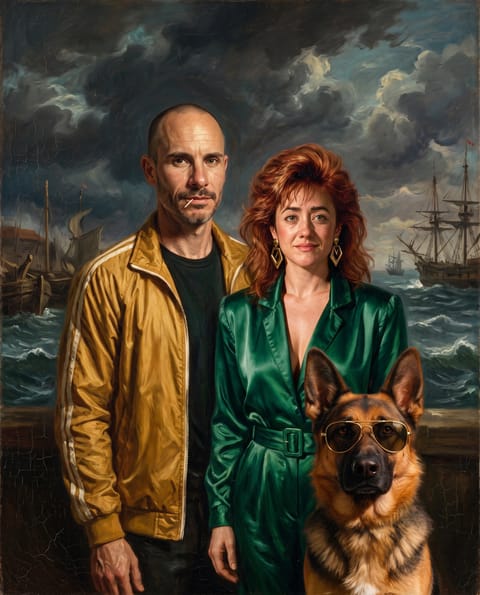 Oil painting
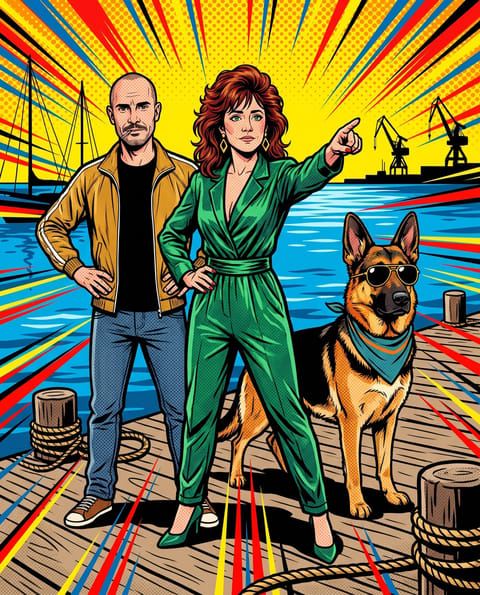 Pop-art comic
Training built in
Train this character
Pick their best shots and one click sends them to a LoRA trainer, so your consistent character keeps the same face everywhere.
Compare LoRA trainers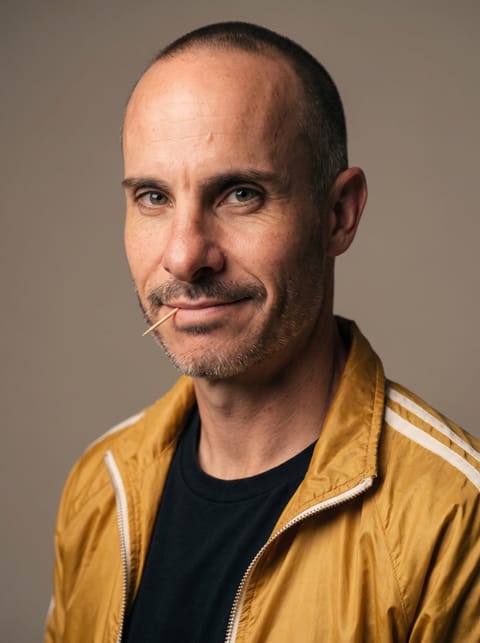
How it’s made
Four tools. One short film. All in every plan.
Save a character once, then carry the same face from the first still to the final cut.
- Seedream 5
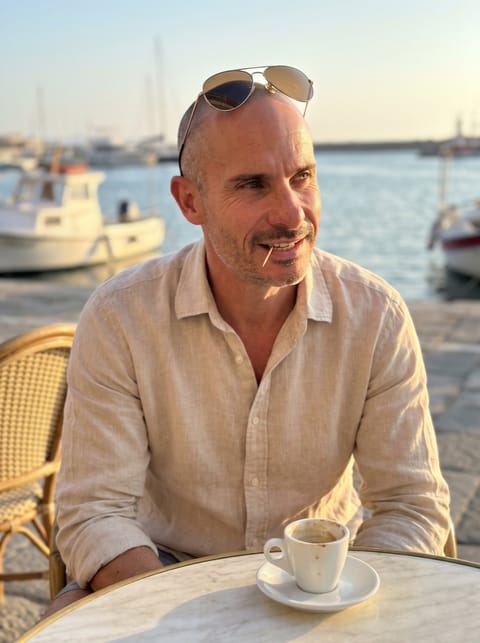
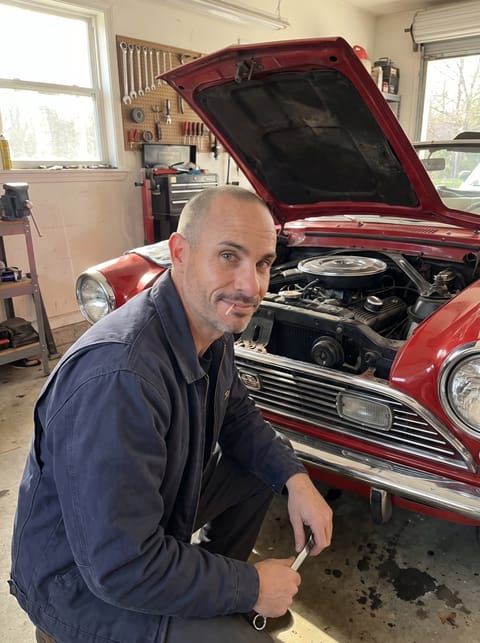
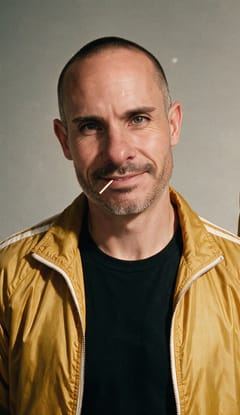
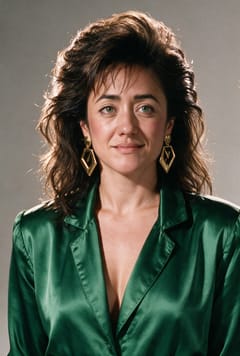
@Brian @Pamela @Circe on a sunny rooftop, a giant inflatable dragon…
02 · Frame
Generate the opening image




7 image models, included in every paid plan
Lite is $10/month with 160 credits. Credits depend on the model and the resolution, and the exact price shows before you generate.
- Same speed on every plan
- Commercial usage rights
How to make a consistent AI character
Character Studio is an AI character generator built for consistency: describe a character or upload a few photos, save them once, and every shot, character sheet and LoRA starts from the same identity. No more describing the same person from scratch in every prompt.
- Save the character. Upload a few clear photos, or describe the character and generate a look, then pick a primary reference.
- Set the scene. Describe the moment and attach cast, locations, products, outfits or styles.
- Generate. Make up to four shots in 7 aspect ratios, or a character sheet with front, side and back views.
- Keep it consistent. Pin the best results as new references, then train a LoRA when the character is worth keeping.
Your character then works across Pixel Dojo: cast them in an AI film, a product video ad or a clip in Video Studio. For prompt tips, read the consistent character prompting guide.
Questions about consistent AI characters
What is Character Studio?
Character Studio is the Pixel Dojo workspace for consistent AI characters. You save a character’s reference photos once, and the studio keeps them together with your cast, scene elements, shots, character sheets and saved results. Every new image starts from that same identity, so you can change the outfit, the location or the whole story and still get the same face back, on any of 7 image models.
How do I keep the same face in every AI image?
Save the face as a character instead of describing it in every prompt. Upload a few clear photos, or generate a look you like, and pick a primary reference. Character Studio sends those reference images with every shot, so the model works from the real face each time. Pin your best results as new references, and train a LoRA when you want the identity held even more firmly.
Can I create an AI character from a text description?
Yes. No photos needed: describe your character, generate a look you like and save it as the primary reference. From then on every shot, character sheet and LoRA starts from that same face, in any style from photoreal to anime.
Can I train a LoRA from my character?
Yes, training is built in. Pick a character’s best shots, ideally 10 to 30, and one click sends them to a LoRA trainer (Flux, Qwen, SDXL, Z-Image, Flux 2, Qwen Image 2.1) with the training set already filled in. The trained LoRA is saved to your library and works in LoRA-ready image tools, for an even steadier face across every scene. You can also start shooting right away from reference images.Compare LoRA trainers
Can I put two or three characters in one image?
Other saved characters join as cast, so two or three people can share one shot. You can also attach reusable locations, products, outfits, objects and styles from your element library. Each element keeps its reference images and description and stays saved to your account, so the same harbor, jacket or product comes back in every future scene without rebuilding it.
Which models can I use for character shots?
The studio has 7: Seedream 4.5, Seedream 5 Pro, Nano Banana Pro, Nano Banana 2.1, WAN 2.7, Qwen 3 Pro, Qwen Image 2 Pro. Each one reads your character references, and the composer shows its price and how many references it can take before you generate. Switch models in the same composer and your character, cast and elements come with you.Browse every AI image model
Can Character Studio make a character sheet?
Yes. Sheet mode builds a turnaround character sheet with front, 3/4, side and back views from your references. Choose photorealistic or anime, full-body or portrait framing, and up to four options at once. Sheets run on the same 7 models as shots, and you can set the best one as the character’s current sheet, so every angle is on file for the next scene.
Can I make an AI influencer with Character Studio?
Yes. An AI influencer is a consistent character with a feed, and that is exactly what the studio is built for. Save the persona once, then post them in new outfits, locations and moments with the same face every time. Make tall 9:16 shots for stories and reels, train a LoRA for a locked identity, and bring the character into Video Studio when the feed needs motion.See the AI influencer post generator
Can I keep a cartoon or anime character consistent for a comic or children’s book?
Yes. Save the character once, then make each page or panel as a new shot with the same face and outfit. Sheet mode makes anime turnarounds, any style from watercolor to pixel art works, and a trained LoRA keeps a mascot or storybook hero steady across a whole series.
Can I use my character in videos?
Yes. Saved characters travel across Pixel Dojo. In Video Studio, write @Name in a prompt and the character appears in a new clip. In Film Studio, cast them in an AI film, scene by scene. In Marketing Studio, put them in a product video ad. Their references come along every time, so the face you built here is the face on screen.Watch an AI film made with saved characters
What happens to my finished images?
They stay with the character. Recent results appear in the character’s workspace, where you can recall the prompt with its attachments, pin an image as a new reference, set a turnaround as the current character sheet, save it to the character’s folder in your Library, or download it. Every good result can make the next one better.
How much does Character Studio cost?
Character Studio is included with every paid Pixel Dojo plan, from $10 per month with 160 credits. Credits depend on the model and the resolution, and the exact cost shows before you generate. LoRA training is priced by trainer, and every plan includes commercial usage rights.