change camera angle ai
Generated on PixelDojo. Produced by PixelDojo's generation pipeline.
You finally captured or generated the perfect subject, yet the camera angle falls short of your vision. PixelDojo's dedicated Change Camera Angle tool in Edit Images solves this instantly. Upload any photo or AI-created image and generate fresh viewpoints—overhead, low-angle, side, or even behind the subject—without reshooting, 3D modeling or starting over. Turn a single product photo into a complete e-commerce catalog with front, three-quarter and bird's-eye views. Transform an ordinary portrait into a powerful low-angle hero shot that commands attention or a high-angle composition that conveys vulnerability. Architectural interiors become dramatic establishing shots, and character designs gain cinematic depth for storyboards and marketing. PixelDojo combines this precise editor with 100+ generation tools including Nano Banana 2, Flux.2 Studio, QWEN Image 2, Seedream 5 and Kling Image so you can create the base image first, then reframe it perfectly. The AI reconstructs hidden geometry, preserves identity, lighting and textures, and delivers photorealistic results in seconds. You save hours of photography time, reduce costs dramatically and maintain complete creative control. Whether you sell online, produce content, design characters or build architectural visualizations, you achieve professional multi-angle assets that boost engagement and conversions. 1M+ creators already rely on PixelDojo for consistent, high-quality output. Start today, experiment freely and cancel anytime.
Real image examples generated on PixelDojo
Every example below was produced on PixelDojo. Hover to see the prompt.
The camera tilts upward past character1
grok-r2v
The camera tilts upward toward the open sky
grok-video-extend
The camera slowly orbits character1
grok-r2v
The camera glides sideways
grok-video-extend

A highly detailed 8K wallpaper of a fallen angel
flux
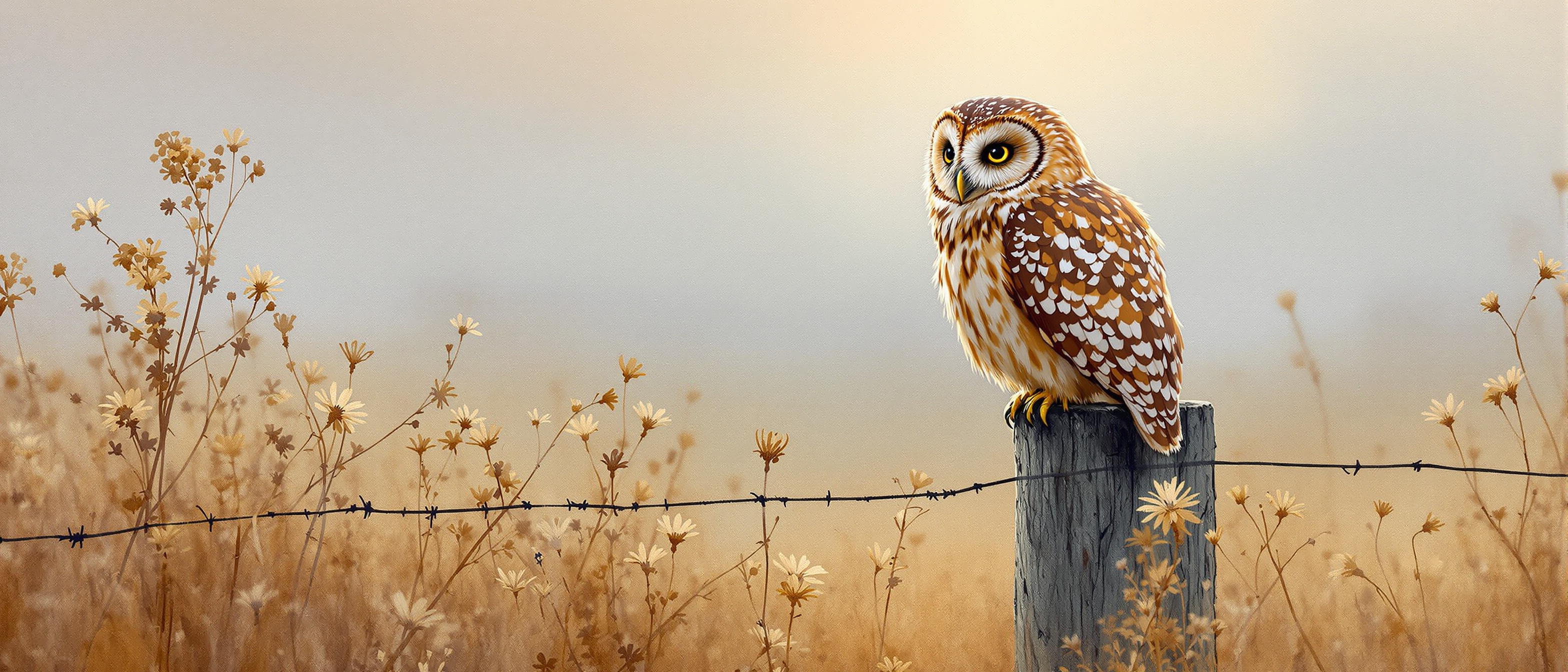
A tawny owl sitting on a fence post
flux
Models you can run on PixelDojo for change camera angle ai
Switch models without switching tools. Each one runs in the same PixelDojo studio.
What you can do with change camera angle ai on PixelDojo
New Viewpoint From One Image
Upload a still and generate the same scene from another camera angle while keeping subject, lighting, and style consistent.
Orbit Around Your Subject
We let you produce left, right, three-quarter, and overhead views of a character or product without rebuilding the prompt from scratch.
Control Height And Framing
Specify eye level, low angle, or bird's eye framing so generated shots match the composition you need for storyboards and listings.
Batch Alternate Camera Angles
Create several angle variants in one run so you can compare coverage and pick the frames that work for your project.
Loved by 1M+ creators worldwide. PixelDojo's 100+ cutting-edge AI tools power daily professional workflows with 4.9-star user feedback for speed, control and quality. Join them and transform your images in seconds.
Why Choose Pixel Dojo for change camera angle ai
Professional-quality results with cutting-edge AI technology
Eliminate Expensive Reshoots Completely
Generate every camera angle you need from one original image. Product sellers create full 360-degree catalogs, photographers salvage imperfect shots, and filmmakers build complete coverage without extra sessions or equipment.
Craft Emotionally Charged Visual Stories
Choose low angles to make subjects look powerful, high angles for intimacy or scale, Dutch tilts for tension, and POV shots for immersion. Your images instantly communicate mood and narrative that generic photos cannot match.
Build End-to-End Creative Pipelines Fast
Generate the starting image with Flux.2 Studio or Seedream 5, reframe with Change Camera Angle, polish with Inpainting or Magic Lighting, upscale with Magnific Upscaler, then animate with Kling Video or Seedance 2.5—all inside one platform.
How It Works
PixelDojo makes changing camera angles simple and precise. Begin with any uploaded photo or an image you generate using our top models, then let the dedicated editor reconstruct the scene from your chosen viewpoint while keeping every important detail intact.
Step 1: Choose Your Tool
Sign in to PixelDojo and go to the Edit Images section. Select the Change Camera Angle tool. If you need a starting image, first generate one with Nano Banana 2, GPT Image 2, Grok Image, Flux.2 Studio, QWEN Image 2 or Seedream 5 for maximum quality and consistency.
Step 2: Enter Your Prompt
Upload your image. Use the horizontal orbit slider (0–360°) to rotate around the subject, the vertical tilt slider for high or low angles, and the zoom control for close-up or wide shots. Add a short prompt if you want extra style guidance. The interface shows a live preview so you can fine-tune before generating.
Step 3: Customize & Download
Click generate to receive your new viewpoint in seconds. Refine details with Inpainting or Image Outpainting, apply Style Transfer or Reality Polisher, then upscale with P-Image Upscale or Clarity Pro. Download high-resolution files ready for web, print or video. Continue into Kling Video, WAN 2.7 Video or Marketing Studio if you want motion.
The Pixel Dojo Advantage
Why PixelDojo outperforms other options for change camera angle AI image generation
| Others | Pixel Dojo |
|---|---|
| Traditional photography and reshoots | One image becomes multiple professional angles in seconds instead of scheduling extra shoots, renting studios or hiring 3D artists. You keep the original lighting and details while adding new perspectives at almost zero extra cost. |
| Generic AI tools | PixelDojo gives you a purpose-built Change Camera Angle editor with precise 360-degree orbit, tilt and zoom controls plus identity preservation. Prompt-only generators often distort faces, products or architecture; our dedicated tool does not. |
| Manual photo editing | Skip hours of perspective warping, cloning and content-aware fill. The AI automatically reconstructs hidden geometry and textures so you get photorealistic results without advanced Photoshop skills or tedious masking. |
Loved by creators on PixelDojo
Real feedback from people using PixelDojo, pulled from our in-product surveys.
Prompt updates, strong features, and a community that is always willing to help and hear/act on professional feedback. I've never had a better experience.
user friendly all in one thing
I really like the schedule of AI work performed!
The best tools for IA on the web !
The guy that operates the website is constantly updating it
I’ve been using PixelDojo for around 8 months now and it’s always worked wonderfully while constantly adding features.
Explore more AI tools on PixelDojo
Popular AI Models
AI Tools
Compare & Switch
- All AI Tool Alternatives
- Pollo AI Alternative
- PixelDojo vs Pollo AI
- Pollo AI Review
- MotionMuse AI Alternative
- MioCreate Alternative
- Dessi AI Alternative
- Runway Alternatives
- CapCut Alternatives
- Leonardo Alternatives
- OpenArt Alternatives
- Midjourney Alternatives
- Canva AI Alternatives
- Pika Alternatives
- InVideo Alternatives
- Higgsfield Alternatives
- Krea Alternatives
- Luma Alternatives
- Magic Hour Alternatives
- HeyGen Alternatives
- PixAI Alternatives
- Vidu Alternatives
- Seedream Alternatives
- Tensor.Art Alternatives
Common Questions
Everything you need to know about change camera angle ai
How do I change the camera angle of an existing photo using AI?
Simply upload the photo to PixelDojo's Change Camera Angle tool located in Edit Images. Adjust the horizontal, vertical and zoom sliders to the exact viewpoint you want. The AI estimates the 3D scene and generates a new photorealistic image while preserving the original subject, lighting and style. You can then refine with Inpainting or upscale with Magnific Upscaler.
What is the best AI tool to generate multiple camera angles from one image?
PixelDojo's Change Camera Angle editor is purpose-built for this exact task. Combined with generators such as QWEN Image 2, Seedream 5 and Flux.2 Studio you can create a perfect starting image and then produce every angle you need. Thousands of e-commerce sellers and content creators already use this workflow daily because it is fast, consistent and included with all 100+ tools.
Can AI change camera angles in generated images without losing quality or identity?
Yes. PixelDojo's tool is designed to maintain facial features, product details and overall composition. After the new angle is created you can further enhance with Reality Polisher, Clarity Pro or Portrait Upscaler. Many users then feed the result into Kling Video or Seedance 2.5 to add cinematic camera movement while keeping the same character or product.
How can I create dramatic low-angle or bird's-eye view shots with AI?
Use the vertical-angle slider inside Change Camera Angle: negative values give powerful low/worm's-eye views, positive values give high/bird's-eye perspectives. Pair this with images generated by Ideogram 4, PonyXL or Hunyuan Image 3 for stunning results. The same controls also produce Dutch angles, over-the-shoulder and POV shots for storytelling.
Is PixelDojo's change camera angle feature good for e-commerce product photography?
It is one of the most popular uses. Upload a single well-lit product photo and instantly generate front, side, three-quarter, overhead and even behind views. Keep backgrounds consistent or remove them with Background Remover, then add virtual try-on with Flux Pro Virtual Try-On. All images stay commercially usable and you can cancel anytime.
Which other PixelDojo tools work best after I change the camera angle?
After reframing, use Image Outpainting to expand the canvas, Style Transfer for artistic looks, Magic Lighting for mood, and Character Sheets or Consistent Characters to keep people identical across angles. For video, send the new still into VEO 3.1, Kling Video, WAN 2.7 Video or P Video Animate. Developers can automate everything via the Change Camera Angle API.