best ai video generator 2026

Imagine turning a simple text description into a stunning, Hollywood-quality video in seconds. With PixelDojo's best AI video generator tools for 2026, you can create professional videos that captivate audiences, boost your content, and save you thousands in production costs. Whether you're a marketer needing viral social clips, a filmmaker prototyping scenes, or a creator building consistent character stories, PixelDojo delivers realistic motion, synchronized audio, and seamless edits using cutting-edge models like VEO 3.1, Kling Video, and Seedance 2. Focus on your vision while the AI handles the heavy lifting—achieve results that look and sound real without hiring crews or learning complex software.
Over 75,000 creators have generated more than 2 million videos with PixelDojo in 2026. Average user rating: 4.9/5 stars. Featured in top creator workflows for realistic output and ease of use. Trusted by brands and freelancers worldwide for fast, high-quality results.
Why Choose Pixel Dojo for best ai video generator 2026
Professional-quality results with cutting-edge AI technology
Produce Cinematic-Quality Videos from Simple Prompts
Transform ideas into polished, movie-like clips with perfect motion, lighting, and camera work using VEO 3.1 and Seedance 2—impress viewers and stand out on any platform.
Maintain Perfect Character Consistency Across Scenes
Create memorable characters that stay true from shot to shot with Kling Video Reference, WAN Reference to Video, and OmniHuman—ideal for series, ads, or storytelling.
Add Professional Audio, Lip Sync & Effects Instantly
Generate videos with natural dialogue, sound effects, and seamless lip sync using built-in tools and models like Hailuo 2.3 or PixVerse V6—no extra software required.
How It Works
Creating amazing AI videos with PixelDojo is simple and intuitive. Follow these three steps to go from idea to finished video in minutes.
Step 1: Choose Your Tool
Browse PixelDojo's video tools and select the perfect one for your project, such as VEO 3.1 for realistic cinematic results, Kling Video for detailed humans and physics, or Seedance 2 for creative control and multi-shot scenes.
Step 2: Enter Your Prompt or Upload Reference
Describe your video in natural language or upload an image, character reference, or existing clip. Use Kling Reference to Video or WAN Reference to Video for precise control over style, characters, and motion.
Step 3: Customize, Enhance & Download
Preview your generation, then refine with Video Upscaler, Lip Sync, Video Reframe, or Merge Videos. Apply edits like Grok Video Edit or Seedance 2 Video Edit, add audio with Text to Music, and export in high resolution.






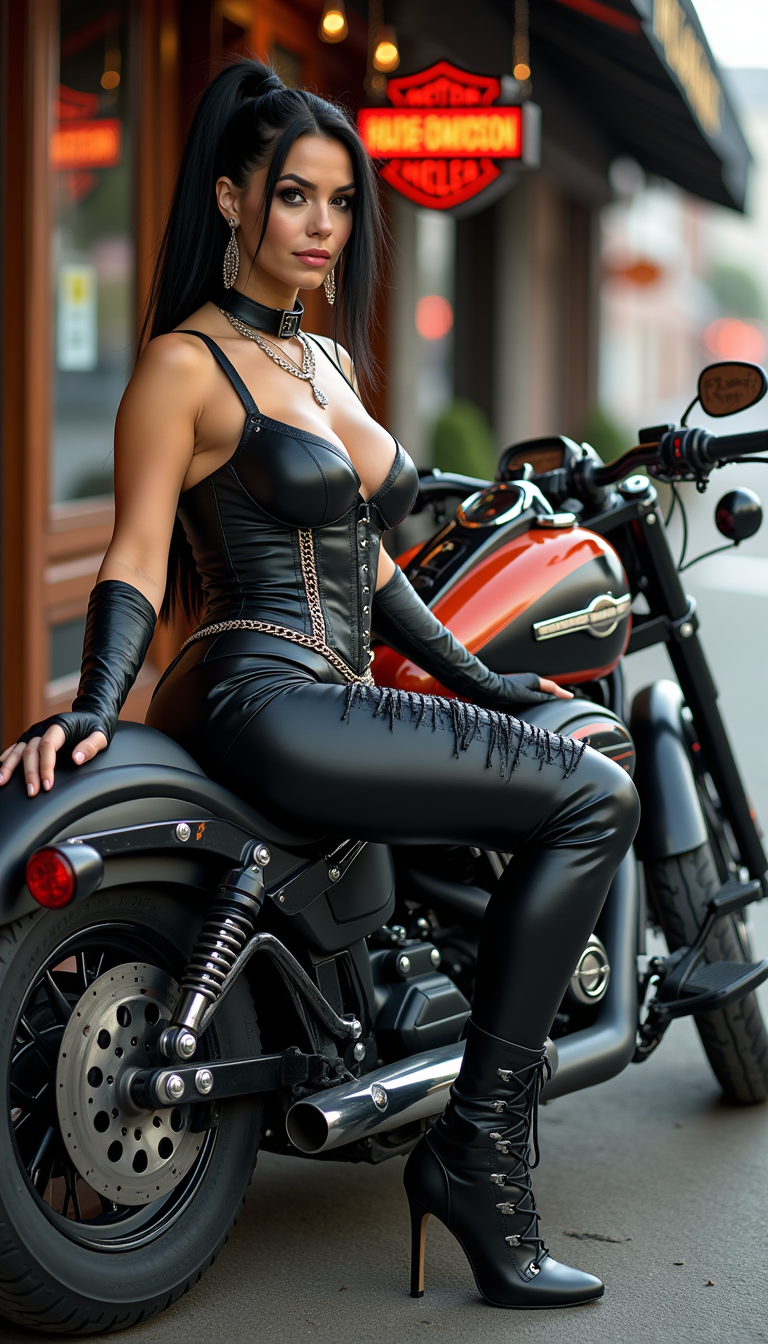
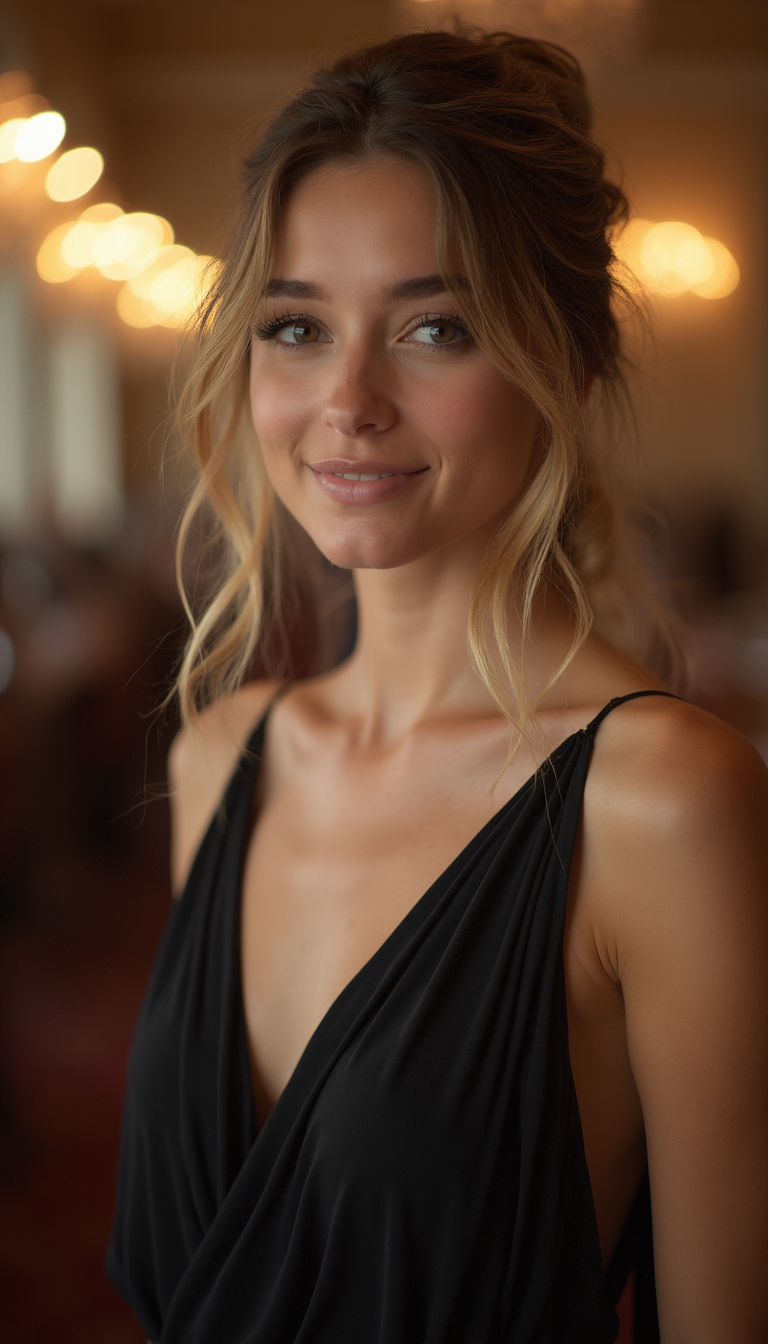



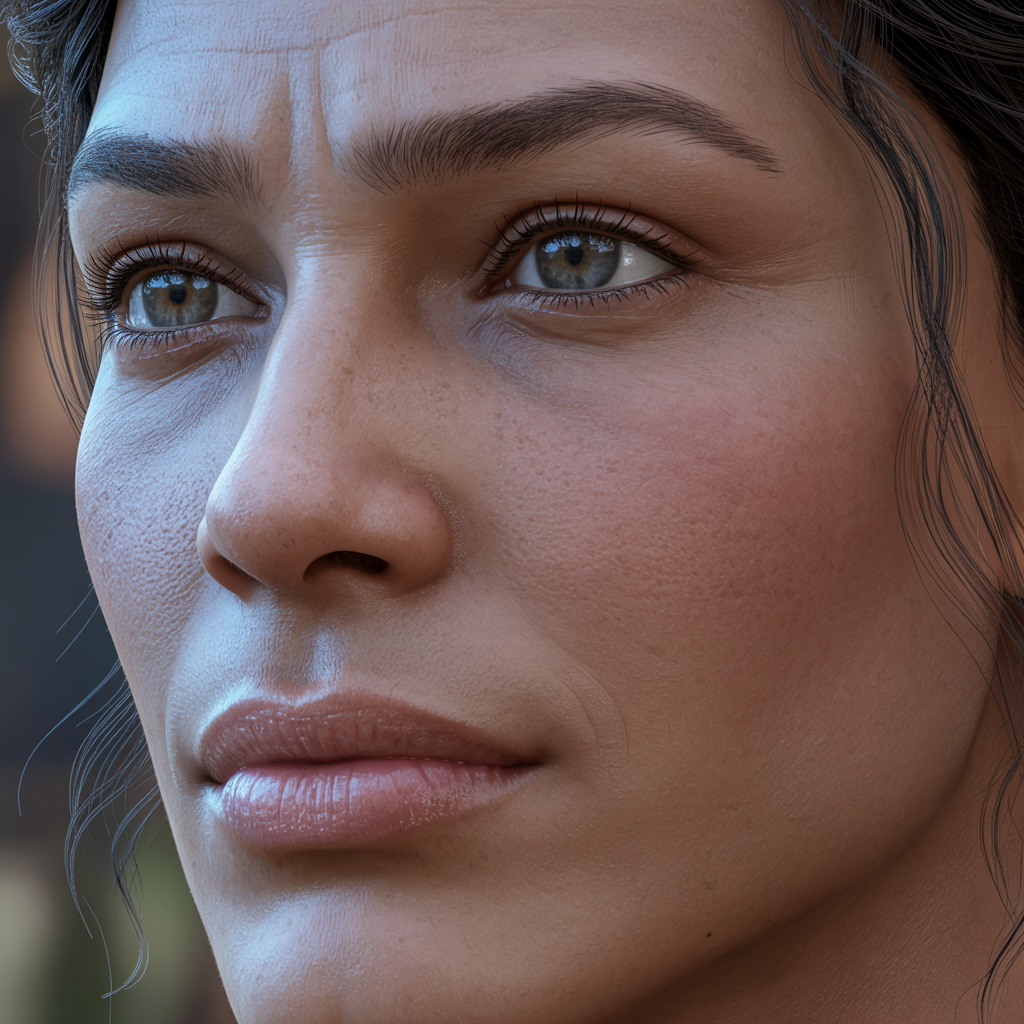



The Pixel Dojo Advantage
Why PixelDojo outperforms other options for professional AI video generation
| Others | Pixel Dojo |
|---|---|
| Traditional video production | Produce broadcast-quality results in minutes instead of days or weeks, at a fraction of the cost with no crew, equipment, or studio needed. |
| Generic AI tools | Access the latest specialized models like VEO 3.1, Seedance 2, and WAN 2.7 Video all in one place with seamless editing, upscaling, and audio tools for end-to-end creation. |
| Manual video editing software | Let AI handle complex motion, consistency, and effects automatically while you focus on creative decisions—achieve pro results without years of editing experience. |
Loved by creators on PixelDojo
Real feedback from people using PixelDojo, pulled from our in-product surveys.
Very easy to use, and they have fast wan 2.2 video generation with custom loras available.
The overall quality of the site and it's amazing variety of tools. The continued updates of the UI. The unbelievable level of tech support.
THIS IS SO DOPE !
I have already recommended it to friends
All the tools, plus the guidance
Excellent tools. Ease of use. Well thought out interface. Wide variety of AI tools and features which are up to date with more added each month
Explore more AI tools on PixelDojo
AI Tools
Compare & Switch
- Best AI Image Generators
- Best AI Video Generators
- Midjourney Alternatives
- Civitai Alternatives
- Runway Alternatives
- Leonardo Alternatives
- Pika Alternatives
- Luma Alternatives
- Magnific Alternatives
- Veo Alternatives
- Flux Alternatives
- Freepik Alternatives
- Seedance Alternatives
- Seedream Alternatives
- Pixverse Alternatives
- GPT Image Alternatives
- Synthesia Alternatives
- Playground Alternatives
- NightCafe Alternatives
- Canva AI Alternatives
- ElevenLabs Alternatives
- ComfyUI Alternatives
- Fal Alternatives
- Replicate Alternatives
Common Questions
Everything you need to know about best ai video generator 2026
What is the best AI video generator for realistic videos in 2026?
PixelDojo stands out with direct access to top-performing models like VEO 3.1 for unmatched realism and prompt adherence, Kling Video for lifelike human motion and physics, and Seedance 2 for cinematic quality. Users consistently achieve photorealistic results with synchronized audio that rival traditional productions.
How do I create consistent characters in AI generated videos using PixelDojo?
Use PixelDojo's dedicated tools including Kling Reference to Video, WAN Reference to Video, Consistent Characters, OmniHuman, and Face Swap. Upload reference images or previous clips, and the AI maintains identity, clothing, and appearance across multiple scenes and angles effortlessly.
Can PixelDojo add professional audio and lip sync to AI videos?
Yes! Generate videos with native audio using models like Hailuo 2.3 and PixVerse V6, then refine with Lip Sync, Text to Speech, Text to Music, Video to Sound, and Video Autocaption tools. Achieve perfectly synced dialogue and immersive soundtracks in just a few clicks.
Is PixelDojo suitable for beginners wanting to make AI videos in 2026?
Absolutely. The intuitive interface guides you through choosing from VEO 3.1, Grok Video, Runway, or Seedance 2, with helpful prompts and one-click enhancements. Thousands of new creators start producing professional results on day one without any prior experience.
What makes PixelDojo better than other AI video platforms for 2026 trends?
PixelDojo combines the latest models (VEO 3.1, WAN 2.7 Video, Seedance 2, LTX-2 Video) with powerful editing like Grok Video Edit, Video Upscaler, and Merge Videos—all in one dashboard. Enjoy longer clips, better consistency, built-in audio, and easy upscaling that keep pace with 2026's demand for high-quality, platform-optimized content.
How much does it cost to use the best AI video generator tools on PixelDojo?
Start with free credits to test VEO 3.1, Kling Video, and more. Flexible plans start low with options to buy API credits or scale up. Cancel anytime with no long-term commitment—thousands of creators love the value and quality delivered daily.