AI Photo Effects
49 one-click effects for your photos. No prompt to write. Free to try: 3 a day with a free account, no card needed.
Unlimited photo effects on every planHolidays
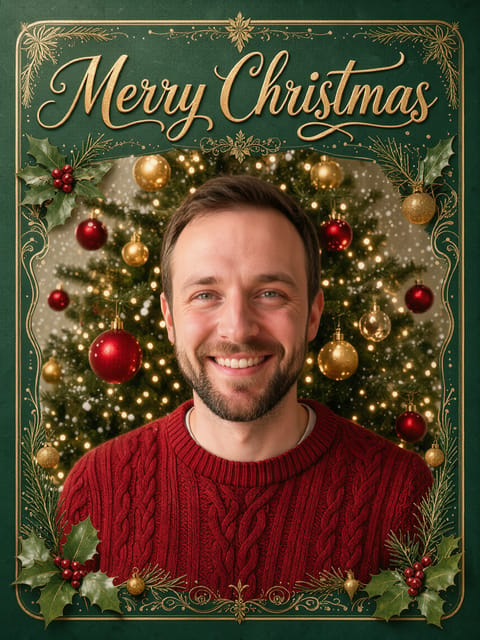

Christmas Card
Your photo on a classic Christmas card.
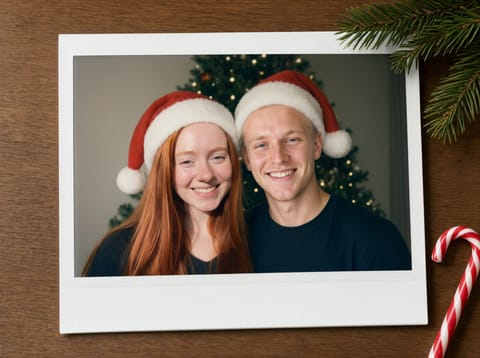
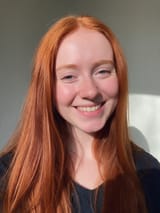
Holiday Polaroid Duo
Two photos, one holiday instant print.

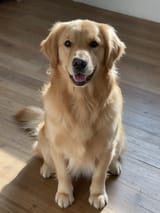
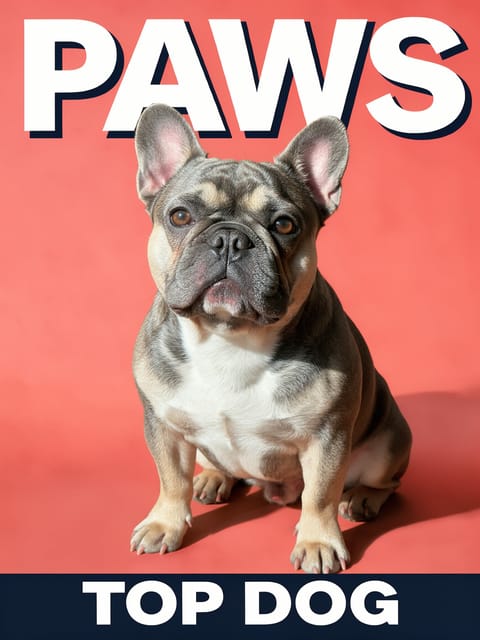
Christmas Pet Poster
Your pet as a Christmas movie star.
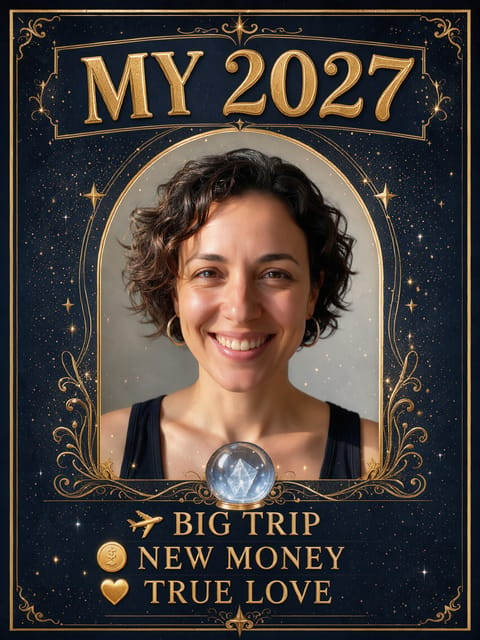

My 2027 Prediction
Your 2027 fortune, on a card.
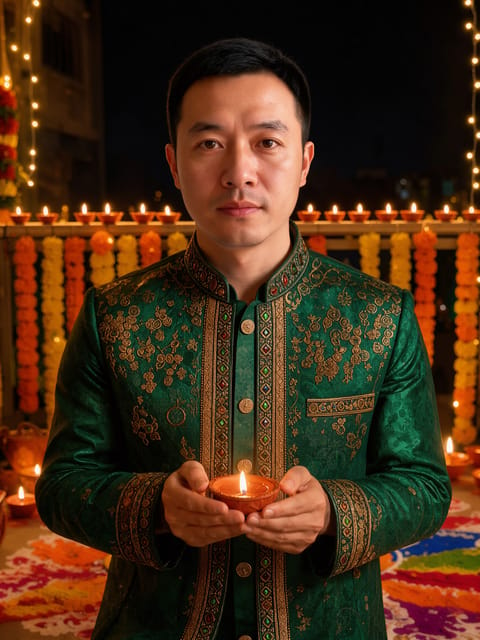

Diwali Portrait
A glowing Diwali portrait of you.
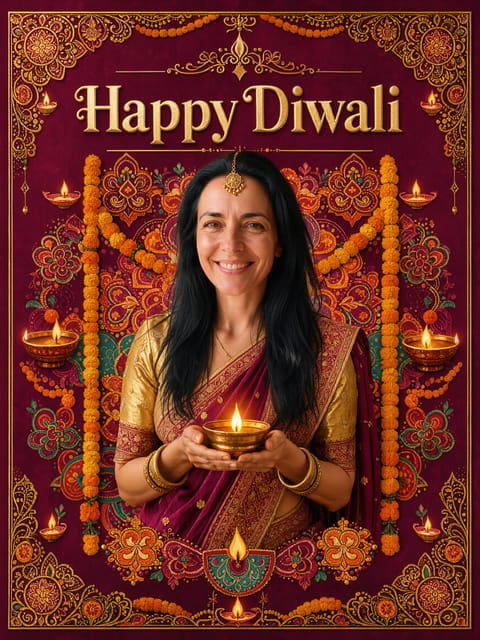

Diwali Card
Your photo on a Happy Diwali card.
Art Styles
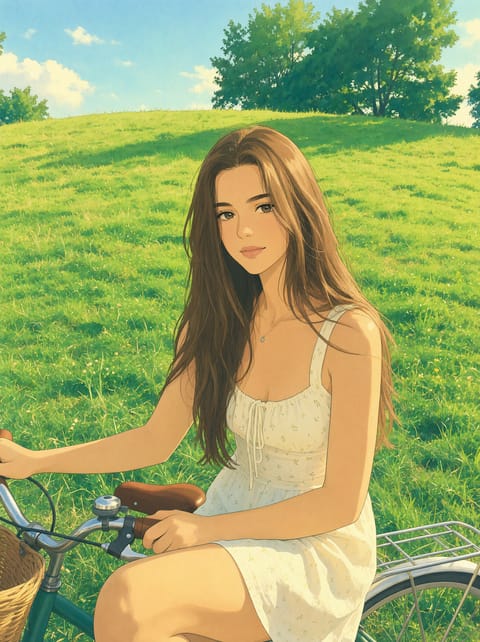
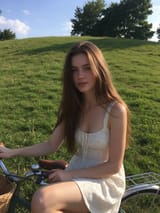
Ghibli Style Photo
Your photo as a Ghibli-style anime film still.
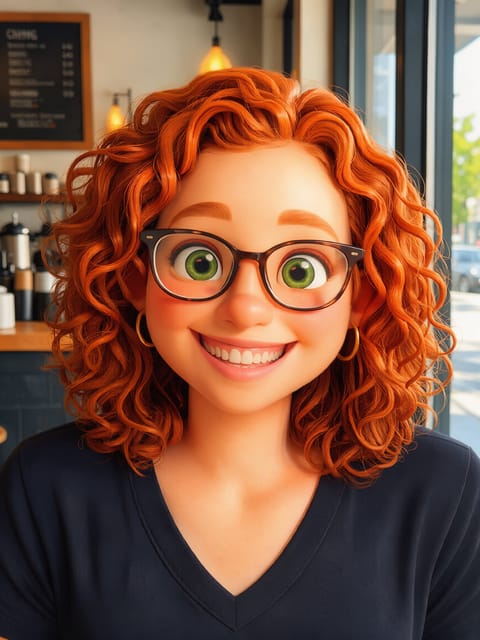

3D Cartoon Character
An animated-movie version of you.
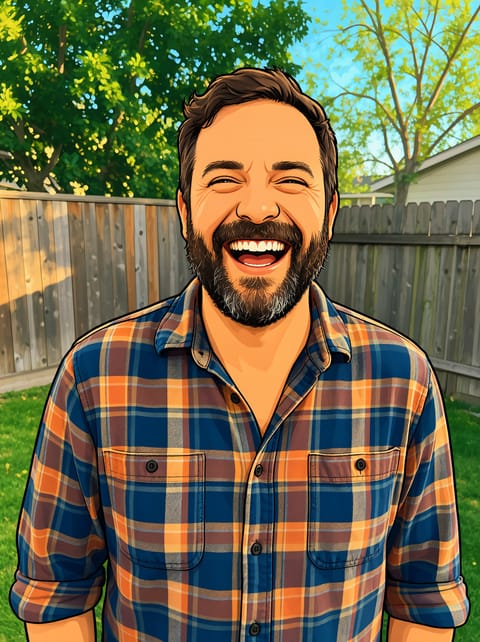
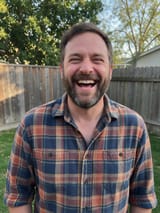
Photo to Cartoon
A bold, clean 2D cartoon of your photo.
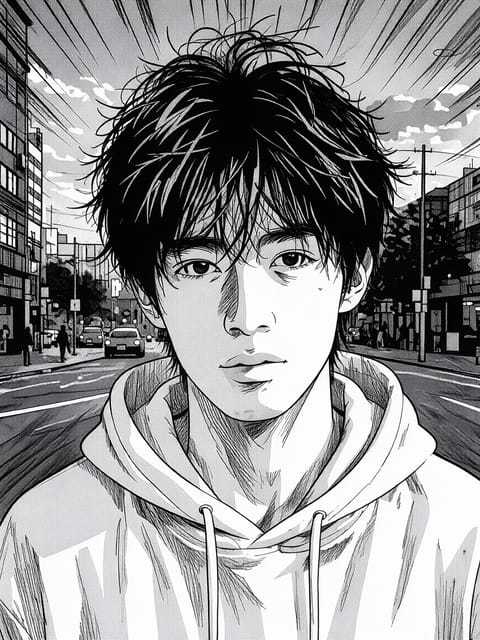
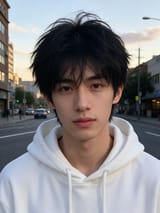
Manga Filter
Black and white manga panel art.
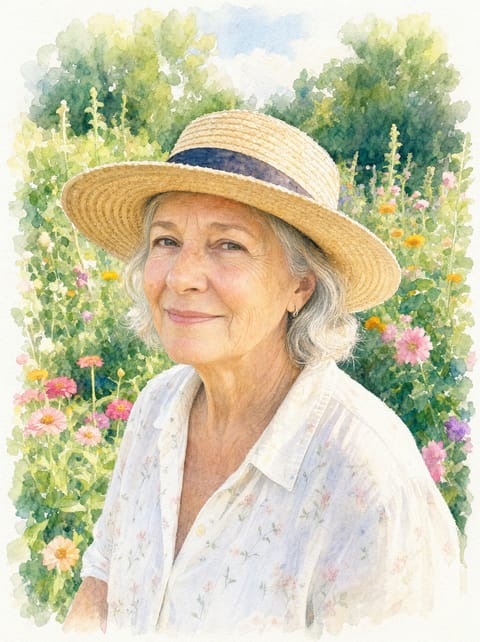

Watercolor Portrait
A soft watercolor painting of your photo.
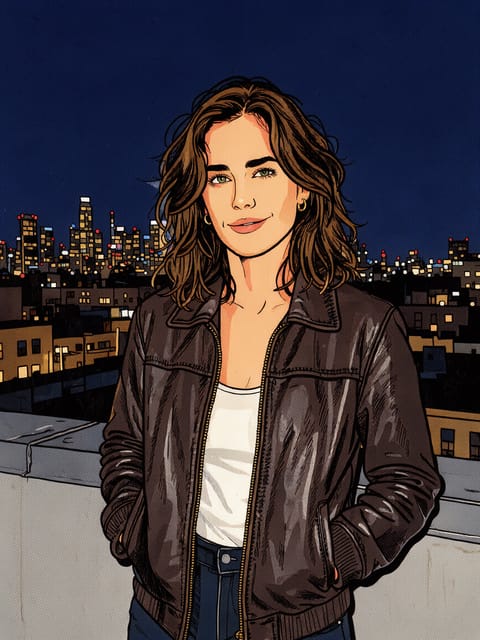

Comic Book Filter
A full-color comic book panel.
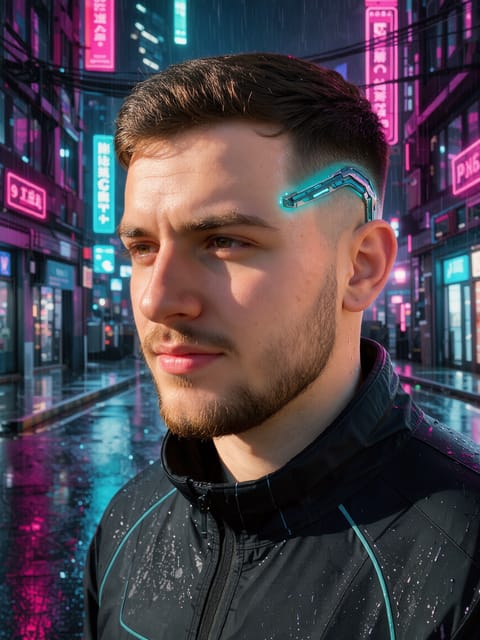
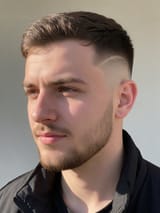
Cyberpunk Filter
Neon future city version of you.
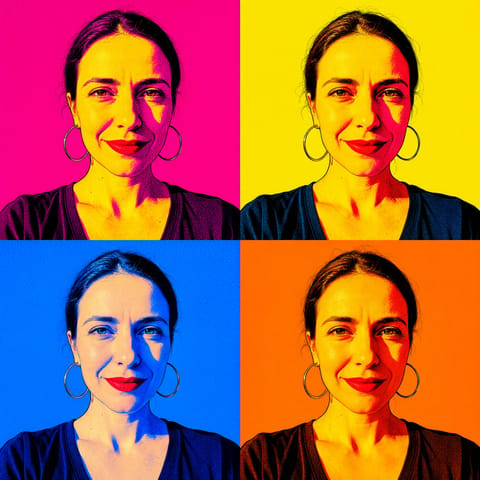

Pop Art Portrait
A four-panel pop art print of you.
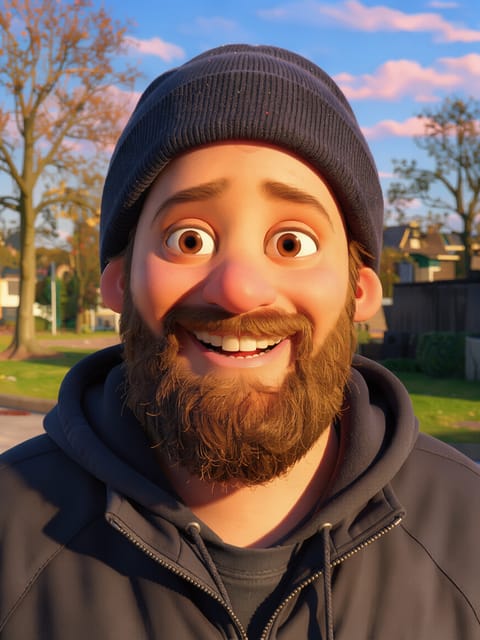

Pixar-Style 3D Character
You as a Pixar-style movie hero.
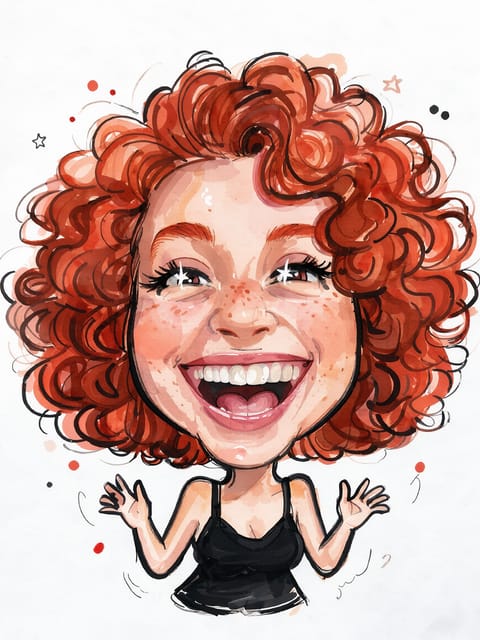
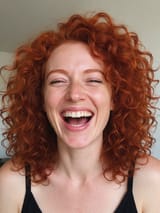
Caricature Maker
A big-head caricature of you.
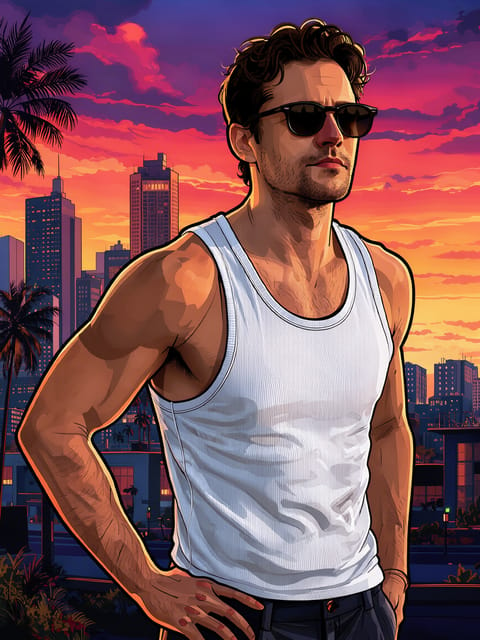
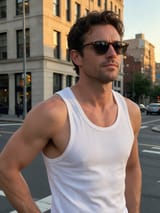
GTA-Style Filter
You as an open-world game cover star.
Toys & 3D
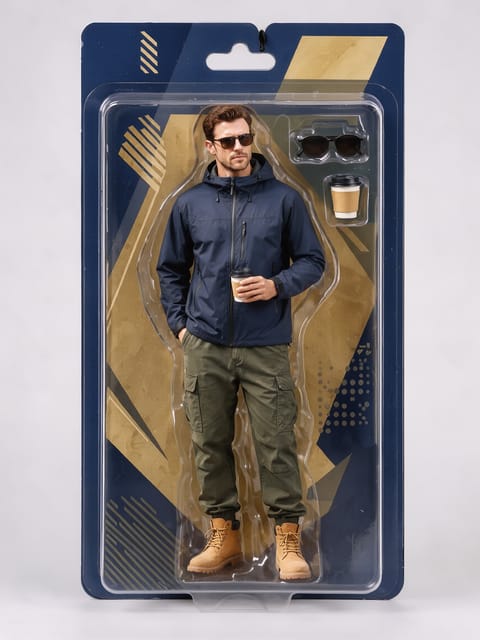
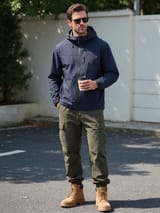
AI Action Figure
You, boxed as a collectible action figure.
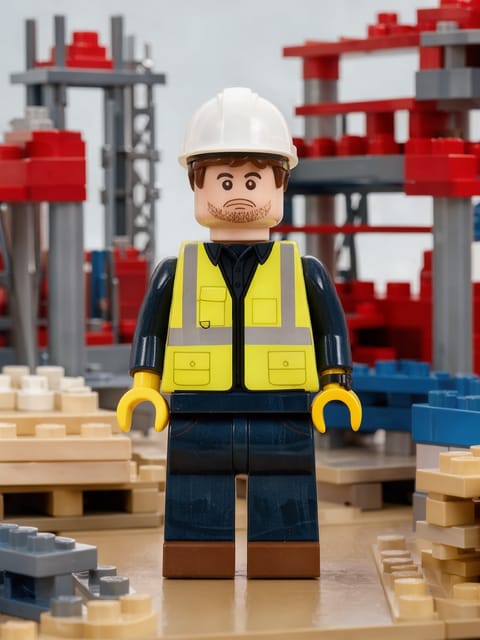

Brick Toy Figure
You, built as a plastic brick minifigure.
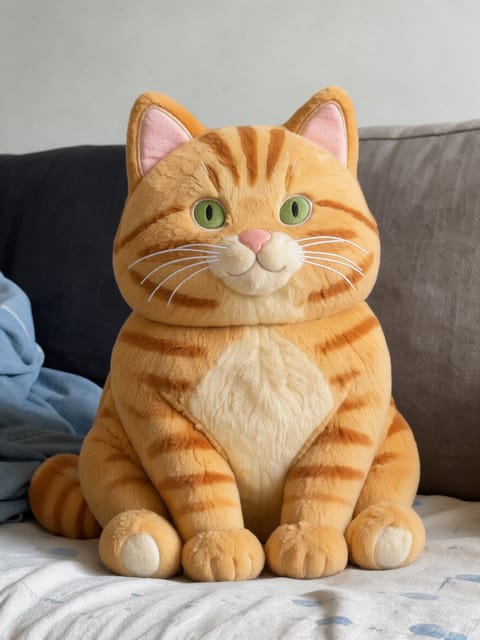
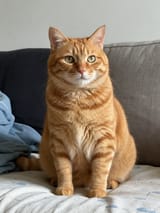
Plush Pillow
Your pet or portrait as a soft plush pillow.
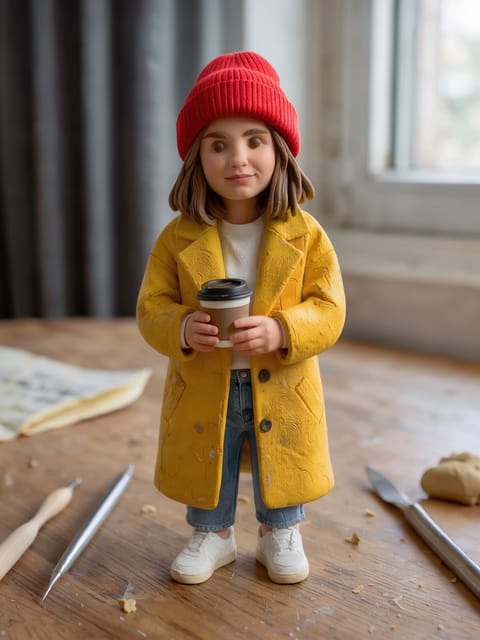
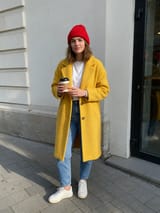
Clay Figure
You as a handmade clay figurine.
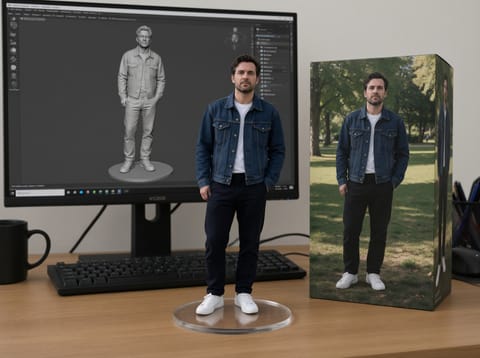
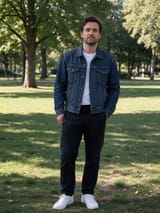
Mini Me World
A tiny collectible figure of you on a desk.
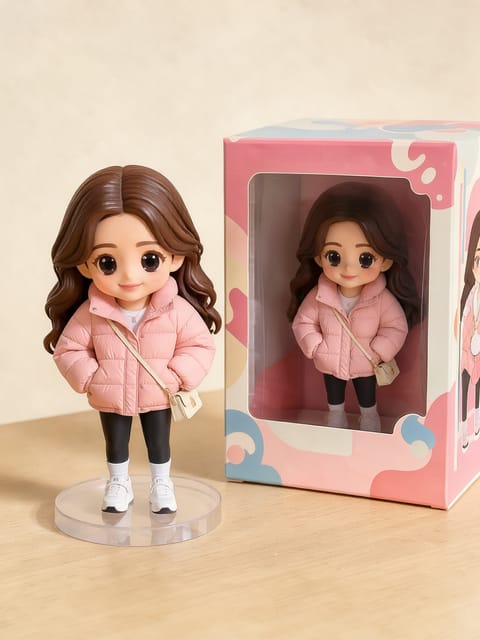
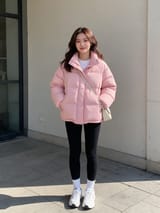
Chibi Figure with Box
A chibi collectible of you, boxed.
Fun



Retro
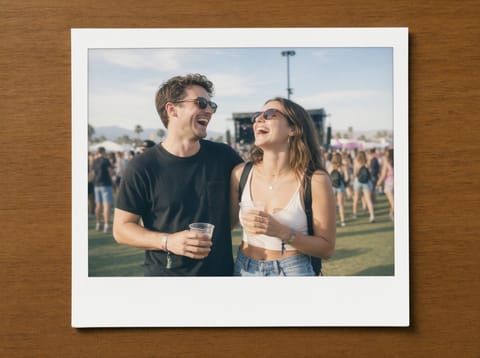
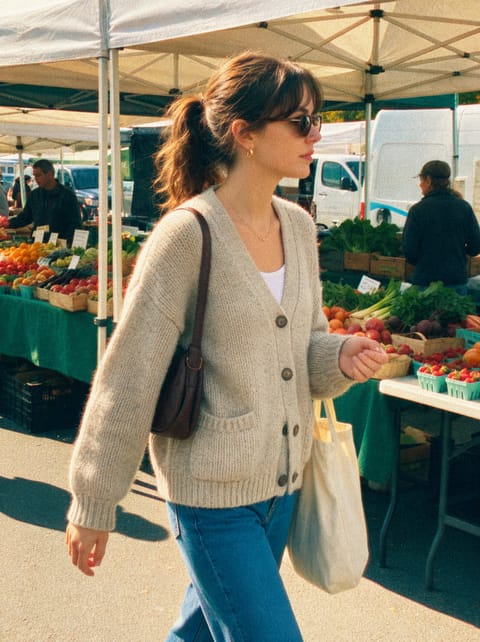

Face & Body





Glam
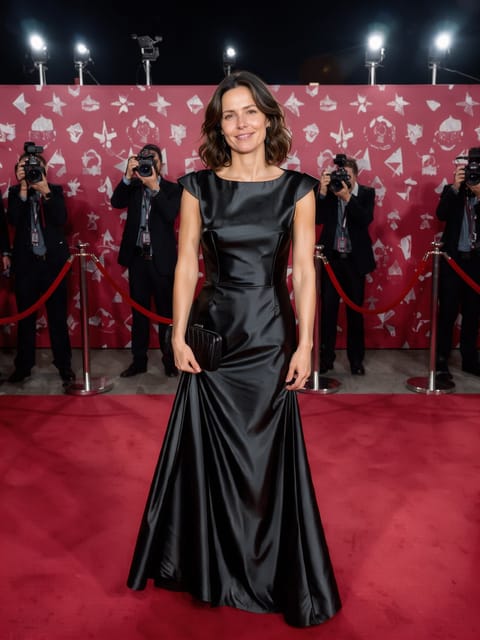
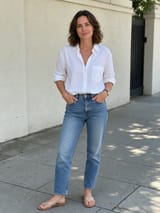
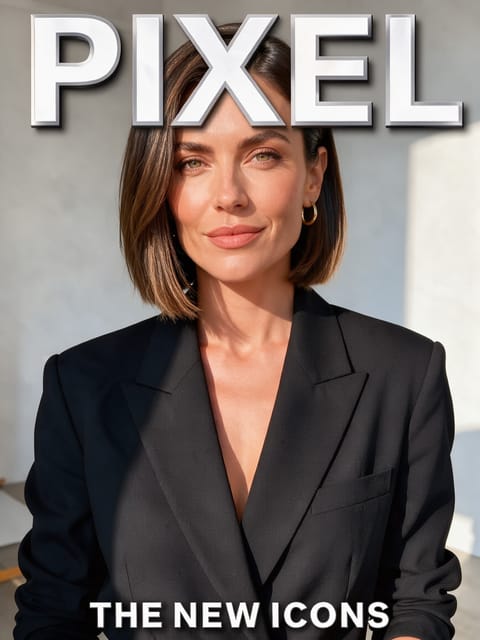

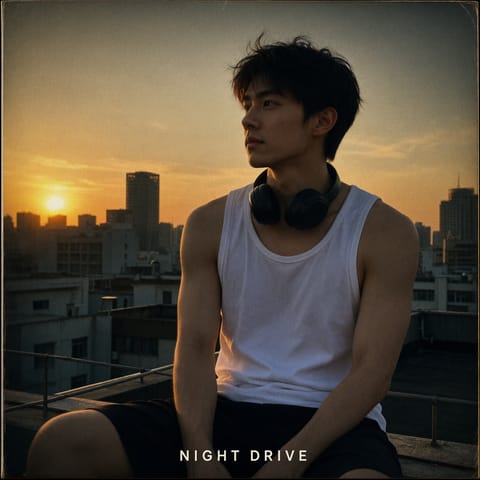
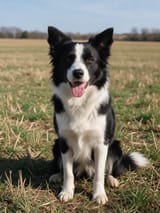
Pets
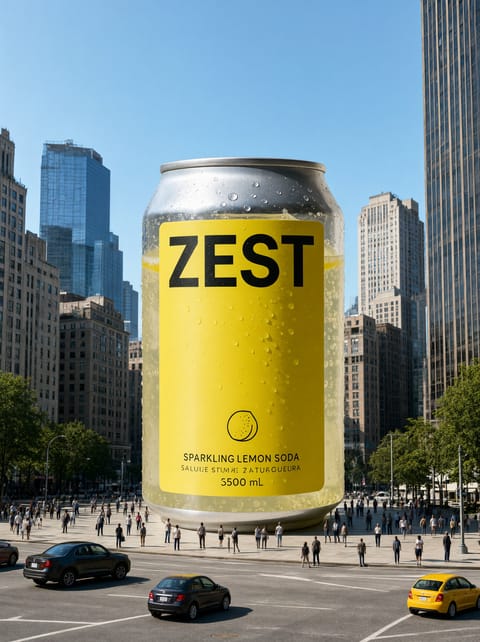
Product
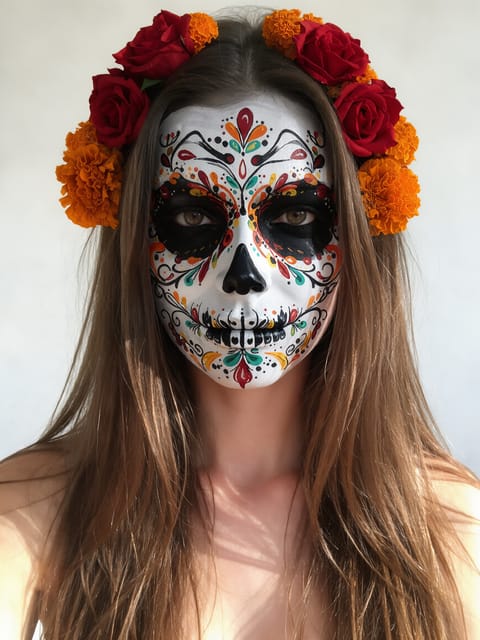
Halloween

How it works
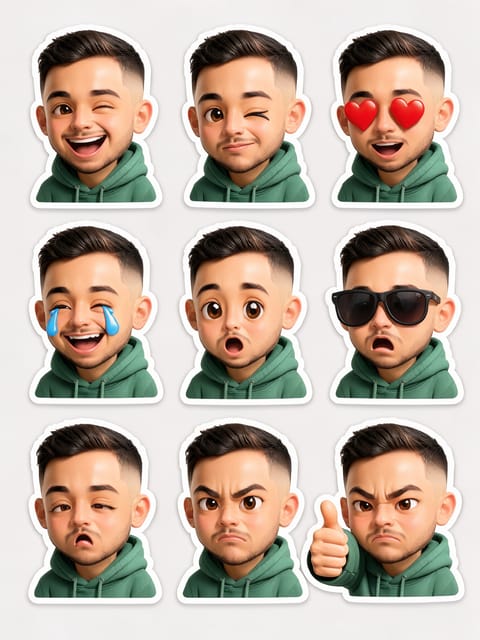
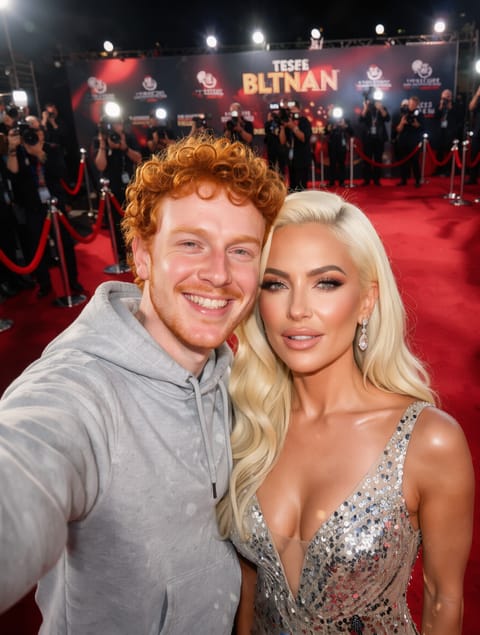
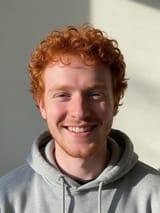
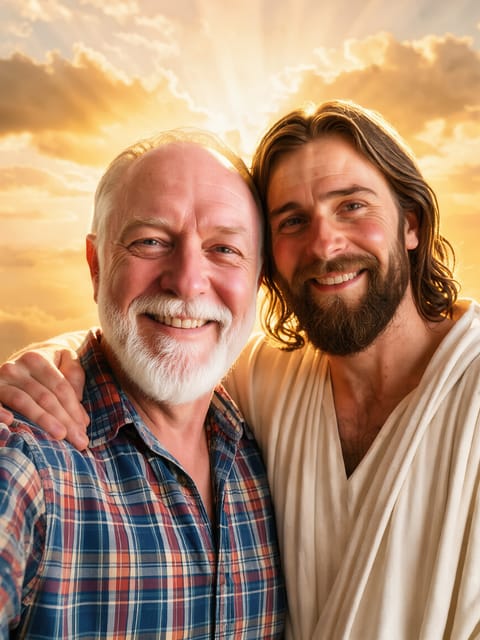
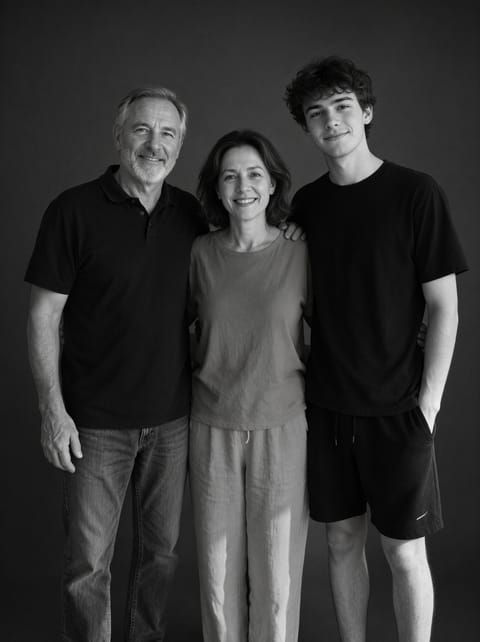
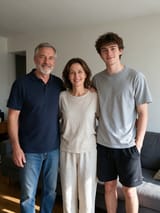
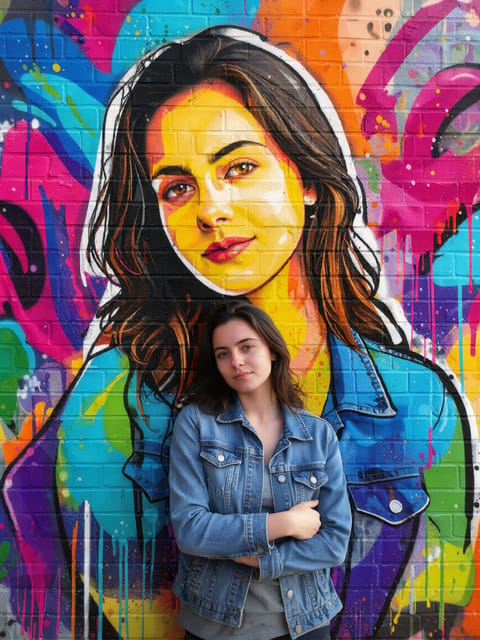
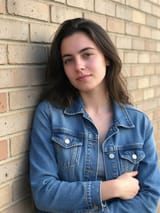
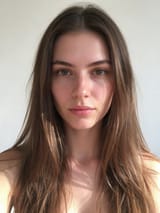
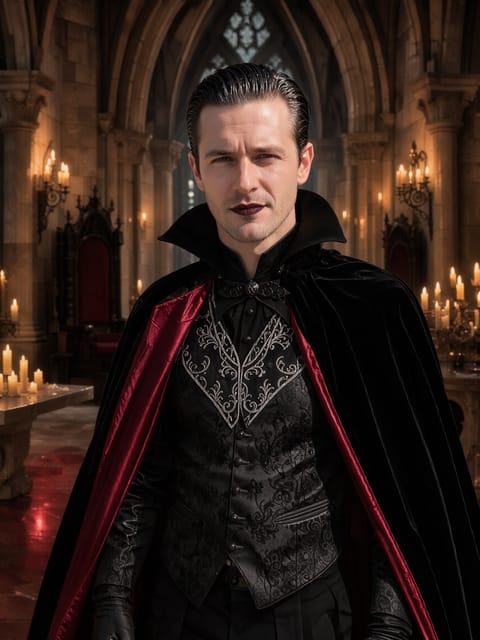
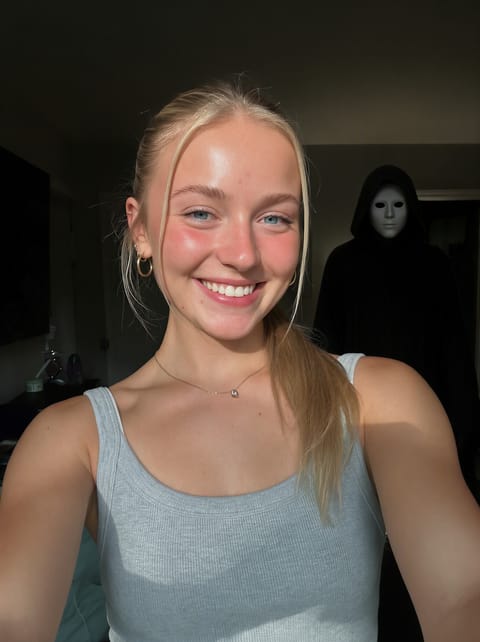
Each effect is a finished look I set up and tested on a real photo before it went live, and each effect page shows that test, before and after, untouched. You bring the photo; the face, outfit and pose carry into the result.
Every account gets 3 free effects every day. For motion, Video Effects turn one photo into a 5 second clip.
AI Photo Effects FAQ
What is an AI photo effect?
A ready-made look, like an action figure, an anime film still or a magazine cover, applied to your own photo. Pick the effect, upload a picture, press Generate.
Can I try photo effects for free?
Yes. A free PixelDojo account makes 3 free effects every day across Photo Effects and Video Effects, no card needed. Every plan unlocks as many as you like.
What kind of photo works best?
A clear, well-lit photo where the face or subject is easy to see. Each effect page says what worked best in our own test.
Can I use a photo of someone else?
Only photos of adults, of yourself or of people who agreed to it. Every upload goes through the same safety checks as the rest of PixelDojo.