Glam
Me and My Graffiti: you next to a giant graffiti mural of yourself
Paints a huge colorful graffiti mural of you on the wall behind you, so you stand next to your own street art.
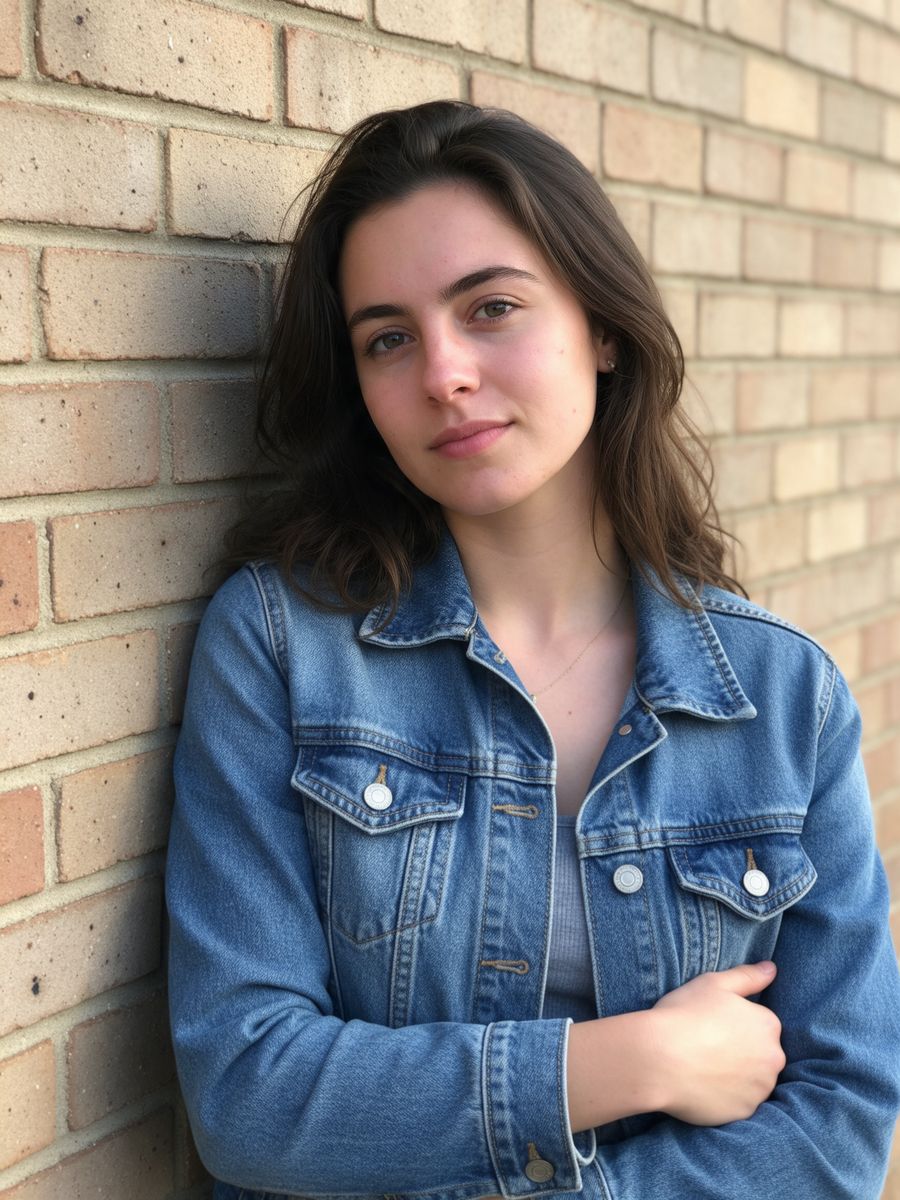
Before
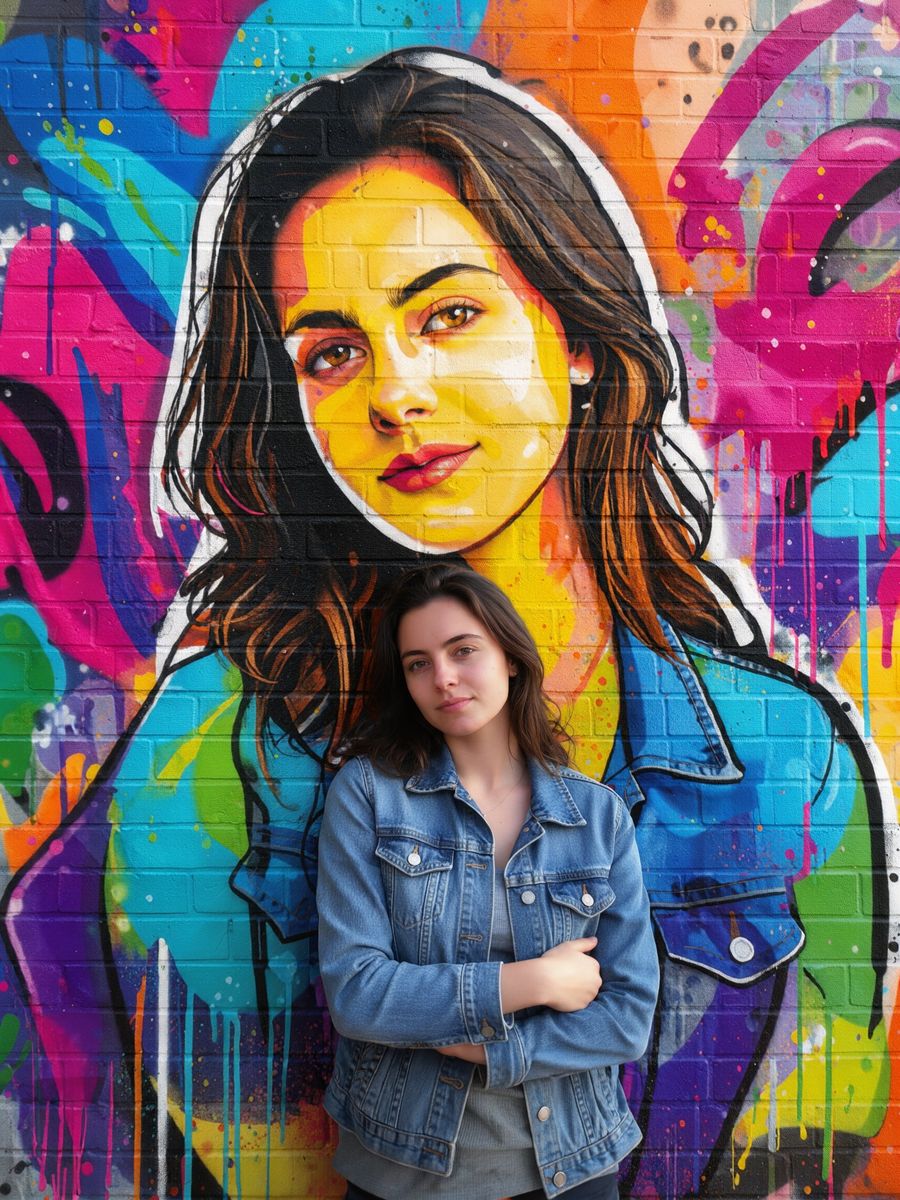
After, straight from our test, no retouching
Did best on this effect in our test.
Add a photo to start.
3 free every day. No card needed.
What Me and My Graffiti does
Me and My Graffiti paints a huge colorful spray-paint mural of you on the wall behind you, so you stand next to your own street art.
How to use the Me and My Graffiti effect
- Upload your photo, or pick it from your library.
- Press Generate. The look is already set up, so there is no prompt to write.
- Your image shows up right on the page. Save it to your library or download it.
Tips for the best result
- Photos in front of a wall work best.
- Leave some wall visible around you for the mural.
- A clear photo where the face is easy to see works best.
Ideas for using it
- A standout profile picture.
- A creative post for an art lover.
- Event or festival promo images.
More photo effects
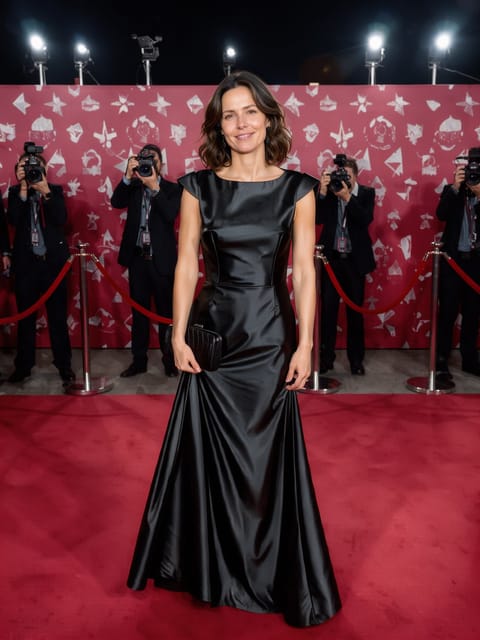

Red Carpet Shot
Your premiere-night photo.


Magazine Cover
You on the cover of a fashion magazine.
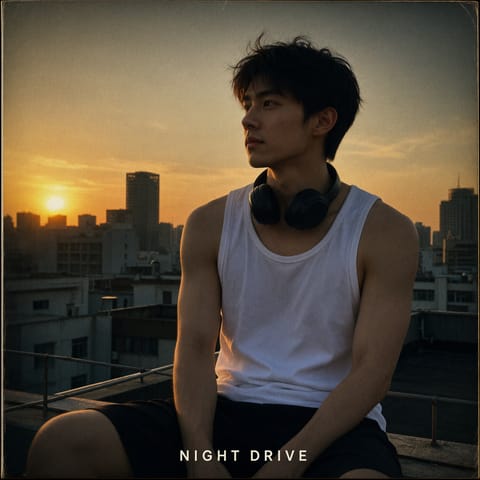
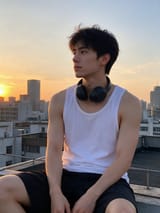
Album Cover
Your photo as an album cover.
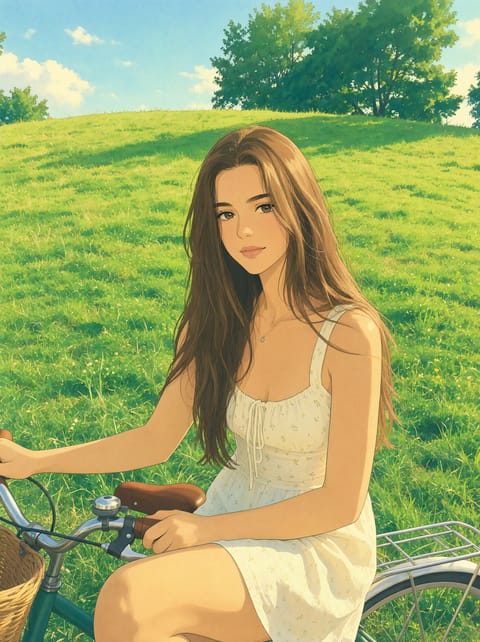
Ghibli Style Photo
Your photo as a Ghibli-style anime film still.
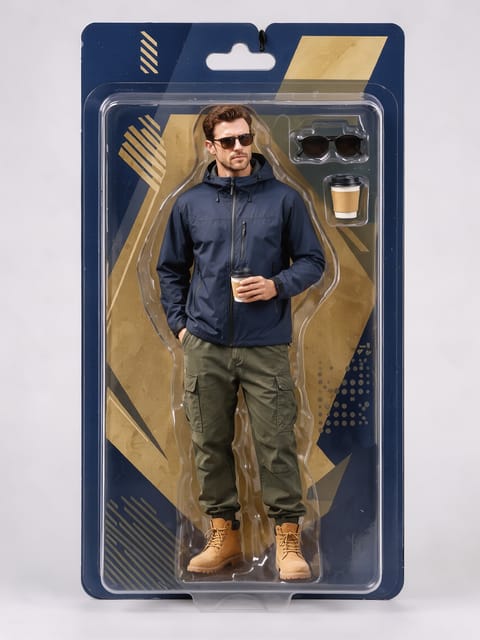
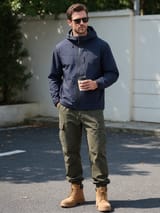
AI Action Figure
You, boxed as a collectible action figure.
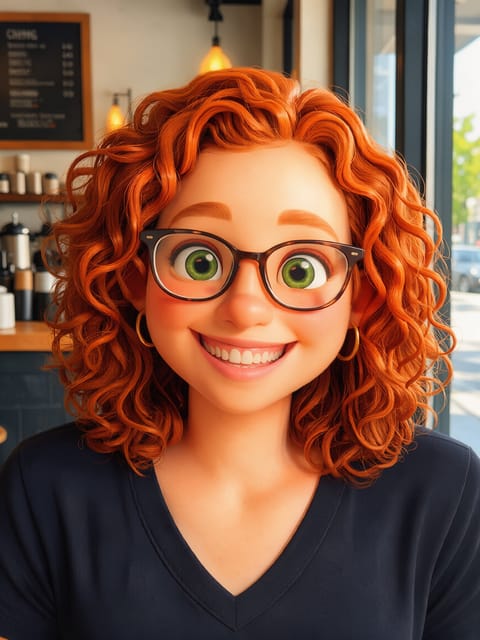

3D Cartoon Character
An animated-movie version of you.
Want motion instead? Video Effects turn one photo into a 5 second clip.
Go further
Me and My Graffiti FAQ
Do I need a wall in my photo?
It works best with one, since the mural is painted on it.
Is the mural recognizably me?
In my test it was a clear portrait of the same woman.
Is Me and My Graffiti free?
Yes. A free PixelDojo account makes 3 free effects every day across Photo Effects and Video Effects, no card needed. Every plan unlocks as many as you like.
Who owns the result, and can I use it commercially?
We assign you whatever rights we hold in the result, so you can use it in your own projects, commercial ones included, as long as what you uploaded was yours to use. Unsaved results are deleted after 24 hours, so save the ones you want to keep.
Can I use a photo of someone else?
Only photos of adults, of yourself or of people who agreed to it, and only images you have the right to edit. Every upload goes through the same safety checks as the rest of PixelDojo.