AI Tools
35 one-job tools for the edits people ask for most. Upload, fill in a word or two, press Generate.
Clean up



Portraits
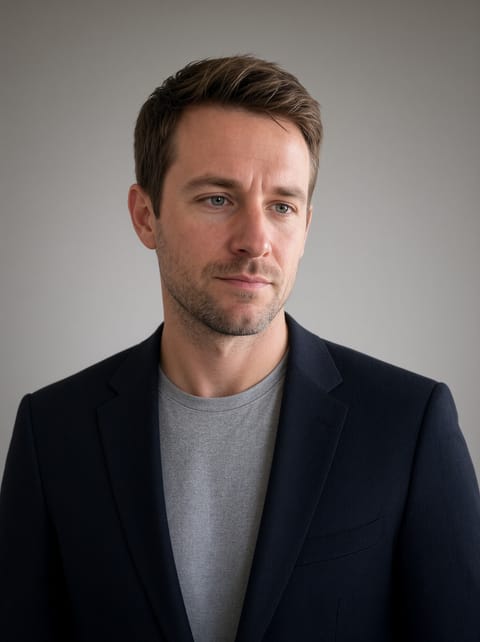
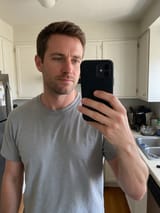
AI Headshot Generator
A professional headshot from one casual photo.
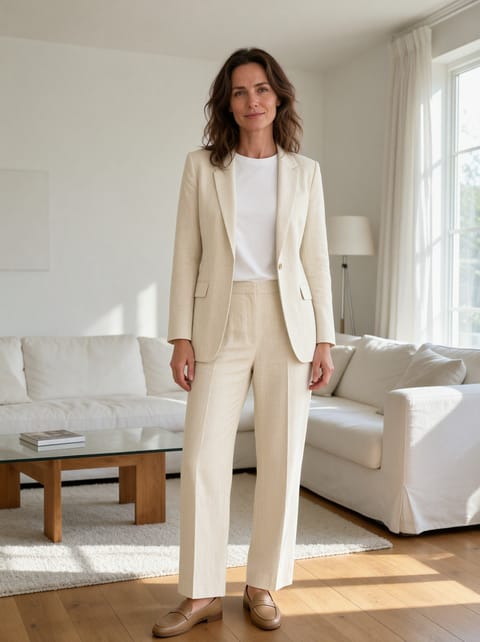

AI Clothes Changer
Try on any outfit you can describe.
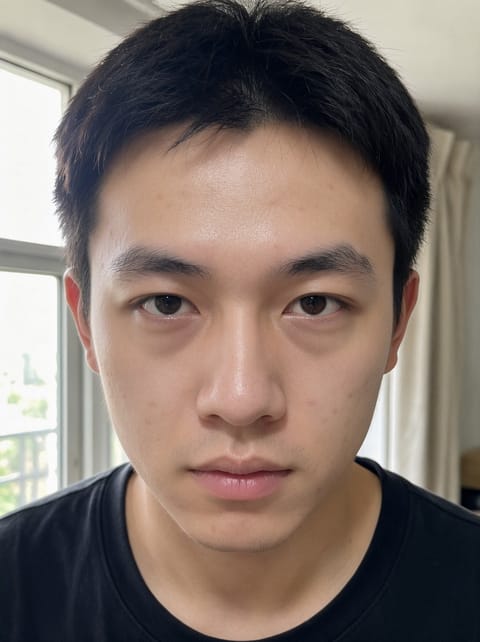
AI Photo Retouching
Natural skin retouching in one click.
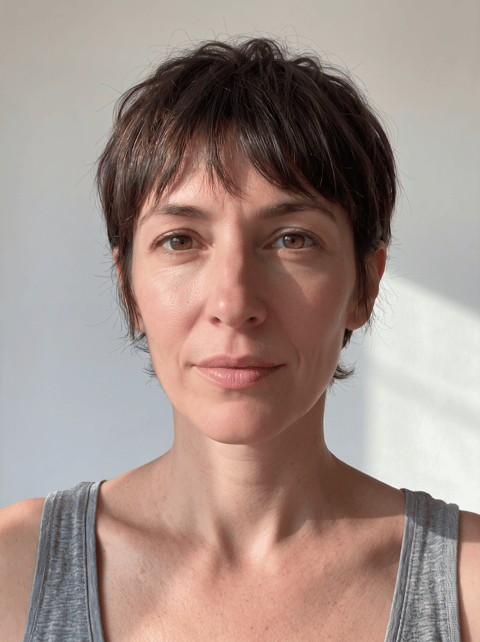
AI Hairstyle Changer
Try a new haircut before the salon.
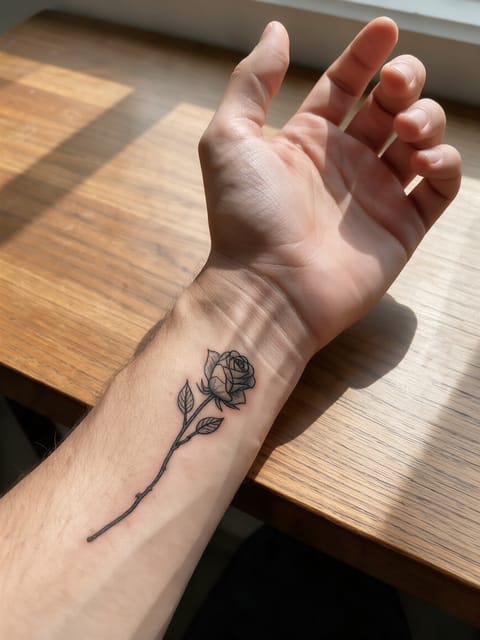
Tattoo Try-On
See the tattoo on your skin first.
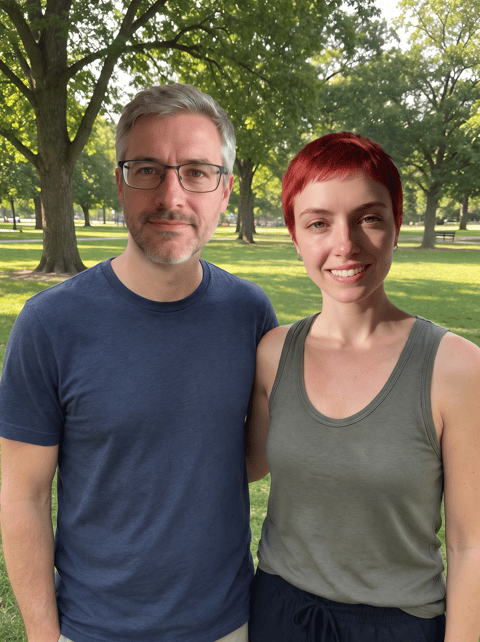
Multi Face Swap
Swap every face in a group photo.
Restore
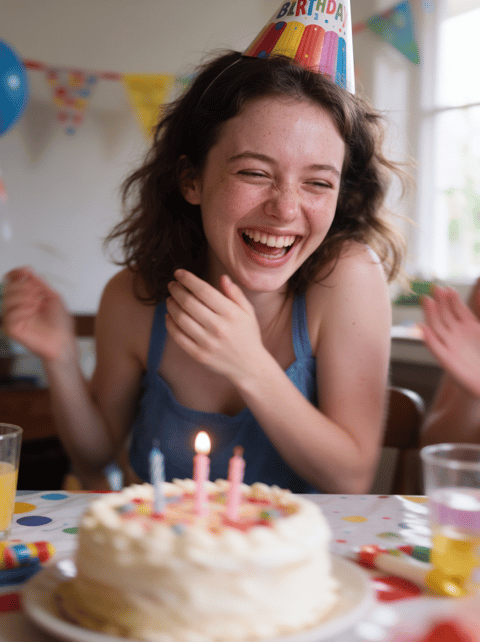

Edit
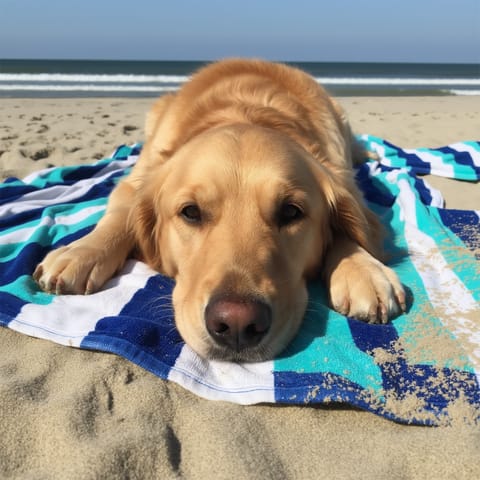
Uncrop Photo
Zoom out and see what was outside the frame.
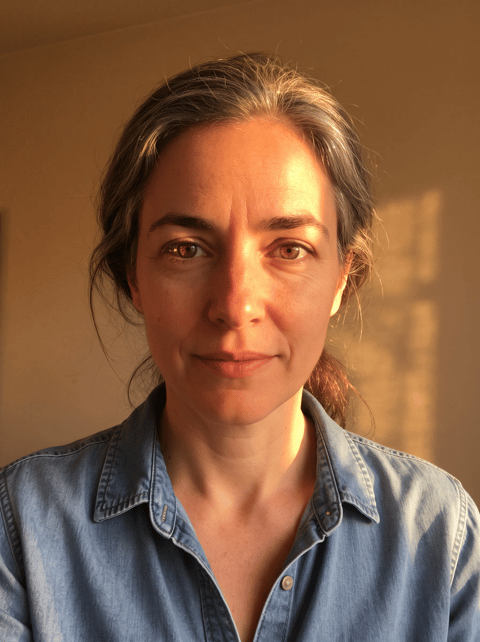
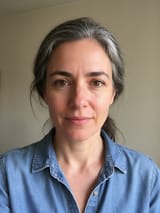
AI Photo Relight
Change the lighting after the shot.
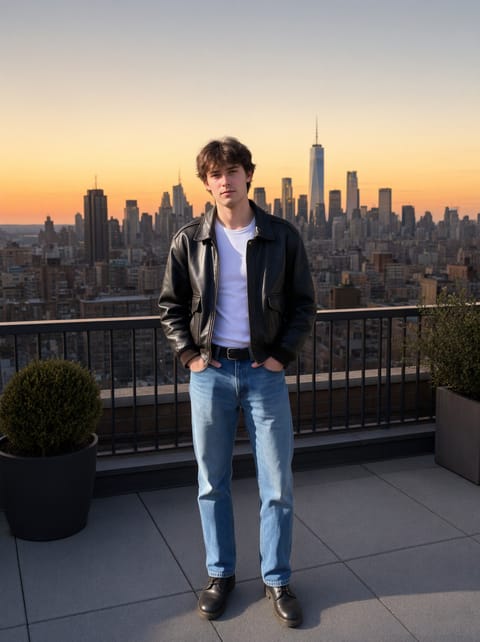
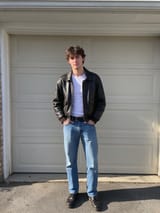
AI Background Changer
Put yourself anywhere.
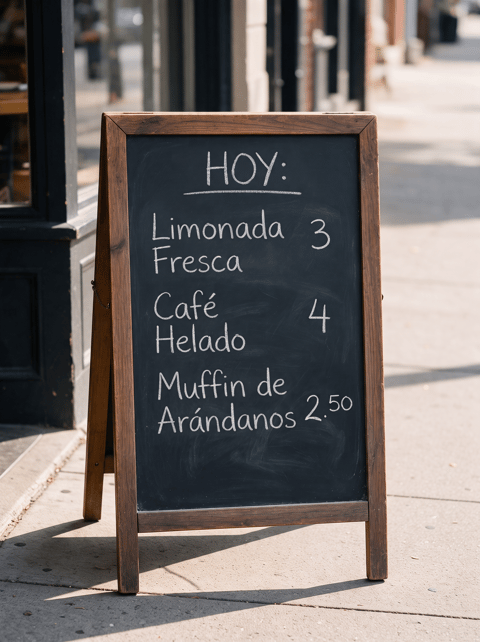
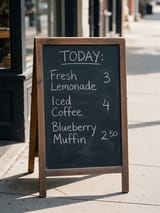
Image Translator
Translate the text inside a picture.
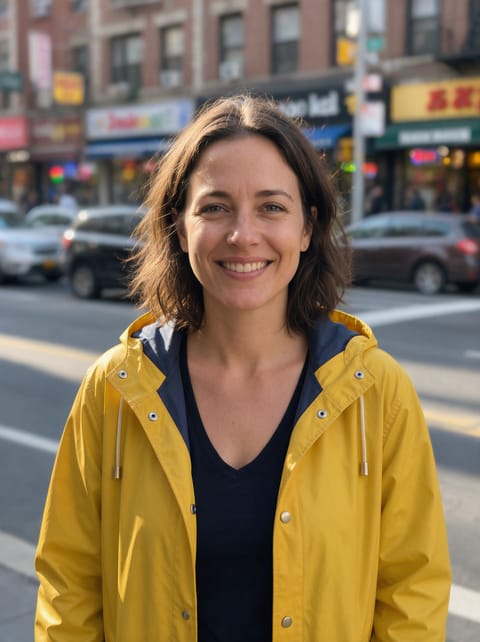
Blur Background
Portrait-mode bokeh for any photo.
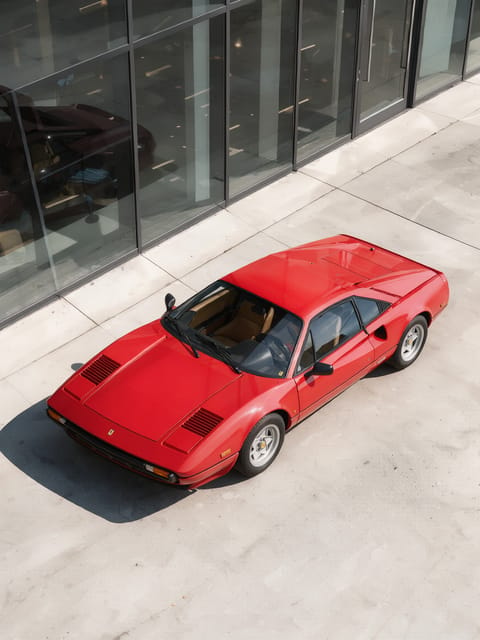
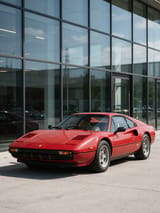
Change Photo Angle
See your photo from another angle.
Product
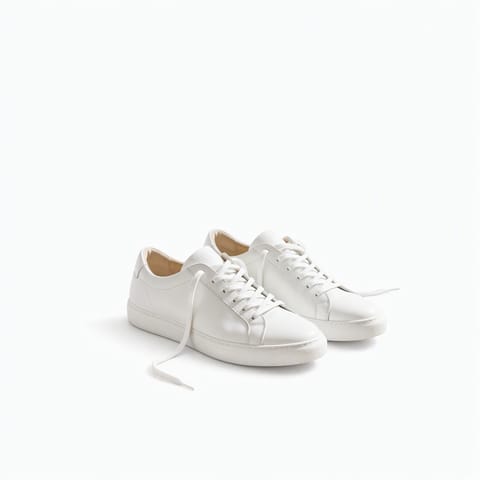
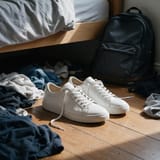
White Background for Product Photos
Marketplace-ready pure white background.
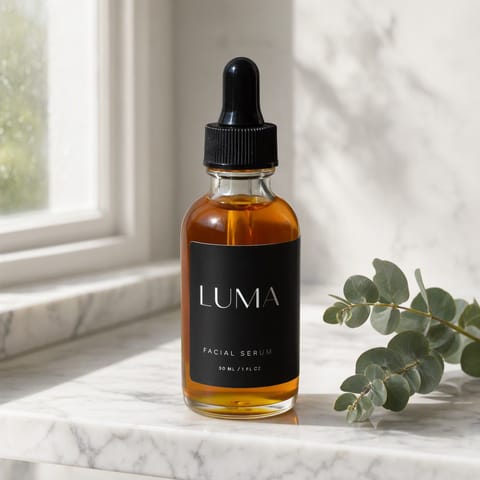
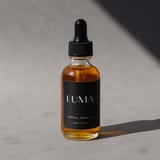
AI Product Staging
Your product, styled in a real-looking scene.
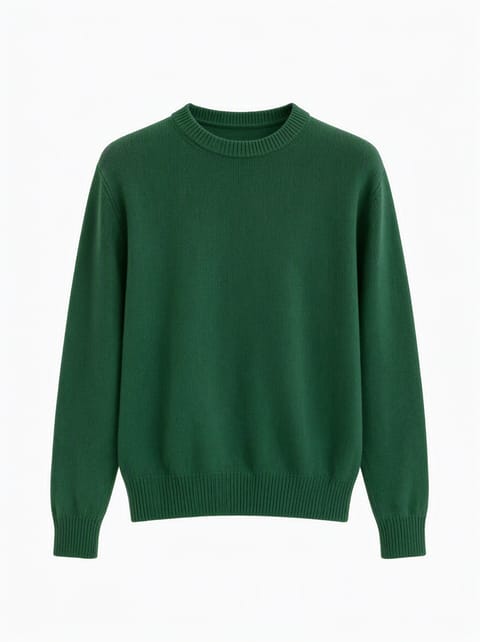
Ghost Mannequin Generator
The invisible-mannequin look for apparel.
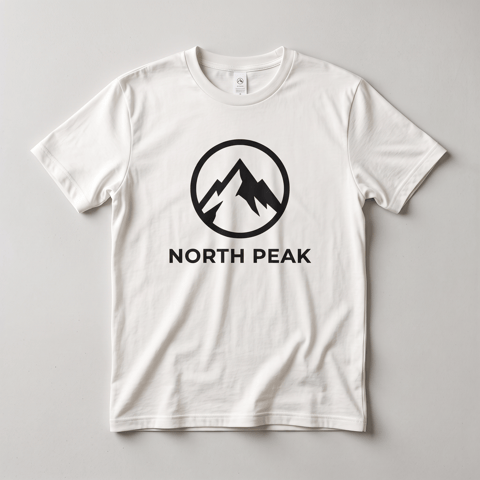
Mockup Generator
Your design on a shirt, mug, box or phone.
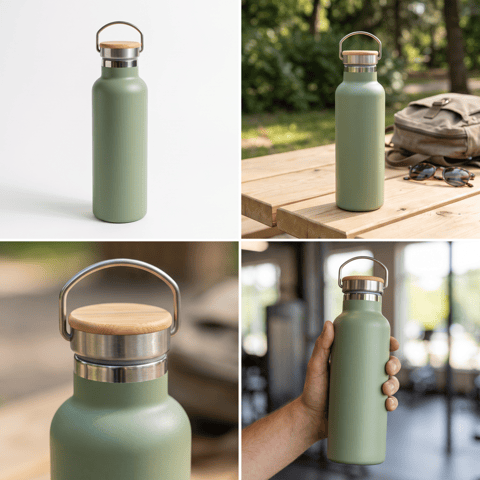
Amazon Listing Images
Four listing shots from one product photo.
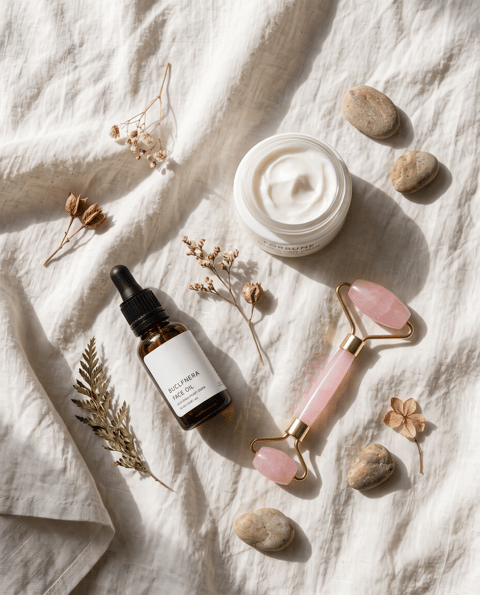
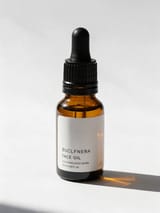
Flat Lay Product Photo
Your products, styled as a flat lay.
Design
AI Logo Generator
A clean logo with your name spelled right.
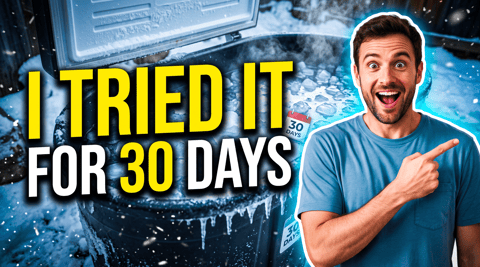

YouTube Thumbnail Maker
A click-worthy thumbnail with your face and title.
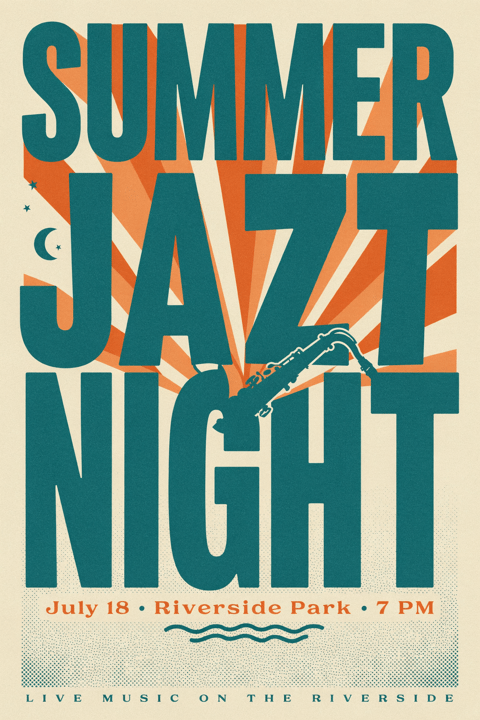
AI Poster Generator
Event posters with real, readable text.
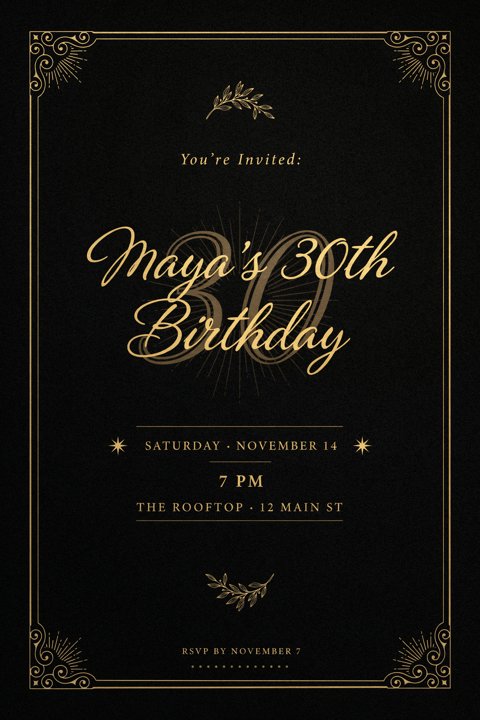
Invitation Card Maker
Party, wedding and event invites in seconds.
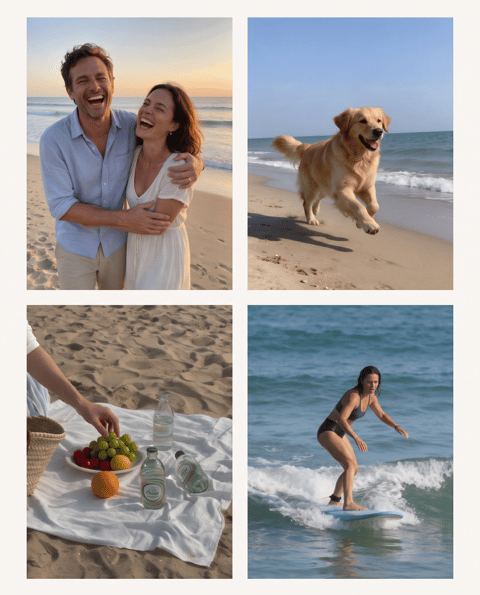

Photo Collage Maker
Your photos, one designed collage.
Video
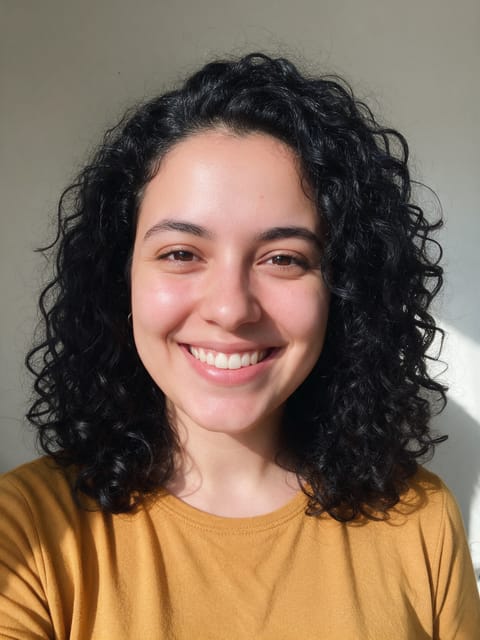
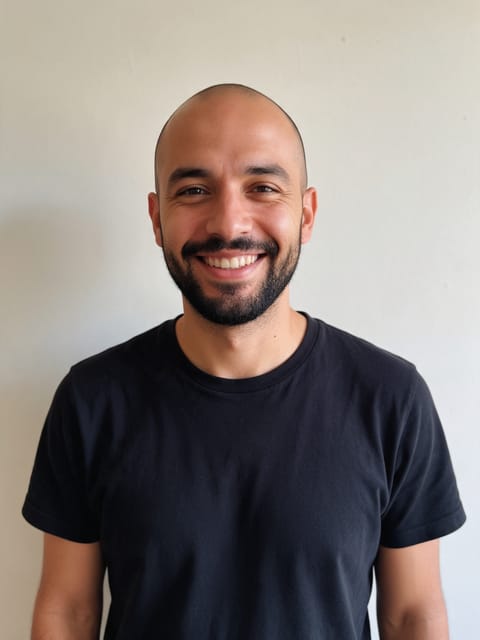
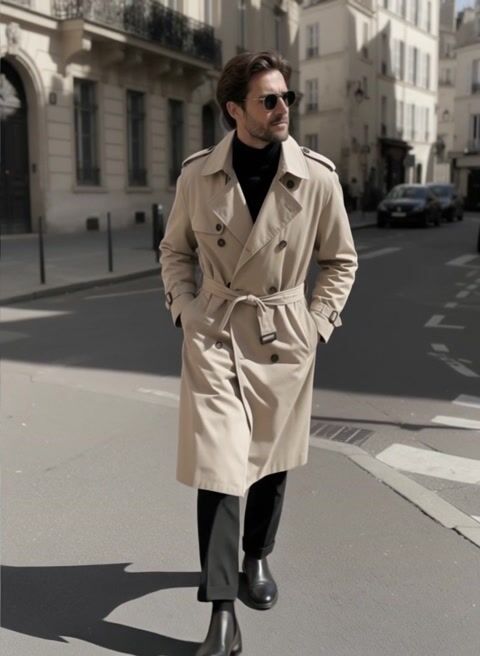
How it works
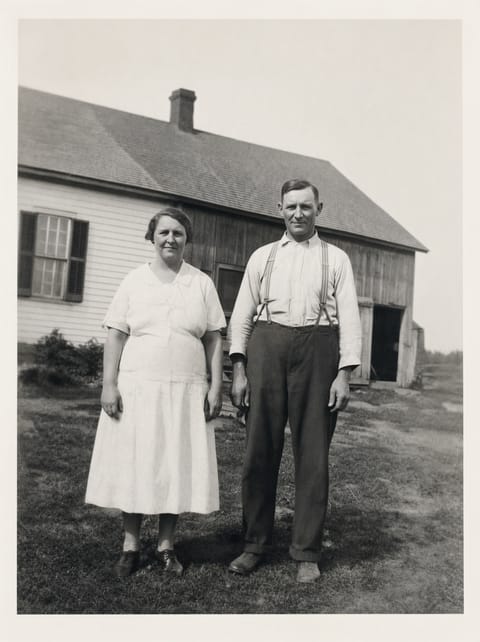
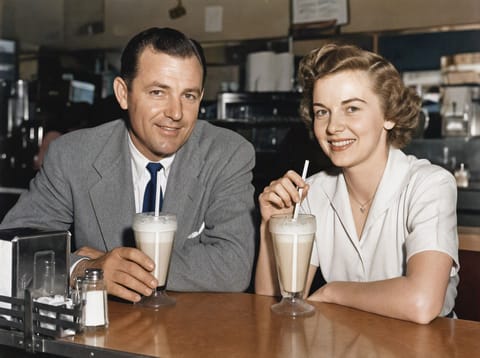
Every tool on this page runs one specific job: clean up a photo, restore an old one, make a headshot, stage a product, or make a photo talk. I picked the engine for each job by running it on a real test photo, and each tool page shows that test, before and after, untouched.
Where an engine refused the job or got it wrong, the tool moved to a different engine or did not ship. The page for each tool says what it does well and what to watch for.
AI Tools FAQ
What is the difference between these tools and the full models?
Each tool here does one job with the engine and instructions already chosen for it, so you only upload a photo or type a few words. The full model pages give you every setting when you want control.
Do I need to write a prompt?
No. Some tools ask for one short detail, like what to remove or which language to translate to. Everything else is set up.
How much does a tool cost?
Tools are included with every PixelDojo plan and cost a few credits per result. The exact price shows on the Generate button before you run it.
Can I edit photos of other people?
Only photos of adults, of yourself or of people who agreed to it, and only images you have the right to edit. Every upload goes through the same safety checks as the rest of PixelDojo.