Design
YouTube Thumbnail Maker: a click-worthy thumbnail with your face and title
Turns a photo of you and a few words into a bold 16:9 thumbnail: big readable title, high-contrast background and your expression front and center.

Before
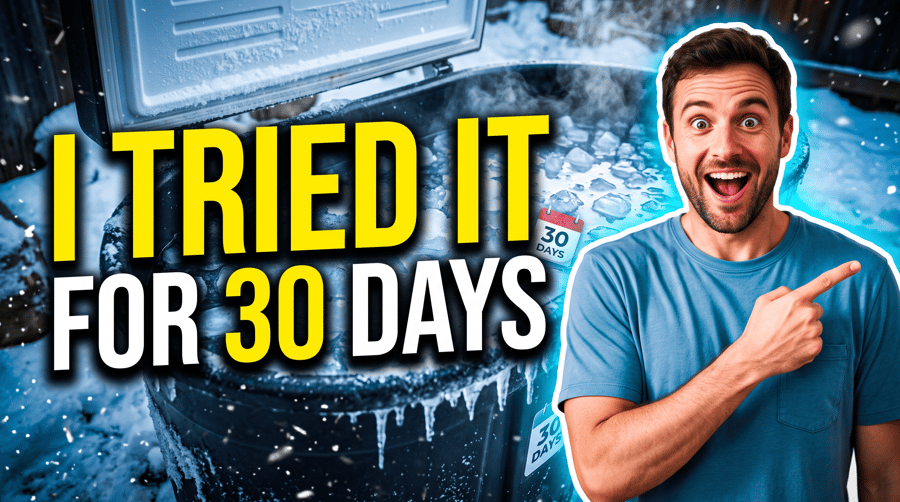
After, straight from our test, no retouching
Add a photo to start.
What YouTube Thumbnail Maker does
YouTube Thumbnail Maker turns a photo of you plus a few words into a bold 16:9 thumbnail: huge readable title, high-contrast background that fits the topic, your expression front and center.
How to use YouTube Thumbnail Maker
- Upload photo of you, or pick it from your library.
- Fill in thumbnail text and video topic.
- Press Generate. The instructions for the job are already set up, so there is no prompt to write.
- Your image shows up right on the page. Save it to your library or download it.
Tips for the best result
- Keep the title to four or five words.
- Use a photo with a big, clear expression.
- Name the topic so the background hints at it.
Ideas for using it
- Thumbnails for a new video series.
- Testing two thumbnail ideas for the same video.
- Thumbnails for podcasts and course lessons.
More tools

AI Logo Generator
A clean logo with your name spelled right.
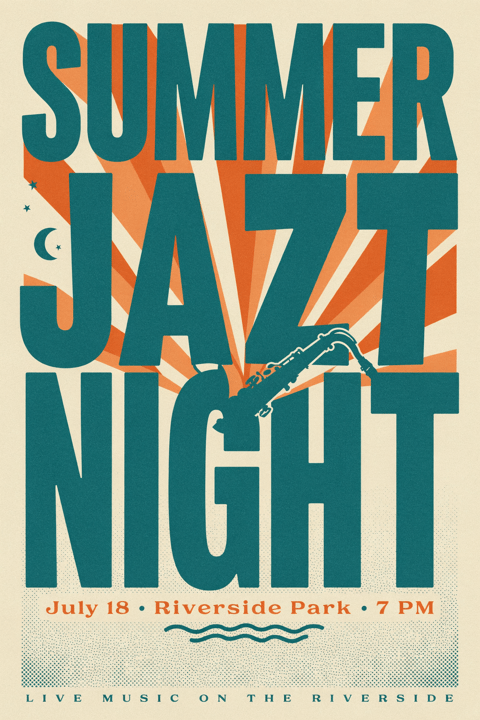
AI Poster Generator
Event posters with real, readable text.
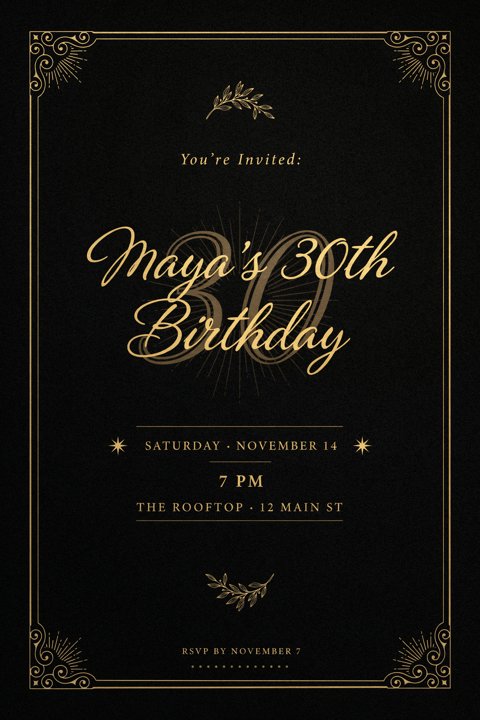
Invitation Card Maker
Party, wedding and event invites in seconds.
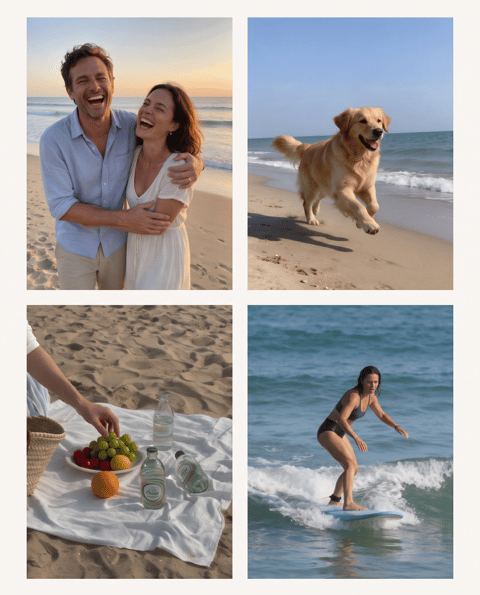

Photo Collage Maker
Your photos, one designed collage.
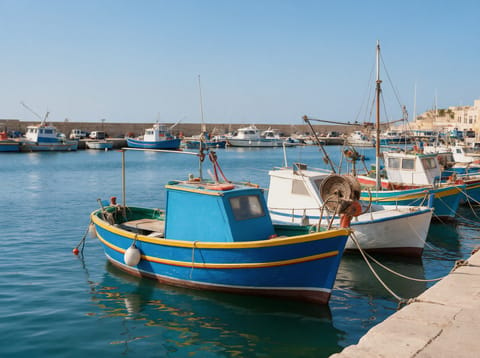

Watermark Remover
Lift text and logo watermarks off your own photos.
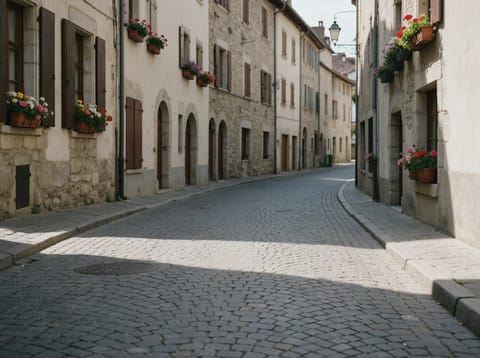
Object Remover
Type what to erase and it is gone.
Want motion instead? Video Effects turn one photo into a 5 second clip.
Go further
YouTube Thumbnail Maker FAQ
What size is the thumbnail?
16:9, the YouTube thumbnail shape.
Will the text be spelled right?
It is set up for exact text and keeps words whole.
Is YouTube Thumbnail Maker free?
YouTube Thumbnail Maker is included with every PixelDojo plan and costs a few credits per image, shown on the Generate button before you run it.
Who owns the result, and can I use it commercially?
We assign you whatever rights we hold in the result, so you can use it in your own projects, commercial ones included, as long as what you uploaded was yours to use. Unsaved results are deleted after 24 hours, so save the ones you want to keep.
Can I use a photo of someone else?
Only photos of adults, of yourself or of people who agreed to it, and only images you have the right to edit. Every upload goes through the same safety checks as the rest of PixelDojo.