A Brief History of Dogs
History · Paper Diorama · 1 min · 9 scenes
Faceless Studio
Type a topic. Get a narrated, captioned video with music for YouTube, TikTok or Shorts. No camera, no voice of your own.
Plans from $10 a month · Planning and export are free · See every price before you render
Real episodes made in Faceless Studio, nothing re-cut by hand. Click one to play it with sound.
History · Paper Diorama · 1 min · 9 scenes
Kids · Storybook · 1 min · 9 scenes
Education · Editorial Motion · 1 min · 9 scenes
Type a topic, edit the script, pick an AI narrator, render each scene and export one captioned MP4. Watch one episode get made, start to finish.
Give it a topic, a category, a look and a length. It comes back with a script cut into scenes, each one with its own narration line and what we see.
Pick one of 17 AI narrator voices and voice the whole script once. Every scene is cut against the real audio, so the picture lines up with the words.
Render the whole episode or one scene at a time, as Gemini Omni Flash clips with sound or as Z-Image Turbo stills with a gentle pan. Each scene has its own quality setting, so a quick scene can be cheap while the opener gets the full treatment.
Scenes, narration, music and captions are stitched into one MP4 at no extra charge. Download it or save it to your Library.
Script, voice, captions, music and format all live in Faceless Studio. Nothing runs until you say so.
Vertical 9:16 for TikTok, Reels and Shorts · Education · Paper Diorama · 1 min · 9 scenes
Every narration line is a text field. Rewrite it, cut it or ask for a new take on one scene, all before anything renders.
Choose the voice that fits your channel. The whole script is read in one take, so the delivery stays even from the first scene to the last.
Subtitles are timed to the narration and burned into the finished file, so they show on every platform, even with the sound off.
Lay an instrumental bed under the voiceover, or leave it off. Its price is quoted before you turn it on.
Re-render any scene on its own, at its own price, or give it a new visual prompt. The rest of the episode stays exactly as it is.
Widescreen for a YouTube channel, vertical for TikTok, Reels and YouTube Shorts. Every scene renders in the shape you pick.
Choose from 6 looks, set once per episode, so scene nine of your faceless video matches scene one.
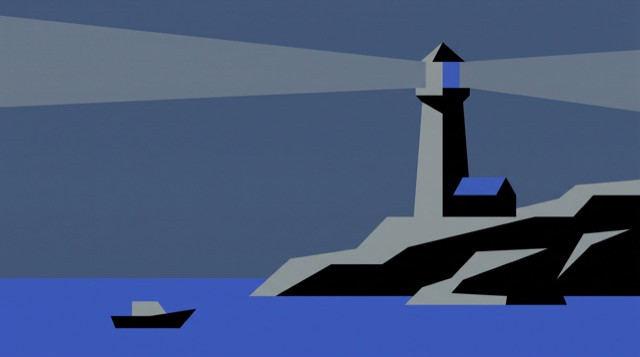
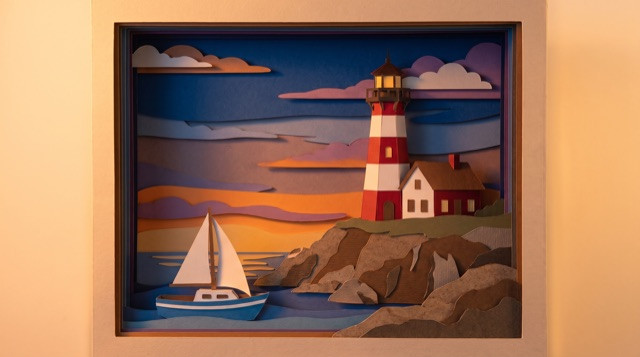
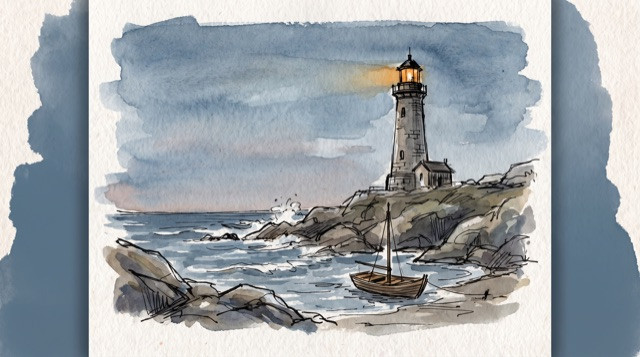
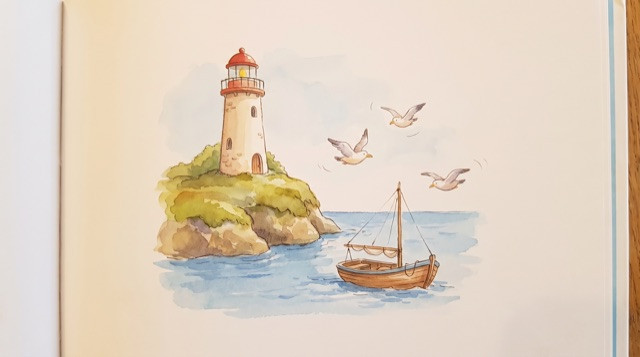
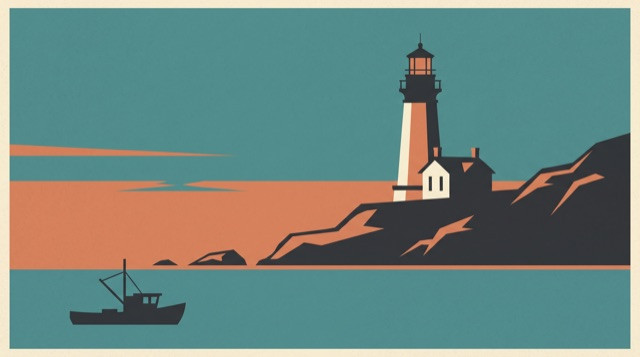
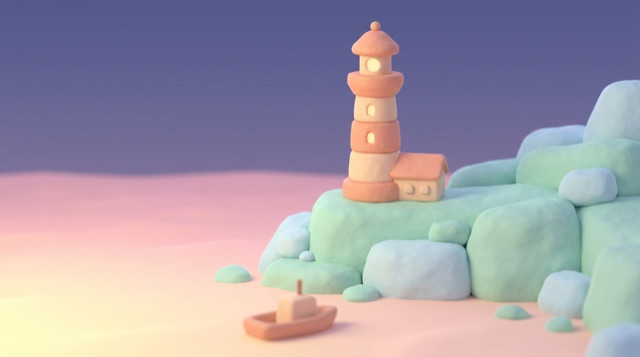
Education, history, kids stories, storytelling and explainers, for long-form YouTube, TikTok and Shorts.
Publish on a schedule without a camera, a studio or your own voice on the internet.
One idea per scene in plain words, with a concrete example before the abstraction. Made for study channels and course clips.
Dates and places stated plainly, cause before effect, and no invented quotes.
Bedtime stories and fables told warm and slow, with gentle scripts made for young viewers.
Folk tales, mysteries and true stories built on a single arc: a setup, a turn and a payoff.
Explainers, top ten lists and product walkthroughs that follow your topic exactly as you write it.
Change any line or picture, re-render a single scene, and see each price before you press go.
Planning and exporting cost nothing. Faceless Studio comes with every paid plan, from Lite's 160 credits ($10 a month) to Pro's 500 credits ($25 a month). Credits depend on the scene quality, the length and the music. See plans and pricing.
Same speed on every plan.
Every plan also unlocks 60+ video models and 80+ image models, including Veo 3.1, Kling 3.0, Seedance 2.5, Nano Banana, FLUX 3 Image and Ideogram 4.5, for thumbnails, B-roll and Shorts.
An AI faceless video generator makes narrated videos with no one on camera. Type a topic and Pixel Dojo's Faceless Studio writes the script, splits it into scenes, records an AI voiceover from 17 narrator voices, renders a picture for every scene and stitches it all into one captioned episode, with an optional music bed.
It is built for faceless YouTube channels, TikTok accounts and Shorts in education, history, kids stories and explainers. Episodes run 1 to 5 minutes in widescreen 16:9 or vertical 9:16, and one of 6 looks keeps every scene consistent. You can edit every narration line and every visual prompt before anything renders.
Want recurring characters? Build them in Character Studio, or turn a story into a short film with dialogue in the AI film maker. Got a song? The AI music video generator cuts a video to your track.
More: Video prompting guide · AI video generator · AI Video Studio · AI voice generator · Faceless video tool alternatives
A faceless video is a narrated video where nobody appears on camera. A voiceover tells the story over illustrations, motion graphics or animated scenes, which is why it is the go-to format for education, history, storytelling and explainer channels on YouTube and TikTok. Faceless Studio makes the whole thing for you, from the script to the captioned export.
No. Faceless Studio writes the script, voices it with an AI voiceover from 17 narrator voices, renders the pictures and stitches the episode. Nothing of yours is filmed or recorded, so you can grow a channel without ever showing your face or recording your own voice.
Yes. The plan comes back as scenes, each with a narration line and a visual prompt, and every one is editable. Rewrite a line, cut a scene or change what we see before you press go. Nothing renders and nothing is charged until you say so.
Pick one of 17 AI narrator voices and the whole script is voiced in one take, so the delivery stays even from the first scene to the last. Every scene is then cut against the real voiceover, and captions are timed to the narration and burned into the finished file, so the pictures, the words and the subtitles all line up.
Pick a category and the script follows its tone: Education, History, Kids, Storytelling or Custom. Education keeps one idea per scene in plain words, History states dates and places clearly, Kids stories stay warm and gentle, and Storytelling builds a single arc with a payoff. Custom follows your topic exactly as you write it, for explainers, lists, product walkthroughs and more.
Episodes run from 1 minute to 5 minutes, enough for a full YouTube explainer or a tight TikTok story. Longer episodes are cut into more scenes, up to 40, and you can edit or re-render any scene on its own without touching the rest.
Yes. Choose vertical 9:16 for TikTok, Instagram Reels and YouTube Shorts, or widescreen 16:9 for a regular YouTube channel. Every scene renders in the shape you pick, so one workflow covers long-form uploads and short vertical clips, and you can make both versions of the same topic for different platforms.
One 720p MP4, widescreen 16:9 for YouTube or vertical 9:16 for TikTok, Reels and Shorts, with the narration and captions in the file, plus the music bed when music is on. Download it straight away or save it to your Library to post later.
Faceless Studio is included with every paid Pixel Dojo plan, from $10 a month. Credits depend on the scene quality, the episode length and whether music is on. Every step shows its price before you run it, and you can mix qualities scene by scene, so a full episode costs exactly what you choose.
Planning an episode, including the full script and every scene prompt, costs no credits, and exporting the finished video is free too. Rendering scenes, narration and music uses the credits in your plan, with each price shown before you run it. Faceless Studio comes with every paid Pixel Dojo plan, starting at $10 a month.
Yes. Each scene renders on its own and has its own Regenerate button with its own price. Swap a picture, change the quality of a single scene or try a new visual prompt, and the rest of the episode stays exactly as it is.
No. You write and approve text, then press render. The cut, the timing against the narration, the captions and the final stitch are all done for you, so a finished faceless video takes a topic and a few decisions instead of hours on a timeline.
The best faceless video generator hands you a finished, watchable episode, not a pile of clips. Faceless Studio writes the script, voices it, cuts every scene to the narration, adds captions and music, and lets you edit every line and every price before anything renders, so each upload sounds and looks like your channel.
Yes. Episodes you make on a paid plan come with commercial usage rights, so you can publish and monetize them on your own YouTube, TikTok and Instagram channels. Run ads on them, use them in client work or course material, and save each finished episode to your Library so it is ready to post again later.
Type the topic, read the script it comes back with, change what you want, and render it when you are happy.
Plans from $10 a month. Cancel anytime.