AI video effect · Viral · 164 uses
Catwalk: walk the runway like a model
Upload a photo, press Generate, and post it anywhere.
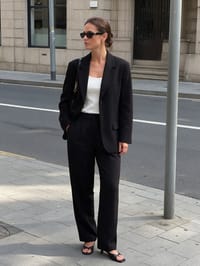
3 free every day. No card needed.
What Catwalk does
Your subject begins on a city sidewalk, then the scene turns into a fashion runway with a crowd on both sides and flashing cameras. They walk toward the end of the runway, pause and turn.
Walk the runway like a model
Your subject struts down a fashion runway under bright lights while the crowd watches. Full-body photos work best.
Still looks like you
The video opens on your exact photo, so the face, hair, outfit and surroundings carry through the whole effect.
Made for short-form video
Built for the clips people share on Reels, TikTok and Shorts: one clear moment in five seconds, framed to stop the scroll.
How to make a Catwalk video
- Upload a photo, or pick one from your library.
- Press Generate. There is no prompt to write; the effect is already set up.
- Your 5 second HD video plays right on the page. Save it to your library or download it.
Tips for the best photo
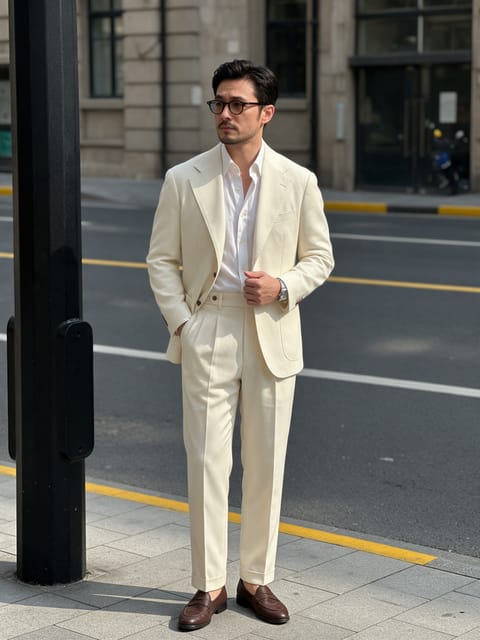
- Choose a full-body photo with the feet visible so the stride looks natural.
- A bold outfit, like a suit or dress with strong color, stands out against the runway lighting.
- Stand in a neutral pose facing the camera rather than mid-step, which makes the first frames cleaner.
Ideas for using it
- A fashion student shows a lookbook piece in motion for a portfolio.
- A boutique owner animates a customer photo for a Friday style post.
- A friend group makes a birthday runway moment to share in the chat.
More effects
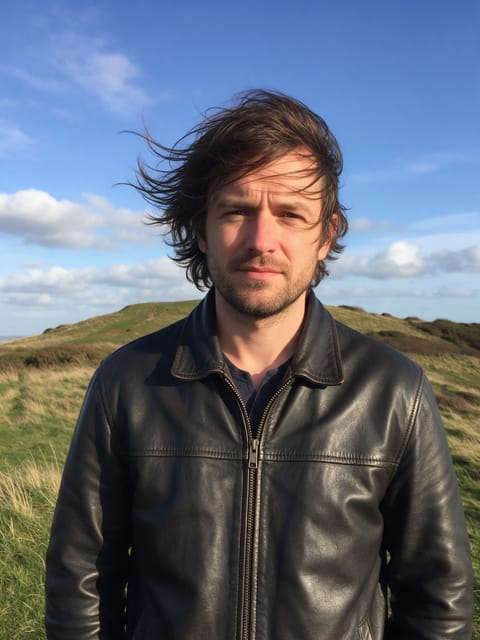

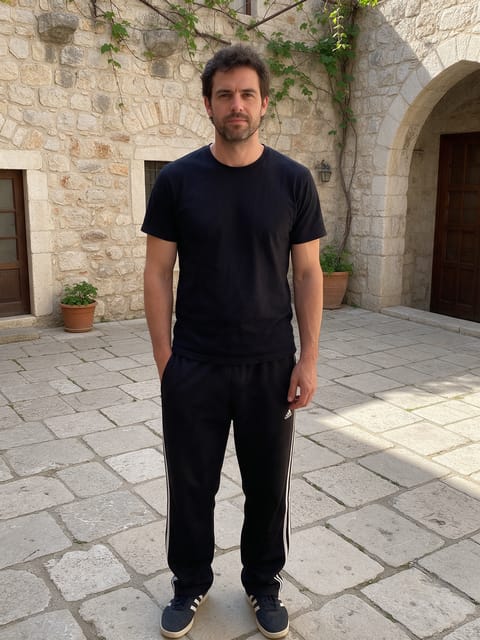
Go further
Catwalk FAQ
Does the outfit change?
No, the clothes stay as they are in your photo, while the setting becomes the runway.
Will a crowd of faces look odd?
The audience is a soft, distant crowd behind the main subject, keeping the focus on you.
Do I need to write a prompt for Catwalk?
No. Catwalk is a ready-made effect: upload a photo and press Generate. The directions for the motion, camera and lighting are already built in.
How long is the Catwalk video?
Every effect makes a 5 second HD video that matches the shape of your photo, portrait or landscape, ready to post anywhere.
Does the video have sound?
Yes. Each clip comes with matching ambient sound effects. It does not add music, so you can lay your own track over it in any editor.
Can I use a photo of someone else?
Only photos of adults, of yourself or of people who agreed to it. Every upload goes through the same safety checks as the rest of PixelDojo.