AI video effect · Viral
Dragon Ride: soar the skies on a dragon
Upload a photo, press Generate, and post it anywhere.
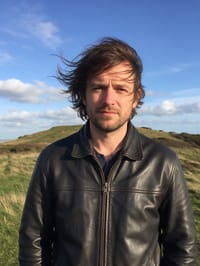
3 free every day. No card needed.
What Dragon Ride does
You appear on the back of a huge green dragon above snowy peaks and clouds. Your hair and clothes whip in the wind, and the camera slowly pulls back to show the whole dragon beating its wings.
Soar the skies on a dragon
Your subject rides a great dragon over mountains and clouds. Waist-up or full-body photos work best.
Still looks like you
The video opens on your exact photo, so the face, hair, outfit and surroundings carry through the whole effect.
Made for short-form video
Built for the clips people share on Reels, TikTok and Shorts: one clear moment in five seconds, framed to stop the scroll.
How to make a Dragon Ride video
- Upload a photo, or pick one from your library.
- Press Generate. There is no prompt to write; the effect is already set up.
- Your 5 second HD video plays right on the page. Save it to your library or download it.
Tips for the best photo
- Choose a photo with your face turned toward the camera so the rider reads clearly.
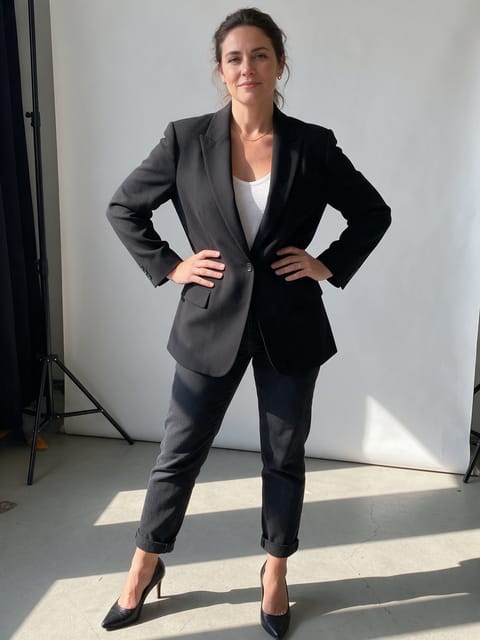
- Waist-up or full-body both work, but avoid photos that crop off your arms.
- A jacket or loose clothes show the wind best.
Ideas for using it
- A fantasy author makes a book-launch teaser starring themselves.
- A game master posts a clip to hype the next campaign session on Discord.
- A friend makes a birthday message where the birthday person rides a dragon.
More effects

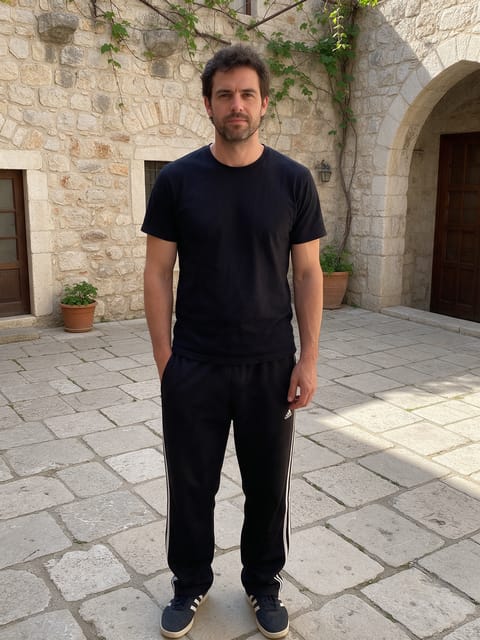
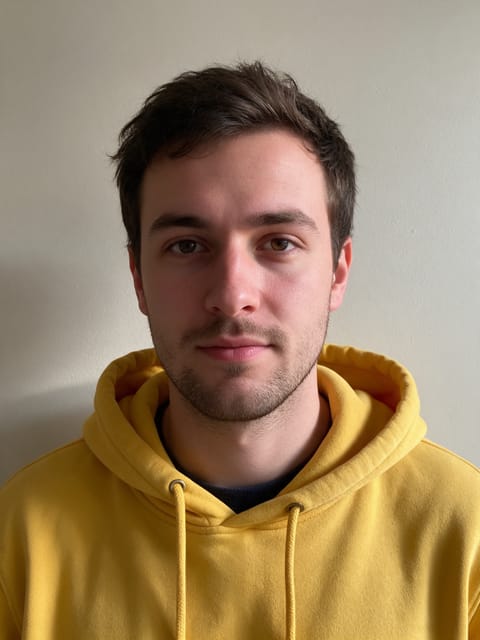

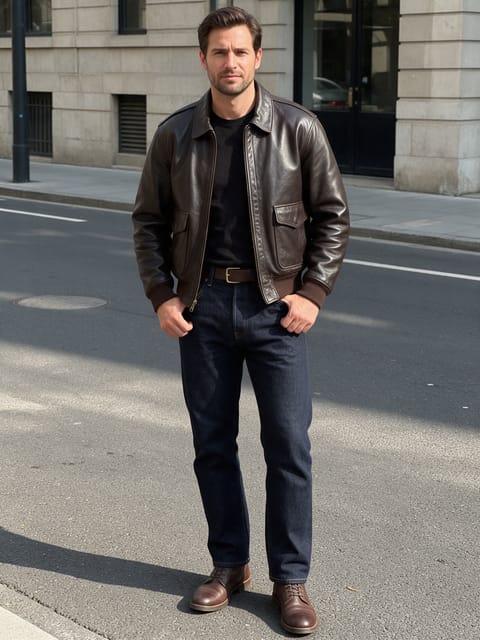
Go further
Dragon Ride FAQ
Does my face stay visible?
Yes. You face the camera at the start, and the camera then pulls back.
Can I pick the color of the dragon?
The effect uses a green dragon, so the color is fixed.
Do I need to write a prompt for Dragon Ride?
No. Dragon Ride is a ready-made effect: upload a photo and press Generate. The directions for the motion, camera and lighting are already built in.
How long is the Dragon Ride video?
Every effect makes a 5 second HD video that matches the shape of your photo, portrait or landscape, ready to post anywhere.
Does the video have sound?
Yes. Each clip comes with matching ambient sound effects. It does not add music, so you can lay your own track over it in any editor.
Can I use a photo of someone else?
Only photos of adults, of yourself or of people who agreed to it. Every upload goes through the same safety checks as the rest of PixelDojo.