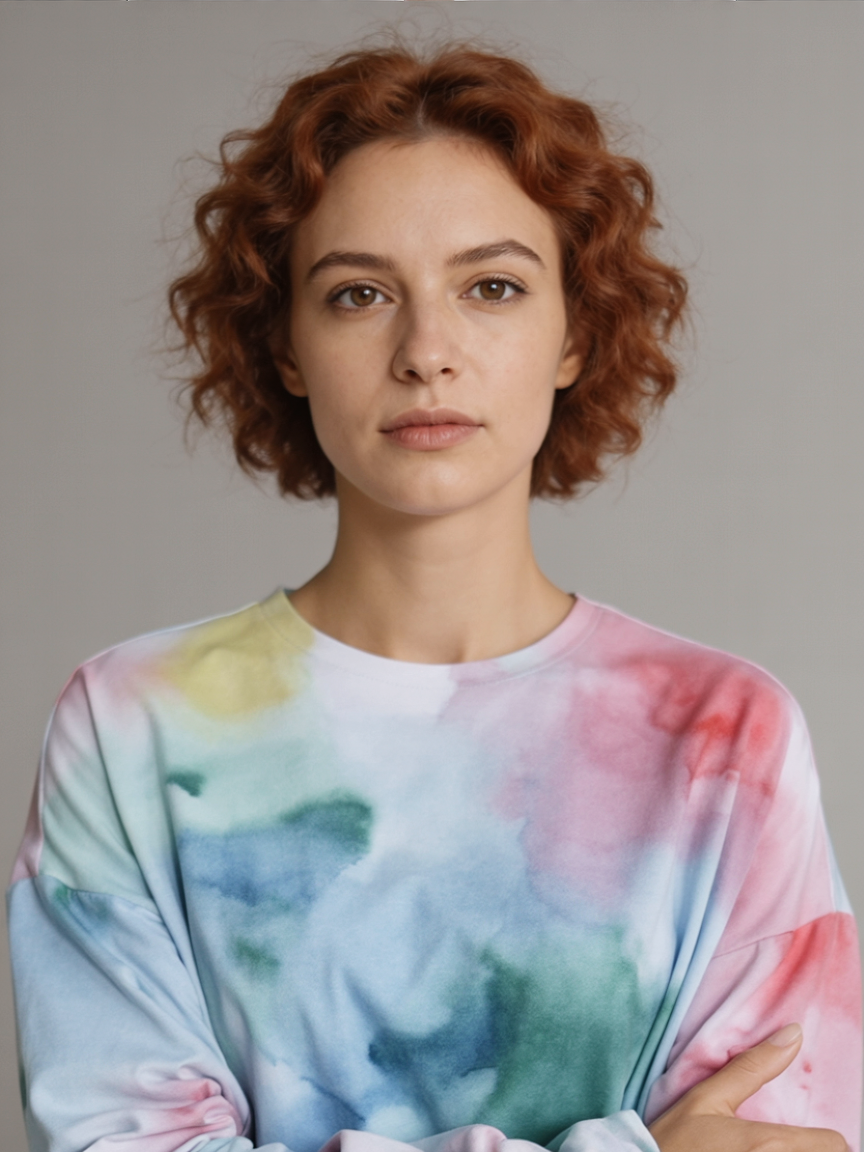

Consistent Character Guide

Keep Character Identity
consistent across generations

A practical guide for preserving facial identity across activities, environments, style changes, and full transformations using PixelDojo character tools.

Inspired by the Replicate consistent characters comparison.

Overview

Character consistency improves when prompts split into two parts: identity anchors (features that must never change) and variation directives (what should change this time). Keep these two blocks explicit in every prompt.

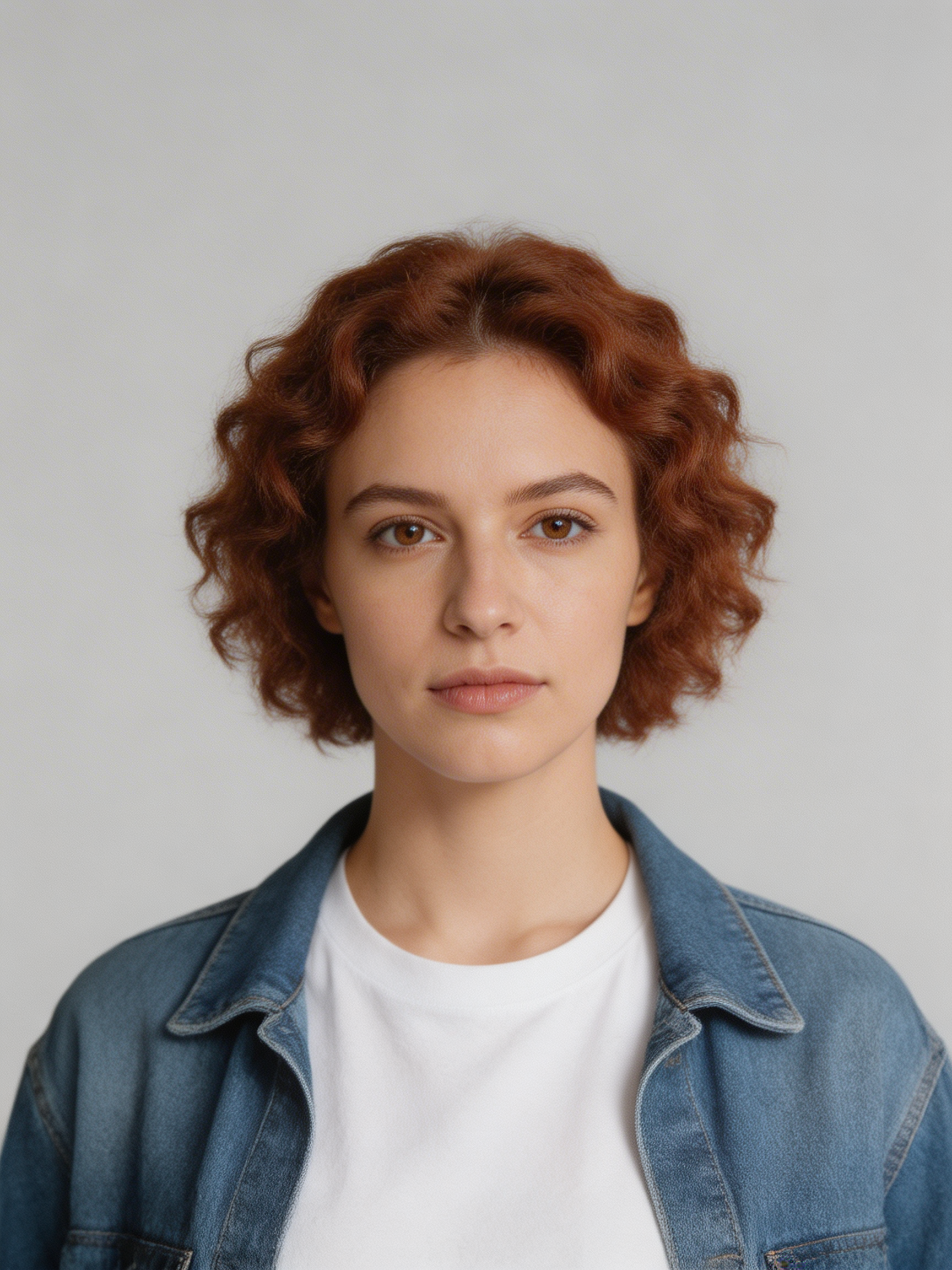
Reference character used for every example:

Reference character used for consistency examples

Reference character generated in PixelDojo, then reused for all examples below.

Prompt Playbook

Anchor immutable traits

Always restate 2-4 traits like eye color, hair silhouette, face shape, and signature outfit details.

Define one variation axis

Change one major variable at a time: activity, environment, style, wardrobe, or genre.

Use role-based phrasing

Use phrases like 'the same person from the reference' early in the prompt to strengthen identity lock.

Repeat identity after style changes

For anime/watercolor/fantasy prompts, mention identity anchors again after the style instruction.

Generated Examples

New Activity: Playing Piano

New Activity: Playing Piano

Change action while preserving facial identity

The same person from the reference is playing a grand piano on a small jazz stage. Warm tungsten practical lights, candid performance expression, realistic hands, shallow depth of field.

A strong action verb plus scene context helps the model vary composition without drifting identity.
Environment Shift: Summer Forest

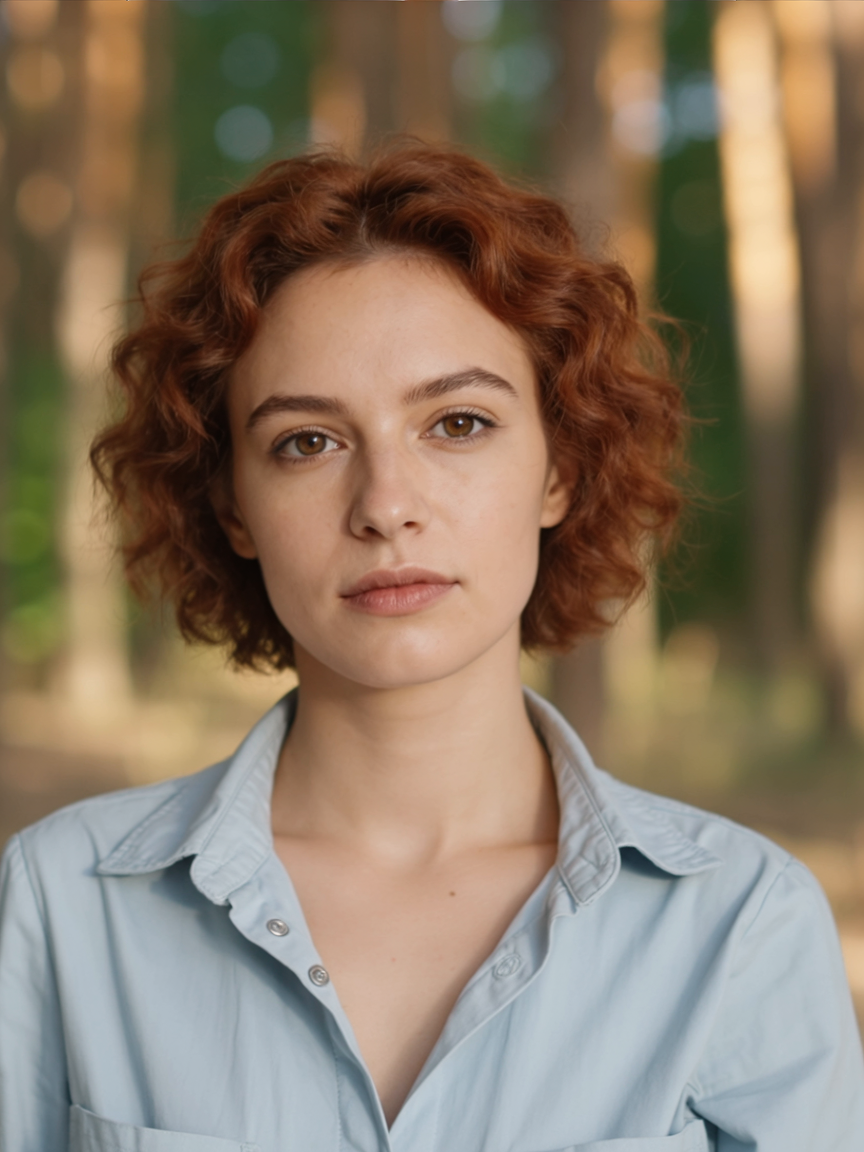
Environment Shift: Summer Forest

Move character into a totally new scene

A half-length portrait photo of the same person in a summer forest at golden hour. Keep facial identity, eye color, hairstyle, and face shape consistent. Natural bokeh and cinematic color grading.

Explicitly list immutable features (eye color, face shape, hairstyle) whenever scene changes are large.

Wardrobe + Weather Edit

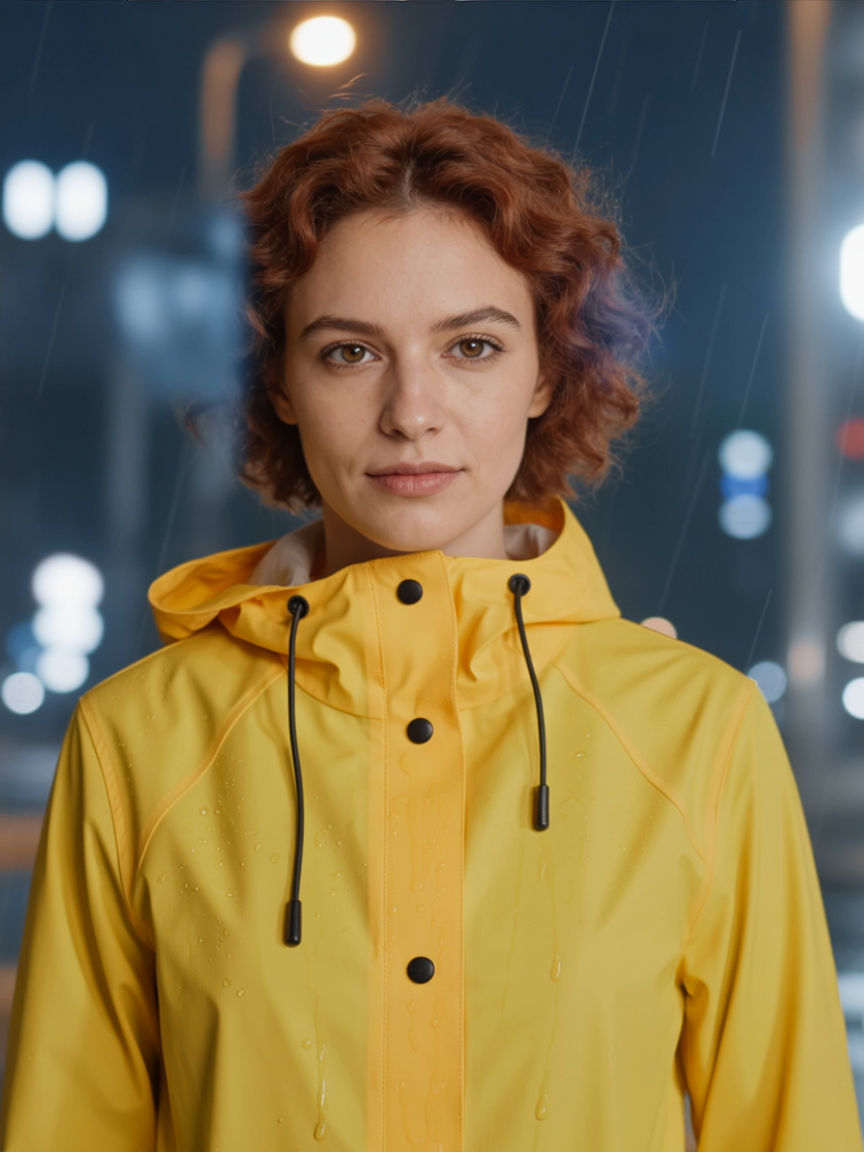
Wardrobe + Weather Edit

Modify outfit and atmosphere simultaneously

The same person standing in city rain at night wearing a yellow raincoat. Preserve face identity, eye color, and hairstyle from reference. Wet hair strands, raindrops on coat, realistic lighting reflections.

Use one sentence for identity lock and one for visual changes to reduce trait drift.

Occupation Change: Chef

Occupation Change: Chef

Recontextualize while keeping the same person

The same person working as a chef in a busy restaurant kitchen, plating food. Keep identity and facial details consistent while changing outfit to chef whites and apron.

Specify what should change (role/outfit) and what should stay stable (facial details).

Style Transfer: Anime

Style Transfer: Anime

Shift medium while preserving key features

Restyle the same person as high-quality anime key art while preserving hairstyle silhouette, eye color, and facial proportions. Dynamic lighting, polished linework, vibrant color palette.

Style changes work better when identity anchors are repeated after the style instruction.

Style Transfer: Watercolor

Style Transfer: Watercolor

Creative restyle with identity preservation

Create a watercolor painting of the same person in a city park. Preserve identity traits from reference while using soft watercolor edges, paper texture, and gentle pastel color transitions.

In painterly styles, explicitly request identity preservation to avoid over-stylized face changes.

Full Transformation: Fantasy Witch

Full Transformation: Fantasy Witch

Heavy costume + setting changes, same character

Transform the same person into a fantasy witch in a moonlit forest. Keep facial likeness, eye color, and hairstyle consistent. Dark flowing cloak, glowing staff, cinematic atmosphere.

For dramatic transformations, reiterate 2-3 identity traits after describing fantasy elements.

Prompt Templates

Activity Change Template

Use when the same character should perform a different action.

The same person from the reference is [new activity] in [location]. Keep [identity trait 1], [identity trait 2], and [identity trait 3] consistent. Visual style: [camera/lens/mood].

Environment Shift Template

Use when moving the same person to a new setting.

A [shot type] portrait of the same person in [new environment]. Preserve facial identity, [scar/freckles], [hair details], and [eye color details]. Add [lighting notes] and [composition notes].

Style Transfer Template

Use for anime/illustration/watercolor transformations.

Restyle the same person as [style]. Preserve identity anchors: [trait 1], [trait 2], [trait 3]. Keep recognizable facial structure while applying [style characteristics].

Full Transformation Template

Use for fantasy or genre transformations while retaining likeness.

Transform the same person into [new persona]. Keep facial likeness and core identity anchors ([trait 1], [trait 2], [trait 3]) consistent. Add [costume], [environment], and [atmosphere] details.

Checklist

  • Start prompt with 'the same person from the reference'.
  • List 2-4 identity anchors in every generation.
  • Change one major variable per iteration.
  • Reassert identity after style/genre modifiers.
  • Iterate in small steps before dramatic transformations.