Veo 3.1 Prompting Guide

Prompt Google Veo 3.1
with cinematic control

A practical Veo 3.1 playbook with generated video examples for image-to-video, multi-reference scenes, and first/last frame interpolation.

Based on techniques from the Replicate Veo 3.1 prompting guide.

Overview

Veo 3.1 quality improves most when prompts clearly define shot composition, lens language, subject style, and camera movement. For higher control, use references to lock identity and first/last frames to lock narrative endpoints.

Prompt Playbook

Define shot composition

Specify framing and subject count early: single shot, over-the-shoulder, wide establishing, etc.

Use lens and focus language

Call out lens behavior directly: shallow focus, macro lens, wide-angle, deep focus.

Direct camera movement

Describe movement with film terms: dolly in, pan left, tracking shot, crane up, whip pan.

Use mode-specific controls

For consistency: use reference_images. For transitions: use image + last_frame. For speed: use Veo 3.1 Fast.

Generated Videos

Enhanced Image-to-Video (Fast)

Start from one image and add realistic motion

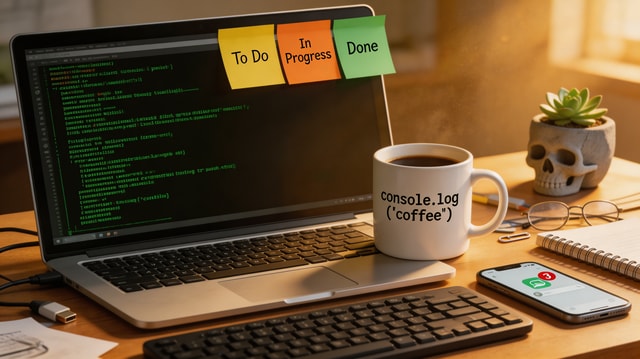
A cinematic push-in on a software engineer desk at night. Terminal lines update subtly on screen, keyboard LEDs pulse, steam drifts from a coffee mug, and city lights flicker through the window. Smooth camera motion, realistic micro-movements, no jump cuts.

For strong image-to-video results, anchor the shot with one clear camera move plus 2-3 specific motion cues.

Inputs used

Input image
Input image

Reference-to-Video (Standard)

Blend multiple references into one coherent scene

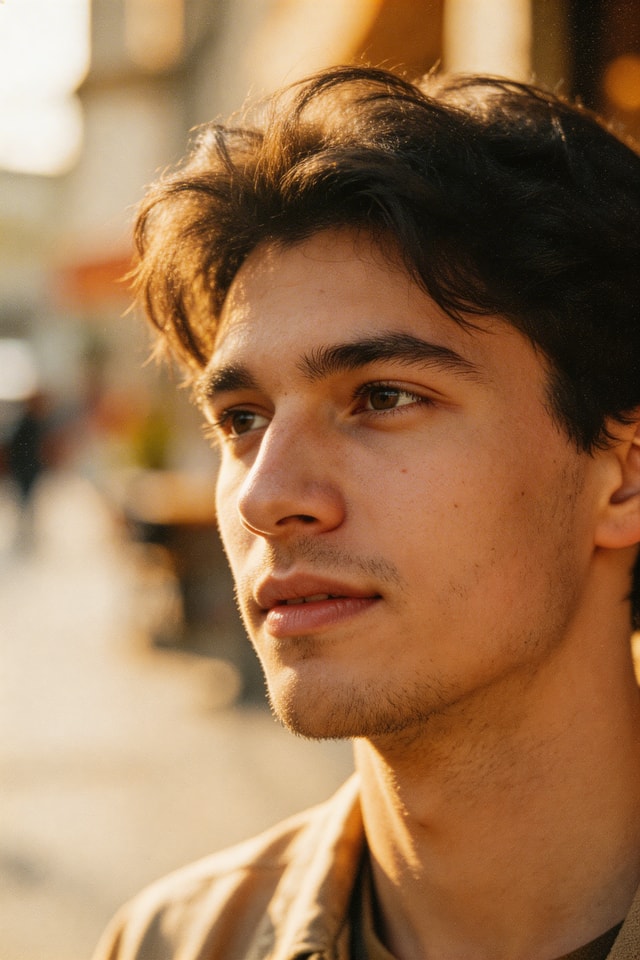
A UGC-style product review shot. The same woman from the character reference sits at the desk background and presents the ceramic mug to camera, rotating it in her hand and smiling. Keep her identity and mug shape consistent with references, natural gestures, handheld realism.

Name the role of each reference (character, product, environment) to increase identity and object consistency.

Inputs used

Character reference

Character reference

Product reference

Product reference

Background reference

Background reference

First + Last Frame Interpolation

Control narrative start and end states

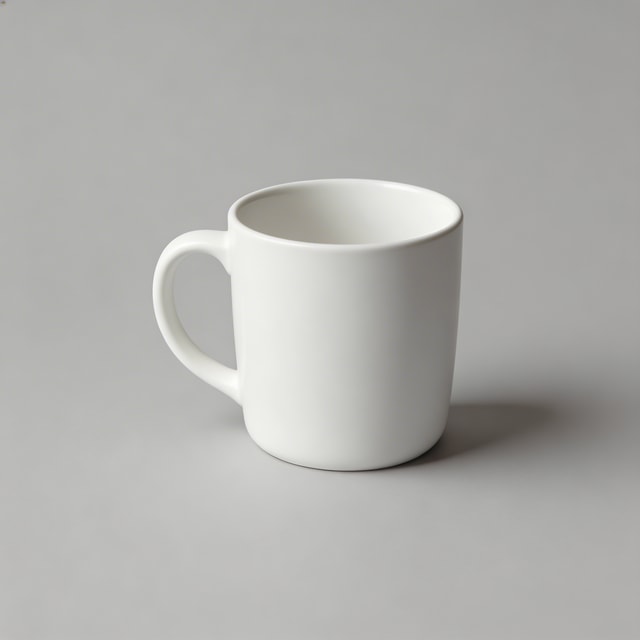
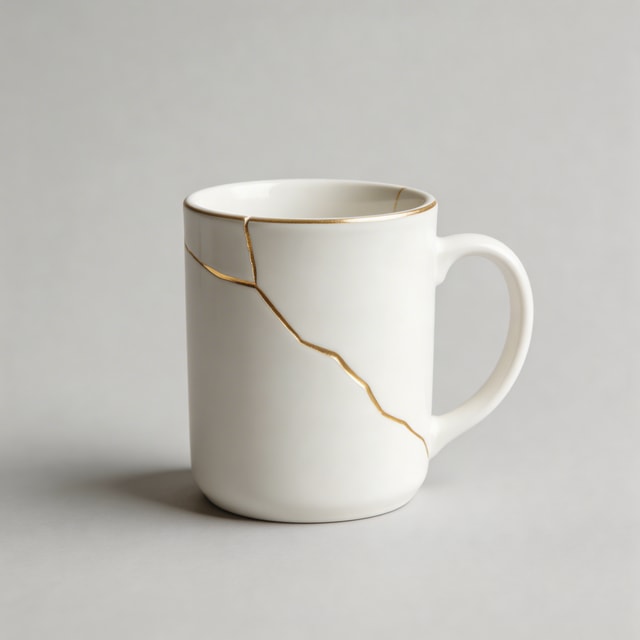
A smooth tabletop transformation sequence where a plain white mug develops elegant gold kintsugi cracks. Maintain studio framing and soft product-lighting continuity while morphing naturally from first frame to last frame.

Use first/last frame mode when the ending state matters as much as the opening shot.

Inputs used

First frame

First frame

Last frame

Last frame

Prompt Templates

Image-to-Video Template

Use when you have one strong starting image and need believable motion.

Start from this image and create a [shot type] with [camera movement]. Subject action: [action details]. Environment motion: [secondary motion]. Keep realism high, natural timing, and no abrupt transitions.

Reference-to-Video Template

Use for character/product consistency across generated scenes.

Use reference 1 as the character, reference 2 as the product, and reference 3 as the environment. Create a [scene type] where the character [action] with the product. Preserve identity and object details from references, cinematic natural motion.

First + Last Frame Template

Use for controlled transformations and narrative arcs.

Generate a continuous video that starts exactly from the first frame and ends exactly on the last frame. Show [transformation/process] between them with [camera behavior], [lighting continuity], and smooth interpolation.

Checklist

  • Specify framing, subject count, and camera movement in one sentence.
  • Add lens/focus style for look control (macro, wide-angle, shallow focus).
  • Pick the right mode: image-to-video, references, or first+last frame.
  • For references, define each reference role clearly in the prompt.
  • Run a fast draft first, then iterate on one variable at a time.