Nano Banana Edit AI Image Generator
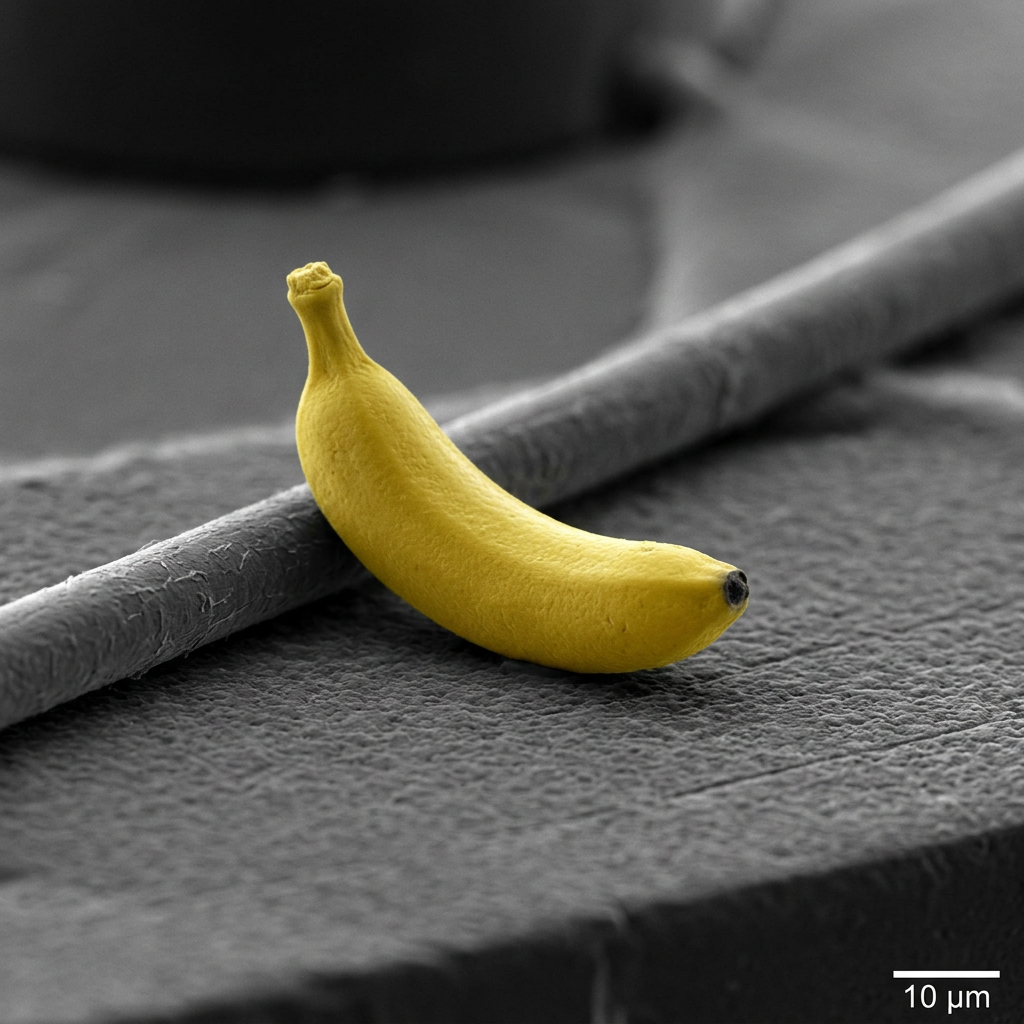
Generated on PixelDojo with google-nano-banana. Produced by PixelDojo's generation pipeline.
Nano Banana Edit is an AI image editing model for making precise, prompt-based changes to existing images, and its standout strength is keeping people, products, and characters recognizable while the scene, style, background, or details change. On PixelDojo, Nano Banana Edit ai tools help creators update visuals with natural language instructions, compare results quickly, and produce usable edits for marketing, social content, concept art, ecommerce, and creative testing. If you are searching what is Nano Banana Edit, how to use Nano Banana Edit, Nano Banana Edit review insights, Nano Banana Edit examples, or Nano Banana Edit pricing, this page covers the essentials in one place.
Real image examples generated on PixelDojo
Every example below was produced on PixelDojo. Hover to see the prompt.
A nano banana
google-gemini-image
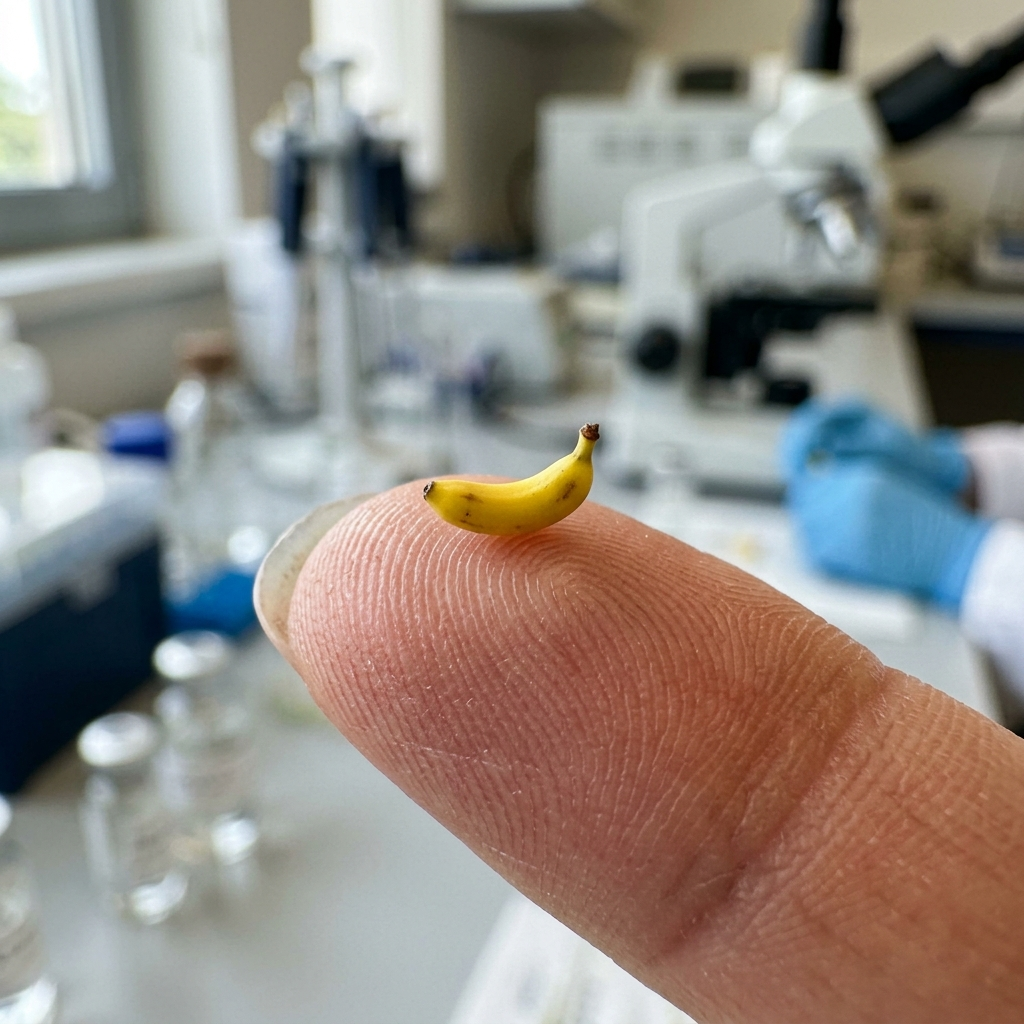
A nano banana
google-gemini-image
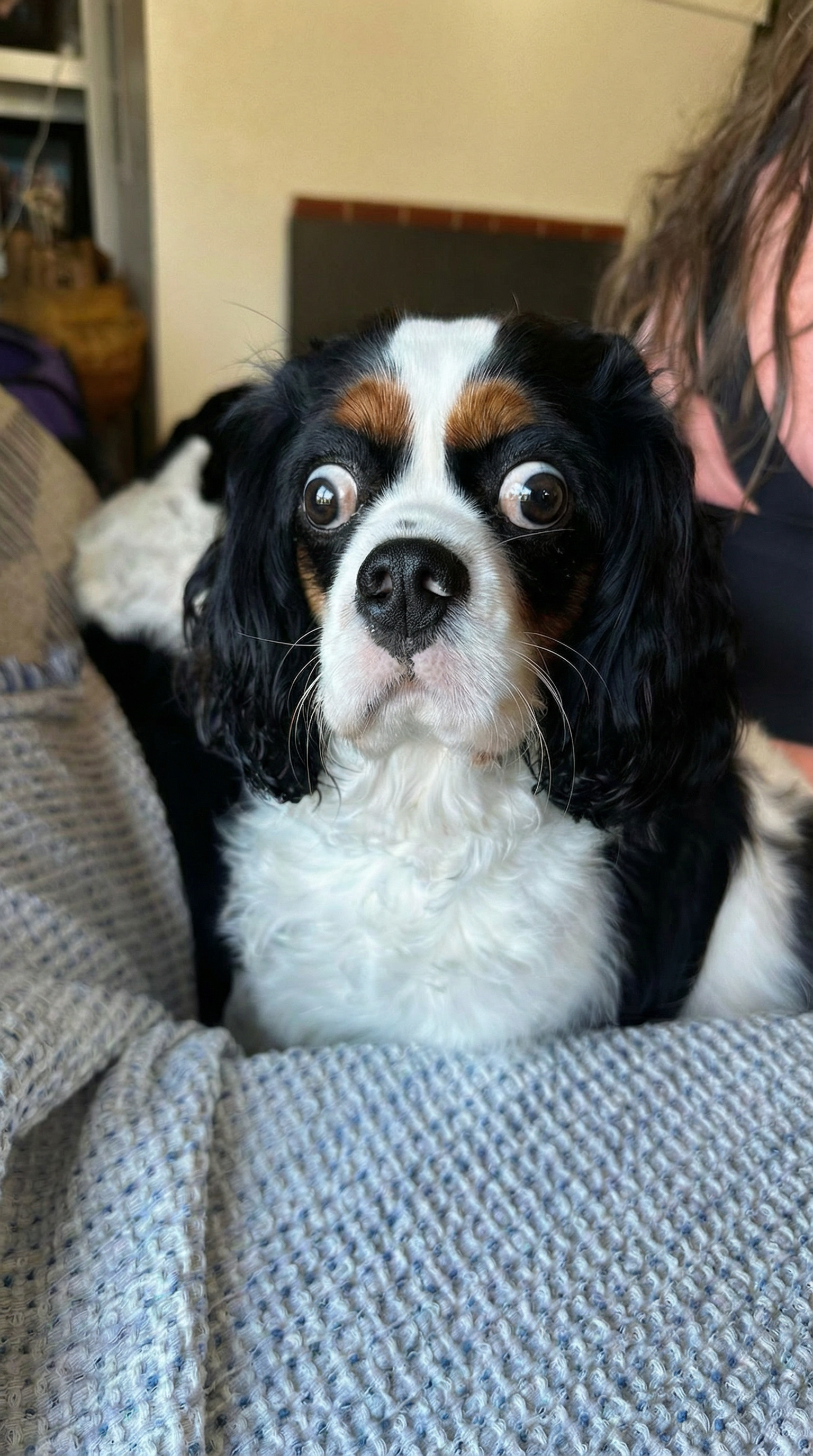
Give the dog crazy eyes like the man edited with Google Nano Banana Pro
google-gemini-image
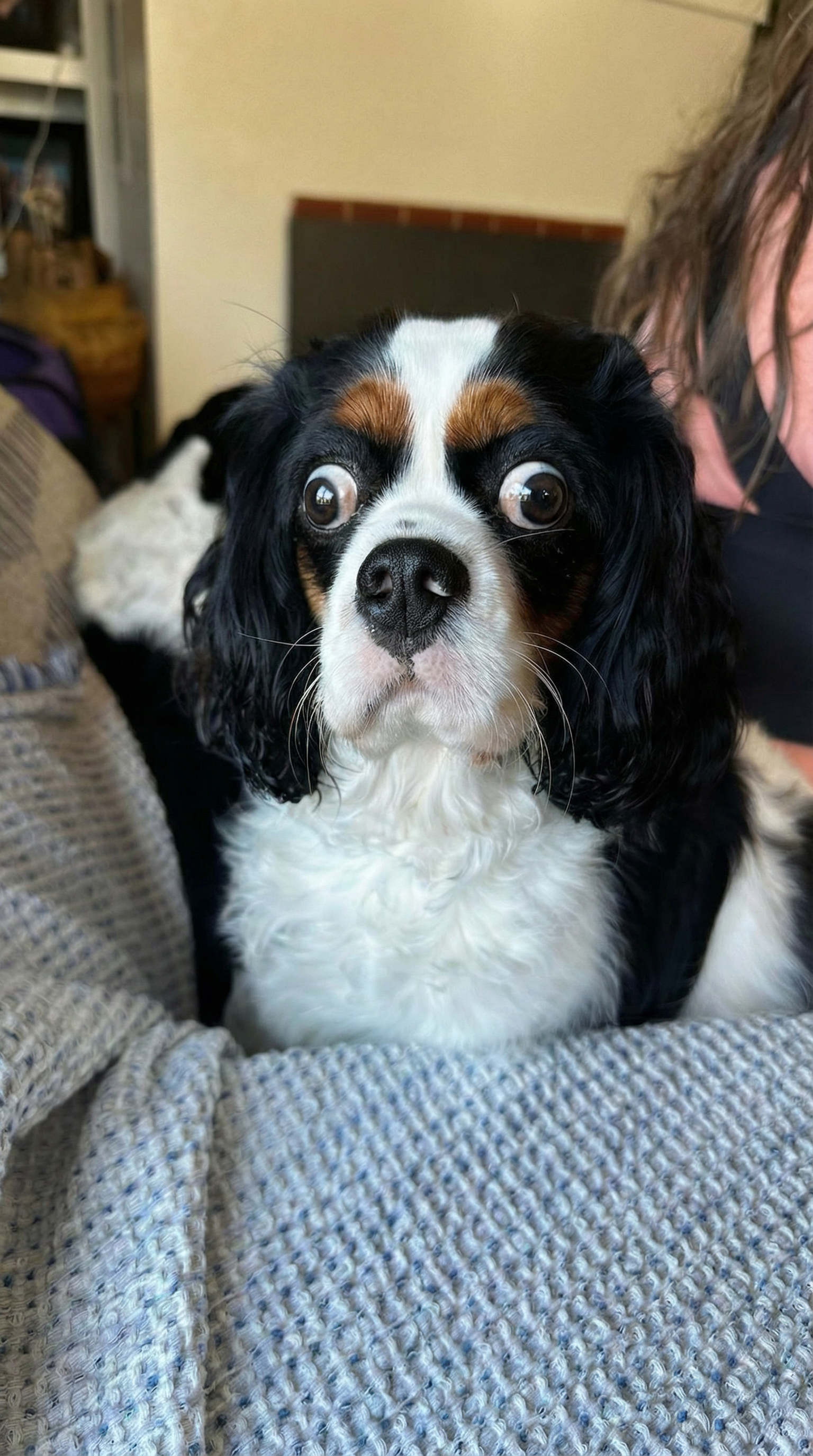
Give the dog crazy eyes like the man edited with Google Nano Banana Pro
google-gemini-image
A nano banana
image-to-video

Portrait series with neutral background
consistent-characters
Models you can run on PixelDojo for Nano Banana Edit AI Image Generator
Switch models without switching tools. Each one runs in the same PixelDojo studio.
What you can do with Nano Banana Edit AI Image Generator on PixelDojo
Natural Language Image Generation
We create images based on written prompts. Creators describe scenes to receive matching visuals.
Prompt Driven Image Edits
We apply changes to images via text instructions. Users specify what to alter in their uploads.
Batch Image Processing Support
We handle multiple generations in one session. Creators produce sets of related images.
Detailed Visual Style Control
We let users define artistic styles. Creators adjust elements like lighting and texture through prompts.
Why Choose Pixel Dojo for Nano Banana Edit AI Image Generator
Professional-quality results with cutting-edge AI technology
Edit images with plain language
Describe the change you want, such as replacing a background, adjusting clothing, changing lighting, adding props, or refining a product scene. Nano Banana Edit turns those instructions into controlled image edits without requiring manual masking for every update.
Keep subjects consistent
Nano Banana Edit is especially useful when the main subject needs to stay recognizable. Use it for character variations, product lifestyle images, profile updates, ad concepts, packaging mockups, and brand visuals that require continuity across multiple edits.
Create practical visual options fast
PixelDojo makes it easy to generate Nano Banana Edit examples from the same source image, compare alternate prompts, and refine the best result. This supports faster creative decisions for campaigns, thumbnails, listings, presentations, and design exploration.
How It Works
Upload or choose an image
Start with a product photo, portrait, character image, concept render, or existing design inside PixelDojo. Clear source images generally give Nano Banana Edit more information to preserve identity, structure, and important details.
Describe the edit you want
Write a direct prompt that explains the target change. For example, ask PixelDojo to place a product on a marble countertop, change a studio portrait to golden hour lighting, remove clutter, or create a seasonal version of a character.
Generate, compare, and refine
Run the edit, review the result, then adjust the prompt if needed. You can create multiple variations, save strong outputs, and continue editing until the image fits the use case.
Loved by creators on PixelDojo
Real feedback from people using PixelDojo, pulled from our in-product surveys.
the quality is the best
All the tools needed in one dashboard
Very fair and very broad in tools.
Accurate results
Great site and so much fun to use!
very useful set of tools for image creation, upscaling and enhancement
Explore more AI tools on PixelDojo
Popular AI Models
AI Tools
Compare & Switch
- Best AI Image Generators
- Best AI Video Generators
- Midjourney Alternatives
- Civitai Alternatives
- Runway Alternatives
- Leonardo Alternatives
- Pika Alternatives
- Luma Alternatives
- Magnific Alternatives
- Veo Alternatives
- Flux Alternatives
- Freepik Alternatives
- Seedance Alternatives
- Seedream Alternatives
- Pixverse Alternatives
- GPT Image Alternatives
- Synthesia Alternatives
- Playground Alternatives
- NightCafe Alternatives
- Canva AI Alternatives
- ElevenLabs Alternatives
- ComfyUI Alternatives
- Fal Alternatives
- Replicate Alternatives
Common Questions
Everything you need to know about Nano Banana Edit AI Image Generator
What is Nano Banana Edit?
Nano Banana Edit is an AI image editing model that modifies existing images from text instructions. It is designed for targeted edits such as changing backgrounds, styling scenes, updating objects, improving compositions, and creating variations while keeping the original subject recognizable.
How do I use Nano Banana Edit on PixelDojo?
To use Nano Banana Edit on PixelDojo, open the model page, upload or select an image, enter a clear prompt describing the edit, generate the result, then refine with follow-up prompts if needed. For best results, specify what should change and what should stay the same.
How much does Nano Banana Edit cost?
Nano Banana Edit pricing on PixelDojo is based on PixelDojo credits or plan access. The required credits are shown in the product experience before you generate, so you can review the cost of an edit before running it. Paid plans or credit packs provide more usage for frequent editing.
What is Nano Banana Edit best at?
Nano Banana Edit is best at prompt-based image edits where subject consistency matters. Common uses include product placement, character variations, background swaps, outfit or object changes, social media visuals, ad concepts, ecommerce imagery, and fast creative iterations from a source image.
Is there a free way to try Nano Banana Edit?
Yes. New or eligible PixelDojo users may be able to try Nano Banana Edit with free starter credits or available promotional credits. If free credits are available in your account, you can use them to run edits before choosing a paid plan or credit pack.