Flux Alternatives

Generated on PixelDojo with Flux 2 Max. Produced by PixelDojo's generation pipeline.
Running Flux yourself means weights, GPUs, and setup time. PixelDojo hosts the full Flux 2 family with nothing to install: Pro, Max, Flex, Klein, Dev with LoRA support, and the Kontext editing models. Just as useful, it hosts the models people weigh Flux against. We ran one photorealistic still-life prompt through 5 engines including Flux 2 Pro, Flux 2 Max, Seedream 5, and GPT Image 2, timing every job. Flux 2 Pro was fastest at 12.2s.
Real image examples generated on PixelDojo
Every example below was produced on PixelDojo. Hover to see the prompt.

Make it photo realistic edited with Flux Kontext Pro
flux-studio

A highly detailed digital illustration in a hyper-realistic yet futuristic cyberpunk style
flux

Believe me a modern painting thick brushstrokes imitating a watercolor painting about the…
flux
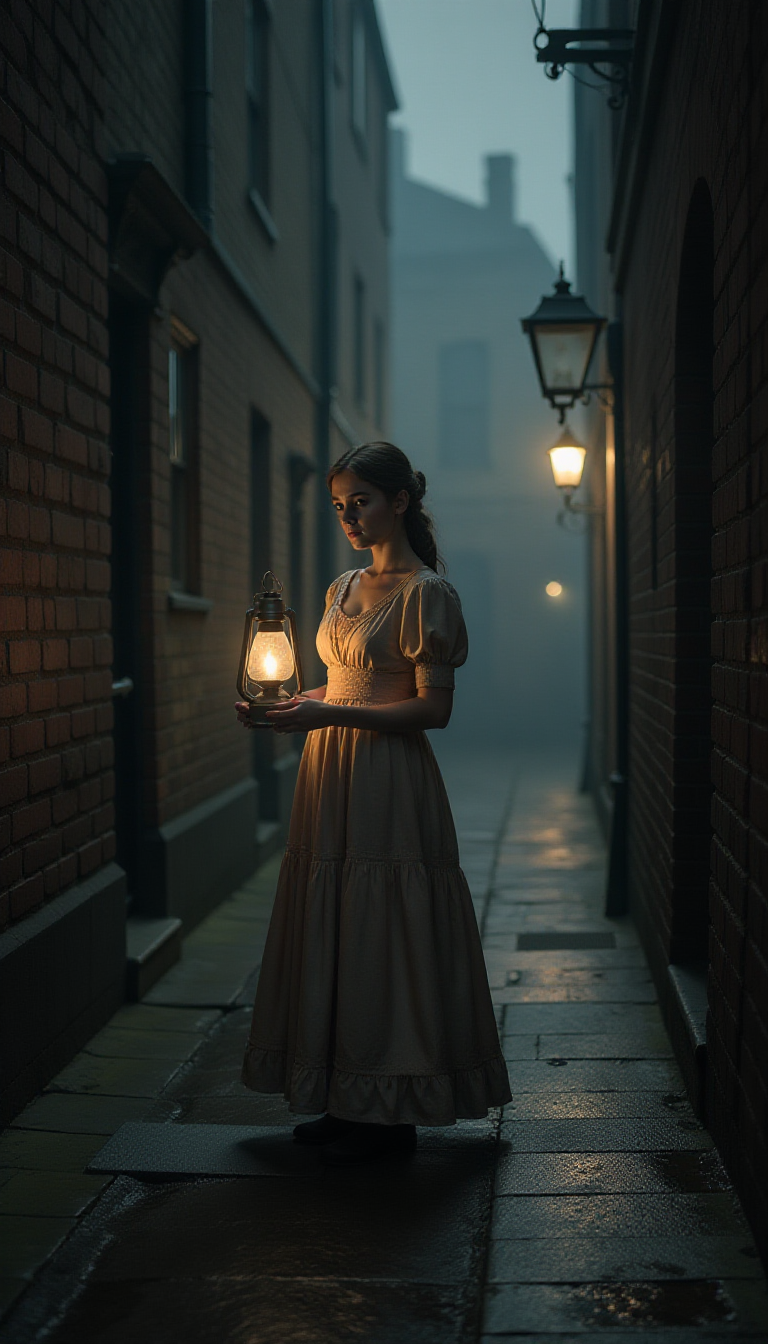
Close up at Night! In the eerie darkness of an old English alley during the time of Jack t…
flux

Cree una imagen de un impresionante mural en una pared de estuco veneciano con un acabado…
flux

A striking
flux
Models you can run on PixelDojo for Flux Alternatives
Switch models without switching tools. Each one runs in the same PixelDojo studio.
What you can do with Flux Alternatives on PixelDojo
The Flux family, always current
New Flux releases land on PixelDojo as they ship, next to the versions you already rely on.
Style that persists
Train Flux LoRAs and apply them across generations for consistent characters and looks.
Kontext-class editing
Targeted edits with Flux editing models keep composition while changing what you ask for.
Cross-family comparison
One prompt, several engines, and a clear view of which family serves the brief.
Numbers on this page are from real PixelDojo runs of one still-life prompt across the listed engines, measured start to finish.
Why Choose Pixel Dojo for Flux Alternatives
Professional-quality results with cutting-edge AI technology
Every Flux 2 tier, zero setup
Pro for daily quality, Max for the hardest briefs, Flex for control, Klein for speed, and Dev with LoRA support, all hosted and current.
Train Flux on your style
PixelDojo's LoRA trainers work on the Flux family, so your characters and aesthetics travel across generations.
The rivals are one click away
Seedream 5, Nano Banana Pro, and GPT Image 2 run beside Flux for honest same-prompt comparison when a brief calls for a different look.
How It Works
Pick a Flux tier or a rival
Start with Flux 2 Pro for most work. Escalate to Max for complex scenes, or draft with Klein in seconds.
Add your LoRA when style matters
Apply a trained LoRA to keep characters and aesthetics consistent across a whole project.
Edit with Kontext, then export
Use Flux's editing models for targeted changes and download full-resolution files with commercial rights.
The Pixel Dojo Advantage
Flux is a model family you normally self-host or reach through scattered platforms. PixelDojo hosts the family and its competition.
| Others | Pixel Dojo |
|---|---|
| Open weights need GPUs and setup | Flux 2 Pro, Max, Flex, and Klein hosted, zero install |
| Hosted Flux access varies by platform | One subscription covers the family and 82 image models total |
| Flux only | Seedream 5, Nano Banana Pro, GPT Image 2, and Ideogram 4 beside it |
| Video needs a separate stack | 59 video models in the same workspace |
| LoRA training is a local project | Hosted Flux LoRA training with a guided flow |
| Editing via separate Kontext deployments | Flux editing models built in, plus other edit engines |
| Per-provider API differences | One REST API and MCP server across everything |
| License diligence per deployment | Full commercial rights and no watermarks on output |
Loved by creators on PixelDojo
Real feedback from people using PixelDojo, pulled from our in-product surveys.
All the tools needed in one dashboard
Very fair and very broad in tools.
Accurate results
Great site and so much fun to use!
very useful set of tools for image creation, upscaling and enhancement
ease of use, variety of tools, high quality trainings, and a well-maintained discord channel
Explore more AI tools on PixelDojo
Popular AI Models
AI Tools
Compare & Switch
- Best AI Image Generators
- Best AI Video Generators
- Midjourney Alternatives
- Civitai Alternatives
- Runway Alternatives
- Leonardo Alternatives
- Pika Alternatives
- Luma Alternatives
- Magnific Alternatives
- Veo Alternatives
- Freepik Alternatives
- Seedance Alternatives
- Seedream Alternatives
- Pixverse Alternatives
- GPT Image Alternatives
- Synthesia Alternatives
- Playground Alternatives
- NightCafe Alternatives
- Canva AI Alternatives
- ElevenLabs Alternatives
- ComfyUI Alternatives
- Fal Alternatives
- Replicate Alternatives
Common Questions
Everything you need to know about Flux Alternatives
Which Flux models does PixelDojo host?
The current Flux 2 line: Pro, Max, Flex, Klein 4B and 9B, and Dev with LoRA support, plus Flux editing models and earlier favorites like Flux 1.1 Pro Ultra and Kontext.
How did Flux 2 Pro and Max compare in your test?
On the shared still-life prompt, Flux 2 Pro finished in 12.2s and Flux 2 Max in 39.8s. Max resolved the brass and candlelight materials slightly better; Pro remains the value pick for daily work.
Do I need my own GPU or ComfyUI setup?
No. Every Flux tier runs hosted on PixelDojo. If you enjoy node workflows you can keep them, but nothing here requires local hardware.
Can I train a Flux LoRA on PixelDojo?
Yes. The LoRA trainers cover the Flux family, and trained LoRAs plug into generation so characters and styles stay consistent.
What is the strongest non-Flux alternative right now?
In our run, Seedream 5 at 134.4s and Nano Banana Pro at 54.8s were the closest photoreal rivals, and GPT Image 2 at 209s followed instructions most literally. Different briefs pick different winners.
Are Flux images from PixelDojo commercially safe?
Yes. Output downloads without watermarks and carries full commercial rights on every PixelDojo plan.