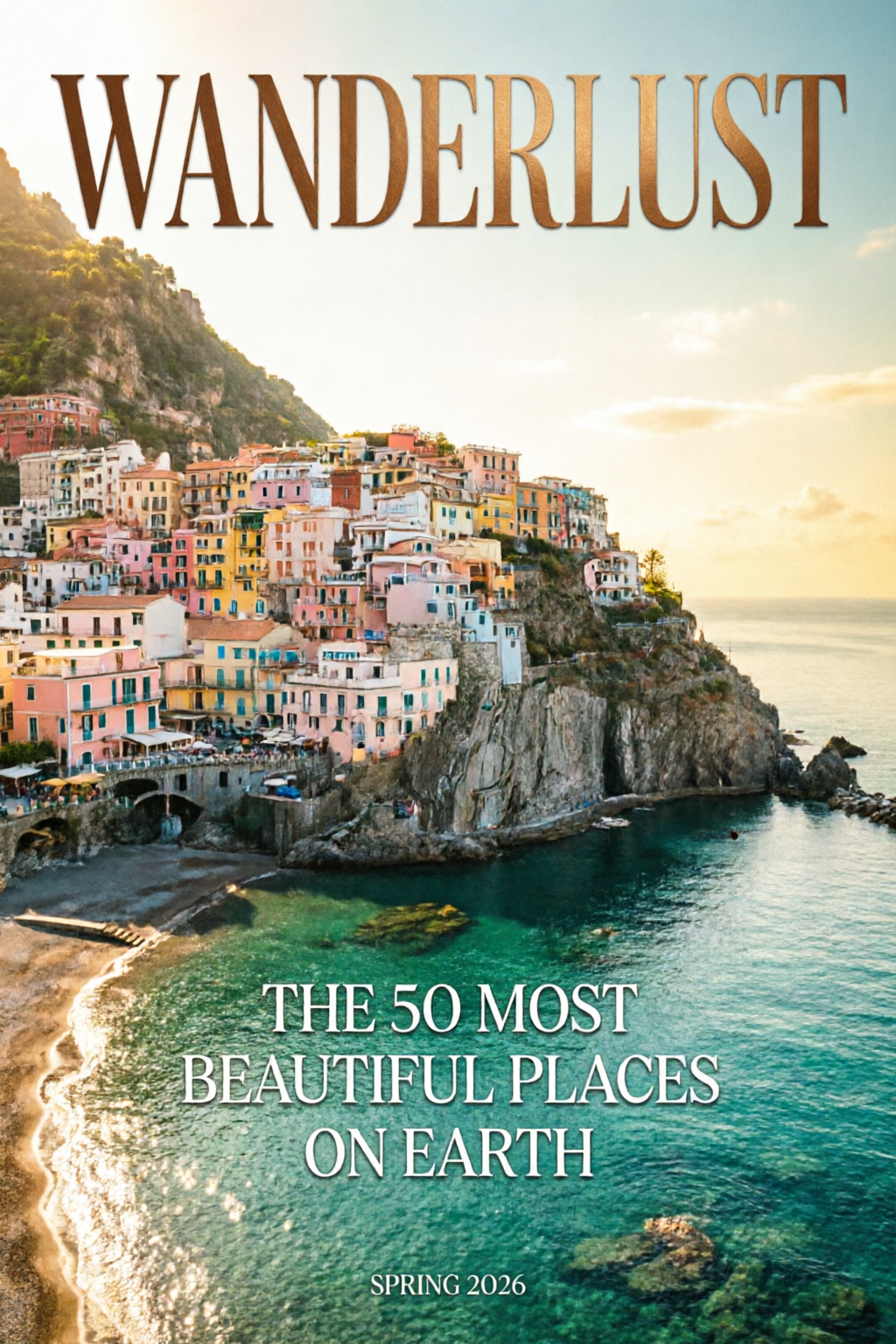
 Typography
Qwen Image 2.0
2K Resolution.
Native Typography.
Unified Gen & Edit.
A unified 7B-parameter architecture for generation and editing with native 2K resolution and professional typography. #1 on AI Arena for both generation and editing.
2K
Native Resolution
1K
Token Prompts
#1
AI Arena Rank
Overview
Qwen Image 2.0 unifies text-to-image generation and image-to-image editing in one 7B-parameter model. You get native 2048 × 2048 output, prompts up to 1,000 tokens for complex text layouts, and a single pipeline for style transfer, object manipulation, and multi-image compositing.
It excels at publication-ready typography (infographics, PPT slides, posters, comics), fine-detail photorealism at 2K, and consistent editing without chaining multiple models.
DPG-Bench
88.32
vs FLUX.1 83.84
GenEval
0.91
Generation quality
Parameters
7B
3× smaller than v1
AI Arena
#1
Gen + Edit ELO
Key Features
Professional Typography
Publication-Ready Text Layouts
Renders complex text directly into generated images with up to 1,000-token prompts.
- Infographics, PPT slides, movie posters, calendars
- Accurate character placement and alignment
- Text adapts to surfaces like glass, fabric, and signage
- Multiple font styles in a single image
Native 2K Resolution
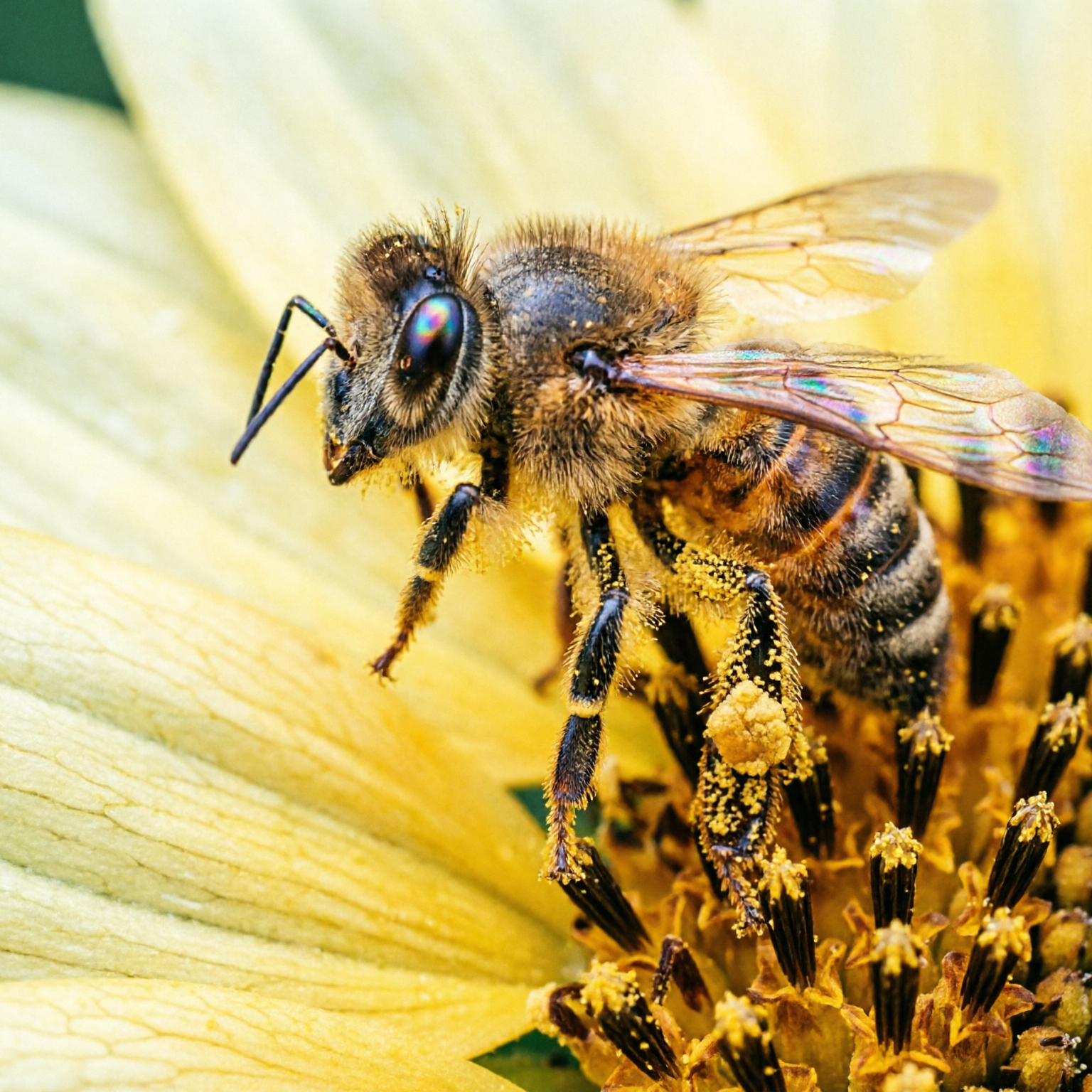
Microscopic Detail, Directly Generated
Generate images natively at 2048 × 2048 pixels with no upscaling.
- Skin pores, fabric weave, and grain visible at full zoom
- Architectural textures rendered with precision
- Production-ready output without post-processing
- Holds up at print resolution
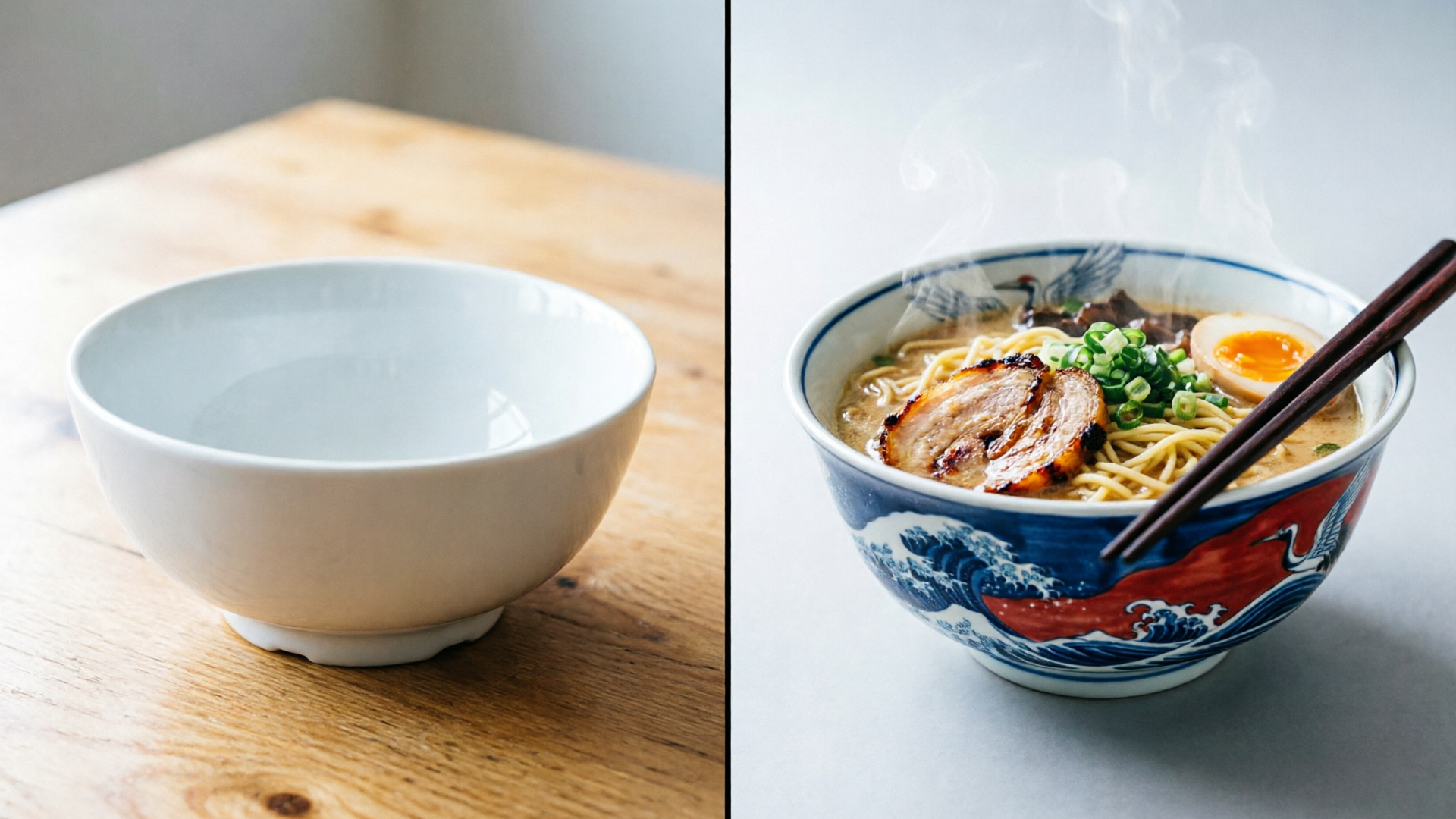
Unified Generation & Editing
One Model, Full Creative Pipeline
A single 7B-parameter model handles both generation and editing.
- Style transfer and object insertion/removal
- Multi-image compositing in one pipeline
- Cross-domain editing (illustration into photo)
- No need to chain multiple models
Gallery
Every image below was generated with Qwen Image 2.0. Click “Show prompt & tip” on any card to see and copy the exact prompt used.
Typography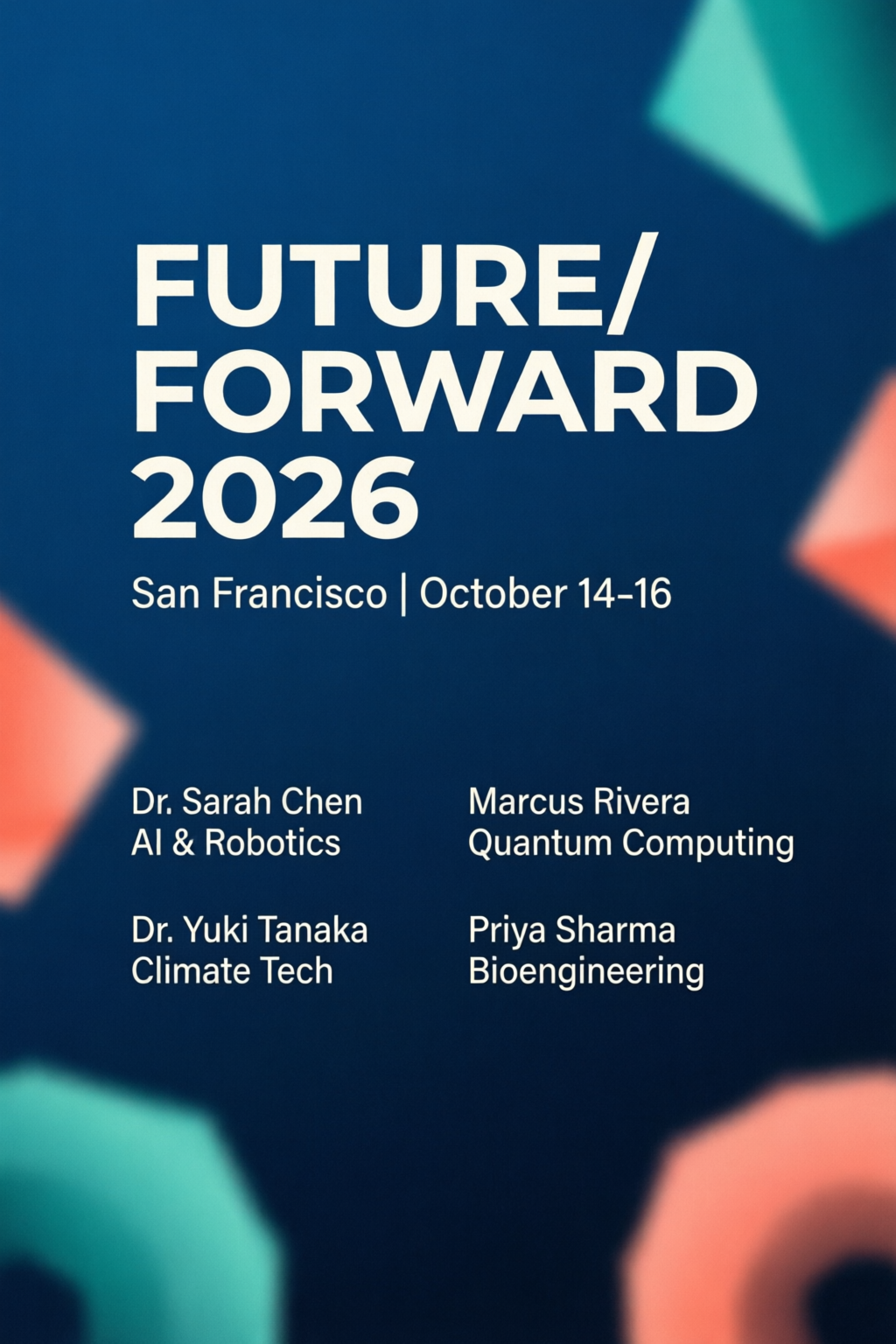 Typography
Conference Poster
PhotorealismMacro Photography
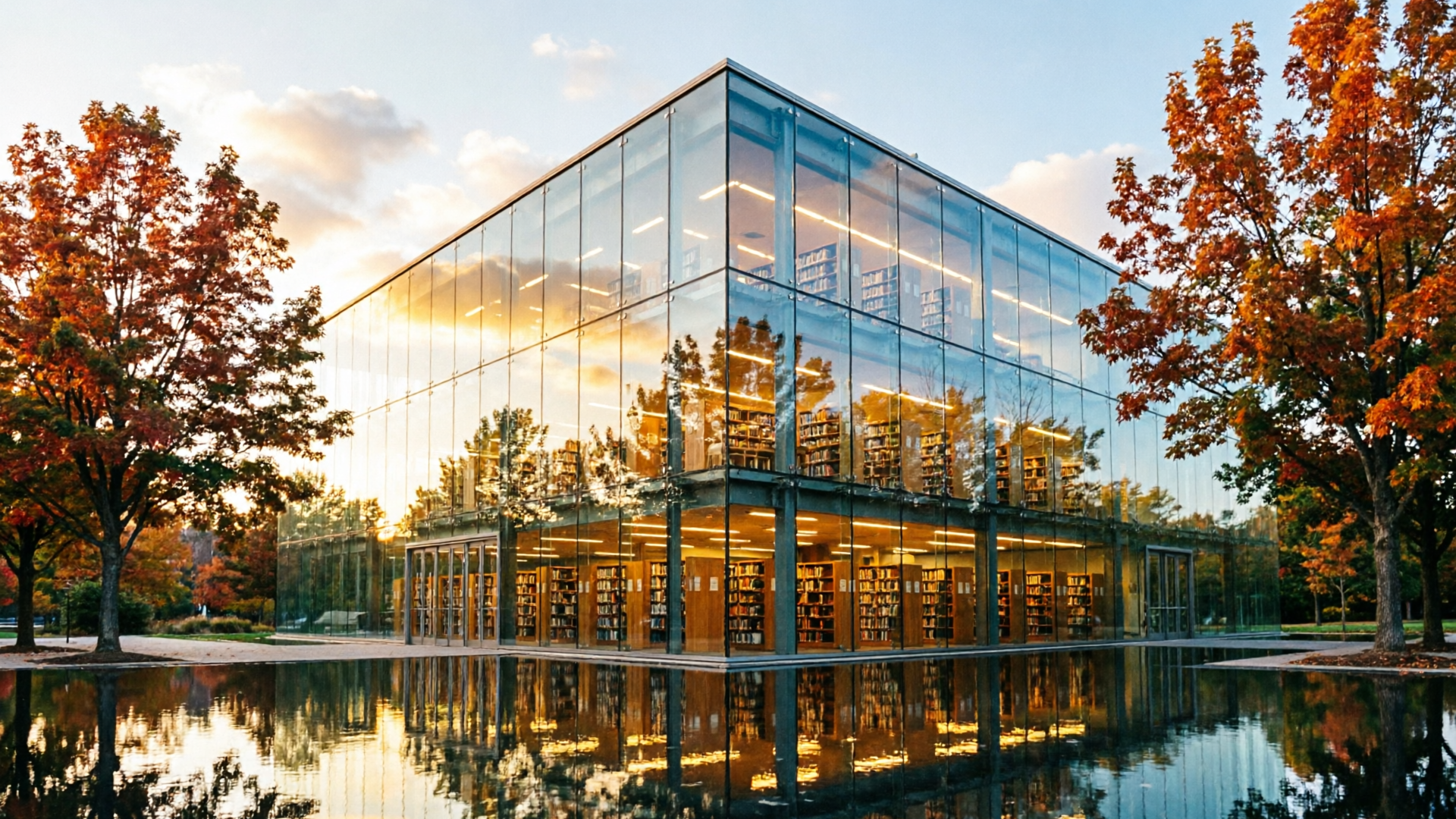
PhotorealismArchitecture at Golden Hour
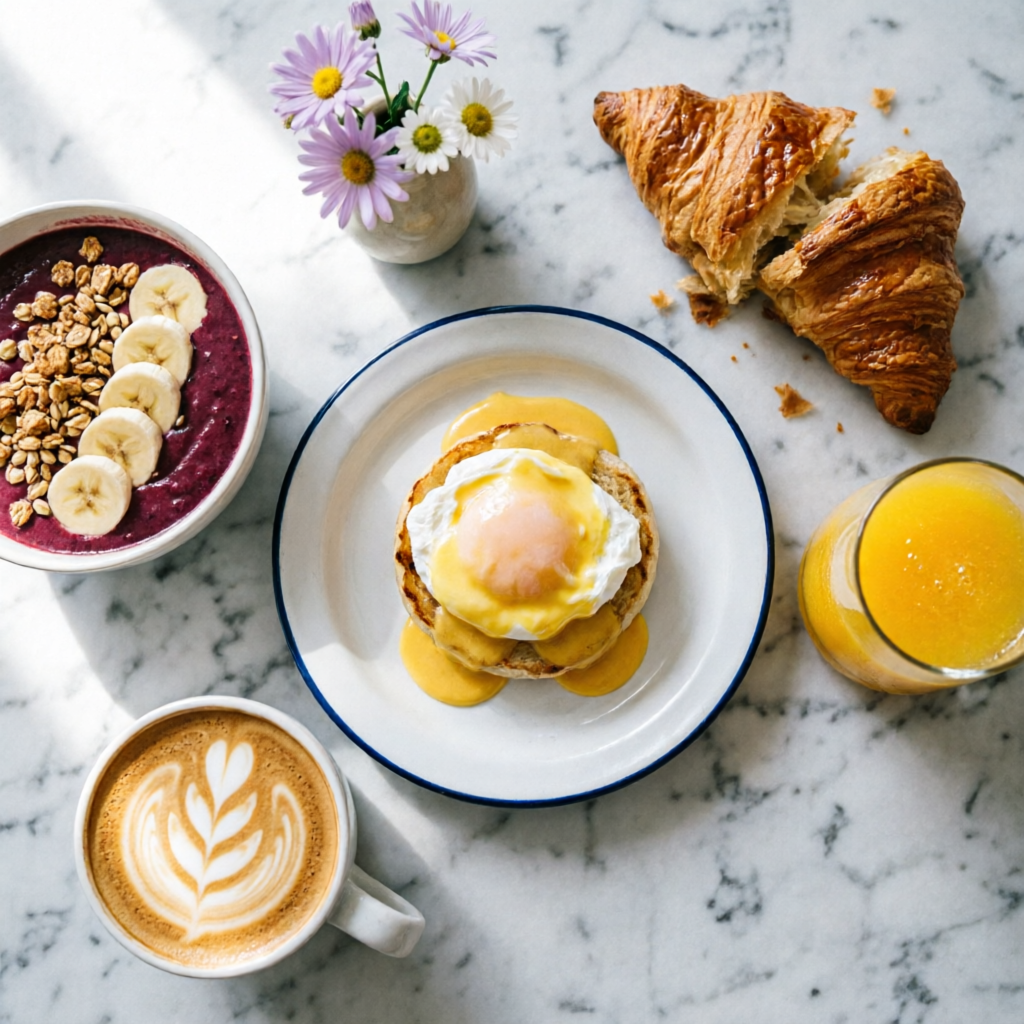 Photorealism
Brunch Flat-Lay
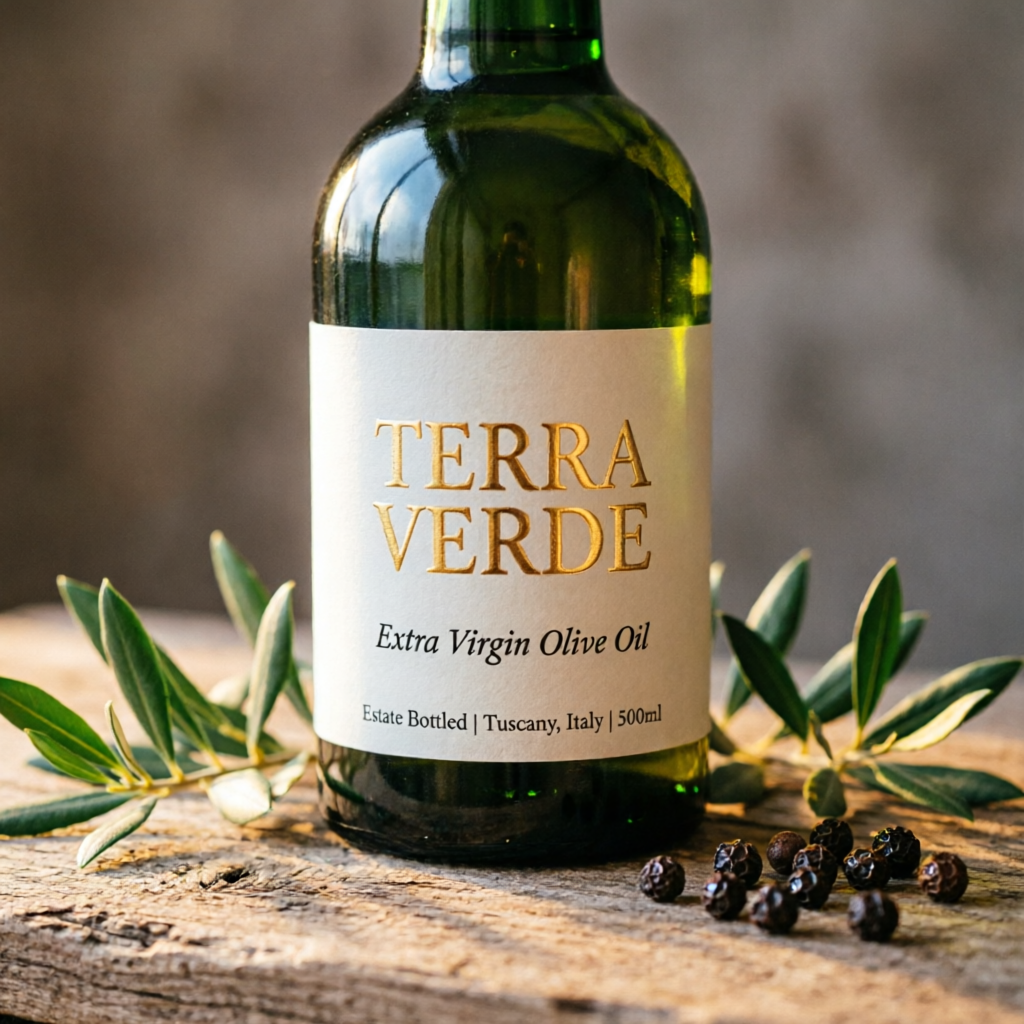 Product Design
Product Label Mockup
EditingEditing Pipeline
 Illustration
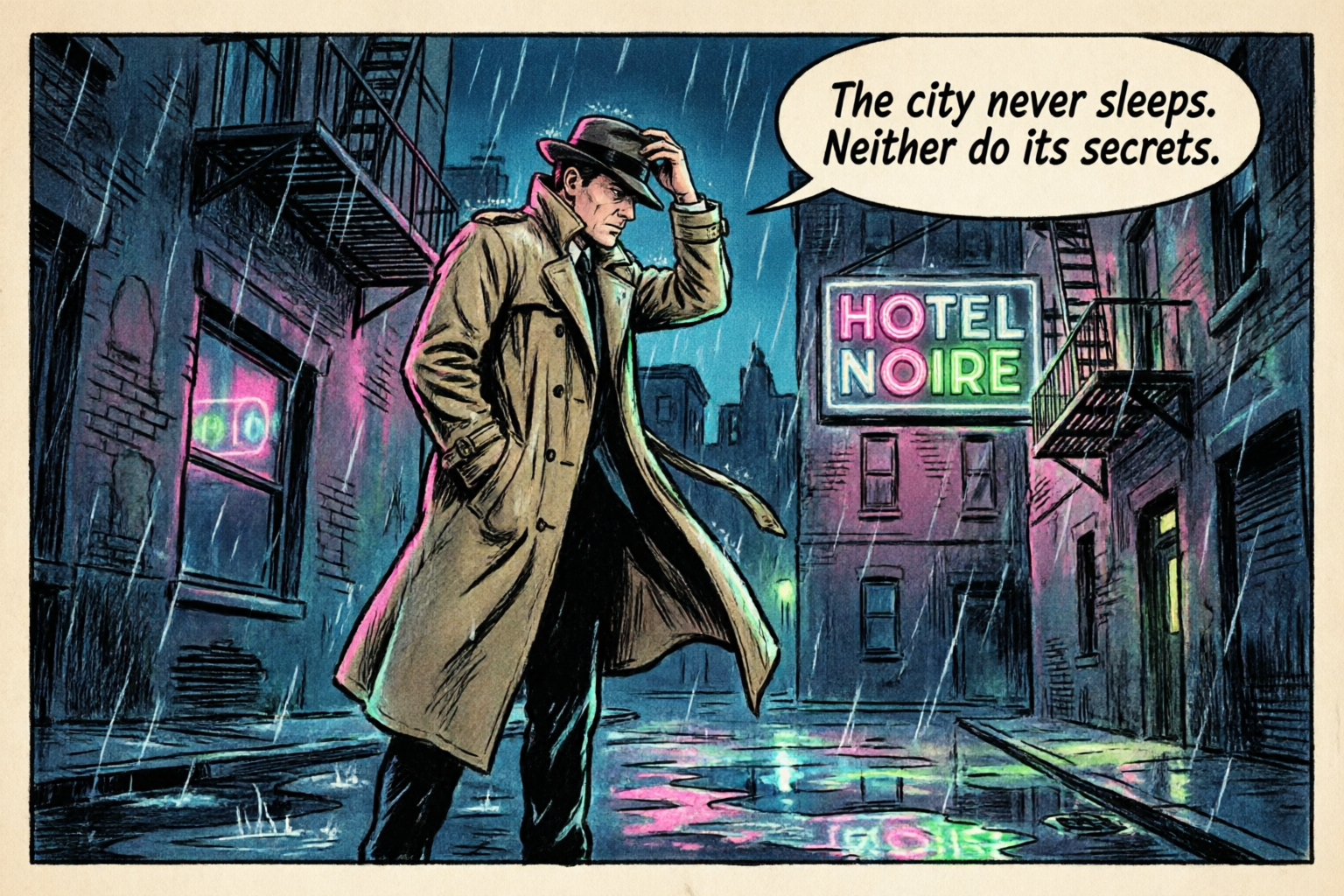
Comic Panel
 Data Visualization
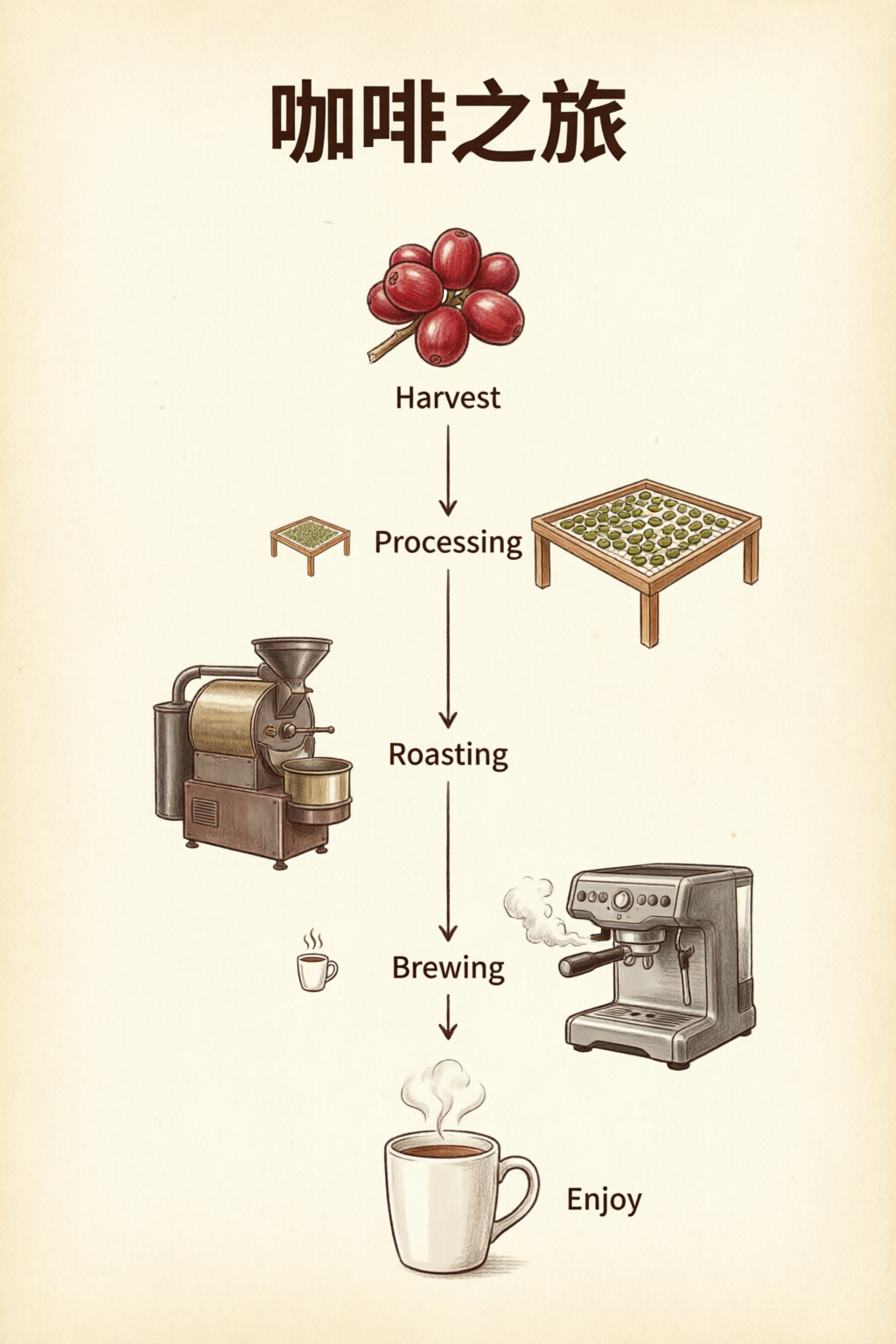
Infographic
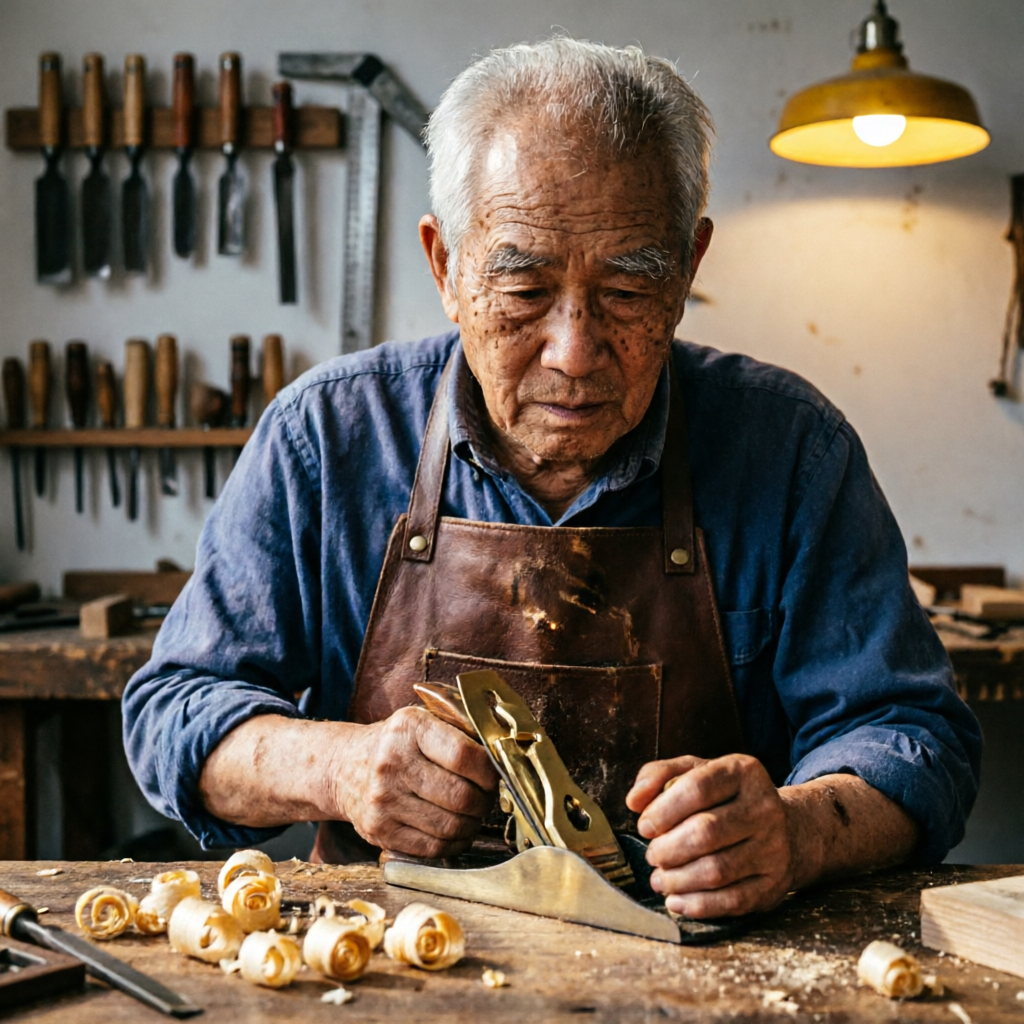
PhotorealismPortrait Study
Prompting Tips
Six techniques for getting the most out of Qwen Image 2.0.
1
Quote All Text Exactly
Wrap every piece of visible text in double quotes. Specify font style per block: "TITLE" in bold sans-serif, "subtitle" in italic script.
2
Describe Layout Spatially
Use spatial language: top-to-bottom, left column, centered, grid. The model respects visual hierarchy when you describe placement order.
3
Name Micro-Details for 2K
Call out specifics: skin pores, fabric weave, vein structure, pollen grains. This activates the 2K renderer's fine-detail capabilities.
4
Set Lighting and Mood
Mention lighting style by name: chiaroscuro, golden hour, studio rim light, overcast diffuse. Combine with color palette for consistent mood.
5
Use Art Style References
Reference specific techniques: Ben-Day dots, watercolor wash, oil impasto, line art. The model adapts rendering to match the named style.
6
Keep Editing Prompts Focused
For edits, state what stays the same first, then what changes. "Keep composition and pose. Apply [new style]." Explicit preservation avoids drift.
Use Cases & Prompts
Real-world workflows with copy-ready prompts.
Infographic / Data Viz
Layout text, numbers, and charts in one image.
Professional infographic: title "Q4 2026 Revenue Overview" at top in bold sans-serif. Three sections with icons: (1) "Revenue: $12.4M" with upward arrow, (2) "Growth: +24% YoY" with bar chart icon, (3) "Top Region: APAC" with globe icon. Clean white background, subtle grid, corporate blue and gray palette. 16:9 aspect ratio.
Use section labels in quotes and describe layout order (top to bottom, left to right) for predictable composition.
Product Photography
Hero shots and label mockups for e-commerce.
Photorealistic product mockup of a premium olive oil bottle with a custom label. The label reads "TERRA VERDE" in embossed gold serif text. Below it: "Extra Virgin Olive Oil" in smaller italic text. The bottle sits on a rustic wooden surface with olive branches. Warm directional lighting, shallow depth of field.
Describe label text hierarchy and the physical context (surface, props, lighting) separately for clean mockups.
Editorial & Portrait
Studio-quality portraits with controlled lighting.
Studio portrait of an elderly craftsman in his woodworking workshop. He wears a worn leather apron and holds a hand plane. Wood shavings curl on the workbench. Warm workshop lighting from a single overhead lamp creates dramatic chiaroscuro. Background shows shelves of hand tools slightly out of focus.
Describe the subject's activity and environment together. Mention lighting style (chiaroscuro, Rembrandt) for dramatic portraits.
Illustration & Comics
Stylized art with speech bubbles and effects.
A single comic book panel in classic American comic style. A detective in a trench coat stands in a rain-soaked alley at night. A neon sign reads "HOTEL NOIRE". Speech bubble: "The city never sleeps. Neither do its secrets." Bold ink outlines, Ben-Day dot shading, limited palette.
Reference specific art styles (Ben-Day dots, ink outlines) and narrative elements (speech bubbles) for stylized illustration.
Prompt Templates
Starter templates you can fill in. Replace the bracketed placeholders with your own content.
Typography-Heavy Layout
For posters, slides, or any image where exact text matters.
[Layout type]: title "[Exact Title Text]" in [font style]. Subtitle or body: "[Exact copy]" in [size/style]. [Describe layout: centered, grid, sections]. [Color palette and background]. [Aspect ratio if needed].
Infographic / Chart
For data viz or multi-section one-pagers.
Professional infographic. Section 1: "[Heading]" with [visual: icon, chart type]. Section 2: "[Heading]" with [visual]. Section 3: "[Heading]" with [visual]. [Background and palette]. Clear hierarchy, readable at 2K.
Edit / Style Transfer
When you have a reference image and want to change style or elements.
Keep the composition and subject from the reference. Apply [style/effect]: [describe style, palette, or change]. Preserve [what must stay the same: pose, identity, layout]. Output should feel [mood/quality].
Product Mockup
Hero shots for e-commerce and brand work.
Photorealistic product mockup of [product]. Label text: "[Brand Name]" in [font style], "[tagline]" in [secondary style]. [Surface and props]. [Lighting direction and style]. Shallow depth of field.
Frequently Asked Questions
Qwen Image 2.0 is Alibaba's latest image foundation model from the Qwen team. It unifies text-to-image generation and image editing into a single 7B-parameter architecture. Despite being nearly 3x smaller than its predecessor, it ranks #1 on the AI Arena ELO leaderboard for both generation and editing tasks.
Qwen Image 2.0 supports prompts up to 1,000 tokens and can render complex text layouts directly in generated images. This includes PPT slides, infographics, movie posters, calendars, data charts, and comics. Text adapts to different surfaces like glass, fabric, and signage with correct perspective.
The model generates images natively at up to 2048 × 2048 pixels (2K). This is true native resolution, not upscaled. Fine details like skin pores, fabric weave, architectural textures, and natural foliage are rendered with high precision directly during generation.
Qwen Image 2.0 handles style transfer, object insertion and removal, detail enhancement, text editing within images, and human pose manipulation. It can also add text overlays to real photos, composite multiple images into natural group shots, and perform cross-domain editing.
Qwen Image 2.0 outperforms larger competitors on standard benchmarks. It scores 88.32 on DPG-Bench compared to FLUX.1's 83.84, and achieves 0.91 on GenEval. It ranks #1 on AI Arena's blind human evaluation leaderboard for both text-to-image generation and image editing.
Commercial usage details will be confirmed at launch. The previous Qwen-Image series was released under the Apache-2.0 license. Check PixelDojo and your API provider's terms of service for the latest information on usage rights and licensing.