Nano Banana Pro Prompting Guide

Prompt Nano Banana Pro
with high precision

A practical playbook plus generated examples to help you get better results for logic-heavy edits, text rendering, infographics, and consistency workflows.

Based on techniques from the official Nano Banana Pro prompting article.

Overview

Nano Banana Pro is strong at instruction following, text rendering, and multi-step visual reasoning. The quality jump usually comes from writing precise natural-language prompts that define: output format, required text, and what must remain unchanged.

Prompt Playbook

Ask for an explicit format

Tell the model exactly what structure to produce: worksheet with steps, infographic sections, 2x2 storyboard, magazine cover, etc.

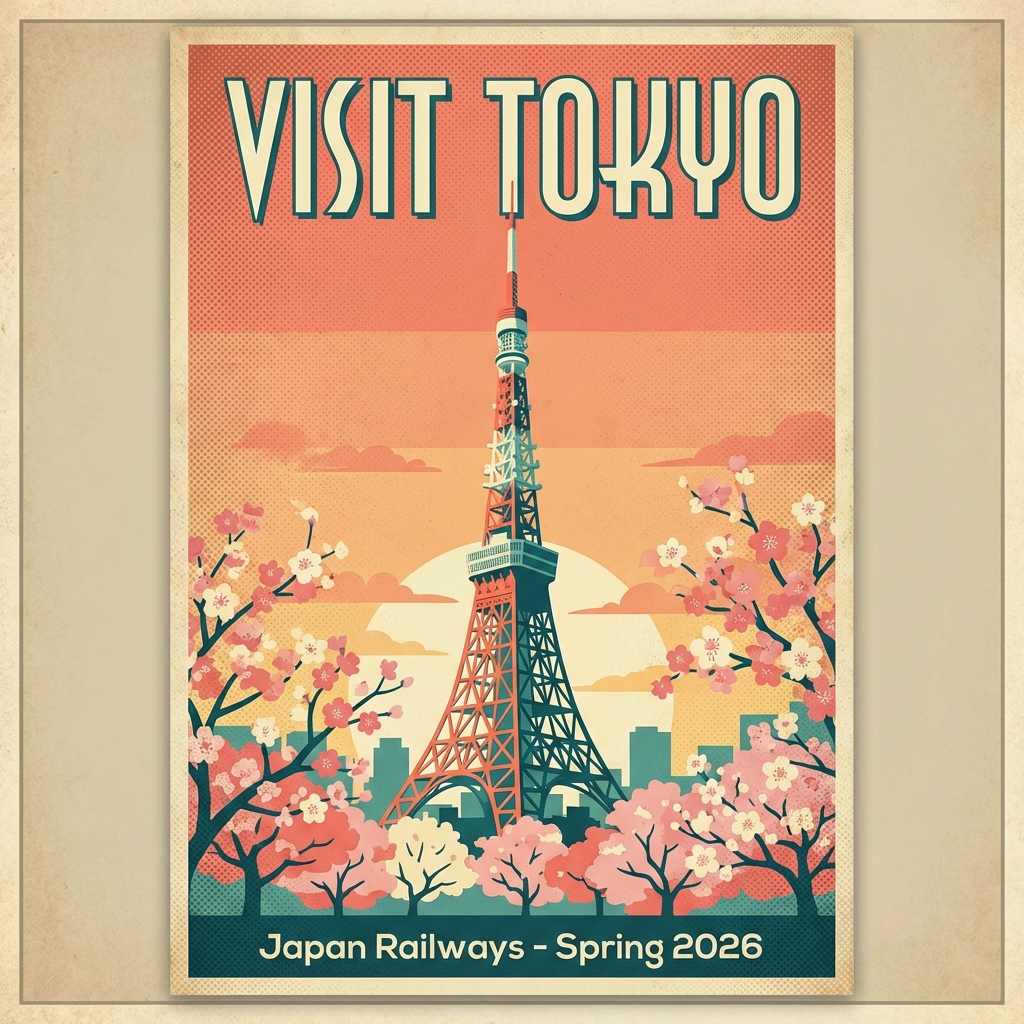
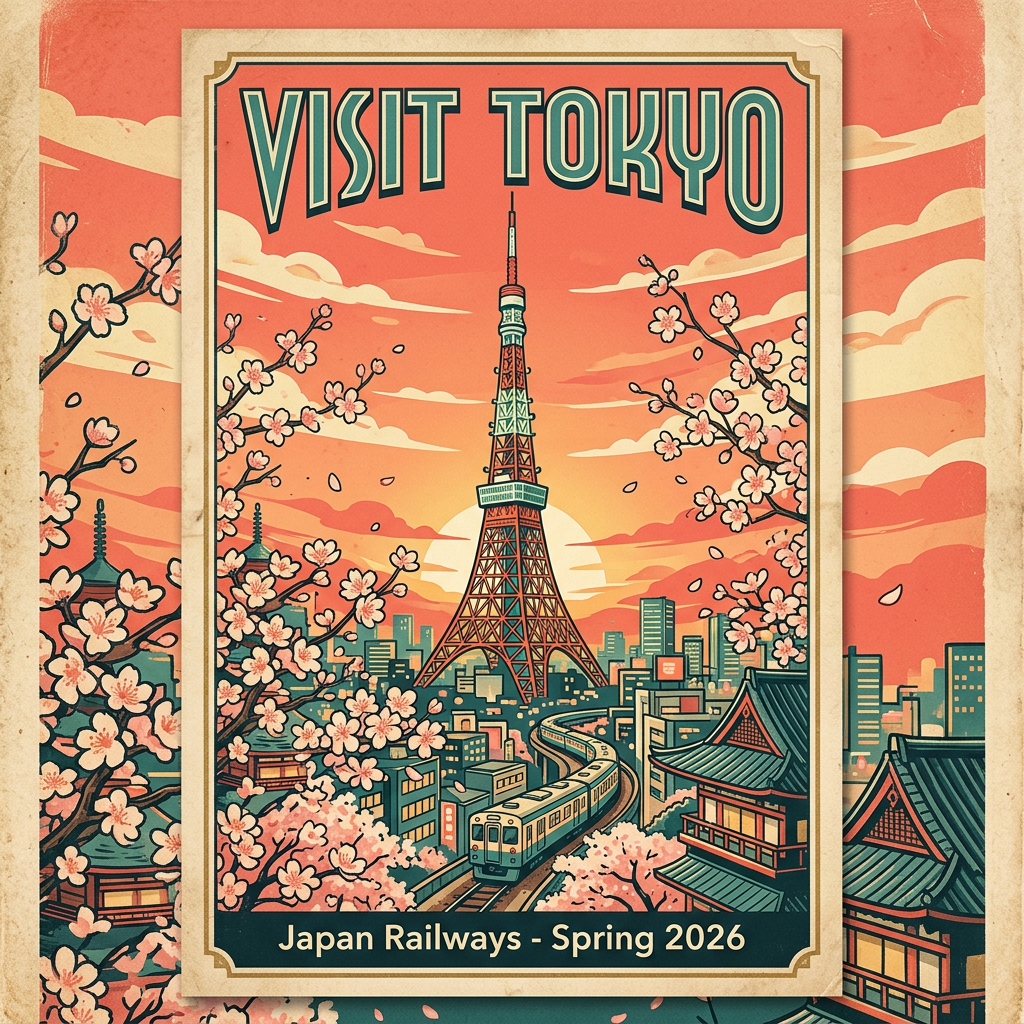
Quote exact strings

For typography-heavy outputs, put critical copy in double quotes and mention where it should appear.

Preserve invariants

For edits, spell out what must not change (identity, pose, framing, style, lighting).

Use domain language

For design and technical prompts, include real terms (editorial layout, callouts, shader code, section headers).

Generated Examples

Reasoning + Structured Output

Reasoning + Structured Output

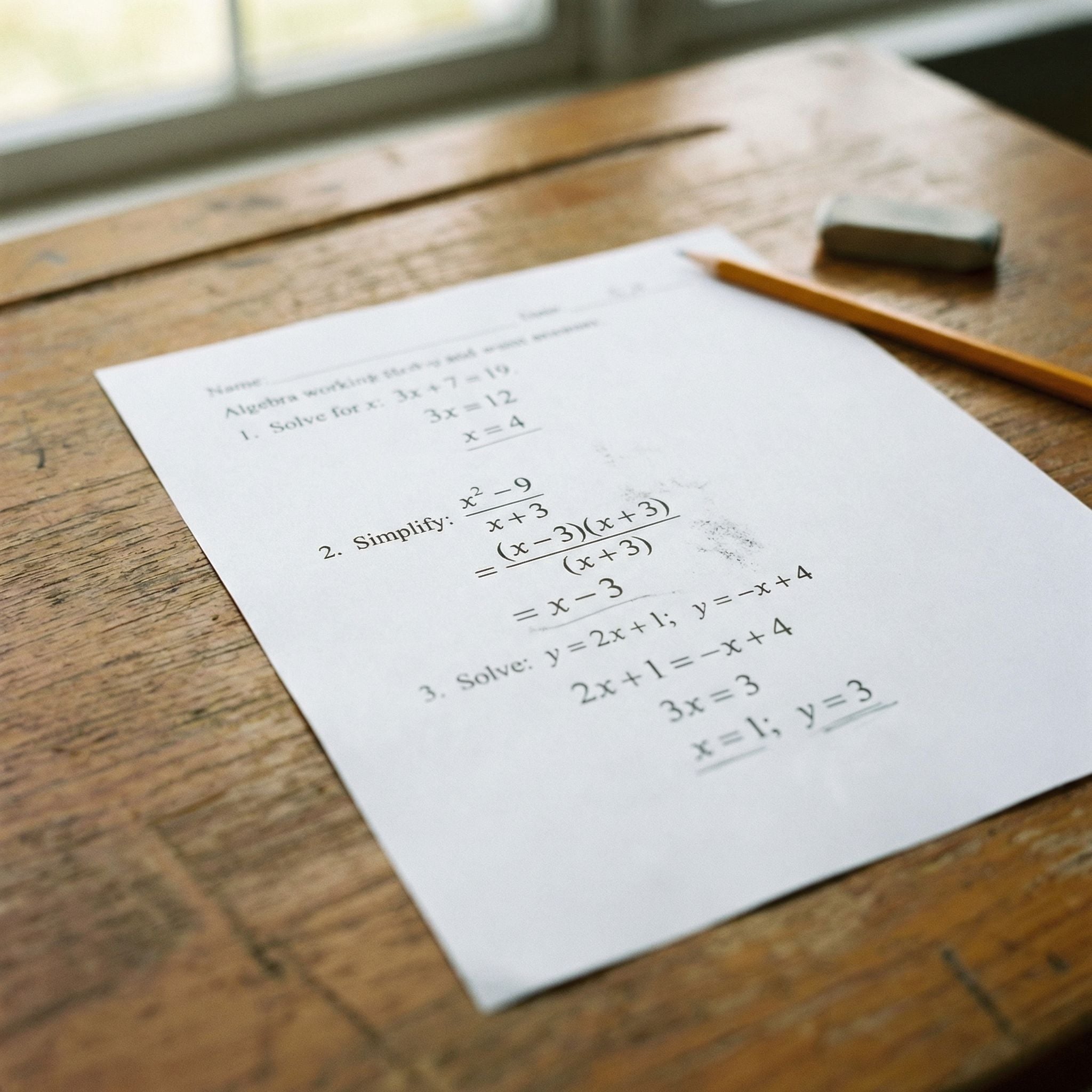
Answering problems with visible steps

A realistic close-up photo of a math worksheet on a wooden desk. The worksheet has three algebra questions, each answered neatly in pencil with full step-by-step working shown under each problem. Natural window light, shallow depth of field, highly legible handwriting, classroom realism.

When you need structure, specify the expected format and medium (for example: pencil work shown).
Text + Design Together

Text + Design Together

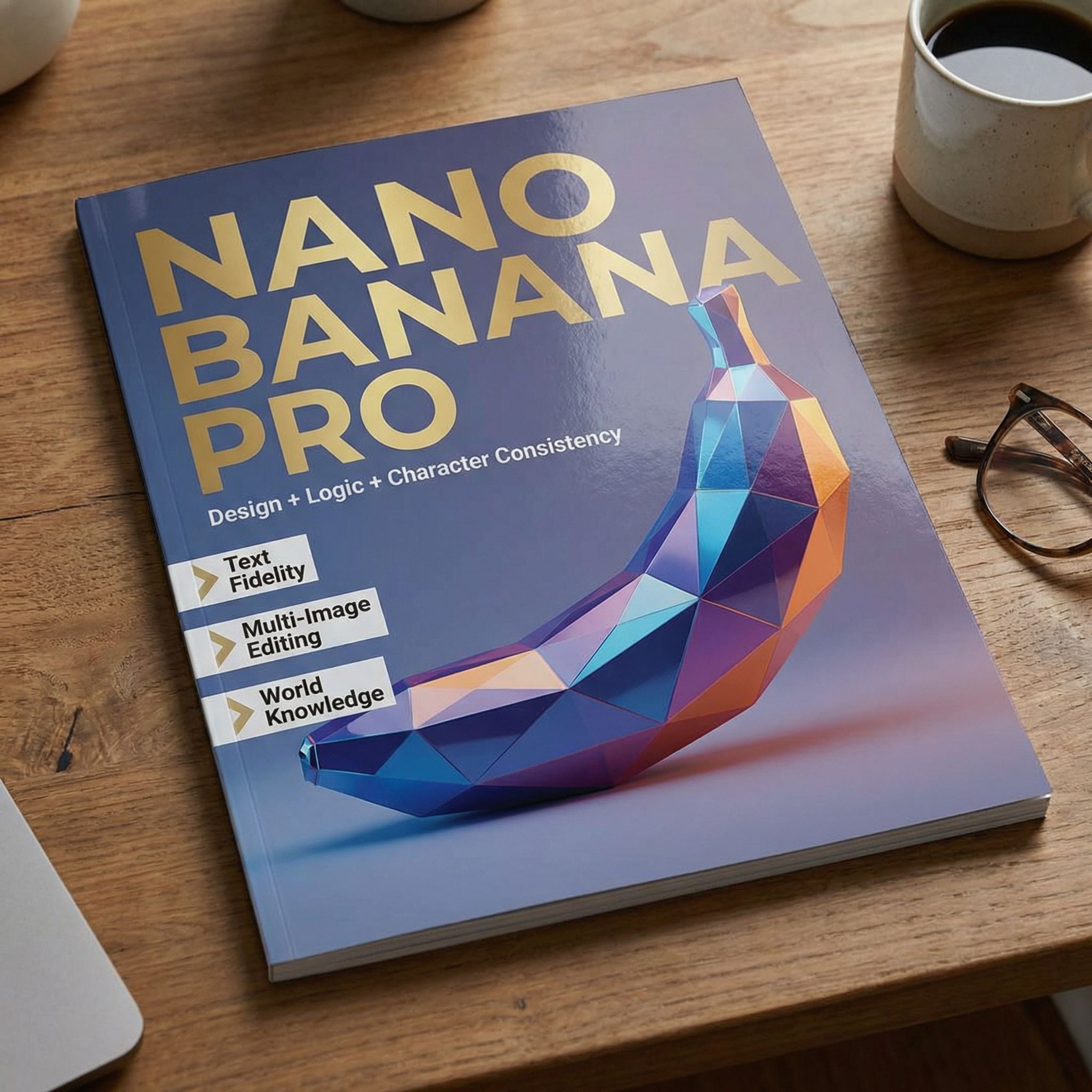
High text adherence with layout styling

A premium glossy magazine cover on a desk with flawless typography. Main headline in large text: "NANO BANANA PRO". Subhead line: "Design + Logic + Character Consistency". Include three short callouts with exact text: "Text Fidelity", "Multi-Image Editing", "World Knowledge". Editorial layout, modern art direction, realistic print texture.

Use double quotes for exact strings and name each text block explicitly.

Dense Infographic Composition

Dense Infographic Composition

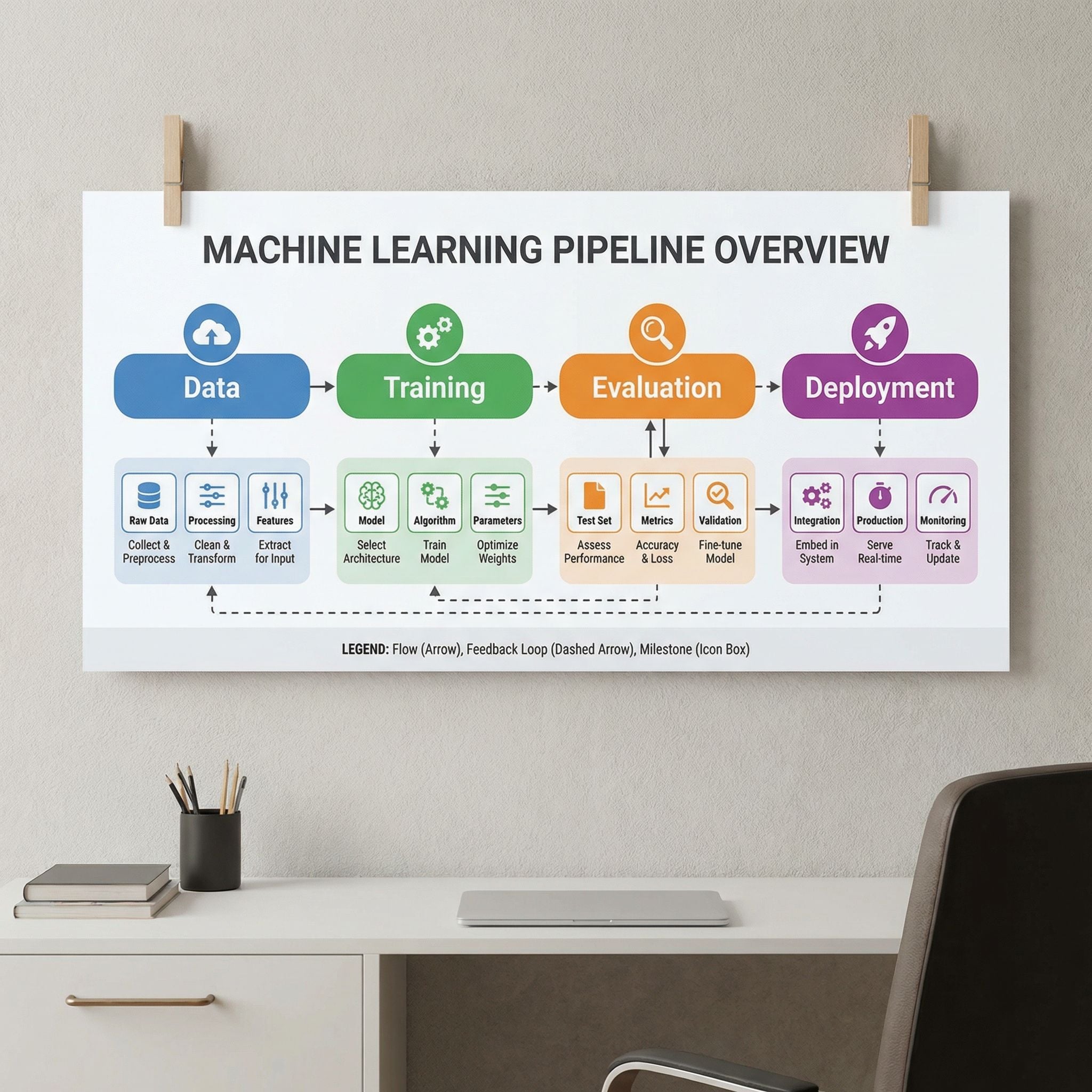
Information-rich visuals with hierarchy

A wall-mounted educational infographic poster about machine learning pipelines, clean vector style with rich visual hierarchy. Include section headers with exact text: "Data", "Training", "Evaluation", "Deployment". Add arrows, icons, and concise annotation labels. Highly readable, balanced composition, polished design.

For infographic quality, declare hierarchy, labels, and readability in the same prompt.

Code Rendering

Code Rendering

Technical content with legible syntax blocks

A cinematic desk scene with a laptop displaying a crisp React + WebGL shader code snippet in a dark theme editor. The code is clear and structured with imports, component function, and shader strings. Soft ambient lighting, photorealistic details, no gibberish UI text.

Call out exact technical context (React, shader code, editor style) to reduce hallucinated syntax.

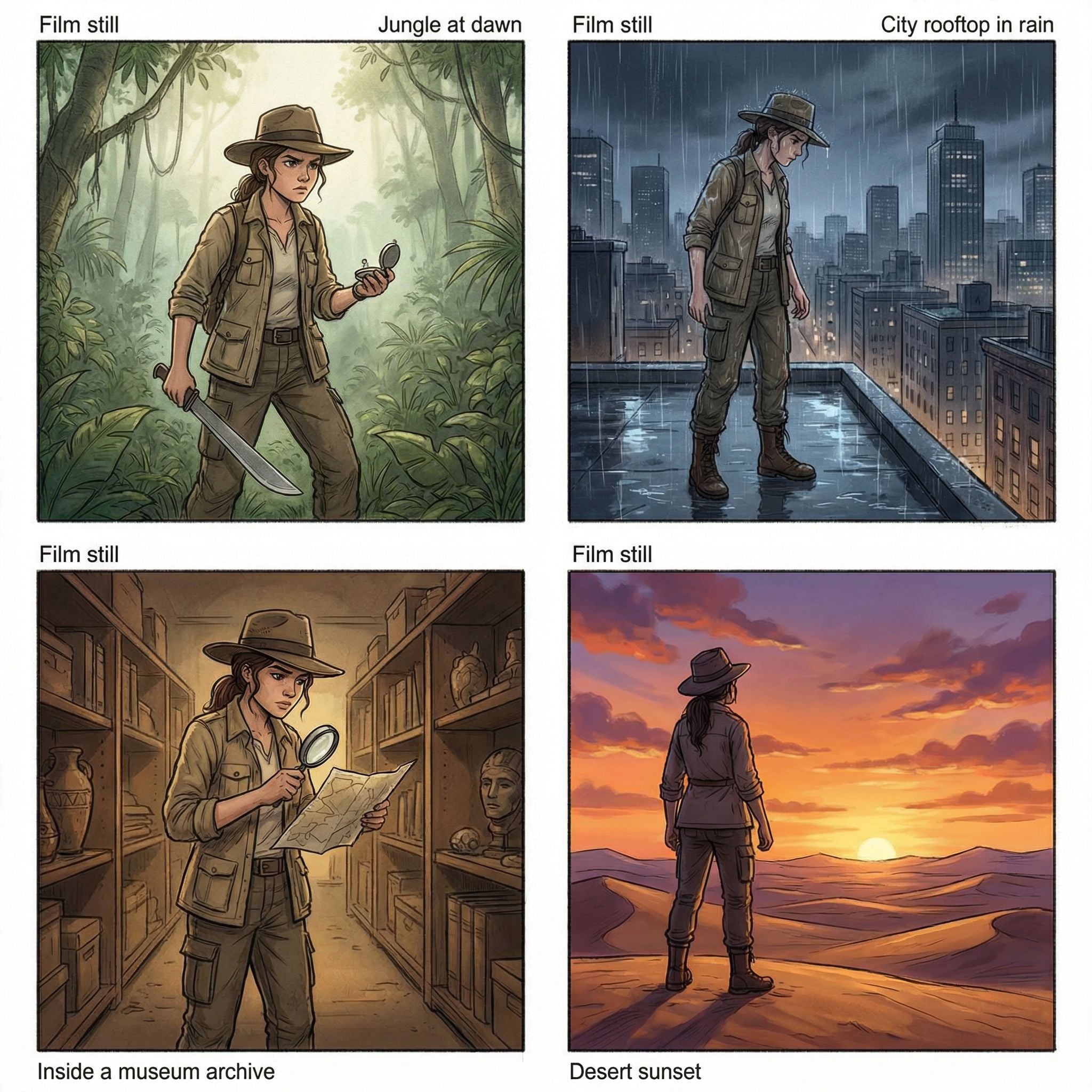
Character Consistency Storyboard

Character Consistency Storyboard

Same character across multiple scenes

A 2x2 storyboard grid featuring the same young female explorer character in each panel, consistent face and outfit. Panel 1: in a jungle at dawn. Panel 2: on a city rooftop in rain. Panel 3: inside a museum archive. Panel 4: desert sunset. Keep character identity and styling consistent across all panels, cinematic framing.

State identity-lock constraints explicitly when requesting multi-panel continuity.

Prompt Templates

Logic + Annotation Template

Use for worksheet, whiteboard, and explanatory outputs.

Create a [format] that solves [topic/task] with step-by-step reasoning. Show work clearly in [style], include labels "[label 1]", "[label 2]", "[label 3]". Keep handwriting/typography legible and natural.

Typography + Layout Template

Use for posters, magazine covers, and design mockups.

Design a [artifact type] with exact headline "[headline]". Include supporting text "[subhead]" and callouts "[callout A]", "[callout B]". Style: [editorial direction], [color palette], [composition constraints], high readability.

Character Consistency Template

Use for storyboards and multi-scene continuity.

Create a [grid/panel count] showing the same character across different scenes: [scene 1], [scene 2], [scene 3], [scene 4]. Keep face, outfit, and proportions consistent in every panel. Maintain [camera/style constraints].

Checklist

  • Define output format first (poster, worksheet, storyboard, etc.).
  • Quote exact text that must render precisely.
  • Specify placement and hierarchy for dense information.
  • Use concrete visual constraints for consistency.
  • Iterate one variable at a time for controlled improvements.