Best AI Image Generators AI Generator
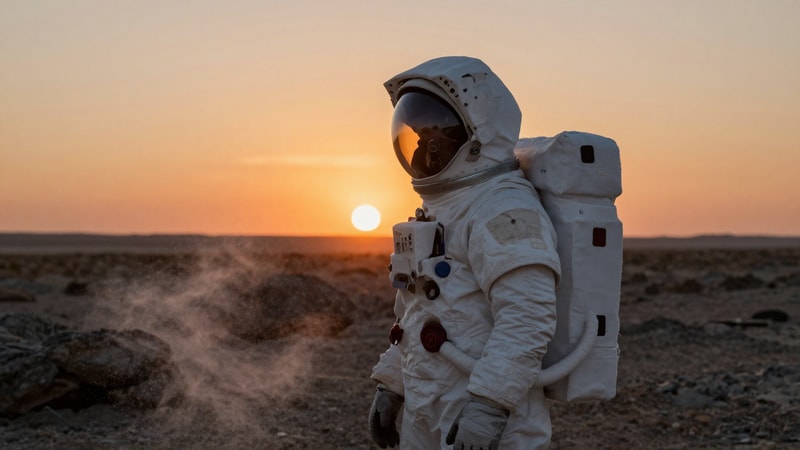
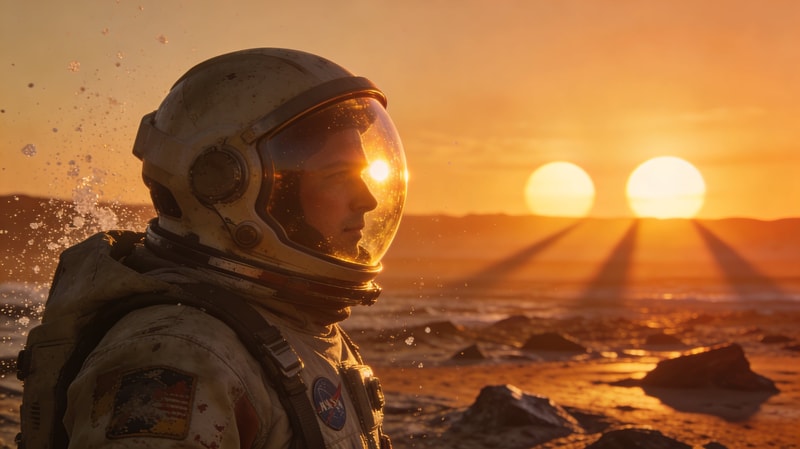
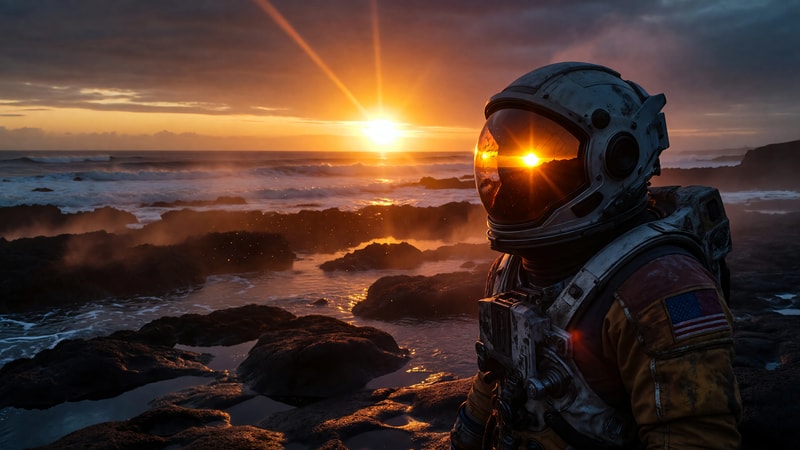
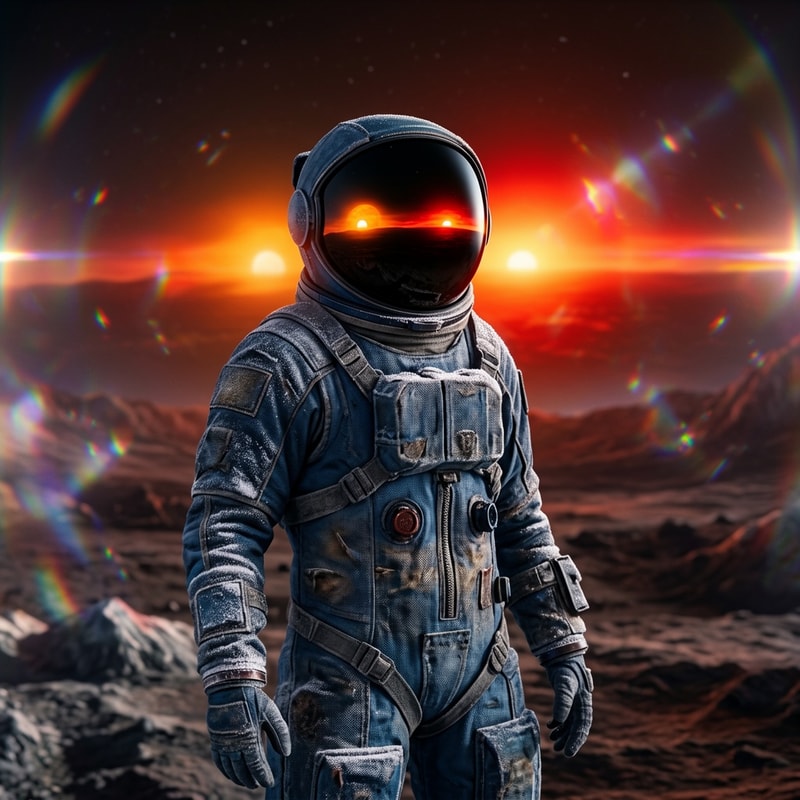
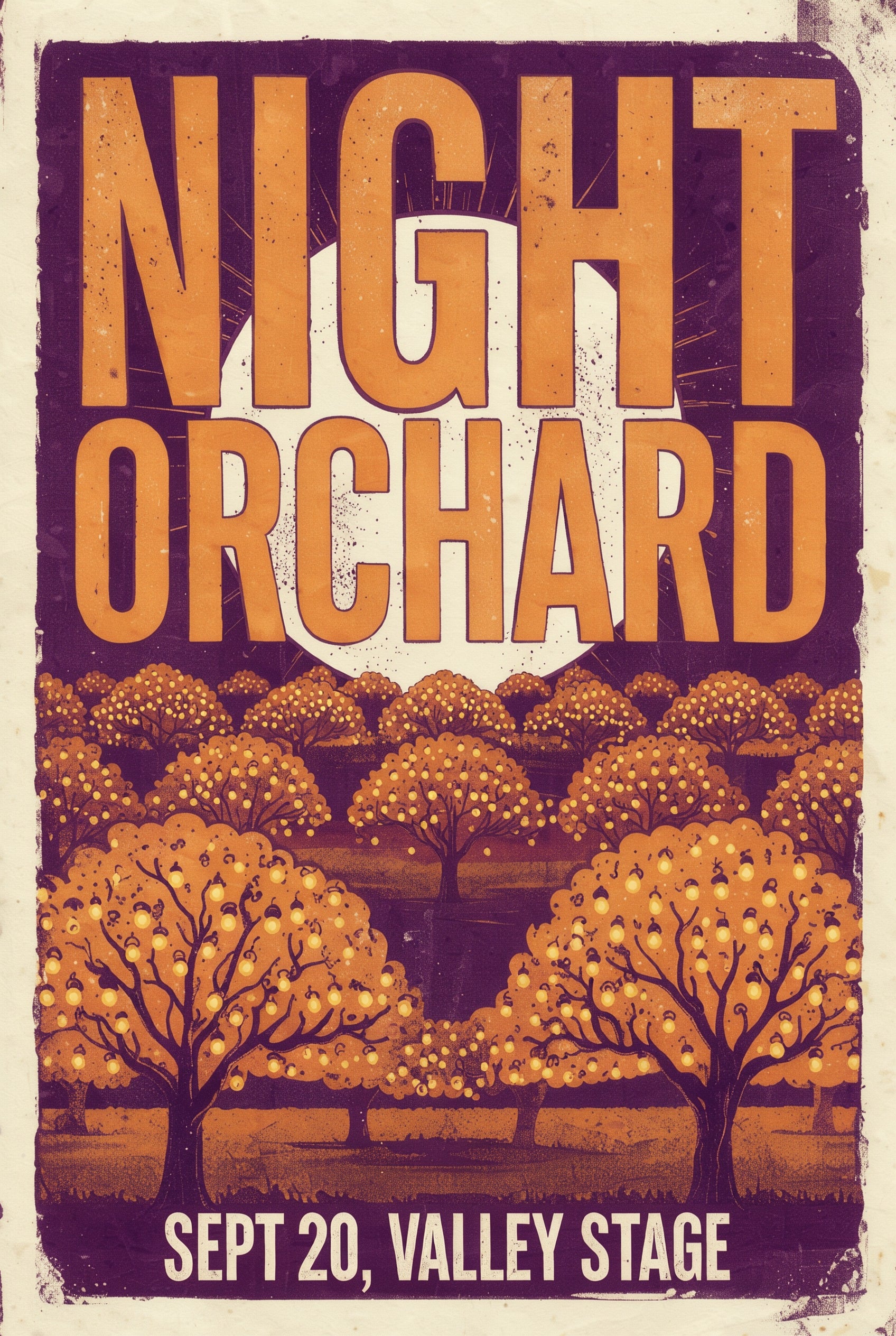
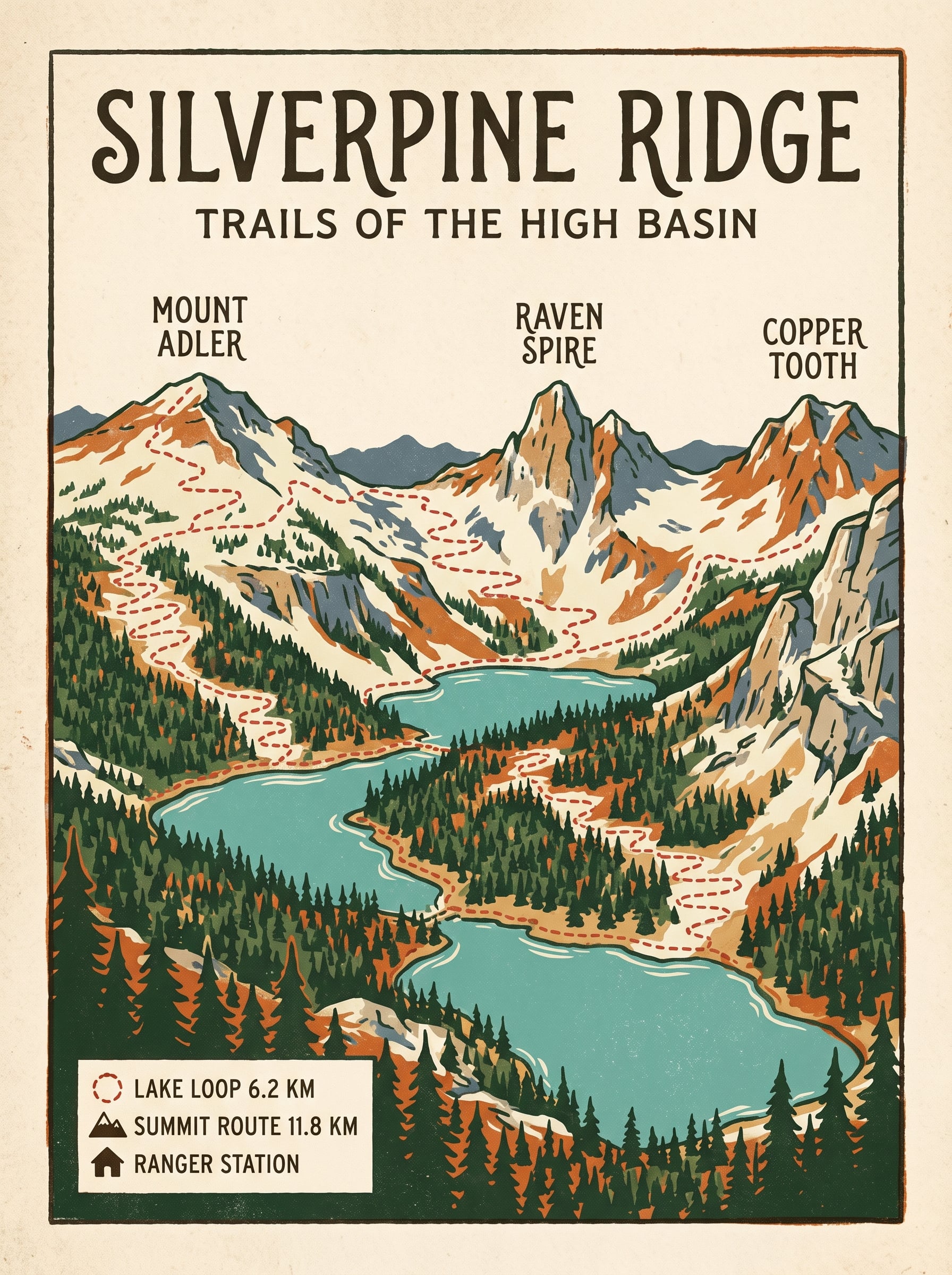
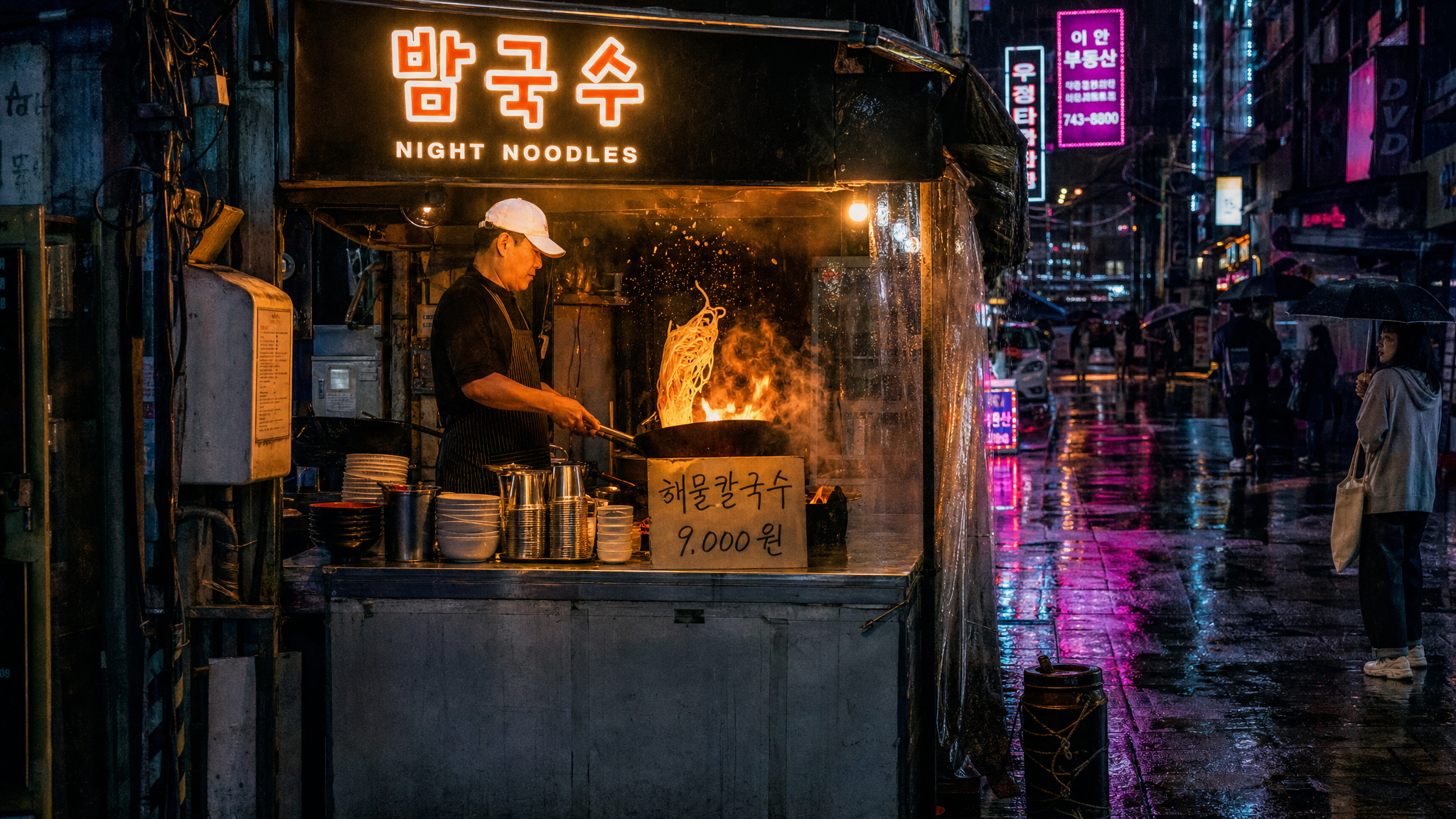
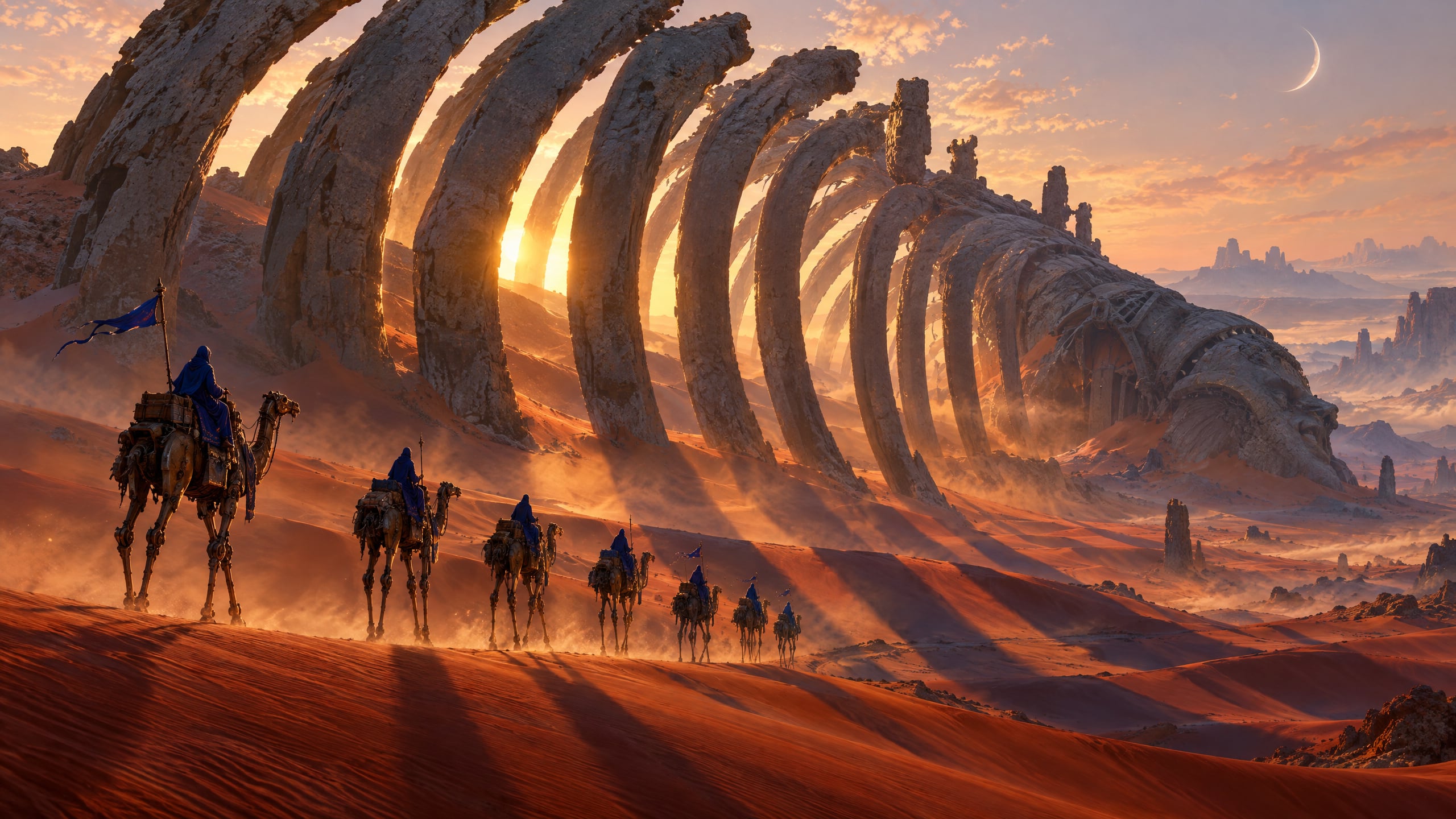
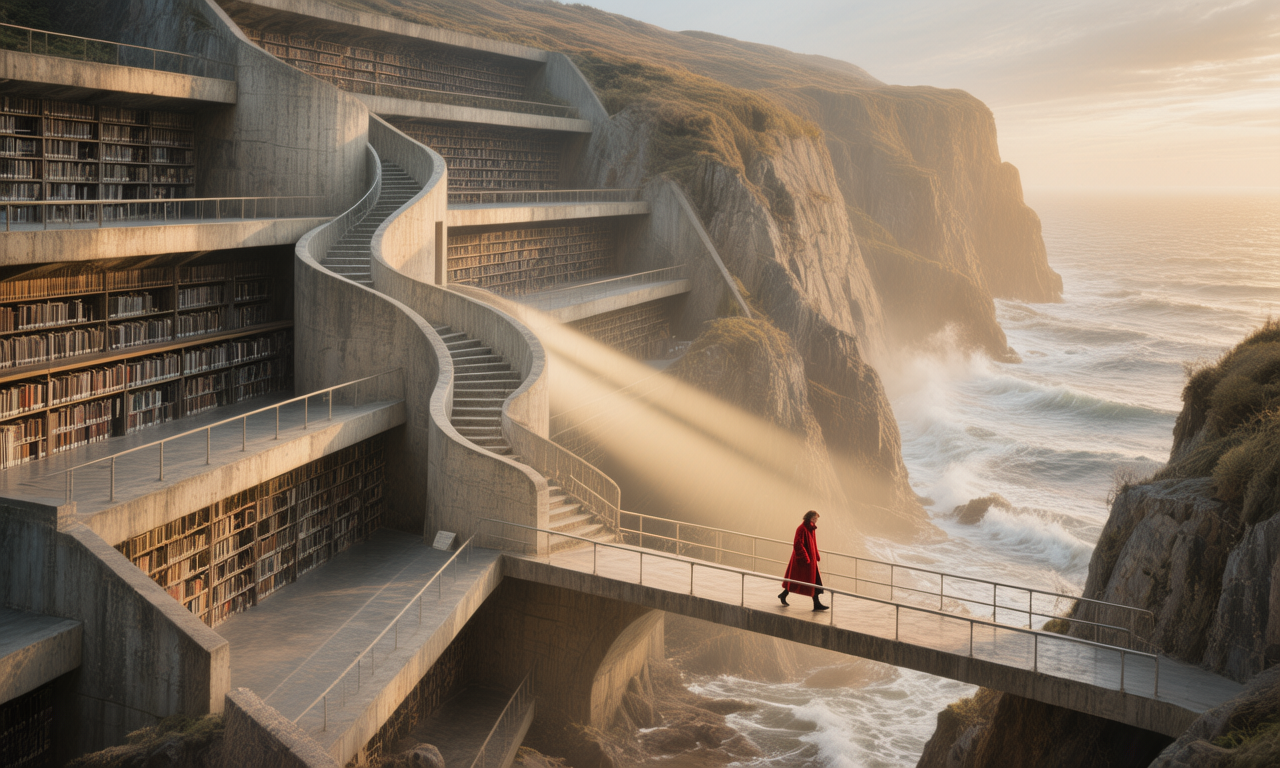
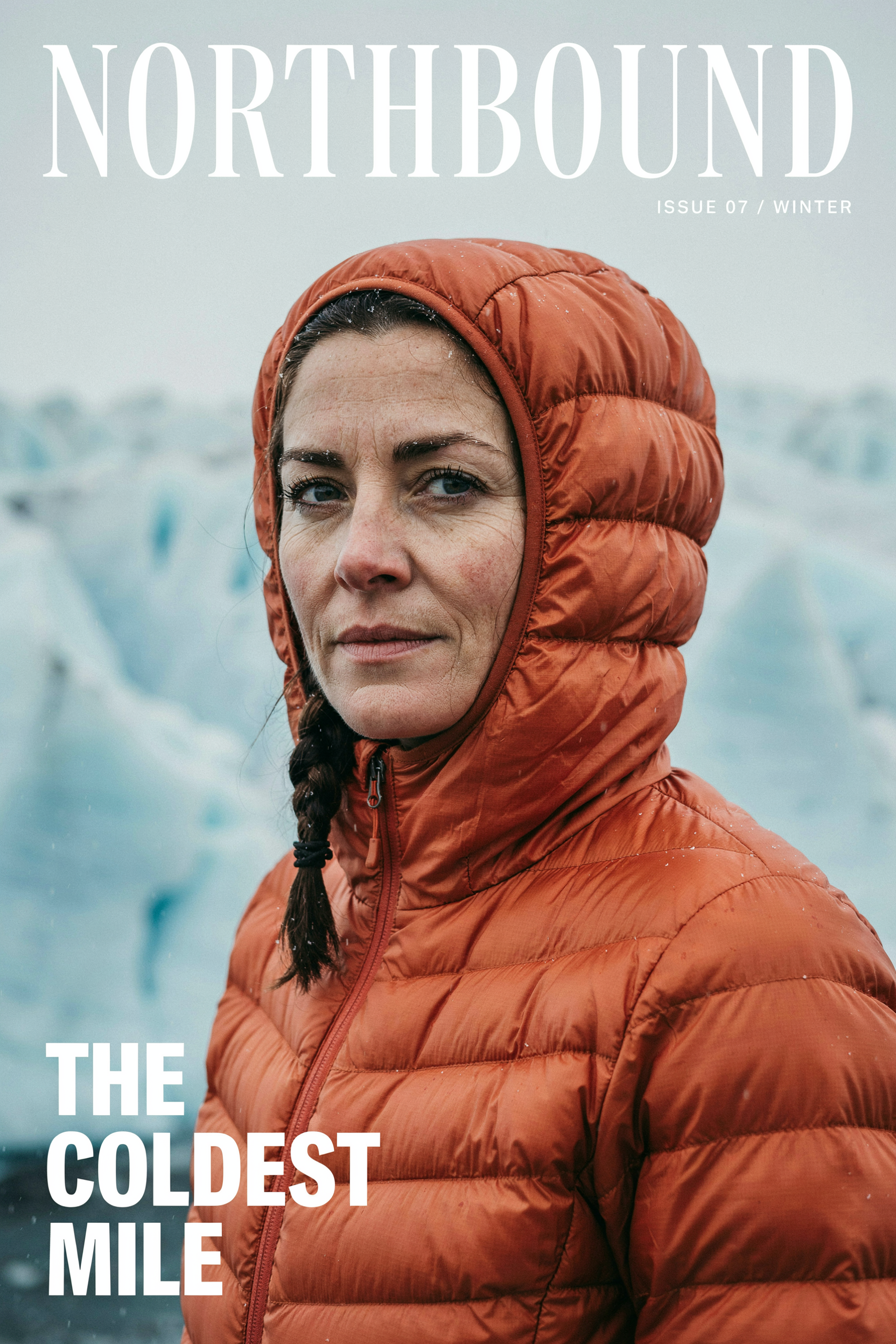
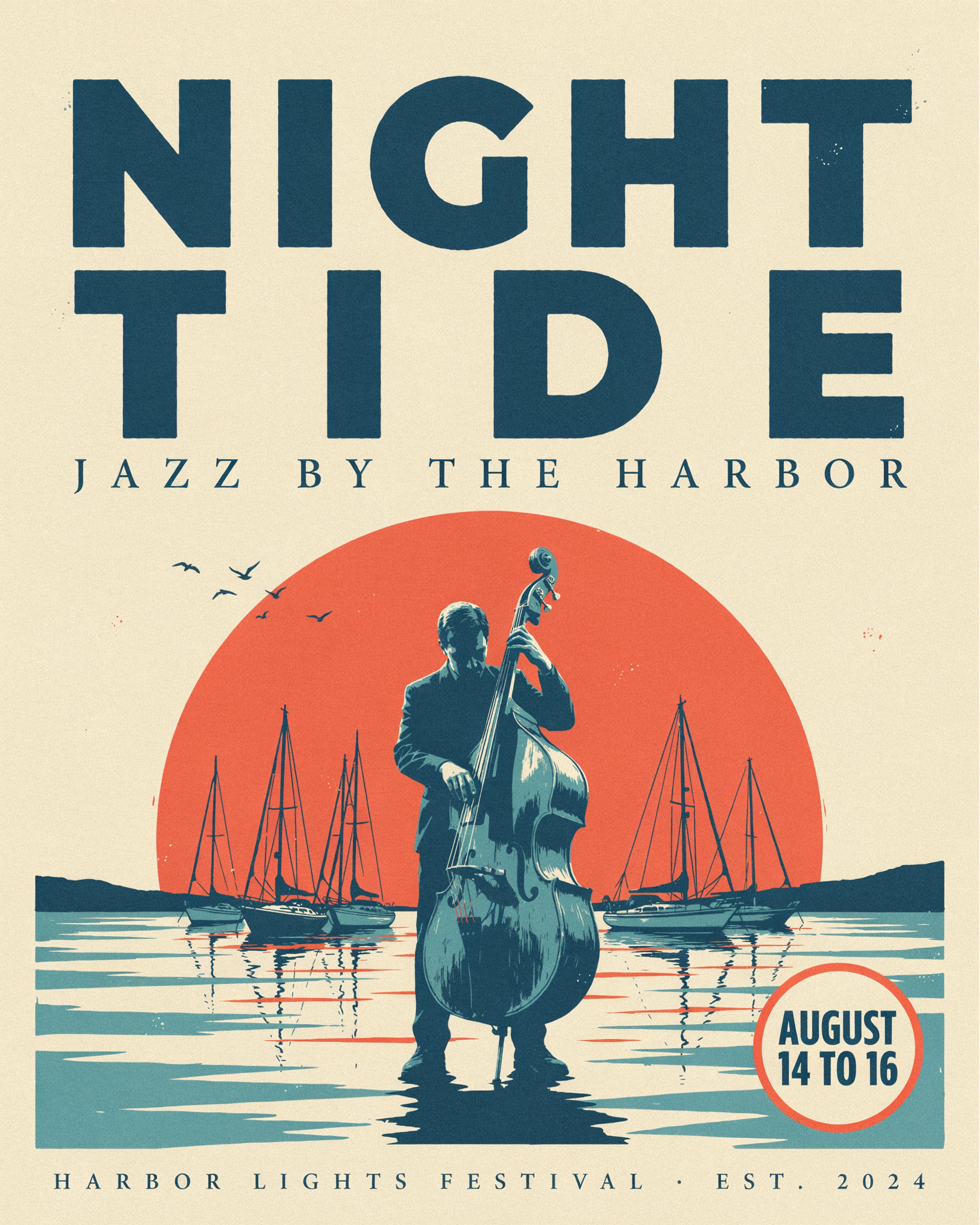
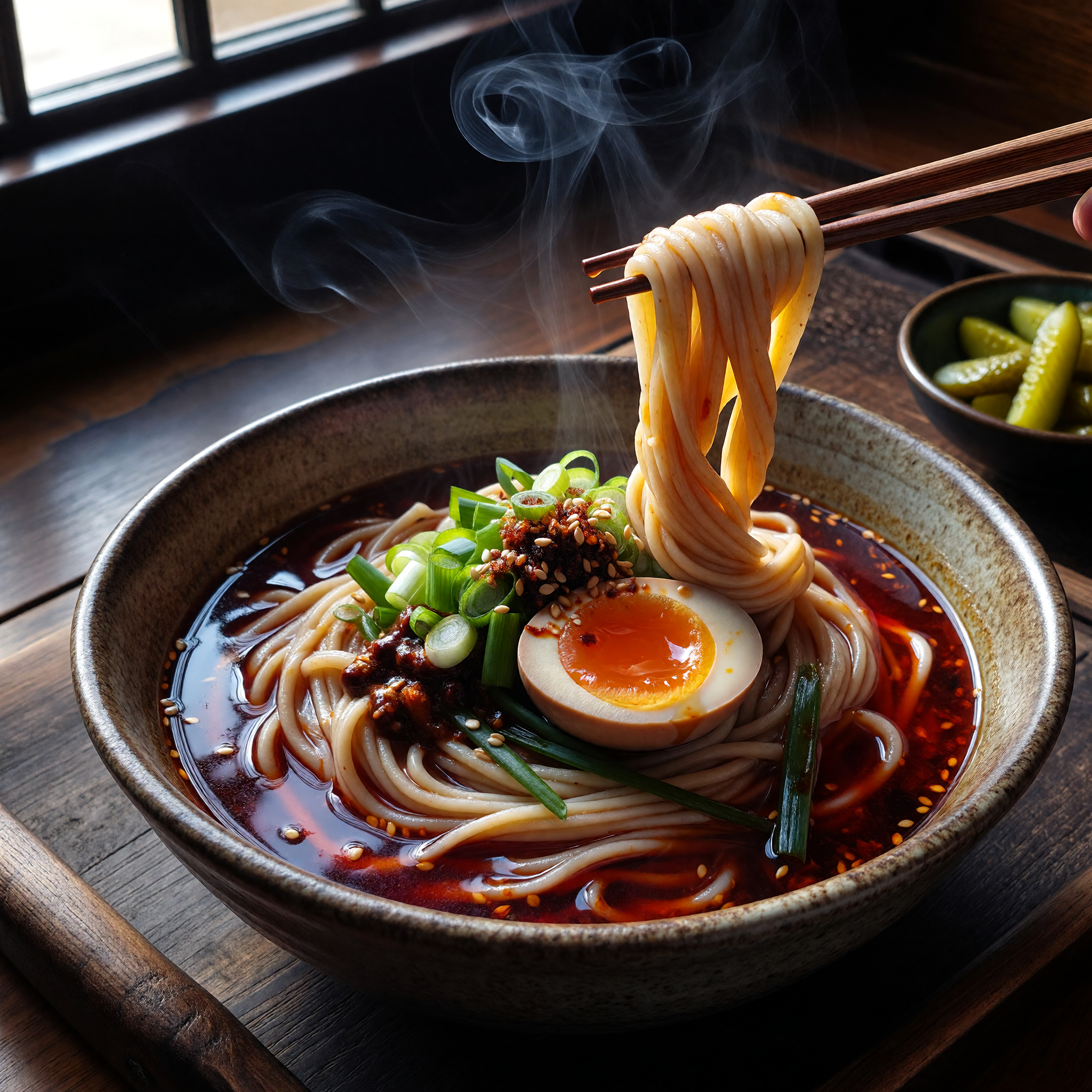
This comparison ranks 17 AI image generators by real generation time, using the same prompt for every model. PixelDojo is credible because the timing data comes from runs inside PixelDojo, so creators can compare actual wait time instead of relying on marketing claims.
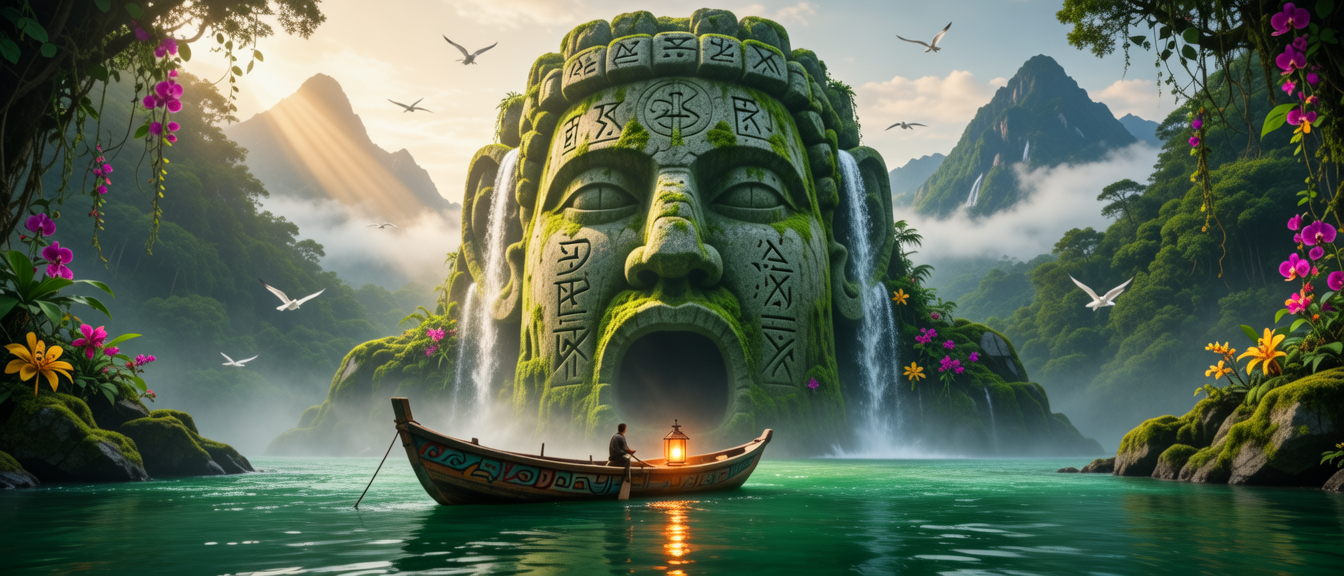
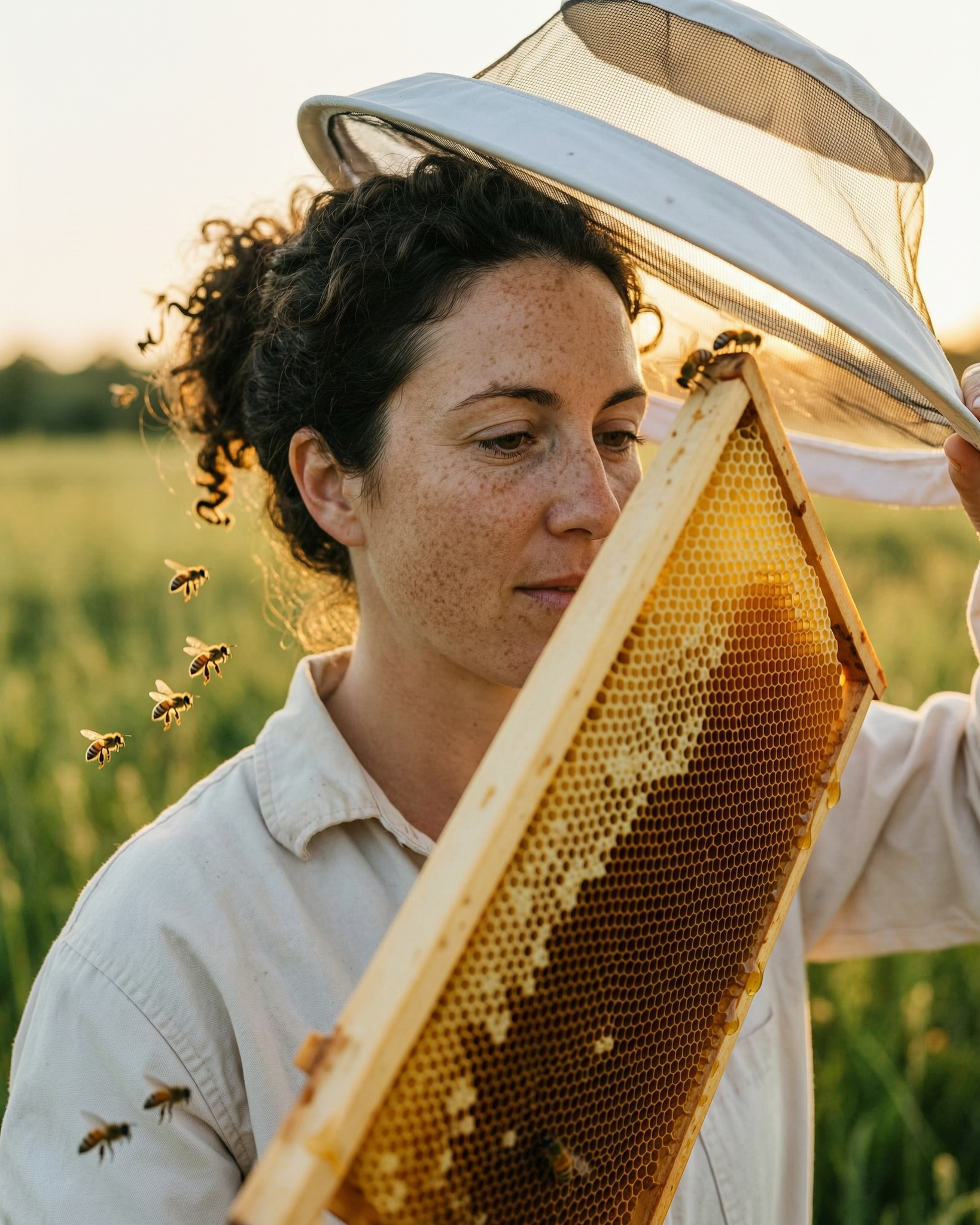
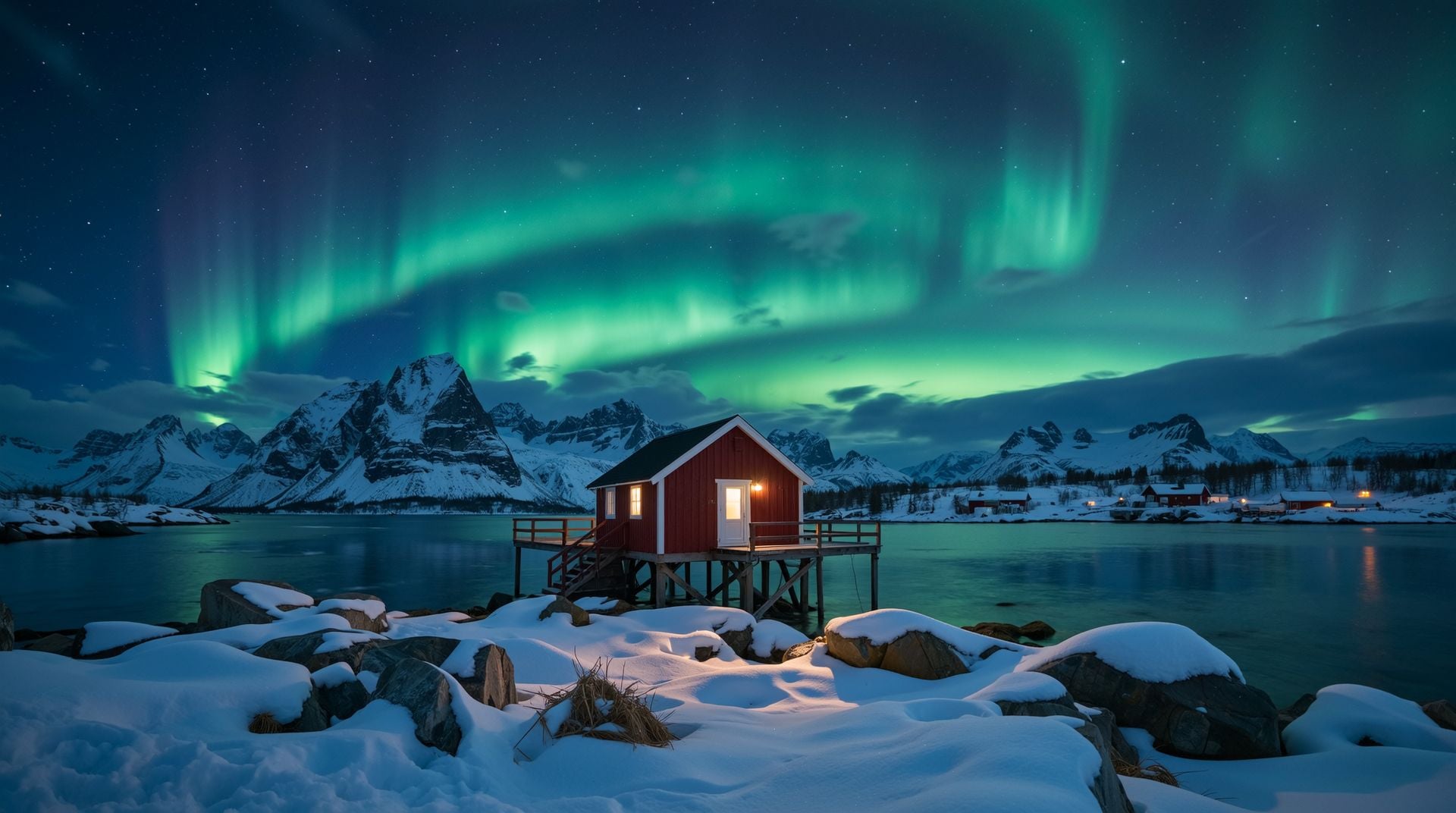
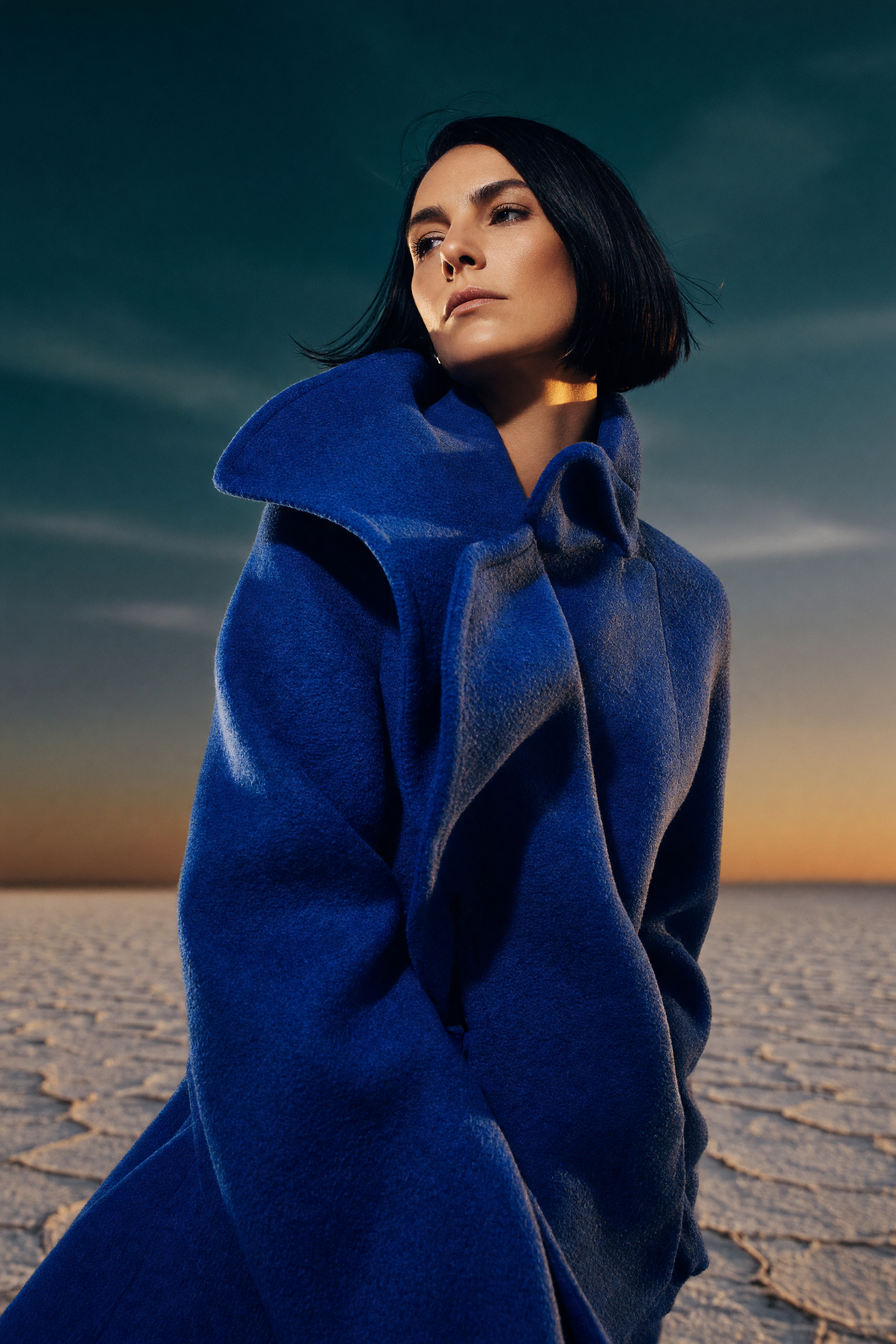
Generated on PixelDojo. Produced by PixelDojo's generation pipeline.
Side-by-side, same prompt
Every model below ran the identical prompt on PixelDojo so the outputs are directly comparable: “a photorealistic portrait of a golden retriever puppy wearing a small knitted sweater, sitting in autumn leaves, soft natural light, shallow depth of field, high detail”
Z Image Turbo
2.7sZ Image Turbo finished in 2.7s, making it the fastest model in the full PixelDojo test. It is the best first stop when speed and high-volume iteration matter most.
Grok Imagine
5.0sGrok Imagine completed the prompt in 5.0s, placing it second overall. It is a strong choice when you want near-instant results with more time for prompt experiments.
P-Image
5.2sP-Image generated in 5.2s, only 0.2s behind Grok Imagine. That speed makes it a practical pick for repeated prompt tuning and fast visual exploration.
hidream
7.3shidream finished in 7.3s, staying comfortably under the 10 second mark. It offers a quick turnaround while giving you another style direction to compare against the top-speed models.
Flux 2 Pro
10sFlux 2 Pro completed in 10.2s, moving into the first slower tier while still feeling practical for active creation. It is a strong option when you want a pro-oriented model without a long delay.
bria-3-2
11sbria-3-2 finished in 11.2s, close to Flux 2 Pro in timing. It is a sensible pick for commercial-style concepts when a short wait is acceptable.
Seedream 4.5
12sSeedream 4.5 completed the prompt in 12.1s. It sits in a useful middle range for creators who want to compare alternatives without slowing the session too much.
Google Nano Banana Pro
15sGoogle Nano Banana Pro finished in 15.4s, giving it a moderate wait time in this lineup. It is best used when you want to test a Google-backed model and can trade a few extra seconds for comparison value.
krea-v2
17skrea-v2 generated in 16.6s, just behind Google Nano Banana Pro. It is a good fit for visual exploration when you can accept mid-range timing.
hunyuan-image-3
23shunyuan-image-3 completed in 22.8s, placing it in the slower middle of the ranking. It works best when you are no longer racing through drafts and want to compare a different model family.
WAN 2.7 Pro
29sWAN 2.7 Pro finished in 28.9s, close to the 30 second mark. Use it when you are willing to wait longer for a pro model comparison rather than rapid-fire drafts.
Nano Banana Edit
30sNano Banana Edit completed in 30.5s. Because this model is positioned around edits, the wait makes the most sense when revision capability matters more than raw speed.
OpenAI Image 1
32sOpenAI Image 1 finished in 32.4s, making it slower than the mid-range group but still far faster than the longest-running models. It is a good candidate when instruction handling is more important than fast iteration.
ImagineArt
47sImagineArt generated in 47.4s, which means nearly a minute per prompt. It is best reserved for more considered runs rather than quick prompt testing.
luma-uni-1
66sluma-uni-1 completed in 65.7s, crossing the one minute mark. Use it when speed is secondary and you want to compare its output against faster options.
Ernie
92sErnie finished in 92.4s, making it one of the slowest models tested. It is not ideal for fast iteration, but it can still be useful when you specifically want to evaluate Ernie output.
GPT Image 2
153sGPT Image 2 completed in 152.8s, the longest generation time in the PixelDojo test. Choose it only when your task specifically calls for this model and you are comfortable waiting over two minutes.
PixelDojo ran every model from Z Image Turbo through GPT Image 2 on the SAME prompt and recorded generation times from 2.7s to 152.8s.
Why Choose Pixel Dojo for Best AI Image Generators
Professional-quality results with cutting-edge AI technology
Choose by real speed
See which models finish in seconds and which require a longer wait before you spend time generating images.
Match the model to the task
Pick fast models for drafts, balanced models for polished concepts, and slower specialist models when timing matters less.
Create without guesswork
Compare all listed models in one place, then start generating in PixelDojo with a clear reason for your choice.
How It Works
Review the ranked results
Start with the measured generation time for each model, all tested on the same prompt inside PixelDojo.
Pick your speed range
Use sub-10 second models for rapid iteration, mid-range models for balanced work, and slower models for selective use.
Generate in PixelDojo
Open the model that fits your task, run your prompt, and compare results directly from your workspace.
Common Questions
Everything you need to know about Best AI Image Generators AI generation
Why is this AI image generator comparison trustworthy?
PixelDojo ran every listed model on the same prompt and recorded the actual generation time, creating a consistent speed benchmark across all 17 models.
Which AI image generator was fastest?
Z Image Turbo was fastest in this test, completing the prompt in 2.7 seconds.
Which model was slowest in the test?
GPT Image 2 was slowest, completing the prompt in 152.8 seconds.
Does the fastest model always give the best result?
Speed is one decision factor. Fast models are excellent for drafting and iteration, while slower models may still be worth testing when their style, editing behavior, or instruction handling fits the job.
Can I compare these models inside PixelDojo?
Yes. PixelDojo lets you access multiple AI image models in one place, making it easier to compare speed, output, and fit for your own prompts.