AI Image Generator
Start Generating AI ImagesThe AI Image Generator With Every Model in One Place
Photoreal shots, posters, anime and product photos with FLUX 3 Image, Ideogram 4.5, GPT Image 2.5, Nano Banana 2.1, Seedream 5 and every top model. Pick a look and the right model does the work.
- Plans from $10/month
- 3 free photo effects every day
- Unlimited on every plan
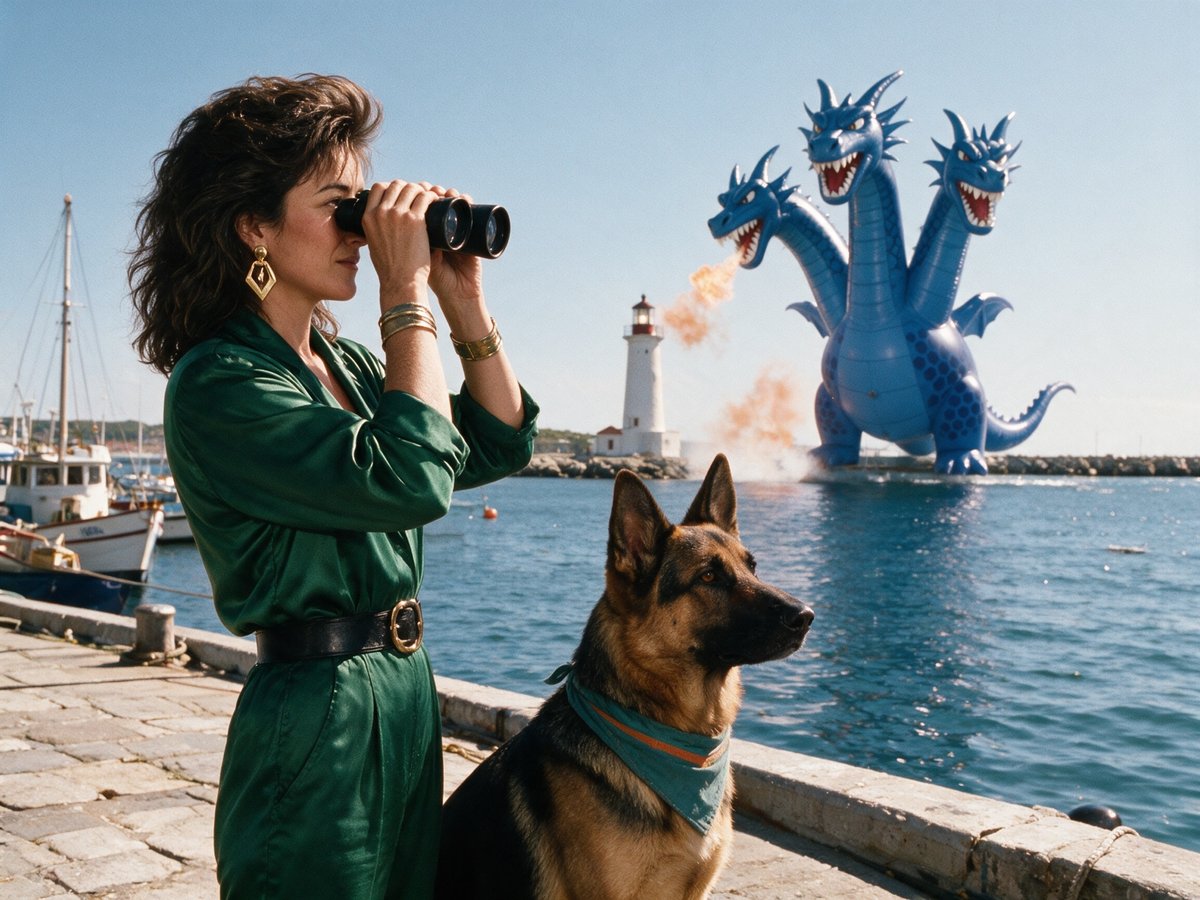
Top AI image generator models, one subscription
Pick a model to see what it makes. Every image here was made on Pixel Dojo with the model named on it.
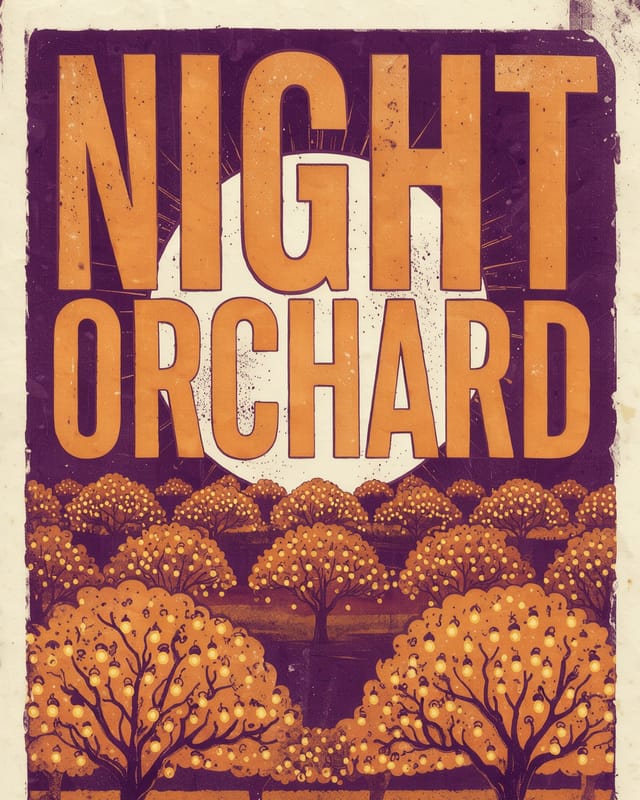
FLUX 3 Image Klein
FLUX 3 Image Klein turns a short prompt into a fully composed FLUX 3 image, type included, and runs unlimited on Relax.
Qwen Image 2.1
Qwen Image 2.1 sets the words you write as clean, poster ready type at native 2K, and the Turbo model does it.
FLUX 3 Image
FLUX 3 Image makes photographs that look shot, not generated: real skin, real materials and real light, and it edits your own images while keeping everything you ask it to keep.
Ideogram 4.5
Ideogram 4.5 sets the words you put in quotes like a designer would, and its Precise Edit rewrites one line of a finished image while every other pixel stays put.
GPT Image 2.5
Follows long, detailed prompts and sets text and layouts cleanly, from magazine covers to product shots.
Nano Banana
Edits from your own photos and keeps people, pets and products consistent from one shot to the next.
Seedream 5
Crisp detail at high resolution, from posters with clean lettering to close-up portraits.
FLUX.2
Photoreal light and texture with tight control over the prompt, plus posters and concept art.
GPT Image 2
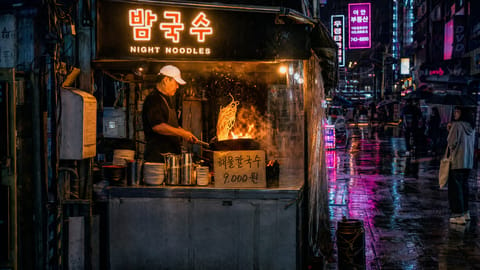
GPT Image 2 renders the words you put in quotes cleanly, from poster headlines and bottle labels to Korean shop signs and app buttons.
Hunyuan Image 3
Hunyuan Image 3 turns long, detailed prompts into rich photoreal scenes, placing every person, prop and light you describe in one frame.
Ideogram 4
Ideogram 4 spells the words you put in quotes cleanly and sets them like a designer, from a magazine masthead and a vertical poster headline to a four line supper club menu.
Kling Image 3.0
Kling Image 3.0 turns a prompt into a cinematic film still, with moody light, rich color grades and natural faces and hands.
Luma UNI 1
Luma UNI 1 makes images that look like frames from a film, with real grain, hard light and texture you can feel in skin, wool, steam and sea spray.
PonyXL
PonyXL turns a few comma separated tags into finished anime and fantasy illustration, with a photoreal style one switch away.
Qwen 3 Pro
Qwen 3 Pro sets crisp Chinese and English text right in the image, from a brush script poster headline to all 18 labels on a bilingual infographic.
Qwen Image 2.0
Qwen Image 2.0 prints the words you put in quotes exactly, from poster headlines and jar labels to comic balloons, chalkboard menus and slide bullets.
Recraft V4.1
Recraft V4.1 designs like an art director: logos, posters, packaging and icon sets come out balanced, on palette and spelled exactly as you wrote them.
WAN 2.6 Image
WAN 2.6 Image turns a place, a time of day and one point of light into a cinematic still, from ultra wide fantasy worlds to sparks, steam and feathers.
WAN 2.7 Image
WAN 2.7 Image Pro makes 4K stills, with skin, glass and honeycomb detail that holds up at full size and posters that print the exact words you quote.
WAN 2.2 Image
WAN 2.2 Image makes photoreal 2 megapixel stills with natural light and fine texture, from frost on a beard to an aurora over a fjord.
Grok Imagine
Grok Imagine turns a few lines of description into a magazine ready 2K image, with texture you can see at full size, from the wool of a cobalt coat to the hammered copper of a watch dial.
Z Image Turbo
Z Image Turbo writes English and Chinese text straight into your images, from neon shop signs to product labels and poster headlines.
More from FLUX 3 Image Klein
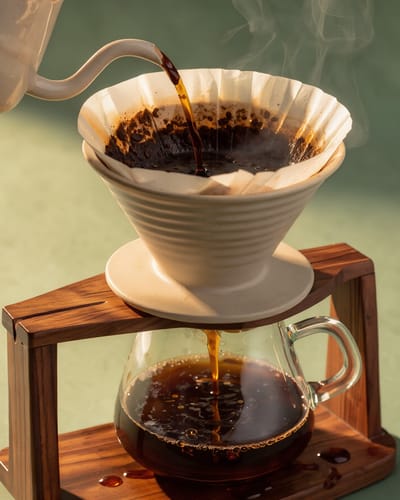 Product shot
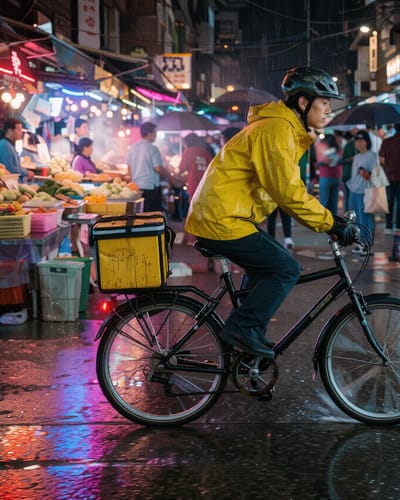 Street candid
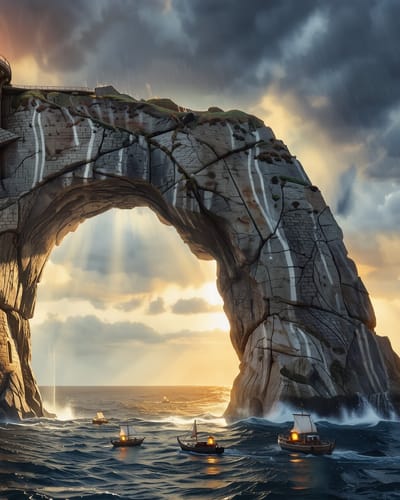 Concept art
What will you create with AI images?
Product photos, logos, headshots, edits and ads are the jobs people bring most. Each example names the model that made it and links the page that goes deeper.
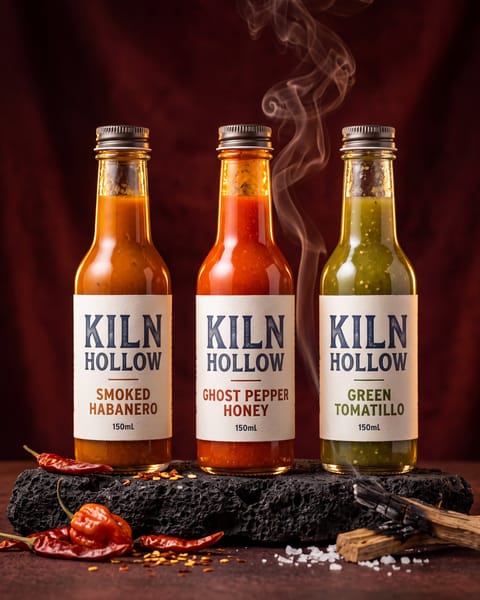
Nano Banana 2 Product photography
Studio product shots and packaging with labels that read right, no camera or studio needed.
AI product photography
Recraft V4.1 Logos and branding
Logos, wordmarks and brand marks, with SVG vector export when you need to scale them.
AI logo generator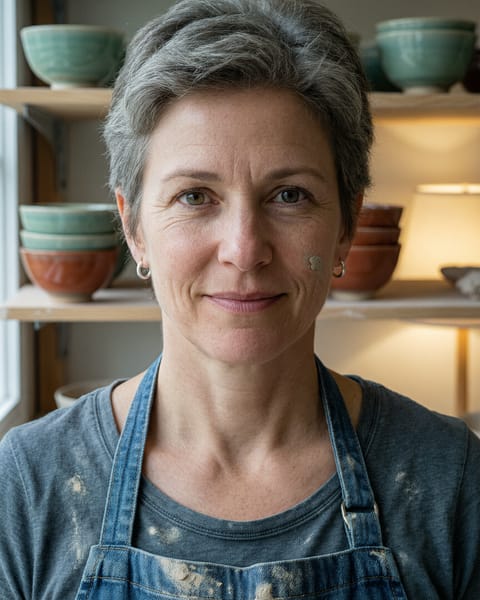
Qwen Image 2 Portraits and headshots
Natural headshots and editorial portraits with real skin texture and soft studio light.
AI headshot generator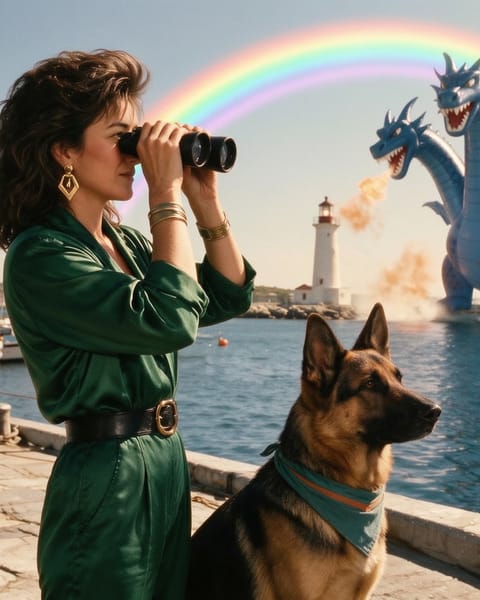
WAN 2.7 Image Photo editing
Upload a photo and say what to change. Here a rainbow was added and nothing else moved.
AI image editor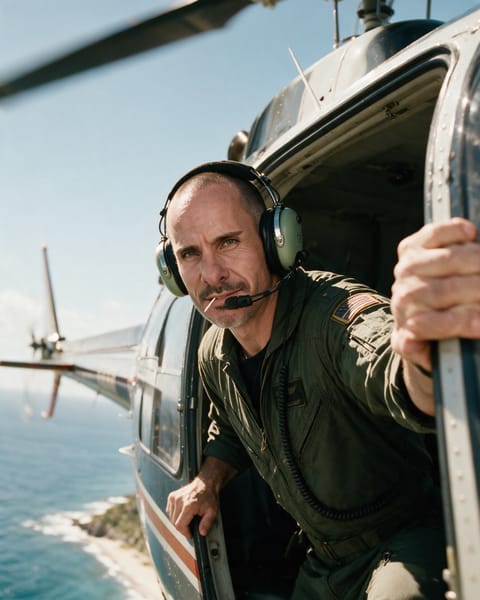
Seedream 5 Consistent characters
Save a character once and put the same face and outfit in any scene, from any angle.
Character Studio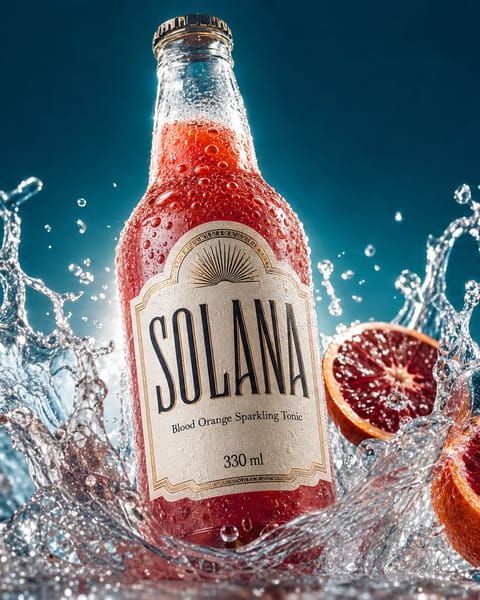
GPT Image 2 Ads and social posts
Scroll-stopping ad creatives, social posts and thumbnails with your product name spelled right.
AI ad generator
How the AI image generator works
Make an AI image in three steps, no design skills needed.
Pick a model
Choose from 80+ AI image models, from FLUX 3 Image for photoreal scenes to Ideogram 4.5 for posters with text.
Describe your image
Type what you want in plain words for text to image, or upload a reference photo to edit. Free prompting guides show what works.
Download it
Save it in high resolution, up to 4K on supported models, with full commercial rights included.
Any style
An AI art generator for every style
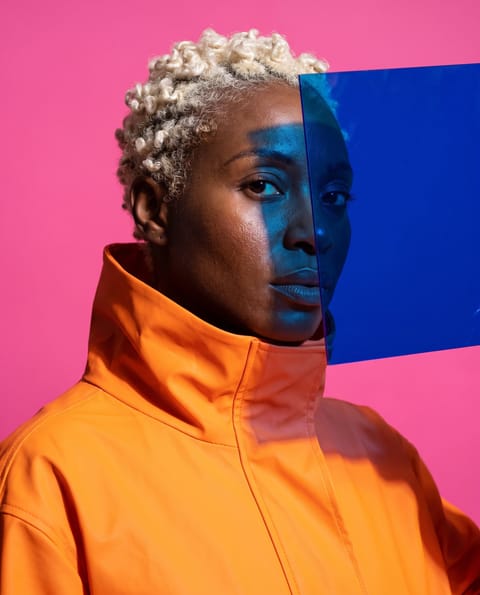
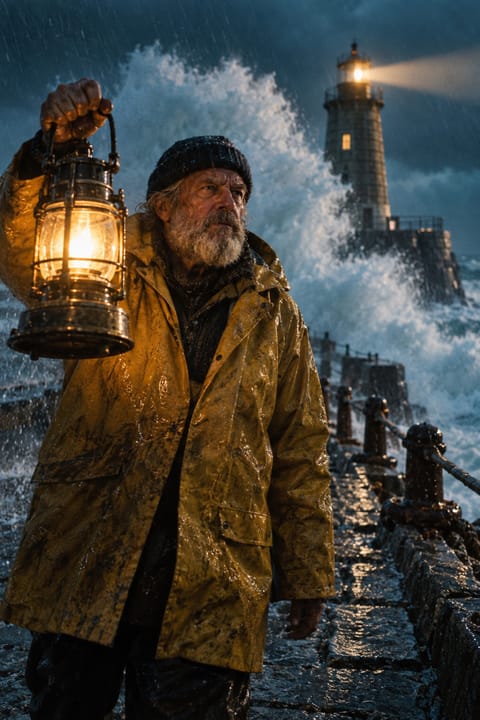
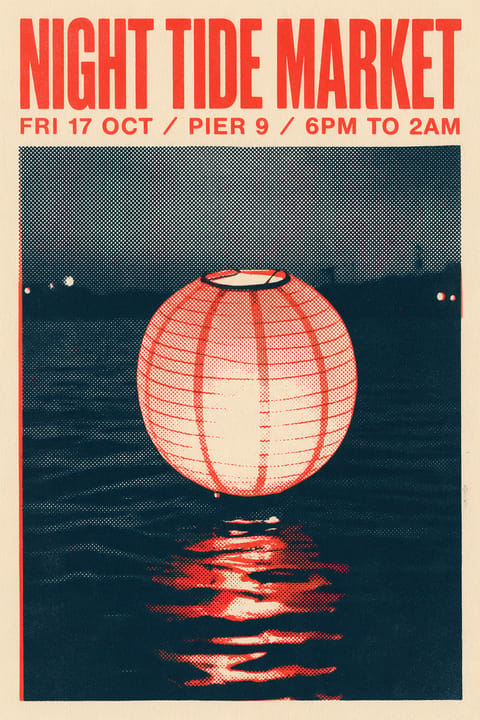
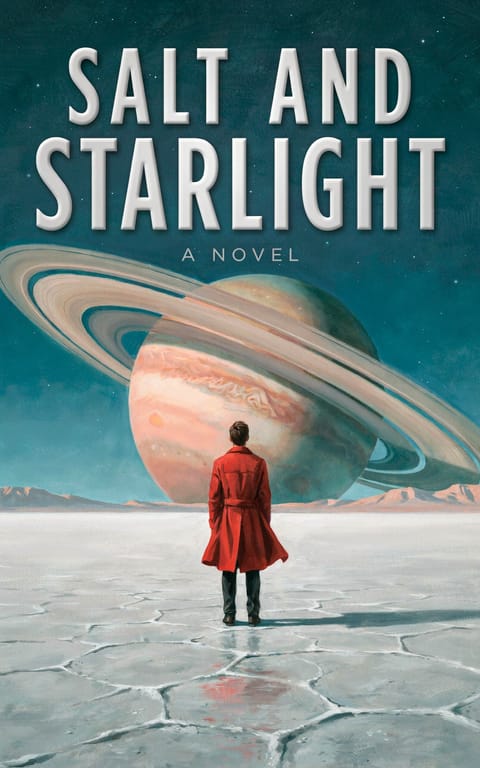
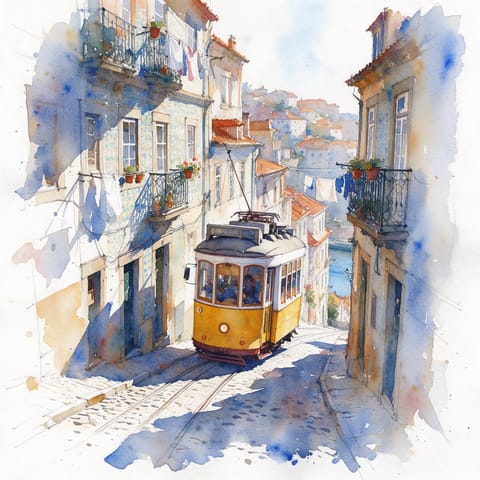
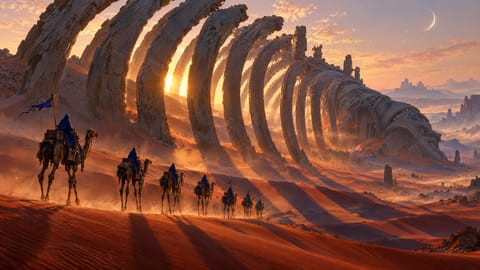
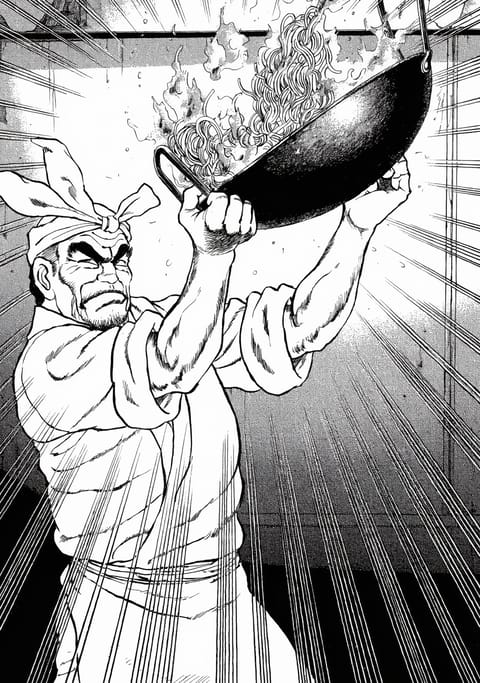
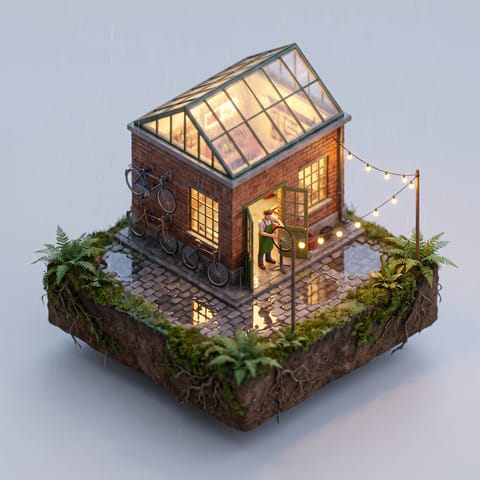
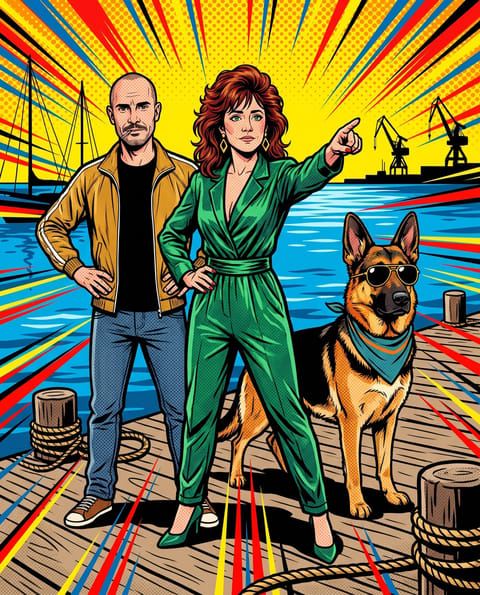
Photoreal, anime, claymation, watercolor, posters, product shots and everything in between. Describe the style you want and pick a model. Every image below was made on Pixel Dojo with the model named on it.
Same cast, any style
Keep your own characters consistent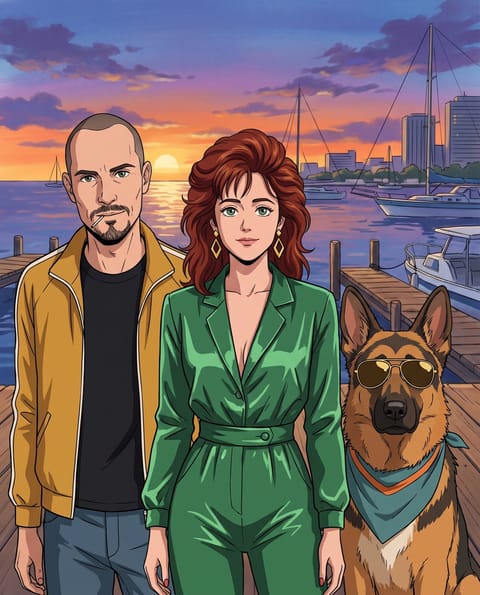 Anime
Anime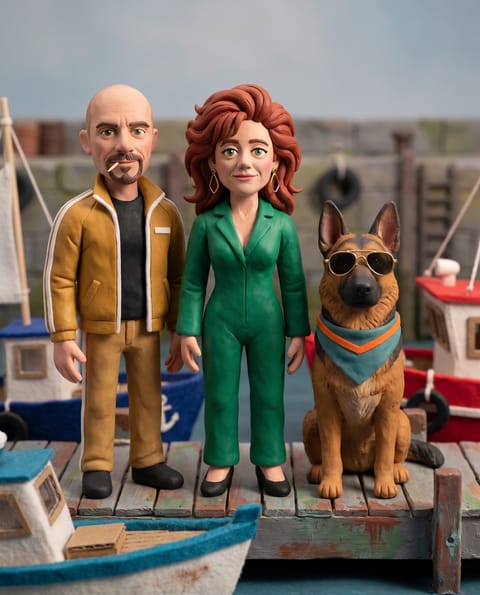 Claymation
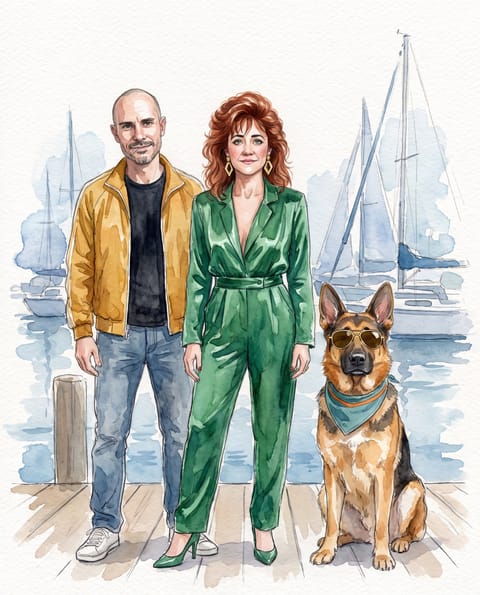 Watercolor
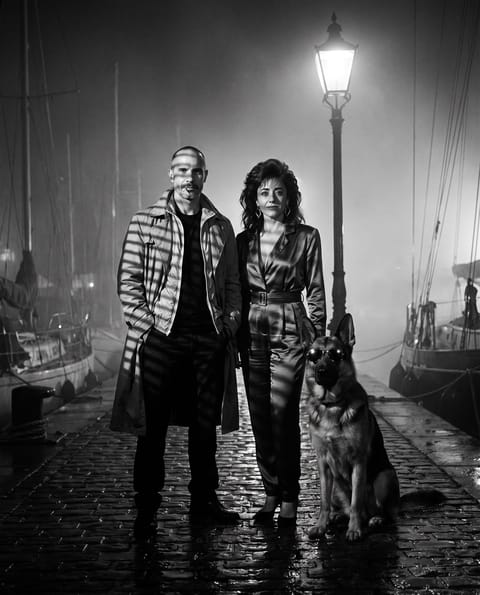 Film noir
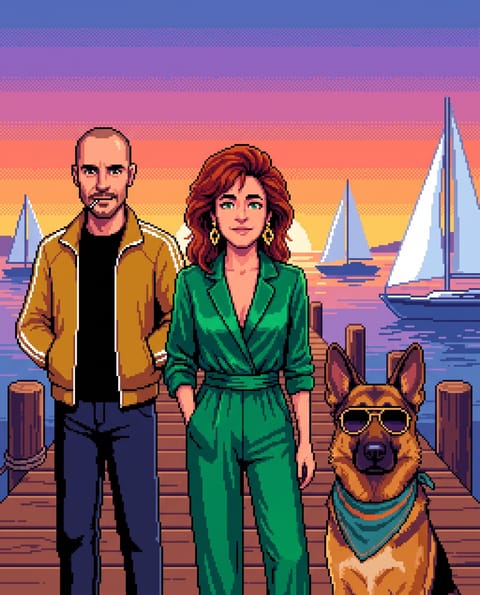 Pixel art
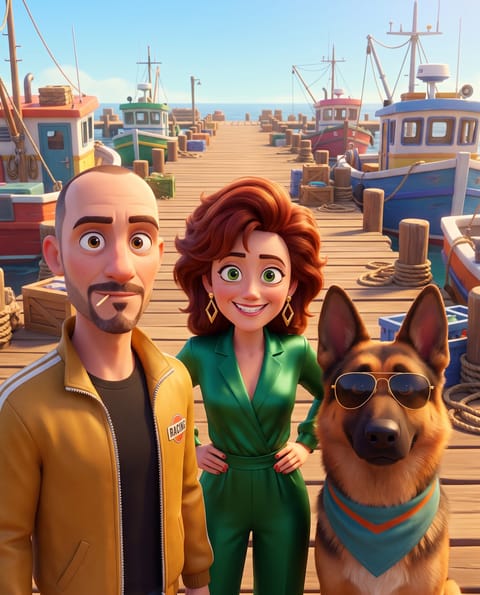 3D animated
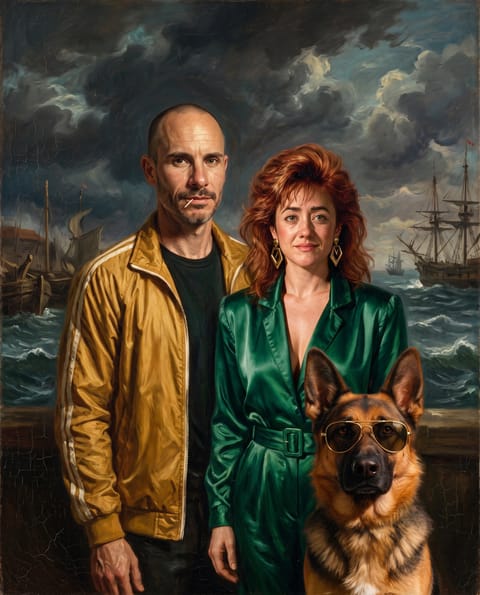 Oil painting
 Pop-art comic
Video Effects New
Bring your images to life in one click
310 ready-made effects, from AI Hug and Earth Zoom In to product spins and listing walkthroughs. Upload a photo and press Generate. No prompt to write, and a free account gets 3 a day.






From in-product surveys
Loved by 1M+ creators on Pixel Dojo
Prompt updates, strong features, and a community that is always willing to help and hear/act on professional feedback. I've never had a better experience.
“Everyone has gotten so expensive and limits what can be done, you all are simply the best available option by miles”
“Easy to use and good quality and fun”
Limited-time sales
See all dealsApplied automatically. No codes.
One plan. Every image model.
Plans start at $10/month with every AI image generator model, plus video models and LoRA training.
Lite
160 credits · 6.25¢ each
All the tools, starter credits.
Unlimited, no credits
- FLUX 3 Klein
- Qwen Image 2.1
- MiniMax H3 Turbo video
- 310+ video effects
Cancel anytime · Secure checkout
Pro
500 credits · 5¢ each
20% less per credit than LiteThe plan most creators pick.
Unlimited, no credits
- FLUX 3 Klein
- Qwen Image 2.1
- MiniMax H3 Turbo video
- 310+ video effects
Cancel anytime · Secure checkout
Pro Max
1,100 credits · 4.55¢ each
27% less per credit than LiteMore credits for daily creators.
Unlimited, no credits
- FLUX 3 Klein
- Qwen Image 2.1
- MiniMax H3 Turbo video
- 310+ video effects
Cancel anytime · Secure checkout
Free$0 · 3 video or photo effects a day, with a small watermark. No card needed.
Try an effectRefunds: on a first purchase, ask within 7 days. Under 20% of its credits used gets a full refund, more gets a pro-rated one. Renewals and top-ups are not refundable, except where the law requires. Refunds & Billing
Every plan includes all 127 tools, Canvas, and the Film, Character, Marketing, Video, Faceless, and Prompt Studios. Same generation speed on every plan. See every tool
What is an AI image generator?
An AI image generator turns words into pictures. You describe what you want to see, such as a sneaker on wet asphalt under neon light, and the model creates it from scratch. That is text to image. Add your own photo and it becomes AI image editing: change the background, swap the outfit, relight the scene, or blend several references into one shot.
Pixel Dojo puts 80+ image models in one place, so you match the model to the job instead of settling for one look. FLUX 3 Image makes photos that look shot, not generated, at up to native 4K. Ideogram 4.5 sets every word right on posters, logos, and packaging. GPT Image 2.5 handles dense layouts, Nano Banana 2.1 blends up to 14 reference images, Seedream 5 and Flux.2 Studio cover cinematic realism and multi-reference edits, and QWEN Image 2 handles style transfer and illustration.
Everything you make comes with full commercial rights, ready for ads, product pages, thumbnails, and client work. Need the same person in every shot? Character Studio keeps a face consistent across scenes, and the LoRA trainers learn your own face, product, or style. When a still should move, the AI video generator animates it on the same plan.
Prompting guides
Questions & Answers
AI Image Generator FAQ
Models, text to image, image editing, resolution, pricing, and commercial rights.
Pixel Dojo's AI image generator includes 80+ models in one subscription, counting every version and tier, so Seedream 5 Pro, Lite and Flash count as three. The headliners are Nano Banana 2, FLUX 3 Image, FLUX 3 Image Klein, Ideogram 4.5, GPT Image 2.5, GPT Image 2, Grok Image, FLUX.2, Krea Image, Riverflow, Luma UNI 1, Qwen Image 2, Qwen Image 2.1, and Qwen 3 Pro. You can also create with Seedream 5, Seedream 4.5, Ideogram 4, Recraft V4.1, WAN 2.7 Image, Z-Image Turbo, Kling Image, and LoRA-ready bases like SDXL and PonyXL. Every model runs from the same prompt box on the same credits, and new models are added as they launch.
Pick a model, such as FLUX 3 Image for photoreal scenes or Ideogram 4.5 for posters with text. Describe the image in plain words: the subject, the setting, the light, and the style. Choose an aspect ratio and quality, then generate. Your image lands in your gallery, ready to download or to refine with a new prompt, a different model, or an editing tool. Free prompting guides show what works best on each model.
Text to image means you describe a picture in words and the model draws it from scratch. Specific prompts win: "a ceramic coffee mug on a walnut desk, morning window light, shallow depth of field" beats "a mug". Name the camera angle, the mood, and the style you want, from studio product photo to watercolor illustration. When an image is close, change one detail in the prompt and generate again.
Yes. AI image editing works from plain-language instructions: upload a photo and ask Nano Banana 2.1, FLUX 3 Image, Grok Image, Qwen 3 Pro, or GPT Image 2.5 to change the background, swap an outfit, or add an object. Ideogram 4.5 rewrites one line of text in a finished design and leaves every other pixel where it was. Dedicated tools cover Inpainting, Image Outpainting, Style Transfer, Magic Lighting, Change Camera Angle, and Background Remover, and Creative Upscaler sharpens the finished image for print.
For photorealistic results, try FLUX 3 Image, GPT Image 2.5, GPT Image 2, Seedream 5, FLUX.2, or Nano Banana 2.1. FLUX 3 Image makes photos that look shot, not generated, with real skin, materials, and light at up to native 4K. GPT Image 2.5 and GPT Image 2 render natural light and fine texture at up to 4K. Seedream 5 brings sharp realism and strong prompt adherence. FLUX.2 shines on product and lifestyle shots, and Nano Banana 2.1 can relight or restyle a real photo from a single sentence.
GPT Image 2.5 is the newest GPT image model on Pixel Dojo, in two variants at one price. Sunburst keeps a reference subject faithful and changes only what you ask. Flare returns the same quality tier in about half the time. Both render up to 4K, accept up to 8 reference images and an optional mask, and handle dense layouts like posters, menus, and infographics with sharp, readable text.
Nano Banana 2.1 is Google's newest Nano Banana image model and the default in Pixel Dojo's Nano Banana generator. It builds finished layouts like posters, infographics and icon sets, keeps a person or product consistent across scenes from up to 14 reference images, and makes precise photo edits at 1K, 2K, or 4K. Nano Banana 2 and Nano Banana Pro live in the same tool.
Qwen Image 2.1 is the newest image model from the Qwen team, in two versions: Qwen Image 2.1 Turbo for fast 8 step images and the full Qwen Image 2.1 for the most detail. It renders natively at 2K, sets the words you quote as clean type, edits and combines up to 10 reference images, and runs up to 3 LoRAs you train with its own LoRA trainer.
For design work, start with Ideogram 4.5: posters, logos, and packaging with every word spelled the way you typed it, plus Precise Edit to change one line and keep the layout. Ideogram 4 brings vibrant compositions, and Recraft V4.1 handles graphic design with editable SVG vector output, a natural fit for logos and icons. Qwen Image 2.1 sets quoted titles and small print cleanly at native 2K, Qwen Image 2 is strong at style transfer and illustration, and Qwen 3 Pro generates and edits in one model with up to 3 reference images. Seedream 5 also renders clean text for posters and packaging.
Resolution depends on the model. FLUX 3 Image renders up to native 4K, and GPT Image 2 and GPT Image 2.5 render up to 4K UHD. Nano Banana 2.1 offers 1K, 2K, and 4K, Qwen Image 2.1 renders natively at 2K, Seedream 4.5 has 2K and 4K presets, and FLUX.2 outputs up to 4 megapixels. Most models generate at 1024 x 1024 or higher, and Creative Upscaler, Magnific, and Clarity Pro enlarge any image for print after generation.
Yes. Image to image lets you start from your own photo, product shot, or sketch instead of a blank prompt. Nano Banana 2.1 takes up to 14 reference images, FLUX 3 Image, Flux.2 Studio, Seedream 5, and Qwen Image 2.1 up to 10, GPT Image 2.5 up to 8, and Qwen 3 Pro up to 3. Use references to keep a product's exact shape, match your brand colors, or place the same person in a brand new scene.
Yes. Character Studio saves a character once and keeps the same face, hair, and outfit in every scene you generate. For your own face or product, train a LoRA in minutes and use it in FLUX.2, Z-Image Turbo, Qwen Image 2.1, and other LoRA-ready models. Nano Banana 2.1 and GPT Image 2.5 also hold a subject steady when you pass the same reference image, which suits product sets and storyboards.
Yes. Every plan includes the video models too, so a still can become a moving shot in a few clicks. Send any image to an image-to-video model like Seedance 2.5, Kling 4.0, or Veo 3.1 and describe the motion: a slow push-in, wind in the hair, waves rolling in. Several video models also take a first and last frame for precise control, and Film Studio turns a set of stills into a finished short film.
No. Describe what you want the way you would describe it to a friend, and the model handles composition, lighting, and detail. Prompt Studio and the Refine button in every prompt box turn a rough idea into a detailed prompt before you generate, and the free prompting guides include ready-to-copy examples for every major model, from portraits and product shots to logos and posters.
Yes, to start. A free account gets 3 free photo effects every day, no card needed. Plans from $10/month unlock all 80+ image models, and every plan includes Relax: unlimited FLUX 3 Image Klein and Qwen Image 2.1 images at zero credits. Credits you do not use roll over every month while you stay subscribed.
Full access to all 80+ AI image generator models starts at $10/month, and the Lite plan includes 160 credits every month. Credits per image depend on the model, quality, and resolution, and you always see the exact cost before you generate. Pro and Pro Max include more monthly credits for bigger workloads, and every plan comes with the video models and LoRA training.
Yes. Your subscription to our AI image generator includes full commercial rights for all generated content. Use AI images in ads, social media, products, print, client work, and marketing campaigns with no additional licensing. Download them in full resolution and put them anywhere: product listings, book covers, thumbnails, merch, packaging, and pitch decks.
Instead of picking one model and hoping, choose the right model for each image. Pixel Dojo gives you 80+ image models in one subscription, including FLUX 3 Image, Ideogram 4.5, GPT Image 2.5, Nano Banana 2.1, Seedream 5, and Grok Image, with one interface, one credit system, full commercial rights, and free prompting guides for every major model. The same plan also covers video, consistent characters, and LoRA training.
Make your first AI image today.
Plans start at $10/month.
- AI tools
- 127
- Creative studios
- 6
- Creations
- 4M+