MiniMax's image model, up to 16 megapixels
MiniMax H3 Image AI Image Generator: Photos Up to 16 MP
Get photos that look taken, not generated: real skin, real light and the exact camera angle you ask for, at up to 16 megapixels.
MiniMax H3 Image is MiniMax's image generation and editing model. It makes natural photographs, portraits, product shots, illustrations and posters with exact quoted text, follows camera direction to the letter, and edits your own photos from one sentence. We made every image on this page with it on Pixel Dojo.
1.5 credits ($0.09) per image at 2K. Included in every plan, from $10/month.
Already a member? Sign in
By Brian Lovett · Updated
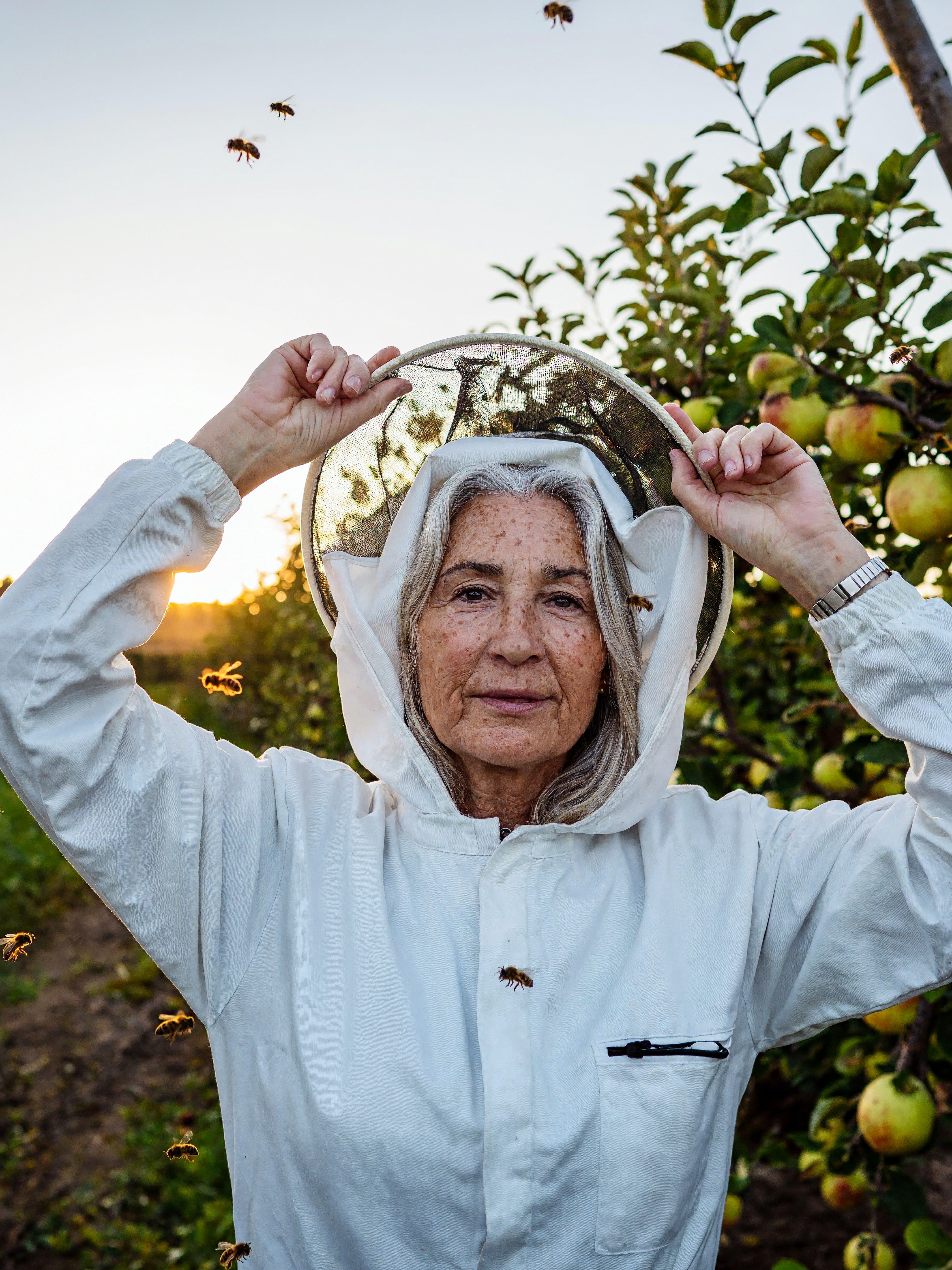
What you can make with MiniMax H3 Image
We made these images with MiniMax H3 Image on Pixel Dojo. Each tile shows its settings and credit cost. Tap Use this prompt on any tile to start from it.
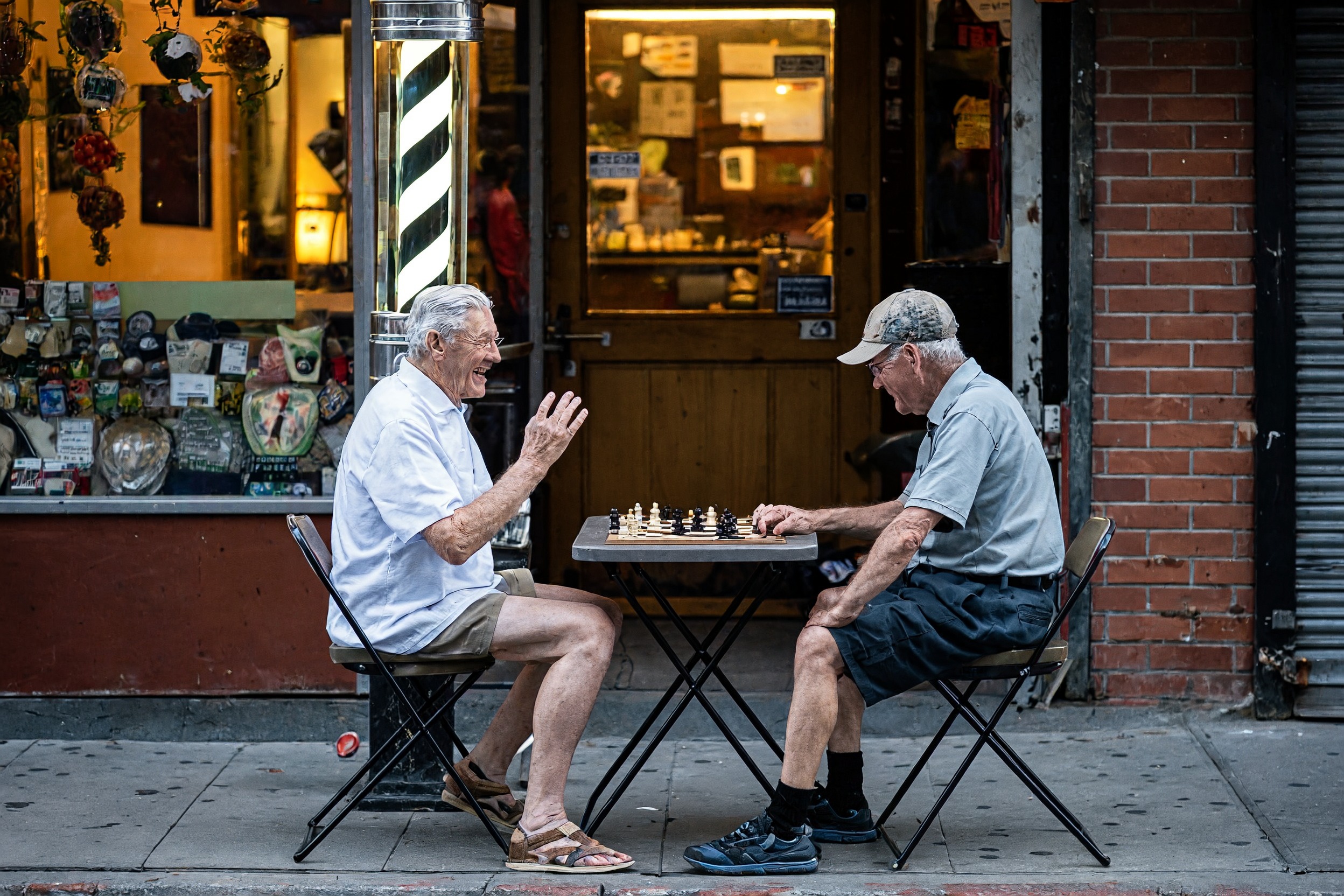
A documentary street photograph. The laugh, the raised hand and the evening light read like a moment someone caught.
A documentary photograph of two old men playing chess at a folding table on the sidewalk outside a barbershop on a summer evening, one laughing with his hand raised, a striped barber pole behind them, warm window light, shot from across the street on a 50mm lens.
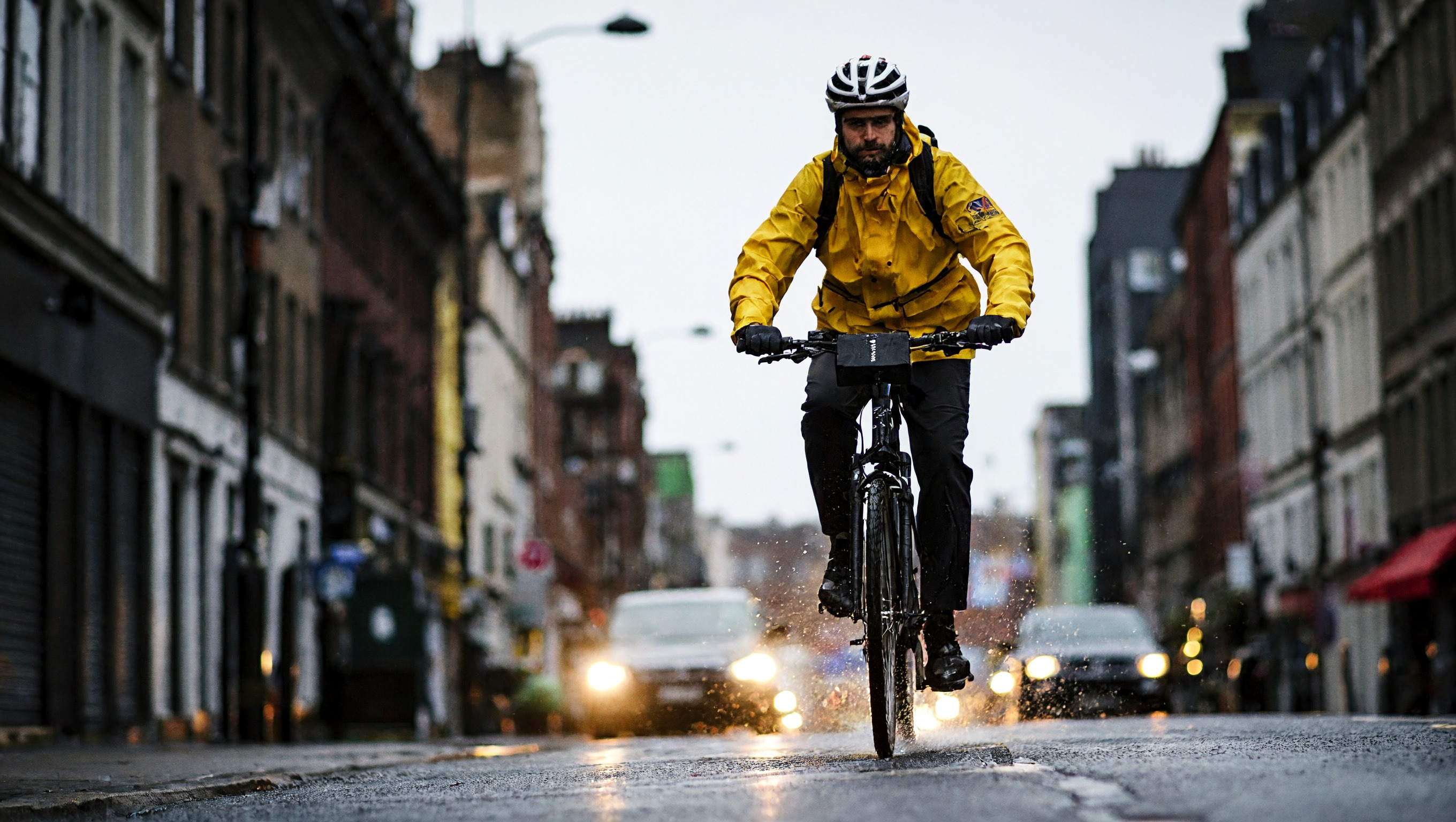
Camera direction, followed exactly. We asked for a view from the road surface on a 24mm lens and got it.
A low angle photograph taken from the wet road surface looking up at a bicycle courier in a yellow rain jacket riding straight toward the camera through a city street at dusk, front wheel throwing spray, car headlights blurred behind, shot on a 24mm lens.
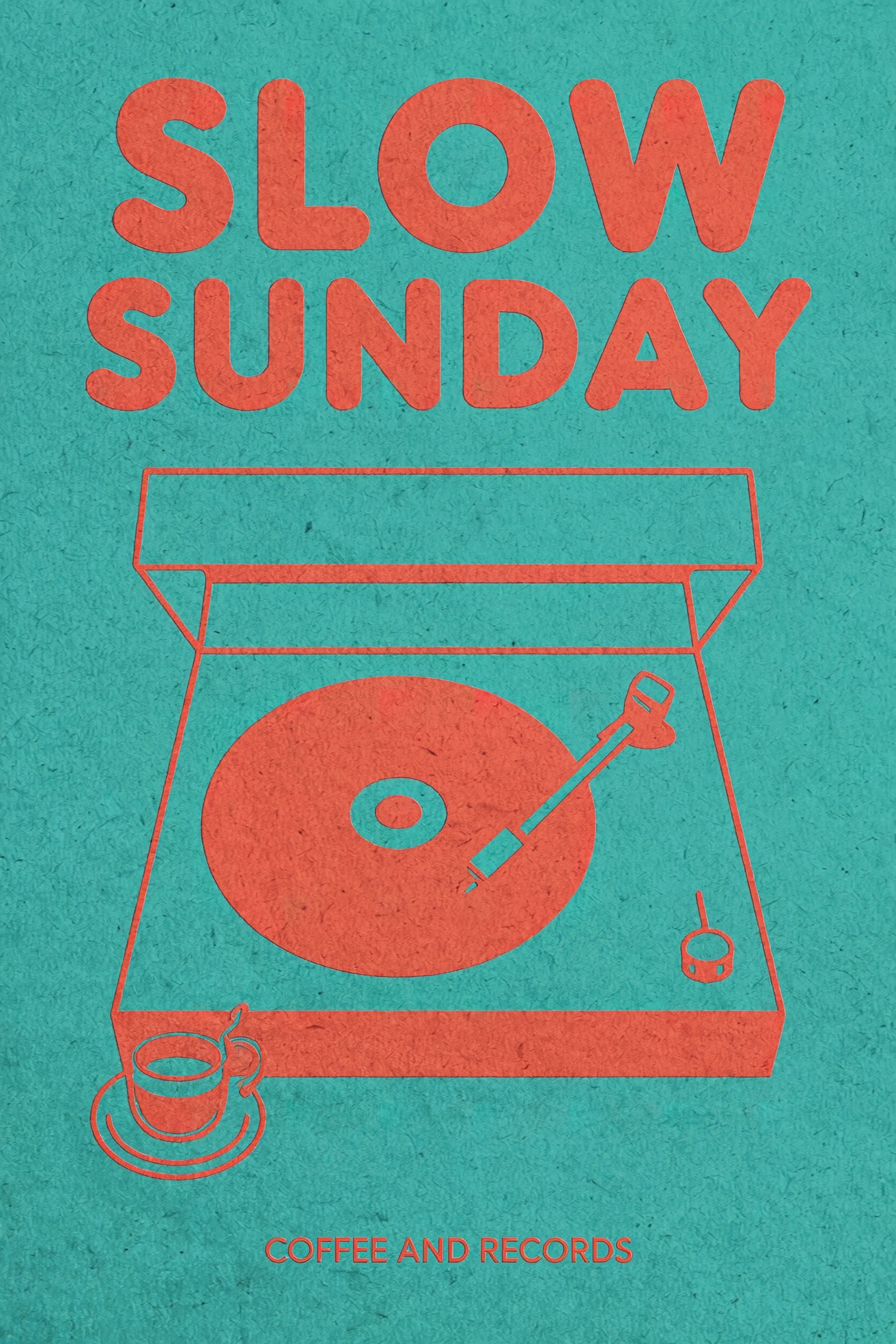
Put the words in quotes and say where they go. Both lines came out spelled exactly as typed.
A risograph poster in teal and coral that reads "SLOW SUNDAY" in large rounded letters across the top above a simple illustration of a record player beside a coffee cup, with "COFFEE AND RECORDS" in small capitals along the bottom, visible paper grain, no other text.
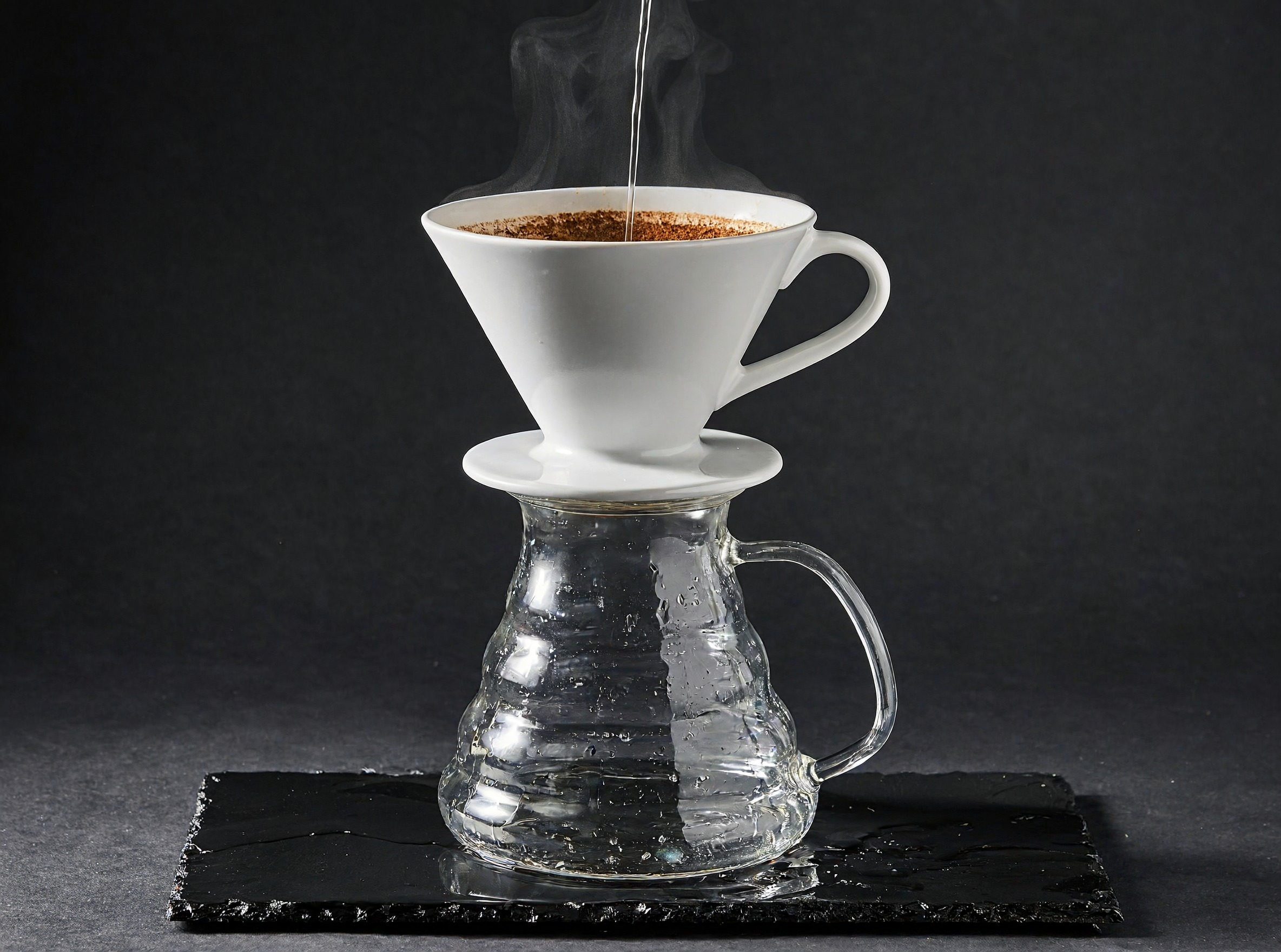
A studio product photograph. One hard light, wet slate and steam give it the finish of a catalog shot.
A studio product photograph of a matte white ceramic pour over coffee dripper on a glass carafe, standing on wet black slate, a thin stream of water falling into the grounds and steam rising, one hard light from the upper right, dark charcoal backdrop.
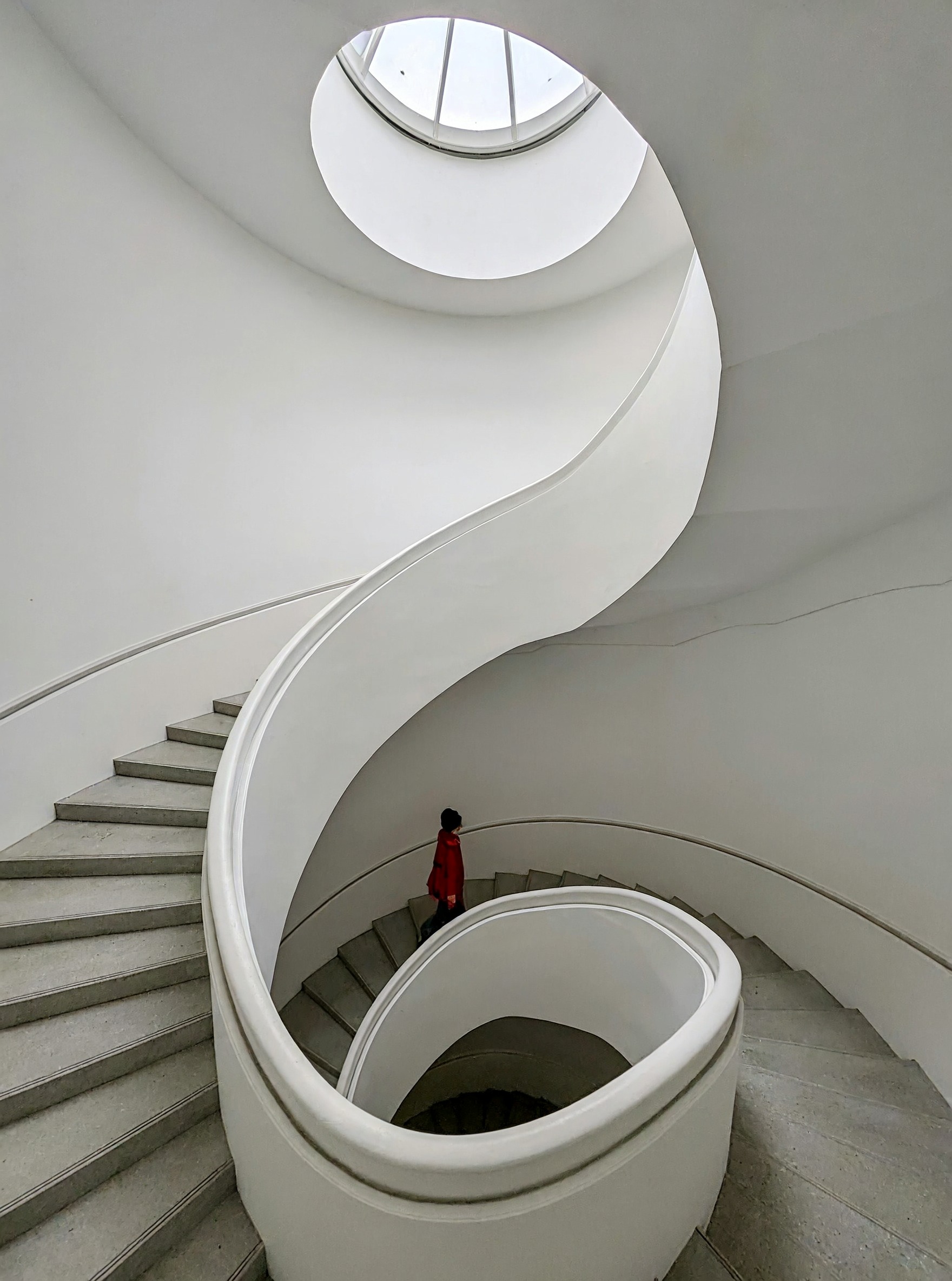
An architectural photograph. One red coat in a white room gives the eye a place to land.
An architectural photograph looking straight down a white spiral staircase in an art museum, one visitor in a red coat halfway down, soft daylight from a round skylight above, clean curved shadows on the walls.
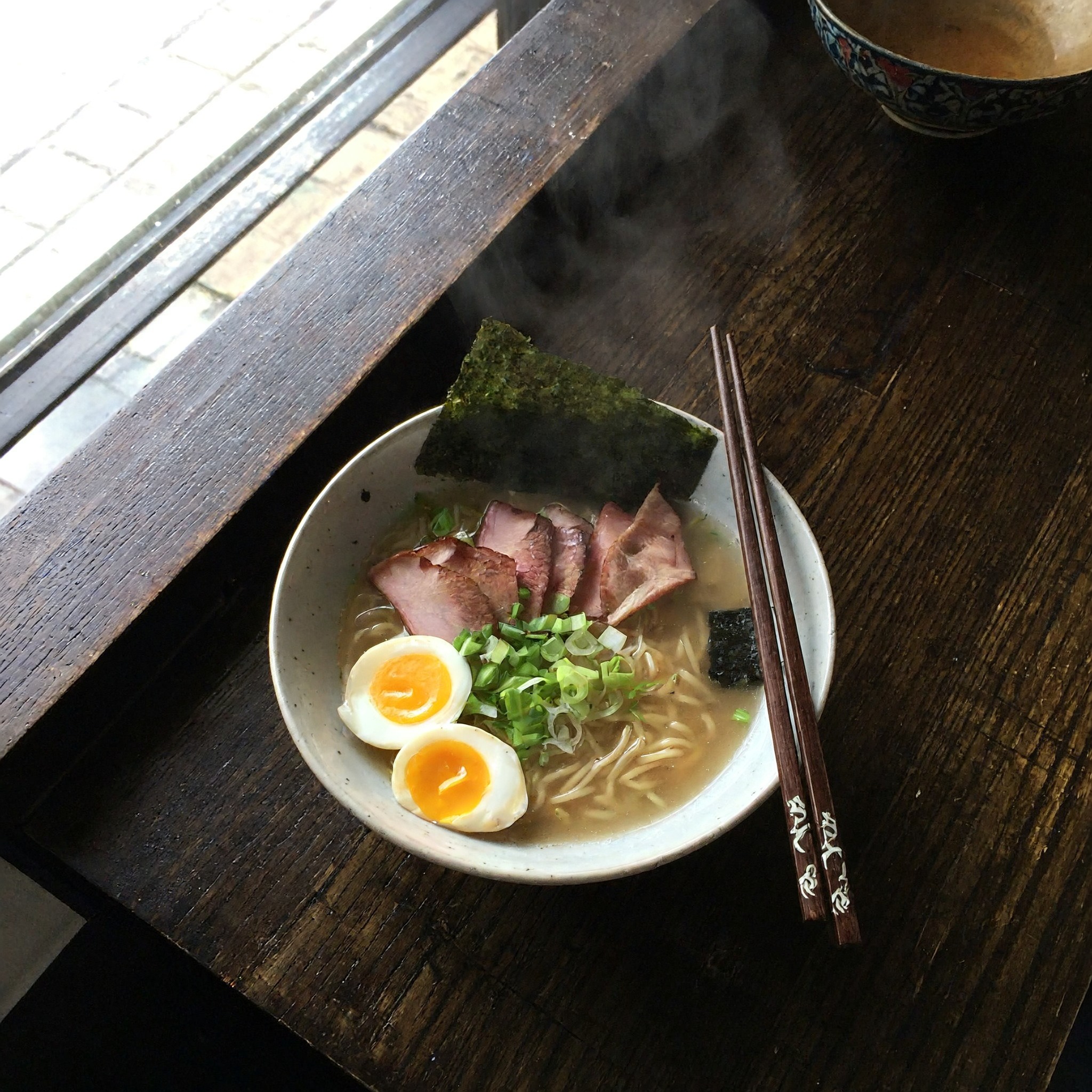
An overhead food photograph. The egg yolk, the broth and the steam all hold up at full size.
An overhead food photograph of a bowl of ramen on a dark wooden counter, a soft egg cut in half, slices of pork, scallions and a sheet of seaweed, chopsticks resting on the rim, steam catching window light from the left.
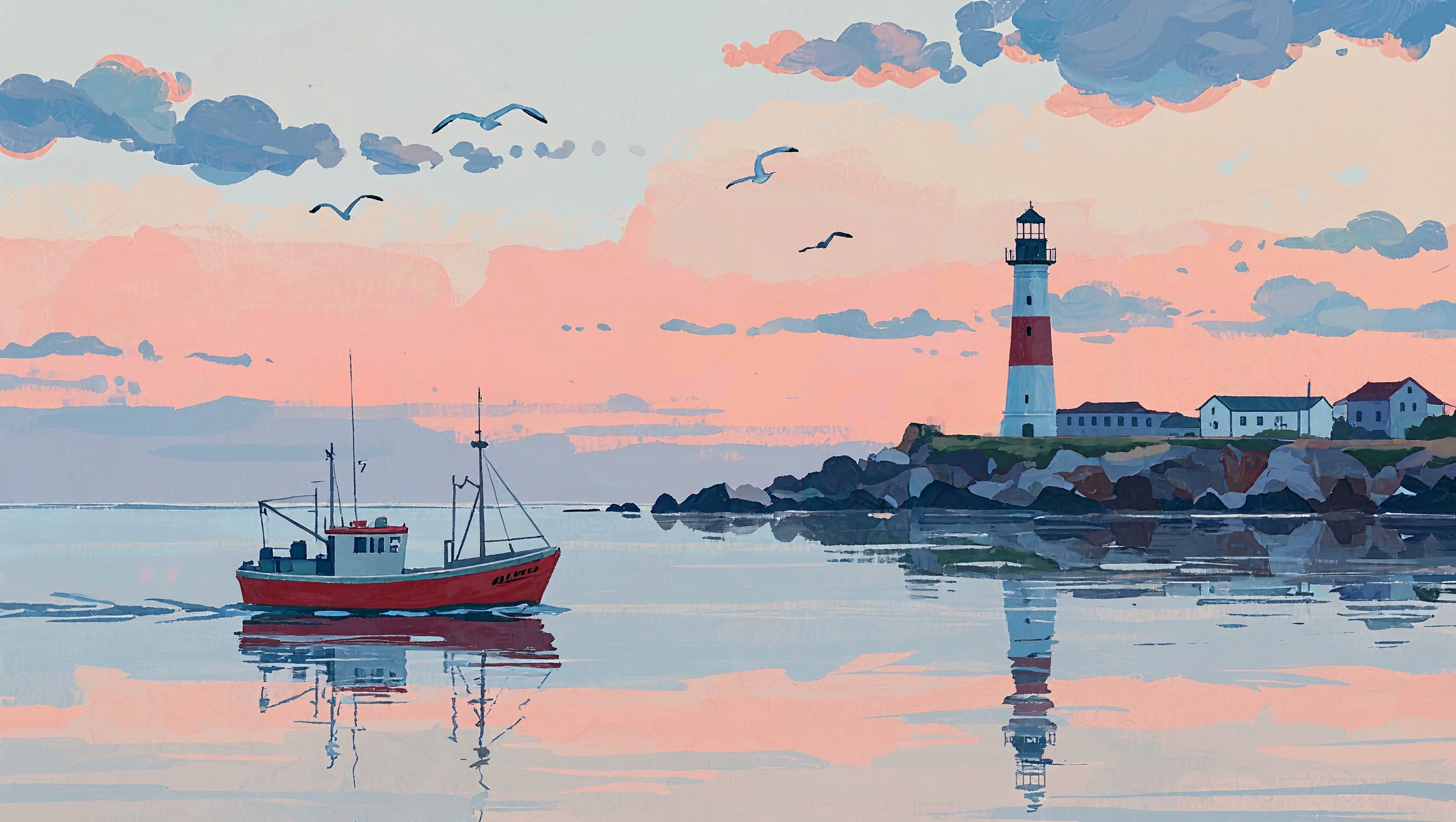
It paints as well as it photographs. Name the medium and you get the brush strokes that go with it.
A gouache illustration of a small red fishing boat passing a lighthouse on a rocky headland at dawn, visible brush strokes, a pink and pale blue sky, gulls overhead, long reflections on calm water.
What MiniMax H3 Image is made for
MiniMax H3 Image is the model to reach for when a picture has to pass as a photograph. We made the images on this page across eight kinds of work: an editorial portrait, a street photograph, a product shot, a poster, an action frame, an interior, a food photograph and an illustration.
It listens to camera language. Say where the camera sits, which lens it uses and where the light comes from, and the frame follows. It also sets short text cleanly when you put the words in quotes.
Four reasons to pick MiniMax H3 Image
Photos that look taken
Skin has pores and freckles, fabric has weave, and light falls the way it does through a real lens. Our beekeeper portrait at the top of the page is one prompt, no retouching.
Up to 16 megapixels
Choose 2K for about 4 megapixels or 4K for about 16. At 4K there is enough detail to crop in or print large.
Exact words on posters
Put each line in quotes and say where it sits. On our risograph poster SLOW SUNDAY fills the top and COFFEE AND RECORDS runs along the bottom, both spelled as typed.
Edit with up to 8 images
Attach a photo as picture 1 and describe the change. Add more images as picture 2, picture 3 and so on, and the model brings them into one scene.
Change the weather with one sentence
We gave MiniMax H3 Image the beekeeper portrait from the top of this page and asked for a yellow raincoat and rain.
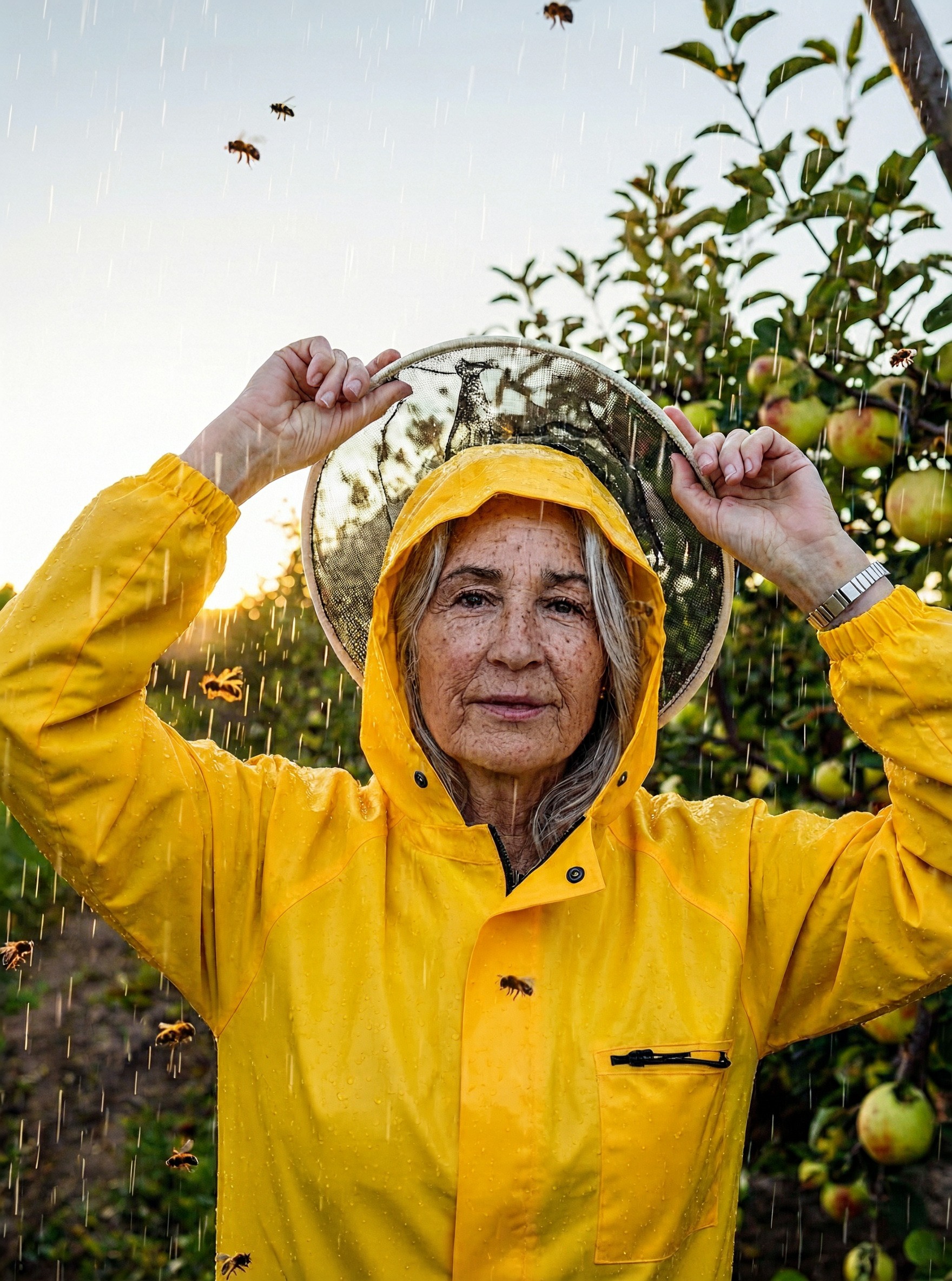
One photo and one sentence. The pose, the orchard, the bees and the evening sun stay, and the coat and the rain arrive.
Put her in a yellow raincoat with the hood up and add light rain falling through the orchard
- Describe the finished picture in one plain sentence.
- Leave the aspect ratio on Auto to keep the shape of your photo.
- Add a second image and call it picture 2 to borrow an object or an outfit.
How to use MiniMax H3 Image on Pixel Dojo
- 1
Name the kind of picture
Open with what it is: a portrait photograph, a documentary photograph, a risograph poster, a gouache illustration.
- 2
Place the camera and the light
Say where the camera is, the lens, and where the light comes from. One subject and one moment work best.
- 3
Quote any words
Put text in quotes, say where each line goes, and add that there is no other text.
- 4
Pick 2K or 4K
Use 2K for most work and 4K when you want to crop or print. Then press Edit on any result to change it with a sentence.
MiniMax H3 Image pricing: 1.5 credits at 2K
MiniMax H3 Image is included in every Pixel Dojo plan, and plans start at $10 a month. It uses 1.5 credits per image at 2K and 4 credits per image at 4K.
The portrait at the top of this page is a 4K image at 4 credits. Every other image here is 2K at 1.5 credits.
MiniMax H3 Image questions
What is MiniMax H3 Image?
MiniMax H3 Image is an image generation and editing model from MiniMax. It makes natural photographs, portraits, product shots, illustrations and posters with short quoted text, at up to 16 megapixels.
What is MiniMax H3 Image good at?
Photographs that look taken: portraits with real skin, street and documentary scenes, product and food shots. It follows camera direction closely and spells short quoted text exactly.
How do I use MiniMax H3 Image on Pixel Dojo?
Open MiniMax H3 Image, write one line that names the kind of picture and the scene, choose 2K or 4K and press Generate. To edit, attach a photo or press Edit on a result and describe the change.
How much does MiniMax H3 Image cost?
It is included in every Pixel Dojo plan, with plans from $10 a month. An image uses 1.5 credits at 2K and 4 credits at 4K.
Can MiniMax H3 Image edit my own photos?
Yes. Attach up to 8 images. The first is the photo to edit, and the others are references you can name as picture 2, picture 3 and so on.
Is there a MiniMax H3 Image API?
Yes. Call minimax-h3-image at /api/v1/models/minimax-h3-image/run with prompt, aspect_ratio, resolution and reference_images. It also works in Canvas and through our MCP server.
Make your first MiniMax H3 Image image
Write a prompt above or start from any example on this page. One plan covers every top model, six studios and Sensei, and your credits roll over.
Start with MiniMax H3 Image