Portraits
AI Clothes Changer: try on any outfit you can describe
Dresses the person in your photo in an outfit you describe, from a tailored suit to a summer dress, keeping their face, body, pose and background.
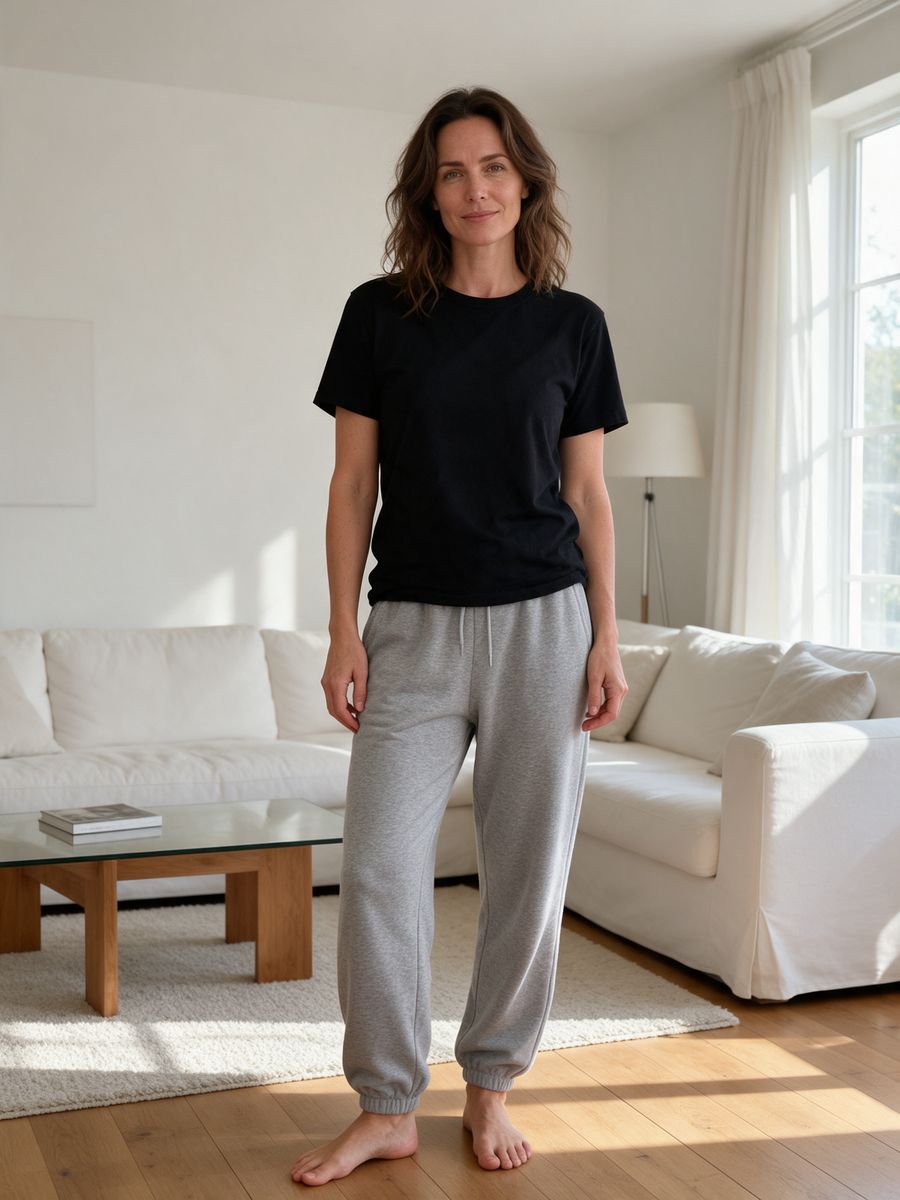
Before
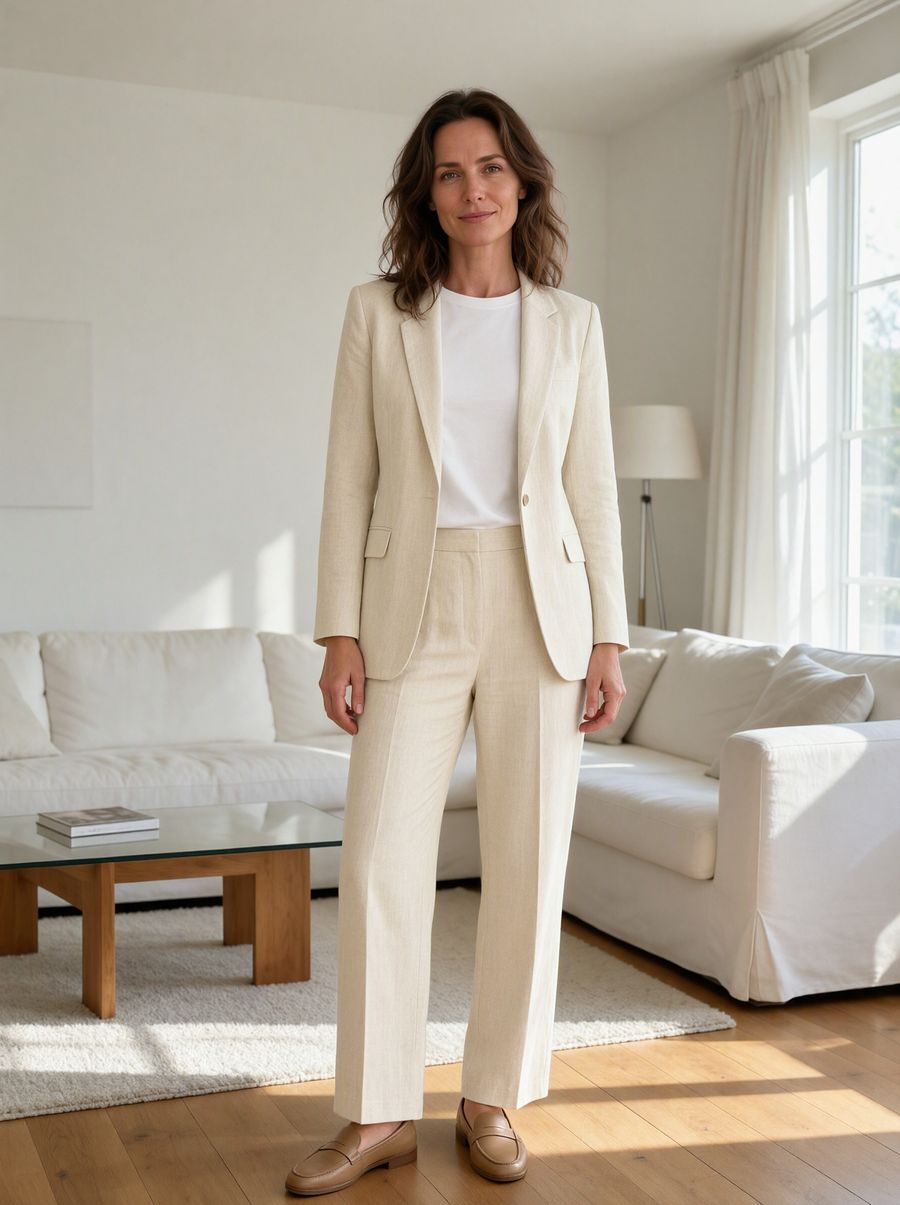
After, straight from our test, no retouching
Add a photo to start.
What AI Clothes Changer does
AI Clothes Changer dresses the person in your photo in an outfit you describe, keeping their face, body shape, pose and background.
How to use AI Clothes Changer
- Upload your photo, or pick it from your library.
- Fill in new outfit.
- Press Generate. The instructions for the job are already set up, so there is no prompt to write.
- Your image shows up right on the page. Save it to your library or download it.
Tips for the best result
- Name the pieces and colors you want: top, bottom, shoes.
- Full-body photos let it change shoes too.
- For an exact real garment, use the Virtual Try-On tool with a photo of the item.
Ideas for using it
- Trying outfit ideas before an event.
- Dressing a model photo for different seasons.
- Quick costume or uniform mockups.
More tools
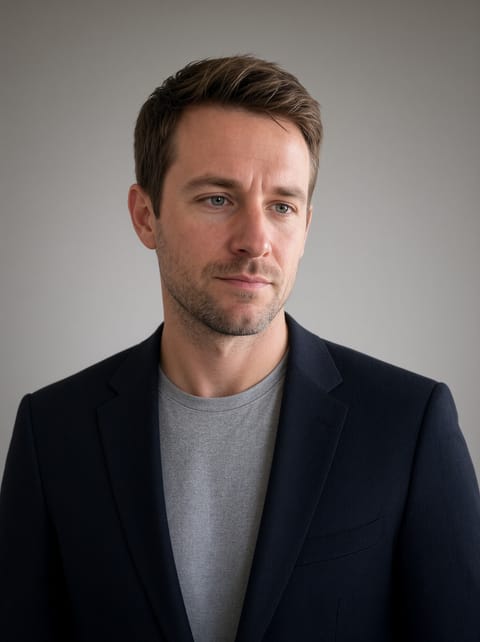
AI Headshot Generator
A professional headshot from one casual photo.
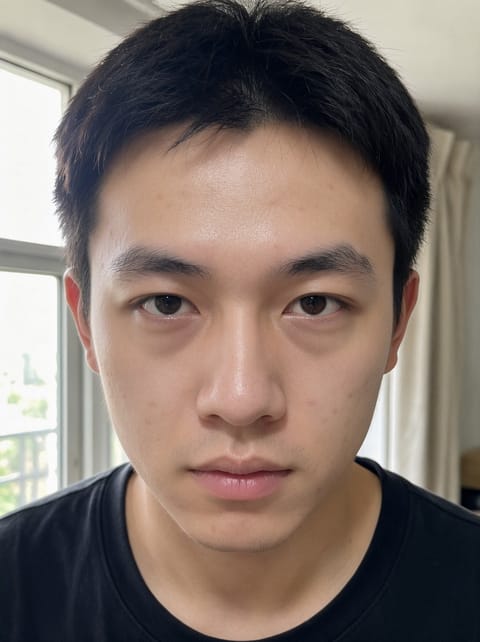
AI Photo Retouching
Natural skin retouching in one click.
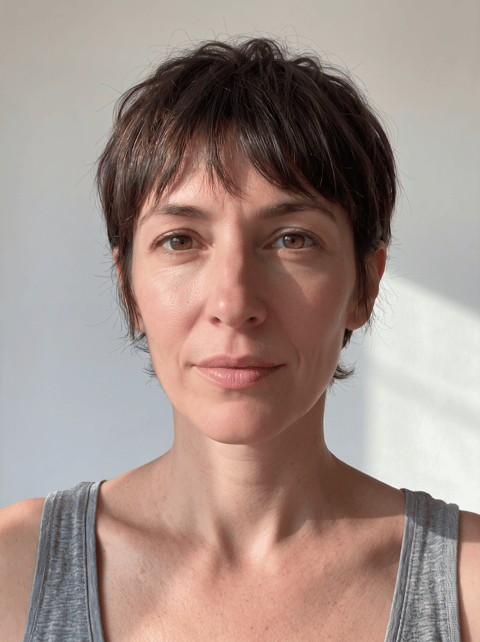
AI Hairstyle Changer
Try a new haircut before the salon.
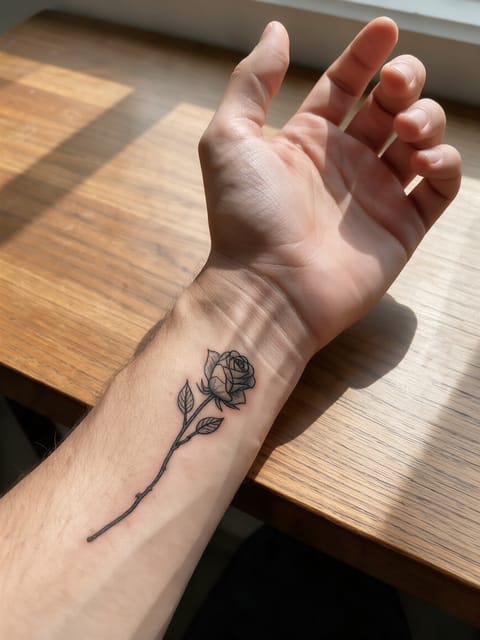
Tattoo Try-On
See the tattoo on your skin first.
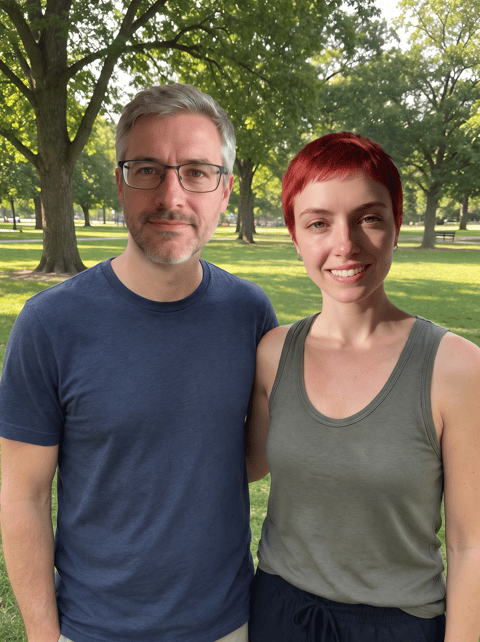
Multi Face Swap
Swap every face in a group photo.

Watermark Remover
Lift text and logo watermarks off your own photos.
Want motion instead? Video Effects turn one photo into a 5 second clip.
Go further
AI Clothes Changer FAQ
Can I use a photo of a real piece of clothing?
This tool works from a description. For a specific garment photo, use Virtual Try-On.
Does the body shape change?
No. It keeps the same body, pose and background.
Is AI Clothes Changer free?
AI Clothes Changer is included with every PixelDojo plan and costs a few credits per image, shown on the Generate button before you run it.
Who owns the result, and can I use it commercially?
We assign you whatever rights we hold in the result, so you can use it in your own projects, commercial ones included, as long as what you uploaded was yours to use. Unsaved results are deleted after 24 hours, so save the ones you want to keep.
Can I use a photo of someone else?
Only photos of adults, of yourself or of people who agreed to it, and only images you have the right to edit. Every upload goes through the same safety checks as the rest of PixelDojo.