AI video effect · Product · 139 uses
Product 360: a clean turntable spin for any product
Upload a photo, press Generate, and post it anywhere.
3 free every day. No card needed.
What Product 360 does
Your product starts in a three-quarter view on a plain studio surface, then the turntable carries it around so the side, the back and the far side each face the camera. It finishes the rotation close to where it started, with a soft shadow following underneath the whole time.
A clean turntable spin for any product
Your product spins a full turn on a studio turntable so shoppers see every side. Clean product photos on a plain background work best.
Your product, start to finish
The video opens on your exact photo, so the shape, colors and details of the product carry through the whole clip.
Product ads without a studio
Commercial-style product shots for stores, ads and launches, made from one product photo instead of a studio day.
How to make a Product 360 video
- Upload a photo, or pick one from your library.
- Press Generate. There is no prompt to write; the effect is already set up.
- Your 5 second HD video plays right on the page. Save it to your library or download it.
Tips for the best photo
- Shoot the product on a plain light background with nothing else on the surface.
- Use a three-quarter angle rather than a flat front view so the effect understands the product's depth.
- Keep the whole product inside the frame with a little space around it so the turn never clips an edge.
Ideas for using it
- A sneaker shop adding a spin clip to each product listing so buyers can see the heel and sides.
- A maker of handmade ceramics showing every side of a vase in a marketplace listing.
- A brand posting new arrivals as short looping spins in its weekly product update.
More effects
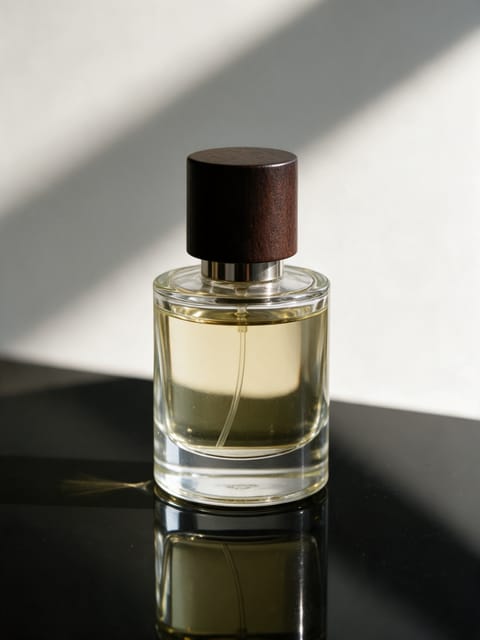
Product Splash
A burst of water around your product.

Ingredient Burst
Ingredients explode out around your product.
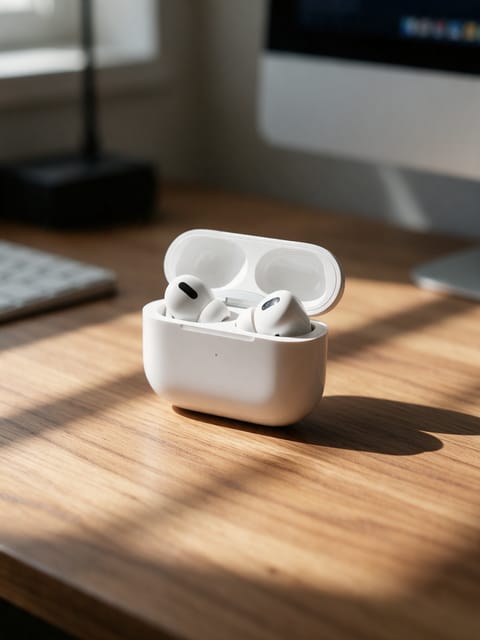
Floating Product
Your product levitates in a glow.
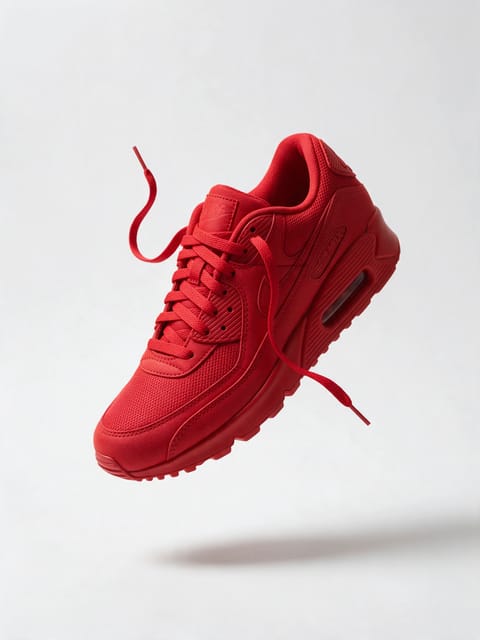
3D Billboard
Your product on a giant city screen.
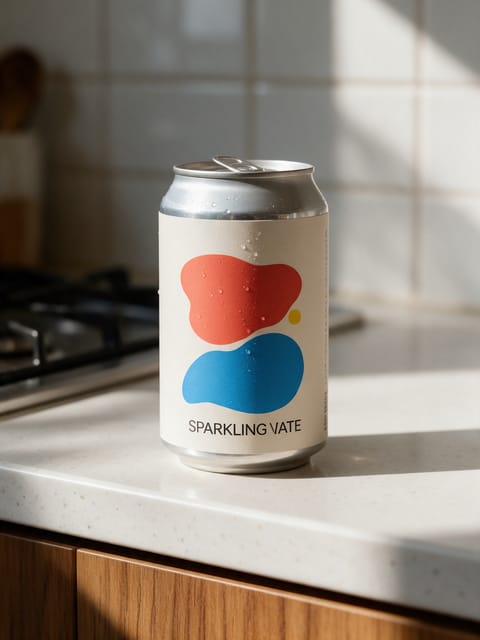
Hand Pickup
A hand reaches in and shows it off.
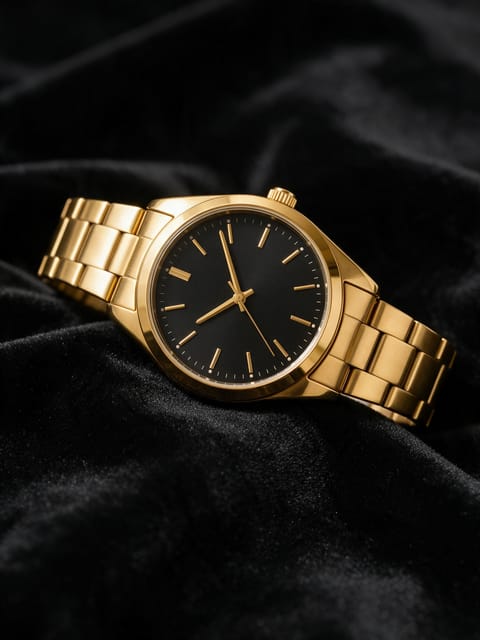
Light Sweep
A studio light glides across your product.
Go further
Product 360 FAQ
Will the effect add a logo that is not on my product?
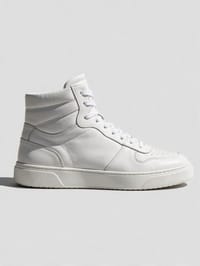
We tuned the direction to keep the surface as it is in your photo, and our latest test kept the sneaker plain and true to the original.
What if my photo only shows the front?
The effect fills in the back and sides for you. Simple shapes carry over most faithfully, and an angled photo shows even more detail.
Do I need to write a prompt for Product 360?
No. Product 360 is a ready-made effect: upload a photo and press Generate. The directions for the motion, camera and lighting are already built in.
How long is the Product 360 video?
Every effect makes a 5 second HD video that matches the shape of your photo, portrait or landscape, ready to post anywhere.
Does the video have sound?
Yes. Each clip comes with matching ambient sound effects. It does not add music, so you can lay your own track over it in any editor.
Can I use Product 360 on any product?
Most physical products work: bottles, cosmetics, shoes, gadgets, food and packaging. A clean, well-lit photo with the whole product in frame keeps the shape and label faithful.