AI video effect · Product
Product Splash: a burst of water around your product
Upload a photo, press Generate, and post it anywhere.
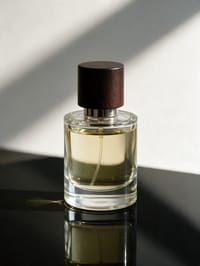
3 free every day. No card needed.
What Product Splash does
A ribbon of clear water rises from the dark surface and curls around your product in slow motion, throwing droplets into the light. Midway it wraps the front of the bottle, and by the end it has fallen back into ripples while the product stands still and dry looking.
A burst of water around your product
Crystal clear water splashes up and around your product in slow motion, like a drinks ad. Bottles, cans, cosmetics and gadgets all work.
Your product, start to finish
The video opens on your exact photo, so the shape, colors and details of the product carry through the whole clip.
Product ads without a studio
Commercial-style product shots for stores, ads and launches, made from one product photo instead of a studio day.
How to make a Product Splash video
- Upload a photo, or pick one from your library.
- Press Generate. There is no prompt to write; the effect is already set up.
- Your 5 second HD video plays right on the page. Save it to your library or download it.
Tips for the best photo
- Use a photo with hard window light or a single lamp, since the splash reads best with bright highlights on the water.
- Show the label straight on so it stays legible behind the moving water.
- Keep the product upright and centered, with a bit of room above it for the splash to rise.
Ideas for using it
- A small fragrance brand making a launch teaser for a new scent.
- A craft soda or cold brew company posting a summer drink ad.
- A skincare shop showing off a hydrating serum on its product page.
More effects
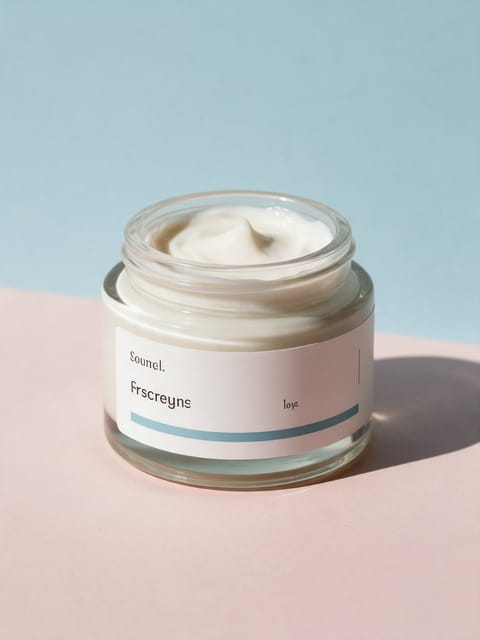
Ingredient Burst
Ingredients explode out around your product.
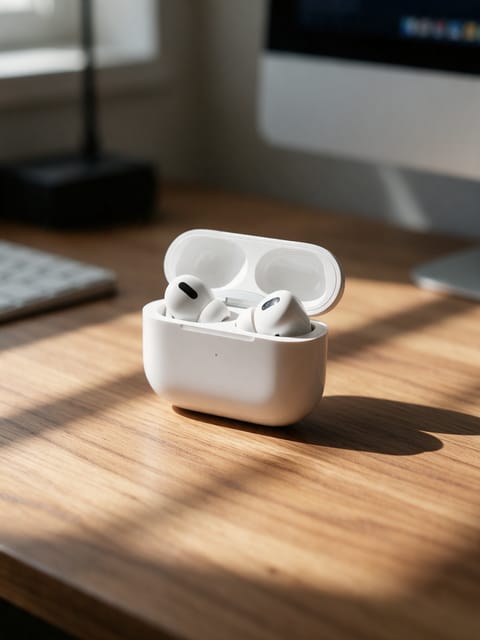
Floating Product
Your product levitates in a glow.
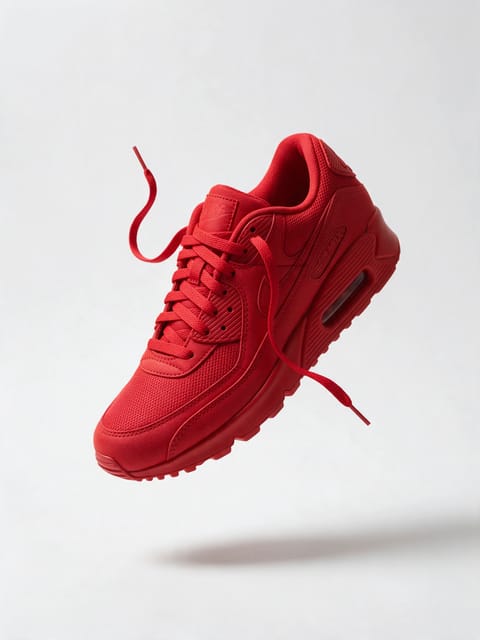
3D Billboard
Your product on a giant city screen.
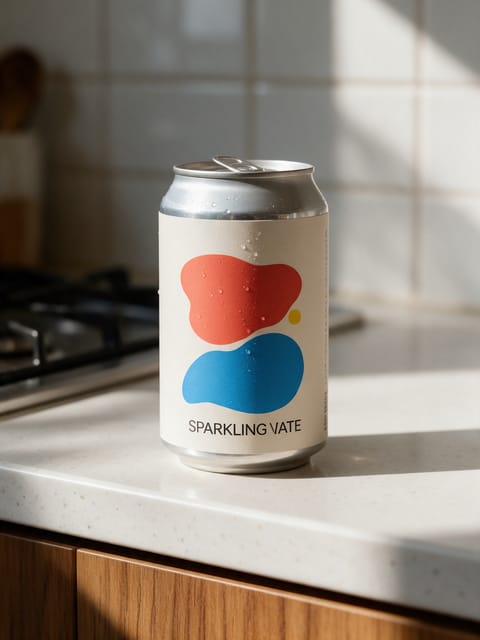
Hand Pickup
A hand reaches in and shows it off.
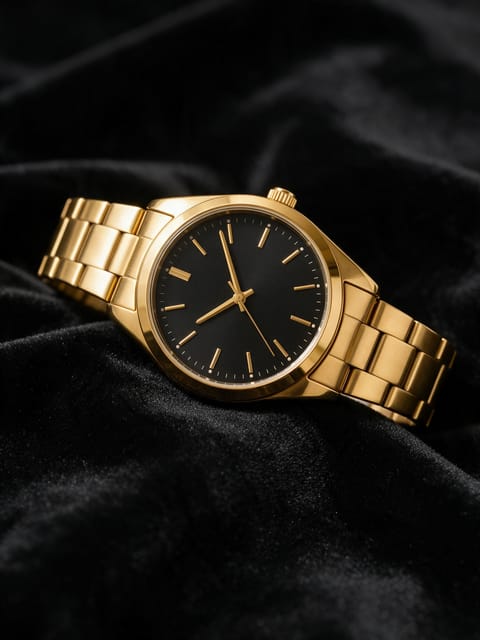
Light Sweep
A studio light glides across your product.
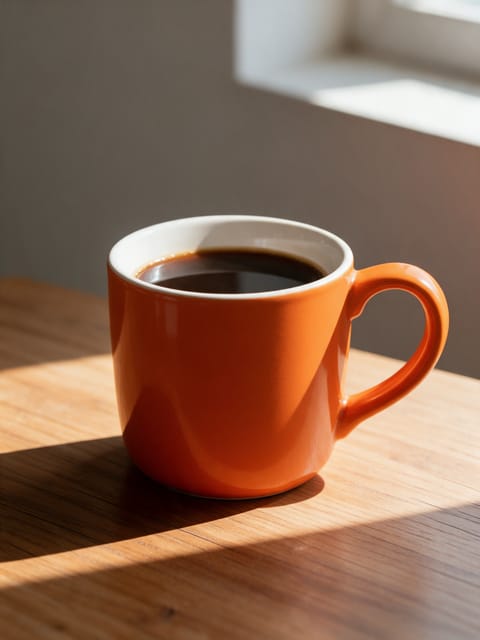
Miniature Crew
Tiny workers build your display.
Go further
Product Splash FAQ
Will the water hide my label?
The splash passes in front of the product for part of the clip, then clears. In our test the label was readable again by the last frames.
Does it work on things that are not drinks?
Yes. Cosmetics, cans and gadgets all suit it, and the product keeps its own shape and colors.
Do I need to write a prompt for Product Splash?
No. Product Splash is a ready-made effect: upload a photo and press Generate. The directions for the motion, camera and lighting are already built in.
How long is the Product Splash video?
Every effect makes a 5 second HD video that matches the shape of your photo, portrait or landscape, ready to post anywhere.
Does the video have sound?
Yes. Each clip comes with matching ambient sound effects. It does not add music, so you can lay your own track over it in any editor.
Can I use Product Splash on any product?
Most physical products work: bottles, cosmetics, shoes, gadgets, food and packaging. A clean, well-lit photo with the whole product in frame keeps the shape and label faithful.