
Signs, posters, labels, infographics
Exact text
Put each piece of text in double quotes and say where it goes. This poster carries four separate lines, and all four came out as typed.
Seedream 5.5 Prompting Guide
Seedream 5.5 is the newest Seedream image model from ByteDance. It makes sharp 2K images in seconds, spells the words you put in quotes, edits your photos with up to 10 reference images, and can leave the background see-through. An image is 1 credit at 2K. This guide shows the prompts that work, with the image each one made.

Seedream 5.5 follows Seedream 5 and does three things better. It is much quicker. Edits hold the same person, framing and details from one round to the next. And it can make a PNG with a see-through background straight from a prompt, so stickers, logos and product cutouts need no extra step.
It also costs less. From a text prompt an image is 1 credit at 2K and 0.5 credits at 1K. With reference images it is 1.5 credits at 2K and 1 credit at 1K. Seedream 5 Pro is 2.75 credits at 2K.
Every image on this page was made with the prompt shown beside it, in one try, on Pixel Dojo.
1K · 2K
Image sizes
1 credit
A 2K image from a prompt
10
Reference images per edit
Put each piece of text in double quotes and say where it goes. This poster carries four separate lines, and all four came out as typed.
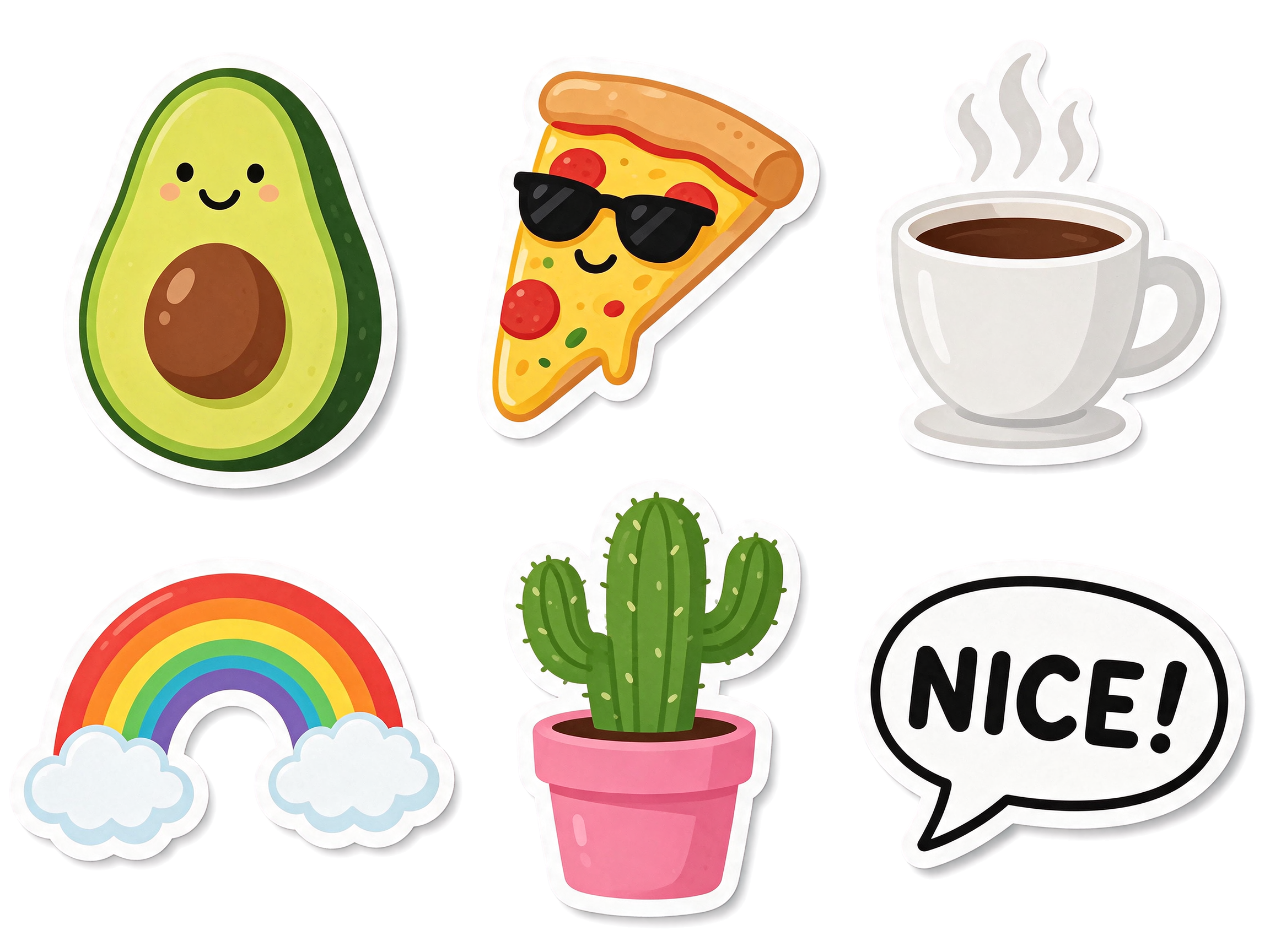
Pick See-through in the Background menu and the image comes back as a PNG with nothing behind the subject. It works from a prompt and from your own photos.
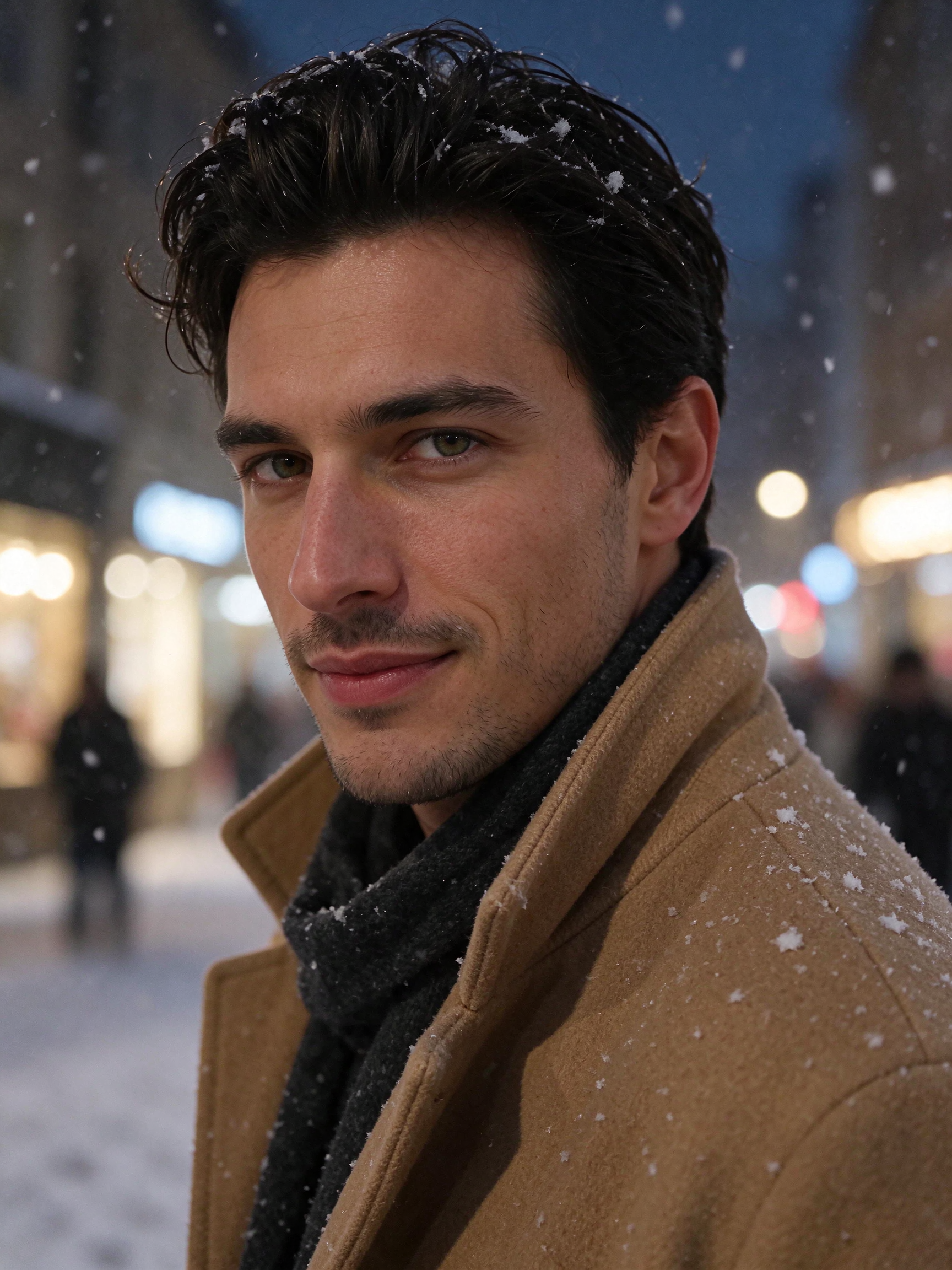
Say what must stay and what should change. The face, expression and framing carry over while the clothes, place and weather change.
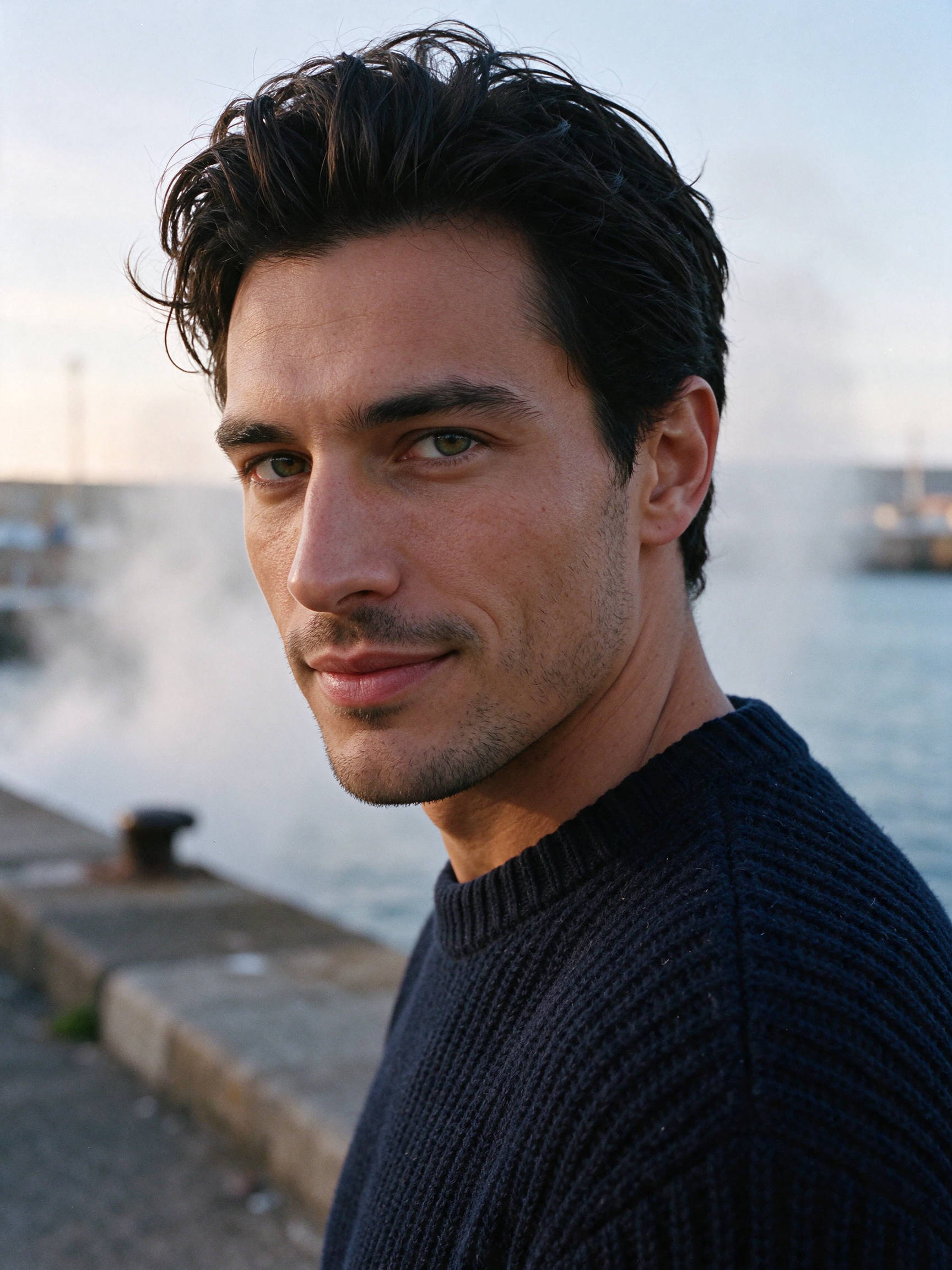
Fine detail stays crisp at 2K: individual hairs, the weave of a sweater, droplets on glass. Describe the physical detail you want and it shows up.
Each example shows the exact prompt that produced the result. Copy any prompt with one click.
2K · 16:9 · 1 credit
Photograph on a 35mm lens at eye level: a beautiful woman in her late twenties with long glossy chestnut hair, bright green eyes, flawless glowing skin and a radiant smile, in a fitted cream knit top and a mustard corduroy jacket, stands behind the counter of a small plant shop at golden hour, holding a terracotta pot with a fern. A hand painted wooden sign on the wall behind her reads "THE GREEN ROOM". A small chalkboard on the counter reads "REPOTTING EVERY SATURDAY". A paper tag tied to the pot reads "FERN 14". Low warm sun through the front window lighting her face, dust in the light, shelves of plants softly blurred, shallow depth of field, natural skin texture, the text must be exact, no other text anywhere.
Give each piece of text its own sentence: what it is written on, where it sits, and the words in double quotes. End with "the text must be exact, no other text anywhere" so nothing extra gets written in.
2K · 3:4 · 1 credit
Tight beauty editorial portrait on an 85mm lens at f/2: a strikingly handsome man in his early thirties with thick dark tousled hair, a sharp jawline, light stubble and warm hazel eyes, in a navy fisherman sweater, turns toward the camera with a slight confident smile on a harbor wall at dawn as sea mist drifts behind him, soft silver light with a faint warm glow from the left, individual hairs and wool fibers visible, natural skin texture, fine color negative film grain, magazine cover quality, no text.
Start with the lens, then describe the face in plain physical terms: hair, jaw, eyes, expression. One action and one light source do more than a list of quality words.
2K · 3:4 · 1.5 credits · the portrait above as the reference
Edit this photo. Keep the same man, his face, hazel eyes, stubble, tousled dark hair, slight smile, pose and the tight 85mm portrait framing unchanged. Change the scene to a snowy city street at night: his navy sweater becomes a camel wool coat with the collar turned up over a charcoal scarf, snowflakes in the air and on his hair and shoulders, warm shop lights glowing as soft bokeh behind him, cool blue night ambience, the same fine film grain.
List what must stay first, then describe the change. His face, expression and framing held. The coat, the street and the snow are new.
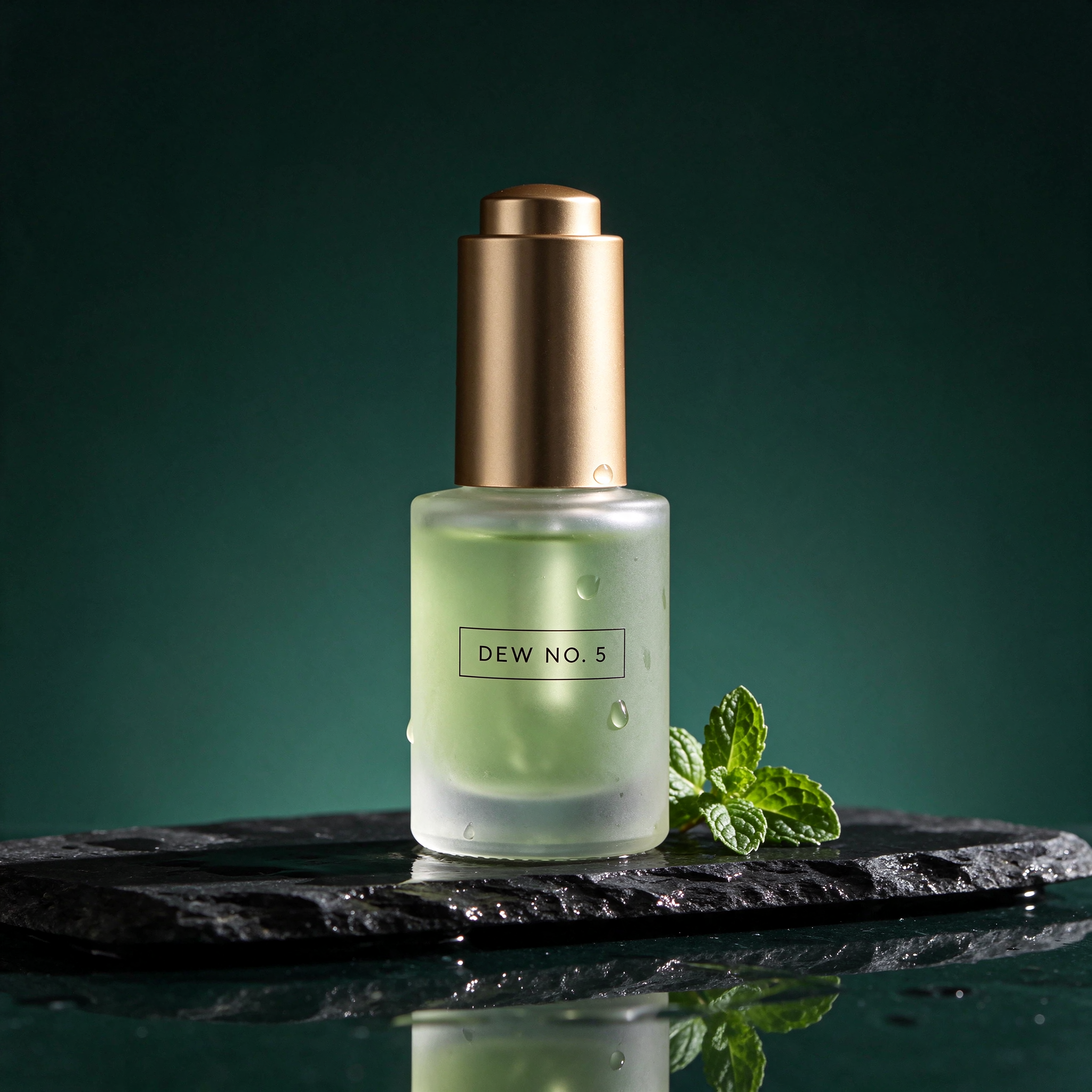
2K · 1:1 · 1 credit
Studio product photograph on a 100mm macro lens: a frosted glass bottle of pale green skincare serum with a brushed gold cap stands on a wet slab of dark slate, three water droplets on the glass, one sprig of fresh mint beside it, hard rim light from the right, soft fill from the left, deep forest green gradient background, crisp reflections, advertising quality, photoreal. The label on the bottle reads "DEW NO. 5" in thin black capitals, the text must be exact, no other text.
Name the surface, one prop, and where each light comes from. Put the label text in quotes and say how it is printed.
2K · 3:4 · 1 credit
Flat vector concert poster in a mid-century style. Headline at the top reads "SUNDOWN SESSIONS" in tall cream geometric capitals. Below it a smaller line reads "LIVE JAZZ ON THE ROOF". Central illustration: a trumpet player in silhouette against a huge orange sun with city rooftops below. At the bottom a line reads "EVERY FRIDAY 8 PM" and under it "TICKETS AT THE DOOR". Palette of burnt orange, cream, teal and charcoal, subtle paper grain, the text must be exact, no other text anywhere.
Write the poster top to bottom: headline, second line, the picture in the middle, then the lines at the bottom. Name the palette and the style once.
2K · 16:9 · 1 credit
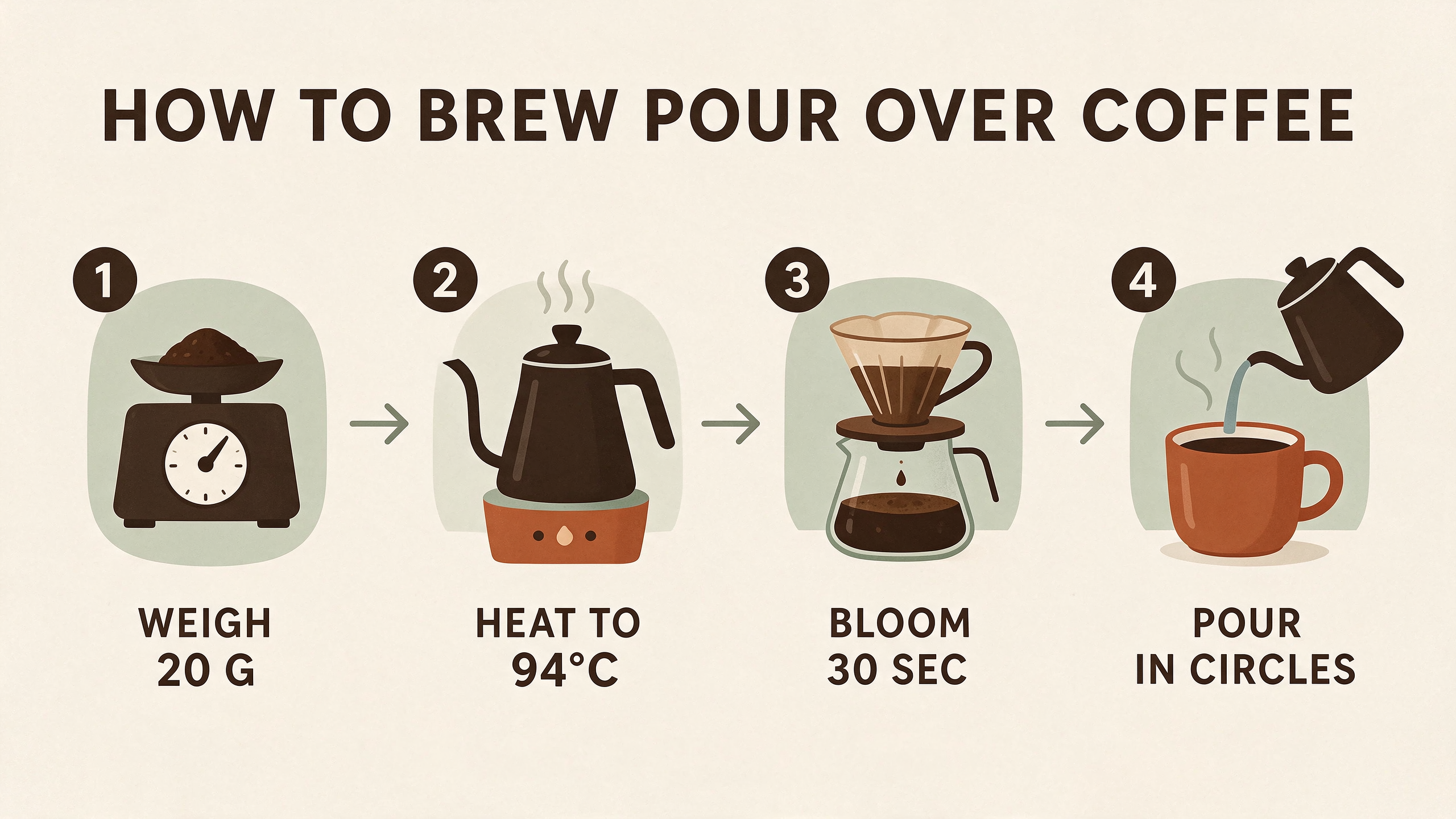
Clean flat infographic on a cream background titled "HOW TO BREW POUR OVER COFFEE" in bold dark brown capitals at the top. Four numbered steps in a row, each with a simple icon and a short label under it: step 1 a scale icon with the label "WEIGH 20 G", step 2 a kettle icon with the label "HEAT TO 94 C", step 3 a dripper icon with the label "BLOOM 30 SEC", step 4 a cup icon with the label "POUR IN CIRCLES". Thin arrows between the steps, palette of dark brown, terracotta and sage green, the text must be exact, no other text anywhere.
Number the steps and give each one an icon and a short label in quotes. Short labels of two or three words come out cleanest.
2K · 4:3 · 1 credit · See-through background
A set of six die-cut stickers arranged in two rows with space between them, each with a thick white border: a smiling avocado half, a slice of pizza wearing sunglasses, a steaming coffee cup, a rainbow with two clouds, a cactus in a pink pot, and a speech bubble that reads "NICE!" in bold black letters. Flat vector style, bright colors, soft shadow under each sticker, the text must be exact, transparent background.
Pick See-through in the Background menu and say "transparent background" in the prompt. Ask for space between items so each one is easy to cut out.

2K · 1:1 · 1 credit · See-through background
A badge logo for a surf school: a circular emblem with a curling wave and a setting sun inside, the words "SALT AND SUN" curved along the top in bold navy capitals and "SURF SCHOOL" curved along the bottom, a small "EST 2019" in the center below the wave. Flat vector, three colors: navy, coral and sand. The text must be exact, transparent background, nothing outside the badge.
Say which words curve along the top and which along the bottom, cap the color count, and end with "nothing outside the badge".
2K · 9:16 · 1 credit
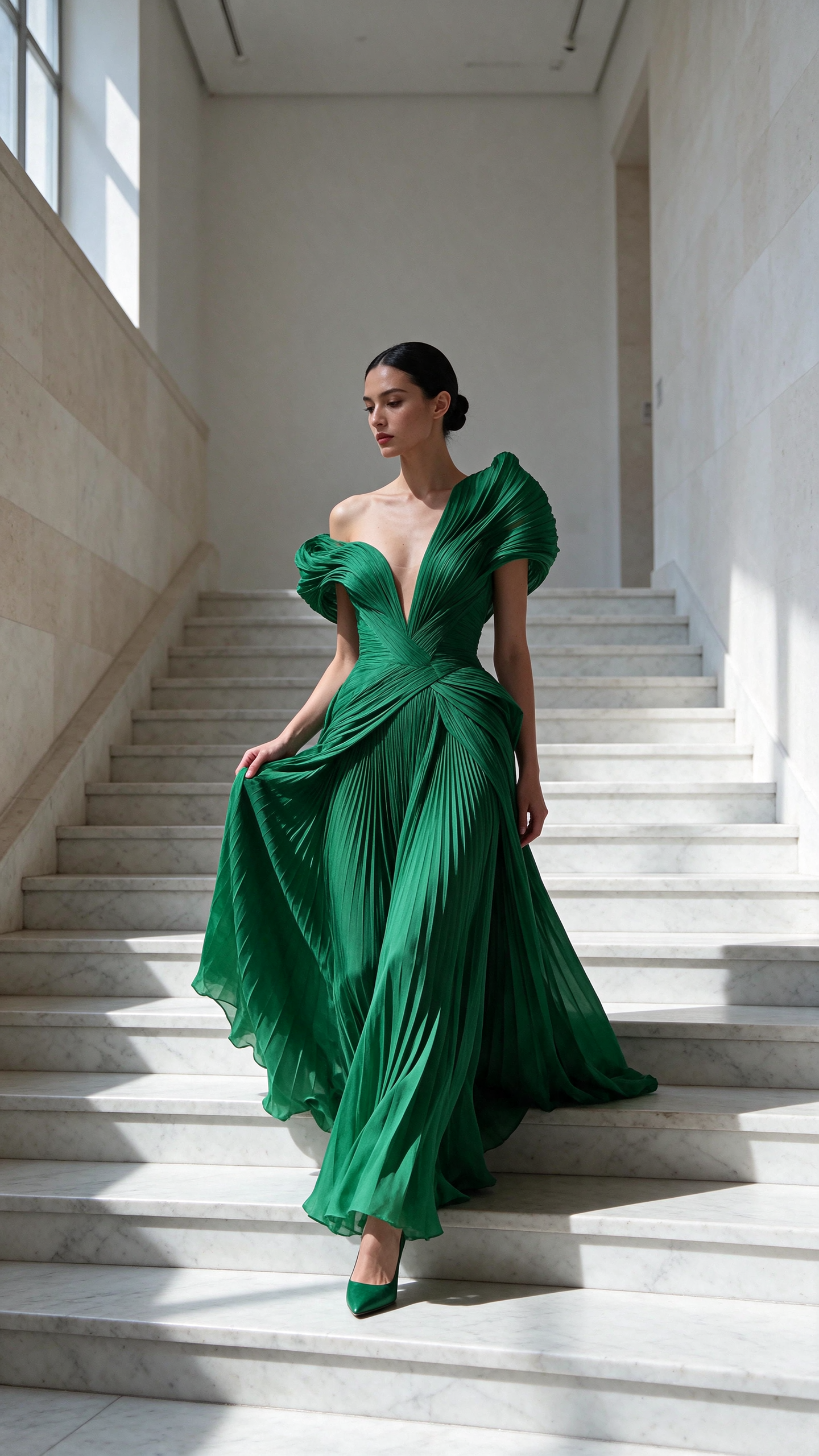
Full-length fashion editorial photograph on a 50mm lens: a stunning woman in her late twenties with sleek black hair in a low bun, high cheekbones and luminous skin, in a sculptural pleated emerald green gown, walks down a wide white marble staircase in an empty museum hall, one hand lifting the skirt, one hard shaft of daylight from a high window on the left, fabric folds razor sharp, long shadow across the steps, high-fashion magazine look, photoreal, no text.
Vertical frame, one hard light, and a word for how the fabric behaves ("pleated", "folds razor sharp"). One small action keeps it from looking posed.
2K · 1:1 · 1 credit
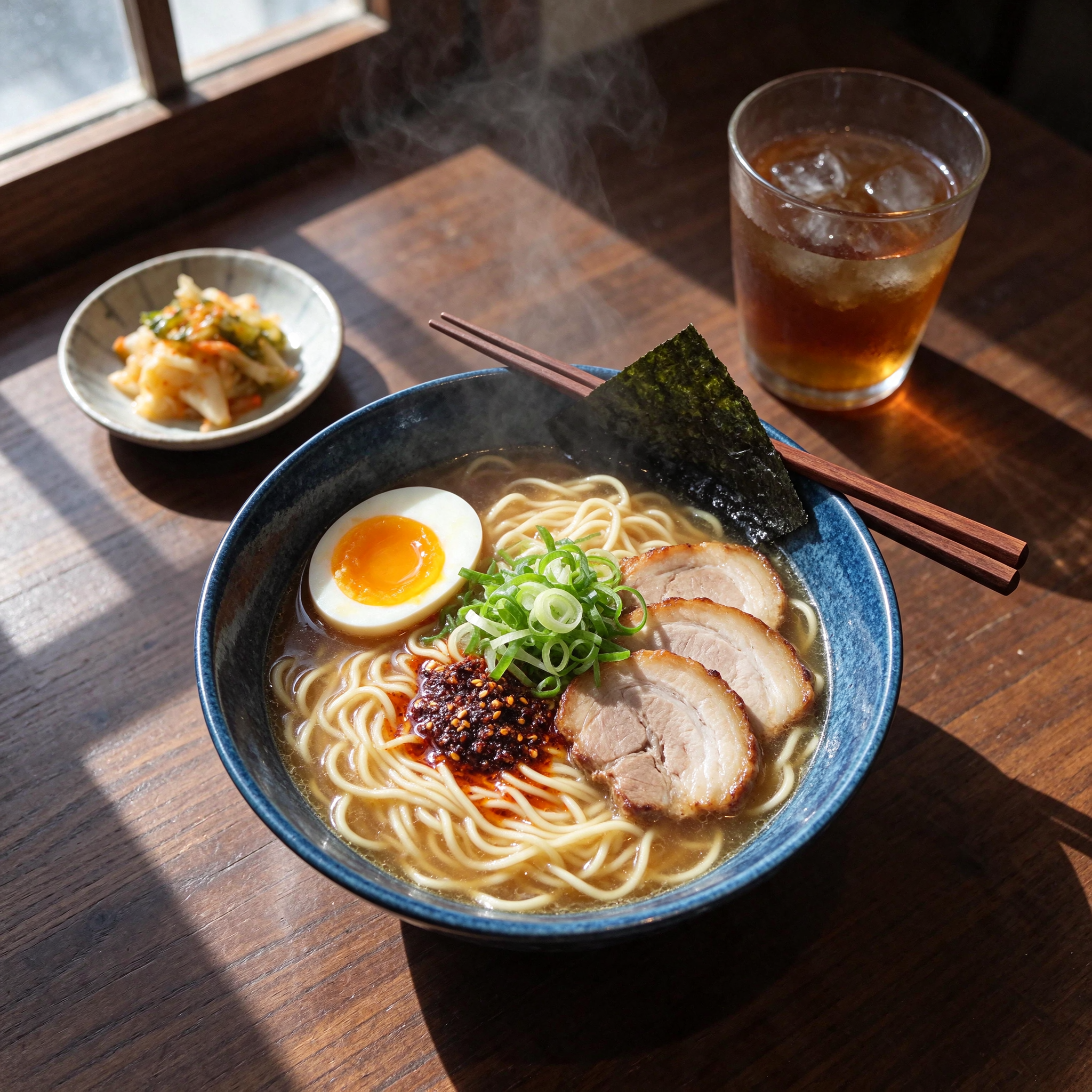
Overhead food photograph on a 50mm lens: a blue ceramic bowl of ramen with a soft egg cut in half, three slices of pork, spring onion, a sheet of nori and chili oil catching the light, wooden chopsticks resting on the rim, a small dish of pickles and a glass of iced tea beside it on a dark walnut table, steam rising, hard window light from the top left with long shadows, photoreal, no text.
List every item on the table and where the light comes from. Steam and long shadows make it read as a real photo.
Lens and angle first, then the subject, one action, the light, and the texture. "Photograph on a 35mm lens at eye level" sets more than any quality word.
"Water spraying from the front wheel" beats "amazing, dramatic, high quality". The model draws what you describe.
Each sign, label or line gets its own sentence with the words in double quotes and the place it sits. End with "the text must be exact, no other text anywhere".
Auto sizes are square from a text prompt. Choose a landscape or portrait size when the picture needs one. With a reference photo, Auto keeps that photo's shape.
Open with "Keep the same person, face, pose and framing unchanged", then describe the change. Use each result as the next reference to keep building on it.
Pick See-through in the Background menu and also write "transparent background" in the prompt. Add "nothing outside the badge" or "space between the stickers" for clean edges.
Auto 1K is half a credit. Try ideas there, then run the winner at 2K.
| Setting | Values | Notes |
|---|---|---|
| Image size | Auto 1K · Auto 2K · 1:1 · 16:9 · 9:16 · 4:3 · 3:4 · 3:2 · 2:3 · 21:9 | The shaped sizes are all 2K. Auto is square from a prompt and keeps the shape of a reference photo. |
| Background | Normal · See-through | See-through returns a PNG with no background. |
| Credits from a prompt | 0.5 at 1K · 1 at 2K | Per image. |
| Credits with reference images | 1 at 1K · 1.5 at 2K | Per image, for any number of references up to 10. |
| Images per run | 1 to 4 | Each image is charged at its own size. |
| Reference images | Up to 10 | JPEG, PNG or WebP. |
Seedream 5.5 is the newest image model in the Seedream family from ByteDance. It makes 2K images from a prompt, edits photos with up to 10 reference images, spells quoted text exactly, and can return a PNG with a see-through background.
Seedream 5.5 is quicker, costs less, keeps a subject more consistent across edits, and adds see-through backgrounds from a text prompt. On Pixel Dojo a 2K image is 1 credit on Seedream 5.5 and 2.75 credits on Seedream 5 Pro.
From a text prompt, 1 credit for a 2K image and 0.5 credits for a 1K image. With reference images, 1.5 credits at 2K and 1 credit at 1K. Every Pixel Dojo plan includes it.
Put every word you want written in double quotes, say what it is written on and where, and end the prompt with "the text must be exact, no other text anywhere".
Yes. Pick See-through in the Background menu on the Seedream 5.5 page. The image comes back as a PNG with nothing behind the subject, ready for stickers, logos and product cutouts.
Yes. Add up to 10 reference images, say what must stay the same, then describe the change. To keep refining, use each result as the next reference.
Yes. It is in the Canvas model picker as Seedream 5.5, and it is a model choice in Character Studio, Character Sheets, Consistent Characters and Reality Polisher. The API endpoint is /api/v1/models/seedream-5-5/run with prompt, image_size, image_urls, num_images, background and seed.