Flux 2 Prompting Guide

Prompt FLUX.2
with precise control

A practical playbook for Flux 2 Pro/Max with generated examples you can copy, remix, and run directly in PixelDojo.

Based on techniques from the official FLUX.2 prompting guide.

Overview

Flux 2 responds best when prompts are clear, ordered, and concrete. A reliable formula is: subject + action + style + context. Place critical details early, and describe what you want directly (instead of writing negative prompts).

Prompt Playbook

Use the core structure

Lead with subject and action, then add style and context. This improves composition reliability.

Order details by importance

Flux gives more weight to earlier tokens, so put non-negotiable constraints first.

Avoid negative prompts

Flux 2 does not rely on negative prompting. Describe the desired outcome instead.

Be explicit with text and colors

Use quoted strings for typography and map hex colors to exact objects for brand consistency.

Generated Examples

Subject + Action + Style + Context

Subject + Action + Style + Context

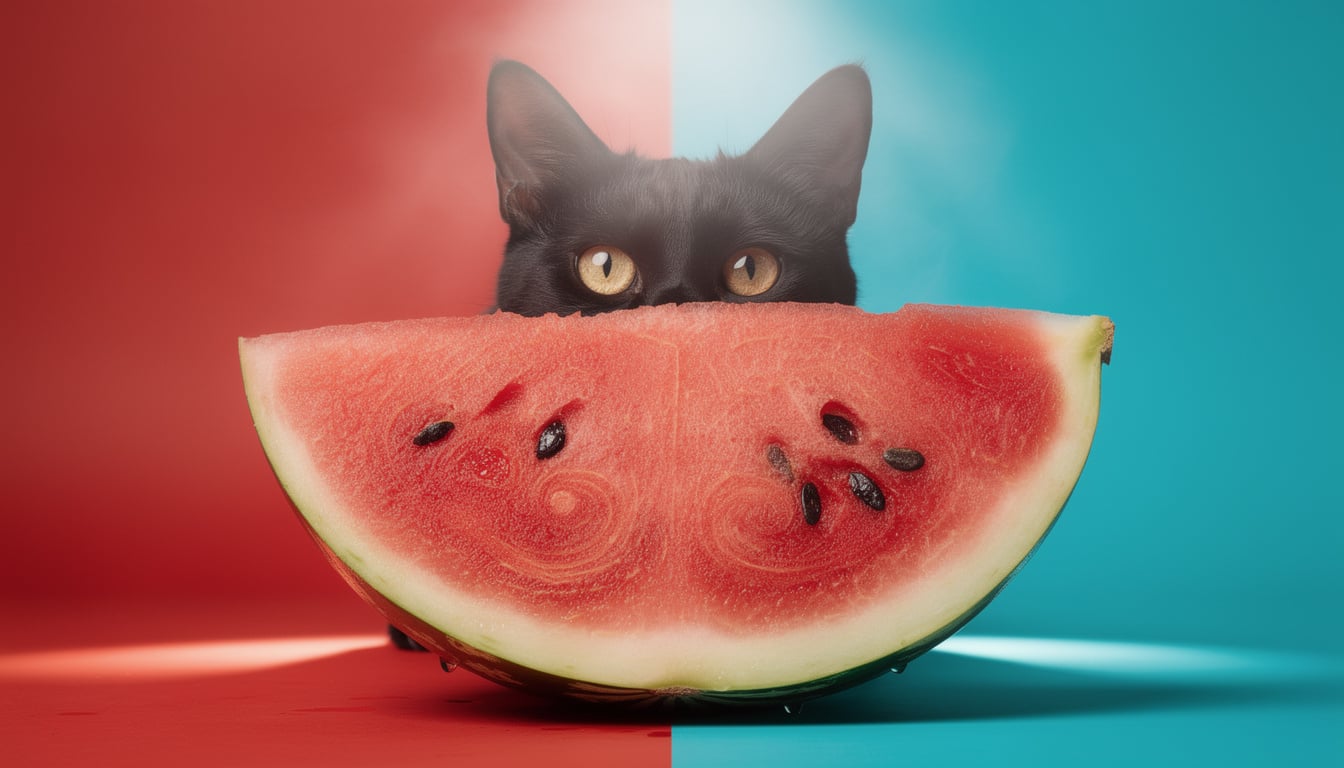
Core prompt framework in a single sentence

Black cat hiding behind a watermelon slice, professional studio shot, bright red and turquoise background with summer mystery vibe.

Lead with your main subject and action first, then style and scene context for cleaner composition control.


Photoreal Camera Language

Photoreal Camera Language

Lens and camera details for realism

Soaking wet tiger cub taking shelter under a banana leaf in rainy jungle, close-up wildlife portrait, shot on Sony A7IV with 85mm lens at f/2.8, natural overcast light, cinematic detail.

Specific camera and lens cues usually outperform generic words like 'professional photo'.

Typography Prompting

Typography Prompting

Quoted text and explicit design direction

Groovy retro poster with the quote "If you love me let me sleep". Bold 70s typography in deep red and warm pink tones. Cream background, orange doodles, playful vintage layout, clean readable text.

Wrap must-render text in double quotes and describe layout style, not just the words themselves.

Hex Color Control

Hex Color Control

Brand-consistent color matching

A modern living room with warm terracotta walls in hex #C4725A, a large L-shaped sectional sofa in deep teal hex #1B6B6F, and golden amber hex #E8A847 accent pillows. Soft afternoon light, minimal editorial interior photography.

Associate each hex value with a specific object to avoid inconsistent color placement.

JSON Structured Prompting

JSON Structured Prompting

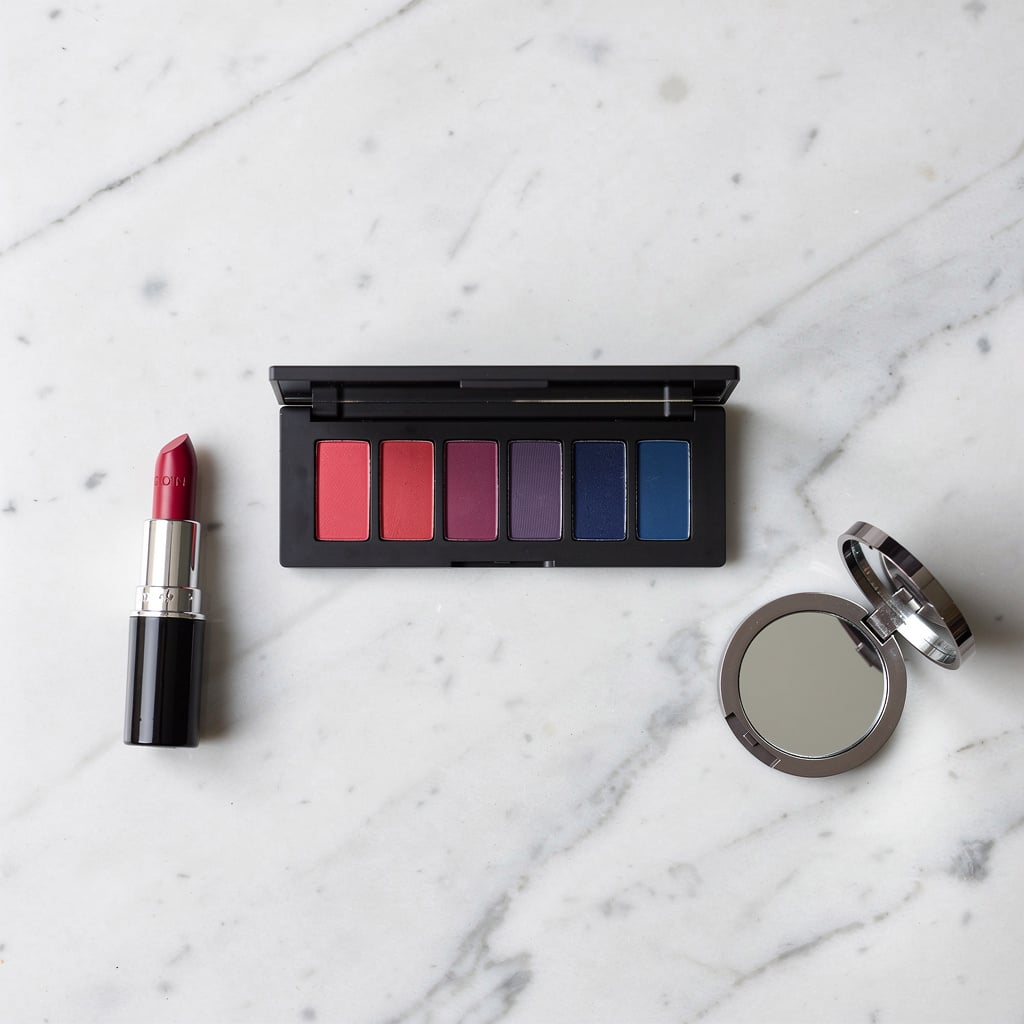
Production-style control with structured input

{ "scene": "Makeup flat lay on marble surface", "subjects": [ { "description": "eyeshadow palette with clean rectangular pans", "colors": ["#E91E63", "#9C27B0", "#673AB7", "#3F51B5"] }, { "description": "lipstick and compact mirror arranged around palette", "colors": ["#E91E63", "#3F51B5"] } ], "style": "beauty product photography", "lighting": "soft diffused overhead lighting" }

Use JSON when you need repeatable structure and precise control over multiple scene elements.

Prompt Templates

Core Prompt Template

Best general-purpose structure for Flux 2.

[Subject] [action], [style], [context and lighting], [camera details], [composition constraints].

Typography + Layout Template

For posters, ads, and editorial mockups.

Design a [artifact] with headline "[exact headline]". Add subhead "[exact subhead]". Use [font style], [layout style], [color palette], and keep text highly legible.

JSON Prompt Template

For structured production workflows and automation.

{ "scene": "[overall scene]", "subjects": [ { "description": "[subject 1]", "position": "[where]", "action": "[what]" } ], "style": "[style direction]", "color_palette": ["#HEX1", "#HEX2"], "lighting": "[lighting]", "camera": { "angle": "[angle]", "lens": "[lens]" } }

Checklist

  • Start with subject + action before adding style/context.
  • Put critical requirements at the beginning of the prompt.
  • Use quoted text for anything that must render exactly.
  • Attach hex colors to specific objects, not vague areas.
  • Use JSON format when you need repeatable structured outputs.