Seedream 5 Lite Prompting Guide

Prompt Seedream 5 Lite
with More Precision

A practical playbook with generated examples, copy-ready prompt templates, and example-based editing patterns tailored to Seedream 5 Lite.

Based on techniques in the Replicate Seedream 5.0 prompting guide.

Overview

Seedream 5 Lite responds best to natural language with clear intent, visual constraints, and concrete references. The fastest quality gains usually come from three habits: writing prompts as complete sentences, explicitly preserving what should stay unchanged during edits, and quoting exact text when typography must render correctly.

Prompt formula: subject + setting + camera/light + style + constraints

Prompt Principles

Use Natural Language

Prefer full descriptive sentences over comma-separated keywords. Seedream 5 Lite preserves nuance better when your prompt reads like a concise creative brief.

Quote Exact Text

Wrap text content in double quotes when you need exact rendering in posters, labels, UI mockups, or product packaging.

Preserve Invariants

For edits, state what should not change (pose, framing, expression, identity, lighting). This reduces unexpected drift.

Guide Multi-Step Tasks

When asking for transformations or reasoning-heavy compositions, describe the order of operations and spatial relationships explicitly.

Visual Examples

Aesthetic Photography

Aesthetic Photography

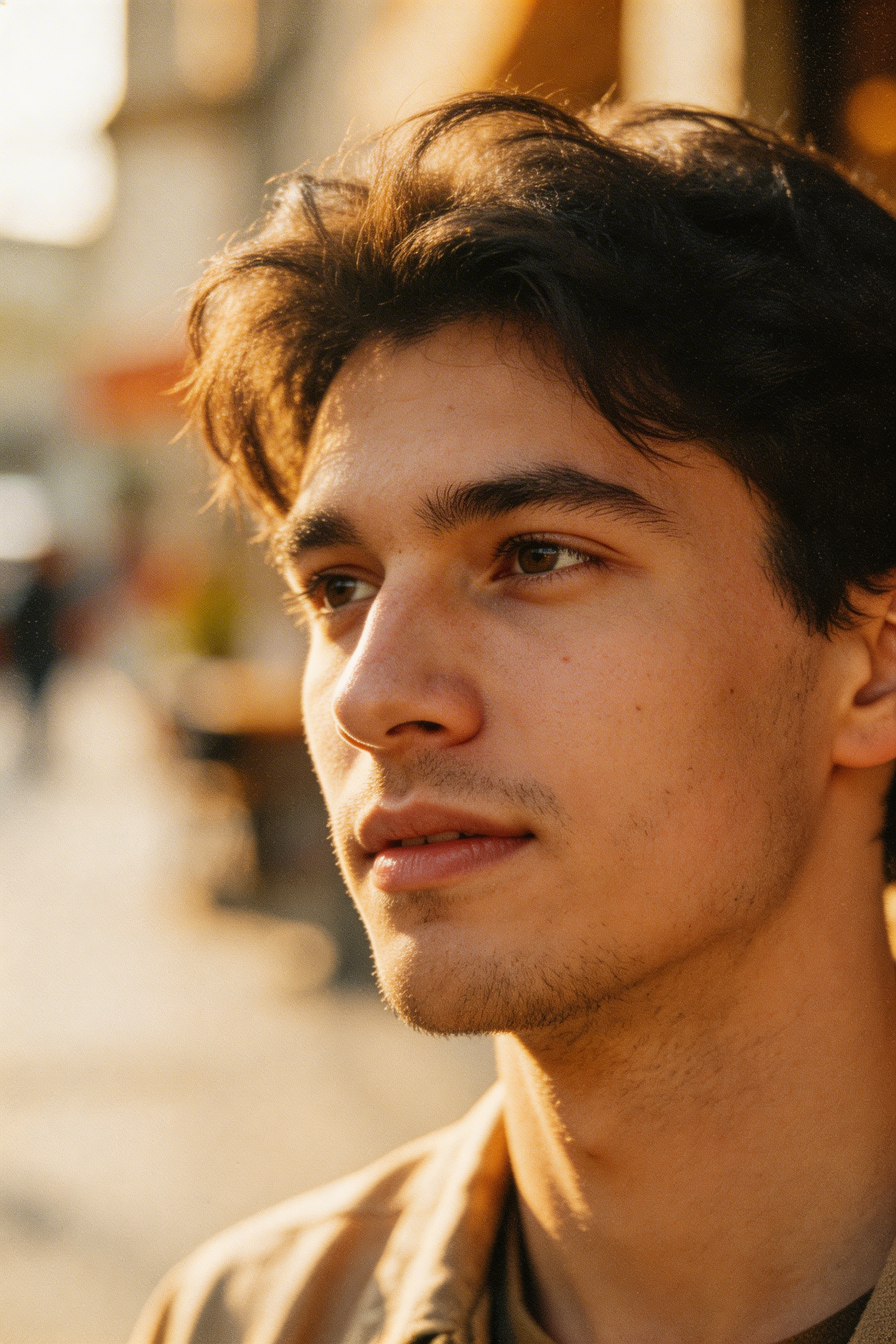
Natural language + photographic intent

A color film-inspired portrait of a young man looking to the side with shallow depth of field. Fine grain from high ISO film stock, natural skin texture, subtle halation, warm key light from camera left, documentary candid composition.

Use complete, camera-aware language instead of keyword lists.
Precise Instruction Following

Precise Instruction Following

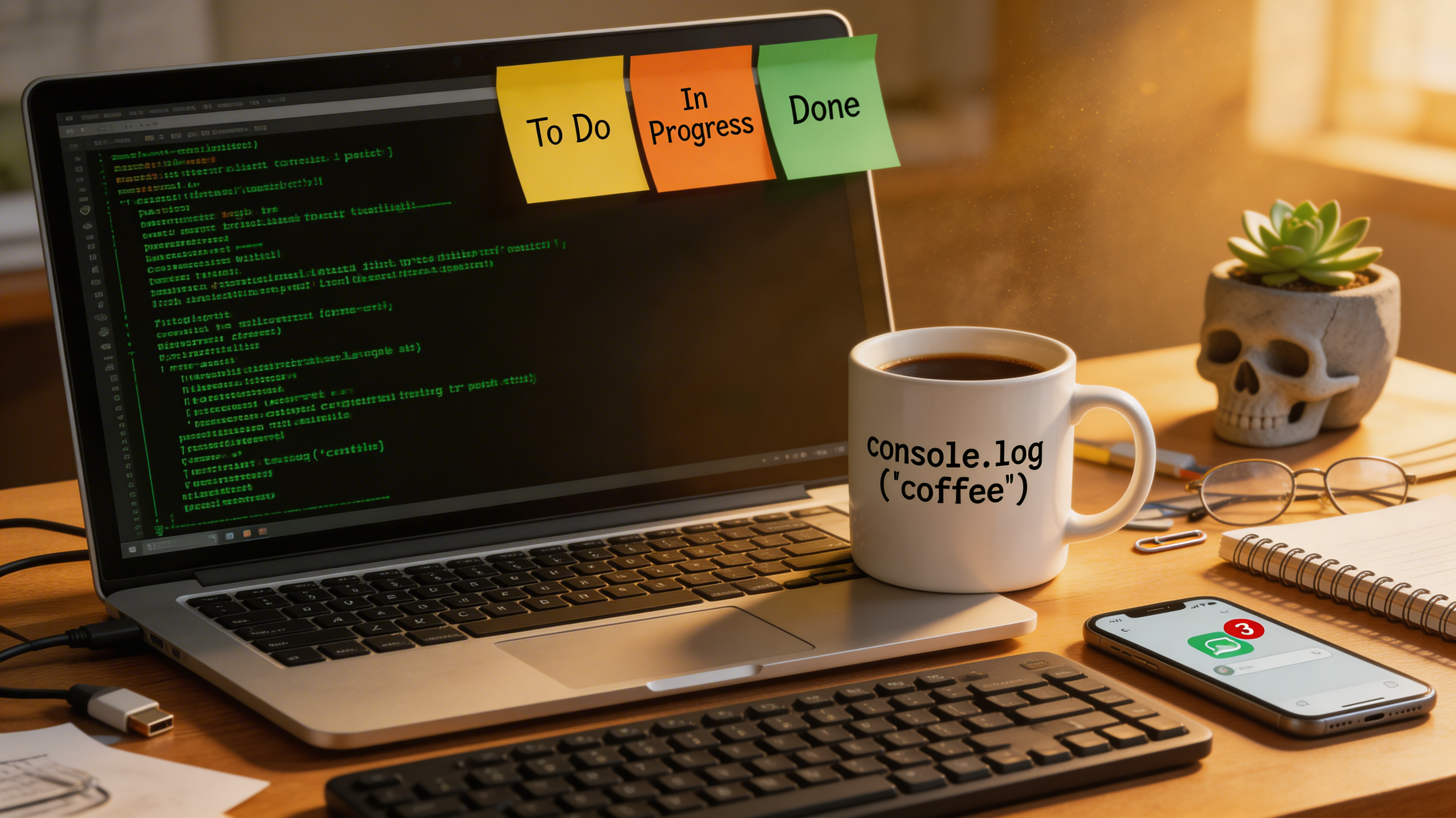
Many details in one composition

A photorealistic cluttered office desk of a senior software engineer. An open laptop shows green-on-black terminal output. A ceramic mug reads "console.log('coffee')" in monospace text. Three sticky notes labeled "To Do", "In Progress", and "Done" in yellow, orange, and green. Mechanical keyboard, phone with chat notification, tiny skull-shaped concrete planter. Golden hour light from right.

When prompts are dense, keep each constraint concrete and specific.

Logical Reasoning

Logical Reasoning

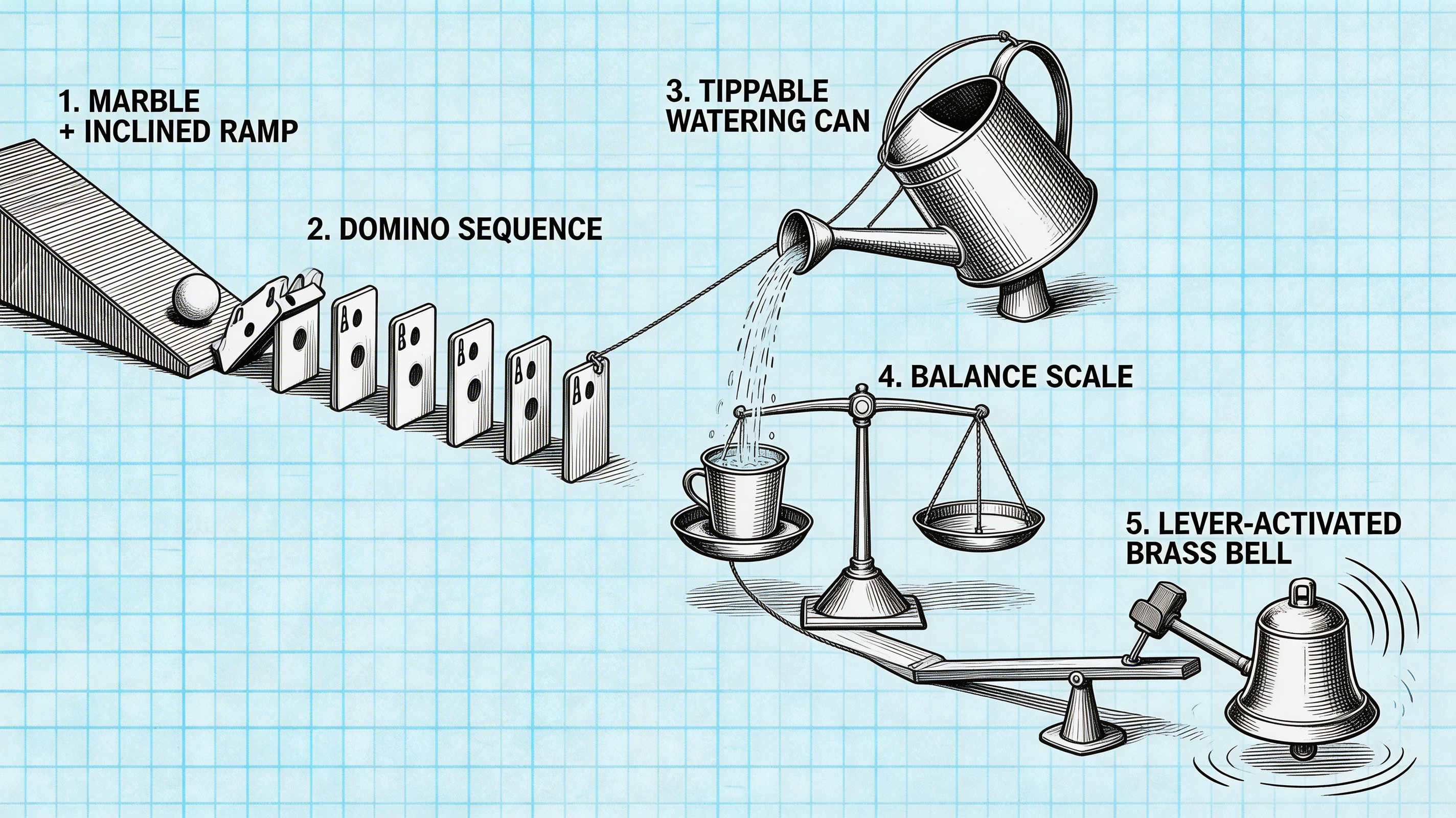
Sequential mechanical relationships

A Rube Goldberg machine drawn as a patent-style cross-hatching illustration: a marble rolls down a ramp, hits dominoes, the final domino pulls a string, the string tips a watering can, water fills a cup on a balance scale, the scale pulls a lever, and a brass bell rings. Physically correct shadows, drafting table with grid paper visible.

Describe cause-and-effect order explicitly for chained actions.

Text Rendering

Text Rendering

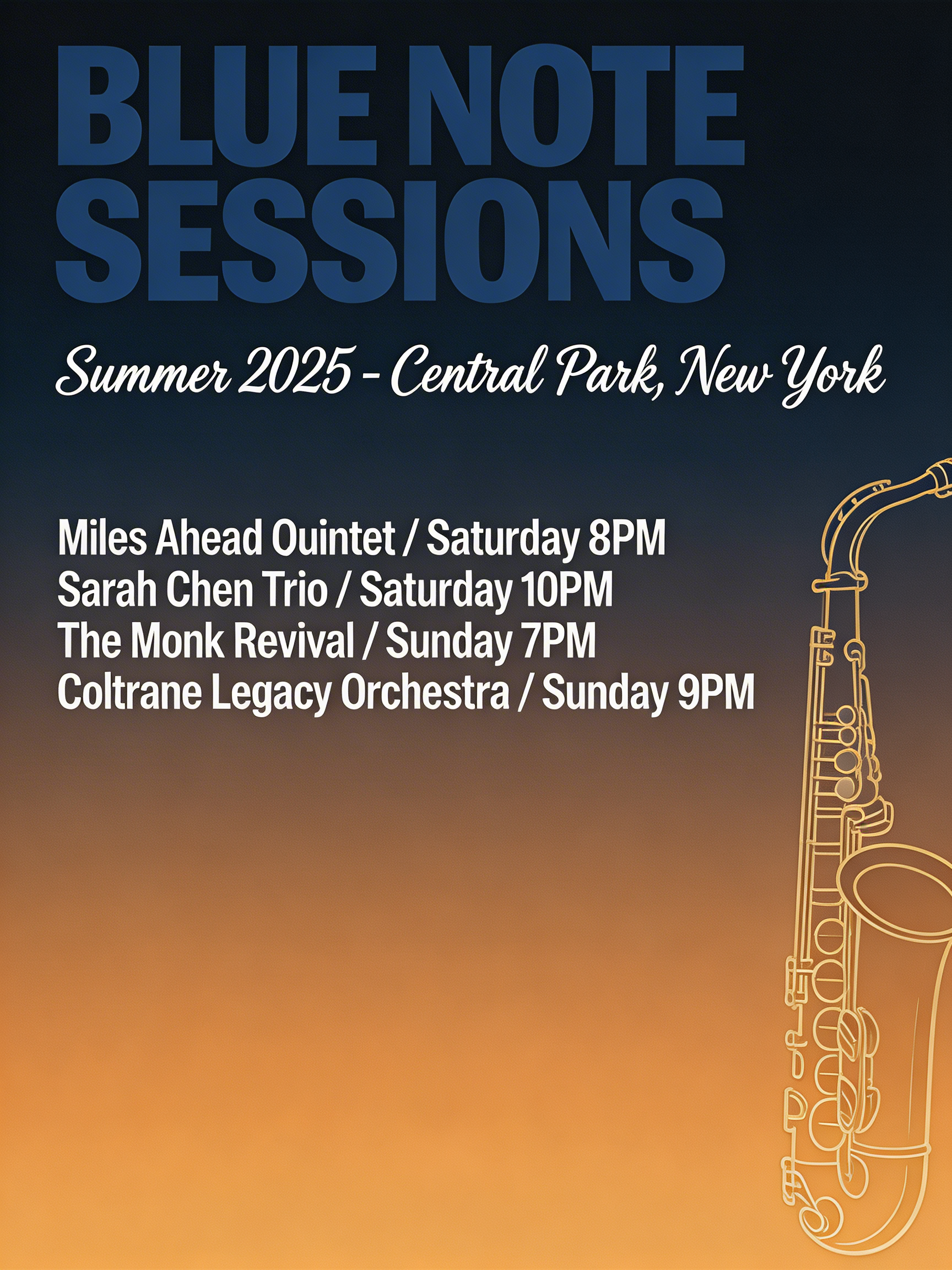
Use double quotes around exact text

A typographic poster for a fictional jazz festival. Large title text: "BLUE NOTE SESSIONS" in bold navy condensed sans-serif. Subtitle in script: "Summer 2026 - Central Park, New York". Performer lines: "Miles Ahead Quintet / Saturday 8PM", "Sarah Chen Trio / Saturday 10PM", "The Monk Revival / Sunday 7PM", "Coltrane Legacy Orchestra / Sunday 9PM". Gradient midnight-blue to amber background and a gold saxophone silhouette on the right edge.

Wrap critical labels in quotes and keep typography instructions explicit.

Example-Based Editing

Show the transformation, then transfer it

Provide Image 1 (before), Image 2 (after), and Image 3 (new subject). Then ask Seedream to apply the same transformation from 1→2 onto 3.

Reference the change from Image 1 to Image 2 and apply the same operation to Image 3. Preserve the studio framing and lighting from Image 3.
Image 1 - Before

Image 1 - Before

Plain mug input

Image 2 - Target Change

Image 2 - Target Change

Mug with kintsugi cracks

Image 3 - New Subject

Image 3 - New Subject

Plain vase input

Result

Result

Same transformation applied to vase

Prompt Templates

Photographic Scene Template

Use for portraits, editorial, or product scenes.

[Subject] in [location], photographed with [lens/focal style], [lighting setup], [color treatment], [mood], [composition constraints], highly detailed textures, clean background separation.

Instruction-Following Template

Use when many exact elements must appear.

A [scene type] with the following required elements: [element 1], [element 2], [element 3], and [element 4]. Keep [non-negotiable constraints]. Include visible text: "[exact text]". Lighting: [lighting notes].

Edit Preservation Template

Use with image input editing workflows.

Replace [target element] with [new element], while keeping [pose], [facial expression], [camera angle], [background], and [lighting] unchanged. Preserve original style and composition.

Pre-Generate Checklist

  • Describe the desired outcome in natural language, not tags.
  • Call out must-keep constraints explicitly.
  • Wrap exact text content in double quotes.
  • Include camera, lighting, and material cues where relevant.
  • For complex edits, provide visual before/after references.