GPT Image 2 AI Image Generator

Generated on PixelDojo with gpt-image-2. Produced by PixelDojo's generation pipeline.
GPT Image 2 is an AI image model for generating and editing high quality visuals from text prompts, and its standout strength is accurate prompt following for polished, usable images across product shots, social graphics, concept art, ads, and creative exploration. On PixelDojo, GPT Image 2 ai generation is built for fast access, clear controls, and repeatable results, so users can move from an idea to multiple finished image directions in one workspace. This page covers what is GPT Image 2, how to use GPT Image 2, practical GPT Image 2 examples, a neutral GPT Image 2 review, and GPT Image 2 pricing details.
Real image examples generated on PixelDojo
Every example below was produced on PixelDojo. Hover to see the prompt.
Create a YouTube Header for "FLUXPRO" AI image generation
flux

Image of an ai painting a human and a human painting an ai
flux
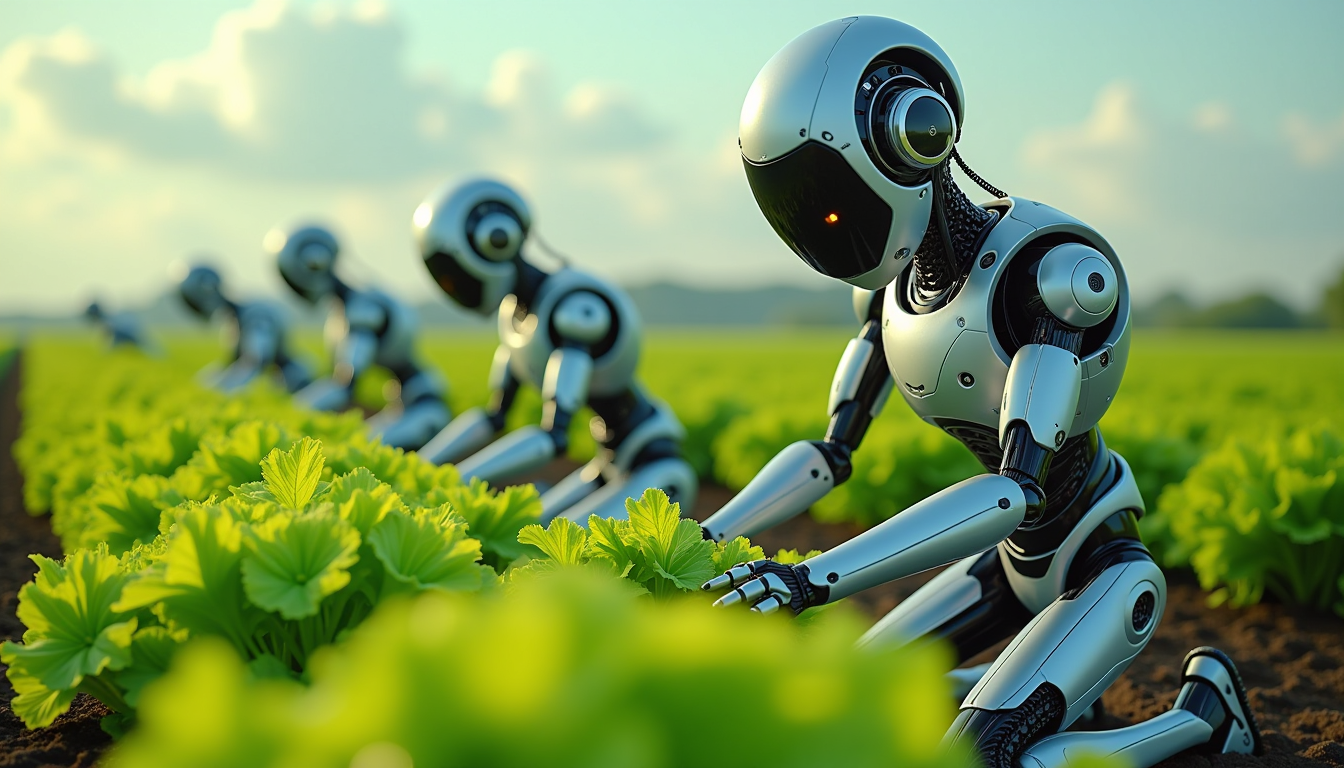
Create an image of a many lots 10 streampunk androids robots on their knees picking lettuc…
flux
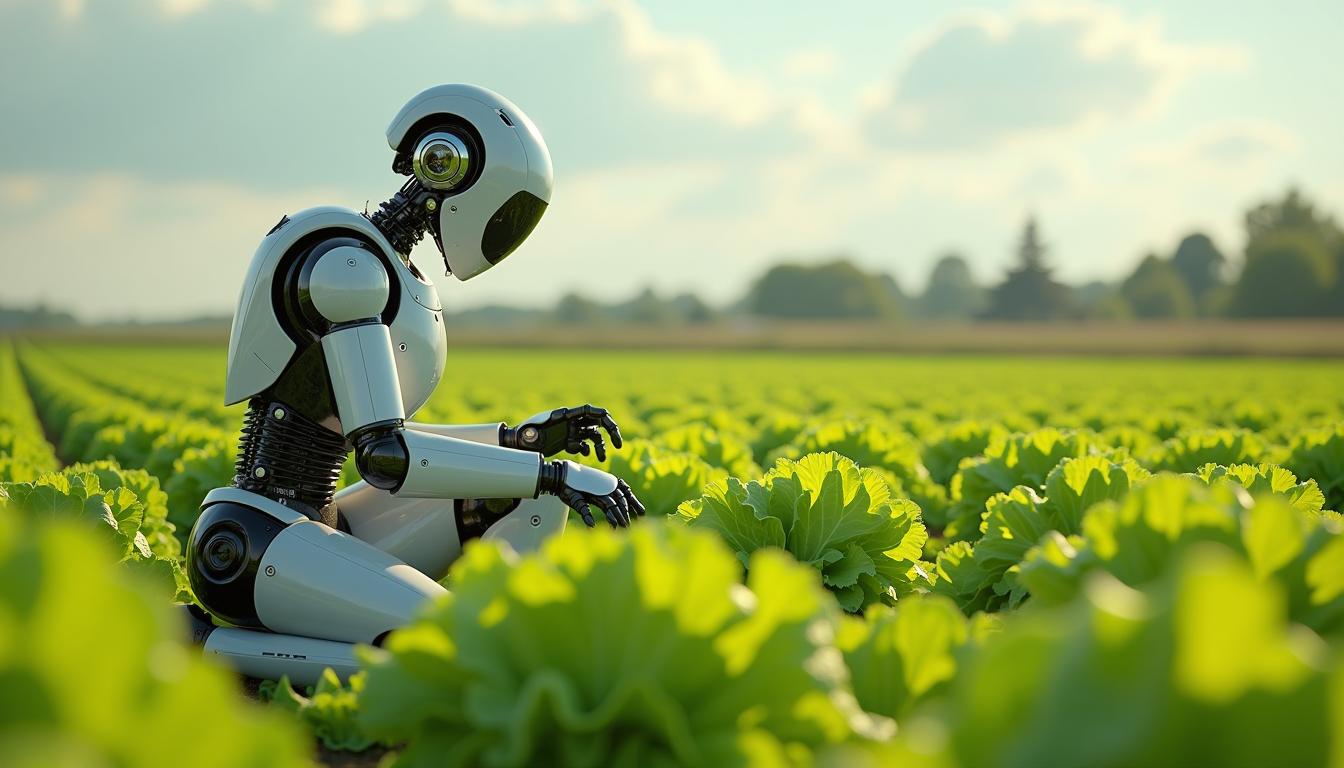
Create an image of a many lots 10 streampunk android robot on their knees picking lettuce
flux
A man talking
image-to-video
A friendly female podcaster in a cool modern studio announcing that Pixel Dojo now has sup…
image-to-video
Models you can run on PixelDojo for GPT Image 2 AI Image Generator
Switch models without switching tools. Each one runs in the same PixelDojo studio.
What you can do with GPT Image 2 AI Image Generator on PixelDojo
Text Prompt Image Generation
We generate images directly from detailed text prompts using GPT Image 2.
Style and Theme Control
We apply chosen styles and themes to match your creative requirements.
Multiple Image Variations
We output several variations for each prompt to explore options.
High Resolution Export
We deliver images in high resolution formats for professional use.
Why Choose Pixel Dojo for GPT Image 2 AI Image Generator
Professional-quality results with cutting-edge AI technology
Strong prompt understanding
GPT Image 2 is well suited for detailed text prompts that include subject, setting, style, lighting, camera angle, color palette, and composition. This helps users create images that match a specific creative brief with less trial and error.
Useful for many image types
Use GPT Image 2 for marketing visuals, thumbnails, product concepts, editorial illustrations, character ideas, interior concepts, posters, and brand moodboards. PixelDojo makes it simple to compare variations and refine the direction.
Easy testing inside PixelDojo
PixelDojo gives users a direct way to try GPT Image 2, adjust prompts, generate variations, and review outputs in one place. This makes it practical to evaluate quality, speed, and fit before committing to a larger workflow.
How It Works
Choose GPT Image 2
Open PixelDojo, select GPT Image 2 from the available AI image models, and choose the image settings shown in the generation panel.
Write a clear prompt
Describe the subject, visual style, background, lighting, mood, colors, and any details that matter. For best GPT Image 2 examples, include both the main idea and the constraints, such as aspect ratio, composition, or brand style.
Generate, compare, and refine
Create images, compare the results, then revise the prompt or settings to improve accuracy. PixelDojo helps users test variations quickly and keep the strongest outputs for download or further editing.
Loved by creators on PixelDojo
Real feedback from people using PixelDojo, pulled from our in-product surveys.
Very fair and very broad in tools.
Accurate results
Great site and so much fun to use!
very useful set of tools for image creation, upscaling and enhancement
ease of use, variety of tools, high quality trainings, and a well-maintained discord channel
Ease of use, friendliness and support of the owner, continued innovation.
Explore more AI tools on PixelDojo
Popular AI Models
AI Tools
Compare & Switch
- Best AI Image Generators
- Best AI Video Generators
- Midjourney Alternatives
- Civitai Alternatives
- Runway Alternatives
- Leonardo Alternatives
- Pika Alternatives
- Luma Alternatives
- Magnific Alternatives
- Veo Alternatives
- Flux Alternatives
- Freepik Alternatives
- Seedance Alternatives
- Seedream Alternatives
- Pixverse Alternatives
- GPT Image Alternatives
- Synthesia Alternatives
- Playground Alternatives
- NightCafe Alternatives
- Canva AI Alternatives
- ElevenLabs Alternatives
- ComfyUI Alternatives
- Fal Alternatives
- Replicate Alternatives
Common Questions
Everything you need to know about GPT Image 2 AI Image Generator
What is GPT Image 2?
GPT Image 2 is an AI image generation model that creates visuals from text prompts and can support creative tasks such as concept art, marketing assets, product imagery, editorial graphics, and design exploration. In simple terms, it turns a written description into an image and is especially useful when the prompt includes clear visual direction.
How do I use GPT Image 2 on PixelDojo?
To use GPT Image 2 on PixelDojo, sign in to PixelDojo, open the image generation workspace, select GPT Image 2 as the model, enter a prompt, choose the available settings, and generate. After the image is created, refine the prompt, create variations, or download the result.
How much does GPT Image 2 cost?
GPT Image 2 pricing on PixelDojo is handled through PixelDojo credits or plan access. The exact cost is shown in the product before generation and can vary by selected settings, image size, output count, or account plan. Check the PixelDojo pricing page or the generation screen for the current credit cost before creating images.
What is GPT Image 2 best at?
GPT Image 2 is best at producing polished images from descriptive prompts, especially when users need strong composition, clear subject detail, controlled style, and multiple creative directions. It is a strong choice for ad concepts, social visuals, product mockups, thumbnails, illustrative scenes, and visual ideation.
Is there a free way to try GPT Image 2?
PixelDojo may offer free credits, trial access, or limited free generation depending on the current plan and promotion. The quickest way to check is to create a PixelDojo account and view the available credits or trial options in the workspace before generating with GPT Image 2.