AI Headshot Generator
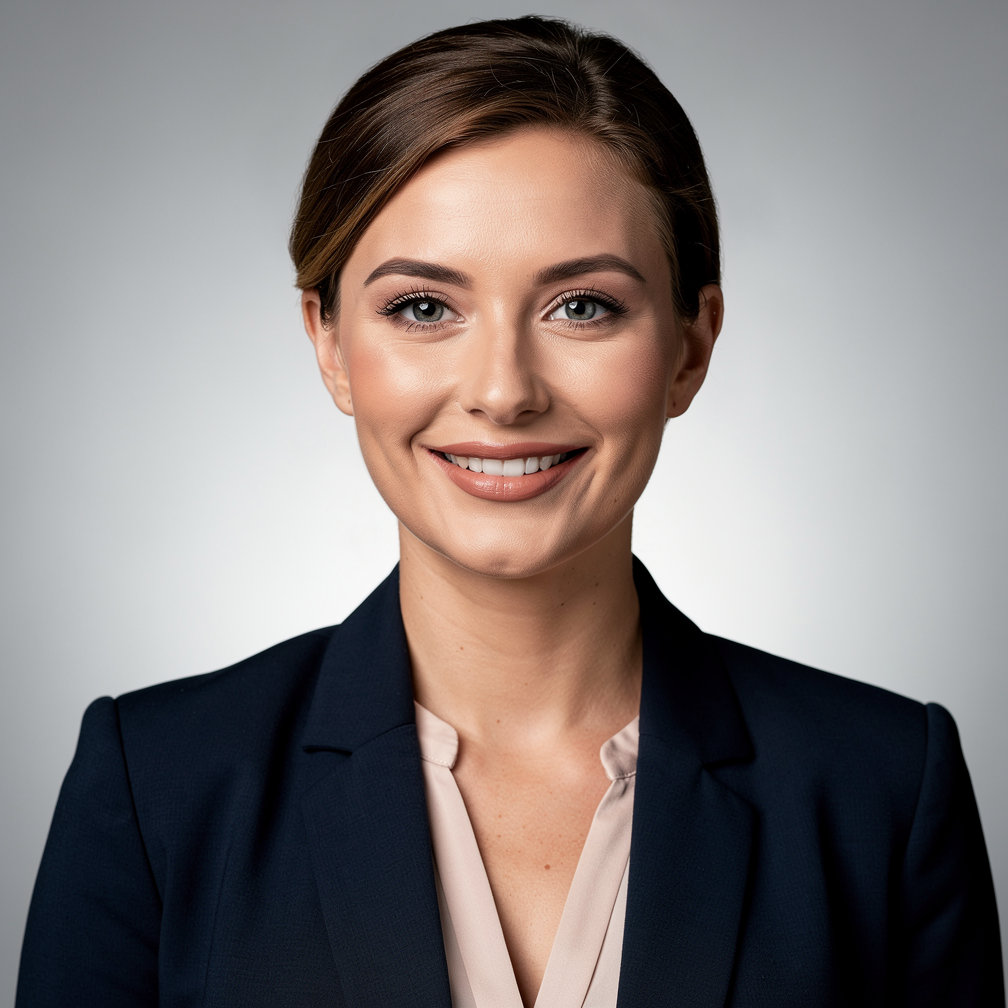
Generated on PixelDojo with Flux 2 Pro. Produced by PixelDojo's generation pipeline.
A good headshot needs three things: convincing skin, clean lighting, and a face that stays the same across every shot. Most headshot apps run one model and hope it handles all three. PixelDojo hosts 82 image models, so you can pick the engine that renders portraits best, then fix details with editing models and finish with a dedicated portrait enhancer. We tested this exact use case: one corporate headshot prompt, a woman in a navy blazer against a neutral studio background, sent to 5 photoreal models through PixelDojo's public API. P-Image returned its portrait in 7.4s seconds. Every result on this page comes from that run, and every image you generate ships with full commercial rights and no watermark.
Real image examples generated on PixelDojo
Every example below was produced on PixelDojo. Hover to see the prompt.
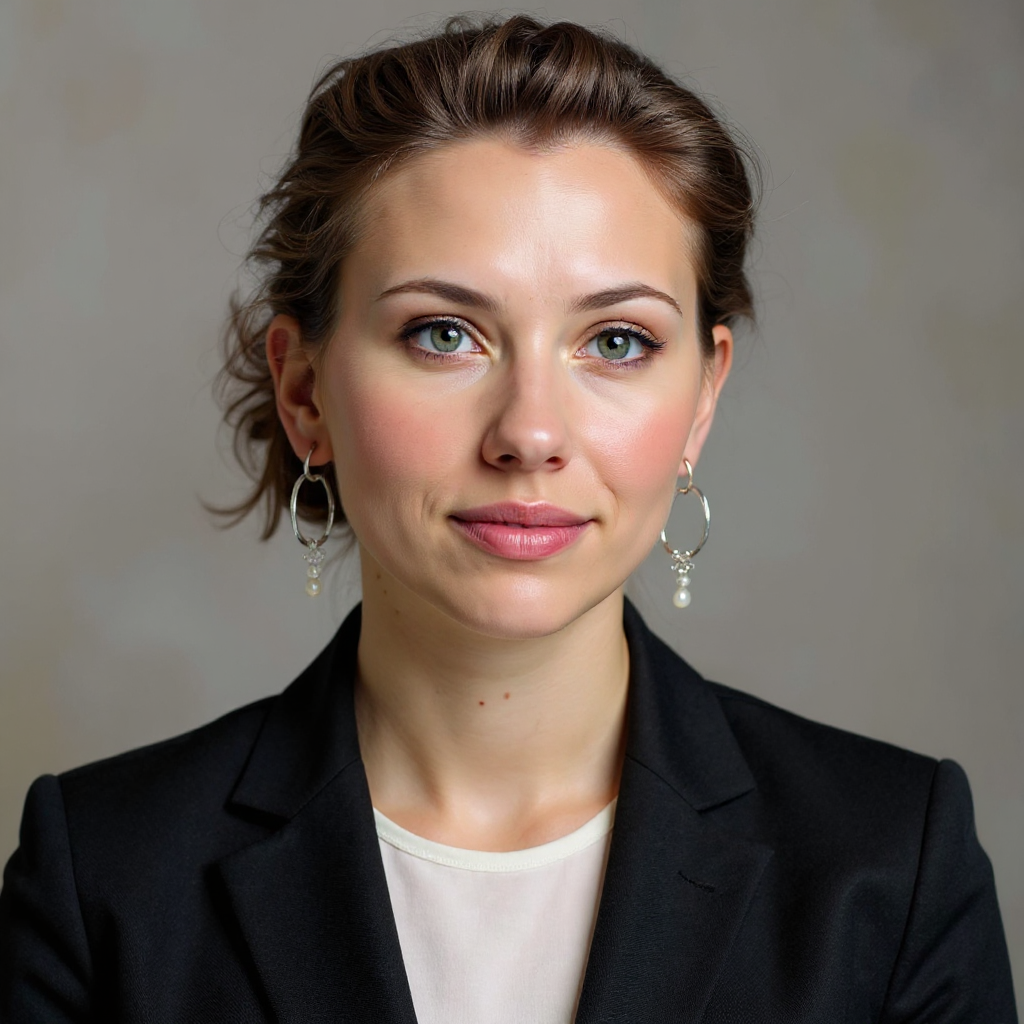
Create a professional headshot photo from any single image - professional_headshot
stable-diffusion
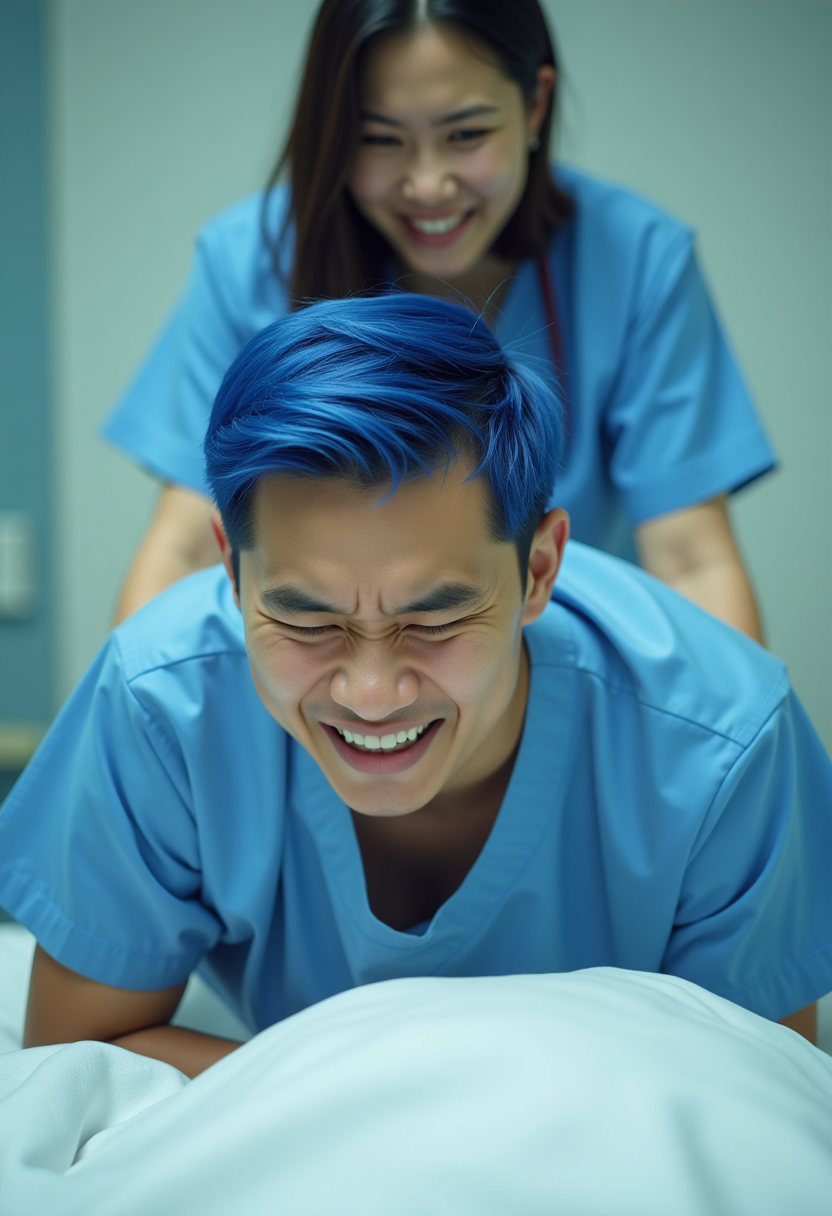
The asian young man wiith blue short comma hair
flux
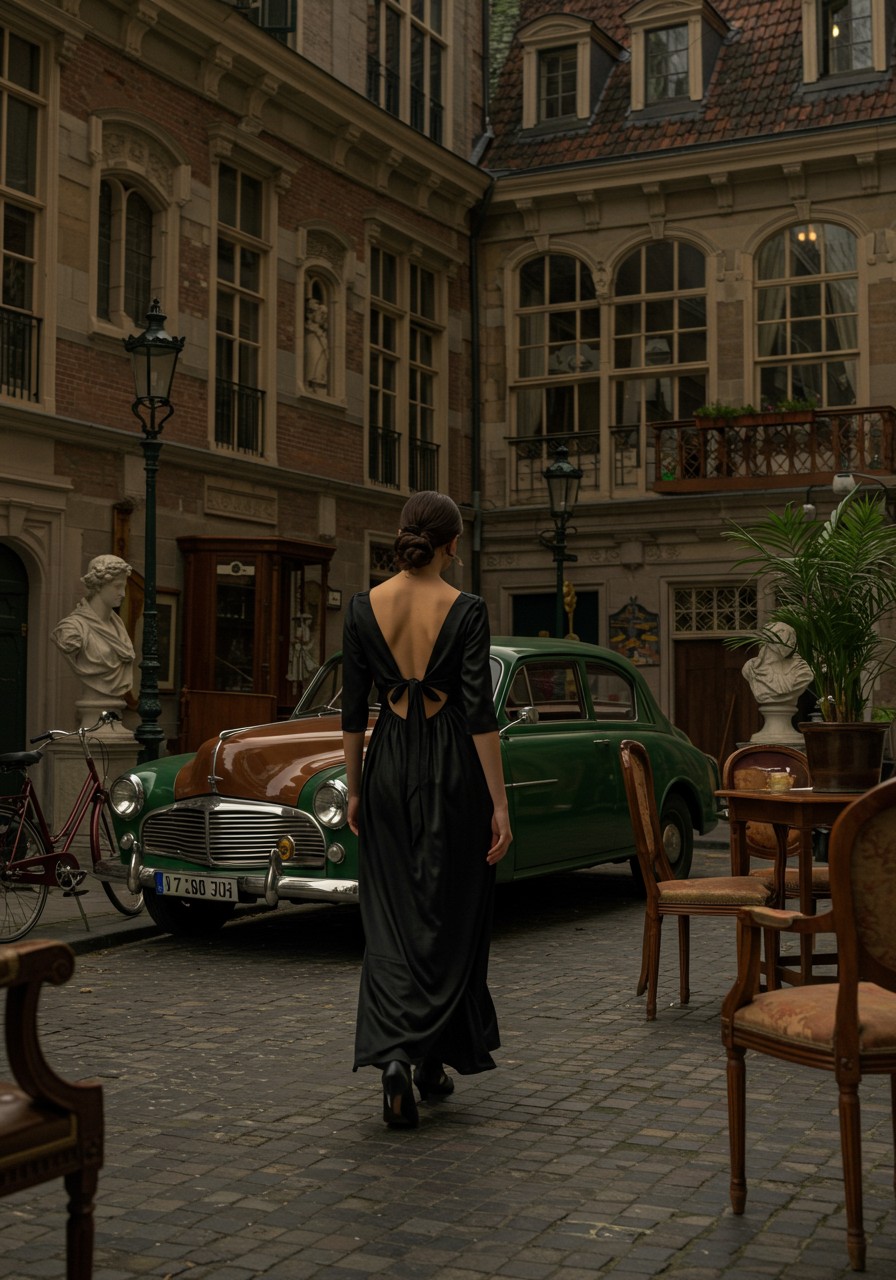
In a Victorian era style
imagen
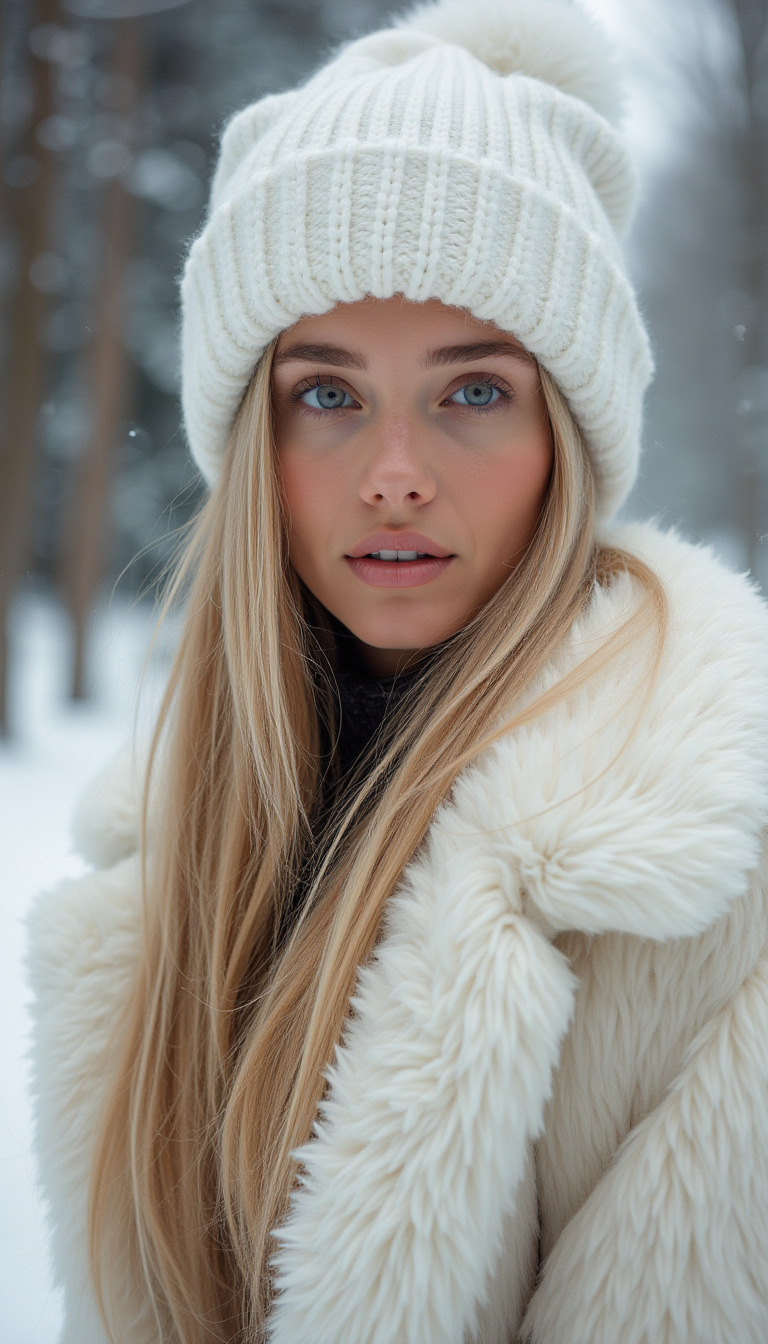
Professional photo of beautiful Swedish 20yo model with very long blond hair wearing nothi…
flux
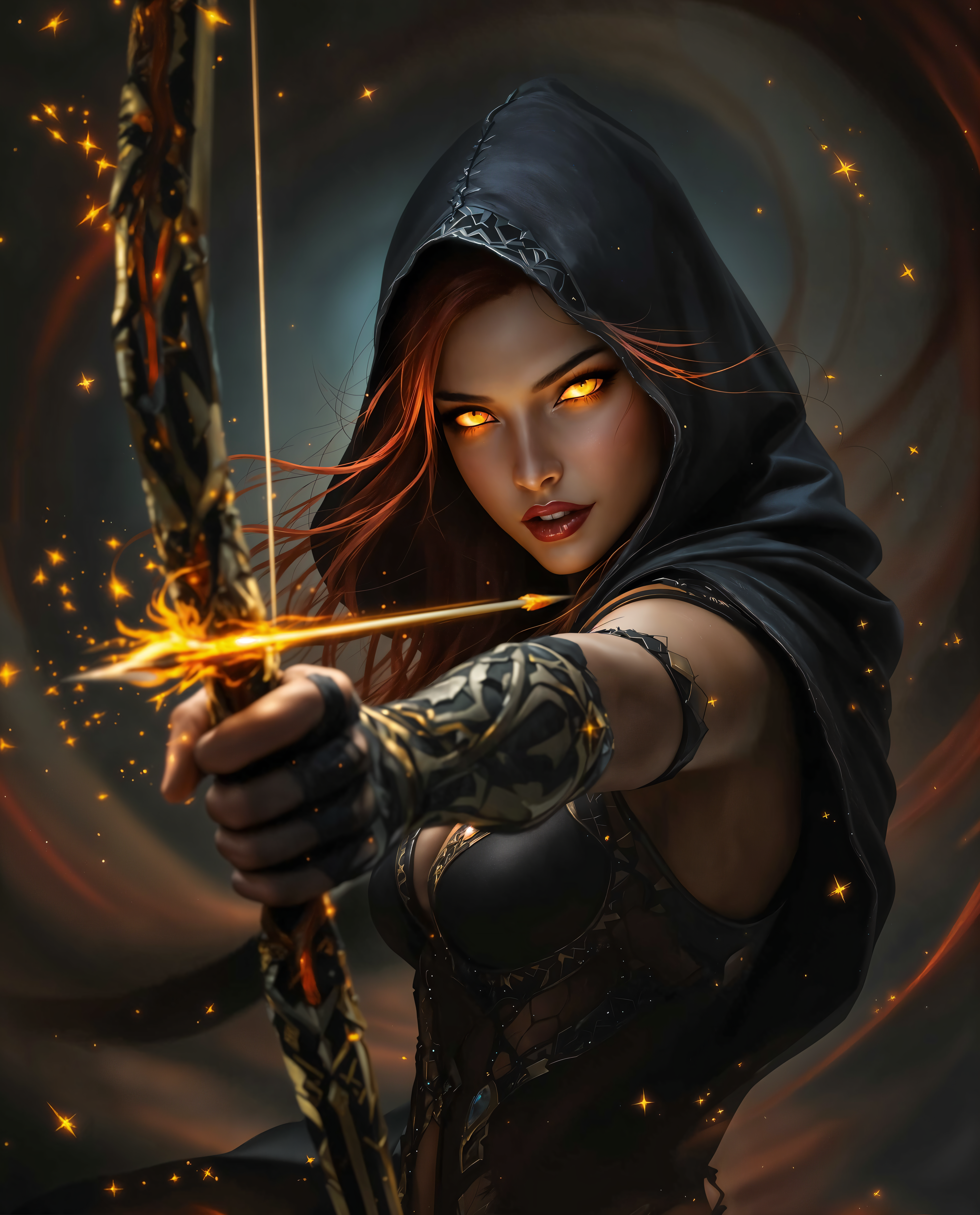
AI Headshot Generator on PixelDojo
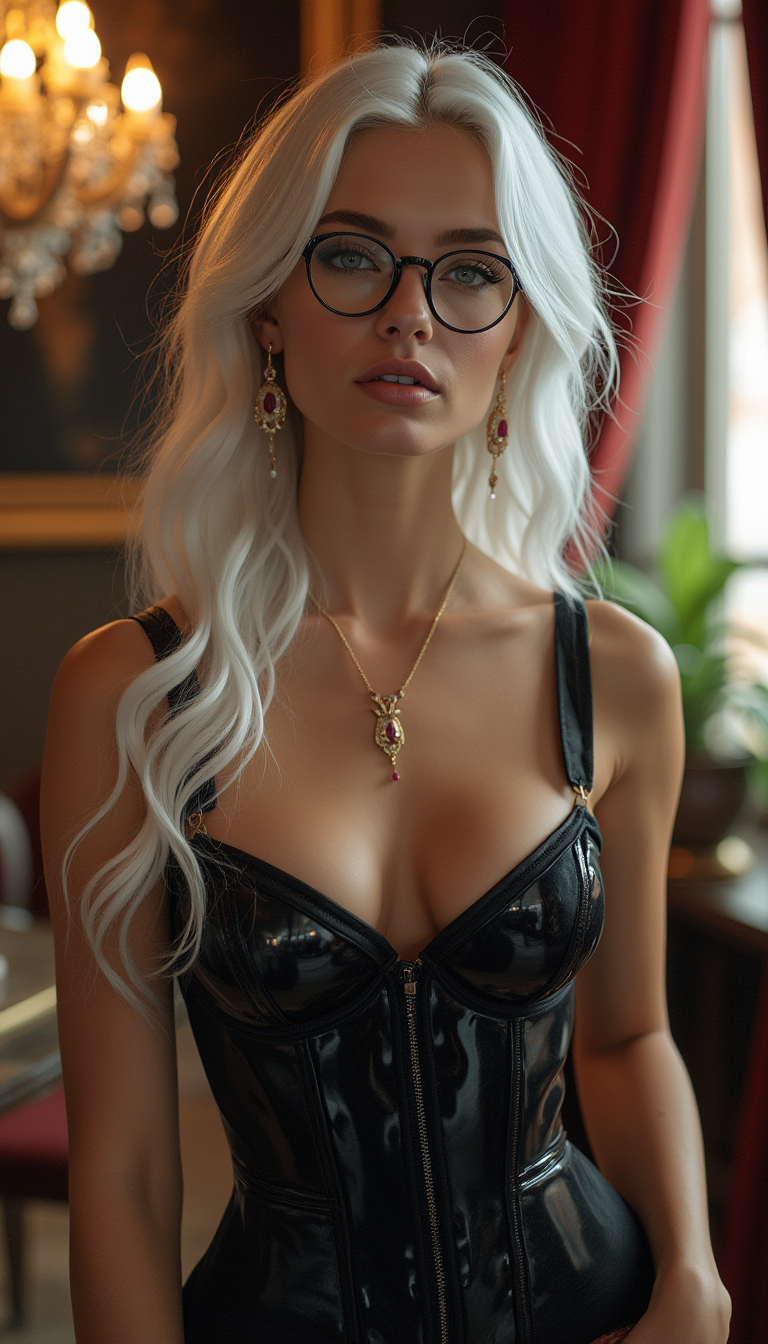
A striking woman in her early 20s
flux
Models you can run on PixelDojo for AI Headshot Generator
Switch models without switching tools. Each one runs in the same PixelDojo studio.
What you can do with AI Headshot Generator on PixelDojo
Portrait Upscaler
A face-aware enhancer built for exactly this job. It sharpens eyes, recovers skin texture, and lifts resolution without the plastic look generic upscalers add to faces.
Consistent characters and LoRA training
Lock a likeness from your reference photos with character tools, or train a hosted LoRA for full control. Then generate that same person across every outfit, crop, and background you need.
Editing models on tap
Nano Banana Pro and other hosted editors modify the image you already like. Change the background to a brand color, adjust wardrobe, or remove distractions in one pass.
API and MCP for team batches
Every plan includes the public REST API and hosted MCP server. Script matching headshots for a 40-person team page instead of clicking through them one at a time.
All timings on this page are from real generations we ran on PixelDojo's public API, using one identical studio headshot prompt across all 5 models.
Why Choose Pixel Dojo for AI Headshot Generator
Professional-quality results with cutting-edge AI technology
Pick the engine, not the app
Flux 2 Pro, Nano Banana Pro, Seedream 5, Ideogram 4, GPT Image 2 and more, all under one subscription. Different models render skin, lighting, and fabric differently. Run your prompt on two or three and keep the best face.
The same face, every shot
Consistent-character tools and hosted LoRA training let you lock a likeness from your reference photos, then generate that person in new outfits, backgrounds, and crops. One session covers LinkedIn, the team page, and the conference bio.
Studio finish included
A dedicated portrait enhancer sharpens eyes and skin texture for the final export, and editing models fix a crooked collar or busy background without regenerating. Every download is watermark free with full commercial rights.
How It Works
Describe the shot
Open a photoreal model like Flux 2 Pro or Seedream 5 and write the brief: framing, outfit, background, light. "Corporate headshot, navy blazer, neutral studio background, soft key light" is a strong starting point.
Lock the person and fix details
Use the consistent-character tools or train a LoRA from your reference photos so the face holds across variations. Swap backgrounds, adjust wardrobe, or remove stray hairs with an editing model like Nano Banana Pro.
Enhance and export
Run the winner through the portrait enhancer for crisp eyes and natural skin, then download at full resolution. Use it on LinkedIn, resumes, team pages, or ads. The commercial license is included on every plan.
The Pixel Dojo Advantage
Most AI headshot services run a single model behind a per-photoshoot paywall. Here is how PixelDojo compares to the typical options.
| Others | Pixel Dojo |
|---|---|
| Single-model headshot apps generate every customer's photos with one engine, so you get that engine's look whether it suits you or not. | 143 hosted models, including 82 image models. Run the same headshot prompt on several photoreal engines and keep the most convincing face. |
| Typical headshot tools cover a fixed menu of styles and backgrounds chosen by the app. | Full prompt control on flagship engines like Flux 2 Pro, Nano Banana Pro, Seedream 5, Ideogram 4, and GPT Image 2. Any wardrobe, any backdrop, any lighting you can describe. |
| Headshot services stop at still photos. | 59 video models on the same subscription. Animate your headshot into a short intro clip with Kling v3 or Veo 3.1, or build a talking-head video with OmniHuman from a photo and audio. |
| If a delivered photo has a flaw, most services make you rerun the whole batch. | Hosted editing models repair the exact image you like: swap the background, fix the collar, clean up hair, adjust the light, without losing the face. |
| Output resolution is whatever the single model produces. | A dedicated portrait enhancer plus Magnific, Clarity Pro, and Creative Upscaler take your pick to print-ready sharpness with natural skin texture. |
| Headshot apps usually sell one-off photoshoot packs per person, so costs multiply with each retry or team member. | One subscription with credits that work across every model and tool. Retries, edits, upscales, and team batches all draw from the same pool. Cancel anytime. |
| Consumer headshot tools rarely offer programmatic access. | Public REST API with an OpenAPI spec and a hosted MCP server on every plan. Automate headshots for onboarding flows or generate a full team set from a script. |
| Free headshot generators often watermark output or restrict commercial use to paid tiers. | Full commercial rights and zero watermarks on all output, on every plan. Use your headshots anywhere, including client work and ads. |
Loved by creators on PixelDojo
Real feedback from people using PixelDojo, pulled from our in-product surveys.
ease of use, variety of tools, high quality trainings, and a well-maintained discord channel
Ease of use, friendliness and support of the owner, continued innovation.
it is an amazing site to create a pics and vids for those who don't have the hardware themselves
good tools in one place
Prompt updates, strong features, and a community that is always willing to help and hear/act on professional feedback. I've never had a better experience.
user friendly all in one thing
Explore more AI tools on PixelDojo
AI Tools
Compare & Switch
- Best AI Image Generators
- Best AI Video Generators
- Midjourney Alternatives
- Civitai Alternatives
- Runway Alternatives
- Leonardo Alternatives
- Pika Alternatives
- Luma Alternatives
- Magnific Alternatives
- Veo Alternatives
- Flux Alternatives
- Freepik Alternatives
- Seedance Alternatives
- Seedream Alternatives
- Pixverse Alternatives
- GPT Image Alternatives
- Synthesia Alternatives
- Playground Alternatives
- NightCafe Alternatives
- Canva AI Alternatives
- ElevenLabs Alternatives
- ComfyUI Alternatives
- Fal Alternatives
- Replicate Alternatives
Common Questions
Everything you need to know about AI Headshot Generator
Can the headshot actually look like me?
Yes, with reference photos. Upload clear photos of yourself to the consistent-character tools, or train a LoRA on them, and PixelDojo generates new headshots that keep your likeness across outfits, backgrounds, and poses. Identity work needs real photos of you; text alone produces a generic person.
Which model is best for professional headshots?
In our benchmark run, Flux 2 Pro produced the most convincing studio realism, and Seedream 5 rendered notably natural skin. P-Image finished in 7.4s seconds, which makes it a fast way to draft framing and lighting before spending credits on a flagship model.
Can I use AI headshots on LinkedIn and company websites?
Yes. Every image generated on PixelDojo comes with full commercial rights and no watermark, on every plan. That covers LinkedIn profiles, resumes, team pages, press kits, and paid ads.
What if the result is almost right but one detail is off?
Use an editing model instead of rerolling. Nano Banana Pro and other hosted editors can straighten a collar, swap the background, fix hair, or adjust lighting on the image you already like, so you keep the good face and repair the flaw.
How do I get matching headshots for a whole team?
Set one prompt style for background, lighting, and crop, then generate each person with their own reference photos through the character tools. For larger teams, the REST API and hosted MCP server let you batch the whole set with one pd_ key.
How long does a headshot take to generate?
Seconds, not sessions. In our identical-prompt test across 5 models, P-Image finished in 7.4s seconds, and On our shared headshot prompt, the fastest model returned in 7.4s and Ideogram 4 Quality finished in 31.9s. Refinement passes with editing and upscaling add a few seconds each.