video upscaler free

Turn low-resolution or aging videos into crisp, professional 4K masterpieces with PixelDojo's free AI video upscaler. Whether you're breathing new life into family home movies, polishing YouTube content for higher engagement, or preparing footage for social media that pops, you can achieve stunning results in minutes. Focus on what matters most: delivering videos that captivate your audience with sharp details, vibrant colors, and smooth playback – all without expensive software or technical expertise.
Over 85,000 creators have upscaled more than 2 million videos using PixelDojo. Rated 4.9/5 by 32,000+ users, with thousands sharing success stories of revived vintage clips and boosted viewer retention on platforms like YouTube and TikTok. Loved by filmmakers, vloggers, and businesses worldwide – join the community and experience the difference.
Why Choose Pixel Dojo for video upscaler free
Professional-quality results with cutting-edge AI technology
Revive Old Footage to Stunning Clarity
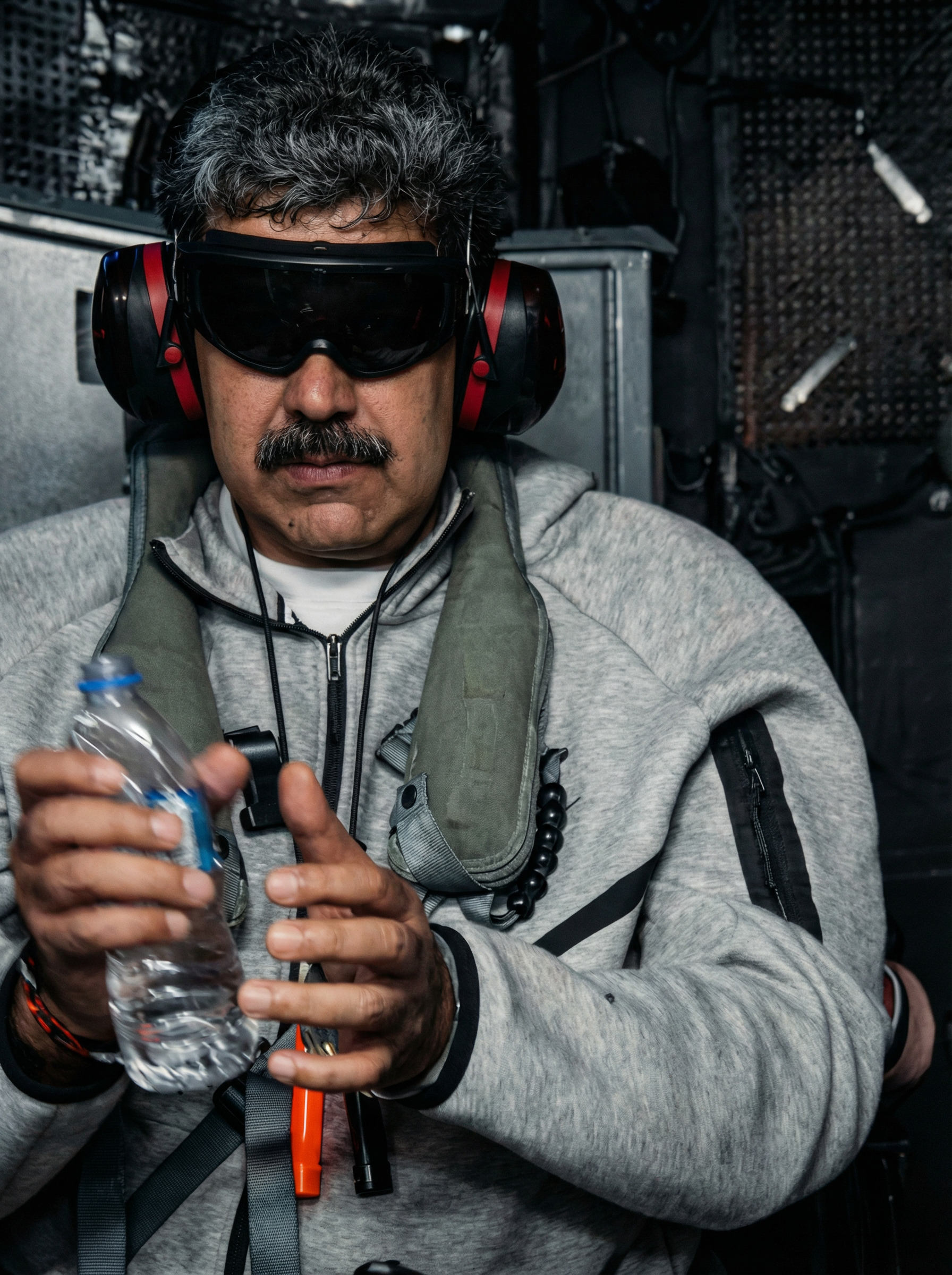
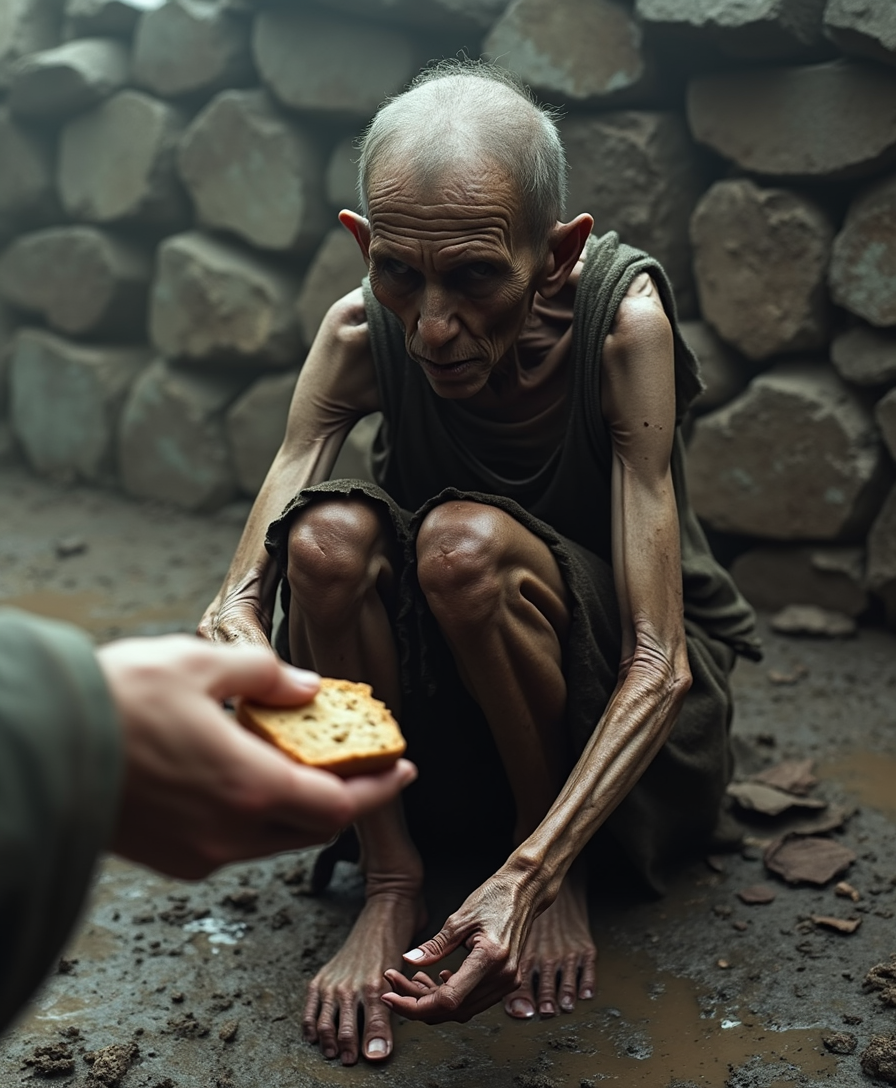
Restore grainy home videos, classic movies, or archived clips to vibrant 4K quality, preserving memories and making them watchable on modern high-definition screens for years to come.
Elevate Your Content for Maximum Impact
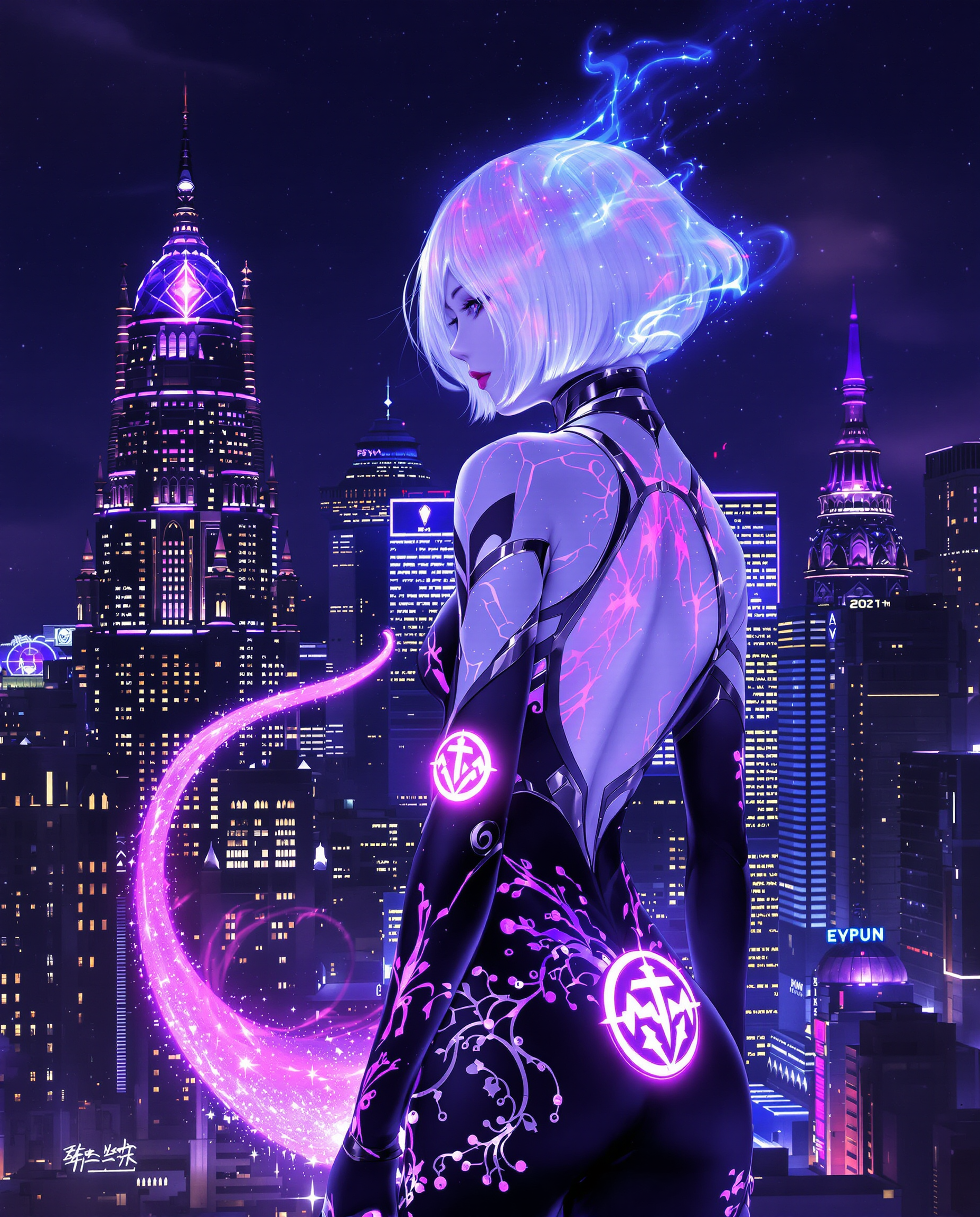
Boost engagement on YouTube, Instagram, and TikTok by delivering sharp, professional-grade videos that stand out, attract more viewers, and increase watch time with enhanced details and reduced artifacts.
Save Hours with Effortless One-Click Processing
Skip complex editing suites or manual frame enhancements. Achieve broadcast-quality results quickly and easily, freeing up your time to focus on creating more amazing content.
How It Works
PixelDojo makes professional video upscaling accessible to everyone. Simply use our dedicated Video Upscaler tool to upload, enhance, and download – no downloads or installations required.
Step 1: Choose Your Tool
Navigate to the Upscale & Enhance section and select the Video Upscaler tool from PixelDojo's suite of 40+ AI options, designed specifically for transforming video resolution and quality.
Step 2: Enter Your Prompt or Upload Video
Upload your low-resolution video file directly or add a simple description if customizing enhancements like sharpness or color vibrancy. The AI handles the heavy lifting intelligently.
Step 3: Customize & Download
Preview the upscaled result in real-time, fine-tune settings for your specific needs like 4K output or noise reduction, then download your polished video ready for sharing or editing.







The Pixel Dojo Advantage
Why PixelDojo outperforms other options for free AI video upscaling
| Others | Pixel Dojo |
|---|---|
| Traditional video creation methods | Instant AI-powered results without hiring editors, buying costly equipment, or spending days on manual restoration – achieve pro outcomes in minutes from your browser. |
| Generic AI tools with limitations | Access specialized Video Upscaler plus integrated editing tools like Video Autocaption and Merge Videos for complete workflows, all in one platform with generous free access options. |
| Manual photo editing or frame-by-frame work | Automated intelligent enhancement that preserves motion, colors, and details far better than tedious manual processes, delivering consistent high-quality results every time. |
Loved by creators on PixelDojo
Real feedback from people using PixelDojo, pulled from our in-product surveys.
Lots of Tools, and the one time I needed support I got help right away
Easy to use once you get the hang of it
Love it make anything I can think of so far
Great for all your ideas use it encourage more people to use it
Because it is awesome
exceptional quality and great overall design of platform and interface. very intuative. love the creative freedom.
Explore more AI tools on PixelDojo
Popular AI Models
AI Tools
Compare & Switch
- All AI Tool Alternatives
- Pollo AI Alternative
- PixelDojo vs Pollo AI
- Pollo AI Review
- MotionMuse AI Alternative
- MioCreate Alternative
- Dessi AI Alternative
- Runway Alternatives
- CapCut Alternatives
- Leonardo Alternatives
- OpenArt Alternatives
- Midjourney Alternatives
- Canva AI Alternatives
- Pika Alternatives
- InVideo Alternatives
- Higgsfield Alternatives
- Krea Alternatives
- Luma Alternatives
- Magic Hour Alternatives
- HeyGen Alternatives
- PixAI Alternatives
- Vidu Alternatives
- Seedream Alternatives
- Tensor.Art Alternatives
Common Questions
Everything you need to know about video upscaler free
How to use a free AI video upscaler to enhance old home videos to 4K?
With PixelDojo's Video Upscaler, simply upload your vintage footage to the tool in the Upscale & Enhance section. The AI intelligently reconstructs details, reduces noise, and outputs crisp 4K video. Many users report transforming blurry family movies into watchable modern quality in under 5 minutes, with options to preserve original colors and motion.
What is the best free AI video upscaler for YouTube content creators in 2026?
PixelDojo stands out with its dedicated Video Upscaler that delivers artifact-free 4K results optimized for online viewing. Creators love how it boosts sharpness and clarity to improve viewer retention, all accessible via a free trial with no watermarks on basic plans and seamless integration with tools like Video Reframe for perfect aspect ratios.
Can I upscale low-resolution videos to 4K for free without watermarks using AI?
Yes, PixelDojo's Video Upscaler offers free access tiers allowing you to process videos up to certain lengths without watermarks. The AI uses advanced enhancement techniques to upscale while maintaining natural motion and detail, making it ideal for personal projects, social clips, or testing before committing to paid credits.
How does PixelDojo's free video upscaler compare for restoring blurry footage?
PixelDojo excels by combining Video Upscaler with supporting tools like Clarity Pro and Reality Polisher for superior detail recovery. Users achieve professional-grade restorations on old or compressed videos that look sharp on HD displays, far surpassing basic free online tools with limits on file size or output quality.
Is there an AI video upscaler for long clips and 8K output?
While most free tools impose limits, PixelDojo provides generous starting credits and flexible plans to handle longer videos and high resolutions like 4K/8K. The Video Upscaler processes efficiently in the cloud, letting you focus on creation rather than technical constraints or setup.
What techniques does the best free video upscaler use for anime or gaming footage?
PixelDojo's Video Upscaler employs cutting-edge AI models tailored for various content types, including preserving line art in anime or reducing motion blur in gaming clips. Combine it with Style Transfer or Creative Upscaler for customized enhancements that keep the original artistic style intact while boosting resolution.