Magic Hour Alternatives
Generated on PixelDojo with Seedance 2. Produced by PixelDojo's generation pipeline.
PixelDojo is a Magic Hour alternative for creators who want AI video creation and ai video effects across several flagship video models in one studio. Magic Hour is a browser-based AI video platform for making and editing clips with tools such as text-to-video, image-to-video, face swap, animation, and style effects. It is good for fast creative video workflows and accessible AI editing. PixelDojo is built for creators who want to compare model behavior, speed, motion quality, prompt adherence, and visual style without rebuilding the same idea across separate tools. On this page, Pixverse V6, Seedance 1, WAN 2.7 Text-to-Video, WAN 2.2 Standard, Kling Video v3 Pro (Text), and Kling 2.6 Pro were run on the same prompt so you can judge results side by side.
Real video examples generated on PixelDojo
Every example below was produced on PixelDojo. Hover to see the prompt.
A middle-aged magician stands in his chamber at a table where he is experimenting
image-to-video
Happy Horse Guide Atmospheric Wide — salt flat at blue hour
image-to-video
Happy Horse Guide Coastal Establishing Shot — slow push-in
image-to-video
Atmospheric Wide — salt flat at blue hour
happyhorse-1.0-video
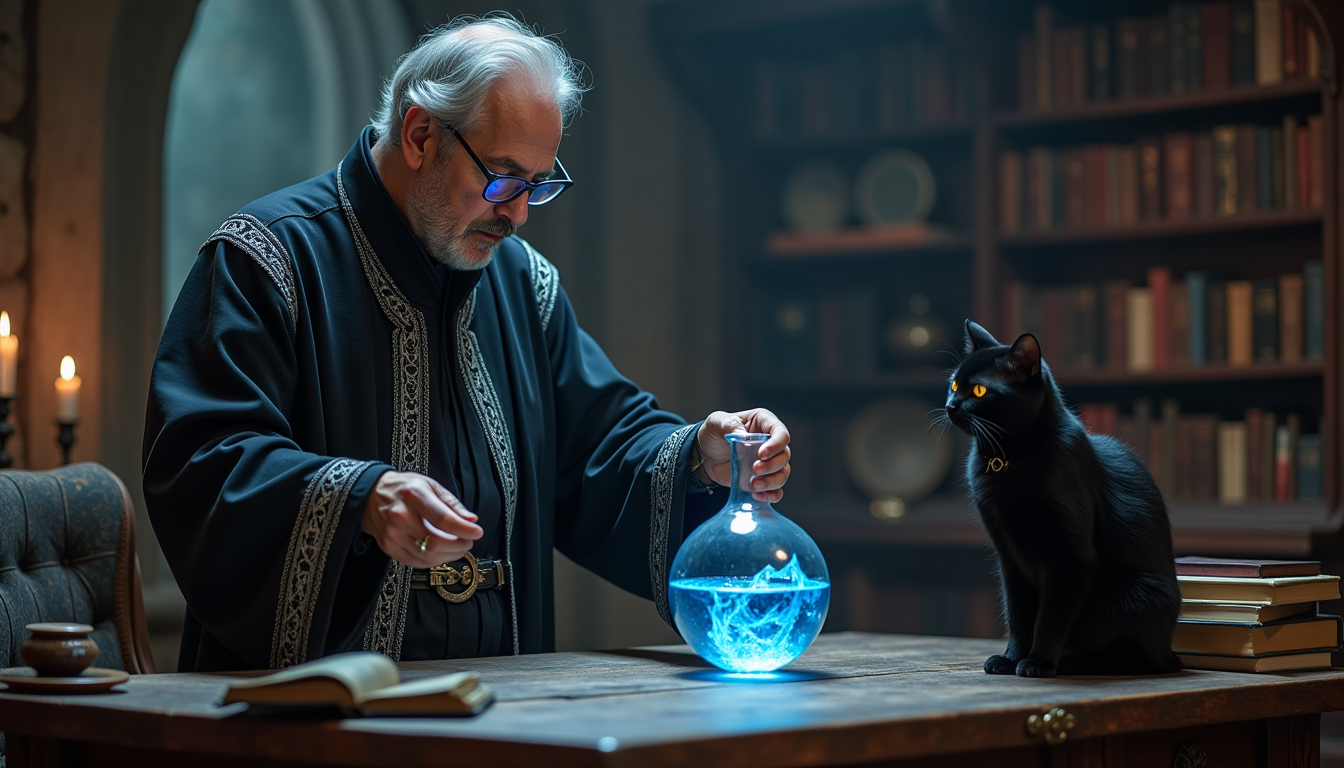
A middle-aged magician stands in his chamber at a table where he is experimenting
stable-diffusion

Melancholic clockmaker elf with crystal moth wings carefully winding a glowing phoenix-fea…
wan-image
Models you can run on PixelDojo for Magic Hour Alternatives
Switch models without switching tools. Each one runs in the same PixelDojo studio.
What you can do with Magic Hour Alternatives on PixelDojo
Text Prompt Video Creation
Creators enter text prompts to generate video clips. We handle timing and motion based on the description.
Image to Video Conversion
Users upload still images to produce short videos. We animate subjects while preserving original details.
Custom Aspect Ratio Selection
Creators choose from standard or custom aspect ratios before generation. We render output to match platform needs.
Frame Rate and Length Control
We let creators set clip duration and frames per second. Output files export in common video formats.
Why Choose Pixel Dojo for Magic Hour Alternatives
Professional-quality results with cutting-edge AI technology
Choose the right model for the shot
Different video models handle motion, faces, atmosphere, camera movement, and prompt detail differently. PixelDojo lets you compare multiple flagship models from one prompt instead of committing to one output style.
Create and refine AI video effects in one place
Use PixelDojo for concept clips, stylized motion, image-to-video experiments, text-to-video scenes, and visual effects workflows without jumping between separate model sites.
Compare speed and output quality together
A fast model is useful for drafts, while a slower model may be better for polished motion or detail. PixelDojo helps creators choose based on the actual result, not only the model name.
How It Works
Start with one prompt
Write the scene, style, motion, subject, and mood once. The comparison grid can show how each supported model interprets the same creative direction.
Run multiple flagship models
Generate clips with models such as Pixverse V6, Seedance 1, WAN, and Kling so you can compare visual style, timing, motion, and prompt accuracy.
Pick the best result and keep creating
Use the winning clip as your production direction, then continue refining prompts, creating variations, or applying additional ai video effects inside PixelDojo.
Loved by creators on PixelDojo
Real feedback from people using PixelDojo, pulled from our in-product surveys.
I really like the schedule of AI work performed!
The best tools for IA on the web !
The guy that operates the website is constantly updating it
I’ve been using PixelDojo for around 8 months now and it’s always worked wonderfully while constantly adding features.
The site is easy to navigate and use.
All the tools, readily available and easy to understand
Explore more AI tools on PixelDojo
Popular AI Models
AI Tools
Compare & Switch
- Best AI Image Generators
- Best AI Video Generators
- Midjourney Alternatives
- Civitai Alternatives
- Runway Alternatives
- Leonardo Alternatives
- Pika Alternatives
- Luma Alternatives
- Magnific Alternatives
- Veo Alternatives
- Flux Alternatives
- Freepik Alternatives
- Seedance Alternatives
- Seedream Alternatives
- Pixverse Alternatives
- GPT Image Alternatives
- Synthesia Alternatives
- Playground Alternatives
- NightCafe Alternatives
- Canva AI Alternatives
- ElevenLabs Alternatives
- ComfyUI Alternatives
- Fal Alternatives
- Replicate Alternatives
Common Questions
Everything you need to know about Magic Hour Alternatives
What is Magic Hour?
Magic Hour is an AI video creation and editing platform for making short videos, animations, face swaps, image-to-video clips, and stylized effects in the browser. It is good at accessible AI video workflows for creators who want guided tools and quick creative edits.
Why use PixelDojo as a Magic Hour alternative?
Is PixelDojo better than Magic Hour AI for every creator?
Not for every use case. If a specific Magic Hour template, edit, or workflow fits your project, Magic Hour may be the right choice. PixelDojo is stronger when model choice, same-prompt comparison, and flexible AI video generation matter most.
Can PixelDojo create AI video effects?
Yes. PixelDojo supports creative AI video effects through text-to-video, image-to-video, model comparisons, stylized motion, and iterative prompt workflows across multiple video models.
Why do people searching for magic hour ai compare PixelDojo?
Many creators searching for magic hour ai want quick AI video creation, but also want more control over which model generates the final clip. PixelDojo gives them a broader model workspace for testing the same idea across different video engines.