AI video effect · Viral
AI Flying: lift off and soar above the clouds
Upload a photo, press Generate, and post it anywhere.
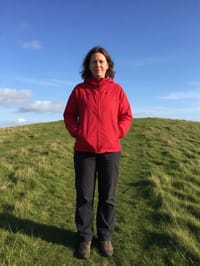
3 free every day. No card needed.
What AI Flying does
Your subject starts with both feet on the ground, then gathers up and lifts off. Arms go up as they rise higher and higher, and by the end they hang above a bright sea of clouds with the sky wide open around them.
Lift off and soar above the clouds
Your subject rises off the ground and flies up into a bright sky, cape-free superhero style. Works with people and pets.
Still looks like you
The video opens on your exact photo, so the face, hair, outfit and surroundings carry through the whole effect.
Made for short-form video
Built for the clips people share on Reels, TikTok and Shorts: one clear moment in five seconds, framed to stop the scroll.
How to make an AI Flying video
- Upload a photo, or pick one from your library.
- Press Generate. There is no prompt to write; the effect is already set up.
- Your 5 second HD video plays right on the page. Save it to your library or download it.
Tips for the best photo
- Outdoor photos with open sky behind the subject give the climb a natural place to go.
- Frame the whole body from head to feet so the lift off reads clearly.
- Bright, colorful clothing stands out better against the clouds at the end.
Ideas for using it
- Hikers turning a summit photo into a clip that feels like the top of the world.
- Graduates posting a sky high celebration at the end of the school year.
- Pet owners sending their dog on a flight for a funny weekend post.
More effects
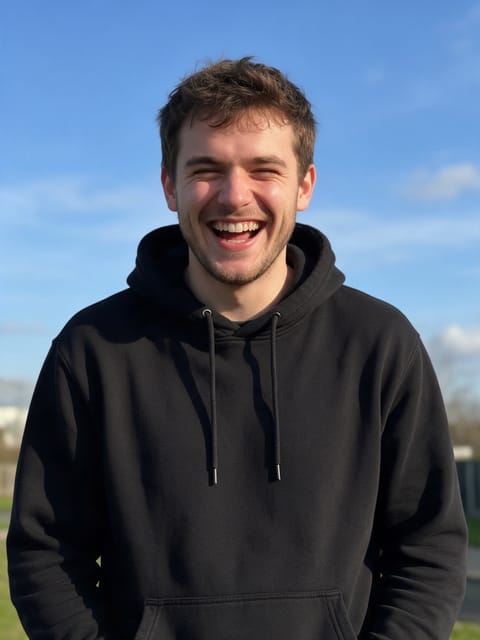
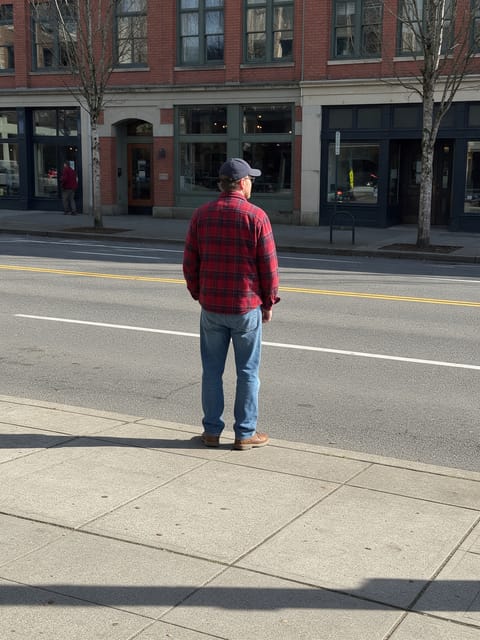
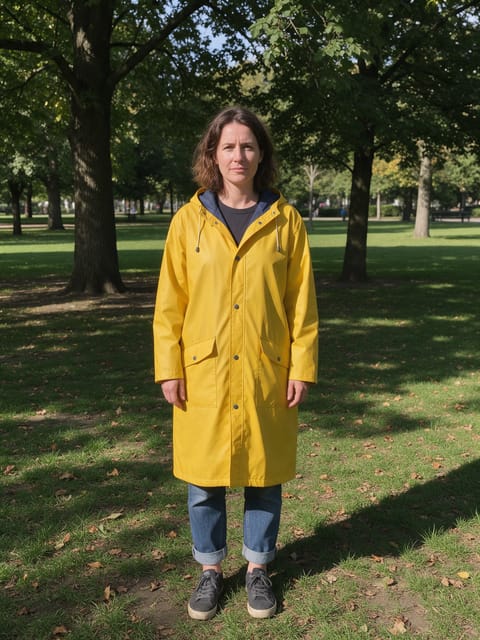
Go further
AI Flying FAQ
Can my dog fly too?
Yes. The effect works with pets as well as people, as long as the whole animal is visible in the photo.
Does the scene stay where the photo was taken?
It starts there. As the subject climbs, the view opens up into clouds, so the ending is in the sky rather than at the original spot.
Do I need to write a prompt for AI Flying?
No. AI Flying is a ready-made effect: upload a photo and press Generate. The directions for the motion, camera and lighting are already built in.
How long is the AI Flying video?
Every effect makes a 5 second HD video that matches the shape of your photo, portrait or landscape, ready to post anywhere.
Does the video have sound?
Yes. Each clip comes with matching ambient sound effects. It does not add music, so you can lay your own track over it in any editor.
Can I use a photo of someone else?
Only photos of adults, of yourself or of people who agreed to it. Every upload goes through the same safety checks as the rest of PixelDojo.