AI video effect · Viral
Hair Flip: a slow-motion wind-machine hair flip
Upload a photo, press Generate, and post it anywhere.
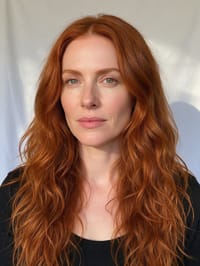
3 free every day. No card needed.
What Hair Flip does
The clip starts on a calm portrait looking into the camera. A breeze picks up, the head tips and the hair lifts and swings back in slow motion, and it ends with a relaxed smile as the hair settles.
A slow-motion wind-machine hair flip
Your subject flips their hair in slow motion as a breeze catches it, glamour shoot style. Portraits work best.
Still looks like you
The video opens on your exact photo, so the face, hair, outfit and surroundings carry through the whole effect.
Made for short-form video
Built for the clips people share on Reels, TikTok and Shorts: one clear moment in five seconds, framed to stop the scroll.
How to make a Hair Flip video
- Upload a photo, or pick one from your library.
- Press Generate. There is no prompt to write; the effect is already set up.
- Your 5 second HD video plays right on the page. Save it to your library or download it.
Tips for the best photo
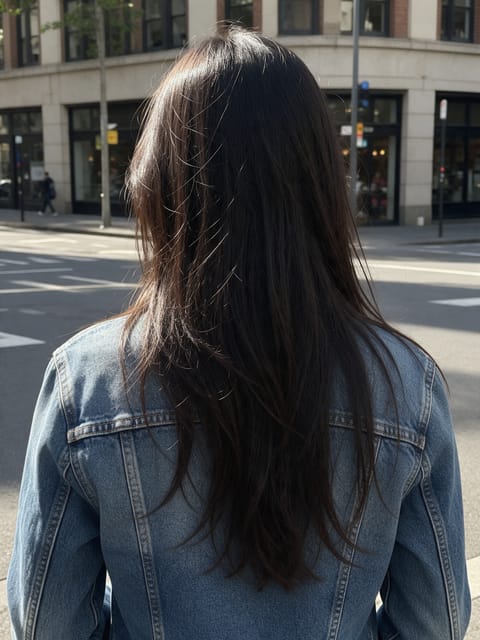
- Long or medium hair worn loose gives the most movement.
- Use a head and shoulders portrait with the face in sharp focus.
- A plain wall or backdrop keeps attention on the hair as it moves.
Ideas for using it
- A hair stylist showing off a fresh color or cut on their booking page.
- A salon posting client results in their weekly feed.
- A singer or model making a short intro clip for a profile.
More effects

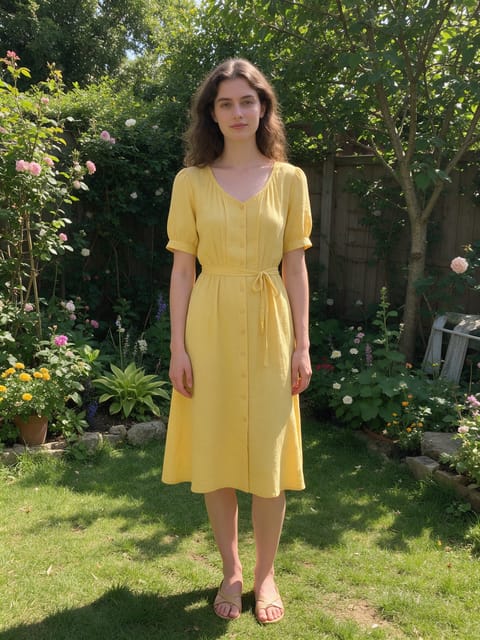
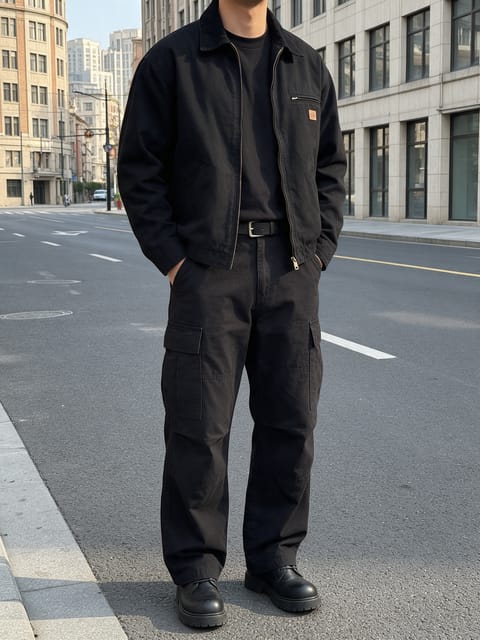

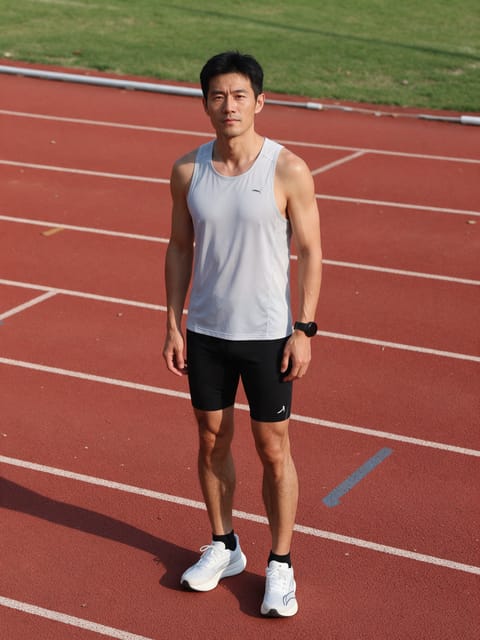
Go further
Hair Flip FAQ
Does it work with short hair?
Yes. Hair at shoulder length or longer gives the biggest flip.
Will my hair color stay the same?
Yes. In our test the copper color and waves stayed true through the whole flip.
Do I need to write a prompt for Hair Flip?
No. Hair Flip is a ready-made effect: upload a photo and press Generate. The directions for the motion, camera and lighting are already built in.
How long is the Hair Flip video?
Every effect makes a 5 second HD video that matches the shape of your photo, portrait or landscape, ready to post anywhere.
Does the video have sound?
Yes. Each clip comes with matching ambient sound effects. It does not add music, so you can lay your own track over it in any editor.
Can I use a photo of someone else?
Only photos of adults, of yourself or of people who agreed to it. Every upload goes through the same safety checks as the rest of PixelDojo.