AI video effect · Viral
Tiny Me: shrink down to pocket size
Upload a photo, press Generate, and post it anywhere.
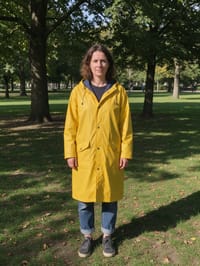
3 free every day. No card needed.
What Tiny Me does
You begin in your original setting at normal size, then the world around you shifts as you shrink. Within a couple of seconds you are standing on a wooden tabletop beside a coffee cup bigger than you, with a huge pencil at your feet, and you finish by looking up and waving.
Shrink down to pocket size
Your subject shrinks down to pocket size and waves from a tabletop next to a giant coffee cup. Works with people and pets.
Still looks like you
The video opens on your exact photo, so the face, hair, outfit and surroundings carry through the whole effect.
Made for short-form video
Built for the clips people share on Reels, TikTok and Shorts: one clear moment in five seconds, framed to stop the scroll.
How to make a Tiny Me video
- Upload a photo, or pick one from your library.
- Press Generate. There is no prompt to write; the effect is already set up.
- Your 5 second HD video plays right on the page. Save it to your library or download it.
Tips for the best photo
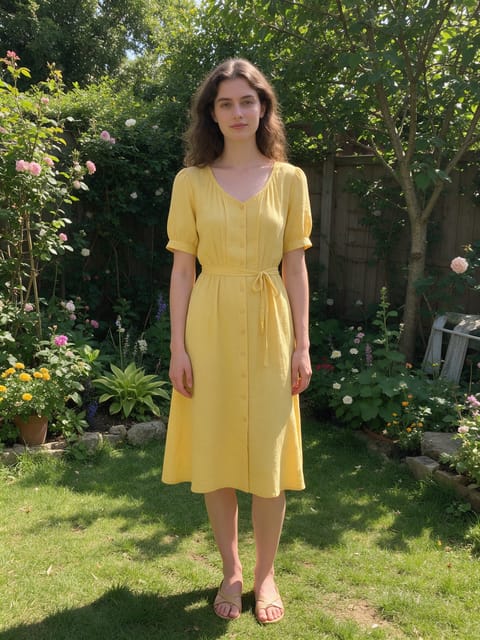
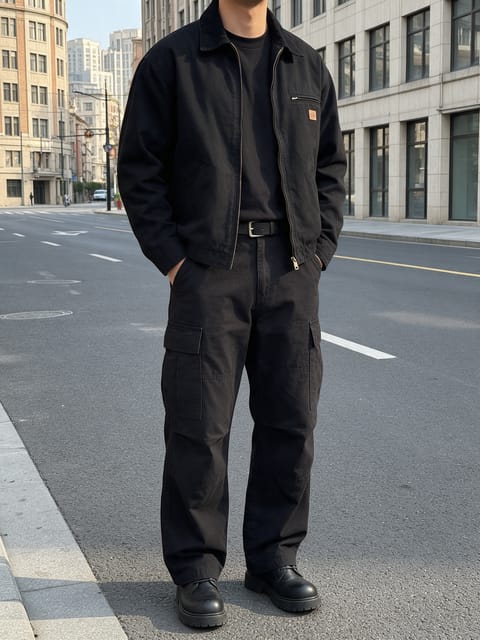
- A full-body photo works best because you end up standing on the table head to toe.
- Keep your hands empty and at your sides so the wave at the end has room to happen.
- Bright, even light on you helps the shrunken version keep your face and colors.
Ideas for using it
- A coffee shop owner posting a playful clip for their opening week.
- A student making a quirky intro for a class presentation slide.
- A pet owner shrinking their dog for a cute Instagram Story.
More effects
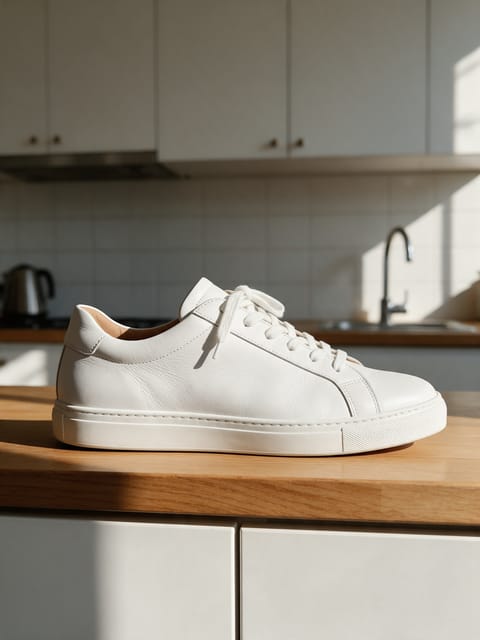
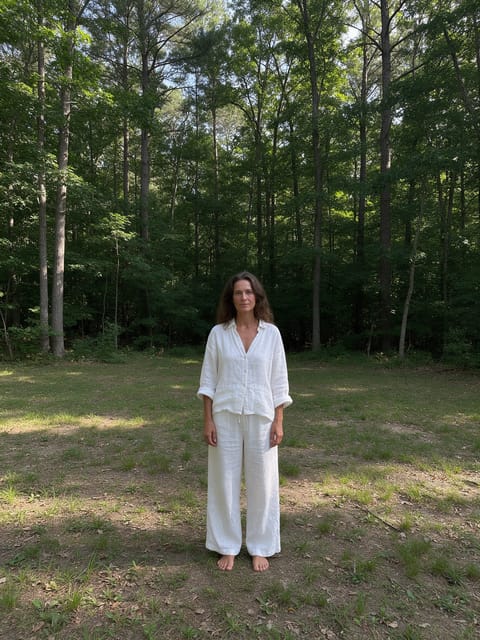
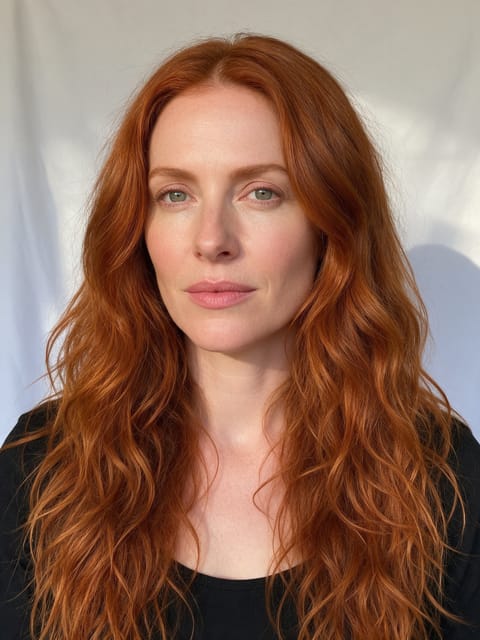

Go further
Tiny Me FAQ
Can I use a photo of my pet?
Yes. The effect works with people and pets, and the pet ends up on the same tabletop next to the cup.
Can I change the coffee cup to something else?
No. Tiny Me always places you next to a coffee cup and a pencil so the scale is easy to read.
Do I need to write a prompt for Tiny Me?
No. Tiny Me is a ready-made effect: upload a photo and press Generate. The directions for the motion, camera and lighting are already built in.
How long is the Tiny Me video?
Every effect makes a 5 second HD video that matches the shape of your photo, portrait or landscape, ready to post anywhere.
Does the video have sound?
Yes. Each clip comes with matching ambient sound effects. It does not add music, so you can lay your own track over it in any editor.
Can I use a photo of someone else?
Only photos of adults, of yourself or of people who agreed to it. Every upload goes through the same safety checks as the rest of PixelDojo.