Canva AI alternative
Canva AI alternative for graphics with text that comes out right
Keep Canva for layout; make the artwork on Pixel Dojo, where Ideogram 4.5, GPT Image 2.5, Nano Banana 2.1 and Recraft render headlines, flyers and product shots you can drop straight into your design.
Canva's AI tools share one allowance inside a design suite. We think the generation step deserves the best model for each job, so we gave one bakery post brief, headline included, to four of them.
2 credits ($0.13) per image at 1024x1024. Included in every plan, from $10/month.
Already a member? Sign in
By Brian Lovett · Updated
Why this list is different
Most Canva alternative lists compare design suites. What Canva users ask us about is the artwork itself: posters whose words come out spelled right, product shots that look photographed, banners in a consistent style.
So instead of ranking apps, we ranked the image models we run on one brief, then list what each is best at.
Design ready artwork we made on Pixel Dojo
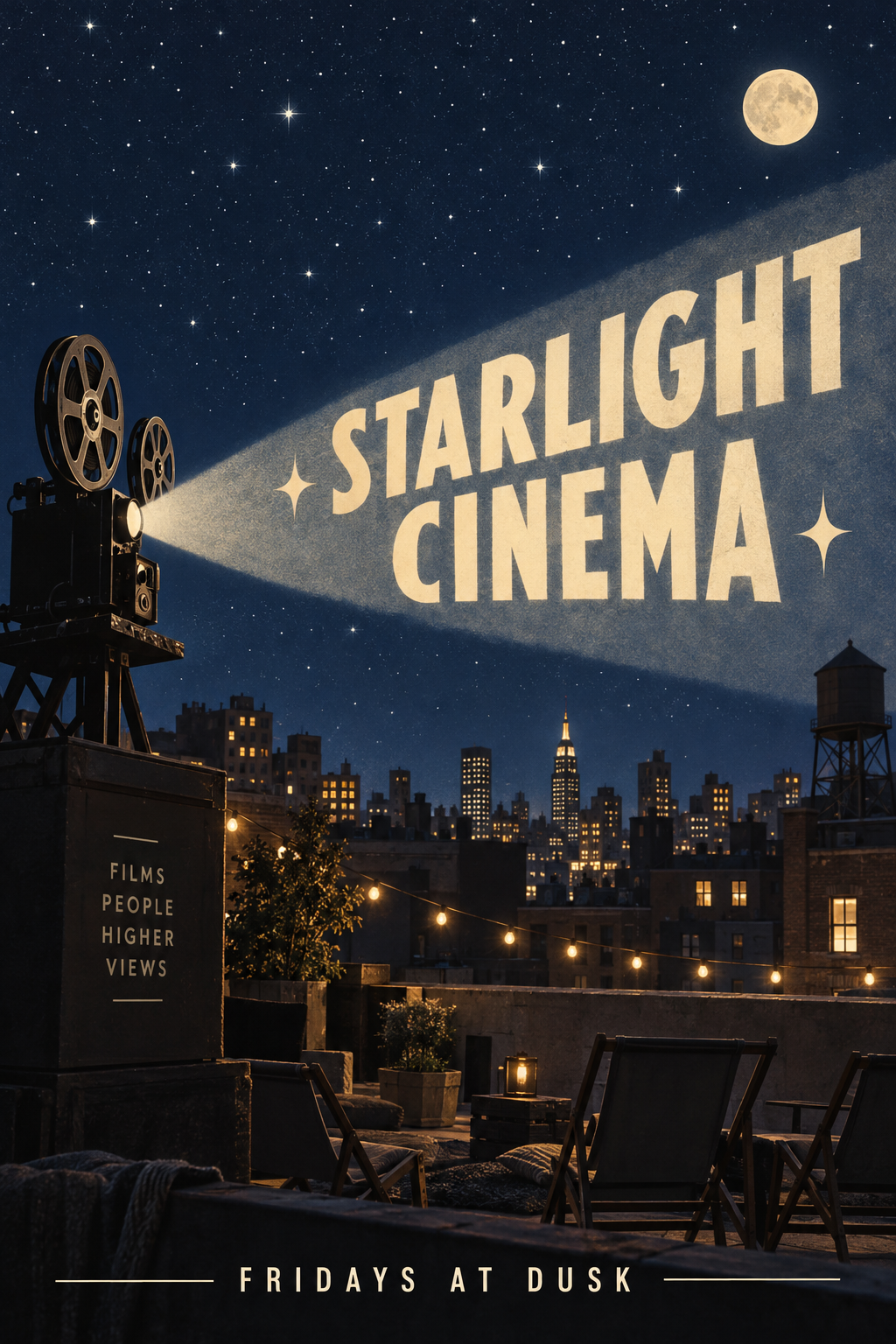
A full event flyer on GPT Image 2.5, title and date line included.
Event flyer for a rooftop film night titled "STARLIGHT CINEMA", a vintage projector beam cutting across a deep navy night sky full of stars, city rooftops below, retro cream lettering, the line "FRIDAYS AT DUSK" at the bottom.
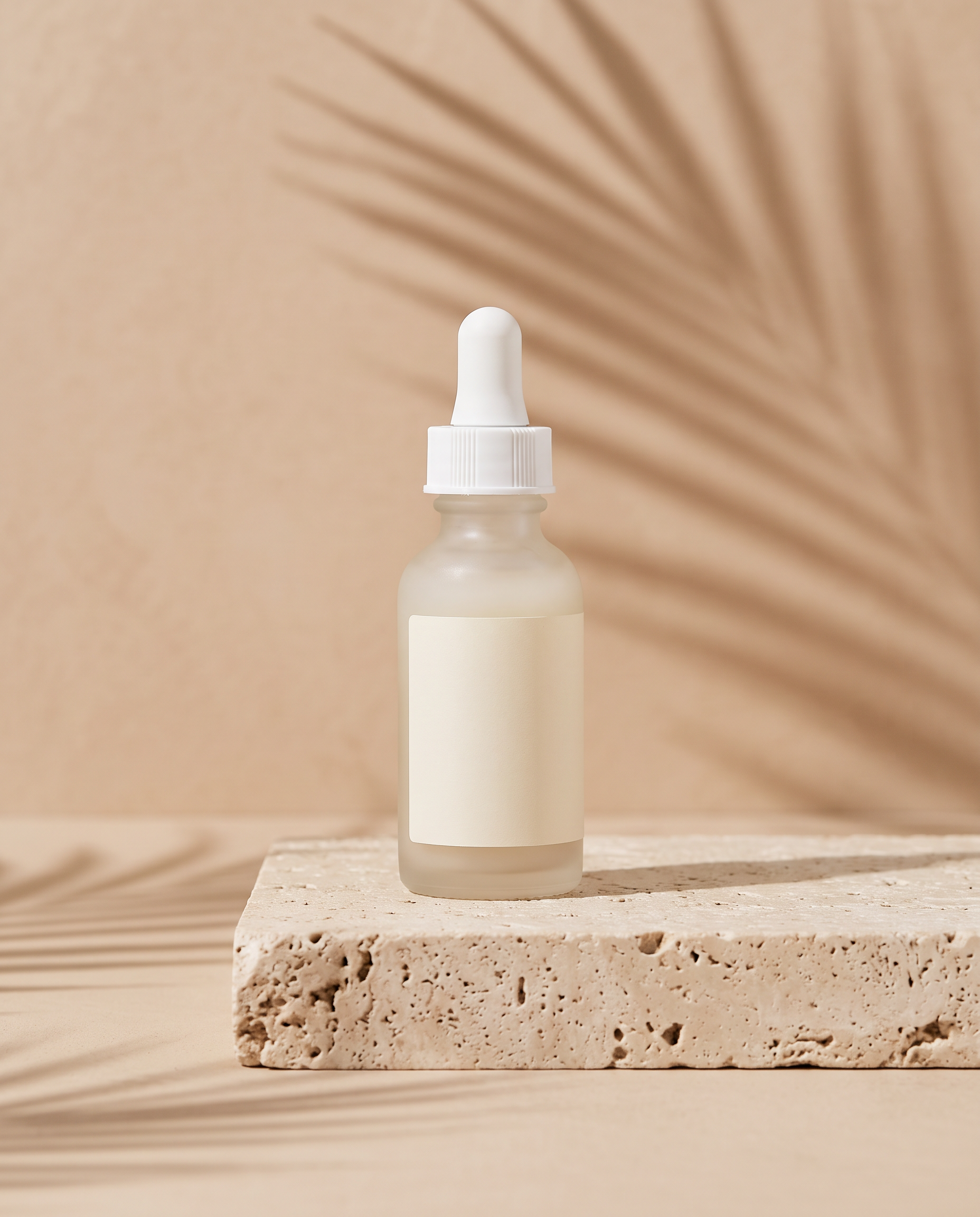
A product mockup on Nano Banana 2.1 with a blank label ready for your own branding.
Product mockup of a frosted glass serum bottle with a blank cream label on a travertine plinth, soft shadows from a palm leaf, warm beige backdrop, clean commercial lighting.
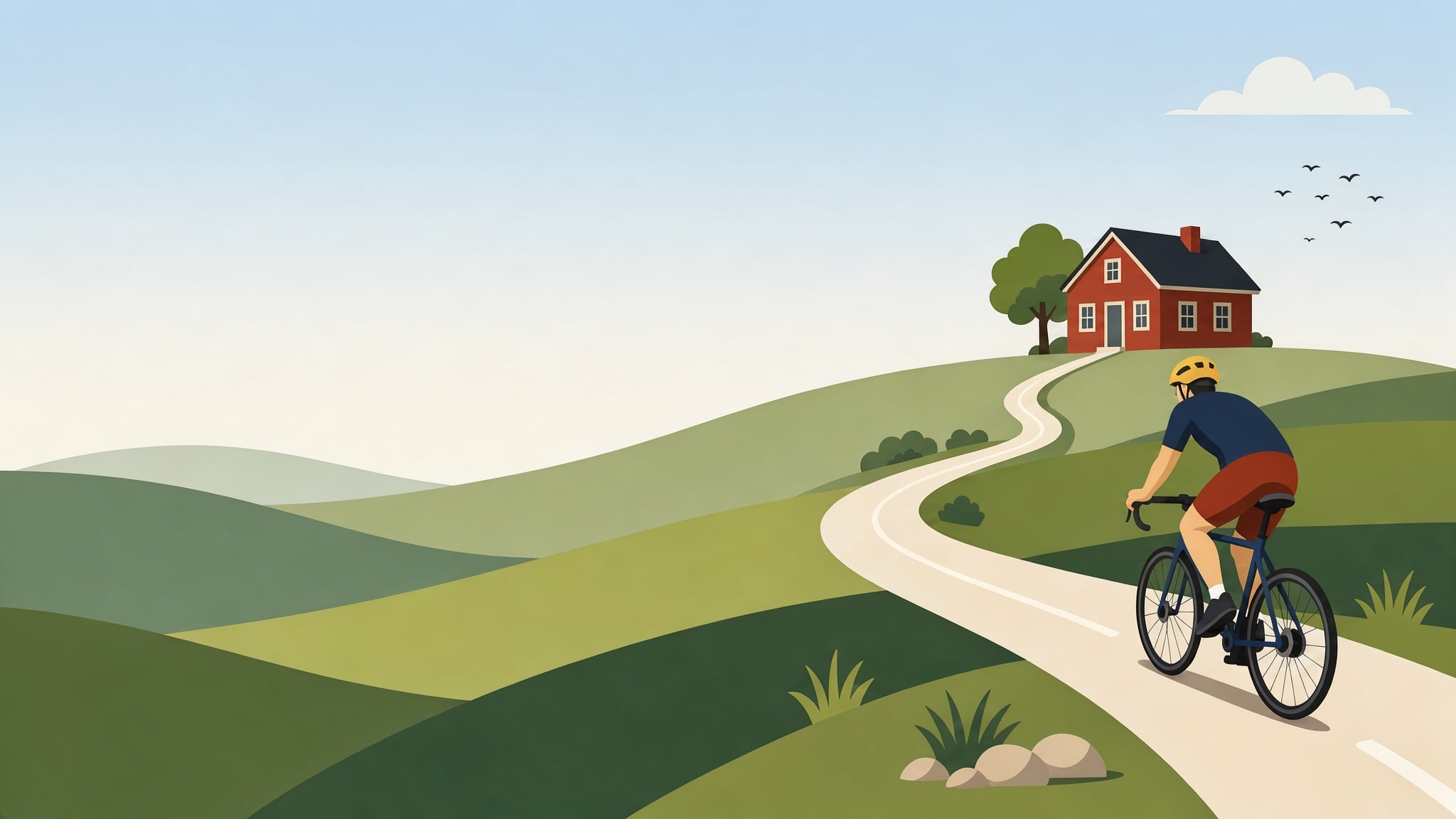
A website banner on FLUX 3 Image with open space left for your headline.
Flat vector illustration website banner of a cyclist riding along a winding road through rolling green hills toward a small red farmhouse, simple shapes, soft sky gradient, generous empty space on the left for a headline.
A vertical paper craft spot on Seedance 2.5, sound included, for stories and reels.
Stop motion paper craft product spot: colorful paper shapes slide in and fold themselves into a coffee cup on a pastel yellow background, a paper steam curl rises, playful snappy timing, paper rustles and a cheerful pluck.
One bakery post with headline text, four models
The same square post prompt, headline included, on four models. Each tile shows what it cost.
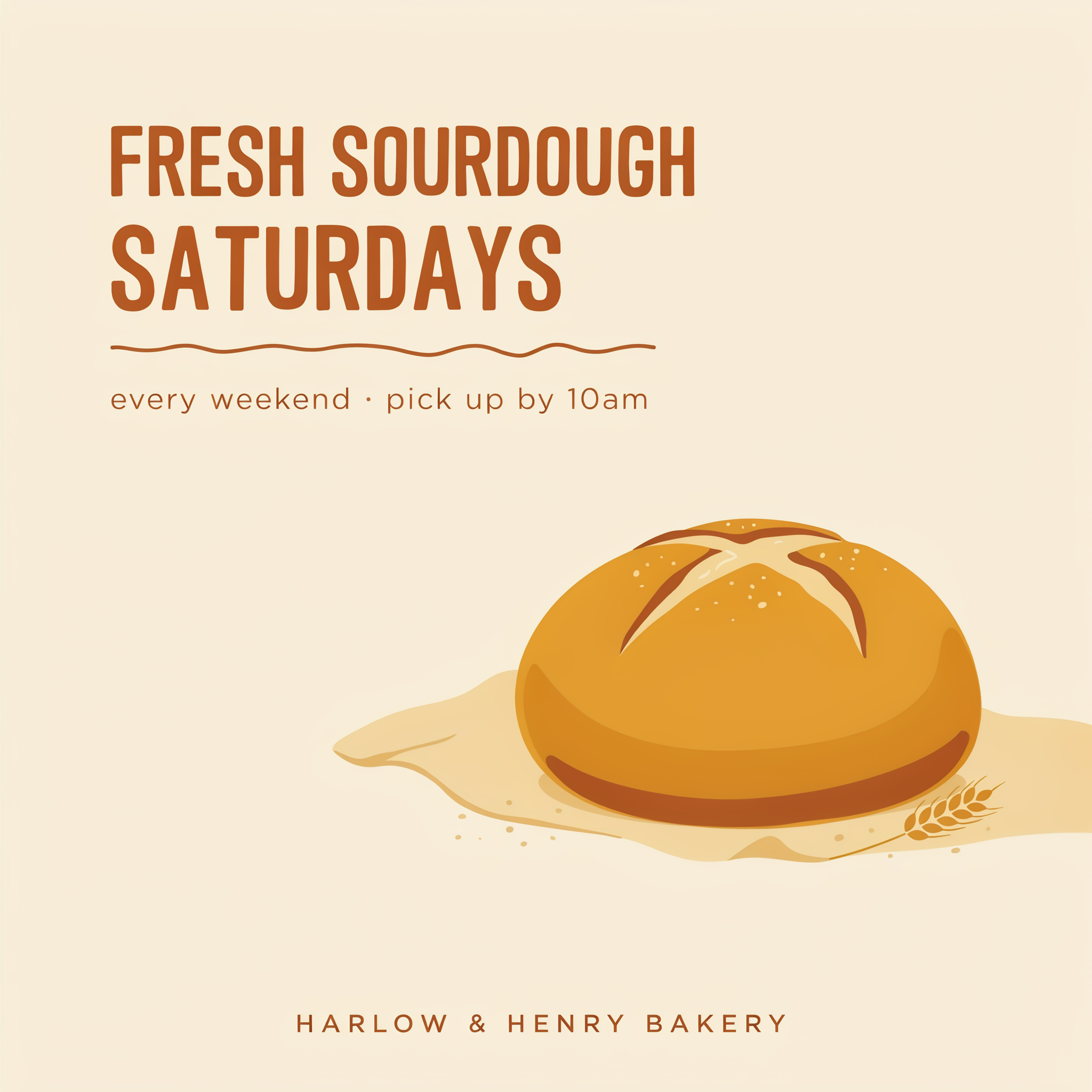
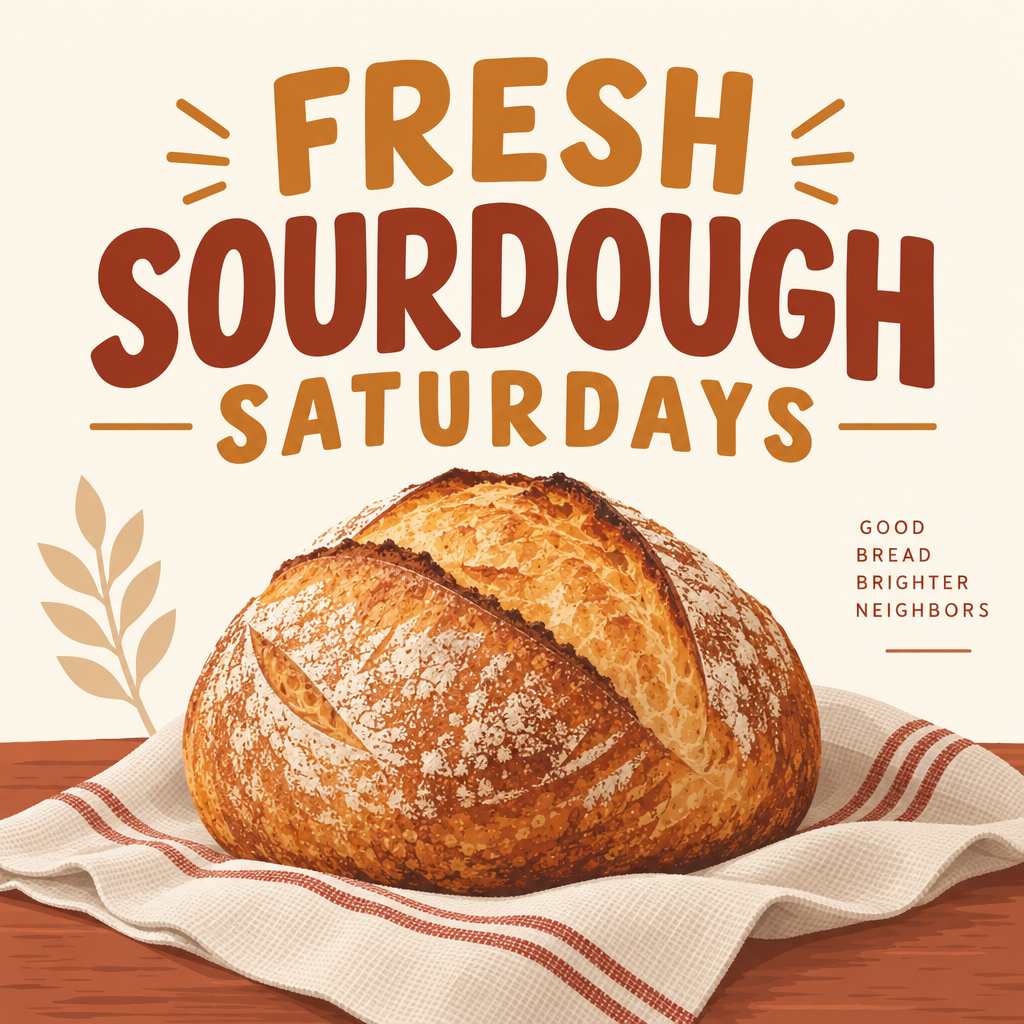
Square social post graphic for a neighborhood bakery: the words "FRESH SOURDOUGH SATURDAYS" in bold friendly lettering, a golden loaf on a linen cloth, warm cream and rust palette, plenty of clean space, flat graphic style.
Square social post graphic for a neighborhood bakery: the words "FRESH SOURDOUGH SATURDAYS" in bold friendly lettering, a golden loaf on a linen cloth, warm cream and rust palette, plenty of clean space, flat graphic style.
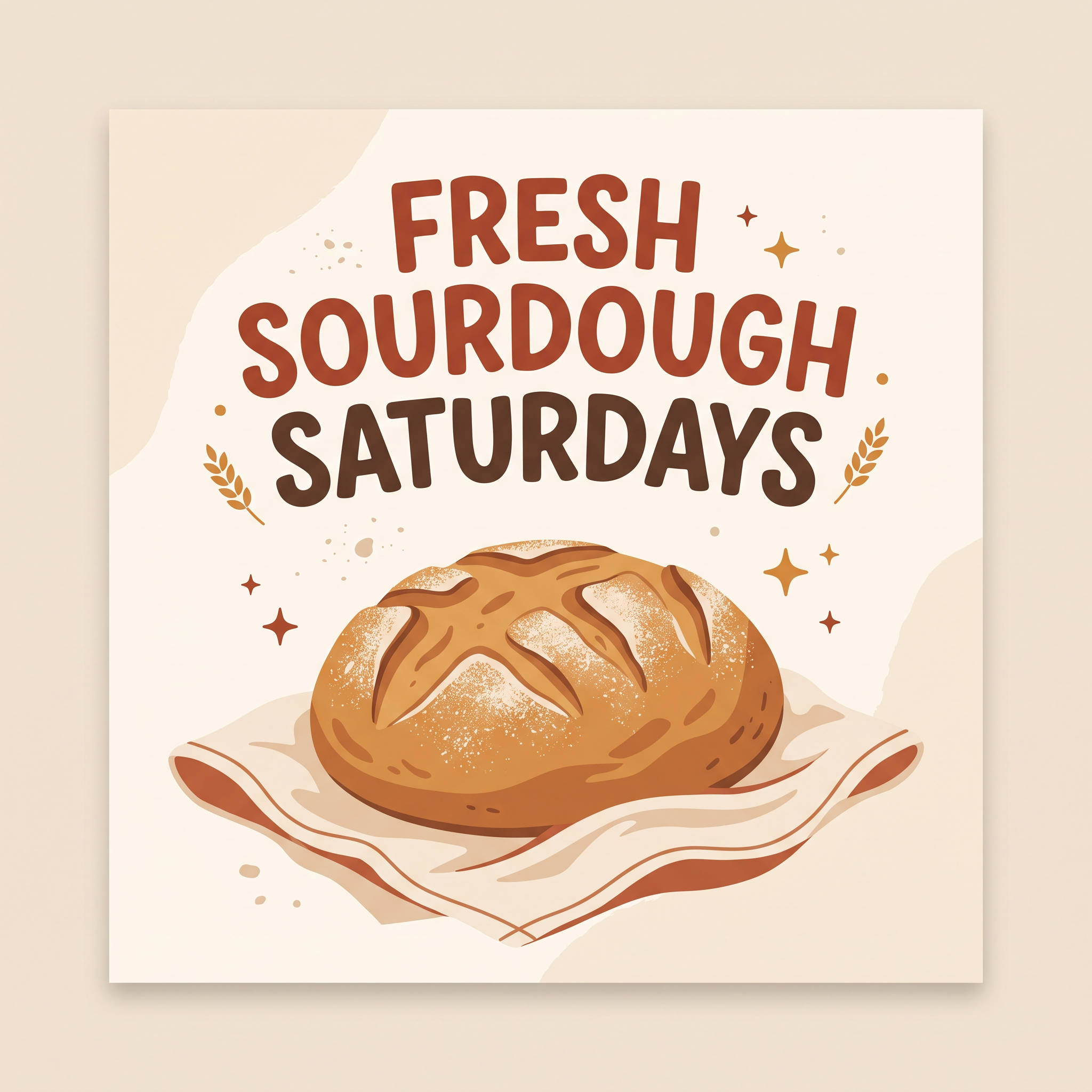
Square social post graphic for a neighborhood bakery: the words "FRESH SOURDOUGH SATURDAYS" in bold friendly lettering, a golden loaf on a linen cloth, warm cream and rust palette, plenty of clean space, flat graphic style.
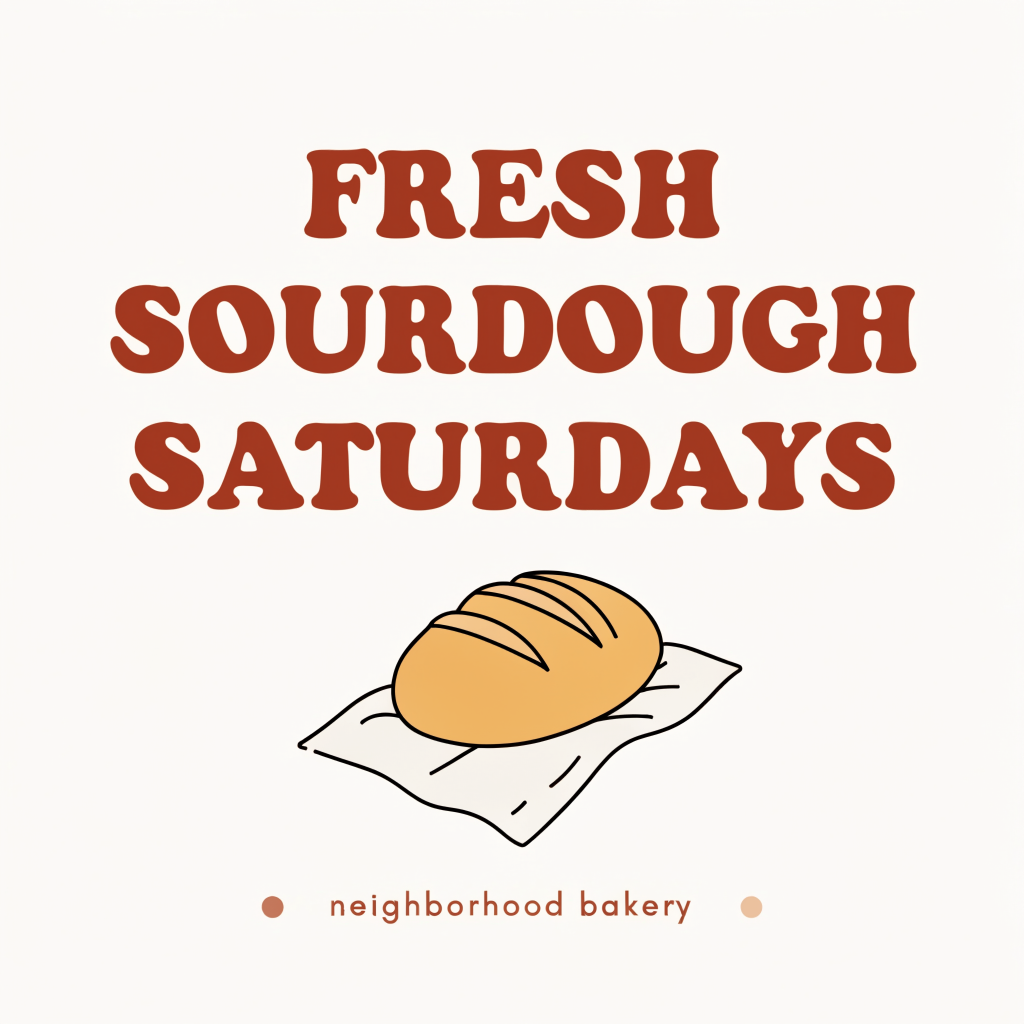
Square social post graphic for a neighborhood bakery: the words "FRESH SOURDOUGH SATURDAYS" in bold friendly lettering, a golden loaf on a linen cloth, warm cream and rust palette, plenty of clean space, flat graphic style.
- All four spelled FRESH SOURDOUGH SATURDAYS correctly on the first try.
- GPT Image 2.5 made the boldest, most finished post: a crusty loaf on a striped cloth and a small tagline.
- Ideogram 4.5 went editorial, with a clean headline, a pickup time line and a bakery name, leaving room for a logo.
- Nano Banana 2.1 framed it as a card with sparkles, and Recraft V4.1 kept it flat and minimal, easy to recolor for a brand.
The models we reach for, and when
Ideogram 4.5 for headlines
Posters, covers and anything where the words are the design. It sets type as written and adds tasteful supporting lines.
GPT Image 2.5 for full layouts
Flyers and infographics with several text blocks, numbered steps or labels in the right places.
Nano Banana 2.1 for products and edits
Clean product shots and mockups, and edits to a photo you already have while keeping the rest intact.
Recraft for brand styles
Flat illustration and vector looks that stay on style across a whole set.
FLUX 3 Image for photo realism
Banners and hero images that need a real photographic finish.
Seedance 2.5 for motion
When the post should move: short vertical clips with sound for stories and reels.
Canva plans vs Pixel Dojo
Canva figures from its pricing page on October 15, 2026.
| At a glance | Canva | Pixel Dojo |
|---|---|---|
| Paid plans | Pro US$144 a year, Business US$250 a year per person | Lite $10, Pro $25, Pro Max $50 a month |
| How AI is metered | A shared AI allowance; Standard, Premium and Ultra tools use it at different rates | Credits, with the price of every model shown before you generate |
| More AI | AI Pass add-on on Pro or Business | Bigger plan or a credit pack |
| Layout, templates, team tools | Yes, the core product | No; export images and clips to your editor |
| Pick the model | Built into Canva's AI tools | You choose: Ideogram, GPT Image, Nano Banana, Recraft, FLUX and more |
| Custom style training | Brand management tools | LoRA trainers for your own style or product |
Why Canva AI users switch to Pixel Dojo
Unlimited on every plan
On every paid plan, Relax runs Qwen Image 2.1, FLUX 3 Image Klein and MiniMax H3 Turbo, plus every video and photo effect, unlimited with no credits spent.
Sensei, the AI director
Describe a project and Sensei plans it, prices it, waits for your approval and reviews every take.
Photo effects
45+ photo effects restyle a picture in one click, from a hand painted anime still to a boxed action figure or a magazine cover, and every one starts from your own upload.
One job AI tools
35 single purpose tools each do one edit from an upload: remove a watermark, an object or text, restore and colorize an old photo, swap a background, retouch a portrait or make a thumbnail.
Character Studio
Save a face once and call it by @name in any prompt, so the same person shows up in every image and clip.
Start from a genre
Pick a format such as a UGC ad, a micro drama, a movie trailer or an explainer, and the matching studio opens with the settings and a sample idea filled in.
Credits that roll over
Your credits roll over while you stay subscribed, so nothing you pay for disappears at the end of the month.
Every top model, plus an API
More than 80 image and 60 video models in one account, with a public API and a hosted MCP server for your own apps and AI assistants.
Pixel Dojo pricing for designers
Plans are Lite $10 a month for 160 credits, Pro $25 for 500 credits, Pro Max $50 for 1,100 credits. Commercial use is included on every plan. Credits roll over while you stay subscribed.
Image models cost a few credits each at the settings shown on the tiles, so you can try the same brief on several models before you pick one.
Canva AI questions
What is the best Canva AI alternative?
For the artwork itself, Pixel Dojo lets you choose the model per job: Ideogram 4.5 for headlines, GPT Image 2.5 for full layouts, Nano Banana 2.1 for products and edits, Recraft for brand styles.
Can AI put correct text on a poster?
Yes, with the right model. In our test above, the bakery headline came out as written; Ideogram 4.5 and GPT Image 2.5 are the ones we use most for text.
How does Canva meter its AI?
Canva's pricing page says its AI tools use a shared allowance at different rates by tool tier, with an AI Pass add-on for more.
Can I use Pixel Dojo images in Canva?
Yes. Download the image or clip and drop it into any Canva design. Commercial use is included on every Pixel Dojo plan.
Switch from Canva AI to Pixel Dojo today
Write a prompt above or start from any example on this page. One plan covers every top model, six studios and Sensei, and your credits roll over.
Start with GPT Image 2.5Sources
Facts about Canva AI come from these public pages, checked on Oct 15, 2026. Prices and plans change; check the source before you buy.