Krea AI Alternatives

Generated on PixelDojo with Flux 2 Pro. Produced by PixelDojo's generation pipeline.
PixelDojo is a strong Krea AI alternative if you want fast, high-quality image generation and enhancement across multiple flagship models in one studio. Krea AI is a creative AI platform known for real-time image generation, visual iteration, upscaling, and easy experimentation. It is especially useful when you want to sketch an idea quickly and adjust visuals as you go. PixelDojo is built for creators who want that speed of exploration plus model choice, side-by-side comparison, and production-ready outputs from models like Ideogram 4, Z Image Turbo, Grok Imagine, P-Image, hidream, and Flux 2 Pro.
Real image examples generated on PixelDojo
Every example below was produced on PixelDojo. Hover to see the prompt.
A highly detailed
stable-diffusion

Image of an ai painting a human and a human painting an ai
flux
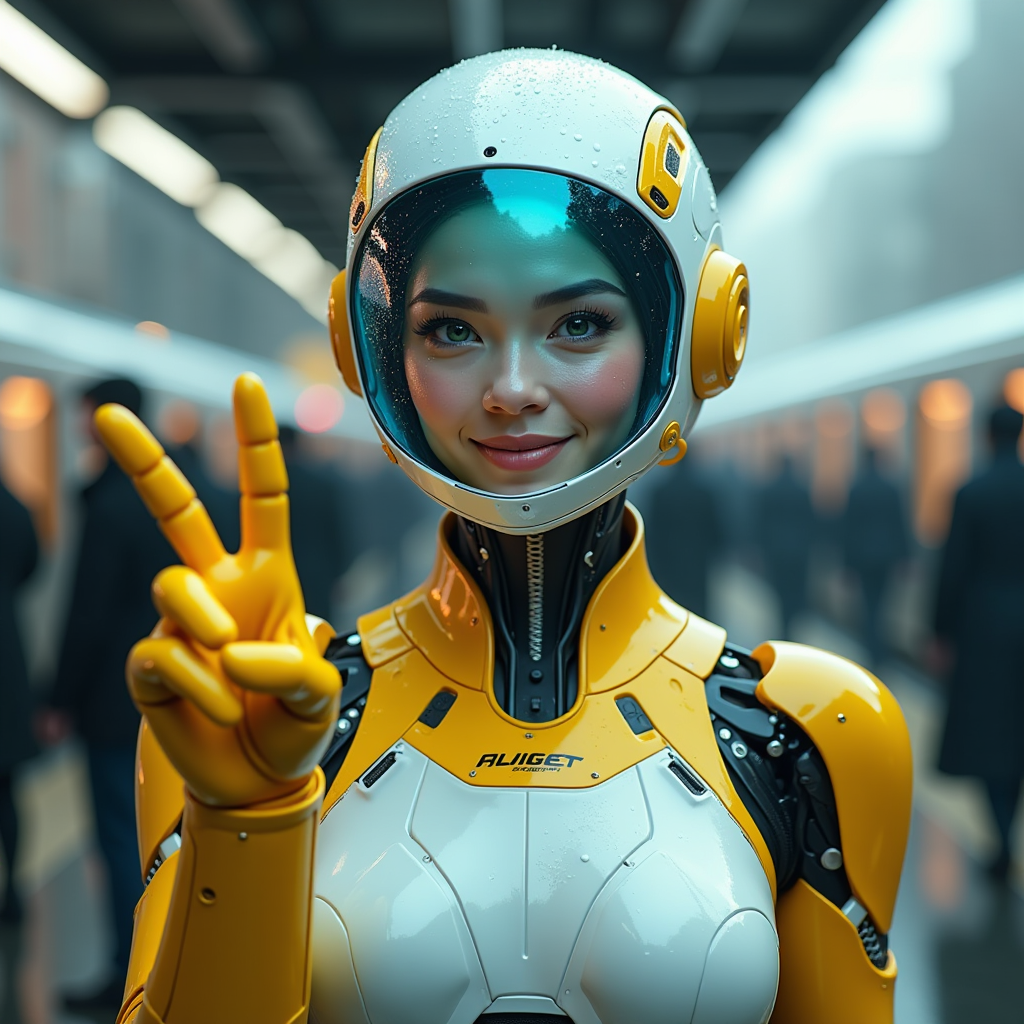
A hyper-realistic image of a female AI robot standing at a train station
flux

Create image of very beautiful AI robot woman in bed a happy man under the covers
flux
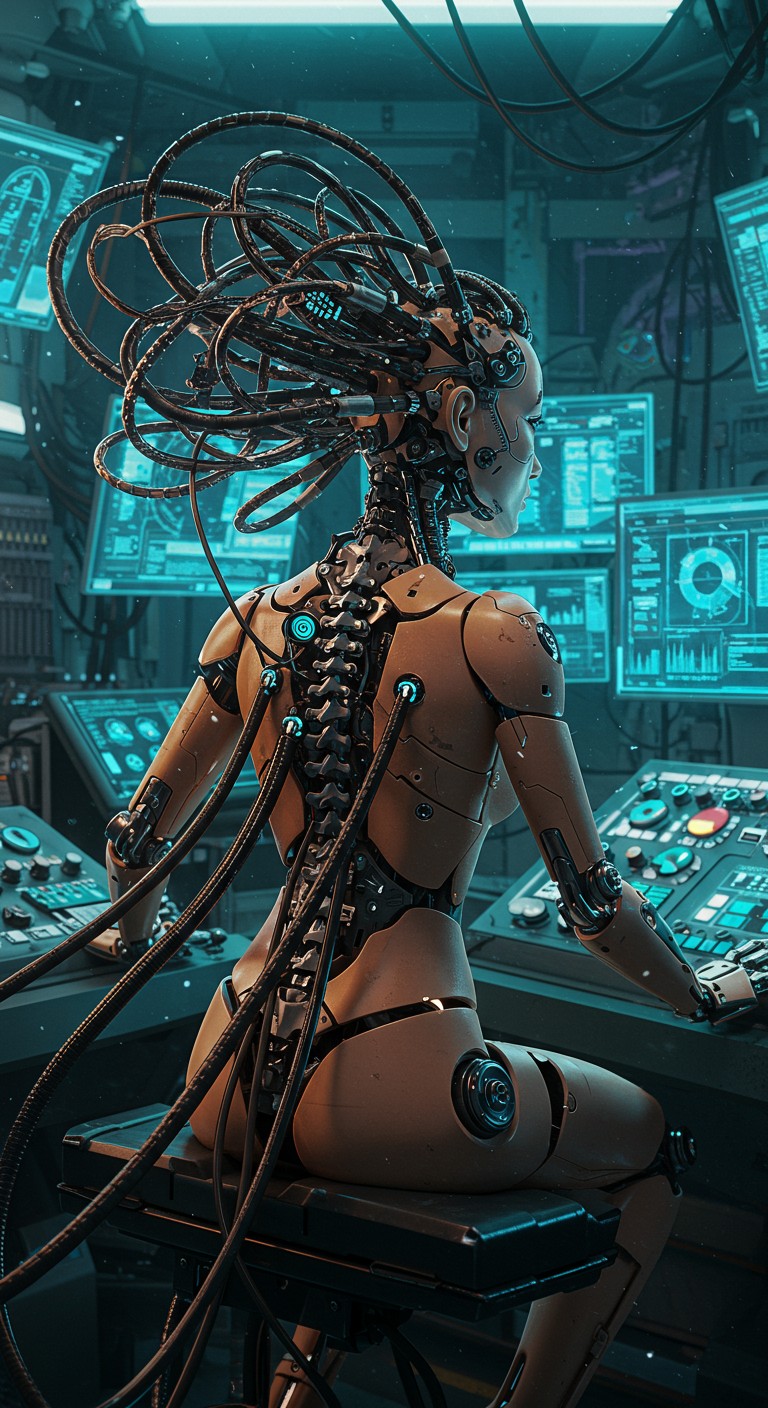
Synthetic Deity Refined from the prompt by Francesco Bianco
imagen
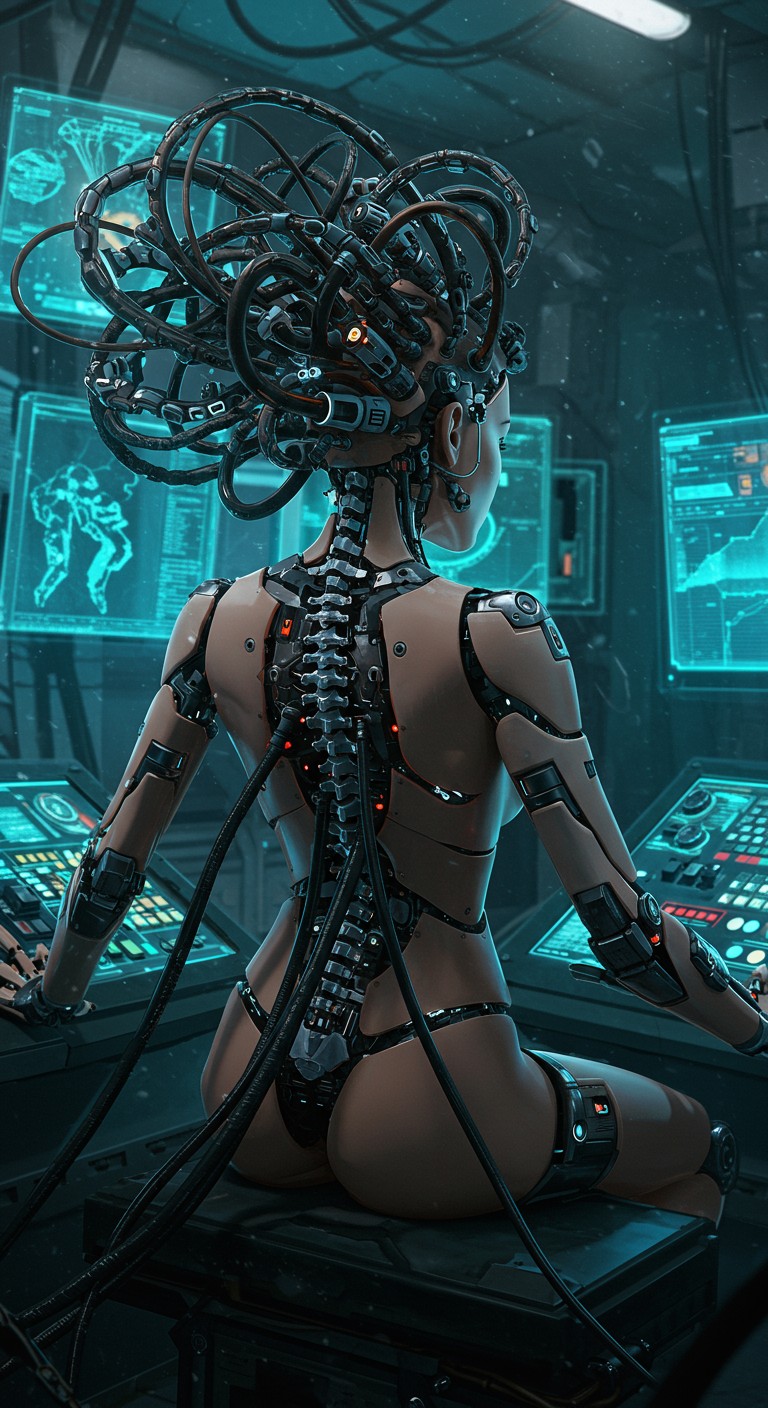
Synthetic Deity Refined from the prompt by Francesco Bianco
imagen
Models you can run on PixelDojo for Krea AI Alternatives
Switch models without switching tools. Each one runs in the same PixelDojo studio.
What you can do with Krea AI Alternatives on PixelDojo
Multiple Image Generation Models
We support several AI models so you can select the best one for each image task.
Adjustable Prompt Parameters
We let you modify steps, guidance, and other values to refine output during generation.
Organize Projects in Folders
We include folders so you can group and manage related image sets over time.
Download Images in Bulk
We enable batch downloads of generated images directly to your local storage.
Why Choose Pixel Dojo for Krea AI Alternatives
Professional-quality results with cutting-edge AI technology
Choose the best model for each job
A single krea workflow can be fast and flexible, but different prompts often need different model strengths. PixelDojo lets you compare multiple flagship models on the same prompt, then pick the result that fits your image, brand, or campaign.
Move quickly from idea to usable image
PixelDojo supports rapid generation, enhancement, and iteration, including options that fit realtime ai image generator workflows. Z Image Turbo produced the comparison prompt in 2.7s, while other models offer different balances of speed, realism, detail, and composition.
Enhance and refine without changing tools
Creators switch to PixelDojo when they want generation and enhancement in one multi-model studio. Create the first image, improve resolution or polish, then keep testing variations without being locked into a single model style.
How It Works
Start with one prompt
Enter the same prompt once and run it across multiple image models to see how each model interprets composition, style, lighting, text, and detail.
Compare speed and quality
Review outputs in a side-by-side grid with real model speeds, from Z Image Turbo at 2.7s to Ideogram 4 at 53.8s, so you can decide whether speed, precision, or finish matters most.
Enhance the winner
Select the best result, then refine or enhance it for a stronger final image. PixelDojo keeps generation, comparison, and improvement inside one creator-focused studio.
Loved by creators on PixelDojo
Real feedback from people using PixelDojo, pulled from our in-product surveys.
super easy to use
it's very easy to use
Practically every Ai suite in one place? Who wouldn't?
versatile menu of tools
Best AI tool availble the suite is rad
Versatility quality, value, ROI, innovation
Explore more AI tools on PixelDojo
Popular AI Models
AI Tools
Compare & Switch
- Best AI Image Generators
- Best AI Video Generators
- Midjourney Alternatives
- Civitai Alternatives
- Runway Alternatives
- Leonardo Alternatives
- Pika Alternatives
- Luma Alternatives
- Magnific Alternatives
- Veo Alternatives
- Flux Alternatives
- Freepik Alternatives
- Seedance Alternatives
- Seedream Alternatives
- Pixverse Alternatives
- GPT Image Alternatives
- Synthesia Alternatives
- Playground Alternatives
- NightCafe Alternatives
- Canva AI Alternatives
- ElevenLabs Alternatives
- ComfyUI Alternatives
- Fal Alternatives
- Replicate Alternatives
Common Questions
Everything you need to know about Krea AI Alternatives
What is Krea AI good at?
Krea AI is good at real-time visual exploration, fast concepting, image generation, enhancement, and creative iteration. It is a useful tool for quickly shaping an idea and seeing visual changes as you work.
Why choose PixelDojo as a Krea AI alternative?
Choose PixelDojo if you want access to multiple flagship image models in one studio, fast generation options, high-quality enhancement, and side-by-side comparison on the same prompt. It helps creators pick the right model for each image instead of relying on one generation style.
Does PixelDojo include a realtime ai image generator workflow?
PixelDojo supports fast image generation workflows for rapid iteration. In the comparison grid, Z Image Turbo completed the shared prompt in 2.7s, making it a strong option when speed is the priority.
Which PixelDojo model is fastest in this comparison?
Z Image Turbo is the fastest model shown, completing the shared prompt in 2.7s. Grok Imagine at 5s and P-Image at 5.2s are also strong choices for quick iteration.
Which model should creators use for the highest quality?
Quality depends on the prompt and desired style. Ideogram 4 is the slowest in this grid at 53.8s, but it can win when careful composition, typography, and polished design output matter. Flux 2 Pro at 10.2s is a strong option for detailed, refined images with a faster turnaround.