Gigapixel alternative
Topaz Gigapixel alternative for graphics: four upscalers, one poster, every letter checked
For posters, illustrations and game art, Pixel Dojo runs Clarity Pro, Magnific, P-Image Upscale and the Creative Upscaler in the browser, prices each one before you click, and kept every letter of our poster intact at 4x.
Gigapixel has dedicated Text & Shapes and Art & CG models, which tells you graphics are their own problem. We made a small travel poster with three lines of lettering and enlarged it 4x on four upscalers to see which ones keep type and flat color clean.
1 credit ($0.06) per image at 1K. Included in every plan, from $10/month.
Already a member? Sign in
By Brian Lovett · Updated

Gigapixel alternative: quick answers
What is Topaz Gigapixel?
A desktop AI image upscaler for Windows and macOS, also a Photoshop and Lightroom Classic plugin. Topaz lists models including Wonder, Standard, High Fidelity, Low Res, Text & Shapes, Art & CG, Recover, Redefine and Face Recovery, and upscaling up to 16x.
What does Gigapixel cost?
Topaz lists Gigapixel Personal at $29 a month, or $149 a year paid up front, and Pro at $499 a year.
Can I use Gigapixel commercially?
Topaz says Personal covers commercial use for organizations under $1M a year in revenue, and Pro gives full commercial use.
What is the browser alternative?
Pixel Dojo runs four AI upscalers in the browser with commercial use on every plan, next to the image and video models that make the art in the first place.
Art and CG worth enlarging, made here first
Every image below was made on Pixel Dojo with the prompt shown on its tile.
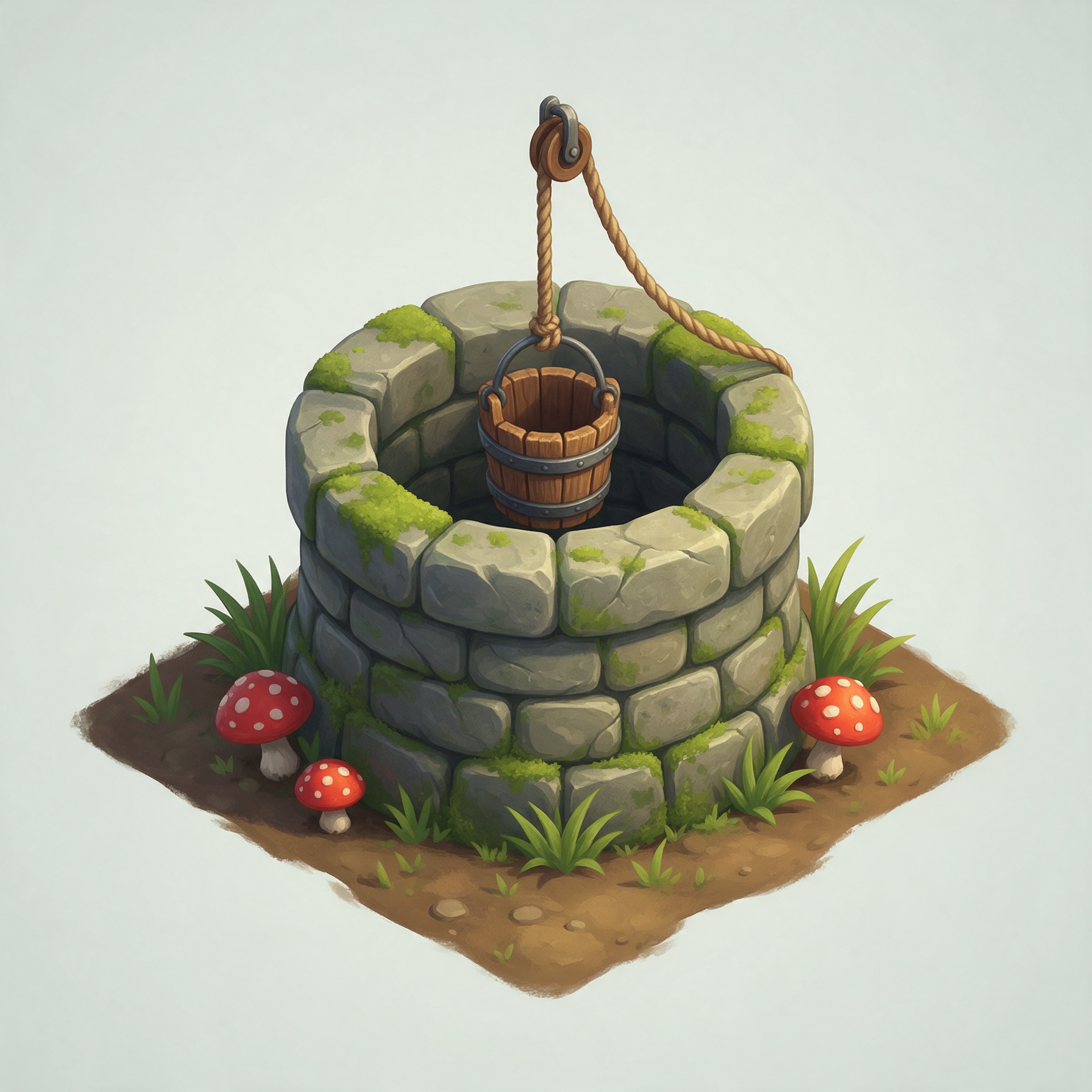
A hand painted game asset on Seedream 5.
Isometric game tile of a mossy stone well with a wooden bucket on a rope, red spotted mushrooms and tufts of grass around its base, on a small square of earth, hand painted texture, soft top light, plain pale background.
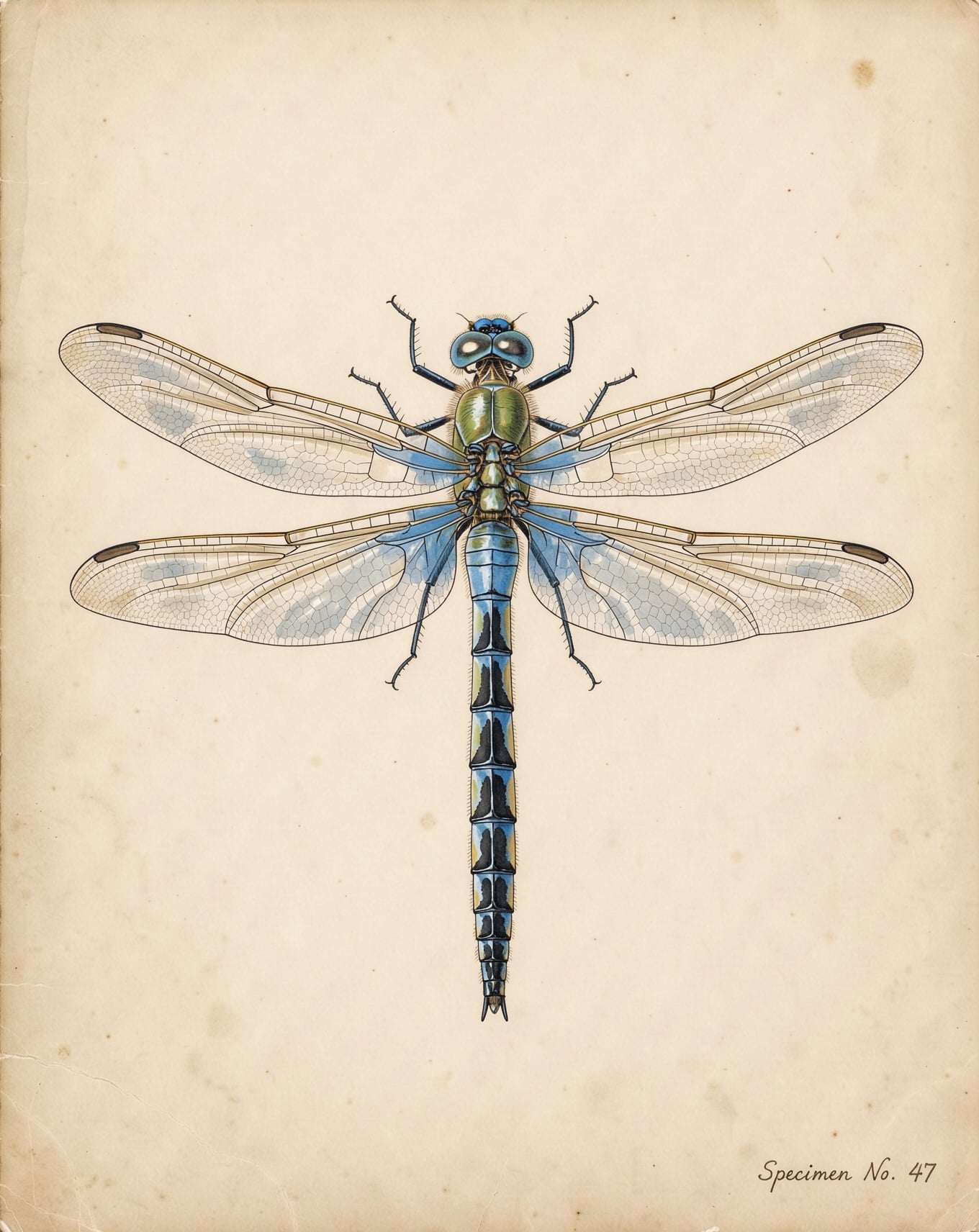
A natural history plate on FLUX 3 Image for 1 credit.
Scientific illustration plate of a blue emperor dragonfly seen from above, wings spread with every vein drawn in fine ink, delicate watercolor wash, aged cream paper, small handwritten style specimen number in the corner.
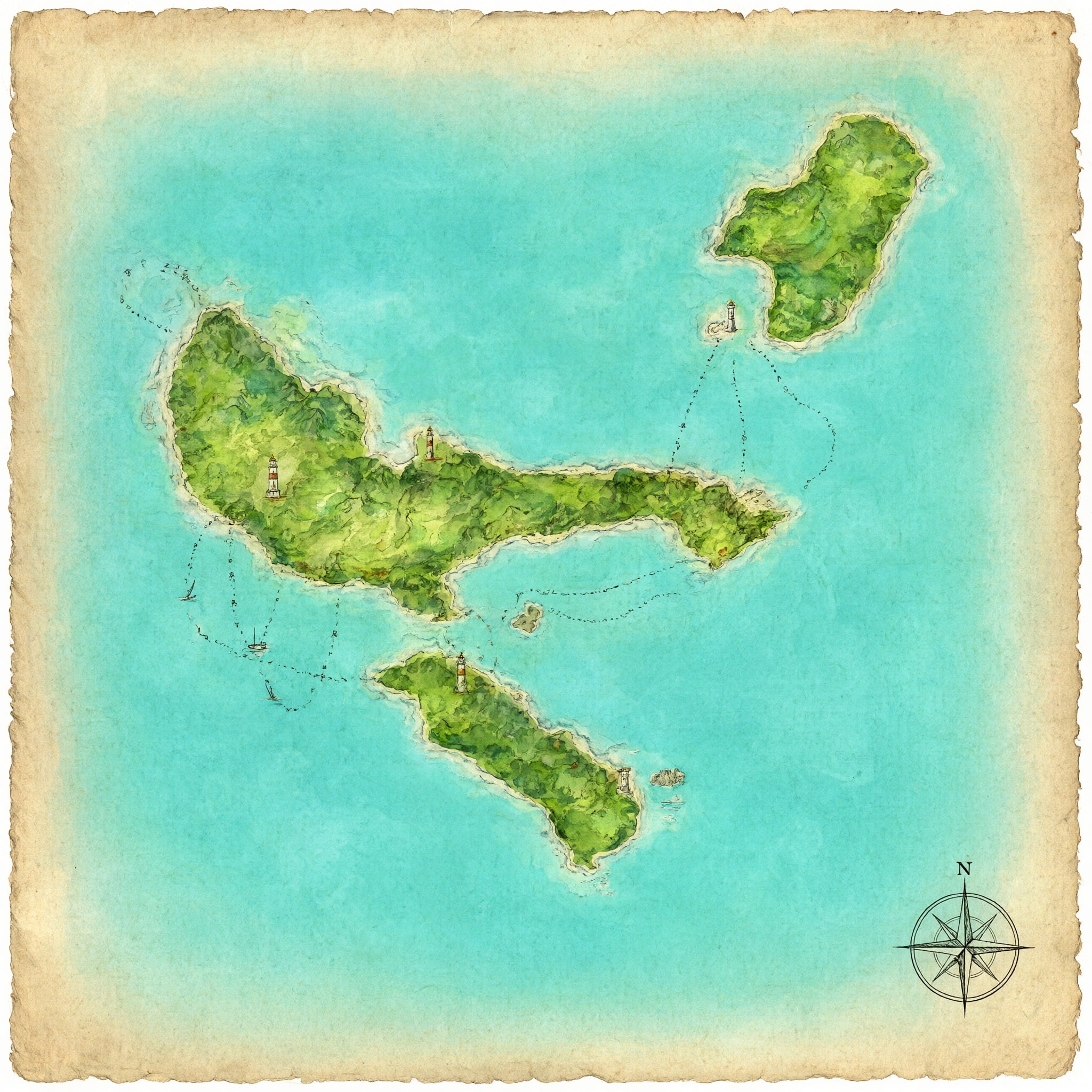
An illustrated map on Qwen Image 2.1, the kind of art that gets printed big.
Hand painted watercolor map of an invented island archipelago seen from above, turquoise shallows, green hills, tiny lighthouses and dotted sailing routes, aged paper edges, a compass rose in the corner, no lettering.

A product style 3D render on GPT Image 2.5 for 2 credits.
3D render of a small round toy robot made of brushed copper and cream enamel with a single glowing teal eye, standing on a matte grey surface, studio lighting with soft reflections, shallow depth of field.
A 896 pixel poster enlarged 4x on four upscalers
We made the poster on Nano Banana 2.1 at 896 by 1200 pixels, then enlarged it to about 3584 by 4800 on each upscaler, about 17 megapixels, enough for a print at 12 by 16 inches. Each tile shows its settings and credits.




- All four kept every letter of SUMMIT LINE, LAKE RESORT and SNOWY PEAKS, COLORADO at 4x, with no invented or broken characters.
- P-Image Upscale stayed closest to the original colors and shapes for 0.5 credits.
- Clarity Pro and Magnific gave the cleanest letter edges and flattest color fills; Magnific also added a subtle printed grain.
- The Creative Upscaler brightened the colors and added fresh small detail, the one to pick for a refresh.
Topaz Gigapixel plans vs Pixel Dojo
Everything in the Topaz Gigapixel column comes from its Gigapixel product page, read on October 15, 2026.
| Compared on | Topaz Gigapixel | Pixel Dojo |
|---|---|---|
| Price | Personal $29 a month or $149 a year; Pro $499 a year | Lite $10 a month for 160 credits, Pro $25 for 500 credits, Pro Max $50 for 1,100 credits |
| Commercial use | Personal for organizations under $1M a year in revenue; full commercial use on Pro | Commercial use on every plan |
| Where it runs | Windows and macOS desktop app or Photoshop and Lightroom Classic plugin, with cloud rendering | In any browser, plus a public API and hosted MCP server |
| Upscalers | Wonder, Standard, High Fidelity, Low Res, Text & Shapes, Art & CG, Recover, Redefine and Face Recovery models | Clarity Pro, Magnific, P-Image Upscale, Portrait Upscaler and Creative Upscaler |
Why graphics need a different upscaler than photos
A photo upscaler is trained to invent believable texture: pores, fabric, leaves. On a poster that instinct backfires. Flat color picks up mottling, straight edges wobble and letters can grow strokes that were never there.
For graphics you want the opposite: hold the shapes, sharpen the edges and leave the flat areas flat. That is why Magnific has a precision mode with an art and illustration setting, and why Clarity Pro and P-Image Upscale suit type better than a creative model.
Our rule of thumb from this test: faithful upscalers for logos, lettering and print files, and the Creative Upscaler only when you want the art itself repainted.
Why Topaz Gigapixel users switch to Pixel Dojo
Unlimited on every plan
On every paid plan, Relax runs Qwen Image 2.1, FLUX 3 Image Klein and MiniMax H3 Turbo, plus every video and photo effect, unlimited with no credits spent.
Sensei, the AI director
Describe a project and Sensei plans it, prices it, waits for your approval and reviews every take.
One job AI tools
35 single purpose tools each do one edit from an upload: remove a watermark, an object or text, restore and colorize an old photo, swap a background, retouch a portrait or make a thumbnail.
Photo effects
45+ photo effects restyle a picture in one click, from a hand painted anime still to a boxed action figure or a magazine cover, and every one starts from your own upload.
Character Studio
Save a face once and call it by @name in any prompt, so the same person shows up in every image and clip.
Credits that roll over
Your credits roll over while you stay subscribed, so nothing you pay for disappears at the end of the month.
Every top model, plus an API
More than 80 image and 60 video models in one account, with a public API and a hosted MCP server for your own apps and AI assistants.
What a 4x poster upscale costs on Pixel Dojo
Plans are Lite $10 a month for 160 credits, Pro $25 for 500 credits, Pro Max $50 for 1,100 credits. Every plan includes every model and commercial use. Credits roll over while you stay subscribed.
At about 17 megapixels, P-Image Upscale cost 0.5 credits, the Creative Upscaler 2.5, Clarity Pro 18 and Magnific 26. The source poster cost 1. Every tile lists its own price.
Under our refund policy, a first purchase can be refunded within 7 days, in full if under 20% of the credits are used and pro-rated after that.
Topaz Gigapixel questions
What is the best Gigapixel alternative for posters and text?
In our test Clarity Pro and Magnific in precision mode kept letters crispest at 4x, and P-Image Upscale stayed most faithful for 0.5 credits. All run in the browser on Pixel Dojo.
How much does Topaz Gigapixel cost?
Topaz lists Gigapixel Personal at $29 a month or $149 a year and Pro at $499 a year.
Can AI upscaling ruin text in an image?
A creative upscaler can redraw letters and shapes. Use a faithful upscaler such as Clarity Pro, Magnific precision or P-Image Upscale for anything with lettering.
Is there a Gigapixel alternative that runs online?
Yes. Pixel Dojo runs Clarity Pro, Magnific, P-Image Upscale, the Portrait Upscaler and the Creative Upscaler in any browser, with the credit price shown before each run.
Switch from Topaz Gigapixel to Pixel Dojo today
Write a prompt above or start from any example on this page. One plan covers every top model, six studios and Sensei, and your credits roll over.
Start with Nano Banana 2.1Sources
Facts about Topaz Gigapixel come from these public pages, checked on Oct 15, 2026. Prices and plans change; check the source before you buy.