Design
AI Logo Generator: a clean logo with your name spelled right
Type your brand name and what you do, and get a clean vector-style logo with the name spelled exactly, ready for a profile picture, a sign or a business card.
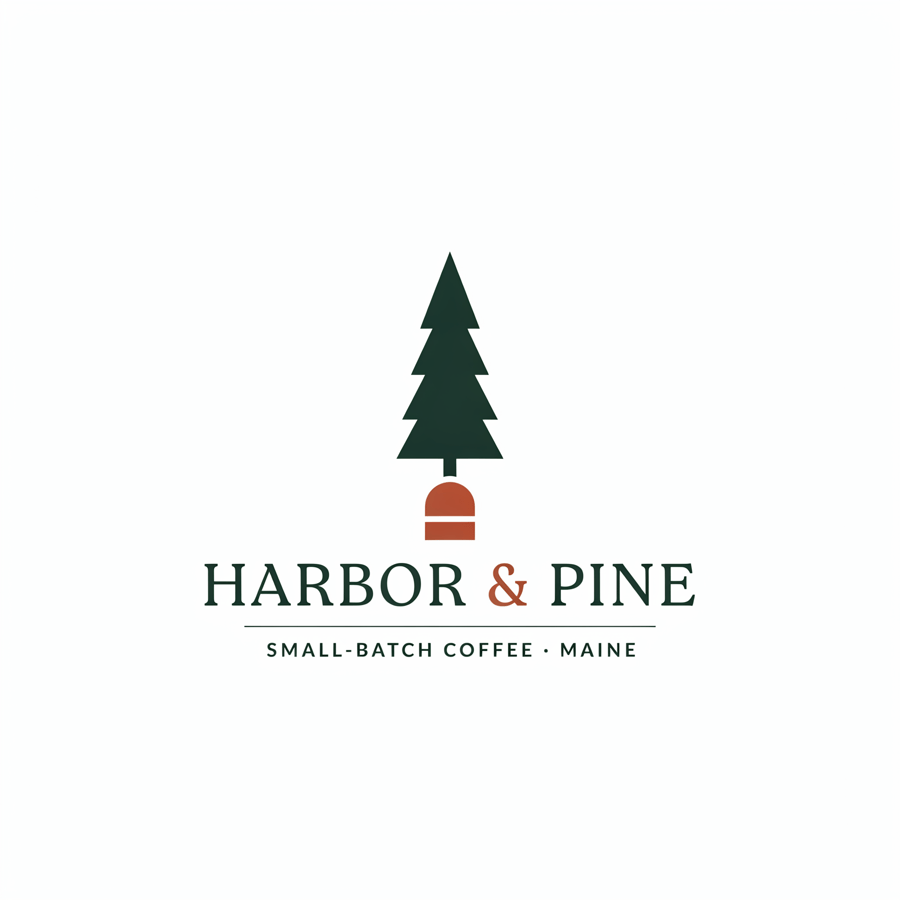
After, straight from our test, no retouching
Fill in "Brand name" to start.
What AI Logo Generator does
AI Logo Generator makes a clean, flat logo from your brand name and a few words about the business, with the name spelled exactly.
How to use AI Logo Generator
- Fill in brand name and what the business is.
- Press Generate. The instructions for the job are already set up, so there is no prompt to write.
- Your image shows up right on the page. Save it to your library or download it.
Tips for the best result
- Keep the name short; two or three words lay out best.
- Mention the industry and a feeling, like "friendly" or "premium".
- Run it a few times and keep the direction you like.
Ideas for using it
- A first logo for a new business or side project.
- Quick concepts to brief a designer.
- Logos for events, podcasts and clubs.
More tools

YouTube Thumbnail Maker
A click-worthy thumbnail with your face and title.
AI Poster Generator
Event posters with real, readable text.
Invitation Card Maker
Party, wedding and event invites in seconds.


Photo Collage Maker
Your photos, one designed collage.


Watermark Remover
Lift text and logo watermarks off your own photos.

Object Remover
Type what to erase and it is gone.
Want motion instead? Video Effects turn one photo into a 5 second clip.
Go further
AI Logo Generator FAQ
Will the name be spelled right?
It runs on an engine chosen for exact text. In my test the name came out spelled exactly right.
Can I get a vector file?
It makes a high-resolution image on white. For a vector file, run it through a vectorizer.
Is AI Logo Generator free?
AI Logo Generator is included with every PixelDojo plan and costs a few credits per image, shown on the Generate button before you run it.
Who owns the result, and can I use it commercially?
We assign you whatever rights we hold in the result, so you can use it in your own projects, commercial ones included, as long as what you uploaded was yours to use. Unsaved results are deleted after 24 hours, so save the ones you want to keep.