Vidu Alternatives
Generated on PixelDojo with Seedance 2. Produced by PixelDojo's generation pipeline.
PixelDojo is a strong Vidu alternative when you want image-to-video AI and reference-driven video across several leading models in one studio. Vidu, also known as Vidu AI, is an AI video generation platform that creates video from text and images. It is good for quick concept clips, expressive motion, and turning stills into short videos. PixelDojo is built for creators who want to compare outputs, switch models, and keep refining a visual direction without being locked into one video engine.
Real video examples generated on PixelDojo
Every example below was produced on PixelDojo. Hover to see the prompt.
Pix-vertical
image-to-video
Sd-vertical
image-to-video
Handheld selfie-style medium shot
image-to-video

Cynematic image of a couple watching a movie on a laptop
flux
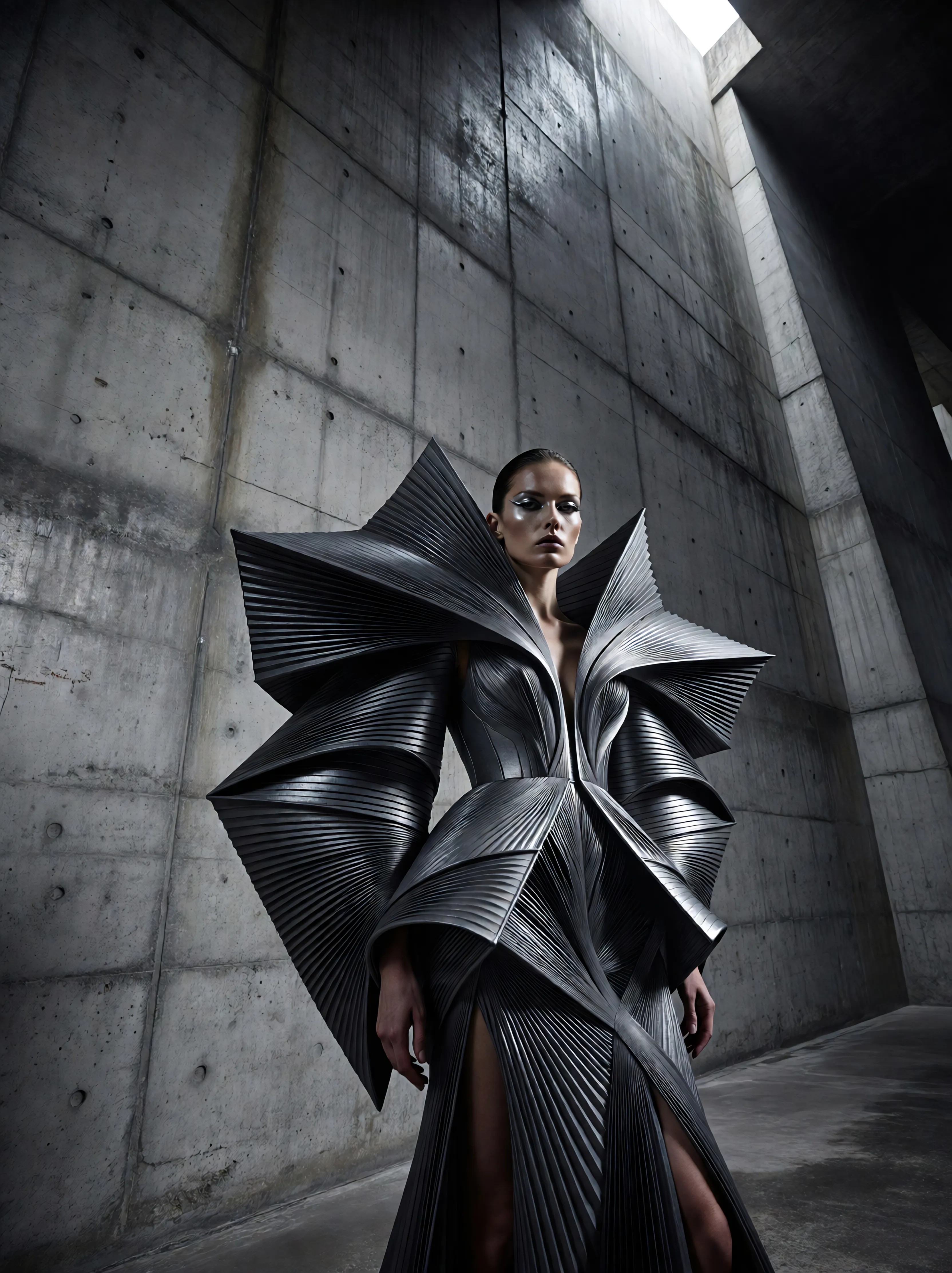
Ia-fashion
image-to-image
A mural transforms into a living metal animal
image-to-video
Models you can run on PixelDojo for Vidu Alternatives
Switch models without switching tools. Each one runs in the same PixelDojo studio.
What you can do with Vidu Alternatives on PixelDojo
Generate Videos from Text
We enable creators to produce video content using descriptive text inputs.
Adjust Video Resolution Settings
Users can choose output resolutions suitable for different platforms.
Control Motion and Timing
We support adjustments to movement and pacing within generated sequences.
Export Videos in Standard Formats
Creators can download completed videos for use in other tools.
Why Choose Pixel Dojo for Vidu Alternatives
Professional-quality results with cutting-edge AI technology
Run the same idea across multiple video models
Instead of guessing which model will handle your prompt best, PixelDojo lets you compare several leading generators side by side. The page grid shows the same prompt run through Pixverse V6, Seedance 1, WAN, and Kling models with real generation speeds.
Better fit for reference-driven workflows
PixelDojo supports creators who start with an image, character, product shot, or style reference and need controlled video variations. That makes it useful for image to video AI projects where consistency matters across multiple attempts.
Choose by output, speed, and use case
Vidu is useful when its style and motion fit the job. PixelDojo helps when you need options: faster previews, cinematic motion, stylized looks, or a different interpretation of the same prompt without rebuilding the project elsewhere.
How It Works
Start with a prompt or image reference
Describe the shot you want, upload a reference image when needed, and set the direction for motion, mood, framing, and style.
Compare models on the same creative brief
Run the same prompt through multiple video models and review the results in one comparison grid, including real generation times.
Refine with the model that fits the shot
Pick the best result, adjust the prompt or reference, and continue iterating with the model that gives the strongest balance of speed, style, and control.
Loved by creators on PixelDojo
Real feedback from people using PixelDojo, pulled from our in-product surveys.
Great for all your ideas use it encourage more people to use it
Because it is awesome
exceptional quality and great overall design of platform and interface. very intuative. love the creative freedom.
Qwen image 2 is amazing!!
Creative freedom, range of tools and options.
I love the training feature
Explore more AI tools on PixelDojo
Popular AI Models
AI Tools
Compare & Switch
- Best AI Image Generators
- Best AI Video Generators
- Midjourney Alternatives
- Civitai Alternatives
- Runway Alternatives
- Leonardo Alternatives
- Pika Alternatives
- Luma Alternatives
- Magnific Alternatives
- Veo Alternatives
- Flux Alternatives
- Freepik Alternatives
- Seedance Alternatives
- Seedream Alternatives
- Pixverse Alternatives
- GPT Image Alternatives
- Synthesia Alternatives
- Playground Alternatives
- NightCafe Alternatives
- Canva AI Alternatives
- ElevenLabs Alternatives
- ComfyUI Alternatives
- Fal Alternatives
- Replicate Alternatives
Common Questions
Everything you need to know about Vidu Alternatives
What is Vidu?
Vidu is an AI video generation platform, often searched as Vidu AI, that creates videos from text prompts and images. It is good at quick video concepts, image-to-video clips, and visually expressive motion.
Why look for a Vidu alternative?
Creators often look for a Vidu alternative when they want more model choice, different motion styles, reference-based workflows, or a way to compare several AI video generators on the same prompt.
How is PixelDojo different from Vidu?
Does PixelDojo support image to video AI?
Yes. PixelDojo supports image-to-video AI workflows, including projects that begin with a reference image, product image, character design, or visual style target.
Which model should I use first in PixelDojo?
Start with the comparison grid. Pixverse V6 is the fastest option shown at 49s, while Seedance, WAN, and Kling models may be better for different motion, cinematic structure, or prompt interpretation needs.