AI Photo Editor
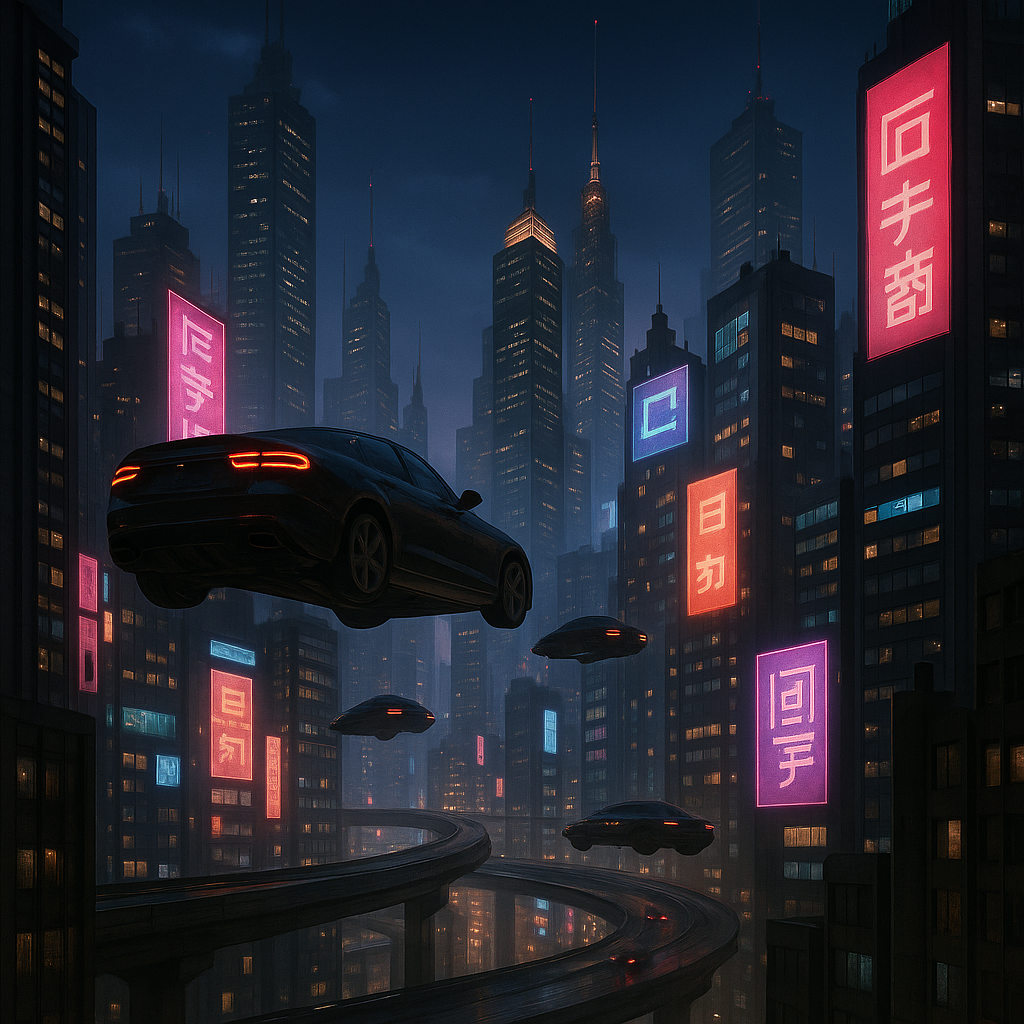
Generated on PixelDojo with GPT Image 2. Produced by PixelDojo's generation pipeline.
PixelDojo is an ai photo editor for natural-language changes to real images: describe the ai photo edit you want, compare results from flagship models, and choose the version that fits your goal. Swap backgrounds, remove objects, restyle a scene, clean up distractions, or retouch details without jumping between separate tools. PixelDojo brings leading image models into one ai image editor so you can edit photo with ai using the same prompt, then compare quality, style, and speed side by side.
Real image examples generated on PixelDojo
Every example below was produced on PixelDojo. Hover to see the prompt.
Make it photo realistic edit
stable-diffusion
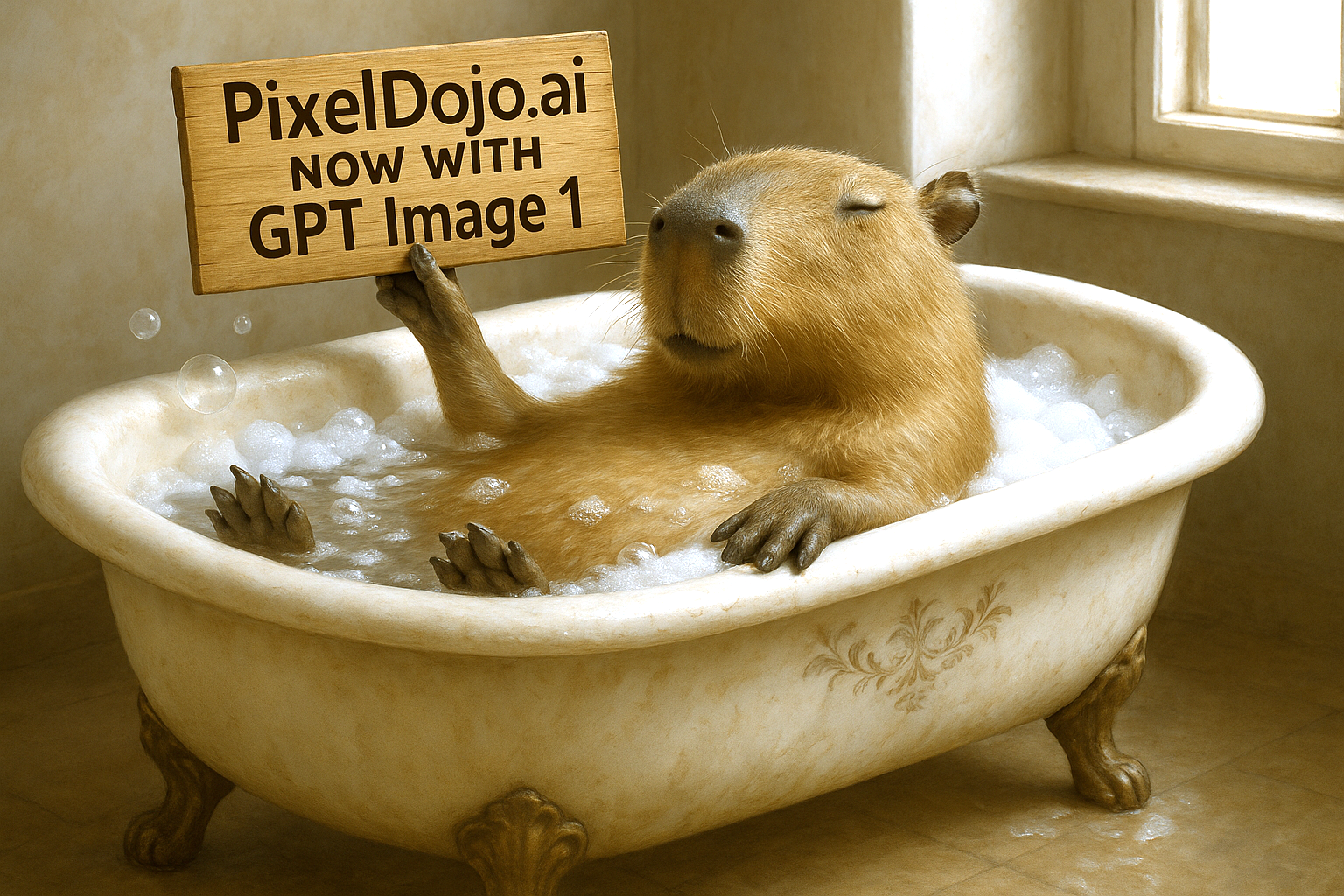
Make it photo realistic edit
stable-diffusion
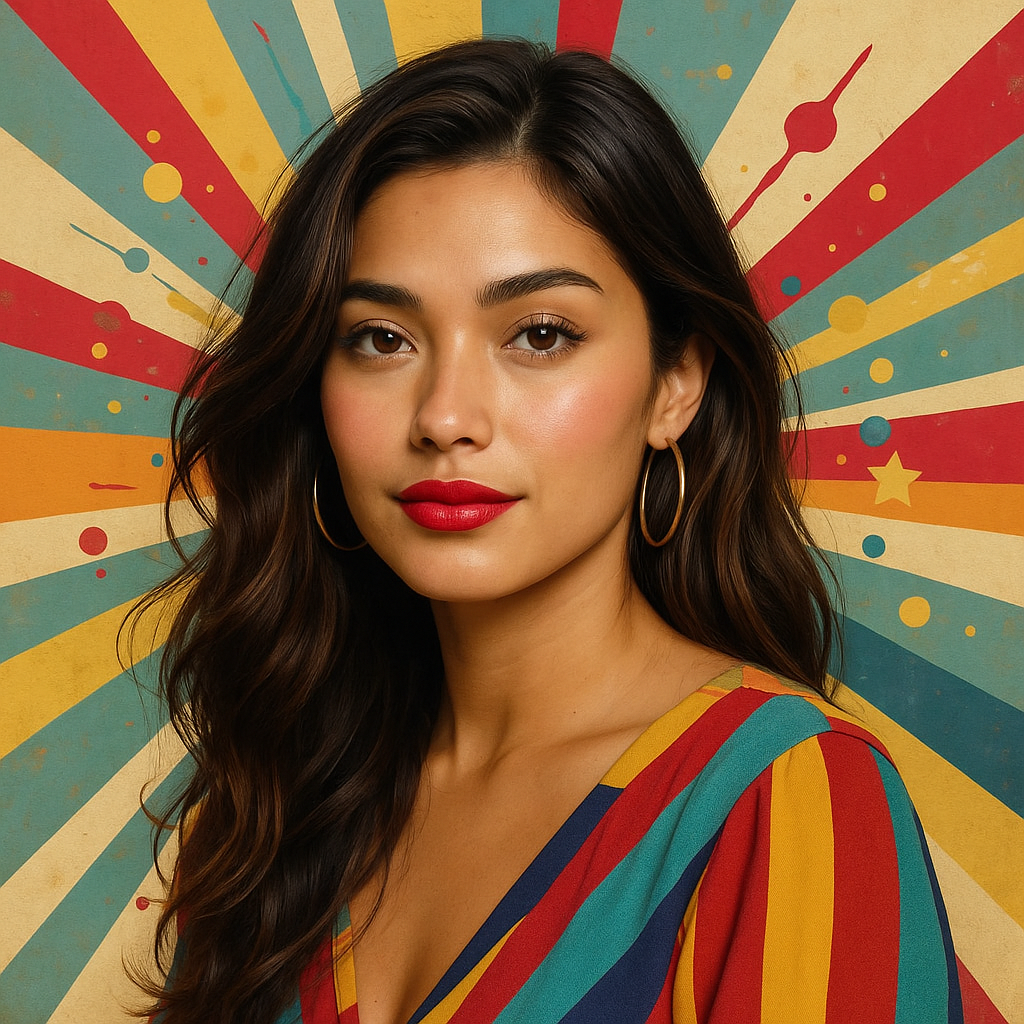
Make this photo realistic edit
stable-diffusion
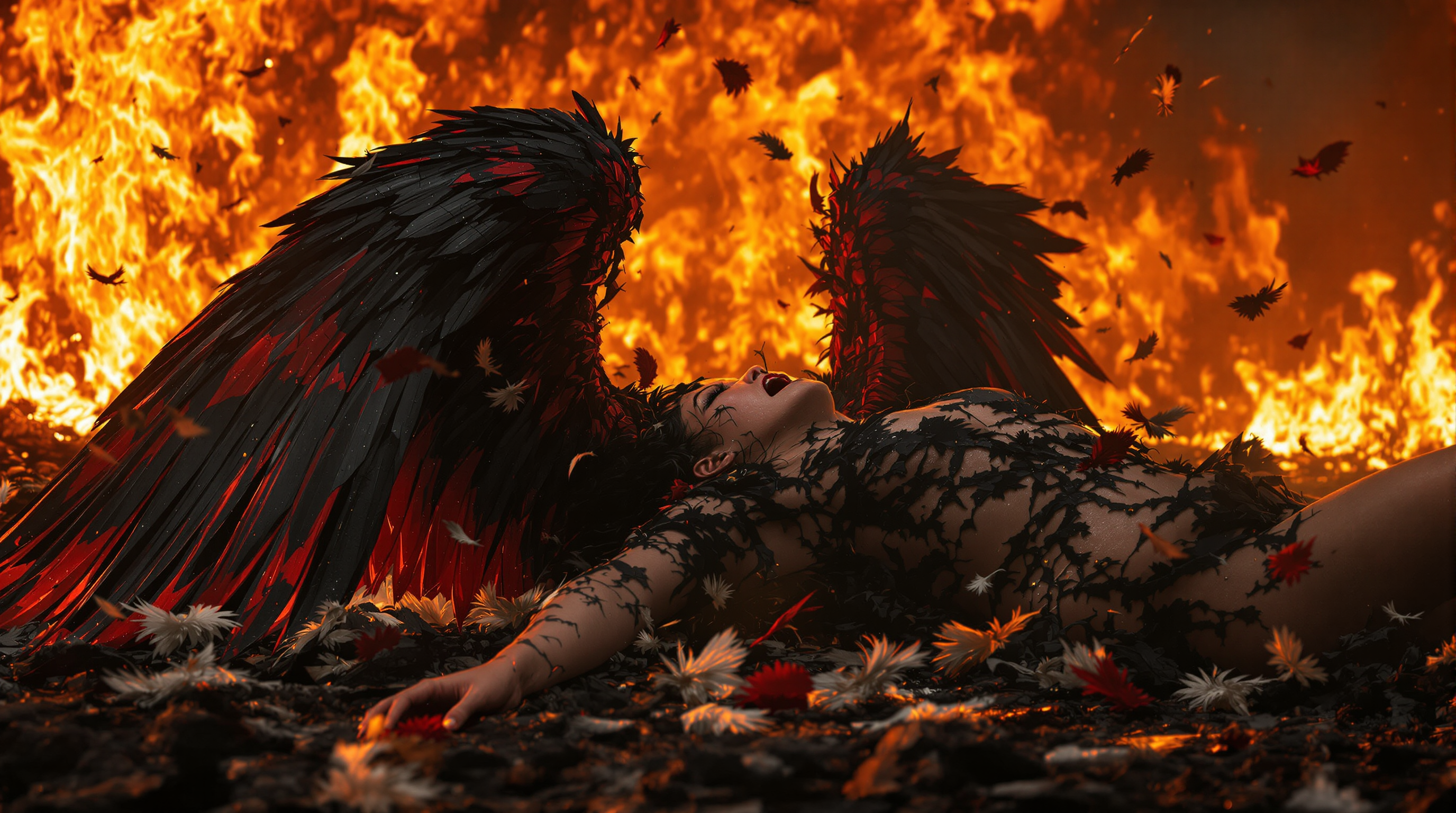
A stunning 8K wallpaper captures a fallen angel
flux
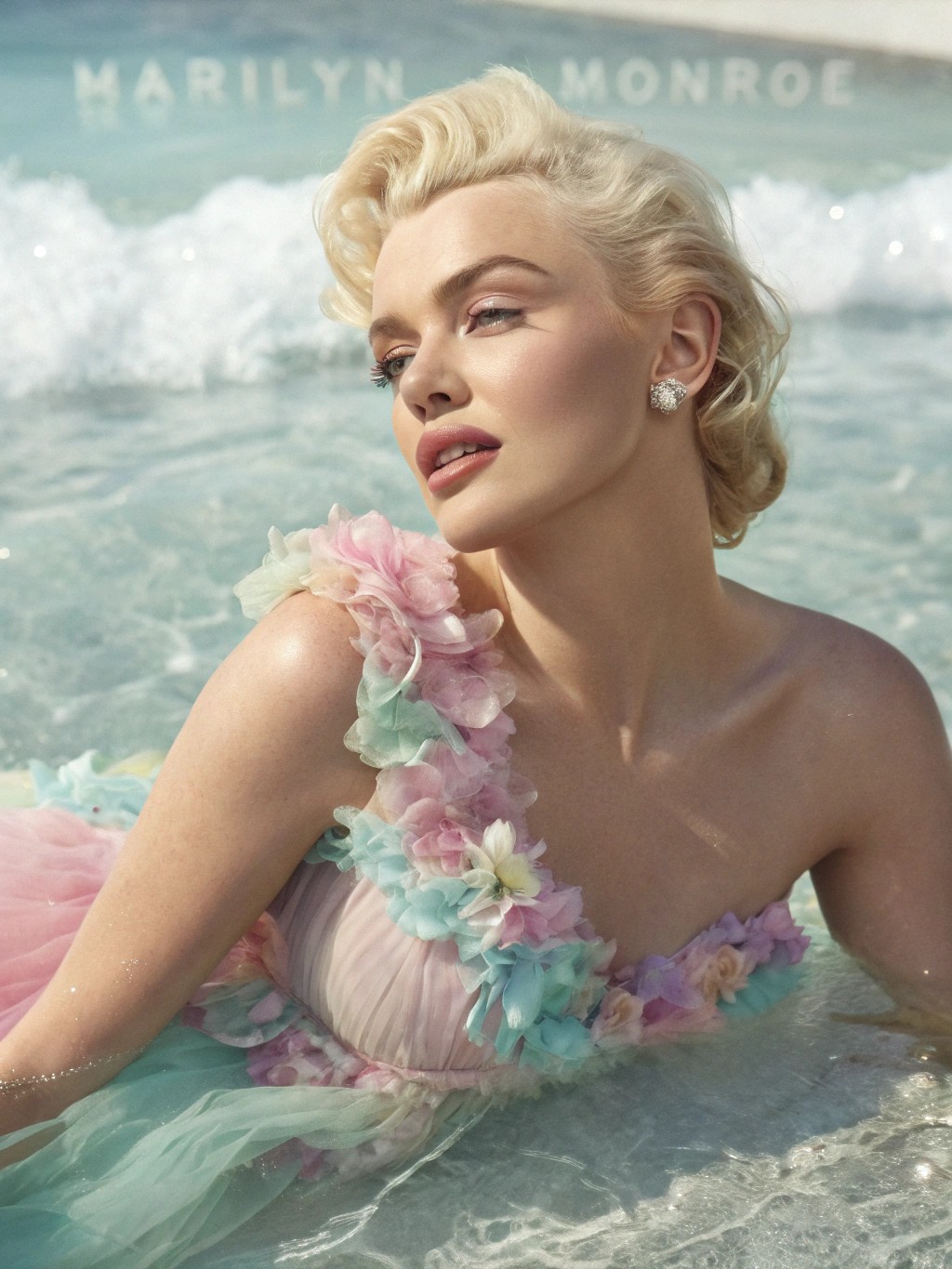
A hyperrealistic
recraft
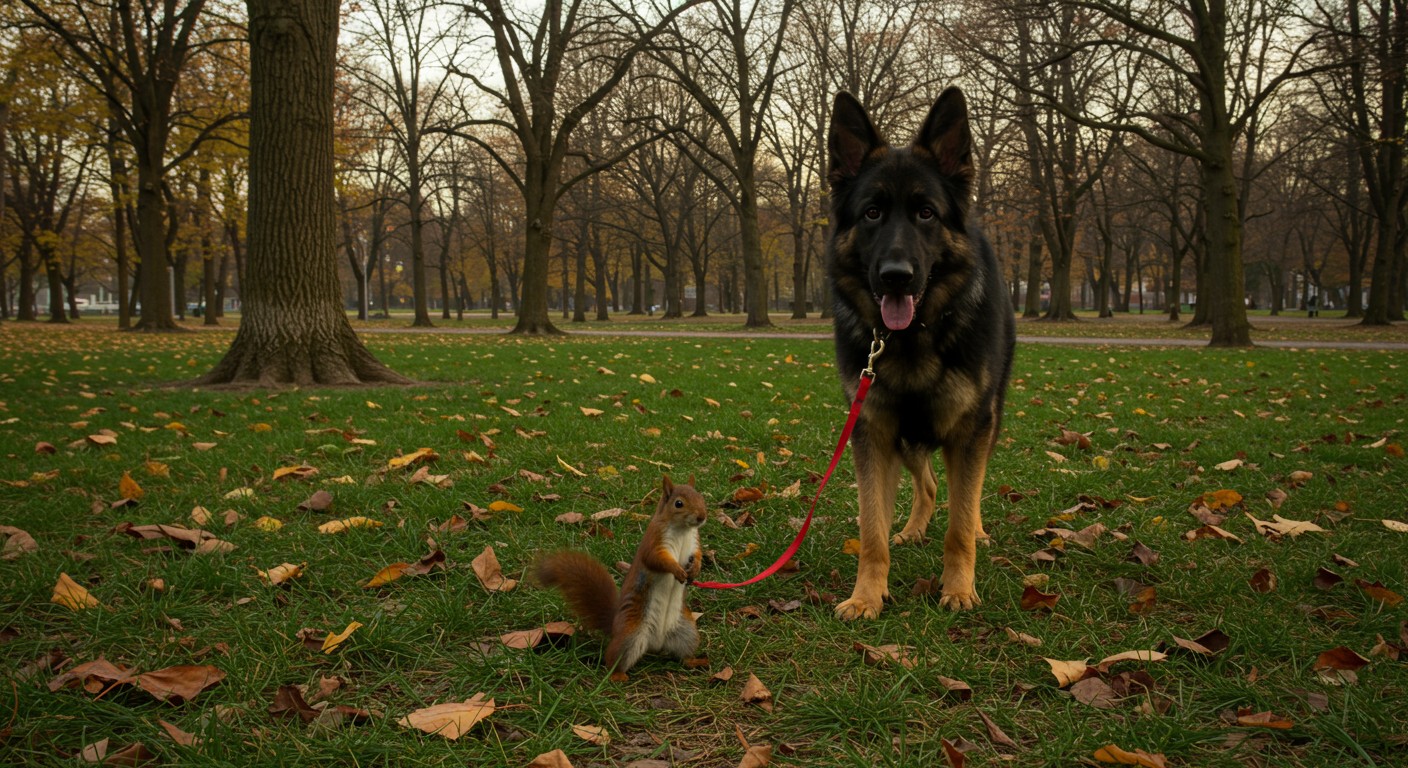
A high-resolution
imagen
Models you can run on PixelDojo for AI Photo Editor
Switch models without switching tools. Each one runs in the same PixelDojo studio.
What you can do with AI Photo Editor on PixelDojo
Generate Images from Text
We convert written prompts into new images using our AI models.
Edit Photos with Prompts
Creators upload images and apply changes through text instructions.
Produce Image Variations
We create multiple versions of a base image from one prompt.
Output High Resolution Files
Generated images are delivered at resolutions ready for web or print.
Why Choose Pixel Dojo for AI Photo Editor
Professional-quality results with cutting-edge AI technology
Edit with plain language
Type what should change, such as replacing a busy street with a studio backdrop, removing a logo, softening lighting, or retouching skin while keeping the subject recognizable.
Compare flagship models in one grid
Run the same prompt across Ideogram 4, Z Image Turbo, Grok Imagine, P-Image, hidream, and Flux 2 Pro to see which model gives the strongest result for your image.
Cover everyday photo tasks
Use PixelDojo for ai photo editing workflows including background swaps, object removal, style changes, product cleanup, portrait polish, and creative restyling.
How It Works
Upload your photo
Start with the image you want to edit, whether it is a product shot, portrait, social post, interior scene, or creative concept.
Describe the change
Write a clear instruction in natural language, such as "remove the chair in the background" or "change the setting to a bright coastal kitchen."
Compare and download
Review outputs from multiple models, check the speed and visual result in the comparison grid, then save the version that works best.
Loved by creators on PixelDojo
Real feedback from people using PixelDojo, pulled from our in-product surveys.
The site is easy to navigate and use.
All the tools, readily available and easy to understand
You guys, the LORA training is the BEST in the space right now, great job with that!
Tons of variety. Ease of use. Tools for beginners and advance users.
easiest workflow to get best output image or video
awesome functionality, UX, constant flood of improvements, discord interactivity
Explore more AI tools on PixelDojo
Popular AI Models
AI Tools
Compare & Switch
- Best AI Image Generators
- Best AI Video Generators
- Midjourney Alternatives
- Civitai Alternatives
- Runway Alternatives
- Leonardo Alternatives
- Pika Alternatives
- Luma Alternatives
- Magnific Alternatives
- Veo Alternatives
- Flux Alternatives
- Freepik Alternatives
- Seedance Alternatives
- Seedream Alternatives
- Pixverse Alternatives
- GPT Image Alternatives
- Synthesia Alternatives
- Playground Alternatives
- NightCafe Alternatives
- Canva AI Alternatives
- ElevenLabs Alternatives
- ComfyUI Alternatives
- Fal Alternatives
- Replicate Alternatives
Common Questions
Everything you need to know about AI Photo Editor
What can I do with PixelDojo's AI Photo Editor?
You can swap backgrounds, remove unwanted objects, restyle an image, adjust mood and lighting, retouch portraits, clean up product photos, and create alternate versions from a single natural-language prompt.
How is PixelDojo different from a single ai image editor?
PixelDojo lets you run the same edit across multiple flagship models and compare the results in one place, so you can pick based on accuracy, style, and generation speed.
Do I need advanced prompt skills?
No. Simple instructions work well. Describe what should stay, what should change, and any style or lighting direction you want the model to follow.
Which model should I use for the fastest ai photo editing?
Z Image Turbo is the fastest model in this comparison at 2.7s, making it a strong first pass for quick drafts, background swaps, and fast iteration.
Can I compare different models on the same prompt?
Yes. The page shows each listed model run on the same prompt, making it easier to evaluate speed, detail, composition, and edit quality side by side.