在 PixelDojo 生成的實際圖片範例
以下每個範例都是在 PixelDojo 上製作。將滑鼠移到上方即可查看提示詞。
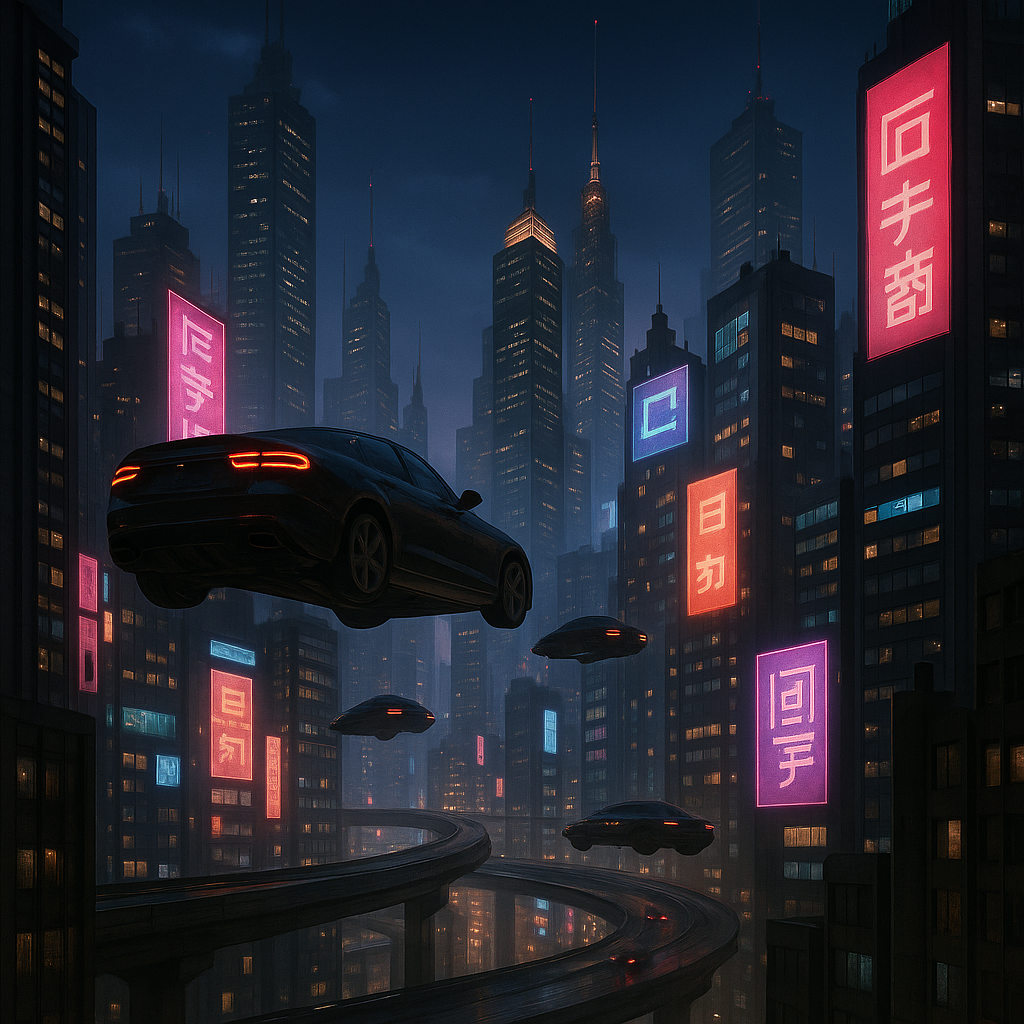
Make it photo realistic edit
stable-diffusion
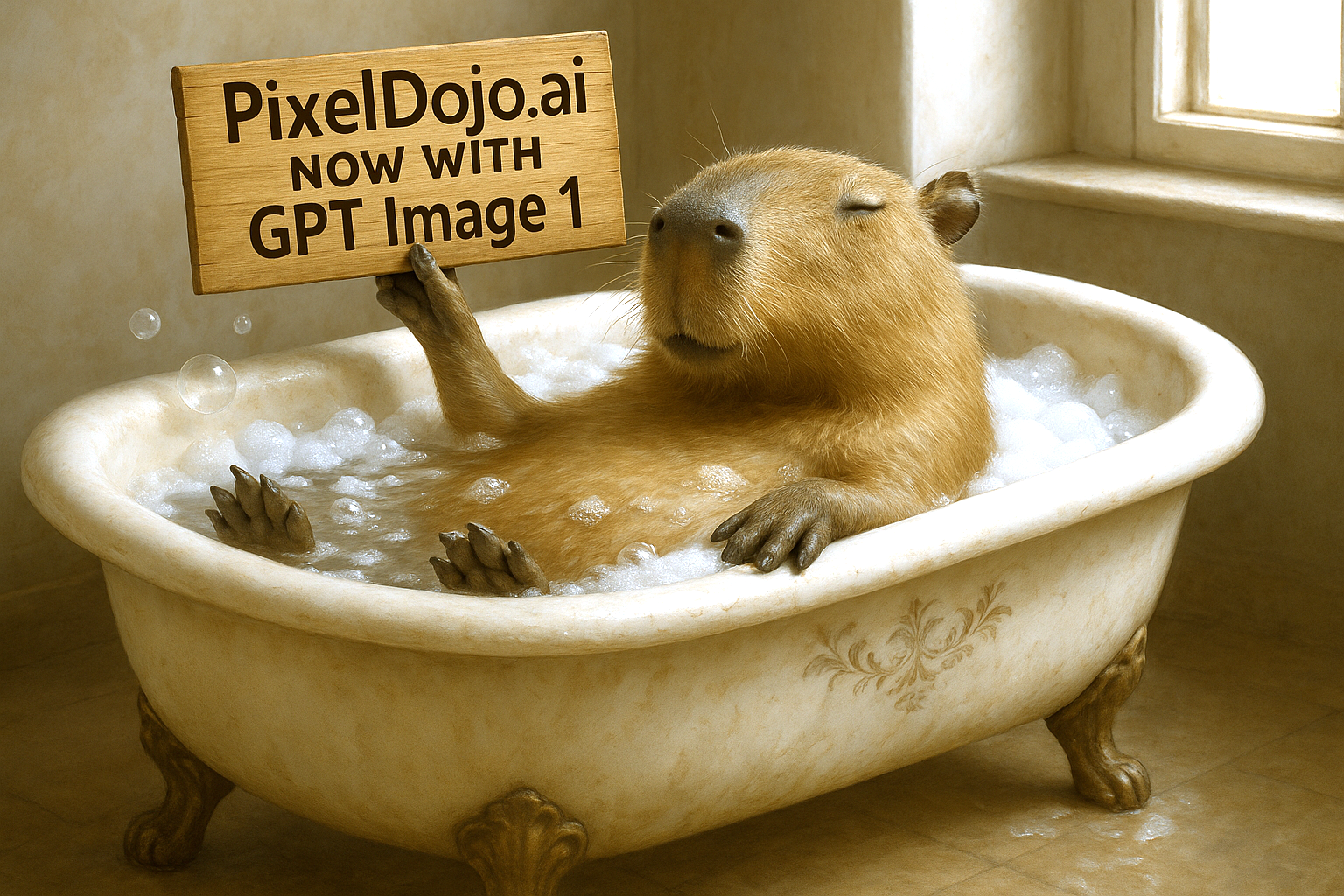
Make it photo realistic edit
stable-diffusion
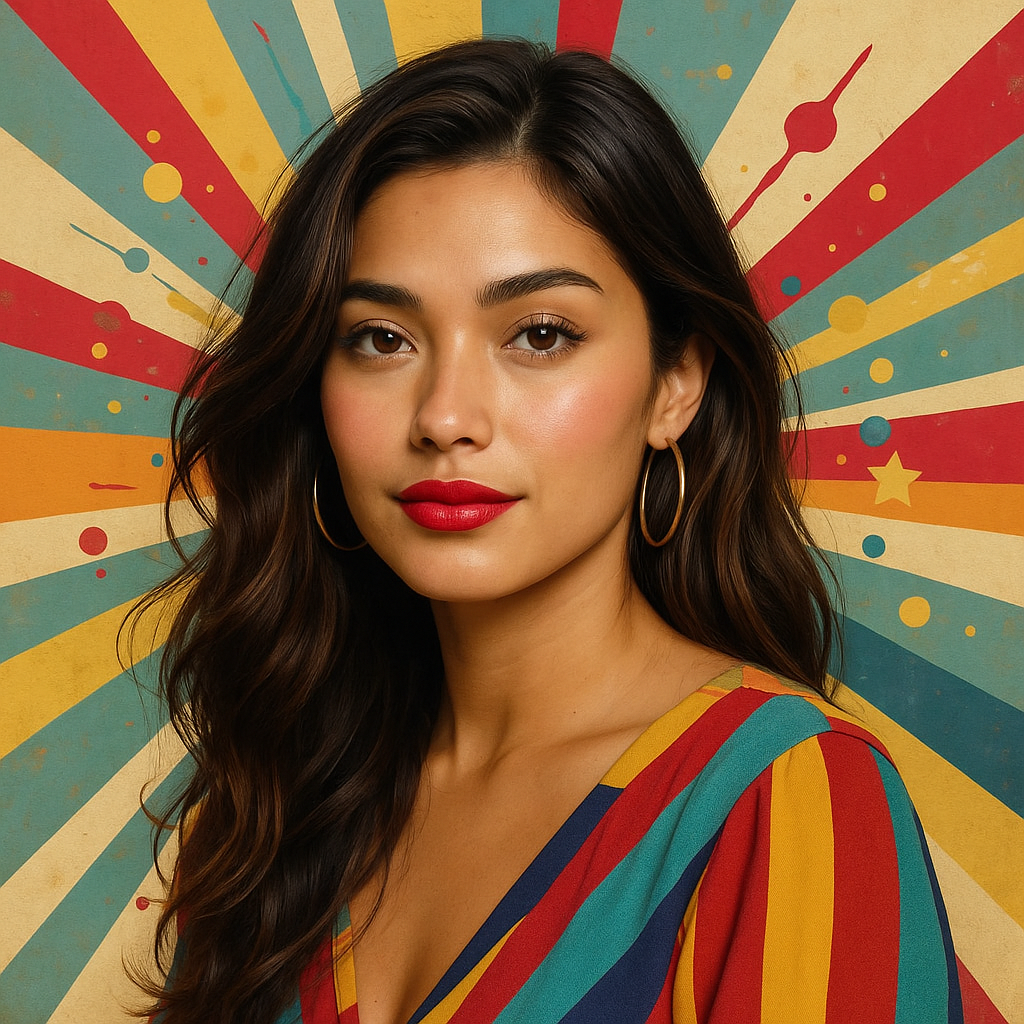
Make this photo realistic edit
stable-diffusion
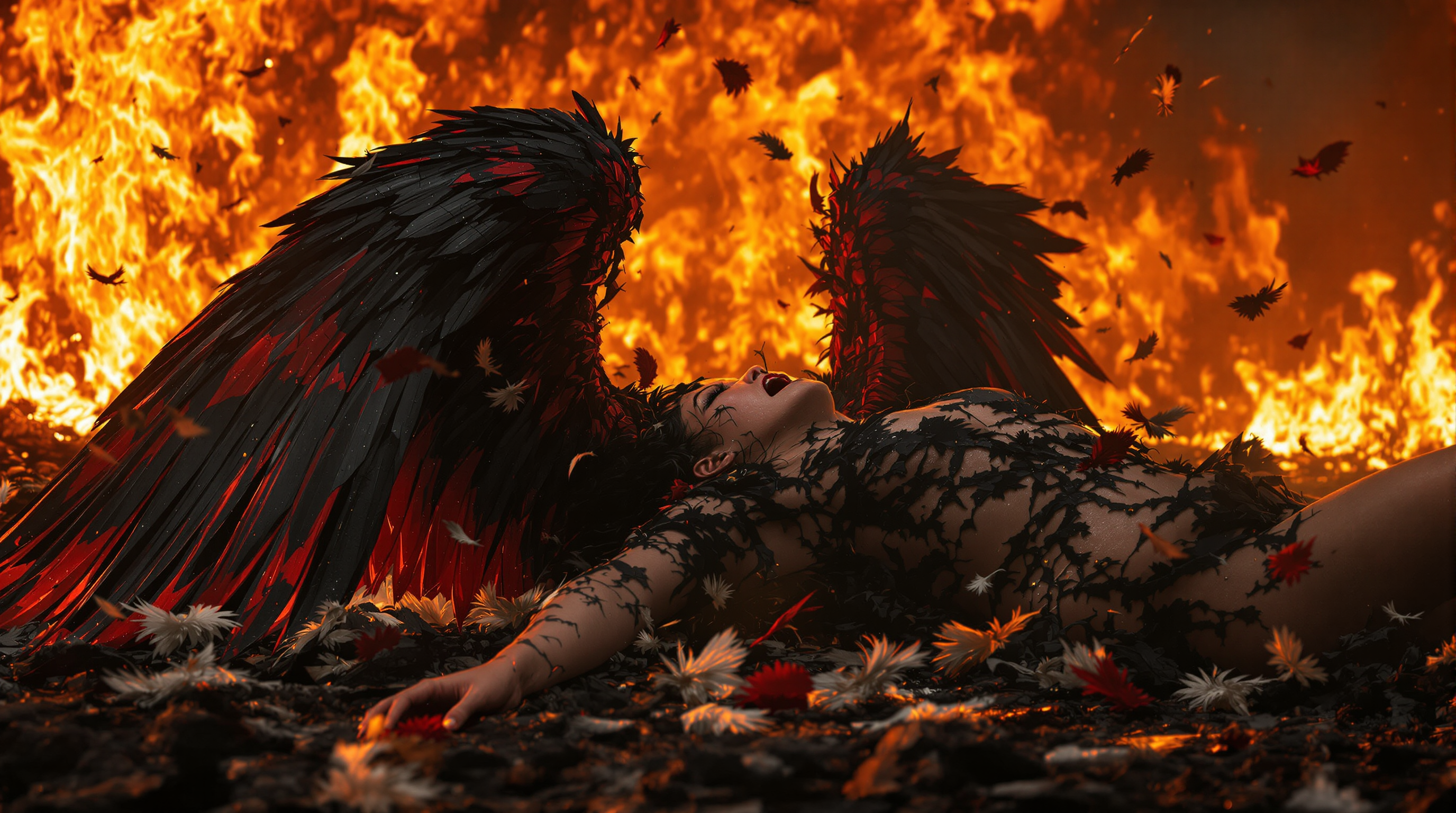
A stunning 8K wallpaper captures a fallen angel
flux
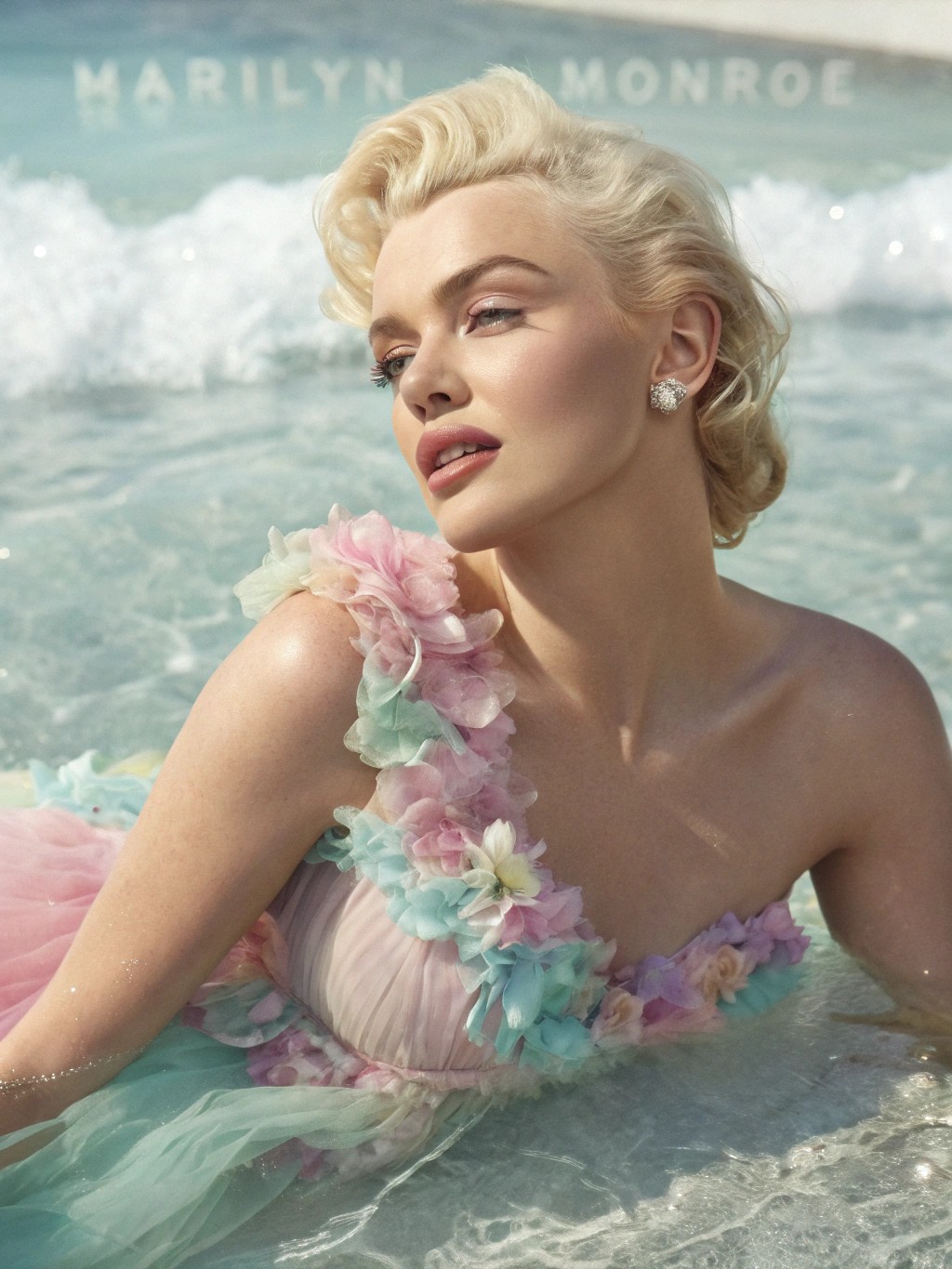
A hyperrealistic
recraft
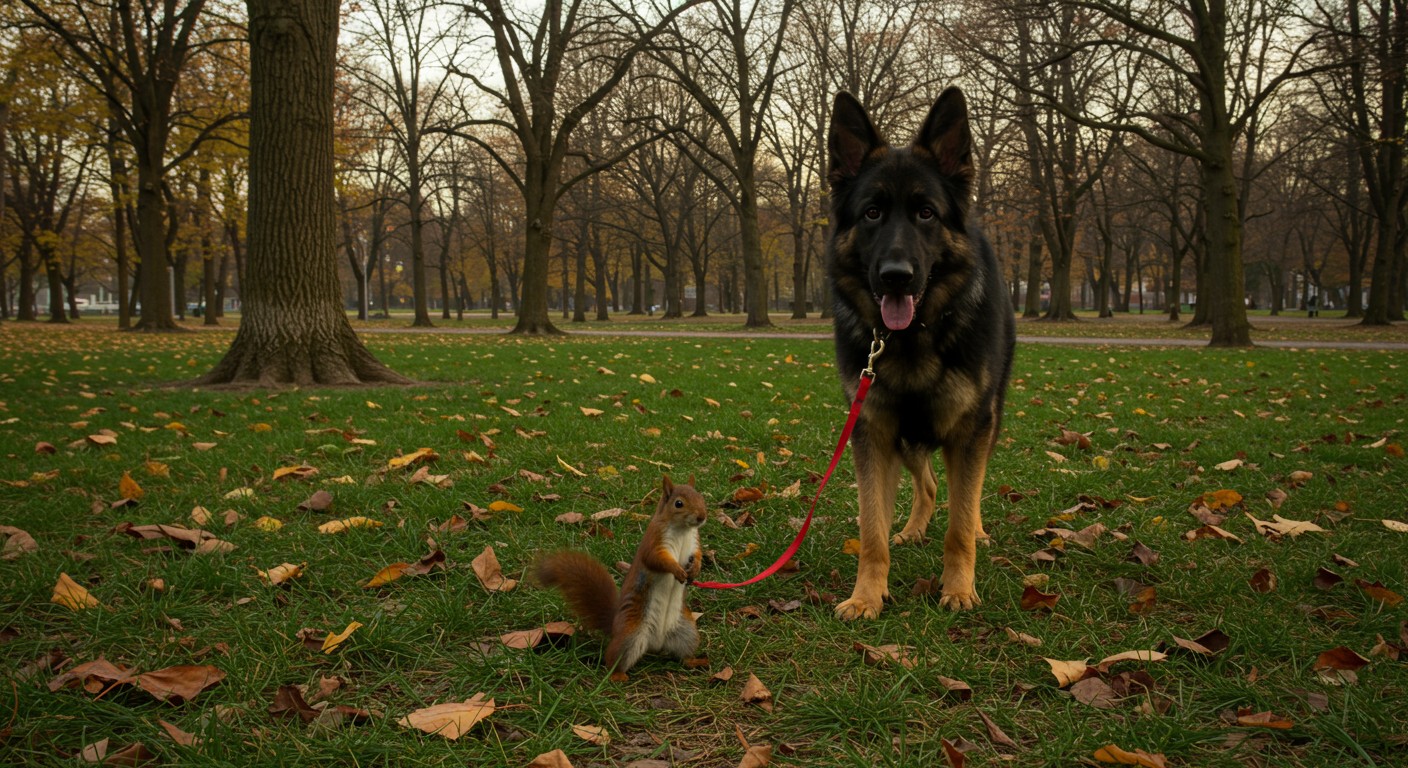
A high-resolution
imagen
PixelDojo 可用的 AI 修圖模型
換模型不必換工具,所有模型都在同一個 PixelDojo 工作室執行。
PixelDojo AI 修圖能做什麼
文字生成圖片
透過我們的 AI 模型,將文字提示詞轉成全新圖片。
用提示詞修圖
創作者上傳圖片後,就能透過文字指令進行修改。
生成圖片變化版本
只需一段提示詞,就能以原圖為基礎,創作多個版本。
輸出高解析度檔案
生成圖片以適用於網頁或印刷的解析度交付。
為什麼選擇 Pixel Dojo 製作AI Photo Editor
最先進的 AI 技術,帶來專業級成果
用日常語言修圖
直接輸入你想改的地方,例如把繁忙街景換成攝影棚背景、移除標誌、讓光線更柔和,或修飾膚質,同時保留主角的辨識度。
旗艦模型,同一張表直接比
用同一段提示詞執行 Ideogram 4、Z Image Turbo、Grok Imagine、P-Image、hidream 和 Flux 2 Pro,看看哪款模型最能修出你要的效果。
日常修圖,一次搞定
用 PixelDojo 處理各種 AI 修圖需求,包括換背景、移除物件、轉換風格、整理商品照、修飾人像,以及創意風格改造。
使用方式
上傳照片
先上傳你想編輯的圖片,商品照、人像、社群貼文、室內場景或創意概念圖都可以。
描述修改需求
用自然語言寫下明確指令,例如「移除背景中的椅子」或「把場景換成明亮的海岸風廚房」。
比較並下載
查看多款模型的成果,在比較表中檢視速度與視覺效果,再儲存最符合需求的版本。
PixelDojo 創作者好評推薦
來自 PixelDojo 使用者的真實回饋,取自我們的產品內問卷。
Versatility quality, value, ROI, innovation
variety of tools available and prompt tools
A "one-stop-shop" for creators! Thanks!!
Lots of different tools. It's easy to purchase more credits.
Amazing performance!
Excellent website for creating all types of media
探索更多 PixelDojo AI 工具
熱門 AI 模型
AI 工具
比較與轉換
- All AI Tool Alternatives
- Pollo AI Alternative
- PixelDojo vs Pollo AI
- Pollo AI Review
- MotionMuse AI Alternative
- MioCreate Alternative
- Dessi AI Alternative
- Runway Alternatives
- CapCut Alternatives
- Leonardo Alternatives
- OpenArt Alternatives
- Midjourney Alternatives
- Canva AI Alternatives
- Pika Alternatives
- InVideo Alternatives
- Higgsfield Alternatives
- Krea Alternatives
- Luma Alternatives
- Magic Hour Alternatives
- HeyGen Alternatives
- PixAI Alternatives
- Vidu Alternatives
- Seedream Alternatives
- Tensor.Art Alternatives
常見問題
關於AI Photo Editor,你需要知道的一切
PixelDojo 的 AI 修圖工具能做什麼?
只要一段自然語言提示詞,就能換背景、移除多餘物件、轉換圖片風格、調整氛圍與光線、修飾人像、整理商品照,並創作不同版本。
PixelDojo 和單一 AI 圖片編輯器有什麼不同?
PixelDojo 讓你用多款旗艦模型執行同一項修改,集中比較成果,依照準確度、風格與生成速度選出最適合的版本。
需要很厲害的提示詞技巧嗎?
不用。簡單的指令就很好用。說清楚哪些要保留、哪些要修改,以及希望模型採用的風格或光線方向即可。
想要最快的 AI 修圖速度,該用哪款模型?
Z Image Turbo 是這次比較中最快的模型,耗時 2.7s,很適合用來快速打樣、換背景,以及快速反覆調整。
可以用同一段提示詞比較不同模型嗎?
可以。頁面中列出的每款模型都使用同一段提示詞執行,讓你更容易並排評估速度、細節、構圖與修圖品質。