Heygen Alternatives
Generated on PixelDojo with HeyGen Avatar. Produced by PixelDojo's generation pipeline.
Yes, PixelDojo can be used as a HeyGen alternative when you want to make a photo talk, create an ai talking avatar, and keep access to many other image and video models in the same studio. The hero clip on this page is a REAL talking-avatar clip PixelDojo generated from one portrait. HeyGen is a well-known dedicated platform for presenter avatars, business video localization, and template-led avatar workflows. PixelDojo is a broader multi-model studio: one workspace for talking avatars, image generation, image editing, text-to-video, image-to-video, and more than 50 creative AI models.
Real video examples generated on PixelDojo
Every example below was produced on PixelDojo. Hover to see the prompt.
Gv-character
image-to-video
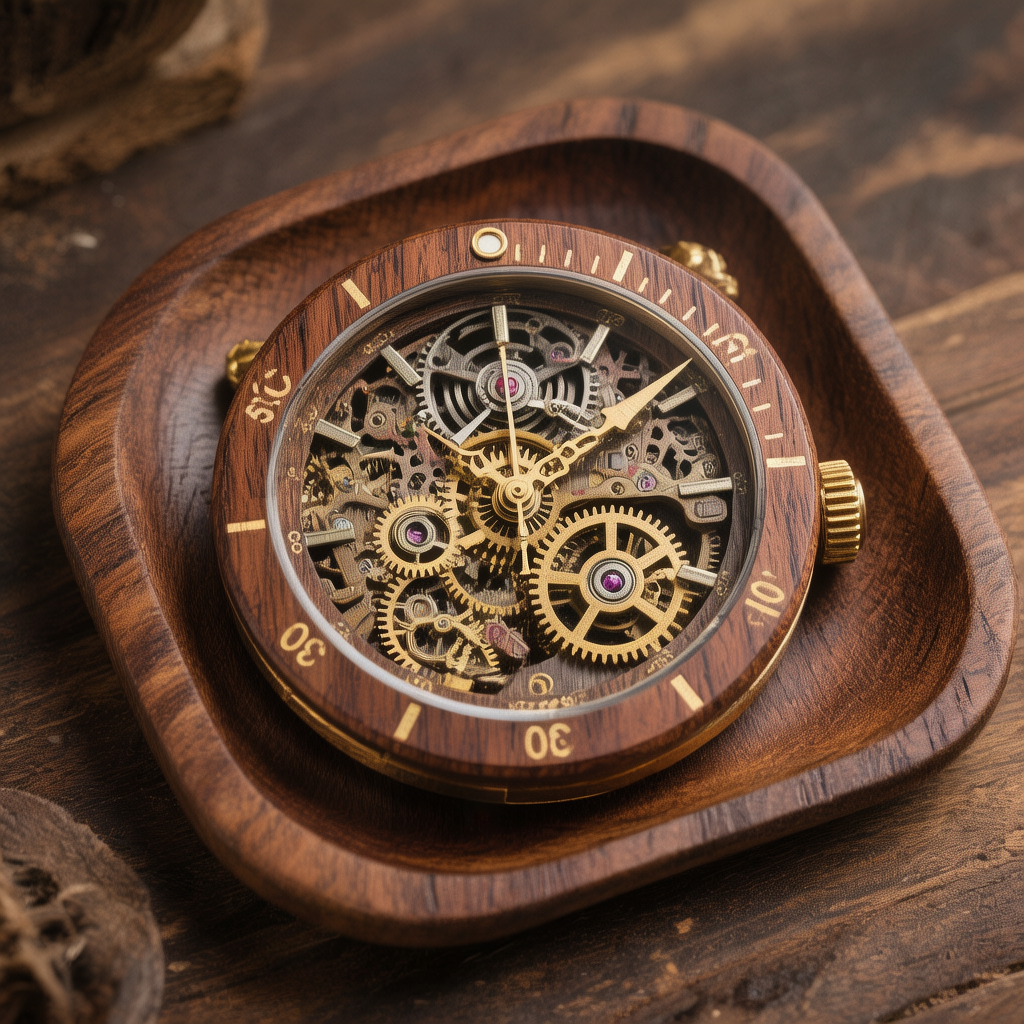
Hun-product
image-to-image
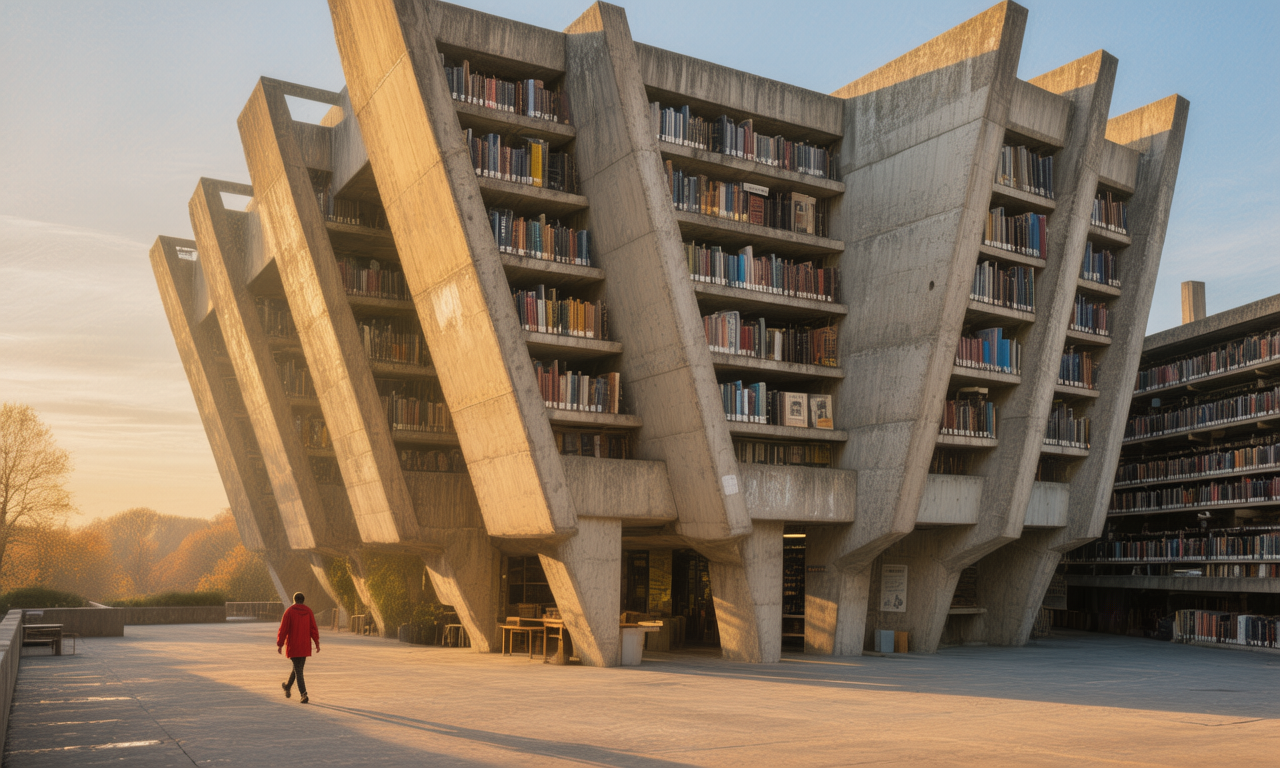
Hun-architecture
image-to-image
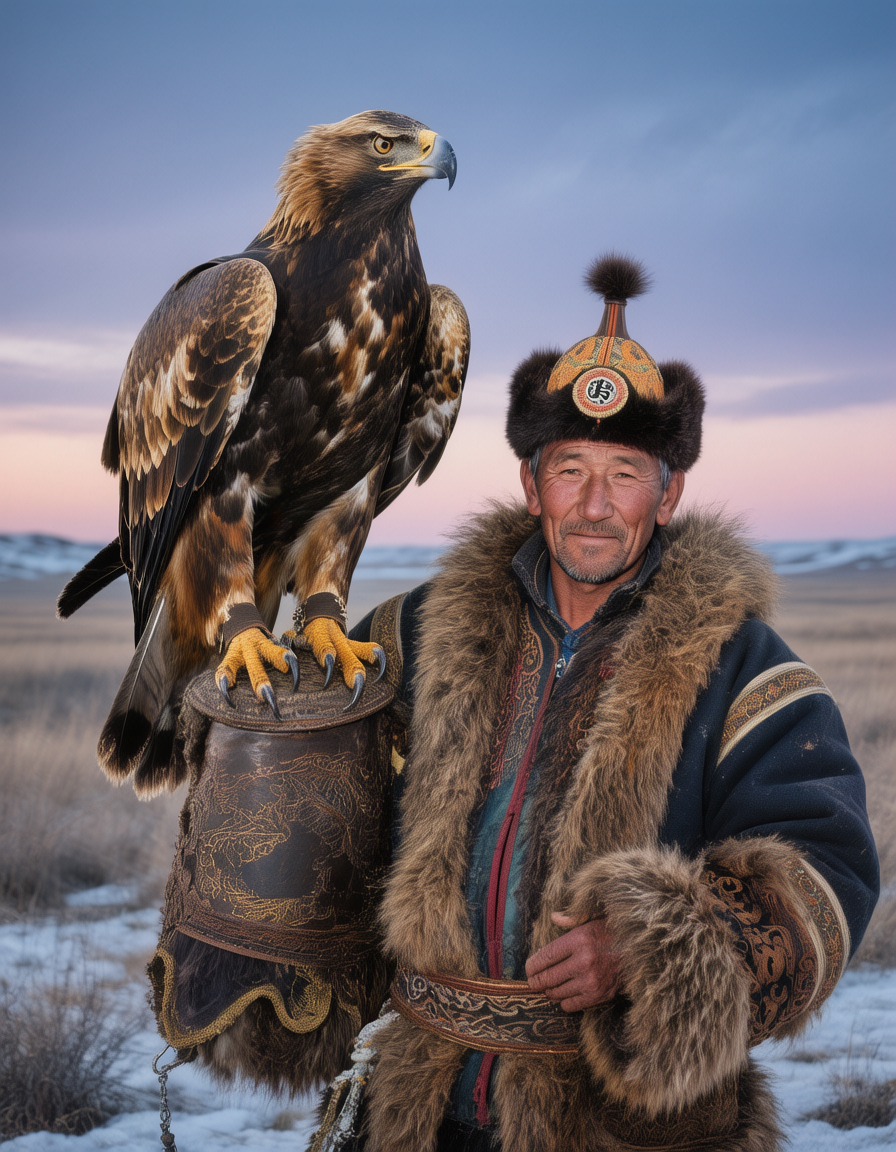
Hun-portrait
image-to-image
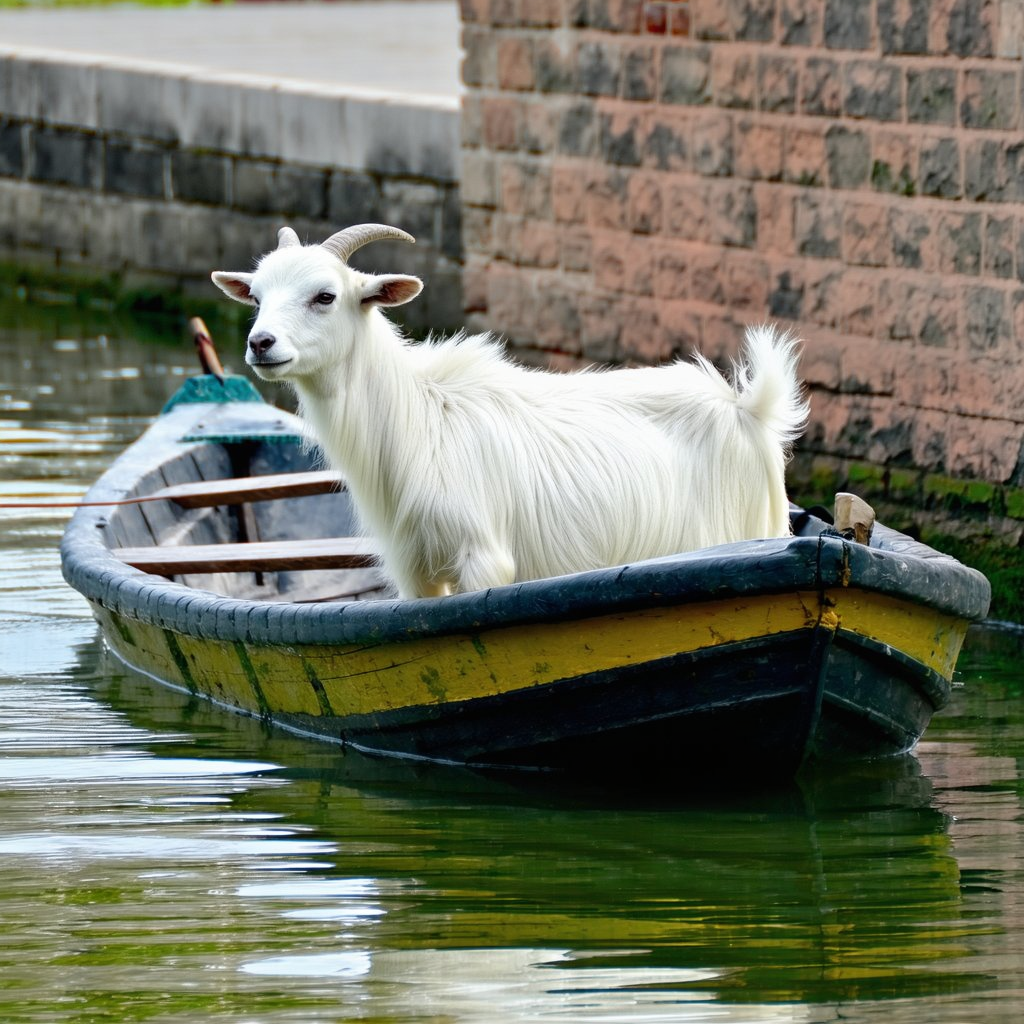
German shepherd head on a goats body
flux-inpainting-lora
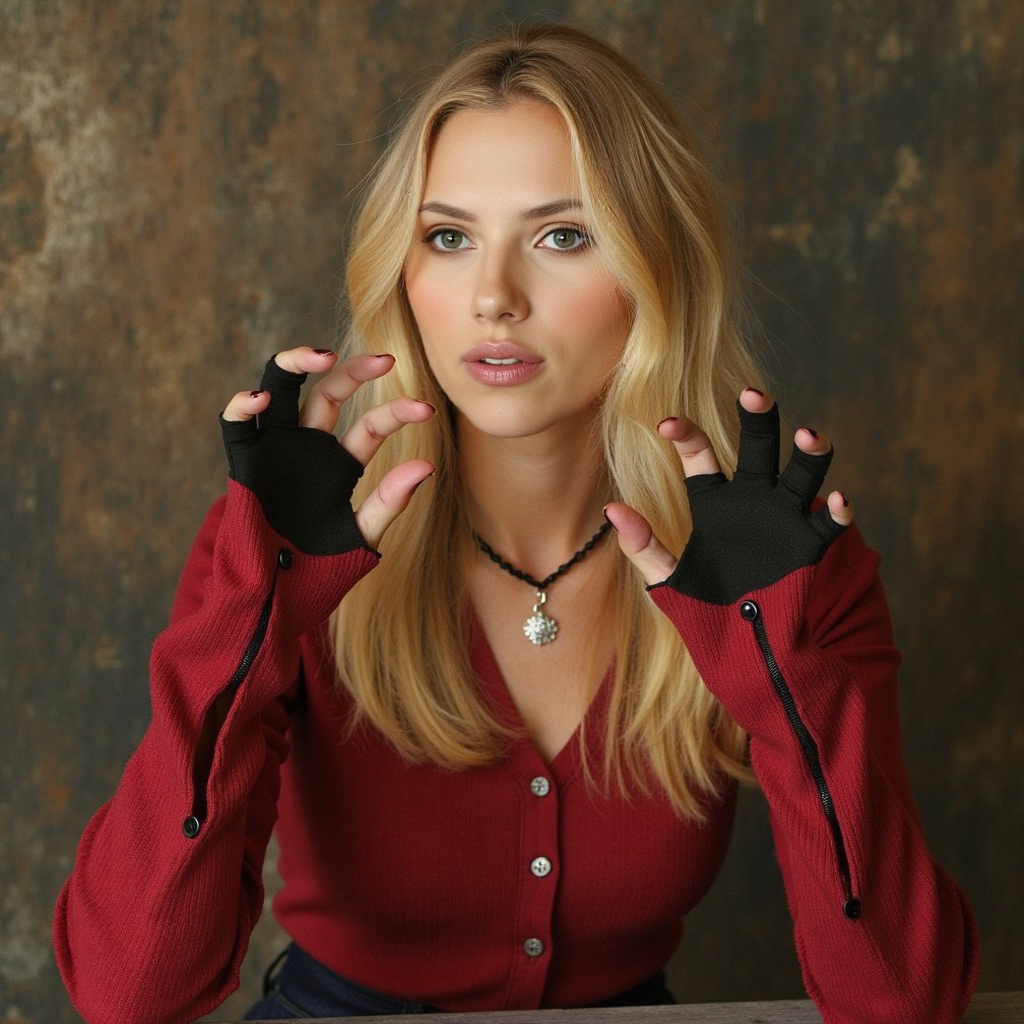
Heygen Alternatives on PixelDojo
flux-inpainting-lora
Models you can run on PixelDojo for Heygen Alternatives
Switch models without switching tools. Each one runs in the same PixelDojo studio.
What you can do with Heygen Alternatives on PixelDojo
Text to Video Generation
We enable creators to input scripts and produce video clips with matching visuals and audio.
Custom Avatar Integration
Creators upload reference images to generate videos featuring consistent characters.
Multi Scene Video Assembly
We combine multiple prompts into single videos with smooth transitions between segments.
Format Export Options
Creators download completed videos in standard resolutions and file types for further use.
Why Choose Pixel Dojo for Heygen Alternatives
Professional-quality results with cutting-edge AI technology
Turn one portrait into a talking avatar
Upload a single portrait and create an ai avatar clip that speaks, suitable for explainers, product intros, social posts, and quick concept videos.
A HeyGen alternative with model choice
HeyGen focuses on avatar and presenter video workflows. PixelDojo also supports talking avatars, while giving creators access to 50+ image and video models in one studio.
Move beyond one avatar workflow
After you make a photo talk, continue in the same workspace with video generation, image editing, character concepts, product shots, motion tests, and creative variations.
How It Works
Upload a portrait
Start with a clear face image. PixelDojo uses the portrait as the source for the talking-avatar clip shown in the workflow.
Add speech or direction
Enter the words, prompt, or creative direction for the ai talking avatar, then choose the model or workflow that fits your output goal.
Generate, compare, and continue
Create the clip, review the result, then keep building with PixelDojo video and image models without switching studios.
Loved by creators on PixelDojo
Real feedback from people using PixelDojo, pulled from our in-product surveys.
Love you guys!!
Trained my Lora super fast. Still working out how to creat content wit it, but I love it so far.
I love this app
It has all the tools I can think of...
deployment rate of splendid features is incredible. Legend
large selection of tools on one platform
Explore more AI tools on PixelDojo
Popular AI Models
AI Tools
Compare & Switch
- Best AI Image Generators
- Best AI Video Generators
- Midjourney Alternatives
- Civitai Alternatives
- Runway Alternatives
- Leonardo Alternatives
- Pika Alternatives
- Luma Alternatives
- Magnific Alternatives
- Veo Alternatives
- Flux Alternatives
- Freepik Alternatives
- Seedance Alternatives
- Seedream Alternatives
- Pixverse Alternatives
- GPT Image Alternatives
- Synthesia Alternatives
- Playground Alternatives
- NightCafe Alternatives
- Canva AI Alternatives
- ElevenLabs Alternatives
- ComfyUI Alternatives
- Fal Alternatives
- Replicate Alternatives
Common Questions
Everything you need to know about Heygen Alternatives
Is PixelDojo a HeyGen alternative?
Yes, PixelDojo is a HeyGen alternative for creators who want an ai talking avatar workflow plus access to a wider set of image and video models. HeyGen remains a dedicated option for structured presenter-avatar and business video workflows.
Can PixelDojo make a photo talk from one portrait?
Yes. PixelDojo can generate a talking-avatar clip from a single portrait, which is the same type of output shown in the hero example on this page.
Does PixelDojo only create AI avatars?
No. PixelDojo also includes image generation, image editing, text-to-video, image-to-video, and other creative tools across 50+ models in one studio.
Which video model should be used after the avatar clip?
Use the comparison grid to choose by speed and style. Pixverse V6 is the fastest model shown at 49s, while Seedance, WAN, and Kling options provide additional looks and motion behavior.