ai video start and end frame

Unlock total creative control over your AI videos by defining exactly how they begin and end. With PixelDojo's AI video start and end frame tools, you upload two powerful images—one for the opening shot and one for the finale—and watch as advanced models like Kling Video, VEO 3.1, WAN 2.7 Video, and Seedance 2 generate fluid, cinematic motion that connects them seamlessly. Achieve professional before-and-after reveals, product transformations, character animations, and narrative arcs without complex editing software or endless regenerations. Whether you're crafting scroll-stopping social ads, product demos, or short films, start and end frames turn unpredictable AI output into directed, intentional storytelling that captivates audiences and drives results.
Trusted by over 10,000 creators worldwide who have generated 1M+ videos. 95% satisfaction rate. Access 100+ cutting-edge AI tools with commercial rights included. Cancel anytime.
Why Choose Pixel Dojo for ai video start and end frame
Professional-quality results with cutting-edge AI technology
Precise Storytelling Control
Define your exact starting composition, lighting, and subject, plus the desired ending state. Create intentional narrative arcs like a product unboxing, room renovation reveal, or character pose change that feel planned and professional every time.
Smooth Cinematic Transitions
Generate buttery-smooth morphs, camera moves, and transformations between your keyframes. Ideal for marketing before-afters, fashion try-ons, or artistic evolutions that keep viewers watching and converting.
Faster Professional Results
Skip trial-and-error text-only generations. High-quality start and end frames from tools like Flux.2 Studio or Ideogram 4 lock consistency, reduce artifacts, and deliver ready-to-use clips for ads, Reels, or client work in minutes.
How It Works
Creating stunning AI videos with start and end frames on PixelDojo is simple and powerful. Generate perfect keyframes with our image tools, then animate the journey between them using top video models—all in one platform.
Step 1: Create or Upload Your Start and End Frames
Use PixelDojo's image generators like Flux.2 Studio, Ideogram 4, Seedream 5, or QWEN Image 2 to craft high-quality start and end images. Keep subjects, lighting, and style similar for best results. Or upload your own photos. Ensure matching aspect ratios. Optionally refine with Image to Image, Inpainting, or Reality Polisher for perfection.
Step 2: Choose Your Video Model and Upload Frames
Head to Generate Videos and select a start/end-capable model such as Kling Video, Kling Reference to Video, VEO 3.1, WAN 2.7 Video, WAN Reference to Video, Seedance 2, or Seedance 2 Reference. Upload your start frame as the first image and end frame as the last. Add a guiding prompt describing the desired motion, camera path, or transformation (e.g., 'slow cinematic zoom and natural morph').
Step 3: Generate, Enhance, and Download
Hit generate and receive your smooth transition video in seconds. Upscale with Video Upscaler or Clarity Pro for 4K polish. Edit further with Kling Video Edit, WAN 2.7 Video Edit, Extract Frame, Merge Videos, or Video Autocaption. Download with full commercial rights and share or use immediately in your projects.
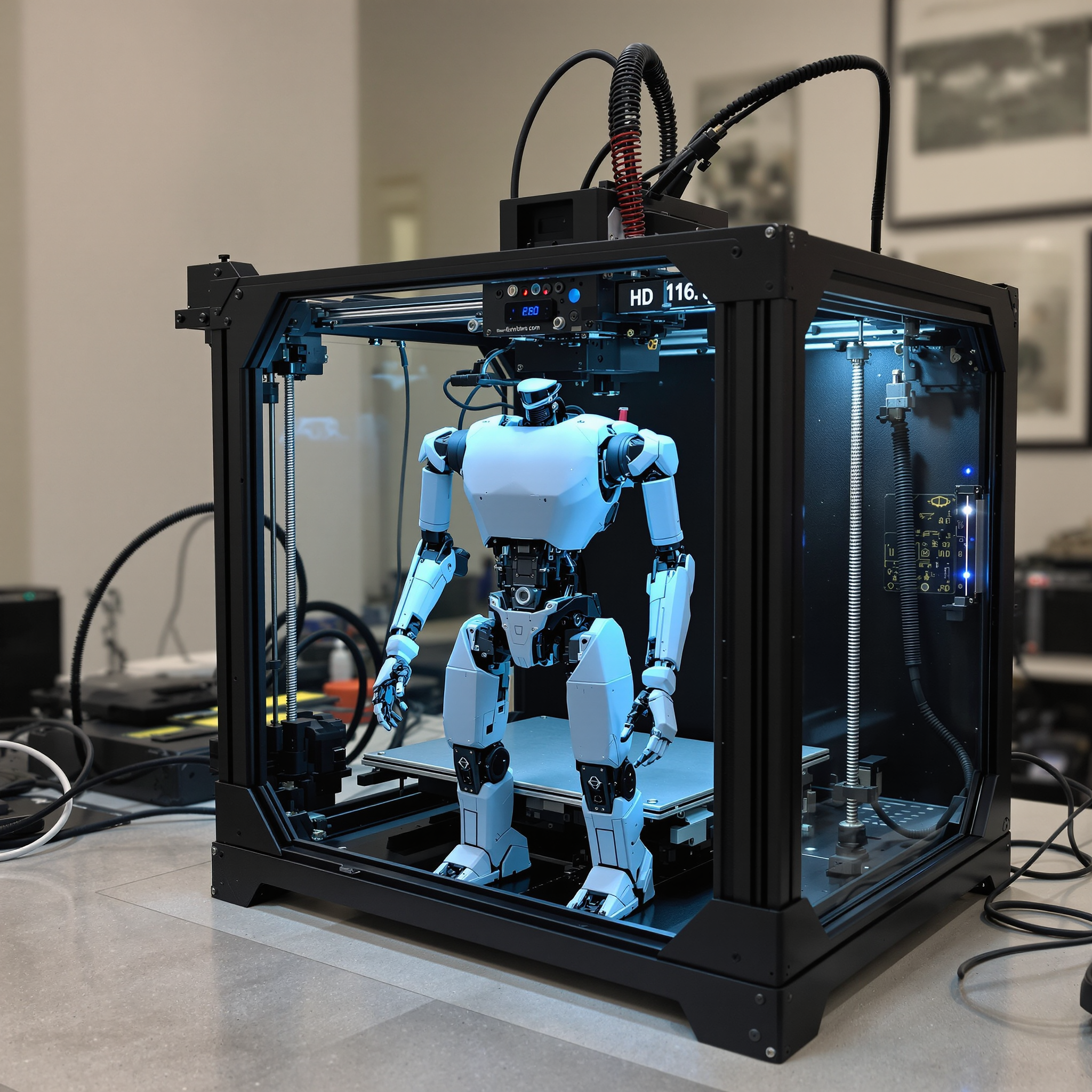
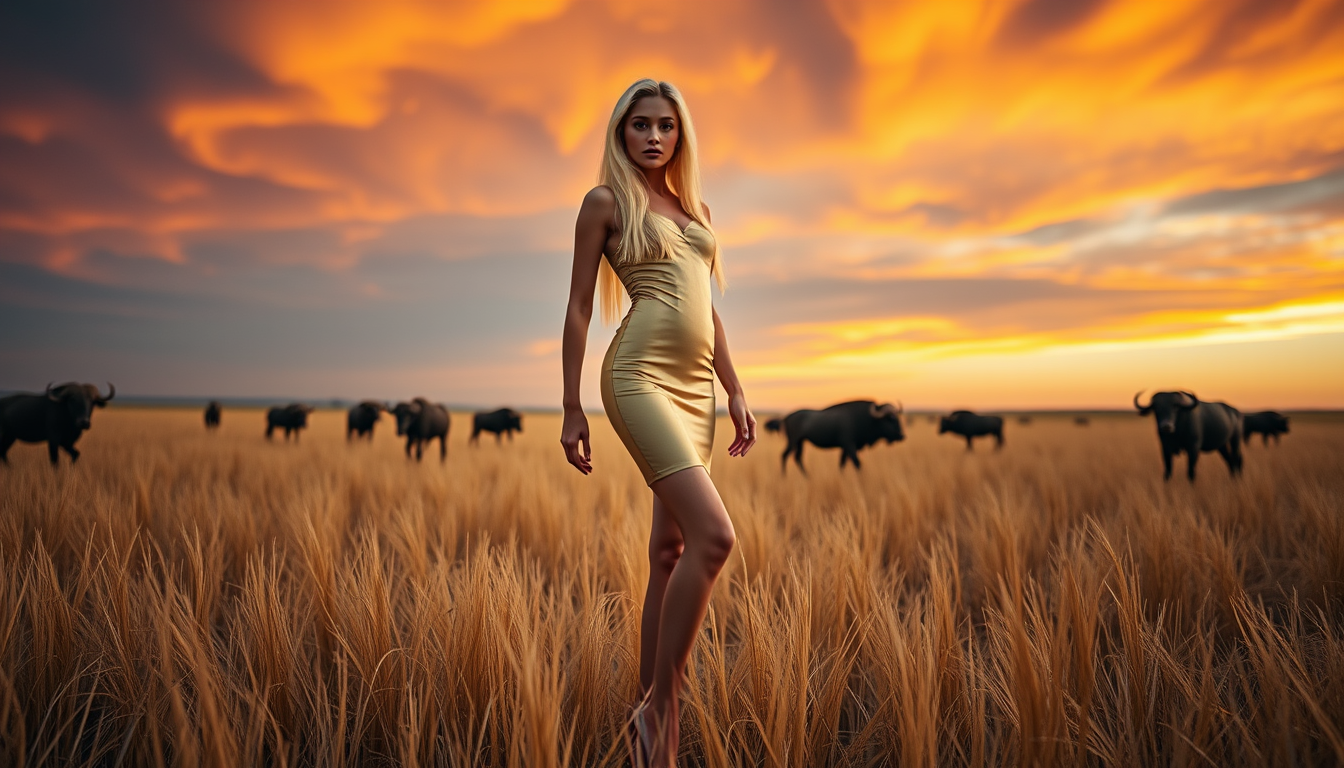
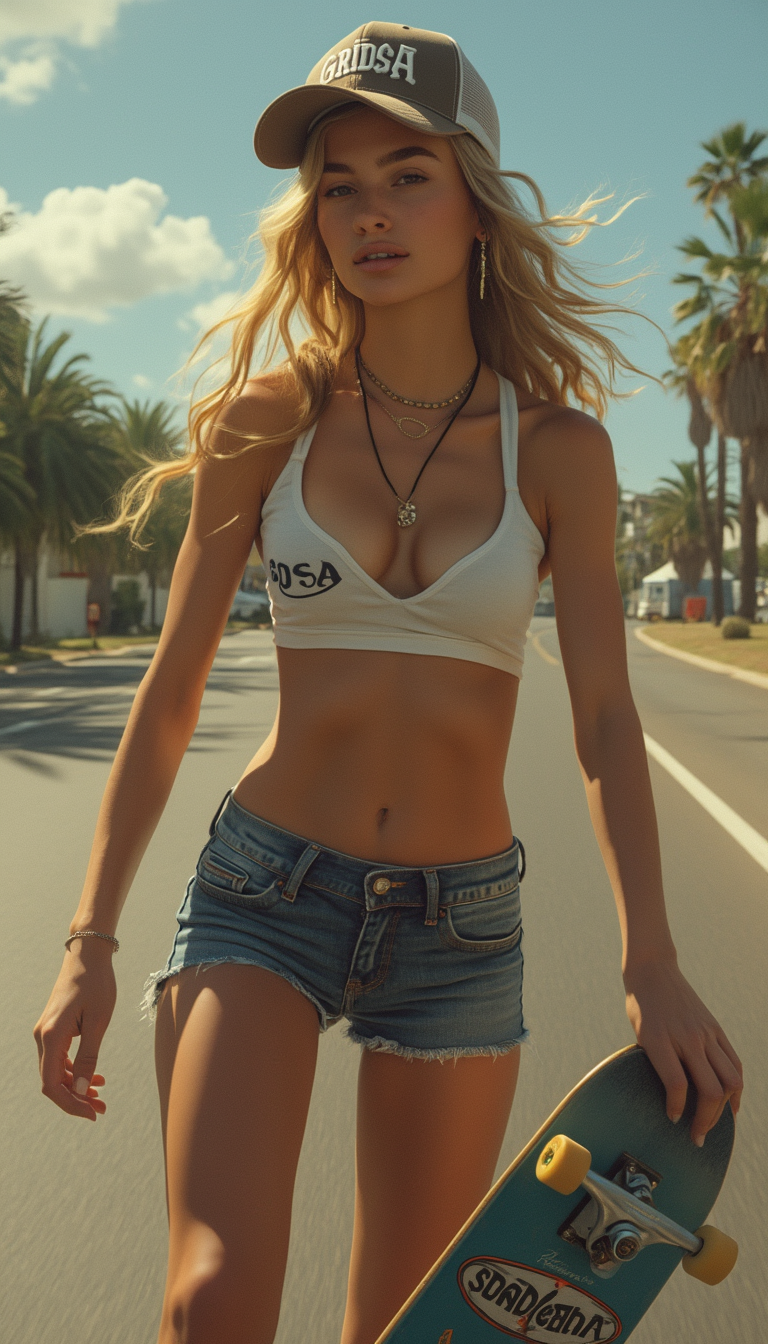
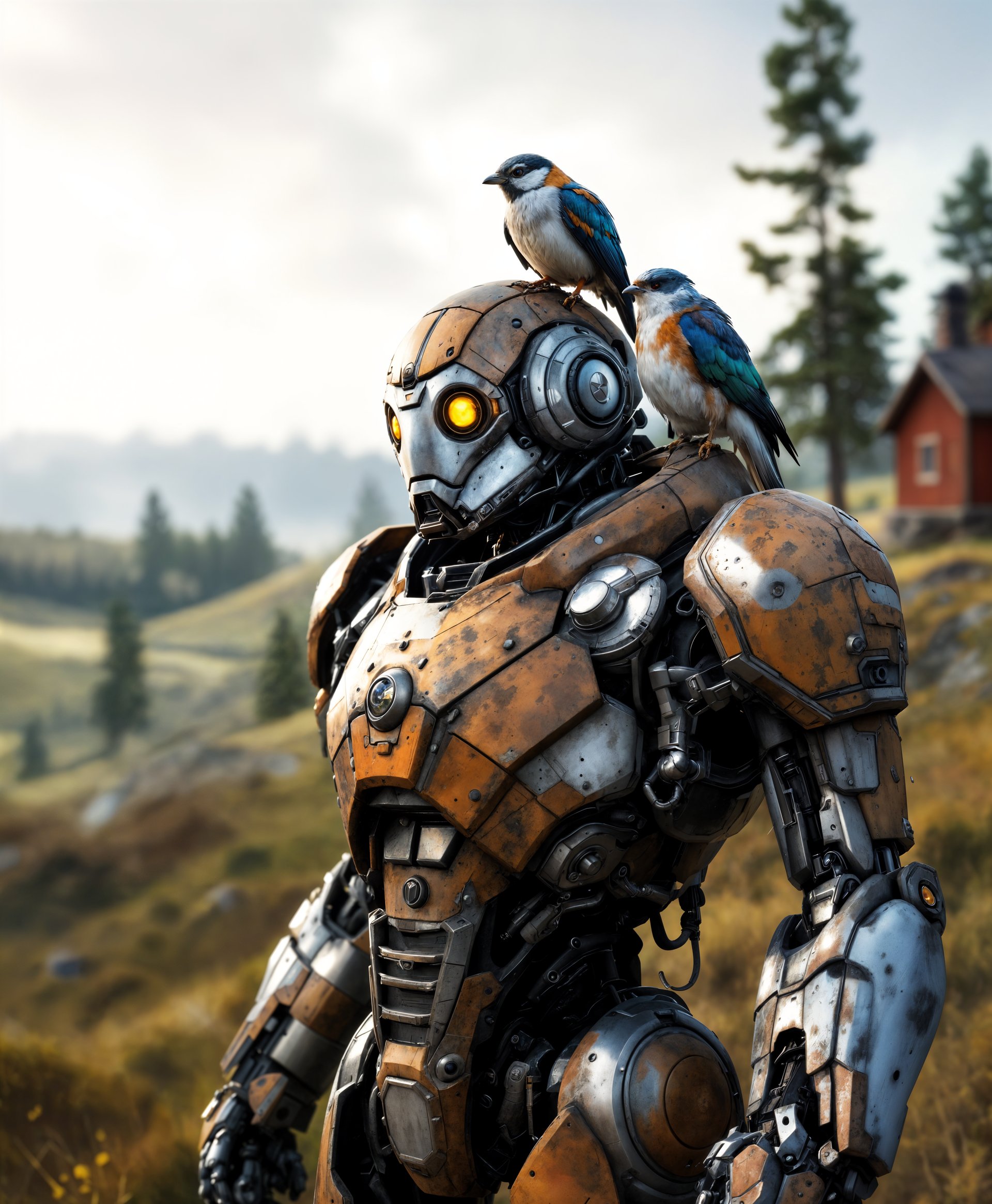


The Pixel Dojo Advantage
Why PixelDojo outperforms other options for AI video start and end frame generation
| Others | Pixel Dojo |
|---|---|
| Traditional video creation and animation | Skip costly software, hours of keyframing, and animation skills. Generate professional transitions between your exact start and end frames in minutes with models like Kling and VEO 3.1. |
| Generic AI tools | Access specialized start/end frame support across 29+ video models plus integrated image generators (Flux.2 Studio, Ideogram) and editors in one seamless platform—no switching apps or losing consistency. |
| Manual photo editing and morphing | Automate realistic motion, physics, lighting continuity, and camera work that manual tools can't match. Achieve cinematic quality faster while maintaining full creative direction over your keyframes. |
Loved by creators on PixelDojo
Real feedback from people using PixelDojo, pulled from our in-product surveys.
The Flux Pro Ultra is just amazing!
Very easy to use, and they have fast wan 2.2 video generation with custom loras available.
The overall quality of the site and it's amazing variety of tools. The continued updates of the UI. The unbelievable level of tech support.
THIS IS SO DOPE !
I have already recommended it to friends
All the tools, plus the guidance
Explore more AI tools on PixelDojo
Popular AI Models
AI Tools
Compare & Switch
- All AI Tool Alternatives
- Pollo AI Alternative
- PixelDojo vs Pollo AI
- Pollo AI Review
- MotionMuse AI Alternative
- MioCreate Alternative
- Dessi AI Alternative
- Runway Alternatives
- CapCut Alternatives
- Leonardo Alternatives
- OpenArt Alternatives
- Midjourney Alternatives
- Canva AI Alternatives
- Pika Alternatives
- InVideo Alternatives
- Higgsfield Alternatives
- Krea Alternatives
- Luma Alternatives
- Magic Hour Alternatives
- HeyGen Alternatives
- PixAI Alternatives
- Vidu Alternatives
- Seedream Alternatives
- Tensor.Art Alternatives
Common Questions
Everything you need to know about ai video start and end frame
What is AI video start and end frame generation and how does it work on PixelDojo?
AI video start and end frame (also called first and last frame) lets you upload two images that define the exact beginning and ending of your clip. PixelDojo's models like Kling Video, VEO 3.1, WAN 2.7, and Seedance 2 then intelligently generate all intermediate frames with smooth, natural motion, consistent subjects, and cinematic quality. You guide the path with a simple prompt for camera moves or transformations.
Which PixelDojo tools support start and end frames for AI video?
Top options include Kling Video, Kling Reference to Video, VEO 3.1, WAN 2.7 Video, WAN Reference to Video, Seedance 2, and Seedance 2 Reference. Create the frames themselves with MAI Image, Flux.2 Studio, Ideogram 4, Seedream 5, Grok Image, or others. Enhance with Image Outpainting, Style Transfer, or upscale the final video using Video Upscaler.
What are the best practices for choosing start and end frames in AI video generation?
Use similar images sharing the same subject, theme, lighting, and composition for the smoothest results—large differences can cause unnatural jumps. Match aspect ratios. Create high-resolution, clear frames with PixelDojo image tools. Leave 'motion space' so subjects can move naturally. Add a descriptive prompt for the transition style. Keep clips short (around 5 seconds) for optimal quality.
Can I create before-and-after or product transformation videos with start and end frames?
Absolutely. This is one of the most popular uses. Generate a start frame of a product packaging or empty room with Flux or Ideogram, an end frame of the revealed product or finished space, then let Kling or VEO 3.1 create the seamless reveal or build. Perfect for ecommerce ads, real estate, beauty results, or design process videos that convert viewers.
How do I maintain character consistency when using start and end frames?
Generate both frames with the same character using Consistent Characters, Character Sheets, Ideogram Character, or LoRA-trained models via Flux Trainer or similar. Then apply them in Kling Reference to Video, WAN Reference to Video, or Seedance 2 Reference. Tools like Face Swap or WAN Video Character Swap further lock identity throughout the motion.
Do I need video editing experience to use AI start and end frame tools on PixelDojo?
No. The process is designed for everyone. Create frames with simple prompts, upload them, add a motion description, and generate. Post-process easily with built-in editors like Video Reframe, Merge Videos, or Autocaption. Full commercial rights and 100+ tools mean you go from idea to finished video ready for social, ads, or clients without traditional skills or software.